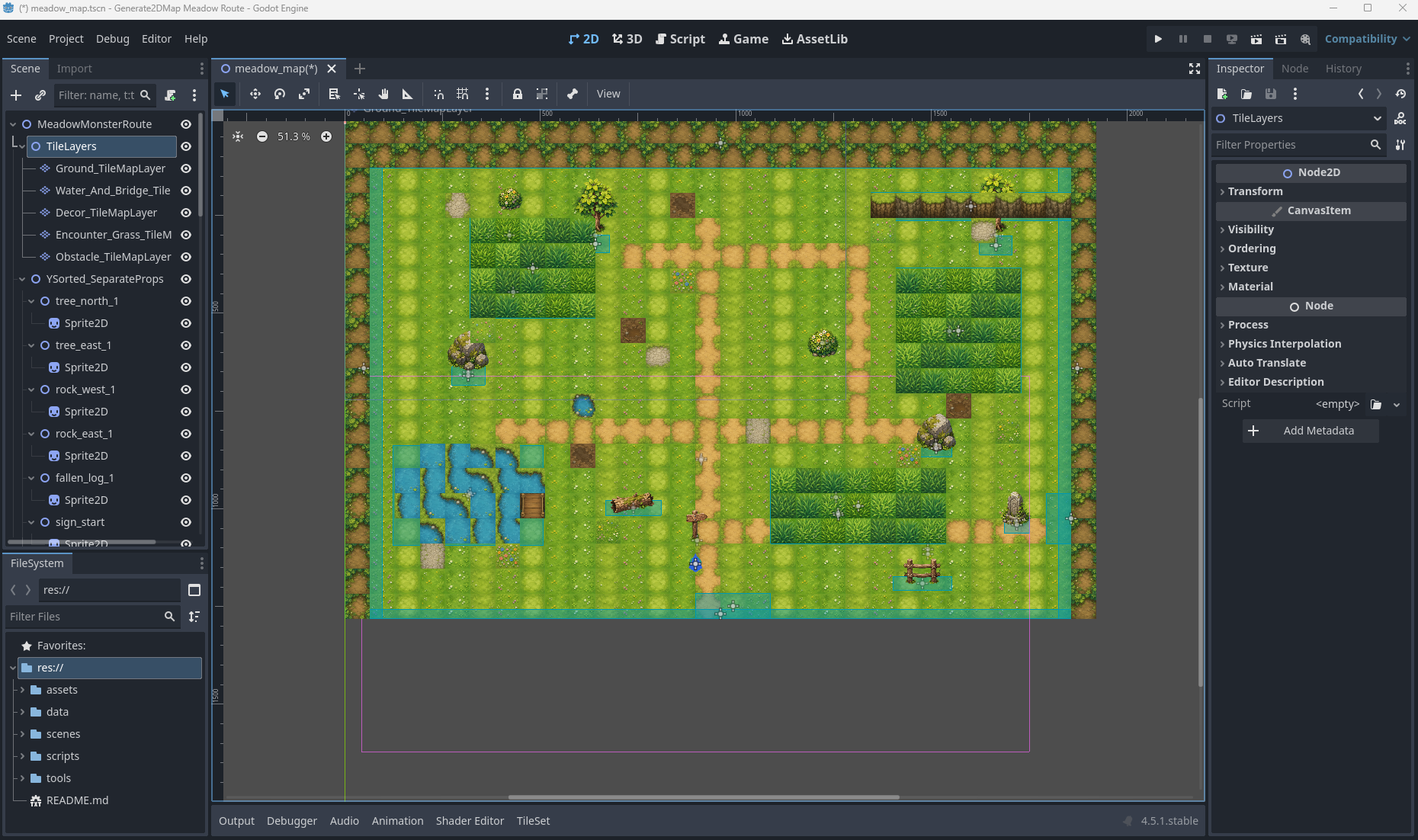
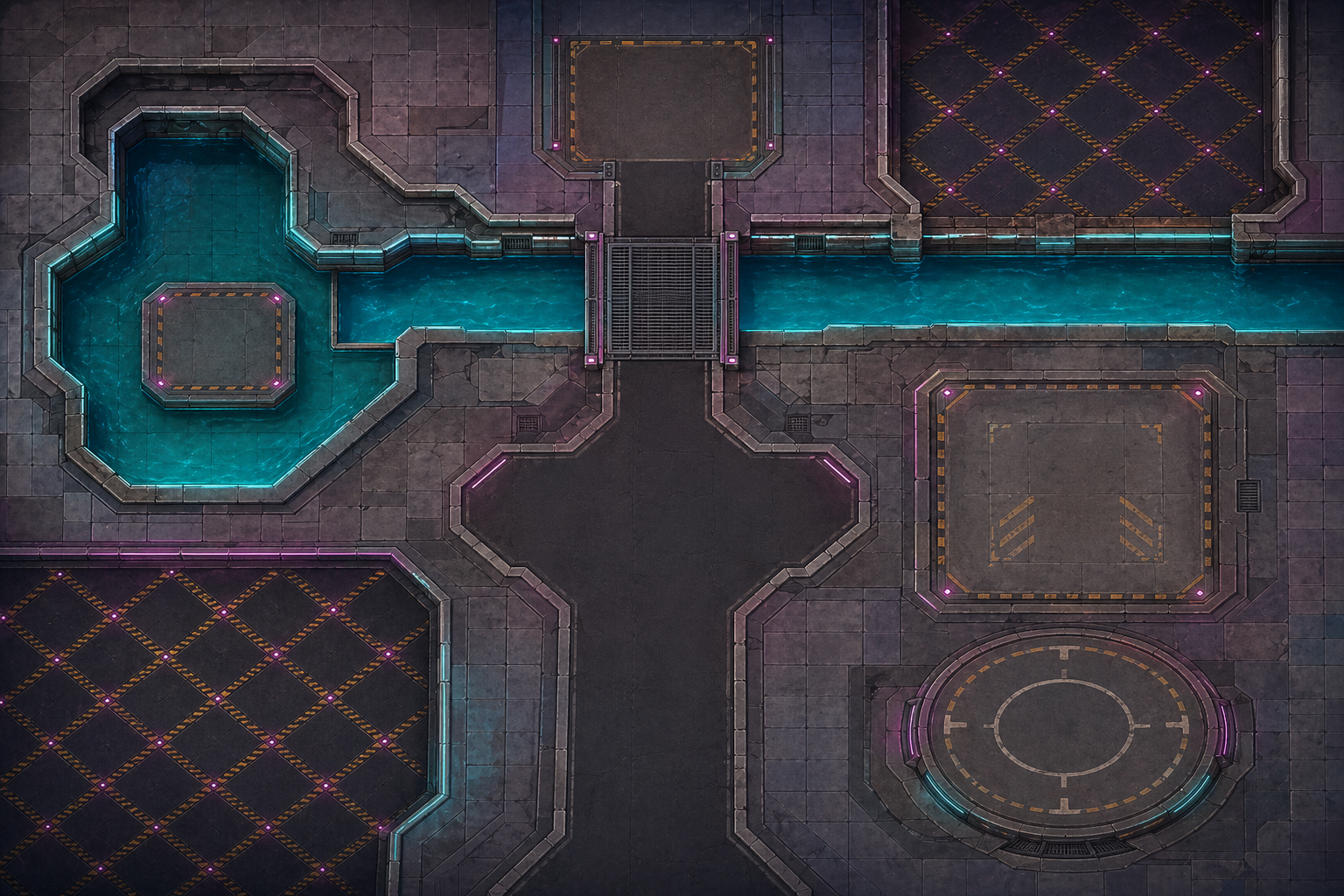
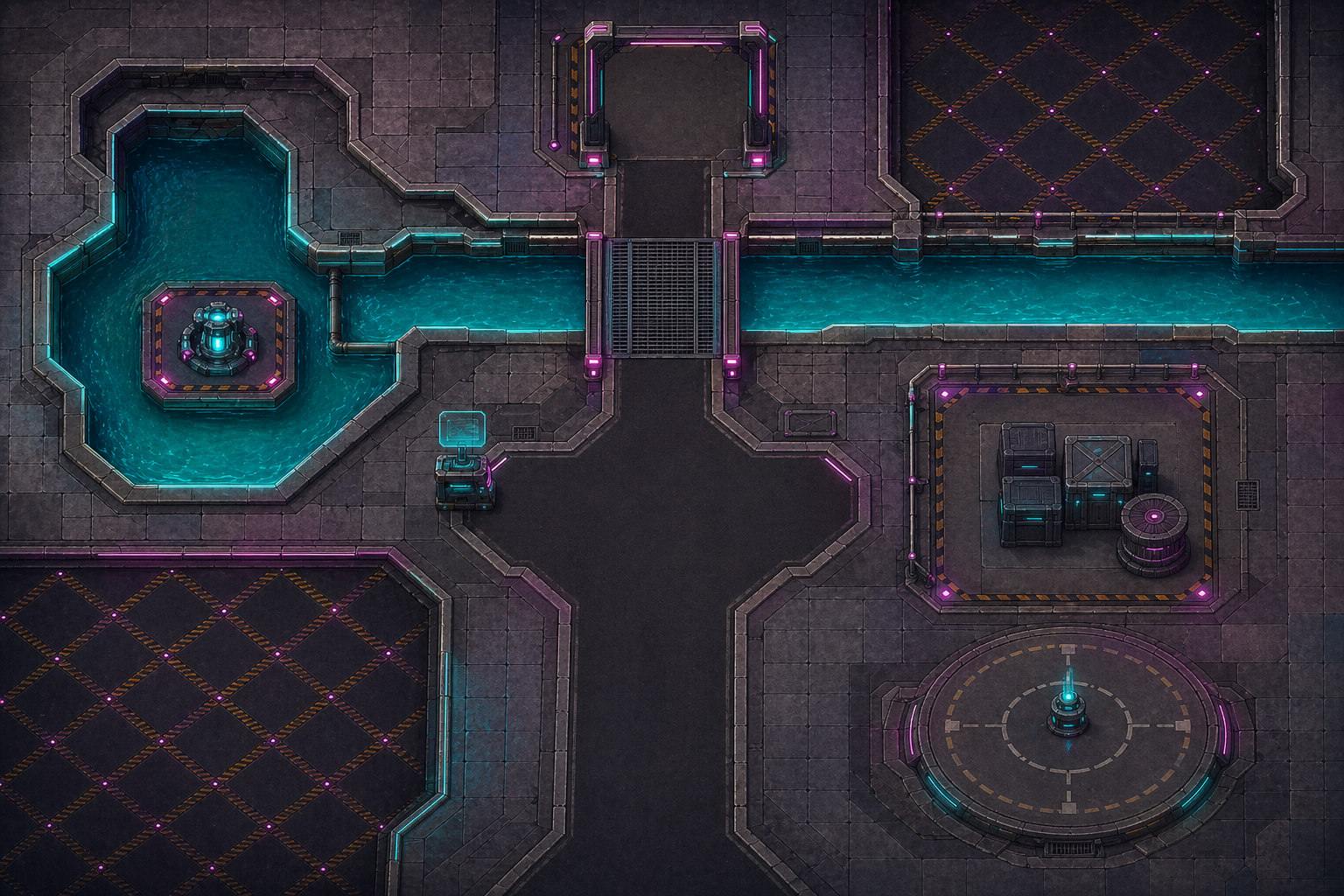
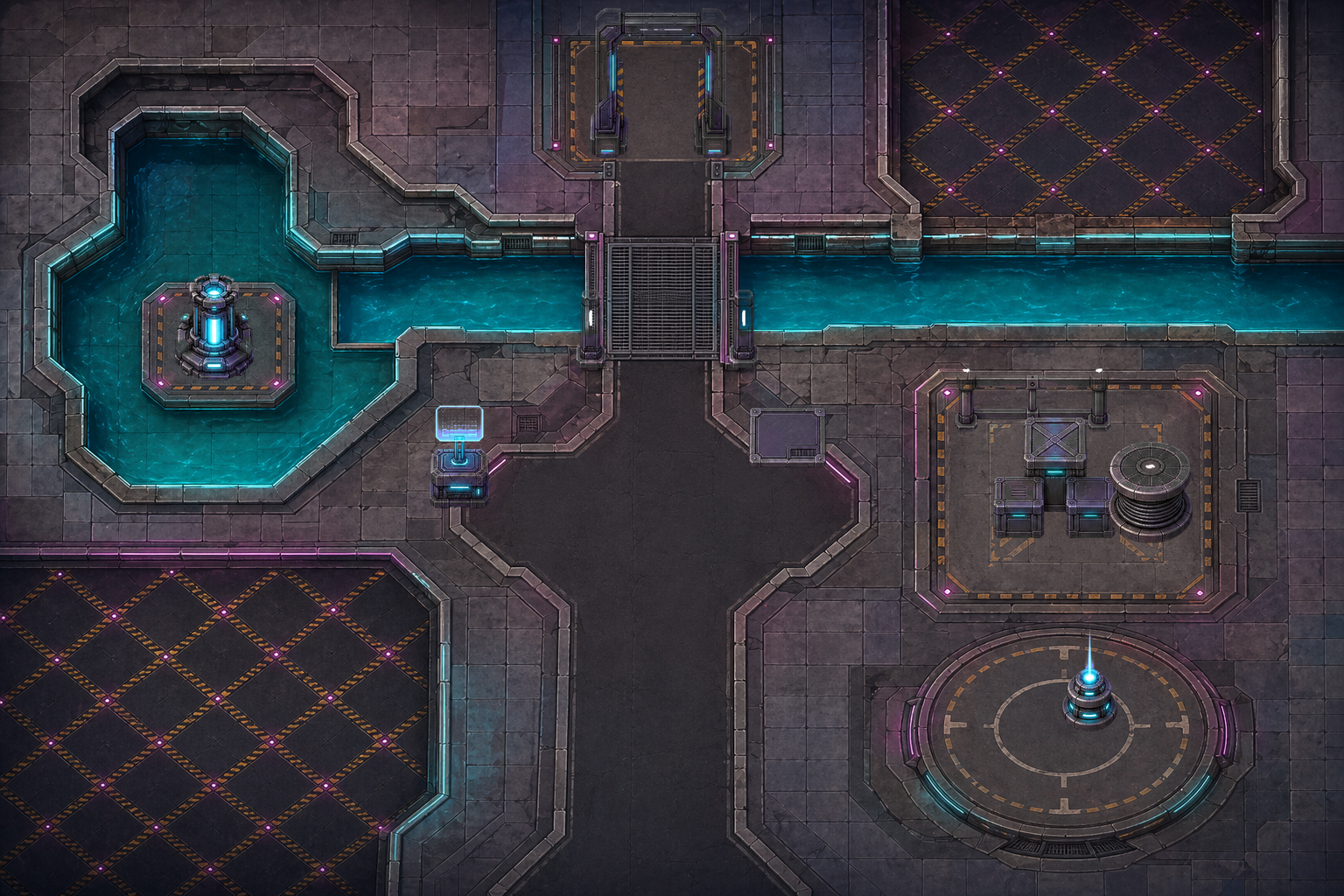
Godot editor scene:可調整 layers、props、zones、collision、exits 與 debug player
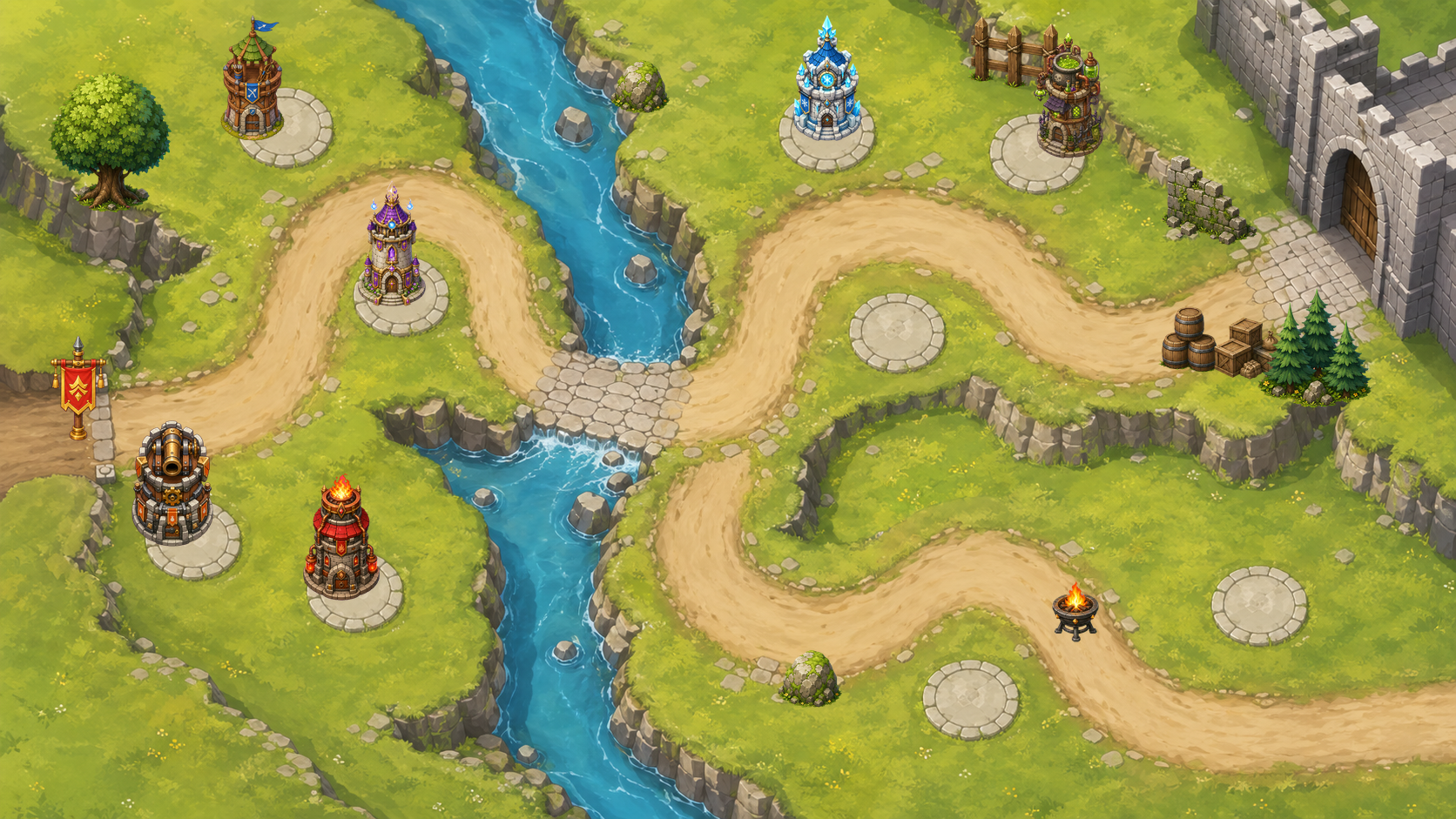
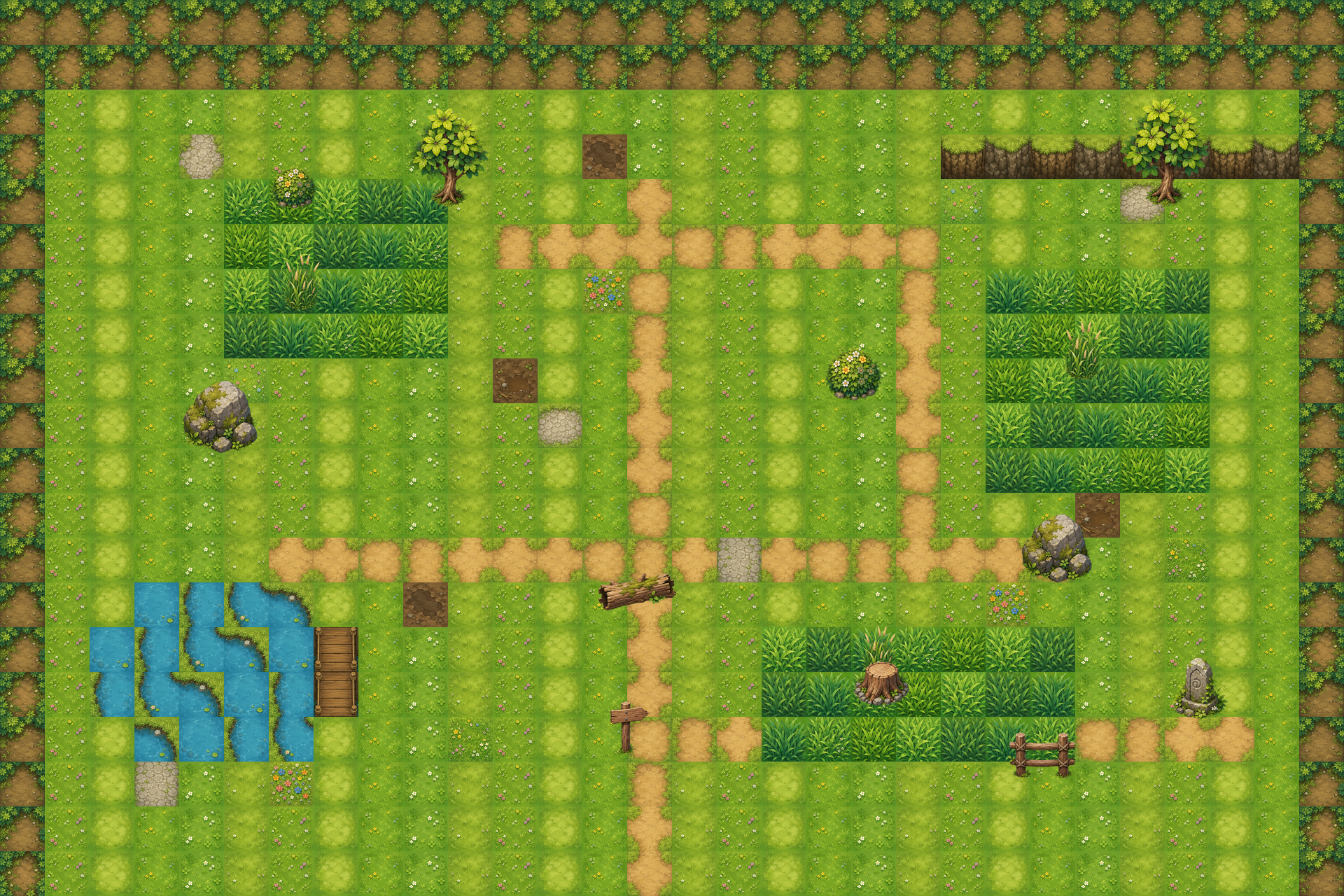
Layered map preview
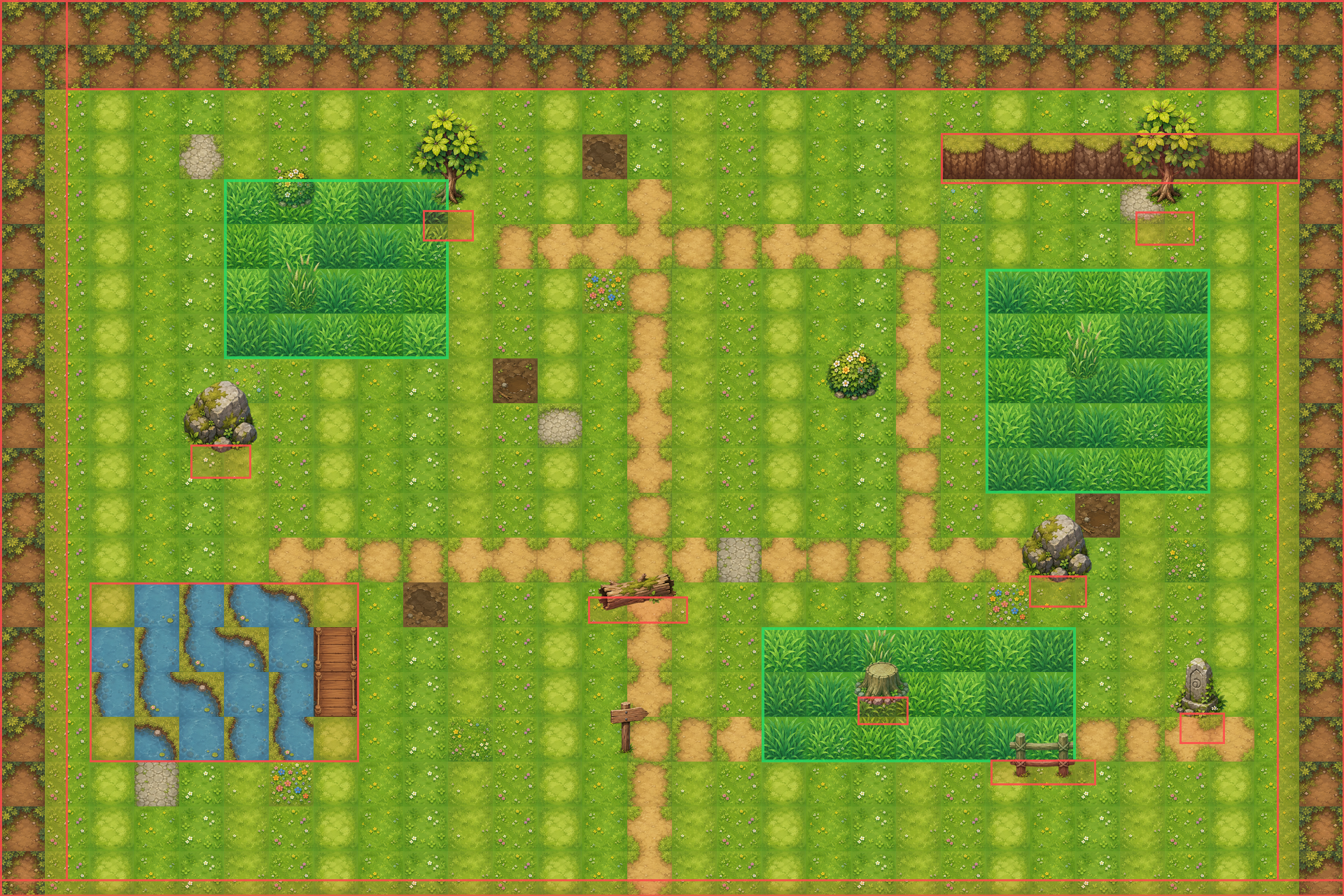
Collision and zone debug overlay
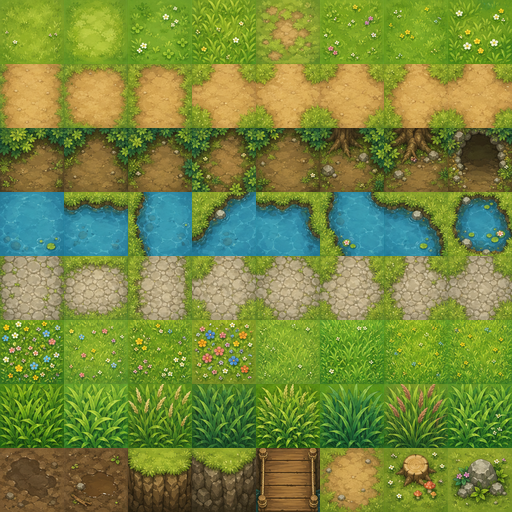
Image-generated tileset atlas
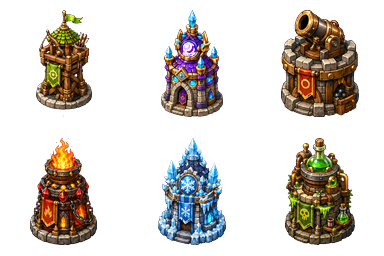
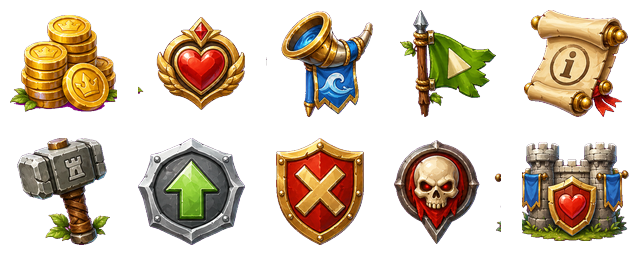
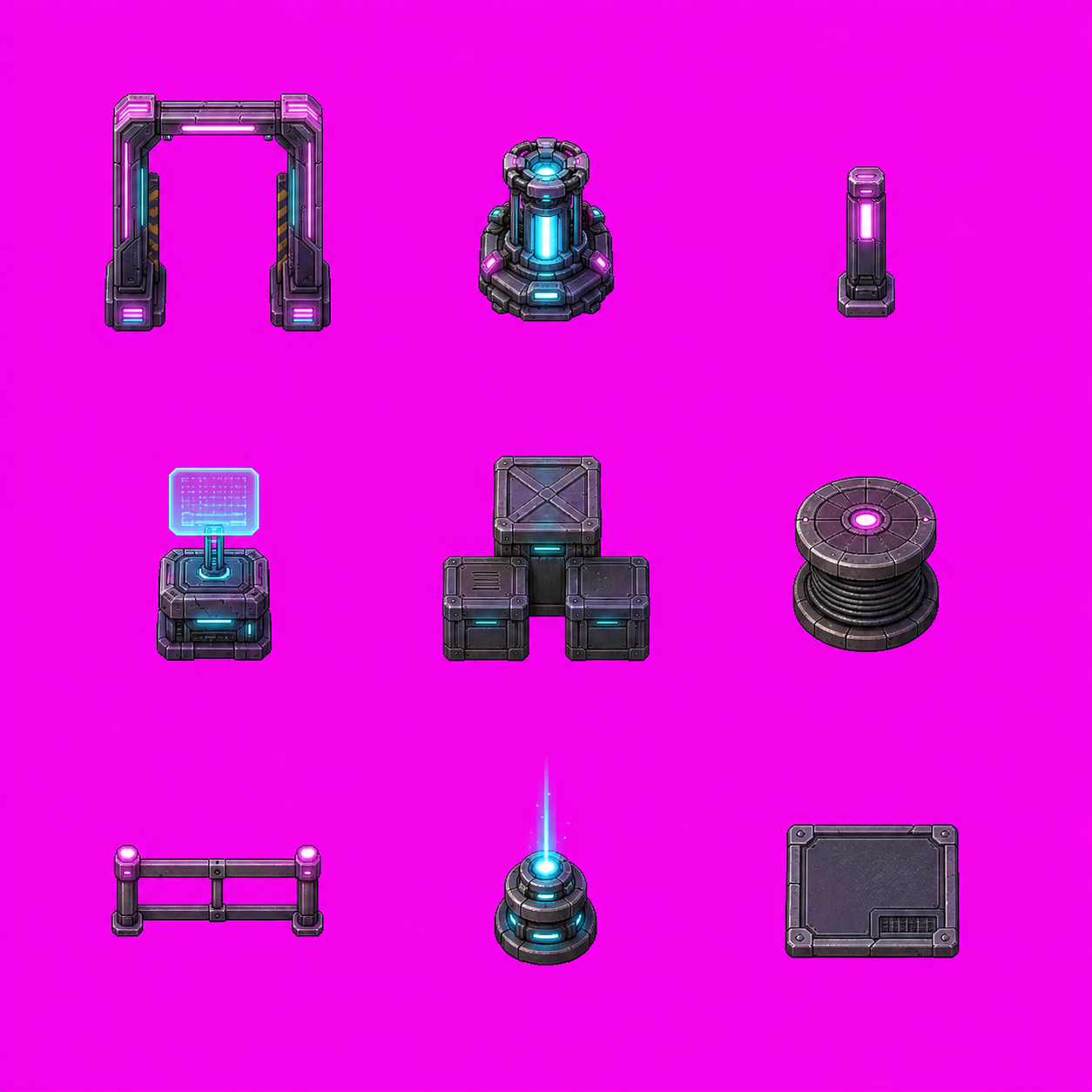
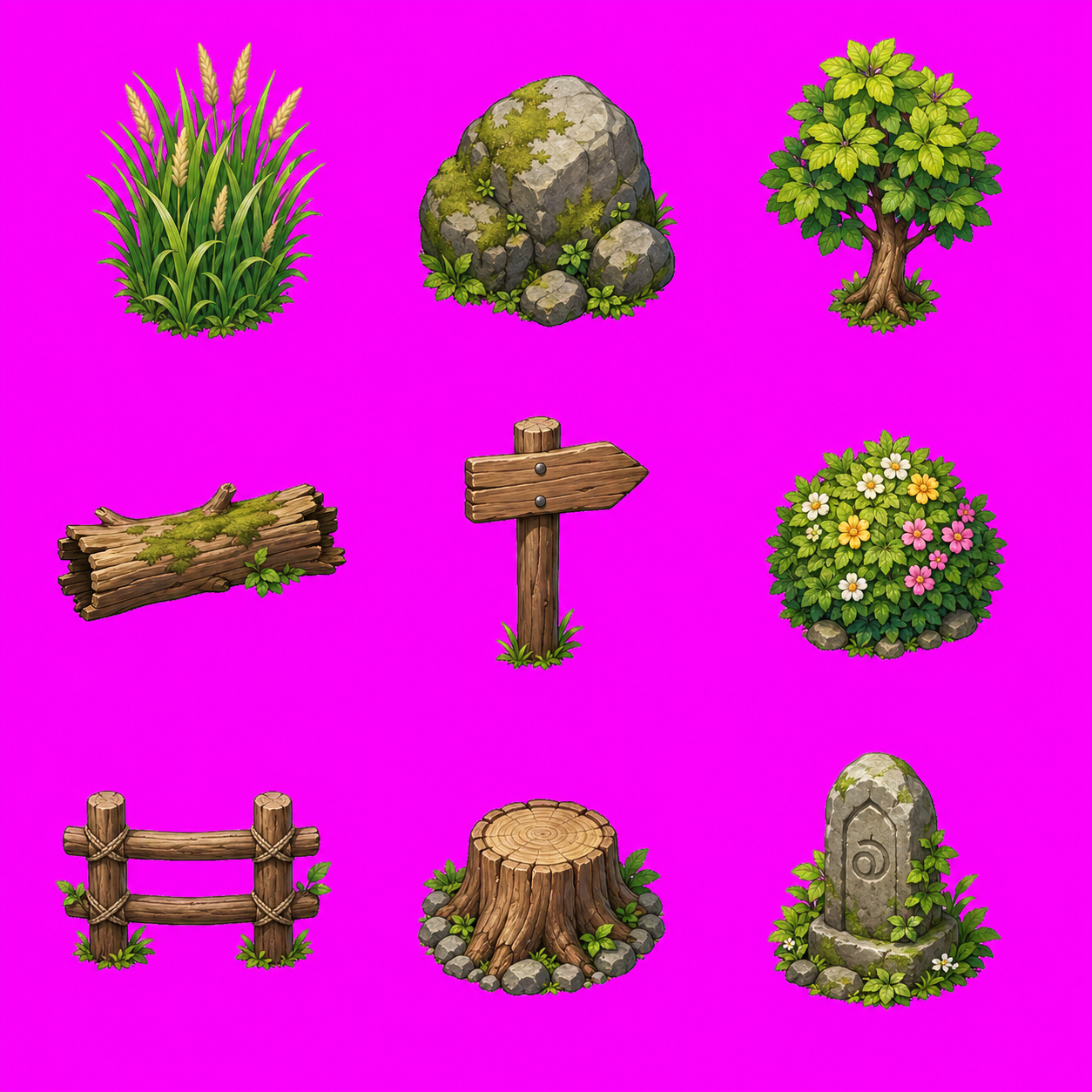
3x3 generated prop pack
Godot 輸出包含可調整的 `TileMapLayer`、獨立 `Sprite2D` props、遇怪草叢 `Area2D` zones、`StaticBody2D` collision blockers、出口 `Area2D` zones,以及 debug player/camera。
```text
image_gen tileset + prop_pack_3x3 + layered_tilemap + separate_props + trigger_zones + Godot_TileMap
```
### 可玩遊戲 Prompt 範例
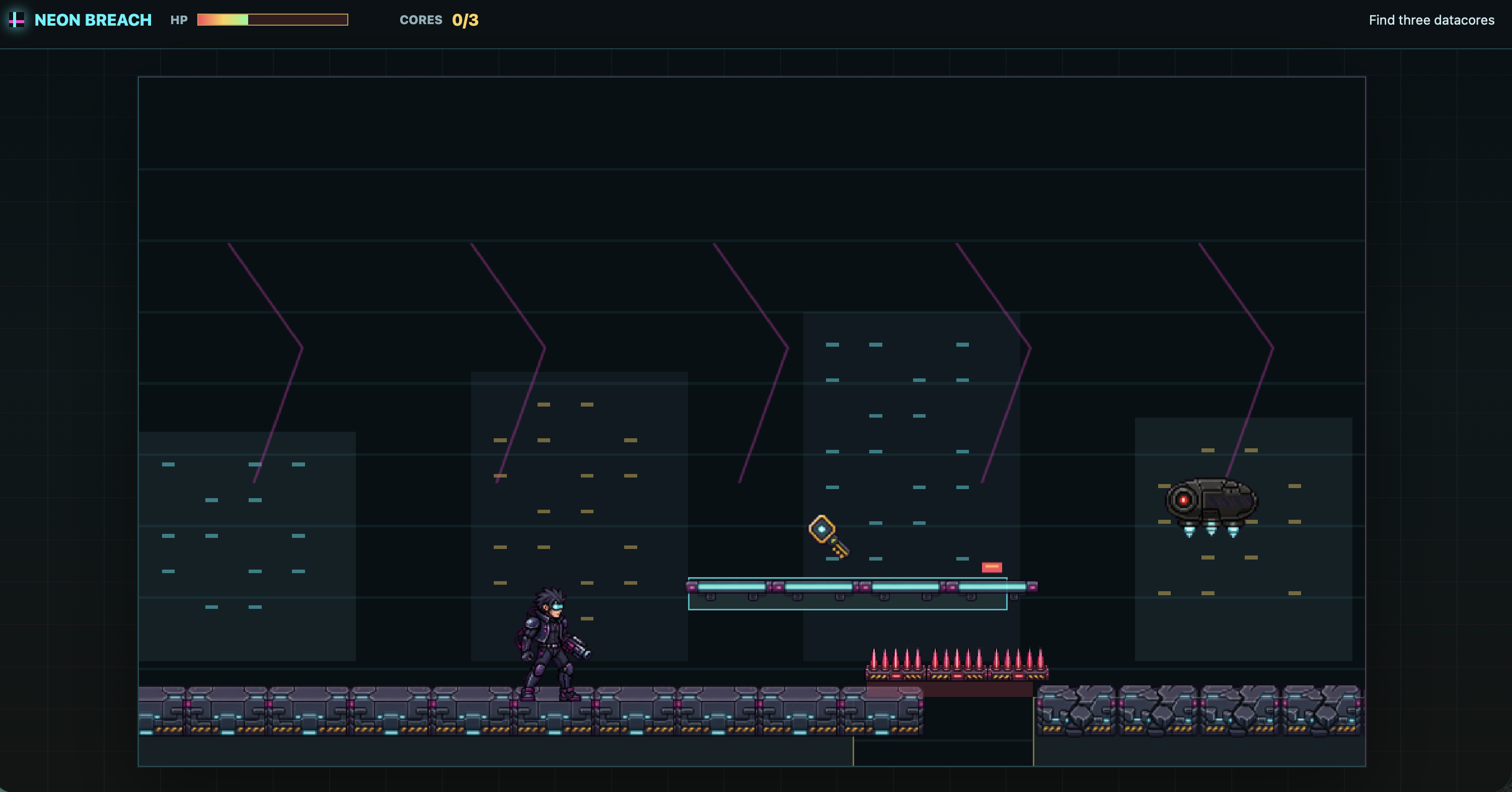
Cyberpunk side-scroller prompt
```text
use $generate2dsprite to create a 2D side-scrolling game similar to Mega Man. It should include attack mechanics, map elements, and all the essential features. I would like you to design it, and all the necessary assets should be created using this skill. It needs to be an actually playable game, with a cyberpunk story setting.
```
戰國 Pokémon-like prototype
連結:Play the JavaScript browser build
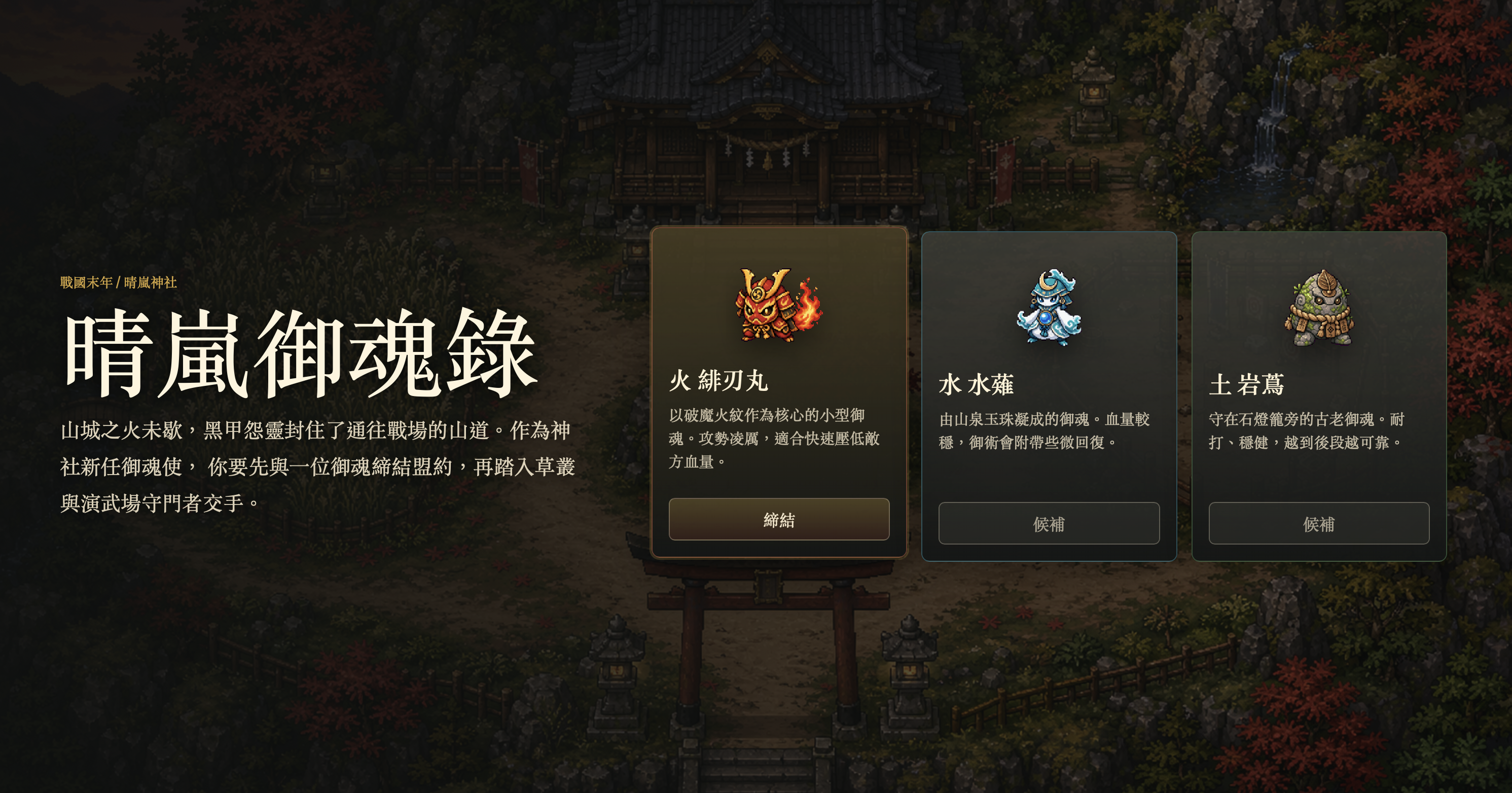
初始御魂選擇
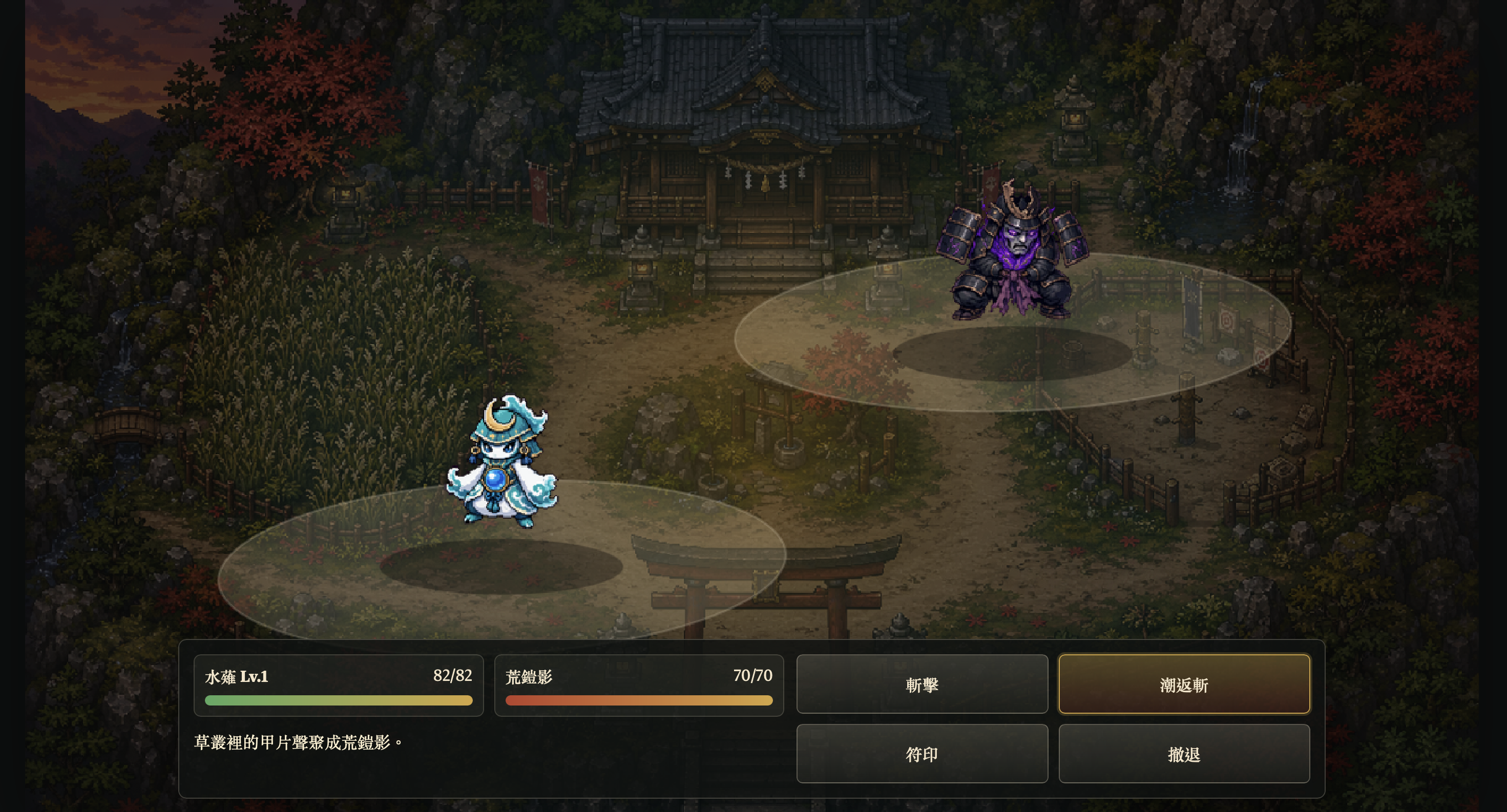
戰鬥場景
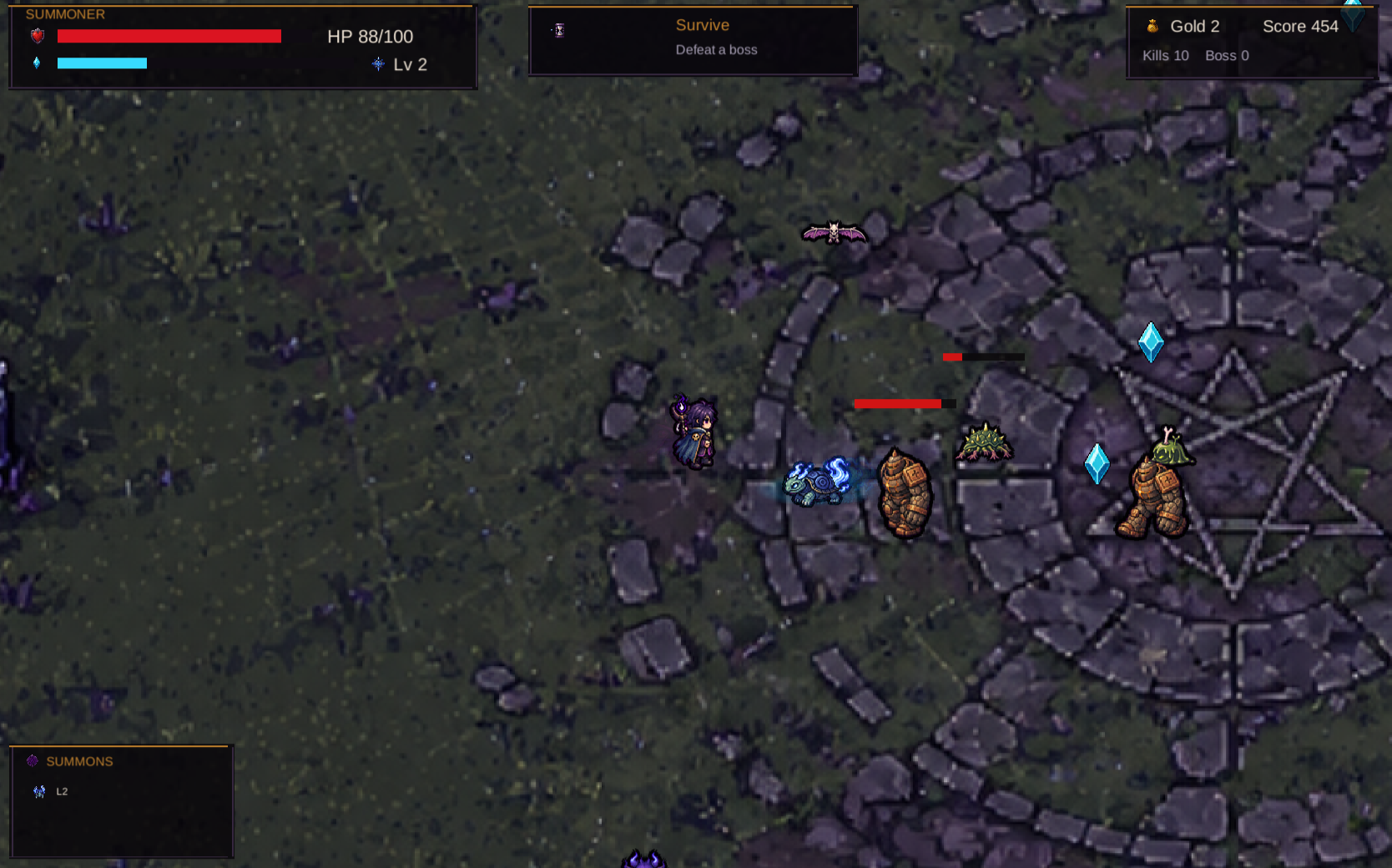
```text
Use $generate2dsprite to create a 2D game similar to Pokemon. You only need to build one scene for now. It must include a starter monster selection mechanic, a battle screen, and all basic gameplay functions. I would like you to design all the elements and the story, and you can also decide which game engine to use. Use this skill to create any assets you need. The story should be set in the Sengoku period.
```
## Included Skills
| Skill | 適合用途 | 輸出 |
| --- | --- | --- |
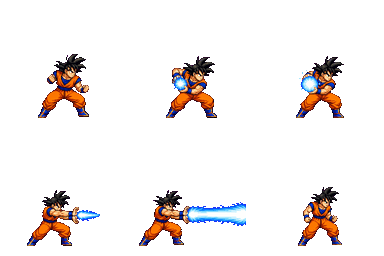
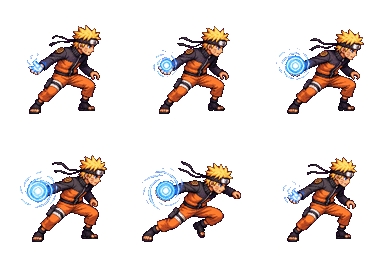
| [`generate2dsprite`](./skills/generate2dsprite) | Sprites、animation sheets、props、spell bundles、FX、reference variants、固定 frame sheet 可選 layout guides | Raw sheet、cleaned transparent sheet、frames、GIFs、metadata |
| [`generate2dmap`](./skills/generate2dmap) | Baked maps、layered raster maps、clean HD RPG maps、prop packs、collision / zones、Godot-editable scenes | Base map、dressed reference、prop pack、extracted props、preview、scene metadata |
`$generate2dmap` 只有在選定的地圖 pipeline 需要可重用透明 props 時,才會使用 `$generate2dsprite`。小型環境物件可以批次生成為 `2x2`、`3x3` 或 `4x4` prop pack,再切成個別透明 props。簡單地圖可以維持單張 baked image。
當流程需要視覺 reference 時,兩個 skills 都遵守同一個 wrapper 規則:先讓圖片出現在對話上下文。使用者上傳的圖片與剛生成的圖片已經在上下文中;local file 則先用 `view_image` 打開,再要求內建 image generation 保留角色 identity、風格、地圖 layout 或 sprite 進化脈絡。
## 運作方式
1. 使用者請 Codex 生成 sprite、prop pack、地圖或 engine-ready prototype。
2. Agent 決定 asset type、action、bundle shape、sheet layout、frame count、style 與 alignment strategy。
3. Codex 內建 image generation 產生 raw visual asset。
4. 本地 scripts 做 deterministic post-processing:洋紅去背、despill、切格、對齊、prop-pack slicing、GIF / PNG export 與 validation metadata。
5. 對地圖或 prototype,Codex 也可以組裝 placement metadata、collision、trigger zones、Godot scenes 或 Unity project wiring。
Script 不是創意大腦。Agent 負責美術與 pipeline 決策,Python tools 只負責可重現的像素處理與輸出。
## 可以生成什麼
- Creature、character、player、NPC、props、monster
- Spell cast、projectile、impact、explosion、FX sheet
- 小型 bundle,例如 `unit_bundle`、`spell_bundle`、`combat_bundle`
- 依 reference 生成的 sprite 變體、動畫 sheet 與進化線
- Single baked map、clean HD layered map、prop-pack map 與 flattened preview
- 可玩地圖用的 collision / zone metadata
- Godot 可開啟調整的地圖工程,包含 `TileMapLayer`、分離式 props、遇怪草叢、collision、出口區與 debug player scene
- 當使用者要求接 engine 時,也可以協助組出 prototype-scale Godot / Unity scene
## 安裝方式
### Option 1: Windows PowerShell
先 clone repo,安裝本地 processor 依賴,再把兩個 skills 複製到 Codex skills 目錄:
```powershell
git clone https://github.com/0x0funky/agent-sprite-forge.git
cd .\agent-sprite-forge
python -m pip install -r .\requirements.txt
New-Item -ItemType Directory -Force -Path "$env:USERPROFILE\.codex\skills" | Out-Null
Copy-Item -Recurse -Force `
".\skills\*" `
"$env:USERPROFILE\.codex\skills\"
```
### Option 2: macOS / Linux
```bash
git clone https://github.com/0x0funky/agent-sprite-forge.git
cd ./agent-sprite-forge
python3 -m pip install -r ./requirements.txt
mkdir -p ~/.codex/skills
cp -R ./skills/* ~/.codex/skills/
```
安裝完後建議重新開一個新的 Codex session,讓 skills 重新載入。
## Python 依賴
本地後處理目前依賴:
- `Pillow`
- `numpy`
這些都列在 [`requirements.txt`](./requirements.txt)。雖然 Codex 本身負責生圖,但你仍然需要這些 Python 套件完成洋紅去背、切格、主體 bbox 偵測、對齊 / 縮放、透明 PNG / GIF 輸出,以及 prop-pack slicing。
## Repo 結構
```text
agent-sprite-forge/
README.md
README.zh-TW.md
requirements.txt
src/
skills/
generate2dmap/
SKILL.md
agents/
openai.yaml
references/
layered-map-contract.md
map-strategies.md
prop-pack-contract.md
scripts/
compose_layered_preview.py
extract_prop_pack.py
generate2dsprite/
SKILL.md
agents/
openai.yaml
references/
modes.md
prompt-rules.md
scripts/
generate2dsprite.py
make_layout_guide.py
```
## 建議 Prompt
### Sprite
```text
Use $generate2dsprite to create a 3x3 idle for an ultimate earth titan.
```
```text
Use $generate2dsprite to create a side-view lightning knight attack animation.
```
```text
Use $generate2dsprite to create a late-Sengoku player_sheet for a wandering fire swordsman.
```
```text
Use $generate2dsprite to create a wizard spell bundle with cast, projectile, and impact sprites.
```
### Map
```text
Use $generate2dmap to create a small fixed-screen pixel-art battle arena with simple collision.
```
```text
Use $generate2dmap to create a top-down RPG forest shrine map. Use a layered raster pipeline, a 3x3 prop pack for small environmental props, precise collision, encounter grass zones, a rest point, and actors that can walk in front of and behind tall props.
```
```text
Use $generate2dmap to create a Godot-editable RPG map with separated props, encounter grass Area2D zones, collision StaticBody2D blockers, exit zones, and a debug player scene.
```
## 會輸出什麼
一般 sprite sheet 類型的輸出通常包含:
- `raw-sheet.png`
- `raw-sheet-clean.png`
- `sheet-transparent.png`
- frame PNGs
- `animation.gif`
- `prompt-used.txt`
- `pipeline-meta.json`
如果是 player walk sheet,通常還會額外輸出各方向 strip 與各方向 GIF。
如果是地圖輸出,結果會依選擇的 pipeline 而定:
- Single baked map:完整地圖圖檔、可選的 prompt file,以及可選的 collision metadata。
- Layered raster map:base map、dressed reference、生成出的 prop folders 或 prop-pack extraction manifest、prop 擺放資料、collision / zones metadata,以及 flattened layered preview。
- Godot editable map:tileset / prop assets、scene files、layer metadata、collision / zones、exits 與 debug player setup。
## 備註
- Prompt 越清楚,結果通常越穩。最好明確描述視角、動作與動畫型態。
- 大型 creature 通常比較適合 `3x3 idle`。
- 小型 spell / projectile 通常比較適合 `1x4`、`2x2` 或 `2x3`。
- Layout guide 適合固定 frame action sheet 與 prop pack,但不一定會讓緊湊攻擊 sheet 更好。
- 如果要商用,建議優先使用原創角色或你自己持有權利的 IP。
## Star History
## 授權
MIT。請見 [LICENSE](./LICENSE)。