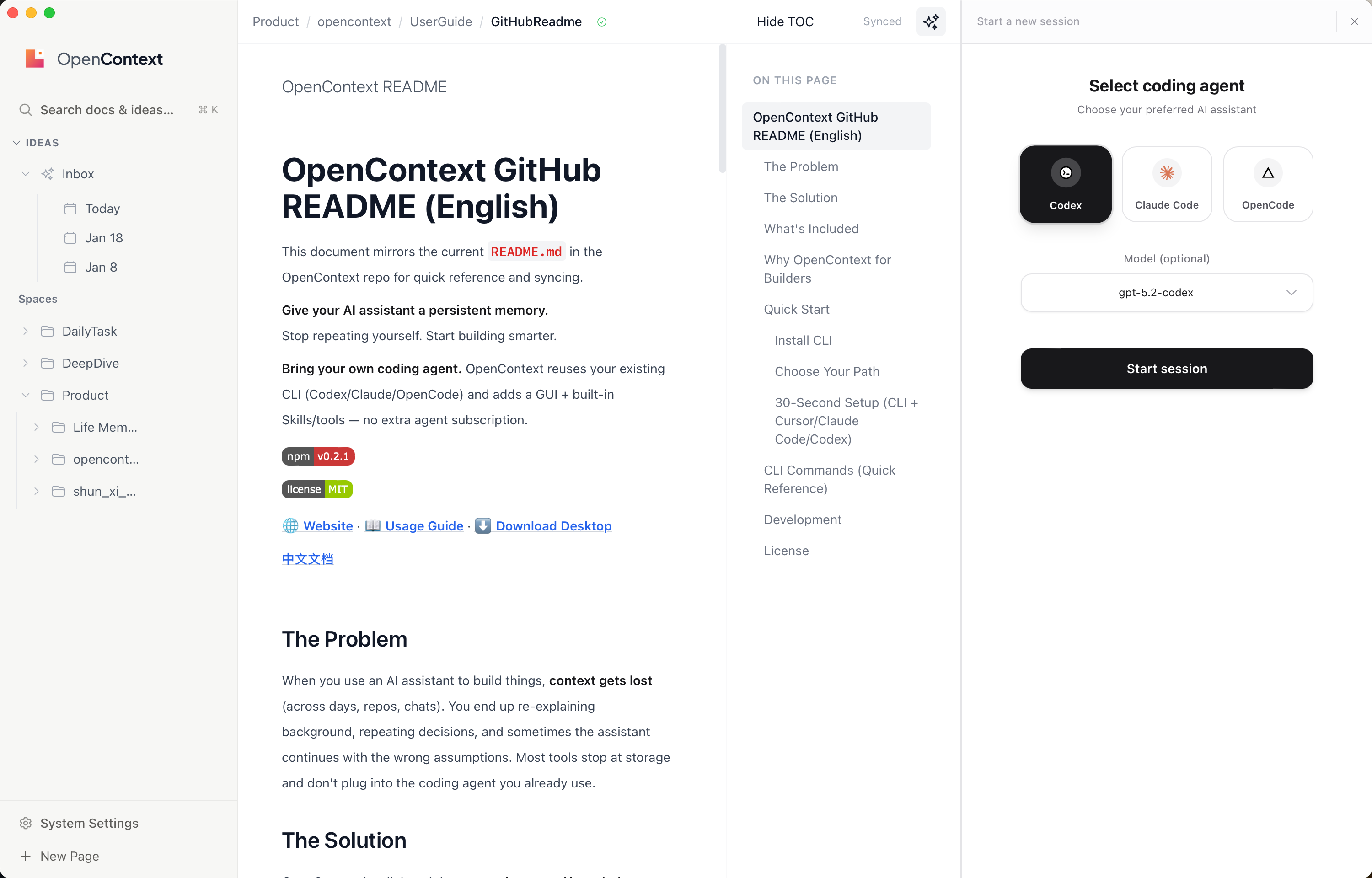
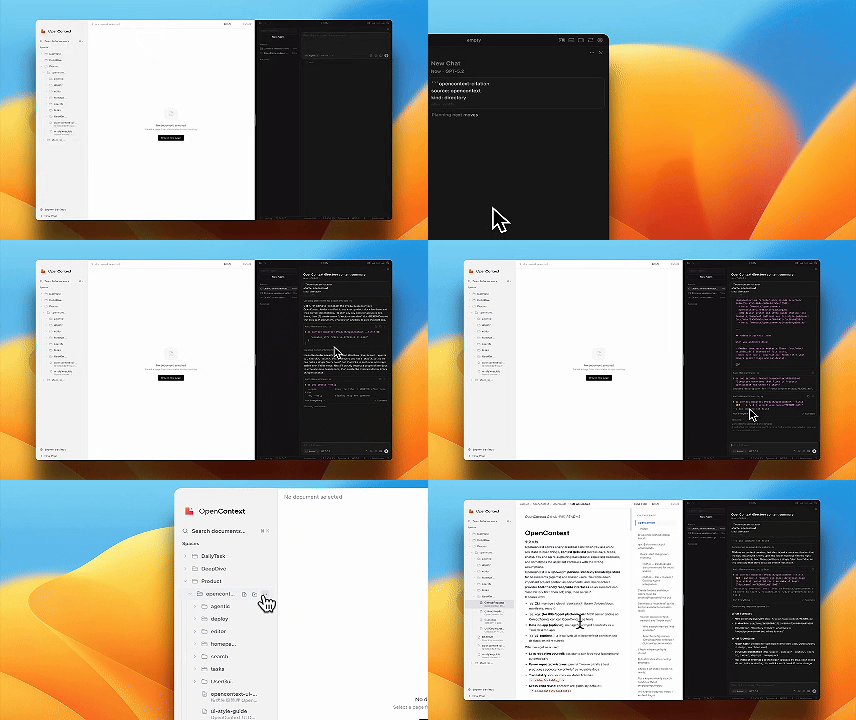
Give your AI assistant a persistent memory.
Bring your own coding agent. OpenContext reuses your existing CLI (Codex/Claude/OpenCode) and adds a GUI + built-in Skills/tools — no extra agent subscription.
🌐 Website 📖 Usage Guide ⬇️ Download Desktop
中文文档
---
## The Problem
When you use an AI assistant to build things, **context gets lost** (across days, repos, chats). You end up re-explaining background, repeating decisions, and sometimes the assistant continues with the wrong assumptions. Most tools stop at storage and don't plug into the coding agent you already use.
## The Solution
OpenContext is a lightweight **personal context / knowledge store** for AI assistants (Agents) and coding tools like Cursor / Claude Code / Codex. It reuses your existing coding agent CLI (Codex/Claude/OpenCode) while adding a GUI plus built-in Skills/tools, so your agent can "load history first, then act; ship, then persist".
**Skills-first support:** `oc init` generates user-level skills (Cursor/Claude Code/Codex) plus slash commands (Cursor/Claude Code), so agents can load, search, create, and iterate your context with one command.
| Before OpenContext | After OpenContext |
|-------------------|-------------------|
| 📂 Hard to share context across repos/sessions | ✅ Global context library works across all projects |
| 🤷 Your ideas can't be quickly perceived by Agent | ✅ Agent loads your background & decisions automatically |
| 🔒 Existing knowledge can't be operated by Coding Agent | ✅ Agent can directly read/write your knowledge base |
## What's Included
- **`oc` CLI** — manage a global `contexts/` library (folders/docs, manifests, search)
- **MCP Server** — so Cursor/Claude Code/Codex/Agents can call OpenContext as tools
- **Skills + Slash Commands** — user-level skills for Cursor/Claude Code/Codex and slash commands for Cursor/Claude Code (generated by `oc init`)
- **Agent-ready Knowledge Layer** — reuse your existing coding agent CLI (Codex/Claude/OpenCode) with built-in skills/tools and GUI
- **Desktop App** — manage/search/edit contexts with a native UI
- **Web UI** — browse/edit contexts locally (no install required)
## Why OpenContext for Builders
OpenContext's knowledge management Agent can **be the coding agent you already use** (Codex/Claude/OpenCode). You don't pay for a separate agent — you bring your own CLI and get a ready-to-use experience: a GUI for context management plus built-in Skills and tools that let the agent read, search, create, and iterate on your knowledge.
## Quick Start
### Install CLI
```bash
npm install -g @aicontextlab/cli
```
### Choose Your Path
| Path | Best For | Get Started |
|------|----------|-------------|
| 🖥️ **Desktop App** | Visual users who want a native UI | [Download from Releases](https://github.com/0xranx/OpenContext/releases) |
| ⌨️ **CLI + Tools** | Developers using Cursor/Claude Code/Codex/AI agents | `npm install -g @aicontextlab/cli && oc init` |
| 🔧 **CLI Only** | Power users, automation | `npm install -g @aicontextlab/cli` |
OpenContext works with the coding agent CLI you already have — it adds a GUI plus built-in Skills/tools instead of replacing your agent.
### 30-Second Setup (CLI + Cursor/Claude Code/Codex)
```bash
# 1. Install
npm install -g @aicontextlab/cli
# 2. Initialize (prompts for tool setup; defaults to all)
cd your-project
oc init
# 3. Use slash commands (Cursor + Claude Code)
# /opencontext-context — load background before working
# /opencontext-search — find relevant docs
# /opencontext-create — create a new doc
# /opencontext-iterate — persist what you learned
# Tip: non-interactive installs can use --tools cursor,claude,codex or --no-claude/--no-cursor/--no-codex
#
# Installed by oc init:
# - Cursor: ~/.cursor/commands
# - Claude Code: ~/.claude/commands (or $CLAUDE_CONFIG_DIR/commands)
# Skills (wrapped from slash commands):
# - Cursor: ~/.cursor/skills/opencontext-*/SKILL.md
# - Claude Code: ~/.claude/skills/opencontext-*/SKILL.md (or $CLAUDE_CONFIG_DIR/skills)
# - Codex: ~/.codex/skills/opencontext-*/SKILL.md (or $CODEX_HOME/skills)
#
# 4. MCP config is user-level (Cursor/Claude Code/Codex)
# - Cursor: ~/.cursor/mcp.json
# - Claude Code: ~/.claude/mcp.json (or $CLAUDE_CONFIG_DIR/mcp.json)
# - Codex: ~/.codex/mcp.json (or $CODEX_HOME/mcp.json)
```
> 📖 **For detailed usage guide, search configuration, and FAQ, visit the [Website](https://0xranx.github.io/OpenContext/en/usage/).**
---
## CLI Commands (Quick Reference)
Run `oc