Cloudflare Proxy EX
[中文](https://github.com/1234567Yang/cf-proxy-ex) [English](https://github-com.translate.goog/1234567Yang/cf-proxy-ex?_x_tr_sl=zh-CN&_x_tr_tl=en&_x_tr_hl=zh-CN&_x_tr_pto=wapp)

[](https://github.com/1234567Yang/cf-proxy-ex/releases/latest)

[💻 在线体验](#在线体验) | [⚒ 用法](#用法) | [🚀 快速开始](#快速开始) | [🔒 安全密码](#安全密码) | [📸 截图](#截图) | [📦 LICENSE](#license) | [📄 备注](#备注) | [👍 感谢](#感谢) | [⭐ Star History](#star-history)
Cloudflare超级代理,OpenAI/ChatGPT代理,Github加速,在线代理。现在已经支持多平台部署(因为改名为worker-proxy-ex太麻烦,于是保持原名)。
# 在线体验
密码 123
### 首页
https://y.demo.lhyang.org/
### Duckduckgo聊天
https://y.demo.lhyang.org/https://duckduckgo.com/?t=h_&q=hi&ia=chat
### Google地图
https://y.demo.lhyang.org/https://www.google.com/maps
# 用法
* 请先根据 [快速开始](#快速开始) 进行部署
* 在任意网址前面加上 `https://你的域名/`
例如 `https://你的域名/https://github.com`
* [使用技巧](https://github.com/1234567Yang/cf-proxy-ex/blob/main/usage_tips.md)
# 快速开始
* 在 1.4 版本后启动了默认[安全密码](#安全密码),默认密码为 `123`,感谢 Bolster 给我整不会了。

* [在Deno上部署](https://github.com/1234567Yang/cf-proxy-ex/blob/main/deploy_on_deno_tutorial.md)
* [在Cloudflare上部署](https://github.com/1234567Yang/cf-proxy-ex/blob/main/deploy_on_cf_tutorial.md)
* 自定义域名获取(可选但建议,更稳定):
* 域名购买:
* https://porkbun.com/
* https://domain.com/
* 购买时可以按 `Ctrl + F`,搜索 `$0.`,**此类域名为一年即抛类型,注意关闭自动续费**。
> [!WARNING]
> 设置子域名的时候,请不要设置成类似于`proxy.example.com`的格式,因为在TLS握手的时候(会明文发送SNI),很容易被识别出这是一个代理服务。建议使用看起来更常规、无 / 假 特定含义的子域名,例如 `cdn.example.com` 或 `img.example.com` 等,以降低被识别的风险。
> [!NOTE]
> 如果部署失败(重定向、报错 等),请参考 [FAQ](FAQ.md)
# 安全密码
安全密码利用Cookie,在设置了密码的情况下,会先检测是否有密码Cookie以及是否正确,如果不正确那么可以设置输入密码界面,或者直接403。密码Cookie默认名称为`passwordCookieName`,设置密码可以代码里搜索`const password = "";`并替换成你的密码。
更详细的教程可以[点这里](https://github.com/1234567Yang/cf-proxy-ex/blob/main/security_password_tutorial.md)。
# 截图
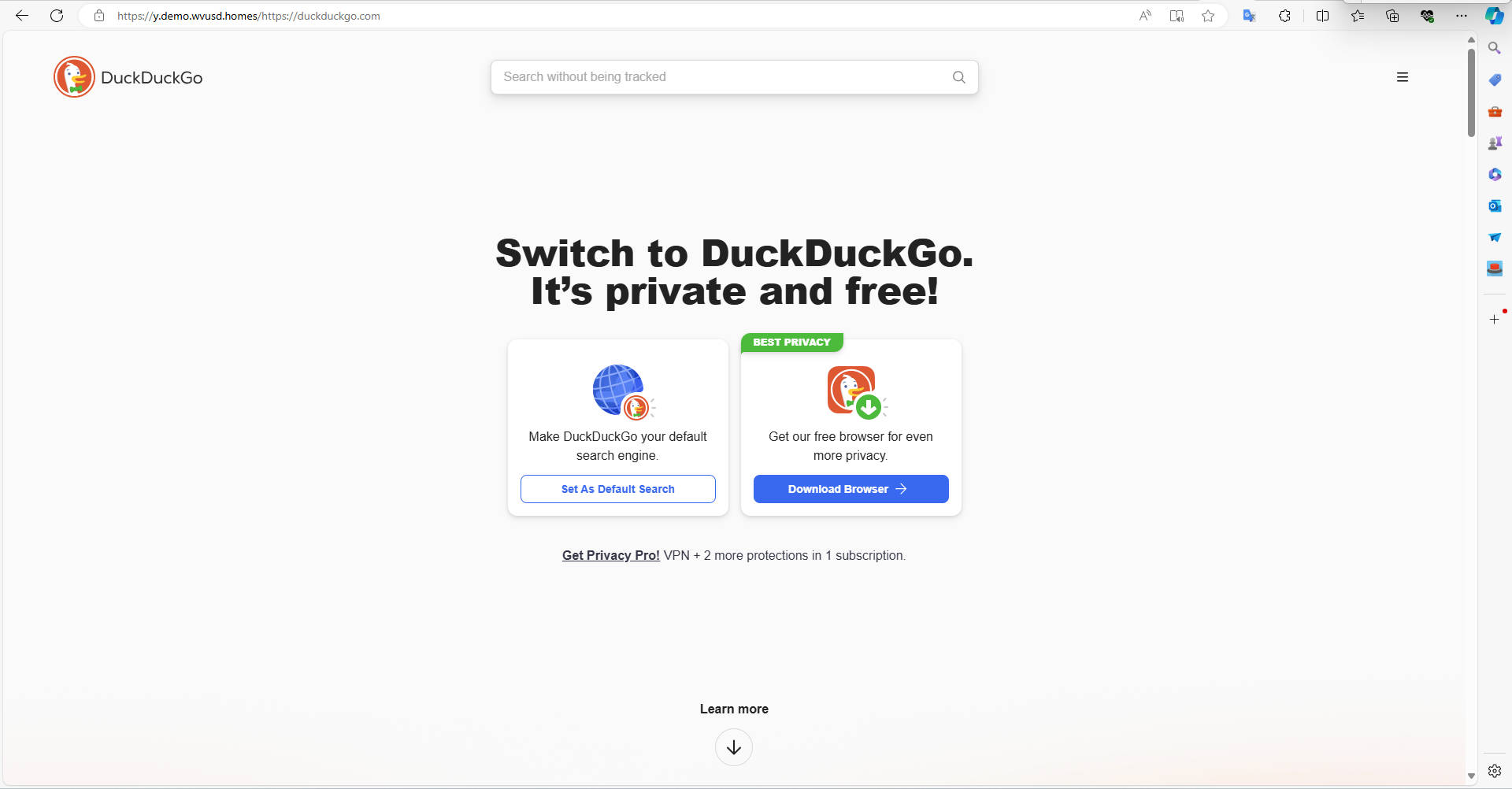
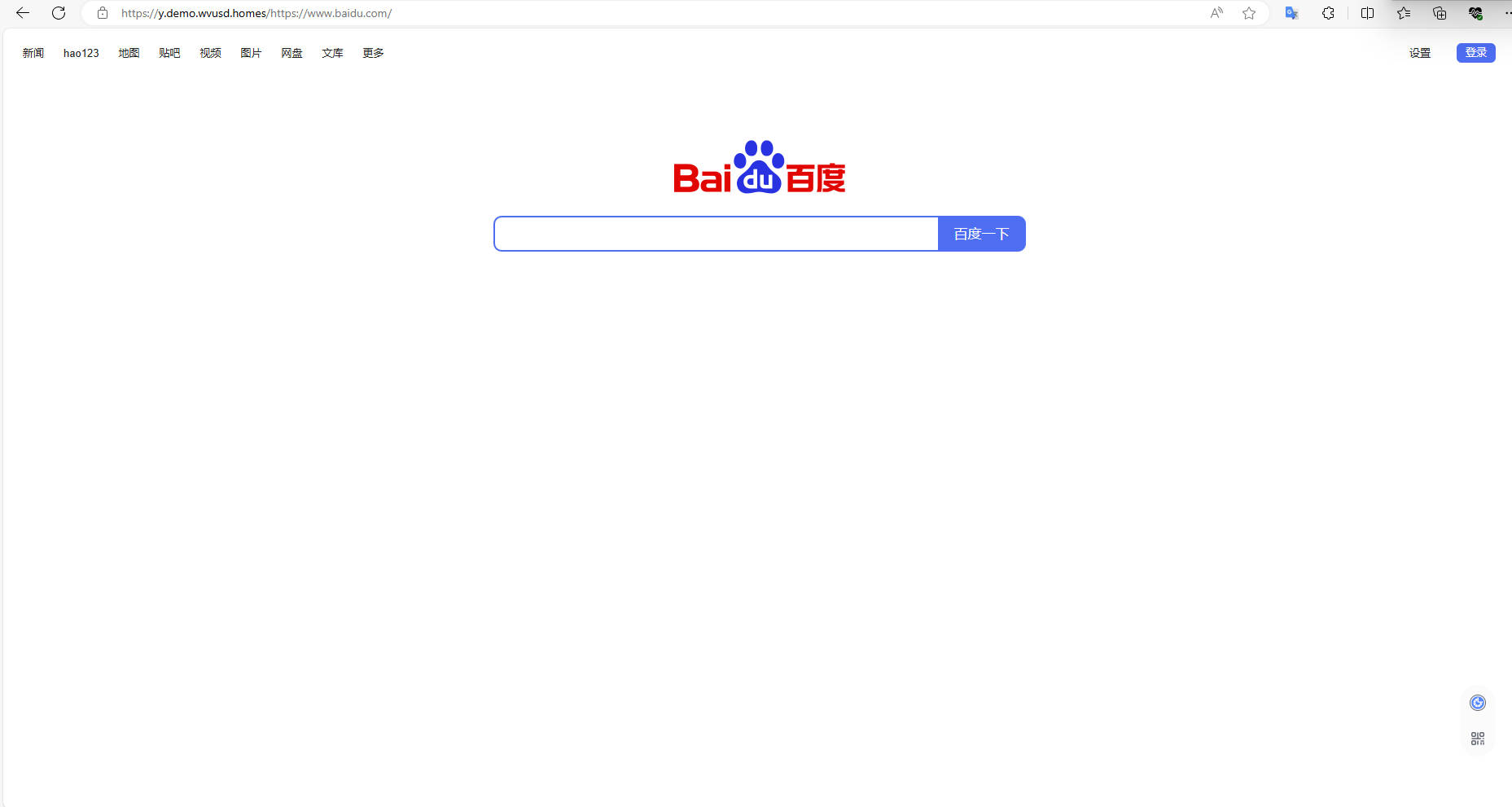
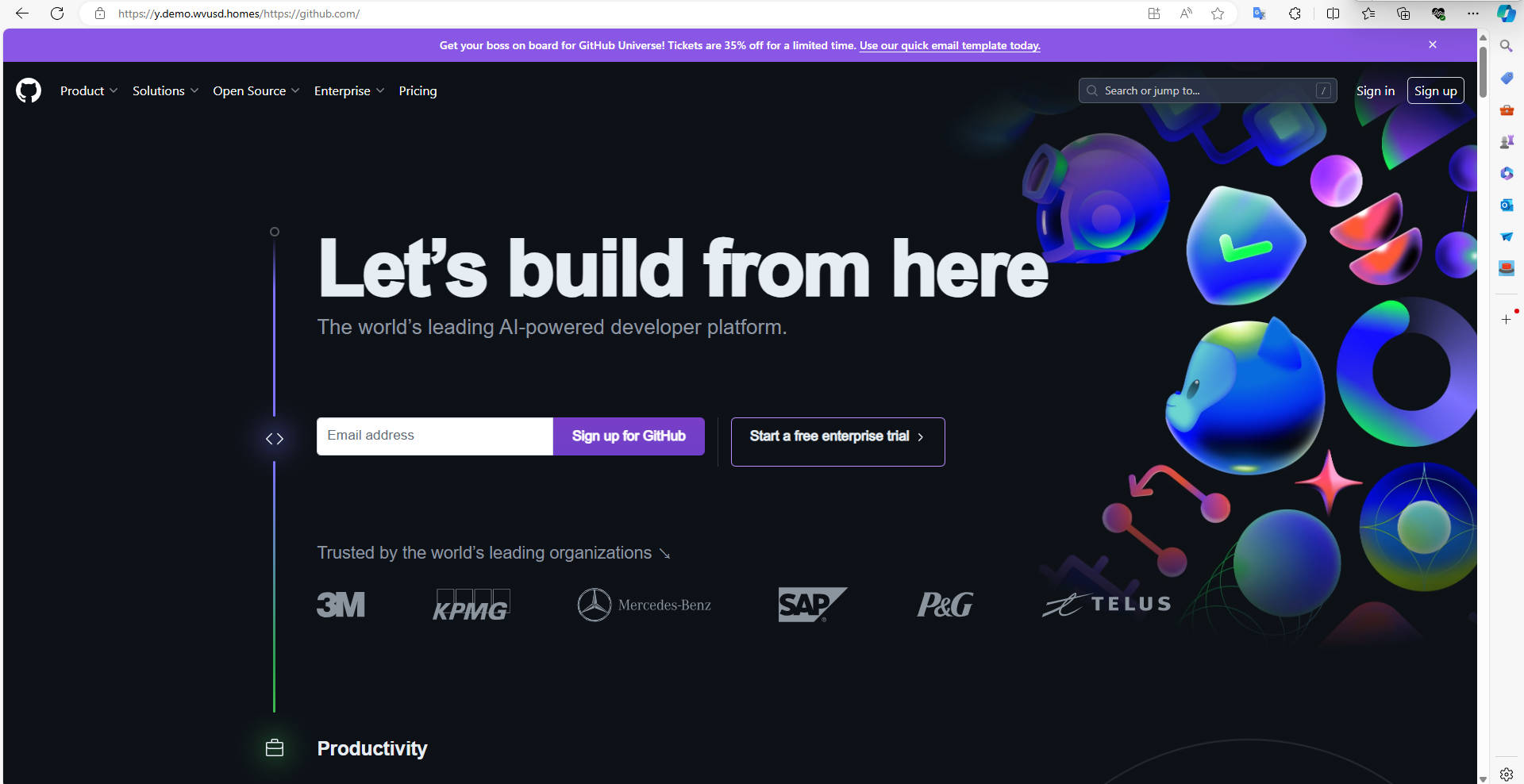
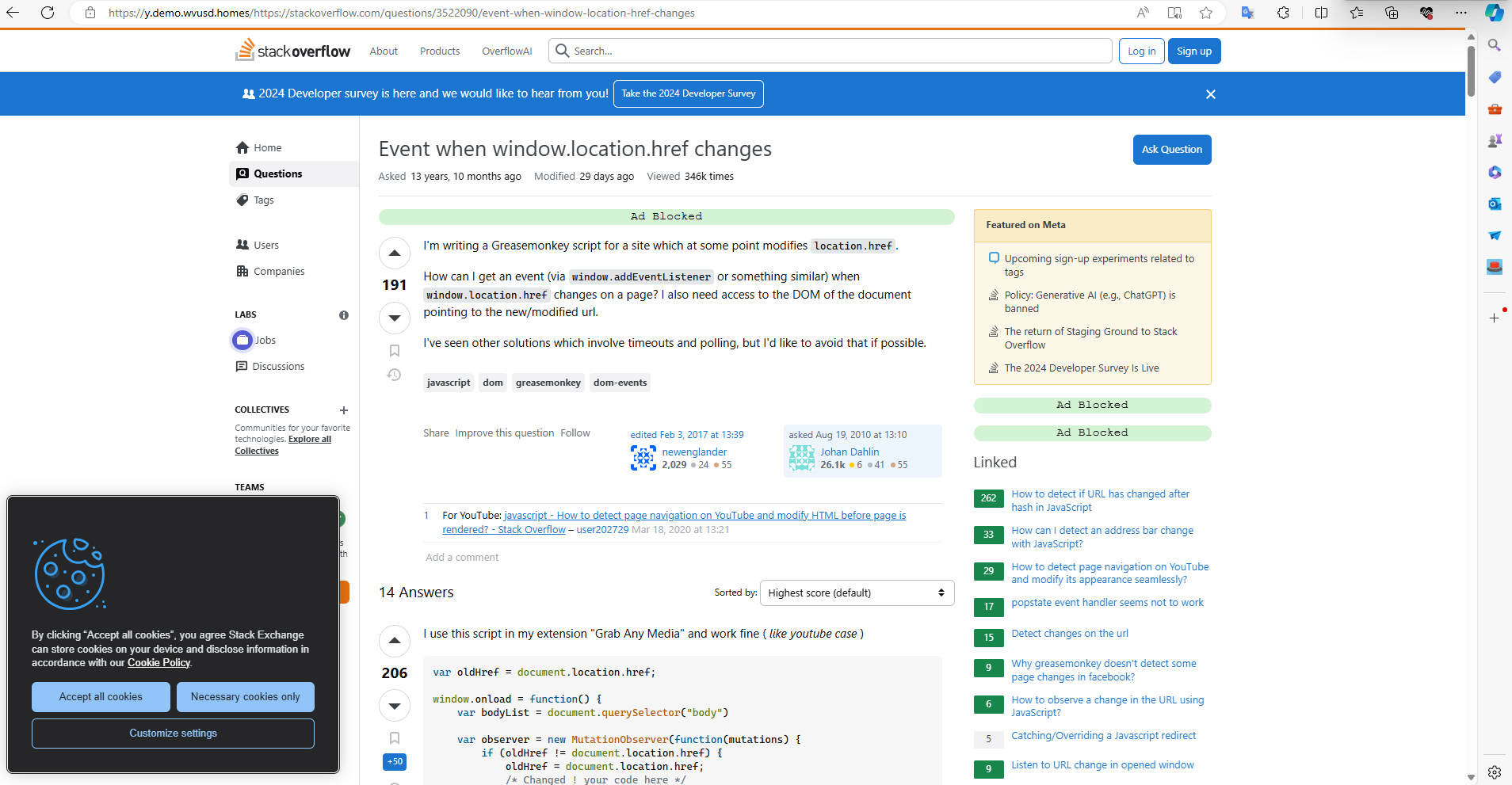
# LICENSE
MIT License + 一些条件
* 凡是使用本项目建立的代理站点,务必备注此开源链接。
* 禁止使用本项目盈利,包括基于本项目的项目。
# 备注
* **此项目仅供学习在线代理的原理和实现方式使用,严禁用于从事违法违规活动!**
* 请不要通过在线代理登录任何网站。虽然本项目中已经限制了Cookie的作用域,也就是说理论上是可行的,但是非常不建议。像是这个项目原版的代理,它Cookie是全局的。也就是说如果你(通过代理)登录了Github然后访问恶意网站,你的所有Cookie就给你偷走了。
# 感谢
> [!NOTE]
> 由于人数众多,我只能选取几个具有代表性的在这里特别提及,~~当然了你也可以要求我把你加进来~~。如果您出现在这里,并且希望被移除,请提交Issue(我会移除名字后,一并删除Issue)。
* 感谢 @04041b 发现了几个BUG,并告诉我在线代理这个思路。
* 本项目基于[gaboolic的cloudflare-reverse-proxy](https://github.com/gaboolic/cloudflare-reverse-proxy/),感谢gaboolic给我提供相关在Cloudflare部署的实现思路。
* 感谢所有提交issue,提交PR的朋友帮助改进本项目。
* 感谢 @brightu 分享了一个非常实用的添加Cookie的方式 https://github.com/1234567Yang/cf-proxy-ex/issues/15 。
* 感谢 @since114514 参与我的一个小实验:成功从worker.js发现了一段注释 https://github.com/1234567Yang/cf-proxy-ex/issues/31 。
* 感谢 @fangyuan99 通知我本项目其实还可以在Deno上部署 https://github.com/1234567Yang/cf-proxy-ex/issues/33 。
* 感谢 @Tayasui-rainnya 提供的 UI https://github.com/1234567Yang/cf-proxy-ex/issues/44 。
* 感谢 @Shift-Bloger 和 @Neurotoxin0 帮助发现 Cloudflare URL Normalization 无限重定向问题 https://github.com/1234567Yang/cf-proxy-ex/issues/63 。
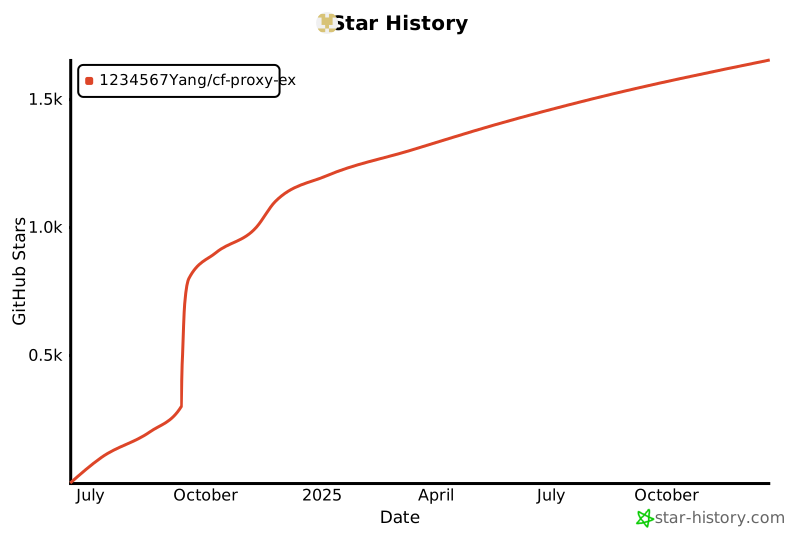
# Star History
[](https://star-history.com/#1234567Yang/cf-proxy-ex&Date)