Zenith - A Material Design 3 Expressive Digital Wellbeing App
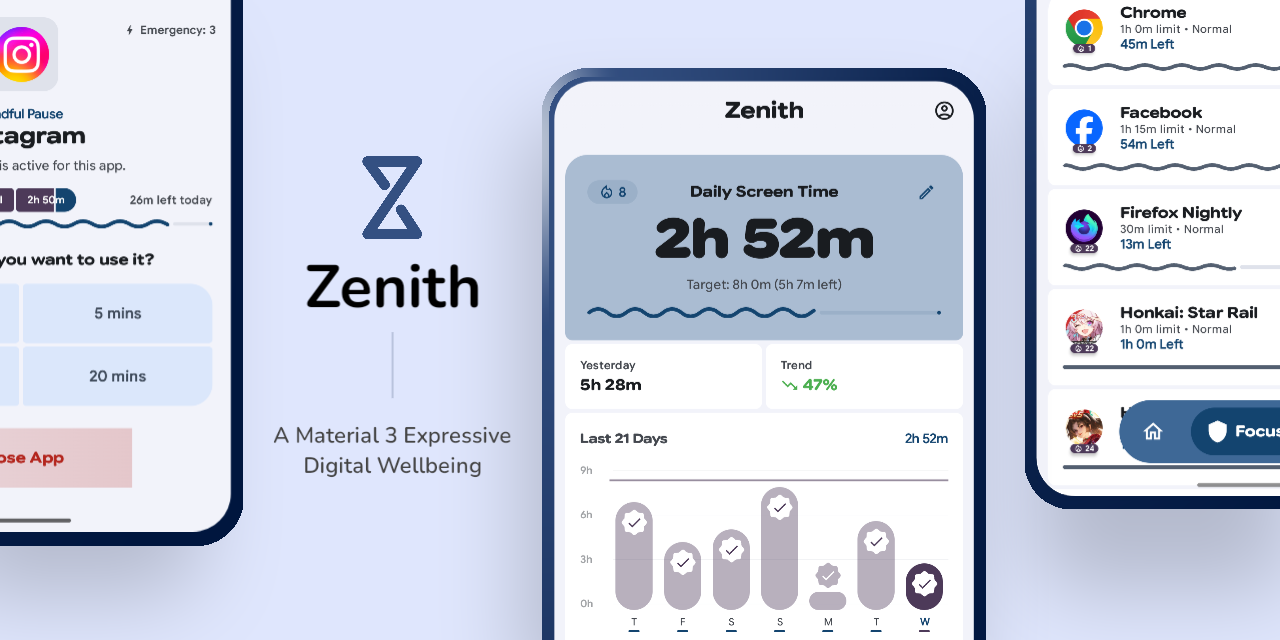




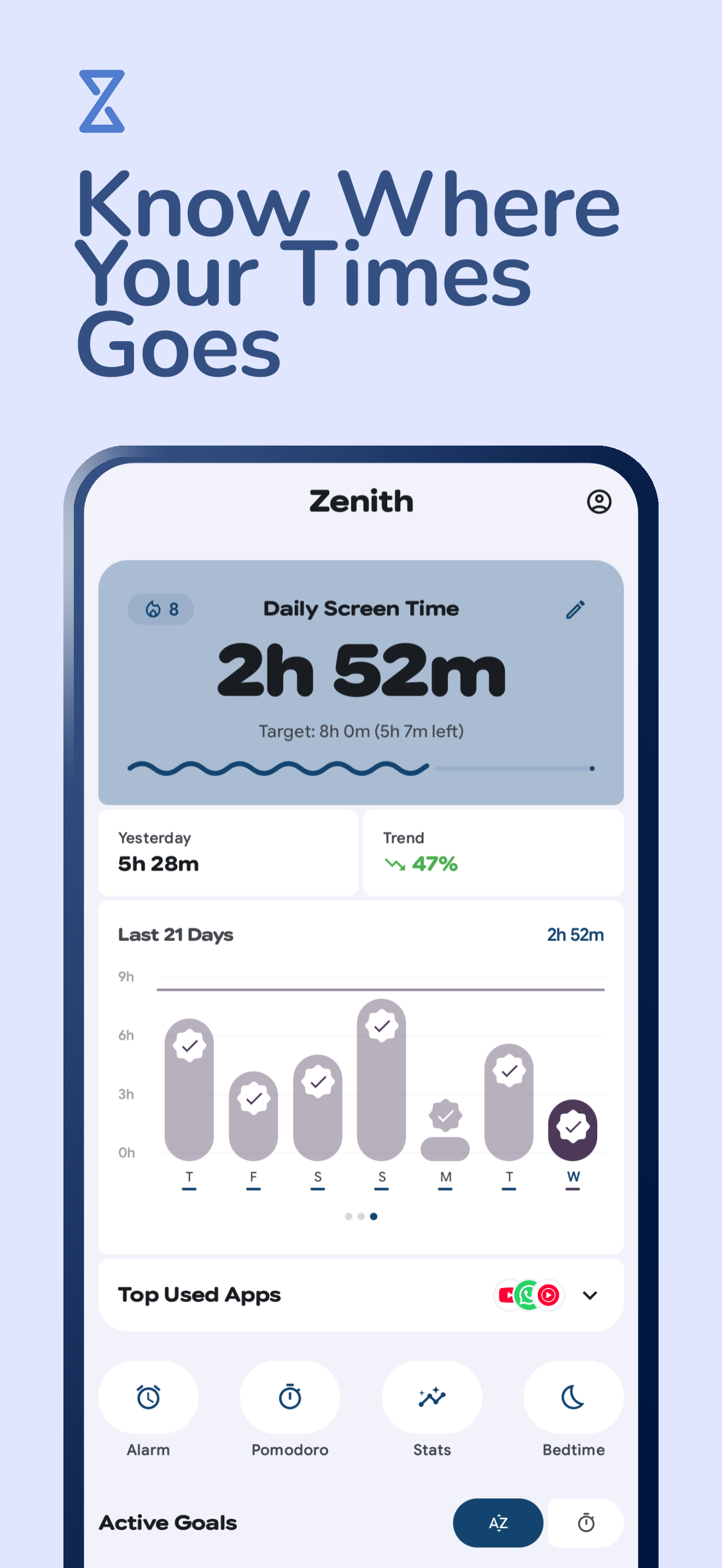
Zenith is a smart digital wellbeing assistant for Android, built with Material Design 3 Expressive. It uses proactive interventions and real-time monitoring to help you break addictive scrolling habits through a fluid, motion-rich experience.


| IzzyOnDroid |
OpenAPK |

|
|
## Screenshots
## Key Features
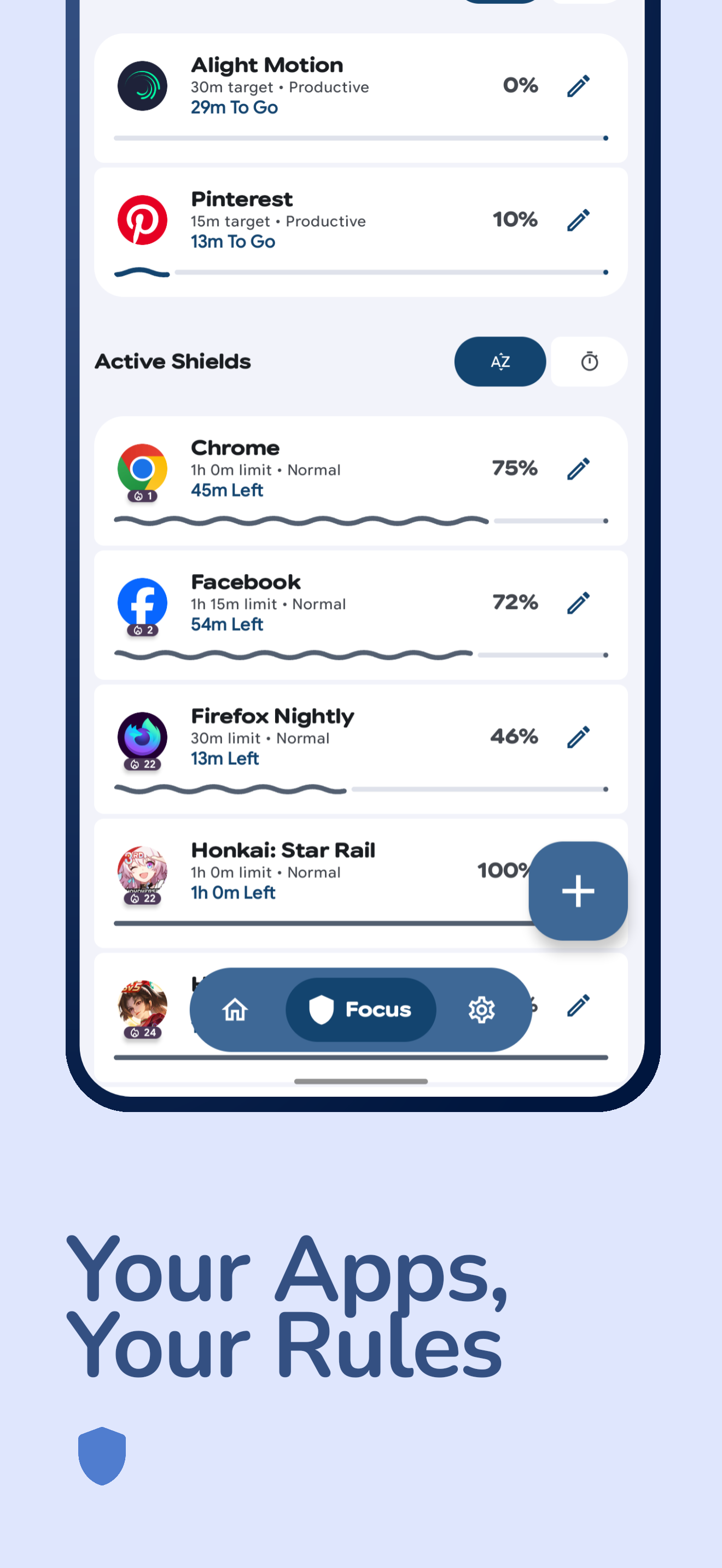
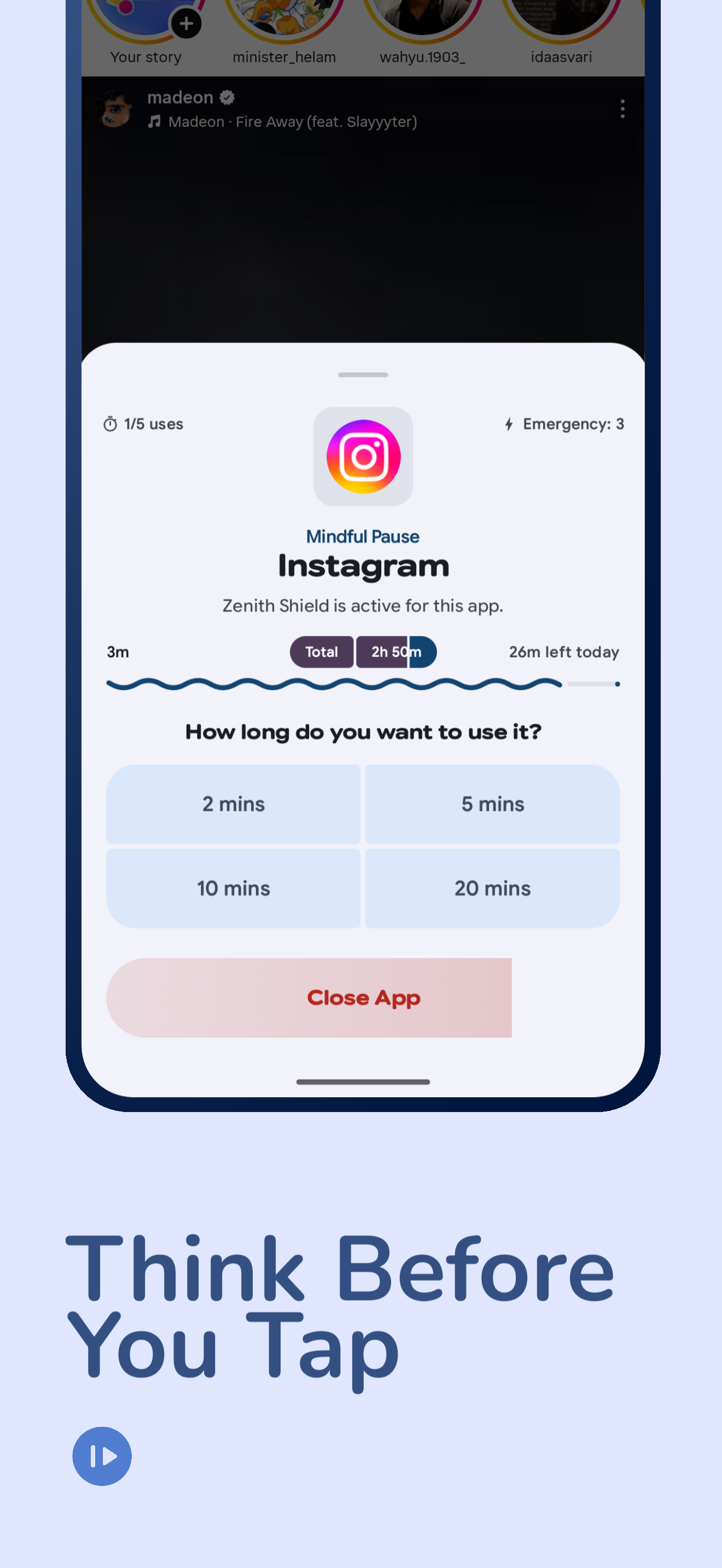
- **Shield Mode**: Protect specific apps with mindful pauses, usage frequency limits, and emergency use quotas.
- **Goal Pursuit**: Set and achieve target usage times for productive applications with full-screen lock overlays.
- **Delay App**: Configurable delay timer before reopening protected apps to break automatic habits.
- **Mindful Gateway**: Proactively interrupt all non-whitelisted apps with a mindful pause to prevent mindless scrolling.
- **Bedtime Mode**: Automate your digital detox with customizable schedules, Wind Down notifications, and automatic Do Not Disturb.
- **Focus Sessions / Smart Schedules**: Time-based app blocking with BLOCK and ALLOW modes, plus notification interception.
- **Website Tracking & Shielding**: Track time spent on specific websites and apply shields to domains across 12+ browsers.
- **Alarm System**: Multi-alarm with custom sounds, TTS, math challenge mode, gradual volume, and wake-up app launching.
- **Eye Care**: 20-20-20 rule reminders with configurable work/rest durations.
- **Grace Period**: Time windows where all apps become unblocked.
- **Incentive Lock**: Progressively unlock shields as you complete goals through five tiers.
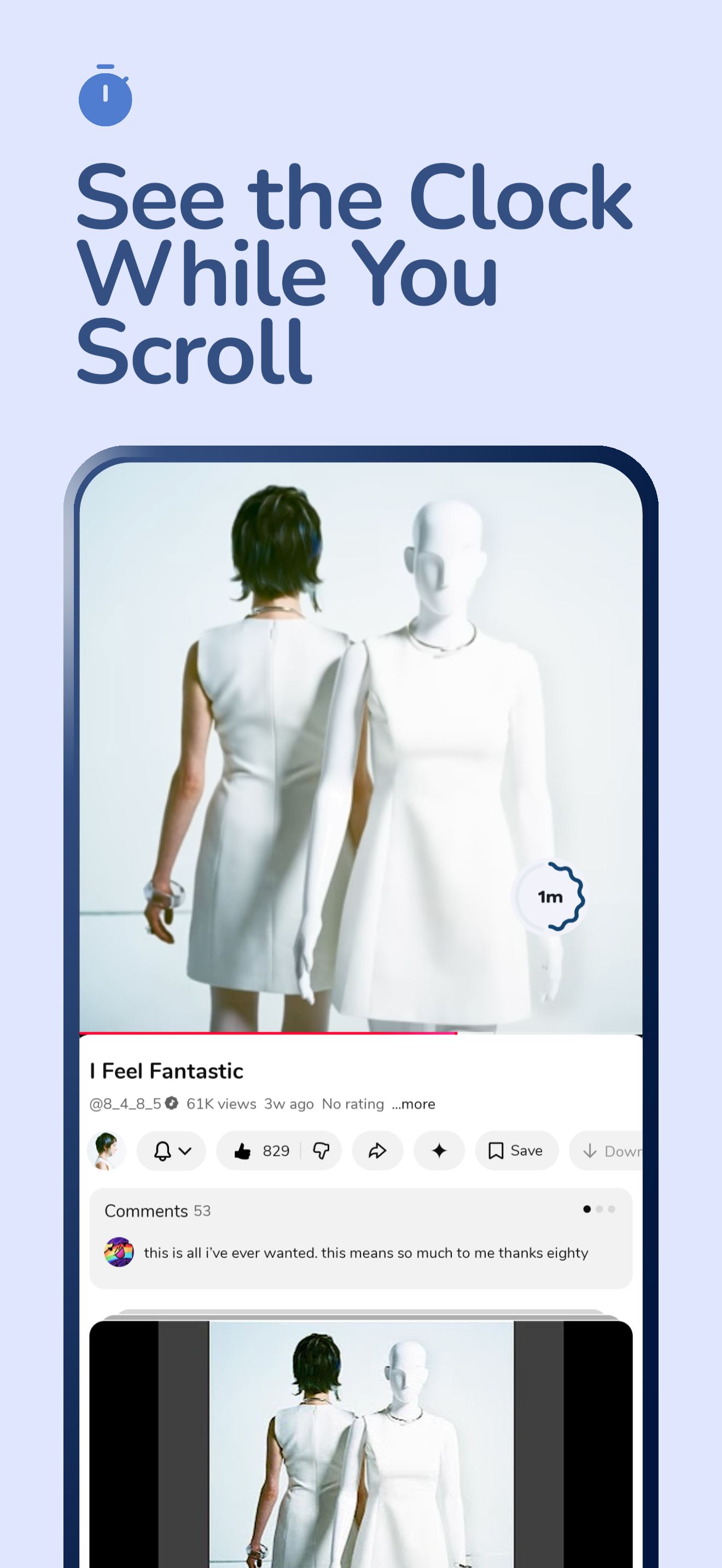
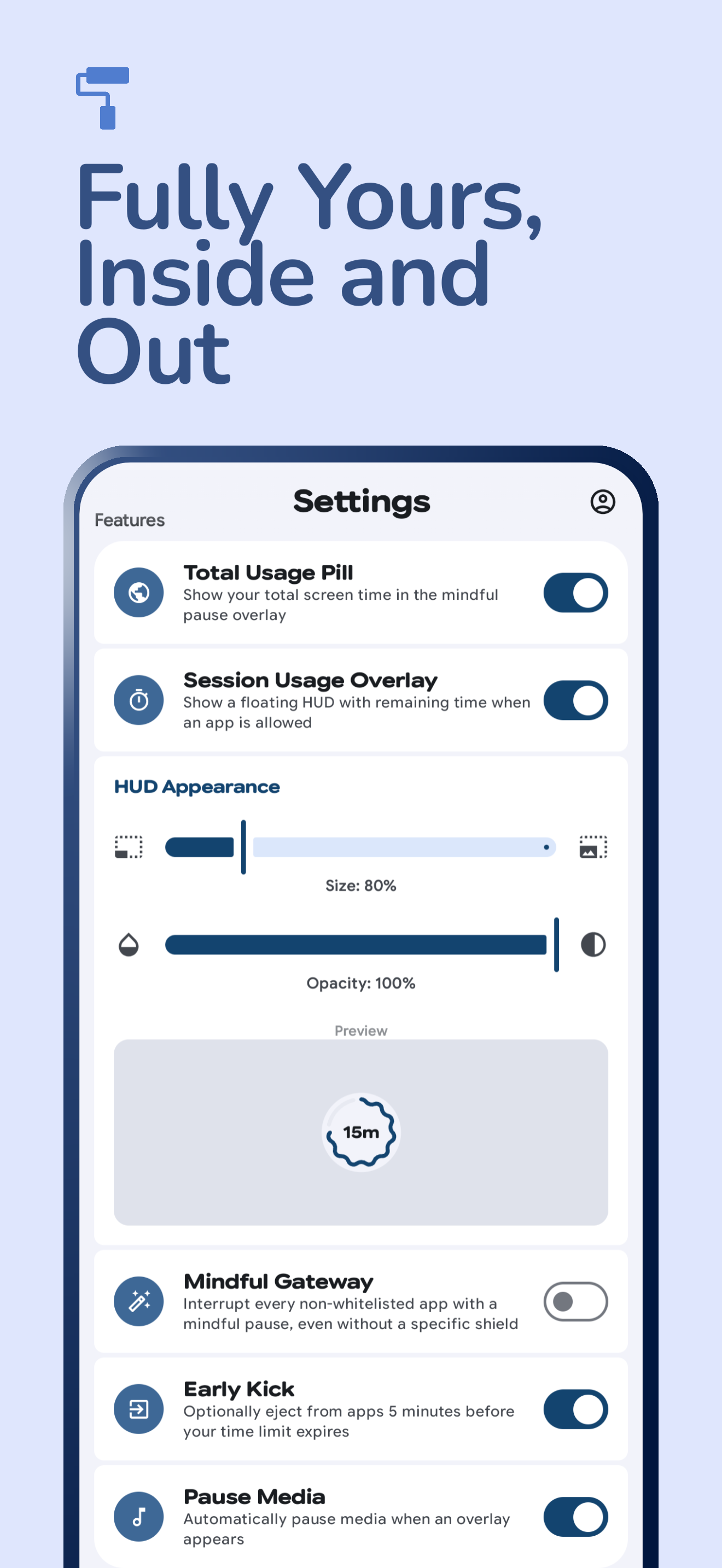
- **Session HUD**: A floating, customizable overlay (size & opacity) that shows remaining time for active sessions.
- **Early Kick**: Optional reminders or early ejection to help you transition out of apps before your limit expires.
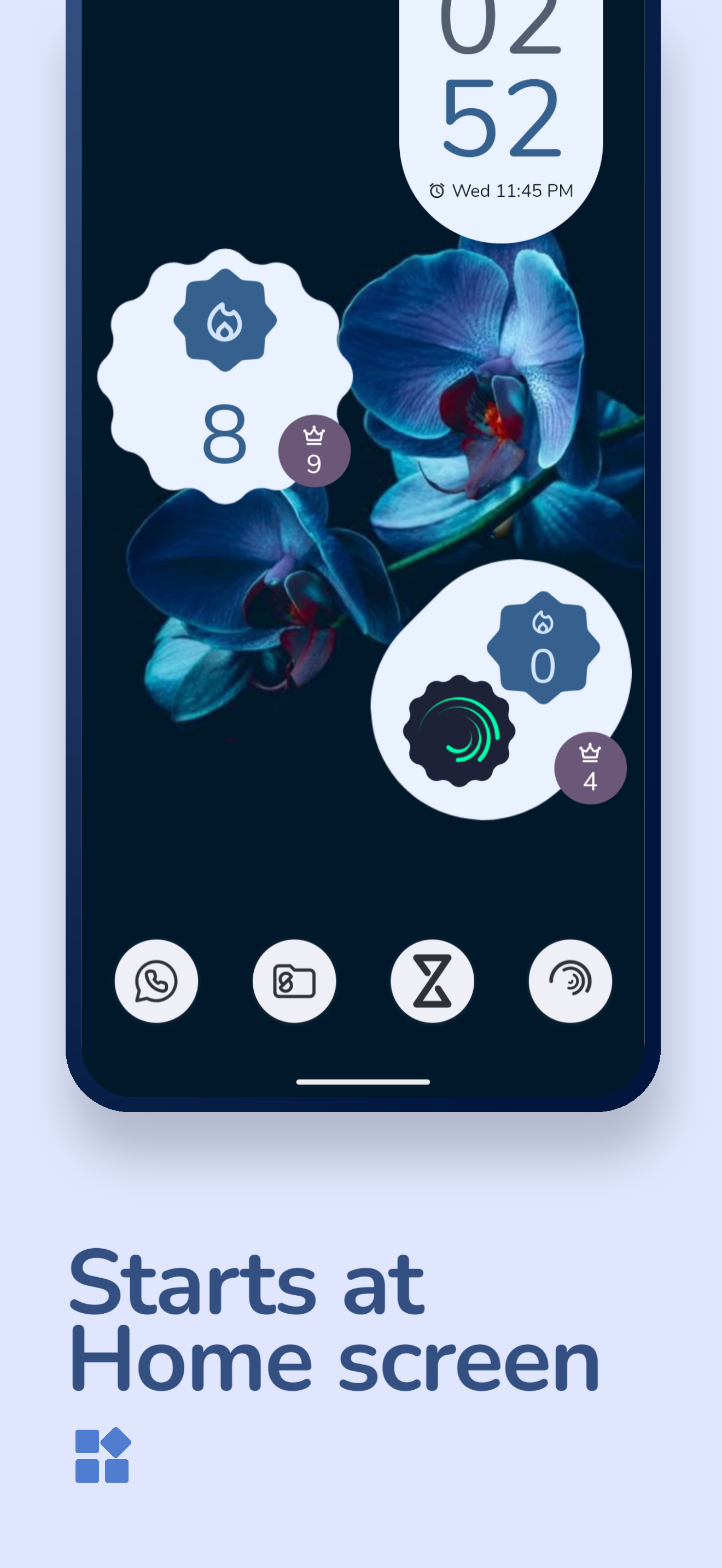
- **Interactive Widgets**: Keep track of your app streaks and daily focus progress with Material 3 Expressive home screen widgets.
- **Streak System**: Track global, per-app, per-website, and bedtime streaks with recovery mechanisms.
- **Notification Insights**: Daily focus recaps, weekly trend comparisons, and milestone celebrations.
- **Backup & Restore**: Securely save your settings and schedules with automated periodic backups or manual exports.
- **Expressive Design**: Fully compliant with Material Design 3 Expressive guidelines, featuring fluid motion, adaptive typography (GSFlex), and floating navigation components.
## Installation Guide
1. Clone this repository.
2. Open it in Android Studio Ladybug (2024.2.1) or a newer version.
3. Ensure Android SDK 33+ is installed.
4. Build and run on a physical device (recommended for proper permission handling).
## Required Permissions
To help you stay focused and break mindless habits, Zenith needs a few permissions.
### Required
Without these, Zenith won't be able to track your usage or help you stay mindful.
1. **Usage Stats (`PACKAGE_USAGE_STATS`)**: This lets Zenith see how much time you spend in your apps so it can help you stick to your limits.
2. **System Overlay (`SYSTEM_ALERT_WINDOW`)**: This allows Zenith to show a "Shield" or a timer over other apps when you've reached your limit or need a mindful pause.
- **Note for Android Go users**: Some Android Go devices do not allow granting this permission through settings. You may need to grant it via ADB:
`adb shell pm grant com.etrisad.zenith android.permission.SYSTEM_ALERT_WINDOW`
3. **App List (`QUERY_ALL_PACKAGES`)**: Zenith needs this to show you a list of your apps so you can choose which ones you want to track or block.
4. **Notifications (`POST_NOTIFICATIONS`)**: Used to send you goal reminders and keep you updated on your focus progress throughout the day.
5. **Do Not Disturb (`ACCESS_NOTIFICATION_POLICY`)**: This allows Bedtime Mode to automatically silence your phone so you can get a better night's sleep.
6. **Foreground Service (`FOREGROUND_SERVICE`)**: Required for the AppUsageMonitorService that continuously tracks your app usage, and for alarm playback.
7. **Full Screen Intent (`USE_FULL_SCREEN_INTENT`)**: Allows Zenith to show full-screen overlays for alarms and goal reminders over the lock screen.
8. **Wake Lock (`WAKE_LOCK`)**: Keeps the screen on during alarm display so you can see and dismiss it.
9. **Boot Completed (`RECEIVE_BOOT_COMPLETED`)**: Restarts Zenith's monitoring services and re-schedules alarms after your device reboots.
### Optional
These are optional, but they make Zenith much more reliable and powerful.
10. **Accessibility Service (`BIND_ACCESSIBILITY_SERVICE`)**: An optional service that helps Zenith catch when you open a restricted app instantly, making your "Shields" feel much more responsive.
11. **Notification Intercept (`BIND_NOTIFICATION_LISTENER_SERVICE`)**: This lets Zenith hide distracting notifications during your scheduled Focus sessions or Bedtime.
12. **Battery Optimization**: This tells Android not to close Zenith in the background, ensuring your focus time is always tracked accurately.
13. **Precise Timing (`SCHEDULE_EXACT_ALARM`)**: Makes sure your daily resets, bedtime schedules, and reminders happen exactly when they're supposed to.
14. **Storage Access (`READ_EXTERNAL_STORAGE`)**: Only used if you want to use the Backup & Restore feature to save or load your settings.
15. **Internet Access (`INTERNET`)**: Used to check for app updates (depending on where you downloaded the app) and to let you visit our GitHub or community pages from the settings.
16. **Calendar Access (`READ_CALENDAR`)**: Enables the "Show Current Event" feature, which displays your current calendar event (title, description, and progress) during the app-opening delay in the intercept overlay.
## Support the Project
If you find Zenith helpful and would like to support its development, you can support me on Ko-fi. Your contribution helps keep the project alive and improving!
## Special Thanks
- **[Tomato](https://github.com/nsh07/Tomato)** - Interface and promotional material inspiration.
## License
This project is created for learning and self-development purposes.
[GNU GPL v3.0](LICENCE)