
# dsh-pet-whale
**一只陪你干活的像素蓝鲸,住在 DeepSeek Harness 里,也能游满整个桌面。**
[English](README.md) · [功能全览](docs/FEATURES.md) · [Companion API](docs/companion-api.md) · [Apache-2.0](LICENSE)
  
---
## 这是什么
一个 DeepSeek Harness(DSH)桌宠插件。工作时它待在角落替你盯着任务:跑起来了它会巡游,出错会发抖冒火,要你审批会蹦跳提醒,完成了会顶着一条通到页底的水柱横渡整屏庆祝。
它有两种形态:**住在 DSH 页面里**,或者**悬浮在整台电脑的一切窗口之上**(任意应用、任意全屏 Space,鲸鱼之外全部鼠标穿透)。
## ✨ 亮点
- 🖥️ **桌面悬浮模式** —— 用 DSH 自带的运行时开出全屏透明置顶窗口,鲸鱼真正出圈
- 🔔 **任务提醒** —— 运行中 / 等待审批 / 出错 / 完成,四种状态四种表现,审批和提问直接在气泡里处理
- 🎭 **情绪反应** —— 失败抖动冒火、等待蹦跳、完成时全屏水帘庆祝
- 🚿 **摇晃喷水** —— 抓住鲸鱼甩一甩,像素水帘从天而降、在屏幕底堆积摊平化光
- 🎲 **摸头盲盒** —— 单击摸摸头,50% 冒爱心、50% 喷一股水
- 🗺️ **自动巡航** —— 不定期离家溜达一圈,频率可调
- 🧩 **可编程** —— `window.dshPetWhale` 脚本接口,任务状态和全部操作开放
完整功能与参数见 **[功能全览](docs/FEATURES.md)**。
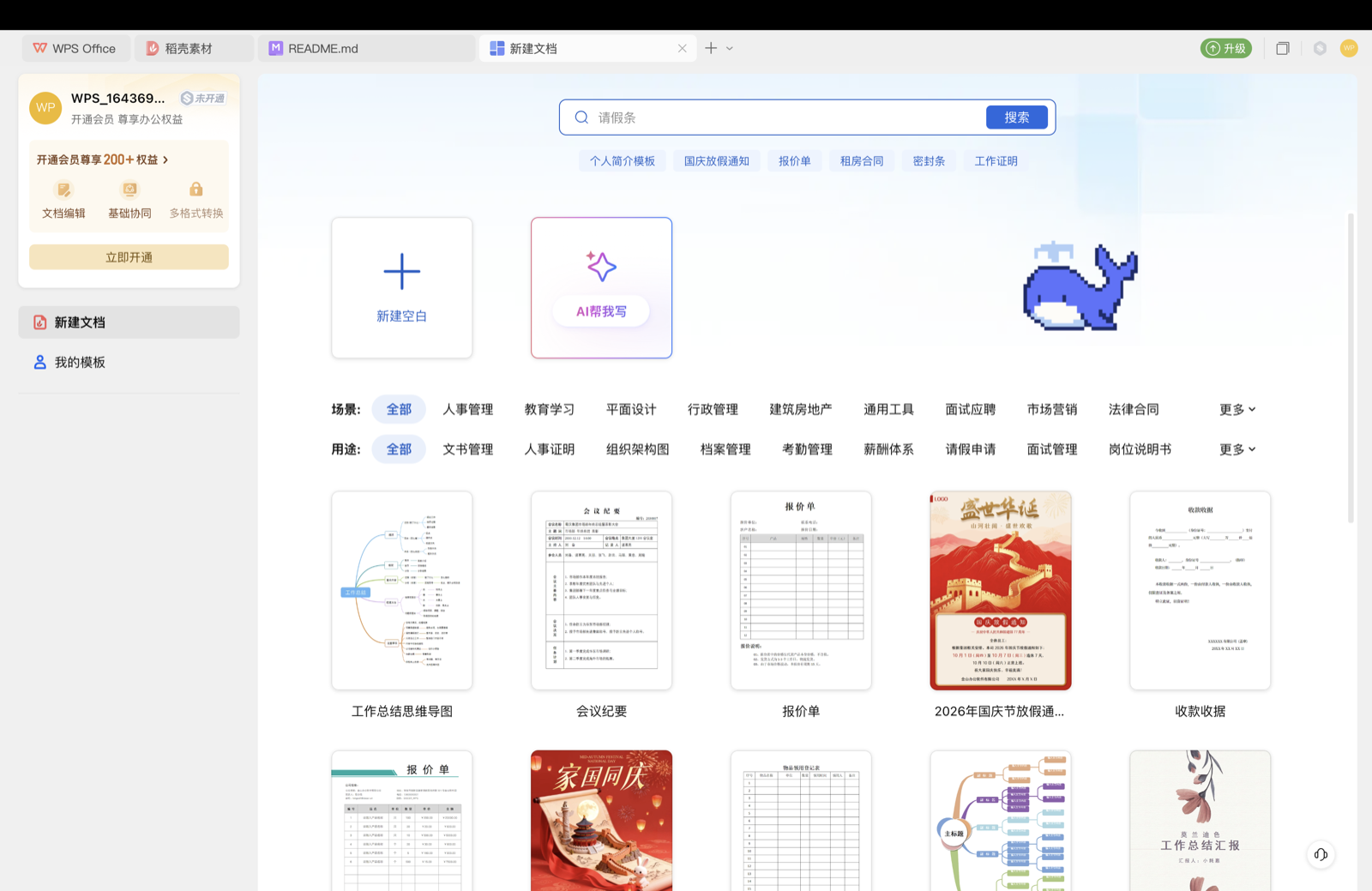
## 🖼️ 更多实拍
| | |
| --- | --- |
|  | |
## 📦 安装
1. 克隆本仓库到固定位置:
```bash
git clone https://github.com/15372010668-dot/dsh-pet-whale.git ~/dsh-plugins/dsh-pet-whale
```
> HTTPS 连接不稳定时改用 SSH(默认 22 端口不通就走 443 备选):
> ```bash
> git clone git@github.com:15372010668-dot/dsh-pet-whale.git ~/dsh-plugins/dsh-pet-whale
> git clone ssh://git@ssh.github.com:443/15372010668-dot/dsh-pet-whale.git ~/dsh-plugins/dsh-pet-whale
> ```
2. 在 DSH profile 的 `package.json` 中引用:
```json
{
"dependencies": { "dsh-pet-whale": "link:~/dsh-plugins/dsh-pet-whale" },
"dsh": { "profile": { "bundles": ["...", "dsh-pet-whale"] } }
}
```
3. 在 profile 目录执行 `pnpm install --offline`,重启 DSH;
4. ⚠️ **若被 DSH 版本校验静默拦截**(装了没反应),需按 manifest 授一次豁免:
```bash
dsh plugin --profile desktop allow-version dsh-pet-whale@1.2.0 --dsh-version <你的DSH版本> --accept-risk
```
> 目前仅支持 macOS(悬浮模式依赖 DSH 自带的 Electron 运行时)。数据目录在 `~/.dsh/pet-whale/`,卸载不丢宠物。
## 🎮 交互
| 动作 | 反应 |
| --- | --- |
| 单击 | 摸头:挥手压扁,50% 爱心 / 50% 喷水 |
| 双击 | 跳跃 |
| 拖动 | 移动位置(自动记忆);摇晃会喷水 |
| 右键 | 菜单:设置、收起、恢复通知等 |
## 🛠 开发
```bash
npm run check # 语法检查(4 个入口文件)
npm test # 69 项自动化测试:宿主 HTTP / 漫游引擎 / 通知状态机
npm run sync # 同步到本地 DSH 插件目录
```
`lib/*.js` 为直接维护的 esbuild 产物,架构与血统说明见 [FORK.md](FORK.md)。
## 📜 License
[Apache-2.0](LICENSE)。本项目是 [@michengai/dsh-codex-pet](https://github.com/MichengAI/dsh-codex-pet) 的衍生作品,上游署名与第三方素材声明见 [NOTICE](NOTICE)。