

Unzip the download and drag Pared to Applications.
**Prefer the terminal?** Run this to open the setup wizard:
```sh
curl -fsSL --proto '=https' --proto-redir '=https' \
https://github.com/4evy/pared/releases/latest/download/install.sh | sh
```
Requires Apple silicon and macOS 27 or newer. No Xcode or Homebrew needed.
Website ·
Documentation ·
More install options
# Apple Intelligence, on your terms
Choose which Apple Intelligence features stay on your Mac, then remove models
you no longer need. Pared includes a native app, terminal wizard, and Nix
modules. System Integrity Protection stays enabled.
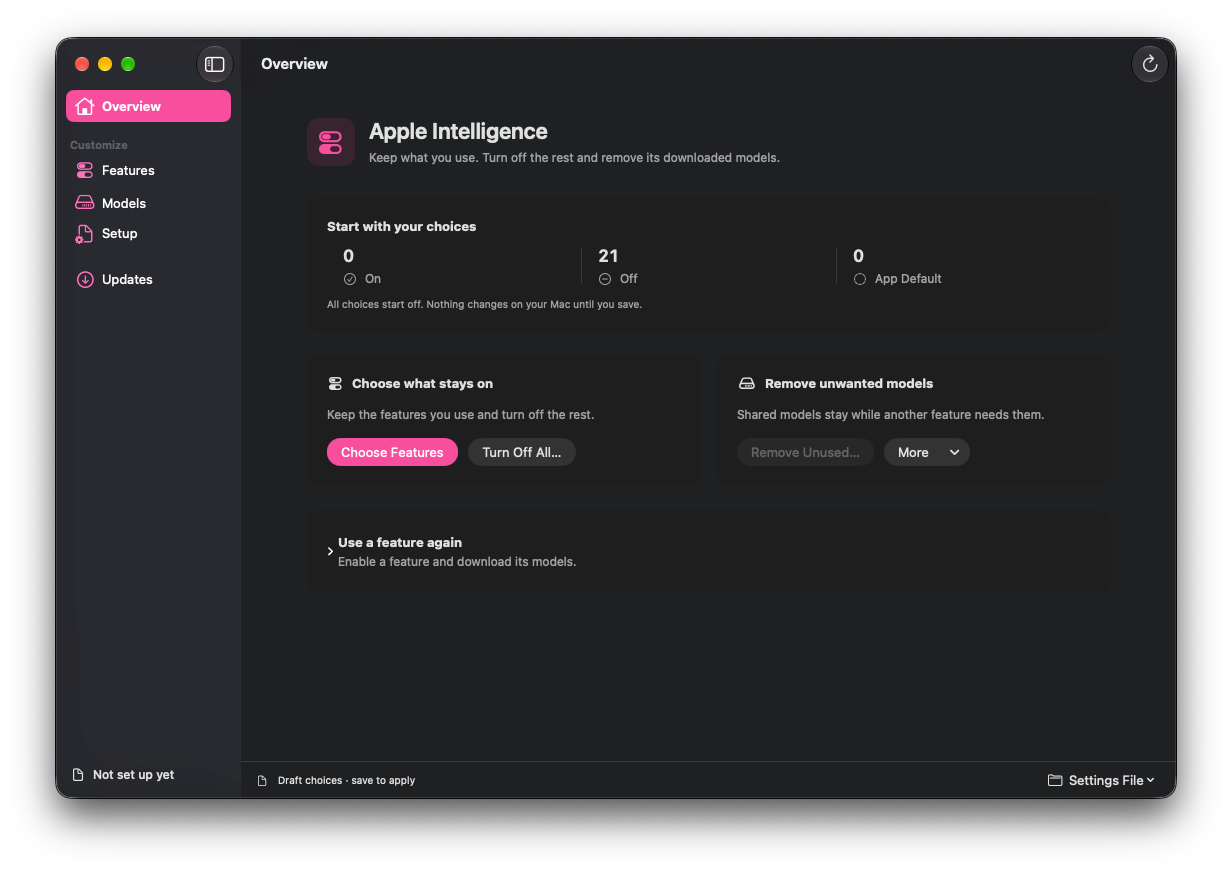
## Keep what you use
Keep Writing Tools, turn off Genmoji, or switch everything off. Pared keeps
shared models needed by features in its catalog that you leave on or unmanaged.
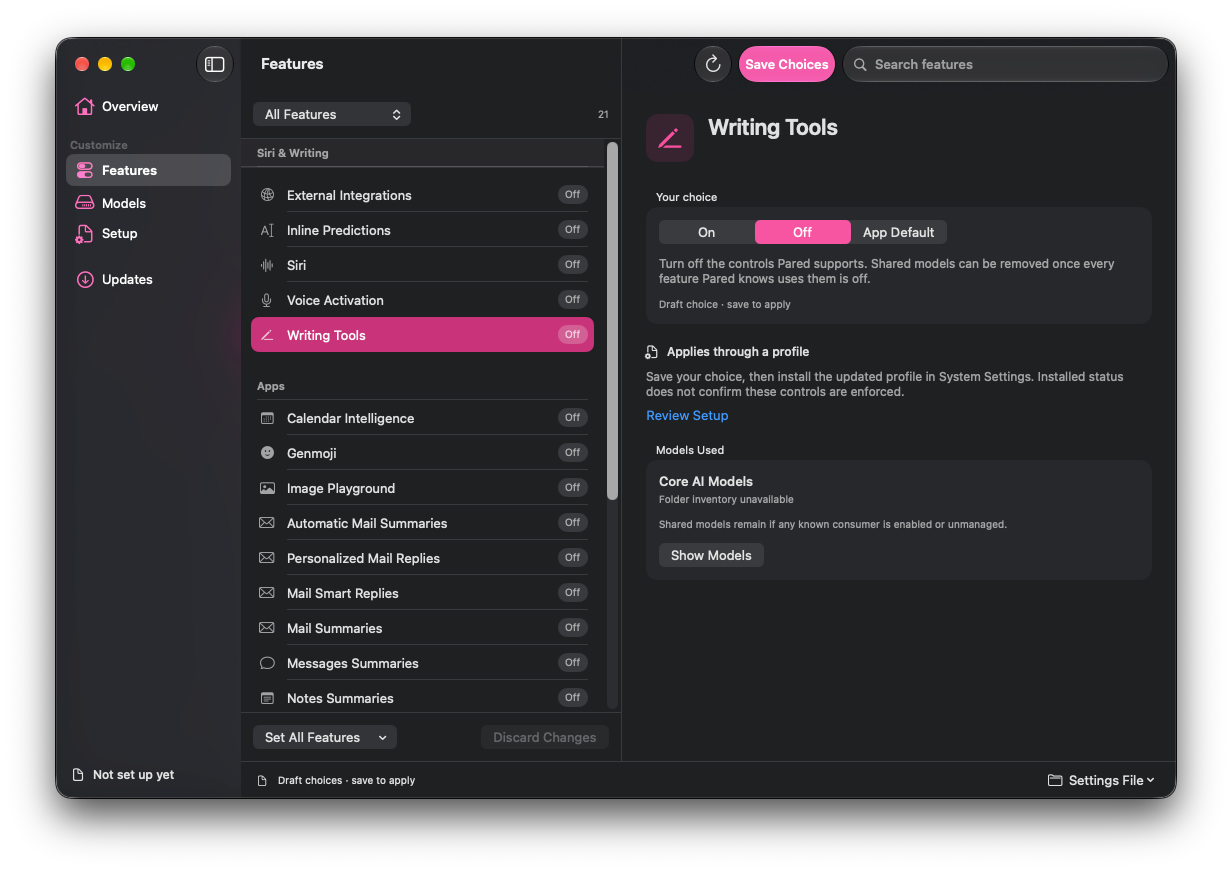
## A few choices, then a review
1. **Choose your features.** Set each one to On, Off, or App Default. A new
policy starts with everything off; review your choices before saving
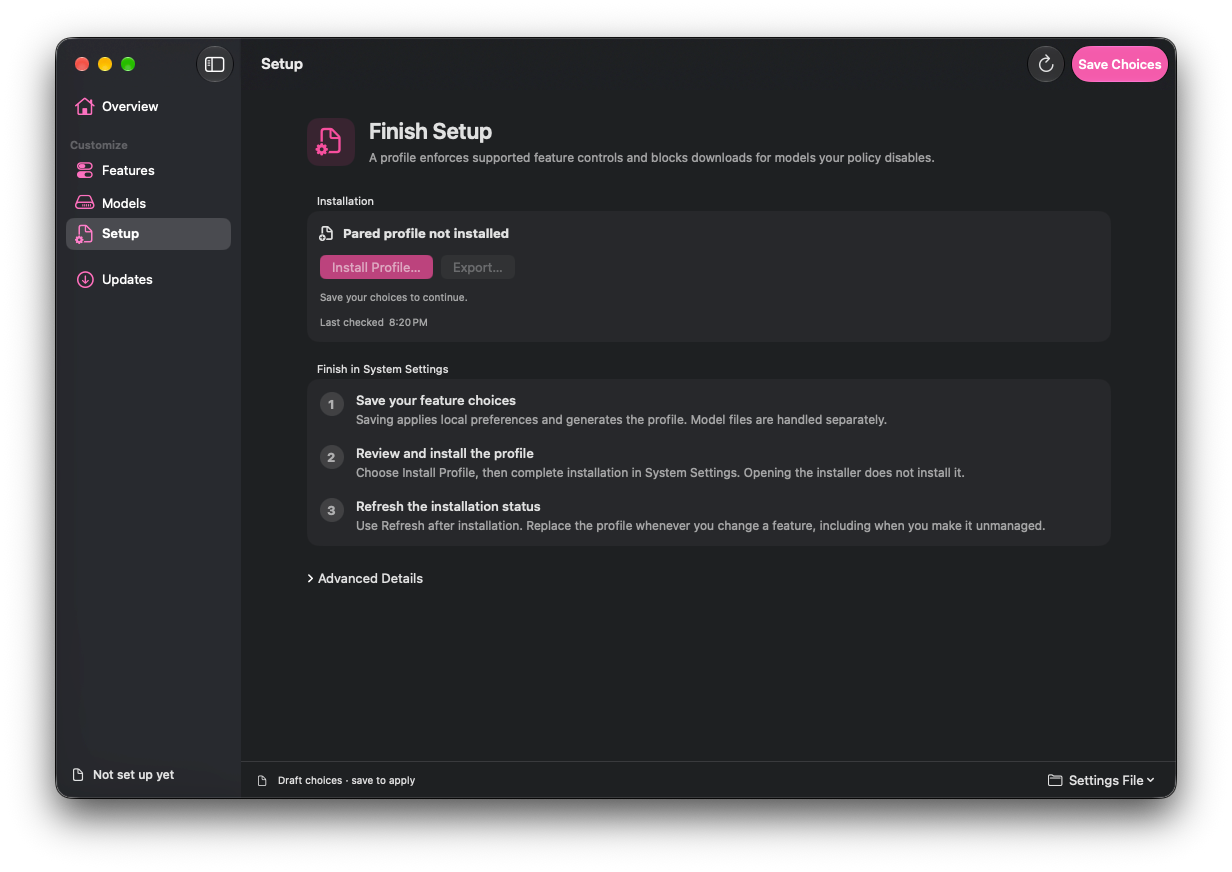
2. **Finish setup.** Install Pared’s configuration profile in System Settings.
It applies supported controls and blocks unwanted model downloads
3. **Review model removal.** Pared shows which models can go before you
confirm. Saving feature settings and removing models are separate actions
Want a feature back? Turn it on, install the updated profile, then request its
models in Pared. For features Pared can’t download directly, use their Apple
app.
## Use
Open Pared or run `pared wizard`. Opening either changes nothing; feature
choices stay in a draft until you save.

See the [app manual](https://4evy.github.io/pared/docs/) or [command-line
guide](docs/cli.md) for setup and commands.
### Configure it with Nix
Use the nix-darwin or Home Manager module to manage your choices. Both remove
eligible models during activation by default; set
`programs.pared.cleanupOnActivation = false;` to opt out. Install the generated
profile in System Settings to block future downloads.
See the [Nix setup guide](https://4evy.github.io/pared/docs/#quick-start) and
[option reference](https://4evy.github.io/pared/docs/#sec-options).
## Build from source
With Xcode 27 or newer, run from this checkout:
```sh
tools/app/app.sh
open .build/Pared.app
```
For CLI and offline installation, see the [command-line
guide](docs/cli.md#install).
## How it works
Pared uses Apple’s asset service to remove models. Read [how profiles and model
removal work](docs/how-it-works.md) for the implementation and compatibility
limits.