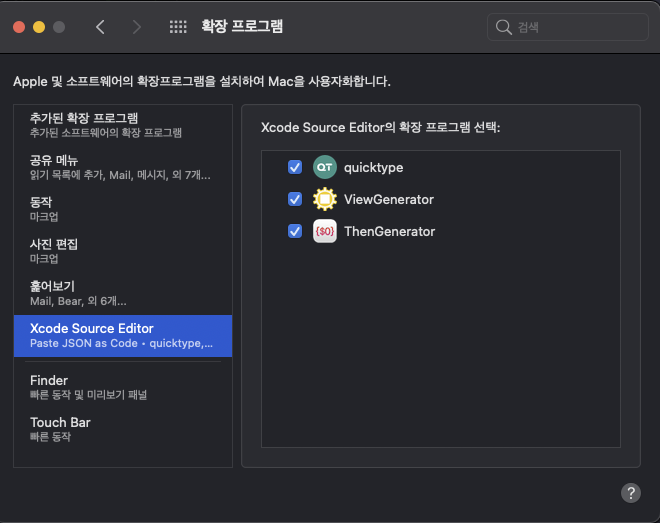
## Overview ThenGenerator is Xcode Source Editor Extension for [Then](https://github.com/devxoul/Then) ## Install ## Enviroment - macOS 11.0 (Big Sur) - SwiftUI - UserDefaults ## How to use 1. Install ThenGenerator 2. Enable Xcode Source Editor - `` -> `System Preferences` -> `Extensions` - Check `ThenGenerator`
 3. Input variable name for Generate code. Without `UI` prefix.
4. If you want to create a UILabel class with variable name `repoNameLabel`, you input text `VariableName + Label`
5. Select variable name
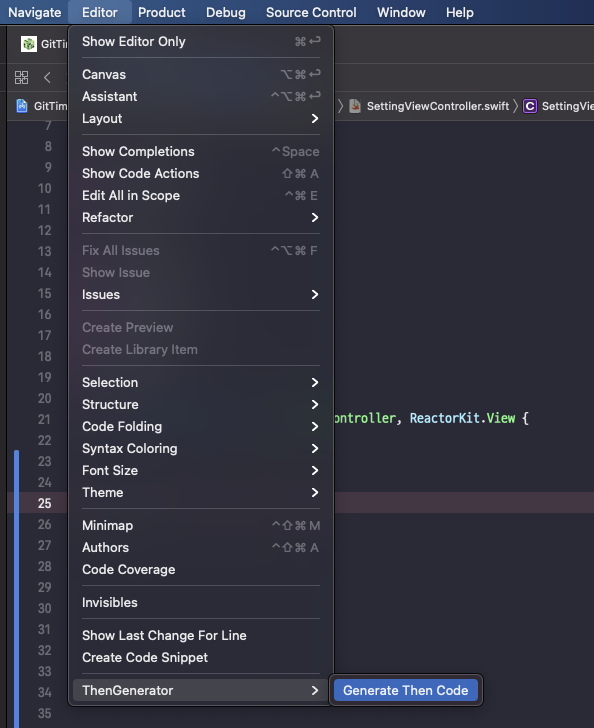
6. `Editor` -> `ThenGenerator` -> `Generate Then Code`
3. Input variable name for Generate code. Without `UI` prefix.
4. If you want to create a UILabel class with variable name `repoNameLabel`, you input text `VariableName + Label`
5. Select variable name
6. `Editor` -> `ThenGenerator` -> `Generate Then Code`
 ## Use Shortcut
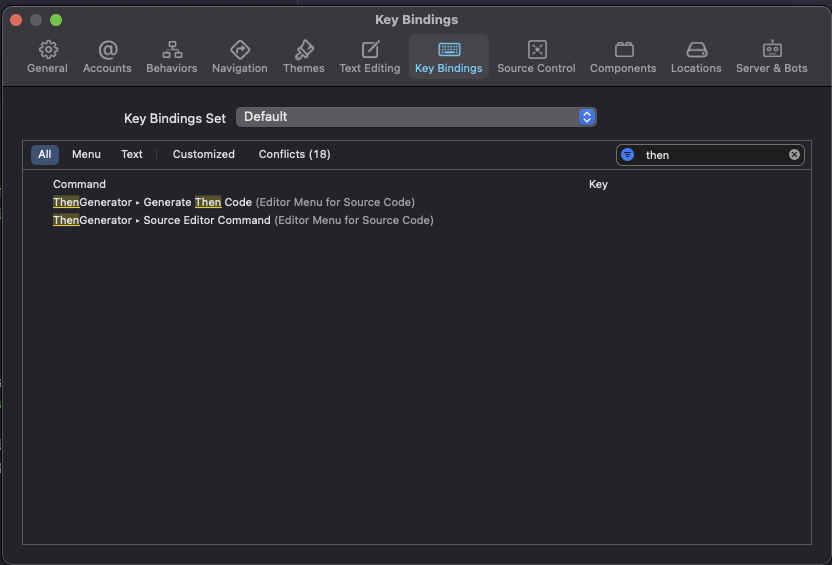
1. Xcode Preferences.. (`⌘` + `,`)
2. Key Bindings
3. Search ThenGenerator
4. Add Shortcut
## Use Shortcut
1. Xcode Preferences.. (`⌘` + `,`)
2. Key Bindings
3. Search ThenGenerator
4. Add Shortcut
 ## Change Properties
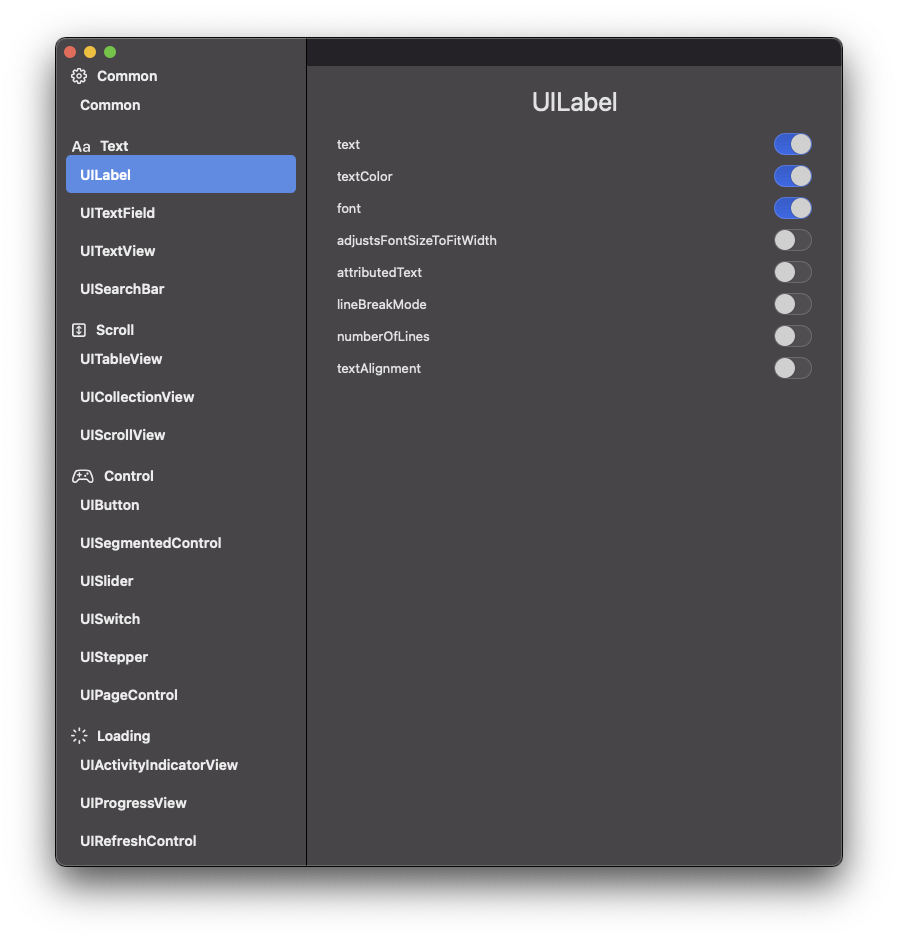
1. Launch `ThenGeneratorApp`
2. Find `UIKit` class and turn on/off switch
## Change Properties
1. Launch `ThenGeneratorApp`
2. Find `UIKit` class and turn on/off switch
 ## Demo
| Single |
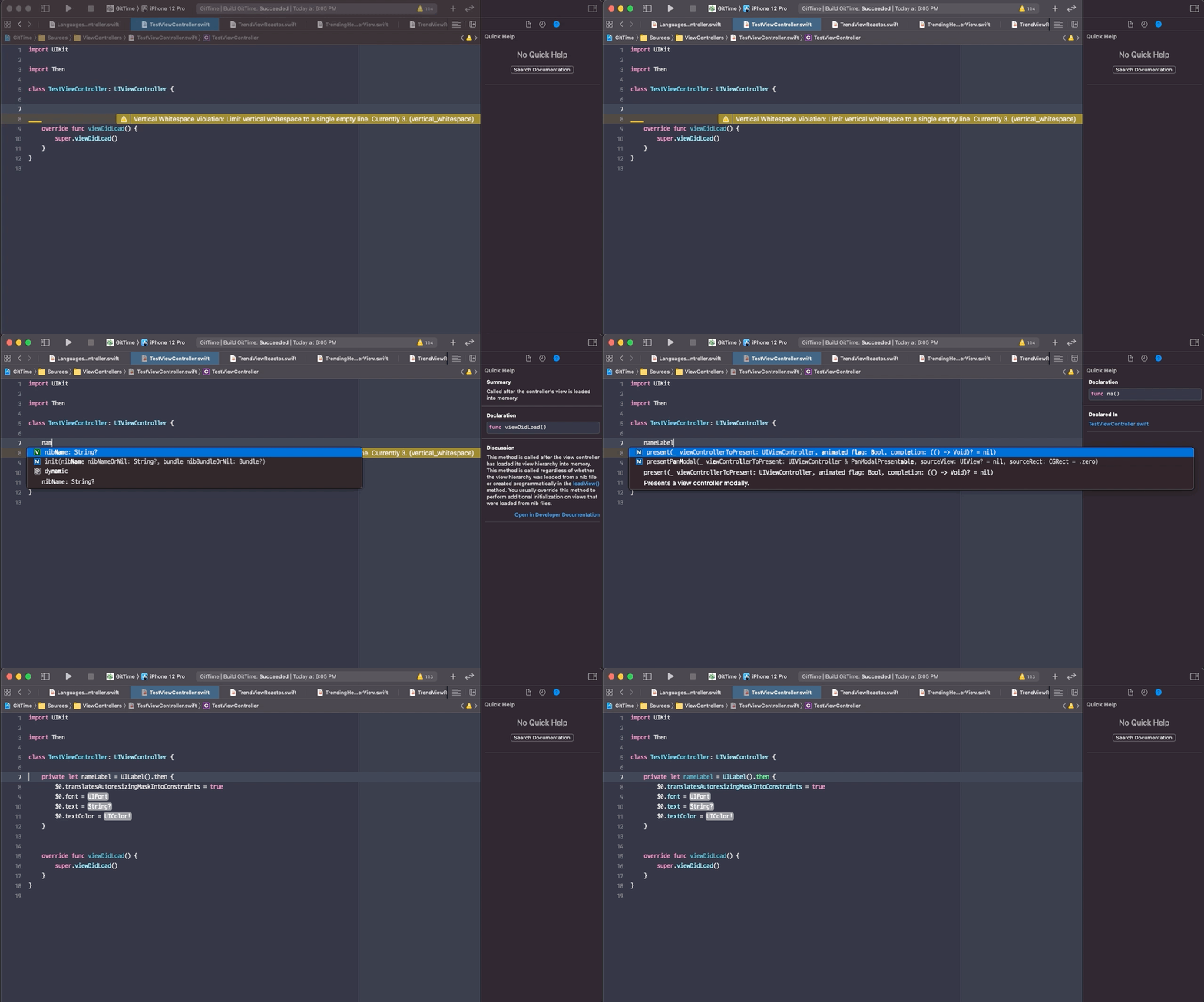
|
|---|
| Multiline |
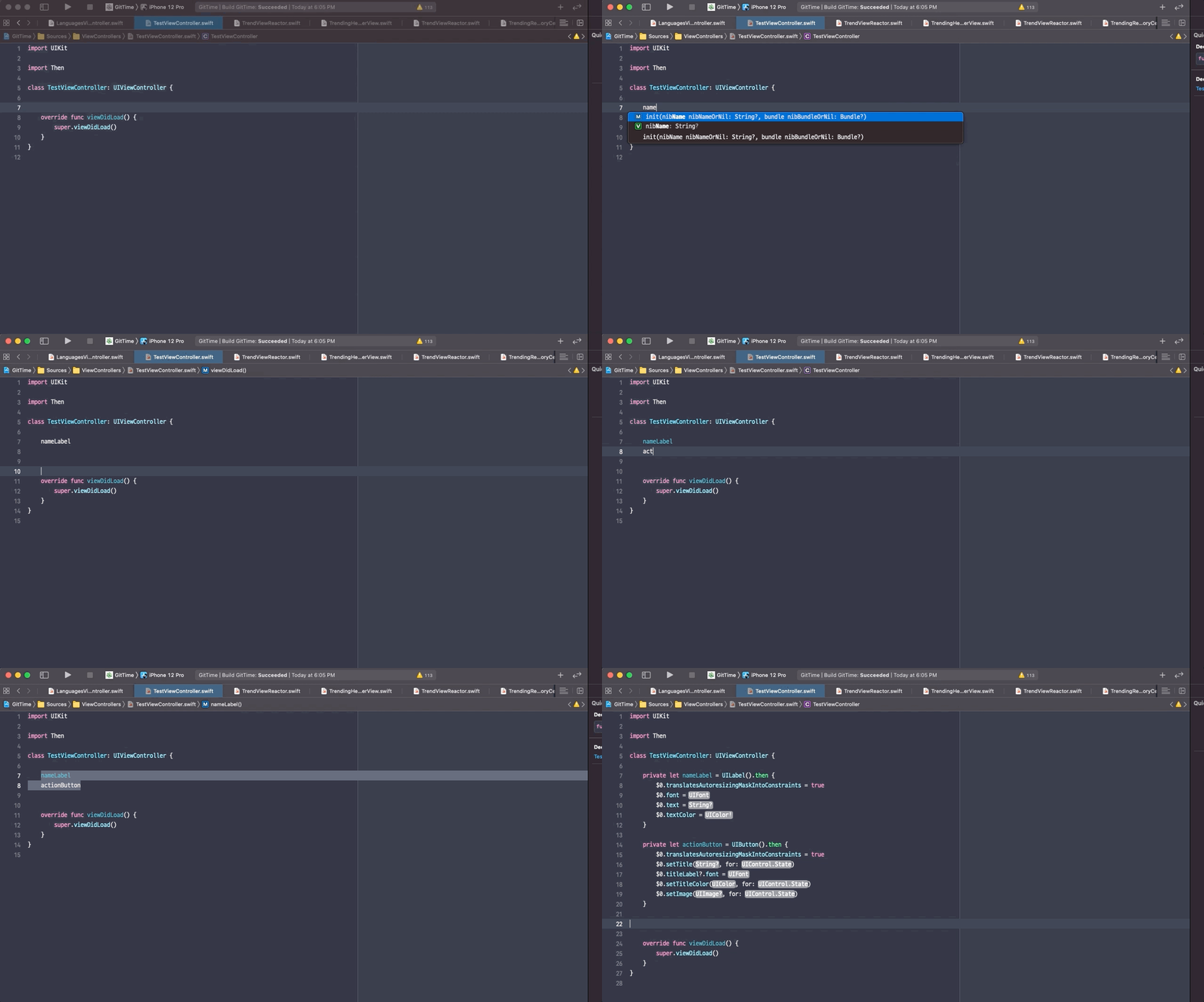
|