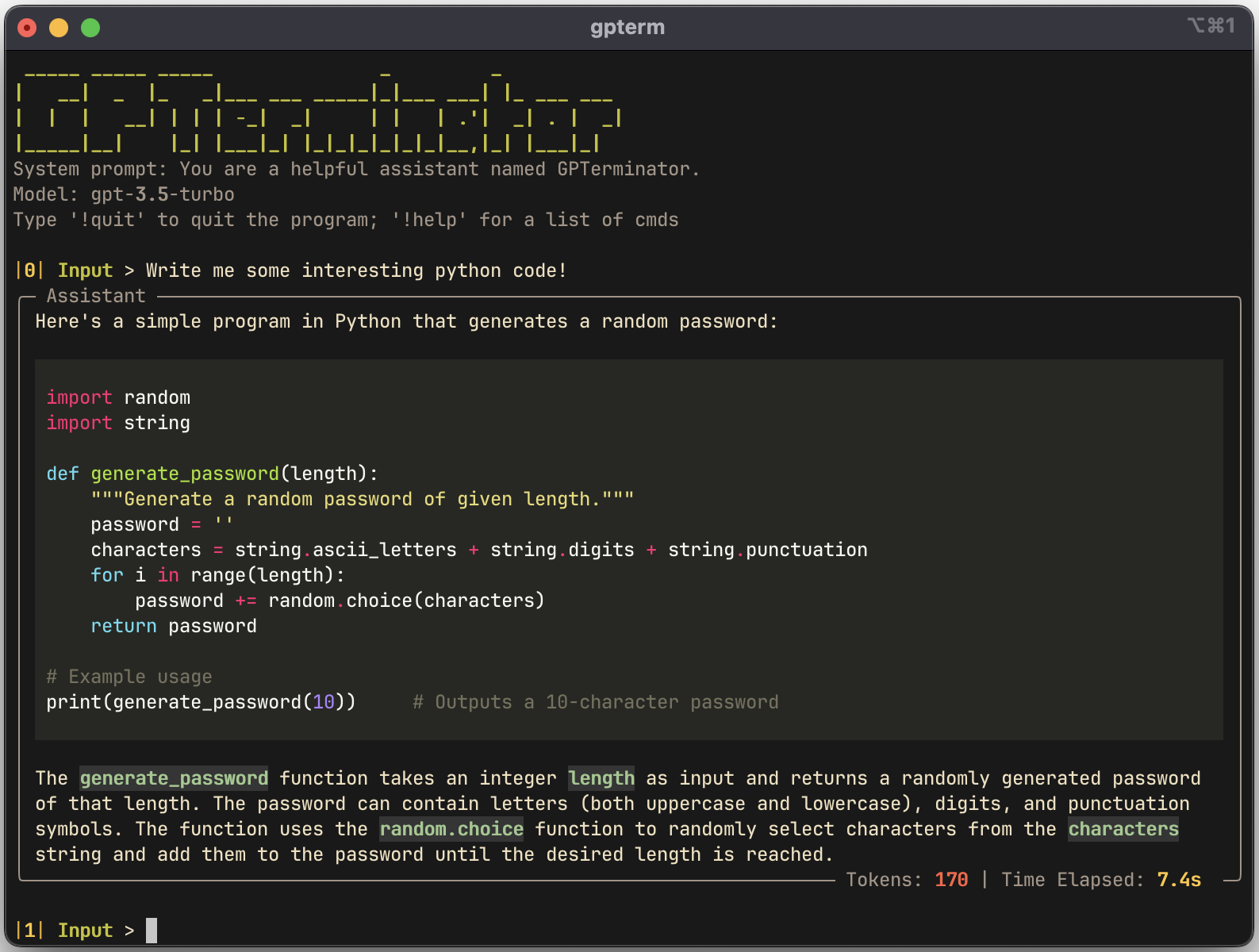
GPTerminator provides a convenient way to interact with OpenAI's chat completion and image generation APIs using your command line interface.
## Features :sparkles:
- :mag: Chat completion
- :floppy_disk: Save and load chat sessions
- :bar_chart: File analysis
- :art: Image generation with Dalle
- :clipboard: Easy code and text copying using
- :repeat: Regeneration of responses
## Getting Started & Installation :rocket:
### To use this terminal interface, follow these steps:
#### 1) Install GPTerminator
```shell
git clone https://github.com/AineeJames/ChatGPTerminator
cd ChatGPTerminator
pip install .
```
or
```shell
pip install gpterminator
```
#### 2) Set the OPENAI_API_KEY env variable (you may want this in your shell's `.rc` file):
```shell
export OPENAI_API_KEY=
```
#### 3) Start GPTerminator by running one of the following commands:
```shell
gpterm
# or
gpterm # ex: gpterm write a hello world function in Python
```
#### 4) Type `!help` for a list of commands to use
## Running with podman/docker (optional) :package:
#### Build the image and provide the `APIKEY`
```bash
podman build \
--build-arg APIKEY=$(echo $OPENAI_API_KEY) \
-t gpterm .
```
#### Run `gpterm` in the container
```bash
podman run -it --rm --name gpterm gpterm
```
#### Set an alias for easy access
```bash
echo "alias gpterm='podman run -it --rm --name gpterm gpterm'" >> ~/.bashrc
```
## Commands :exclamation:
- Power up you chat experience with commands!
- By typing `!help` you can view all the possible commands along with a short description.
- Please check out the [wiki](https://github.com/AineeJames/ChatGPTerminator/wiki/Commands) for more detailed help with commands!
## Configuration :gear:
The `config.ini` configuration resides in different locations depending on your OS. In order to find the path, run `gpterm` and then enter `!pconf`.
GPTerminator is configurable and can support multiple configurations. Add the following to your `config.ini`:
```ini
[CONFIG_TEMPLATE]
ModelName =
SystemMessage =
Temperature =
PresencePenalty =
FrequencyPenalty =
CommandInitiator =
SavePath =
CodeTheme =
```
| Setting | Description | Default |
| -------------------- | -------------------------------------------------------------- | ---------------------------------------------- |
| **ModelName** | this is the model used when chatting | `gpt-3.5-turbo` |
| **Temperature** | between 0 and 2 | `1` |
| **PresencePenalty** | between -2 and 2 | `0` |
| **FrequencyPenalty** | between -2 and 2 | `0` |
| **SystemMessage** | this is the starting system message sent to the API | You are a helpful assistant named GPTerminator |
| **CommandInitiator** | this can be set to change the default `!` structure | `!` |
| **SavePath** | this changes the location of the save path when loading/saving | (default save path) |
| **CodeTheme** | this changes the Pygments theme of code blocks | `monokai` |
> **Note**
> More details on some settings can be found [here](https://platform.openai.com/docs/api-reference/chat/create)
> **Note**
> Valid color schemes can be found [here](https://pygments.org/styles/)
> **Note** If you change the `CommandInitiator`, you will now type `` to execute commands...
After saving the config file, run `gpterm`, then enter `!setconf` and select which config you wish to use. You can also run the `!pconf` command to view the current config details.
## Contributing :raised_hands:
### Current Contributors:
We welcome contributions to this project. If you find a bug, have a feature request, or want to contribute code, please open an issue or submit a pull request.
## Disclaimer :warning:
> **Warning**
> This program uses the OpenAI API to chat and generate images using DALL·E. It is a good idea to put a usage cap on your billing, just in case something goes wrong!