# Zettel
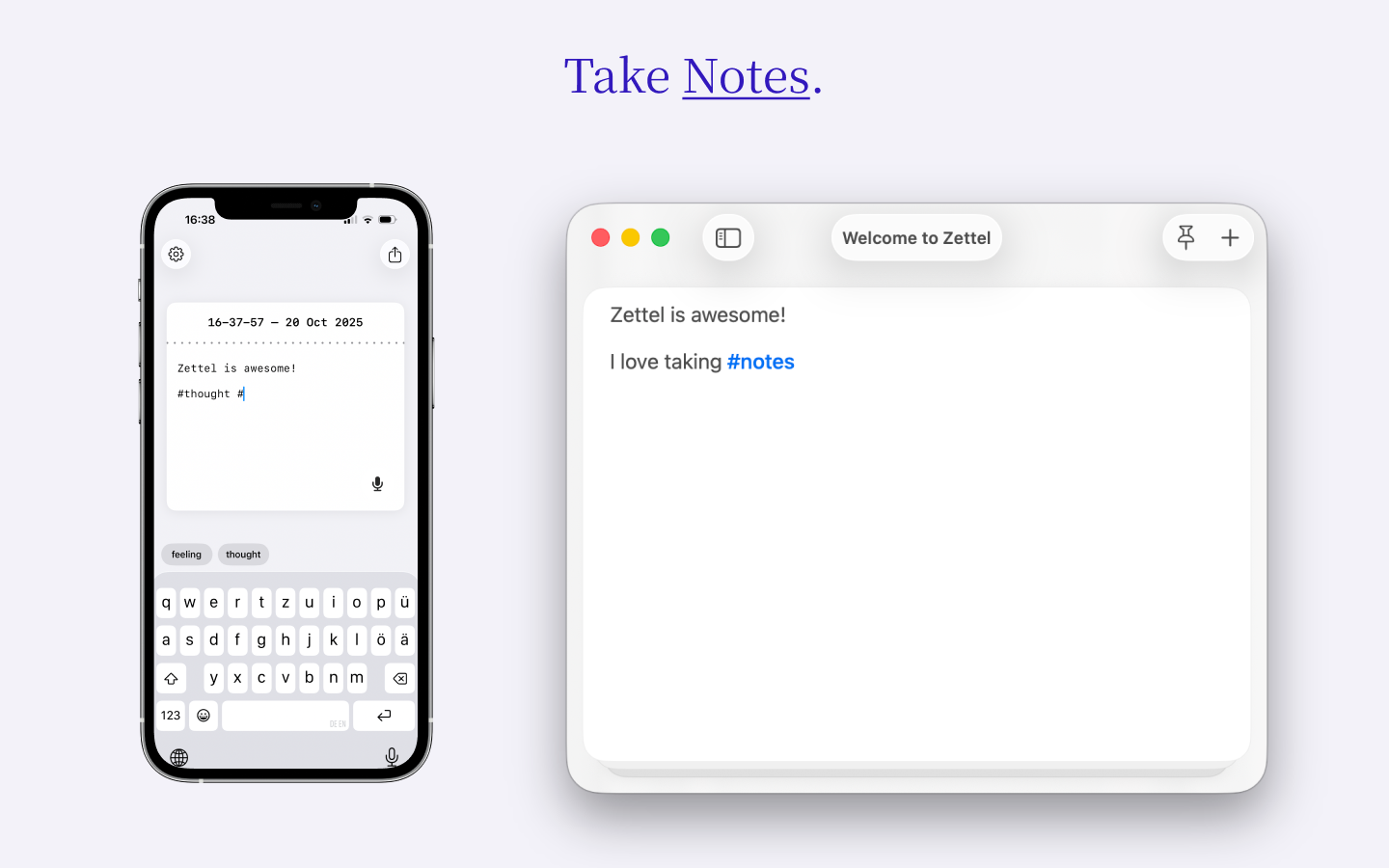
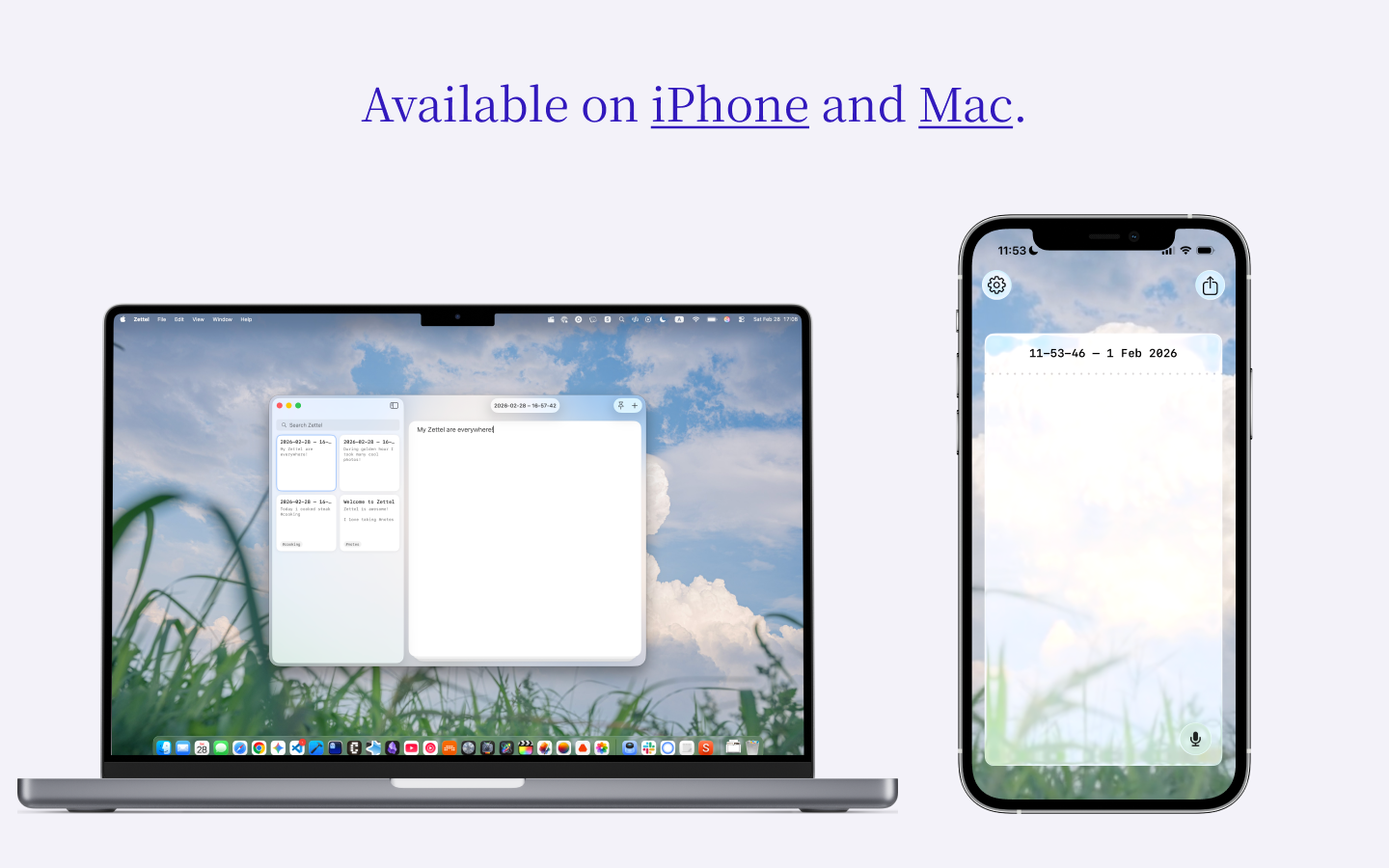
Zettel is a minimal, distraction-free *local* note-taking app available for **iPhone and Mac**.
## App Store
You can download Zettel for free:
- **iOS / macOS**: [App Store](https://apps.apple.com/de/app/zettel-quick-notes/id6748525244)
## Features
- **Single-note focus**: Edit one note at a time with full-screen interface
- **Tag system**: Organize notes with hashtags (#tag)
- **Themes**: Light, dark, and system theme options
- **File integration:** All notes are just simple MarkDown files
## Requirements
### iOS
- iOS +26
### macOS
- macOS 26+
## Dev Setup
1. **Clone the repository**
```bash
git clone git@github.com:AlexW00/Zettel.git
cd Zettel
```
2. **Configure your environment**
```bash
cp .env.example .env
```
3. **Edit `.env` with your Apple Developer details:**
- `DEVELOPMENT_TEAM`: Your Apple Developer Team ID (found in Apple Developer portal)
- `BUNDLE_IDENTIFIER`: Your unique bundle identifier (e.g., `com.yourcompany.Zettel`)
## Building
```bash
./build.sh ios
# or
./build.sh macos
```
Or run the configuration and build separately:
```bash
./configure.sh # Configure project with your environment
# Then build in Xcode or use xcodebuild directly
```
## Development Scripts
- `./configure.sh` - Configure Xcode project with environment variables
- `./build.sh ` - Configure and build for the specified platform
- `./clean.sh` - Reset project configuration to clean state
## Contributing
See [CONTRIBUTING.md](CONTRIBUTING.md) for development setup and contribution guidelines.