Status: Beta 🎉
Give it a star. It really motivates us 🤩
Coya is a diagram drawing library.
The resulting diagram is just a JSON file, so you can:
- 🤓 commit it to git and compare it with the prev version
- 💡 generate a diagram from any programming language
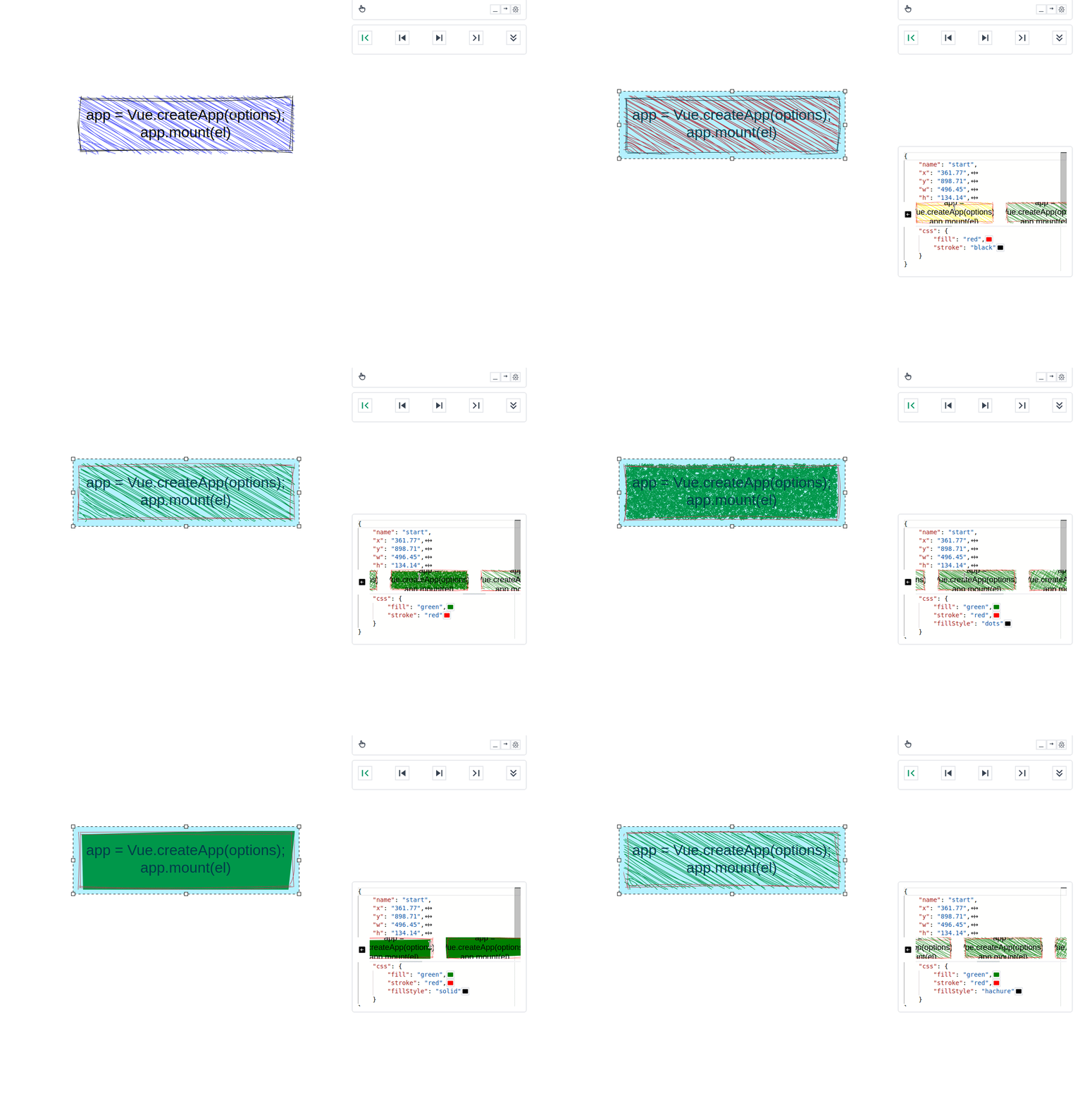
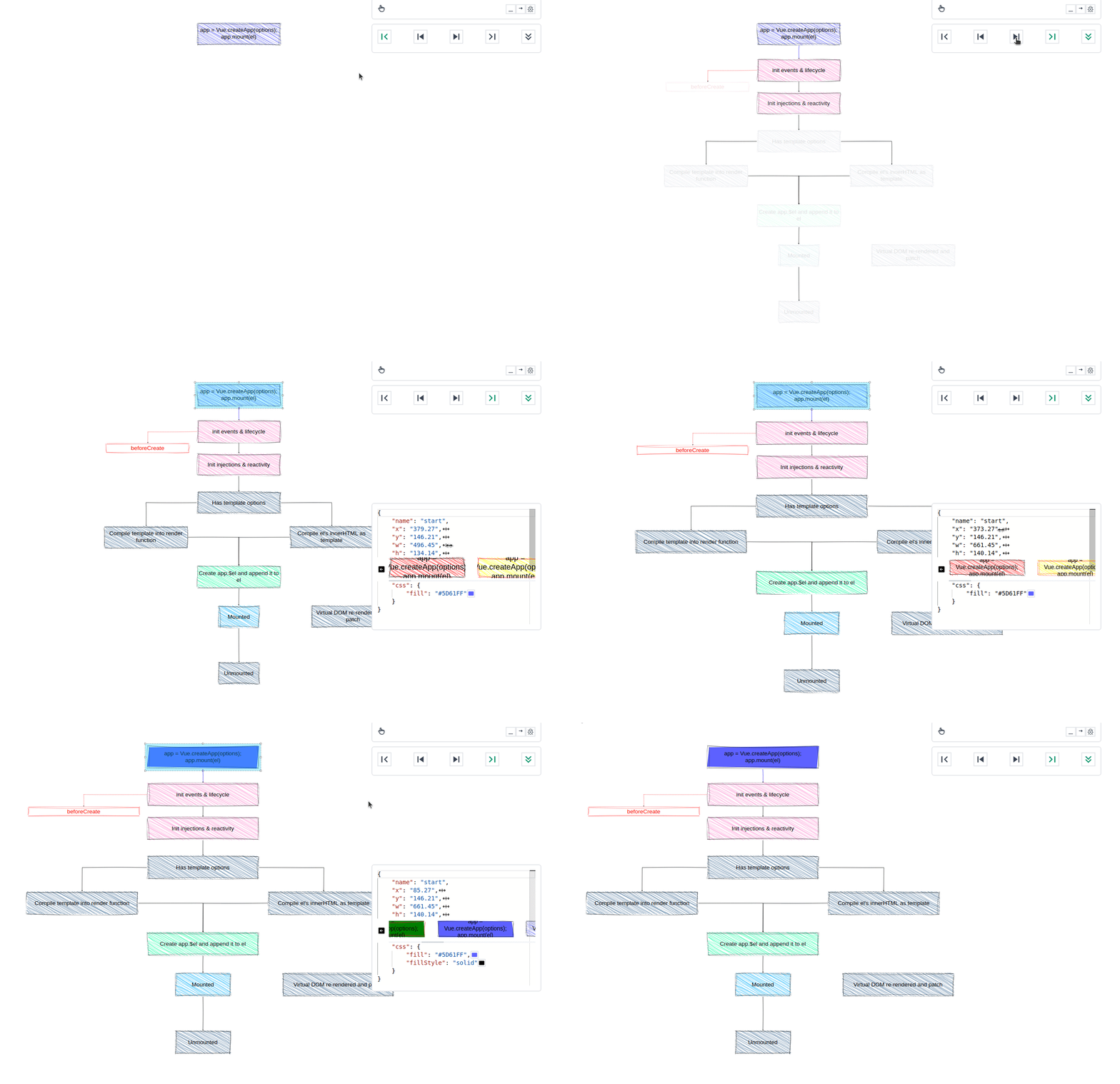
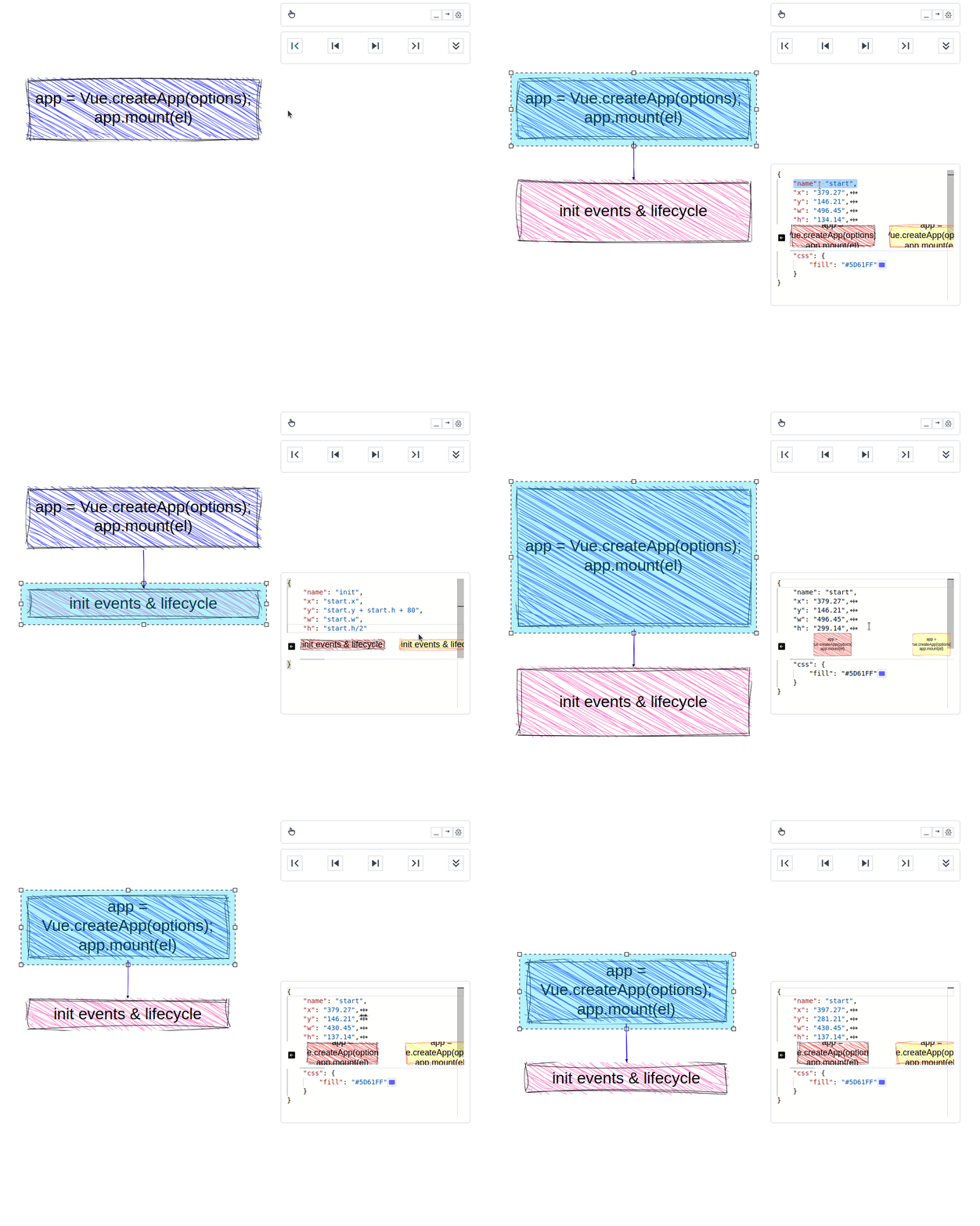
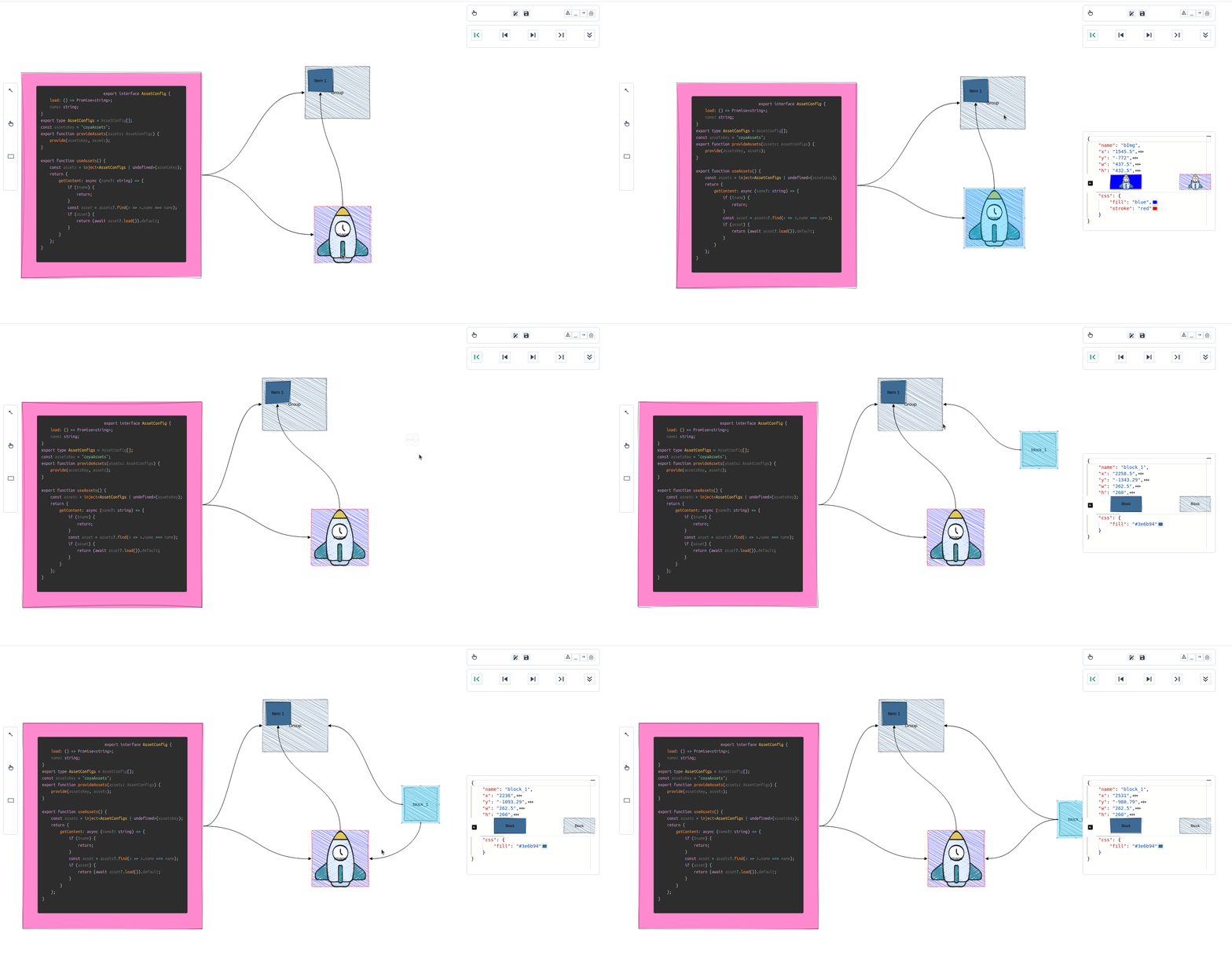
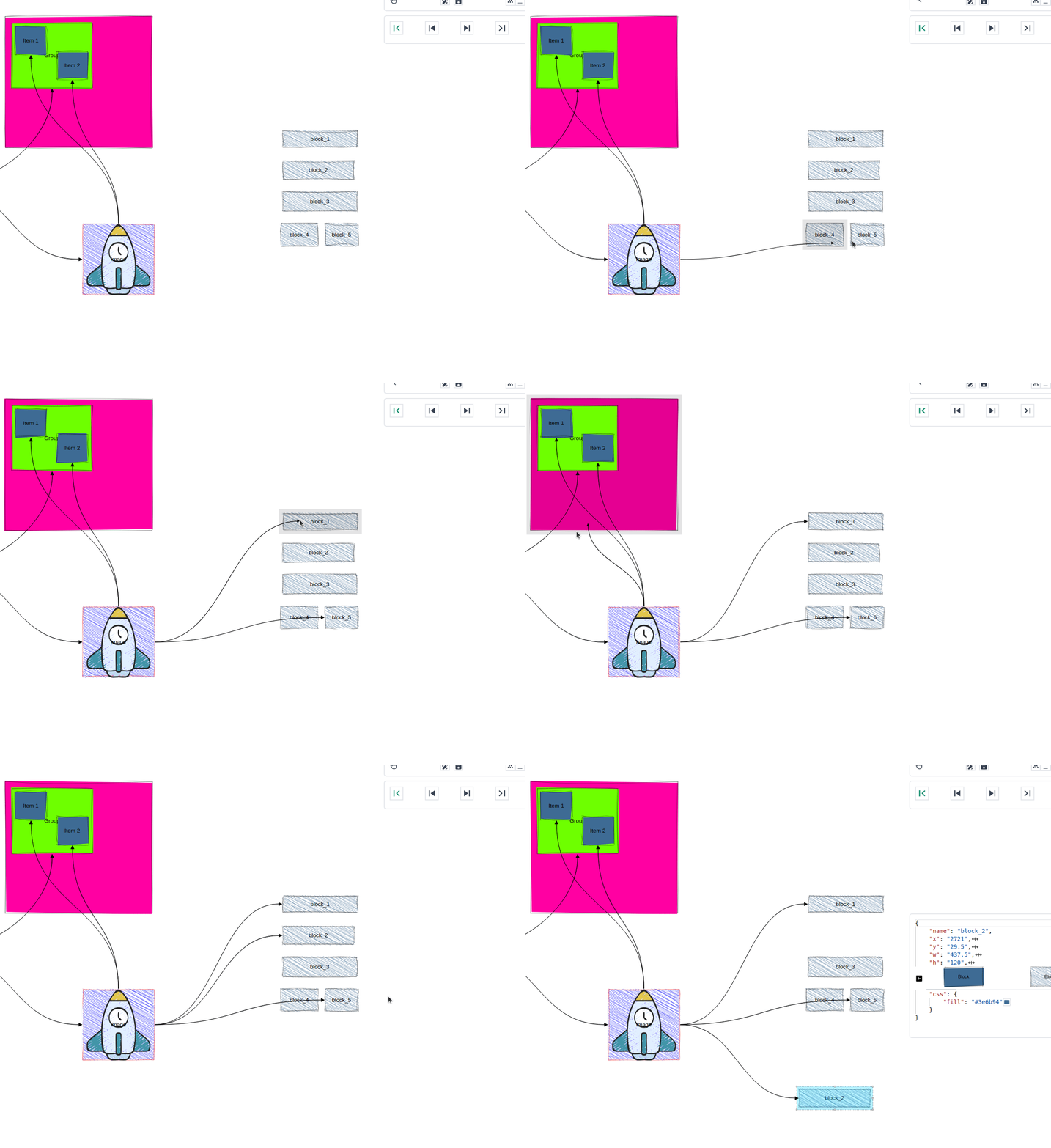
- ✨ animate diagram, like in PowerPoint
- 🔨 use a powerful editor
- 🧰 use vscode extension (in development)

# Demo
You can try it [here](https://coya-demo.herokuapp.com/)
Here is an example of how to use it:

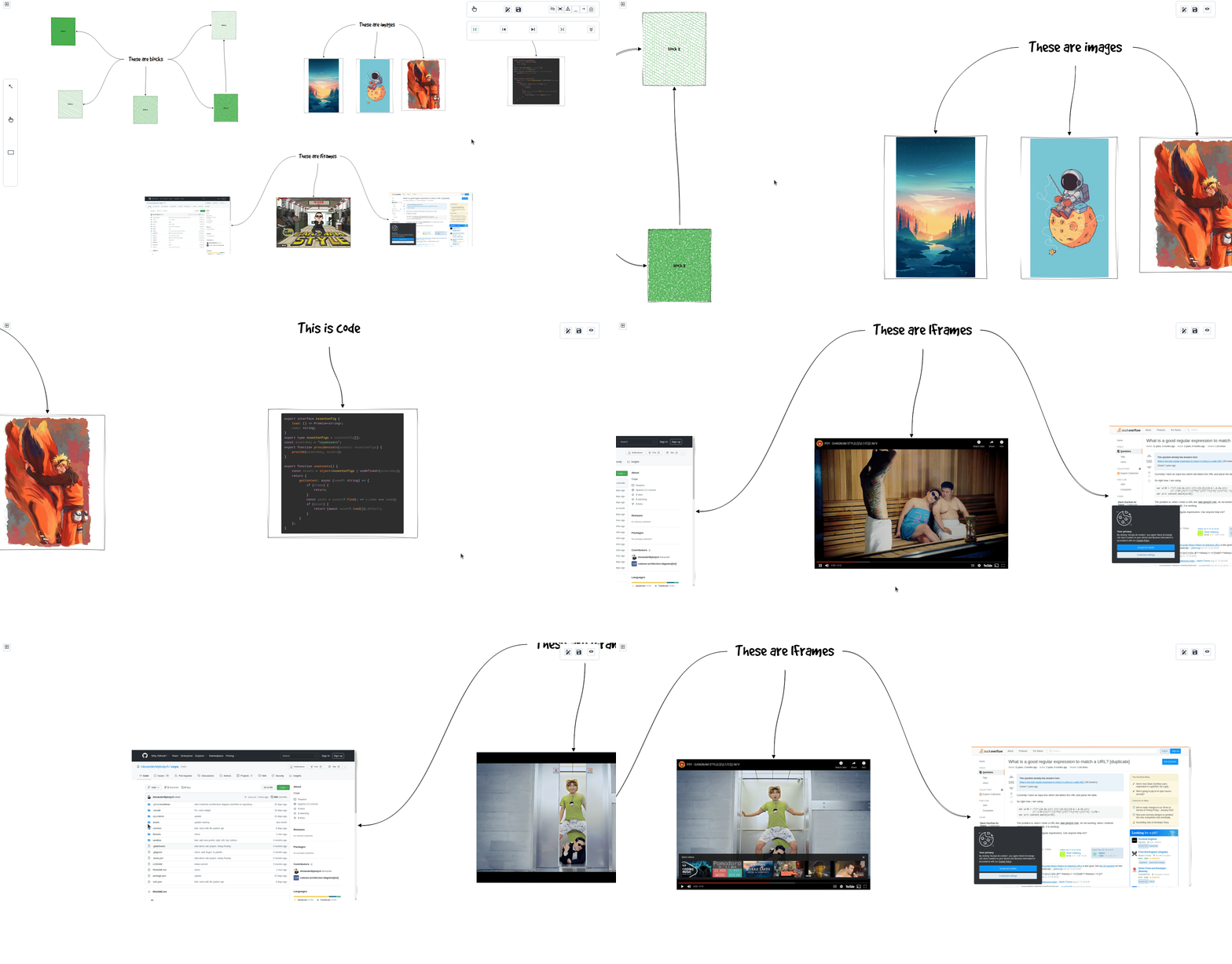
# Available blocks
- rectangles and arrows
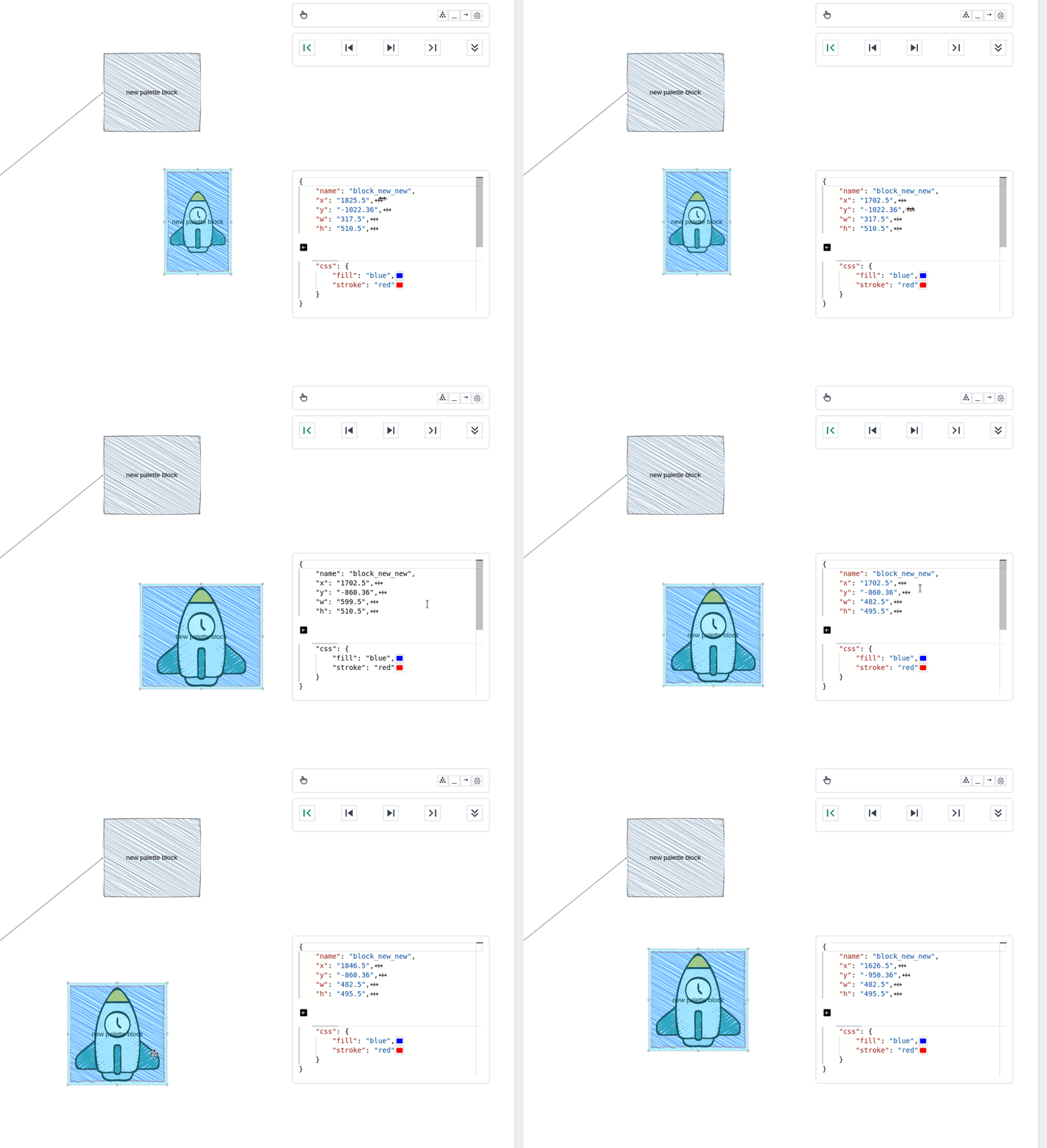
- images
- code files
- iframes
# Run locally
First time:
```bash
pnpm i
```
Run project:
```bash
pnpm vue
```
# Sponsors
# Contributors
Follow our [Contribute guide](CONTRIBUTING.md).
# Keep posted
More details on [Twitter](https://twitter.com/AMykulych)
# More examples (only gifs for now)