---
title: Revealjs Introduction
theme: "moon"
transition: "zoom"
highlightTheme: "darkula"
slidenumber: true
separator: ^---
verticalSeparator: ^--
---
# Do you know this?
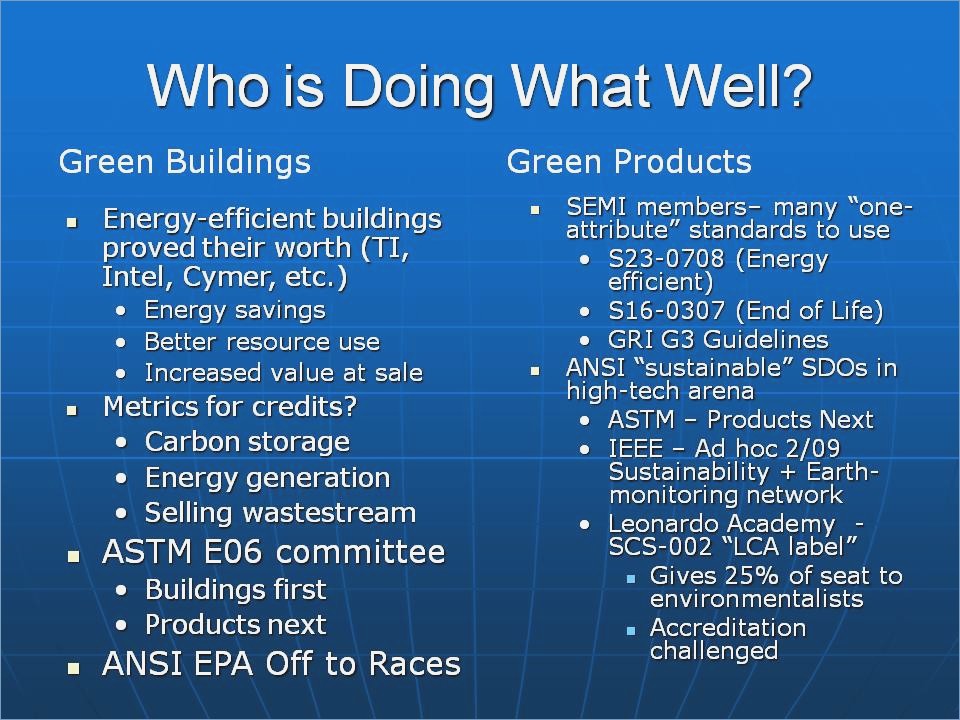{ width=50% height=50% }
[source](http://www.kothuria.com/bad-powerpoint-presentations/bad-powerpoint-presentations-examples-of-bad-powerpoint-presentations-slaved-template/)
# How to diff?
{ width=40% height=40% }
Icon made by Freepik from www.flaticon.com is licensed by CC 3.0 BY
# Do you know this?
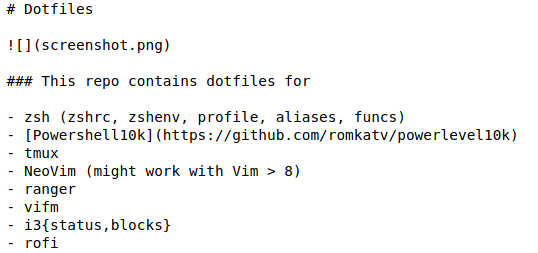{ width=100% height=100% }
# How about that?
{ width=80% height=80% }
[source](https://www.planet-source-code.com/vb/2010Redesign/images/LangugeHomePages/HTML5_CSS_JavaScript.png)
# Webtechnologies + Markup Language = ???
# REVEALJS
::: incremental
- Framework for HTML presentations
- Support for Markdown, orgmode, rST, and more
- Speaker notes, pdf export, API, and more
:::
# Syntax
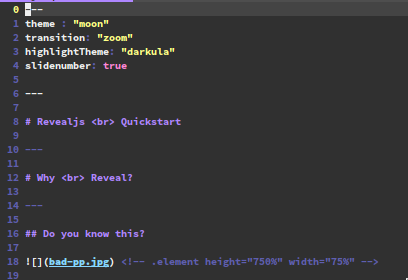{ width=50% height=50% }
[source of this presentation](https://raw.githubusercontent.com/Allaman/reveal-js-intro/master/presentation.md) and a slightly more [extensive example](https://raw.githubusercontent.com/evilz/vscode-reveal/master/sample.md)
# Tooling {data-background-image="./background.png"}
## Many tools {style="color:yellow"}
::: incremental
- Emacs, VS Code, Vim
- R Studio, Jupyter
- reveal-md Pandoc
- HTML
- Many more
:::
## Pandoc
```bash
pandoc -t revealjs -s -o slides.html myslides.md \
-V revealjs-url=http://lab.hakim.se/reveal-js
```
::: notes
Does require internet access as reveljs libs will be loaded from the web
:::
## Reveal-md
```bash
npm i -g reveal-md
reveal-md presentation.md --static public
reveal-md presentation.md
```
::: notes
First exports static html files, second spins up local webserver
:::
## VS Code Extension
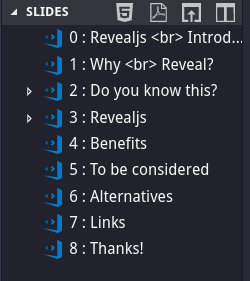{ width=45% height=45% }
## Revealjs Workflow
1. Markdown editing
1. Create a standalone HTML file with [Pandoc](https://pandoc.org/)
1. Push it to your [Webserver|Github Pages|S3|...]
1. ... Or automate it via pipeline
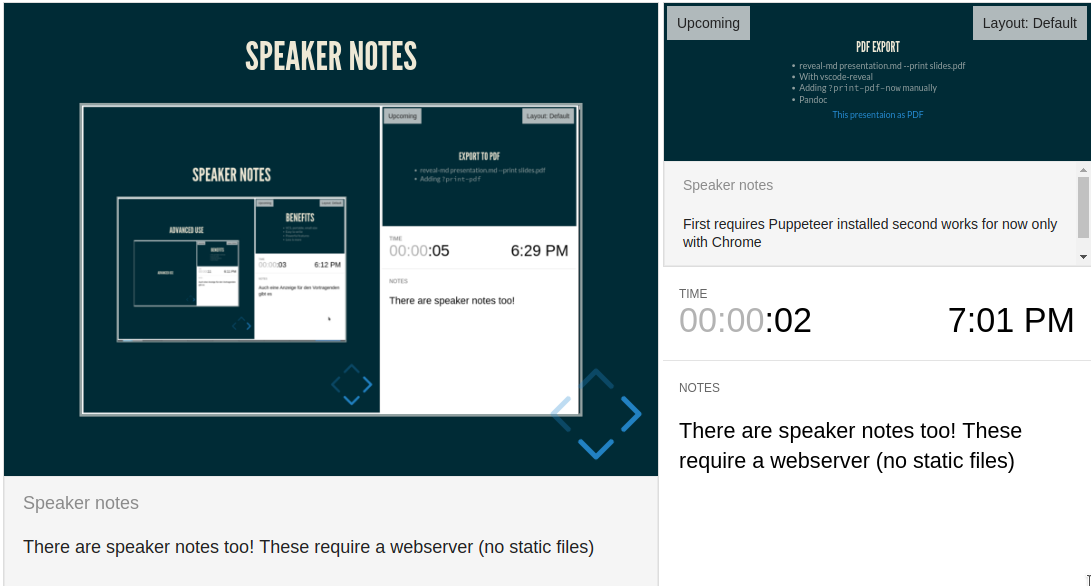
# Speaker Notes
{ width=80% height=80% }
::: notes
There are speaker notes too! These require a webserver (no static files)
:::
# PDF Export
- reveal-md presentation.md --print slides.pdf
- With vscode-reveal
- Adding `?print-pdf-now` manually to URL
- Pandoc
::: notes
First requires Puppeteer installed,second works for now only with Chrome
:::
# Benefits
- VCS, portable, small size
- Easy to write
- Powerful features
- Less is more
# To be considered
- No diagrams ootb
- Image sizing/alignment tricky
- Additional export
- Basic HTML knowledge required
- Browser compatibility
- Syntax depends on "build" tool
# Alternatives
- [Impressjs](https://impress.js.org/#/bored)
- [Remark](https://remarkjs.com/)
- [Shower](https://github.com/shower/shower)
- [Latex Beamer]()
- [Prezi](https://prezi.com/de/)
- [Sli.dev](https://sli.dev/)
# Links
- [Revealjs](https://github.com/hakimel/reveal.js)
- [Visual Studio Code](https://marketplace.visualstudio.com/items?itemName=evilz.vscode-reveal)
- [Emacs](https://github.com/yjwen/org-reveal)
- [Pandoc](https://pandoc.org/)
- [reveal-md](https://github.com/webpro/reveal-md)
- [Gitlab Pages](https://docs.gitlab.com/ee/user/project/pages/)
# Thanks!