








# 🖼️ Linux Wallpaper Engine
Bring **Wallpaper Engine**-style live wallpapers to Linux! This project allows you to run animated wallpapers from Steam’s Wallpaper Engine right on your desktop.
> ⚠️ This is an educational project that evolved into a functional OpenGL-based wallpaper engine for Linux. Expect some limitations and quirks!
---
## 📦 System Requirements
To compile and run this, you'll need:
- OpenGL 3.3 support
- CMake
- LZ4, Zlib
- SDL2
- FFmpeg
- X11 or Wayland
- Xrandr (for X11)
- GLFW3, GLEW, GLUT, GLM
- MPV
- PulseAudio
- FFTW3
Install the required dependencies on Ubuntu/Debian-based systems:
### Ubuntu 22.04
```bash
sudo apt-get update
sudo apt-get install build-essential cmake libxrandr-dev libxinerama-dev libxcursor-dev libxi-dev libgl-dev libglew-dev freeglut3-dev libsdl2-dev liblz4-dev libavcodec-dev libavformat-dev libavutil-dev libswscale-dev libxxf86vm-dev libglm-dev libglfw3-dev libmpv-dev mpv libmpv1 libpulse-dev libpulse0 libfftw3-dev libfreetype-dev
```
### Ubuntu 24.04
```bash
sudo apt-get update
sudo apt-get install build-essential cmake libxrandr-dev libxinerama-dev libxcursor-dev libxi-dev libgl-dev libglew-dev freeglut3-dev libsdl2-dev liblz4-dev libavcodec-dev libavformat-dev libavutil-dev libswscale-dev libxxf86vm-dev libglm-dev libglfw3-dev libmpv-dev mpv libmpv2 libpulse-dev libpulse0 libfftw3-dev libfreetype-dev
```
### Alt linux
```bash
sudo epm update
sudo epm install gcc-c++ make cmake libXrandr-devel libXinerama-devel libXcursor-devel libXi-devel libGL-devel libGLEW-devel freeglut-devel libSDL2-devel liblz4-devel libavcodec-devel libavformat-devel libavutil-devel libswscale-devel libXxf86vm-devel libglm-devel libglfw3-devel libmpv-devel mpv libpulseaudio-devel libpulseaudio libfftw3-devel libpng-devel libffi-devel libswresample-devel libgmpxx-devel
```
Install the required dependencies on RHEL/Fedora-based systems:
### Fedora 42
```bash
sudo dnf update
sudo dnf install gcc g++ cmake libXrandr-devel libXinerama-devel libXcursor-devel libXi-devel mesa-libGL-devel glew-devel freeglut-devel SDL2-devel lz4-devel ffmpeg ffmpeg-free-devel libXxf86vm-devel glm-devel glfw-devel mpv mpv-devel pulseaudio-libs-devel fftw-devel gmp-devel
```
---
## 🐧 Arch Linux Users
You can install this directly from the AUR using your favorite AUR helper:
```bash
yay -S linux-wallpaperengine-git
```
> This installs the latest development version.
**Note:** You’ll still need assets from the official Wallpaper Engine (via Steam). See below for details.
---
## 🚀 Getting Started
### 1. Get Wallpaper Engine Assets
You **must own and install Wallpaper Engine** via Steam. This provides the required assets used by many backgrounds.
Right now the application will automatically detect everything for you as long as the official Wallpaper Engine is installed
in one of these locations:
```
~/.steam/steam/steamapps/common
~/.local/share/Steam/steamapps/common
~/.var/app/com.valvesoftware.Steam/.local/share/Steam/steamapps/common
~/snap/steam/common/.local/share/Steam/steamapps/common
```
> ✅ If Wallpaper Engine is installed in one of these paths, the assets will be detected automatically!
---
#### ❗ If Assets Aren’t Found Automatically
If the assets are not detected automatically, you'll see a message like this:
```
Cannot find a valid assets folder, resolved to 'assets'
```
You can copy the `assets` folder manually:
1. In Steam, right-click **Wallpaper Engine** → **Manage** → **Browse local files**
2. Copy the `assets` folder
3. Paste it into the same folder where the `linux-wallpaperengine` binary is located (build/output if you followed the build instructions)
Another option is to specify the path manually with the `--assets-dir` option, like this:
```bash
linux-wallpaperengine --assets-dir /path/to/assets
```
---
### 2. Build from Source
> ⚠️ If you installed the AUR package mentioned before, you can skip this step.
Clone the repo:
```bash
git clone --recurse-submodules https://github.com/Almamu/linux-wallpaperengine.git
cd linux-wallpaperengine
```
Build it:
```bash
mkdir build && cd build
cmake -DCMAKE_BUILD_TYPE='Release' ..
make
```
Once the build process is finished, this should create a new `output` folder containing the app and all the required
support files to run.
---
## 🧪 Usage
Basic syntax:
```bash
linux-wallpaperengine [options]
```
You can use either:
- A Steam Workshop ID (e.g. `1845706469`)
- A path to a background folder
---
### What about a GUI?
Implementing a GUI is out of scope for now.
There's a few developers that decided to focus on this and created their own.
If you're one of those developers, feel free to open an issue to get your project included here!
- [simple-linux-wallpaperengine-gui](https://github.com/Maxnights/simple-linux-wallpaperengine-gui) by @Maxnights
- [linux-wallpaper-engine](https://github.com/jagrat7/linux-wallpaper-engine) by @jagrat7
- [wallpaperengine-gui](https://github.com/MikiDevLog/wallpaperengine-gui) by @MikiDevLog
- [linux-wallpaperengine-controllfer for Noctalia Shell](https://noctalia.dev/plugins/linux-wallpaperengine-controller/) by @PaloMiku
- [waypaper](https://github.com/anufrievroman/waypaper) by @anufrievroman
### 🔧 Common Options
| Option | Description |
|--------|-------------|
| `--silent` | Mute background audio |
| `--volume ` | Set audio volume |
| `--noautomute` | Don't mute when other apps play audio |
| `--no-audio-processing` | Disable audio reactive features |
| `--fps ` | Limit frame rate |
| `--window ` | Run in windowed mode with custom size/position |
| `--screen-root ` | Set as background for specific screen |
| `--screen-span ,,...` | Stretch a single wallpaper across multiple screens |
| `--bg ` | Assign a background to a specific screen (use after `--screen-root`/`--screen-span`) |
| `--scaling ` | Wallpaper scaling: `stretch`, `fit`, `fill`, or `default` |
| `--clamping ` | Set texture clamping: `clamp`, `border`, `repeat` |
| `--assets-dir ` | Set custom path for assets |
| `--screenshot ` | Save screenshot (PNG, JPEG, BMP) |
| `--list-properties` | Show customizable properties of a wallpaper |
| `--set-property name=value` | Override a specific property |
| `--disable-mouse` | Disable mouse interaction |
| `--disable-parallax` | Disable parallax effect on backgrounds that support it |
| `--no-fullscreen-pause` | Prevent pausing while fullscreen apps are running |
| `--fullscreen-pause-only-active` | Wayland only: pause only when a fullscreen window is active |
| `--fullscreen-pause-ignore-appid ` | Wayland only: ignore fullscreen windows whose app_id contains `` (repeatable) |
---
### 💡 Examples
#### Run a background by ID
```bash
linux-wallpaperengine 1845706469
```
#### Run a background from a folder
```bash
linux-wallpaperengine ~/backgrounds/1845706469/
```
#### Assign backgrounds to screens with scaling
```bash
linux-wallpaperengine \
--scaling stretch --screen-root eDP-1 --bg 2667198601 \
--scaling fill --screen-root HDMI-1 --bg 2667198602
```
#### Stretch one wallpaper across multiple monitors
```bash
linux-wallpaperengine \
--scaling fill --screen-span HDMI-A-1,DP-2,DP-3 --bg 1845706469
```
#### Run in a window
```bash
linux-wallpaperengine --window 0x0x1280x720 1845706469
```
#### Limit FPS to save power
```bash
linux-wallpaperengine --fps 30 1845706469
```
#### Take a screenshot
```bash
linux-wallpaperengine --screenshot ~/wallpaper.png 1845706469
```
This can be useful as output for pywal or other color systems that use images as basis to generate a set of colors
to apply to your system.
#### View and change properties
```bash
linux-wallpaperengine --list-properties 2370927443
```
The output includes all the relevant information for each of the different properties:
```
barcount - slider
Description: Bar Count
Value: 64
Minimum value: 16
Maximum value: 64
Step: 1
bloom - boolean
Description: Bloom
Value: 0
frequency - combolist
Description: Frequency
Value: 2
Posible values:
16 -> 1
32 -> 2
64 -> 3
owl - boolean
Description: Owl
Value: 0
rain - boolean
Description: Rain
Value: 1
schemecolor - color
Description: ui_browse_properties_scheme_color
R: 0.14902 G: 0.23137 B: 0.4 A: 1
visualizer - boolean
Description:
Add Visualizer
Value: 1
visualizercolor - color
Description: Bar Color
R: 0.12549 G: 0.215686 B: 0.352941 A: 1
visualizeropacity - slider
Description: Bar Opacity
Value: 1
Minimum value: 0
Maximum value: 1
Step: 0.1
visualizerwidth - slider
Description: Bar Spacing
Value: 0.25
Minimum value: 0
Maximum value: 0.5
Step: 0.01
```
Any of these values can be modified with the --set-property switch. Say you want to enable the bloom in this background, you would do so like this:
```
linux-wallpaperengine --set-property bloom=1 2370927443
```
---
## 🧪 Wayland & X11 Support
- **Wayland**: Works with compositors that support `wlr-layer-shell-unstable`. Uses `xdg-output-unstable-v1` for accurate monitor positioning (required for `--screen-span`).
- **X11**: Requires XRandr. Use `--screen-root ` (as shown in `xrandr`).
> ⚠ For X11 users: Currently doesn't work if a compositor or desktop environment (e.g. GNOME, KDE, Nautilus) is drawing the background.
---
## 🌈 Example Backgrounds
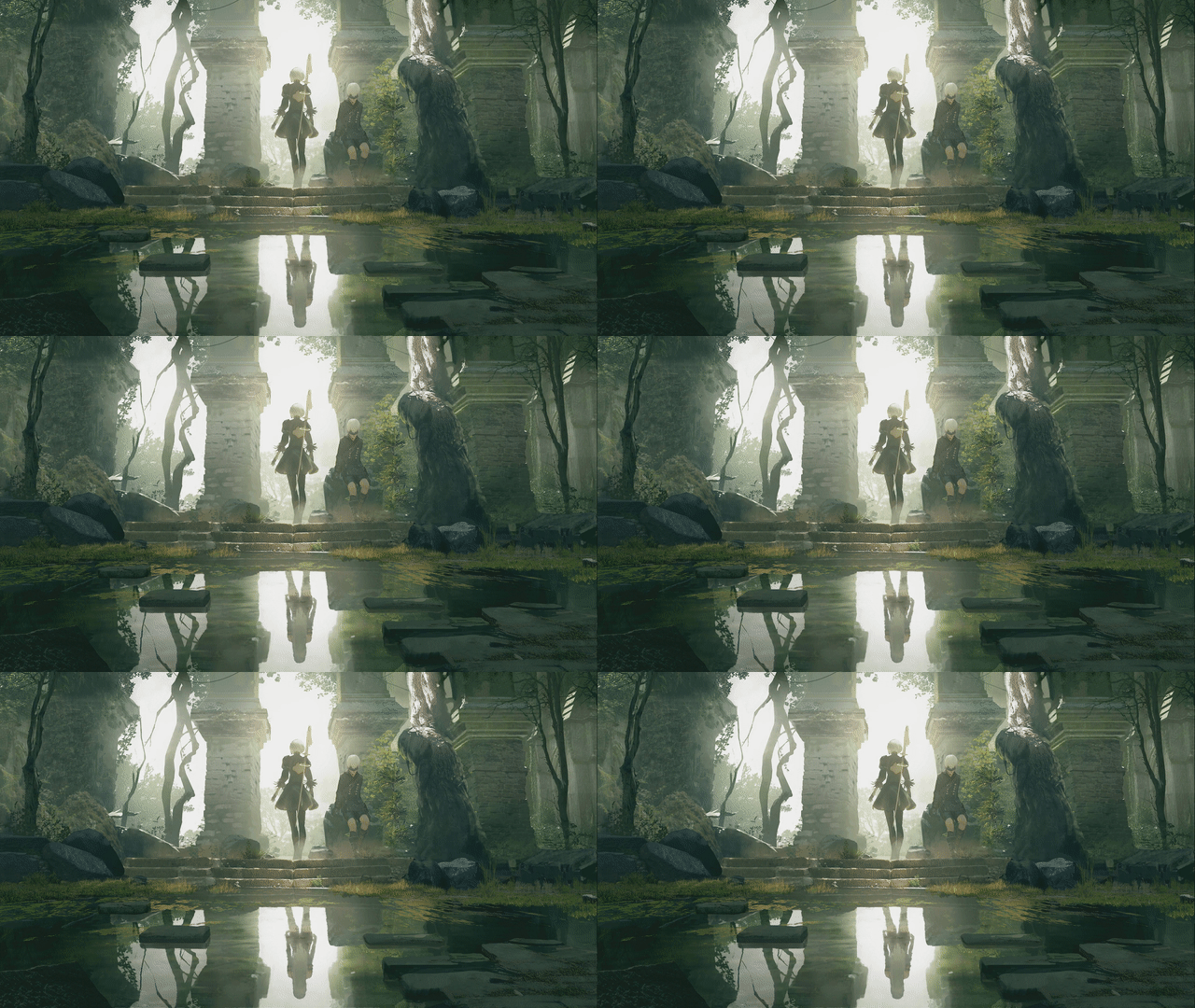
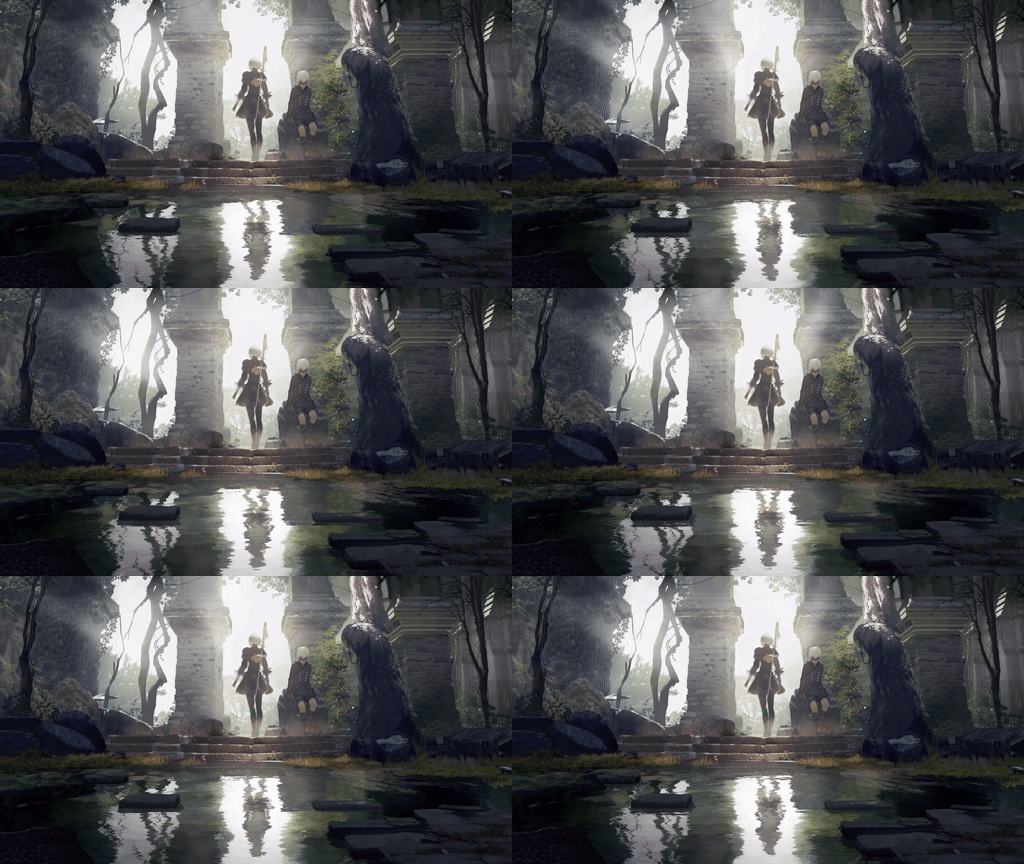
Want to see more examples of backgrounds that work? Head over to the [project's website](https://wpengine.alma.mu/#showcase)
## 🪲 Common issues
### Black screen when setting as screen's background
This can be caused by a few different things depending on your environment and setup.
### X11
Common symptom of a compositor drawing to the background which prevents Wallpaper Engine from being properly visible.
The only solution currently is disabling the compositor so Wallpaper Engine can properly draw on the screen
### NVIDIA
Some users have had issues with GLFW initialization and other OpenGL errors. These are generally something that's
worth reporting in the issues. Sometimes adding this variable when running Wallpaper Engine helps and/or solves
the issue:
```bash
__GL_THREADED_OPTIMIZATIONS=0 linux-wallpaperengine
```
We'll be looking at improving this in the future, but for now it can be a useful workaround.
---
## 🙏 Special Thanks
- [RePKG](https://github.com/notscuffed/repkg) – for texture flag insights
- [RenderDoc](https://github.com/baldurk/renderdoc) – the best OpenGL debugger out there!