# 🦀ruclouds ☁︎ Animated, drifting clouds in your terminal

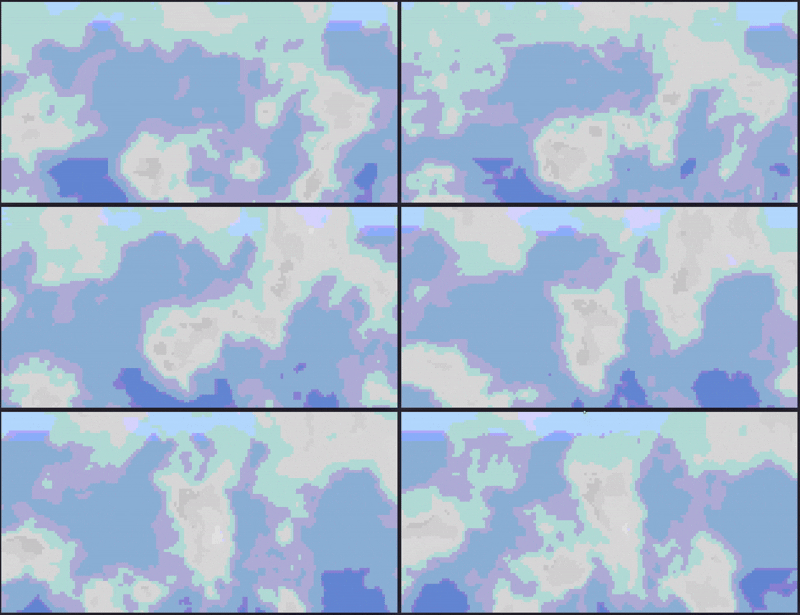
- Built with Rust. Works on Windows (PowerShell, pwsh, cmd.exe) and Unix (bash, Kitty, Alacritty, and other modern terminals). Adapts to terminal resizing in real time. - Inspired by lavat (lava lamp simulation in the terminal) - this project uses noise-field cloud simulation instead of metaballs, taking a different approach to achieve similar visual effects. - (No copying intended, just drawing from the same concept of terminal-based procedural animation.) --- ## Preview
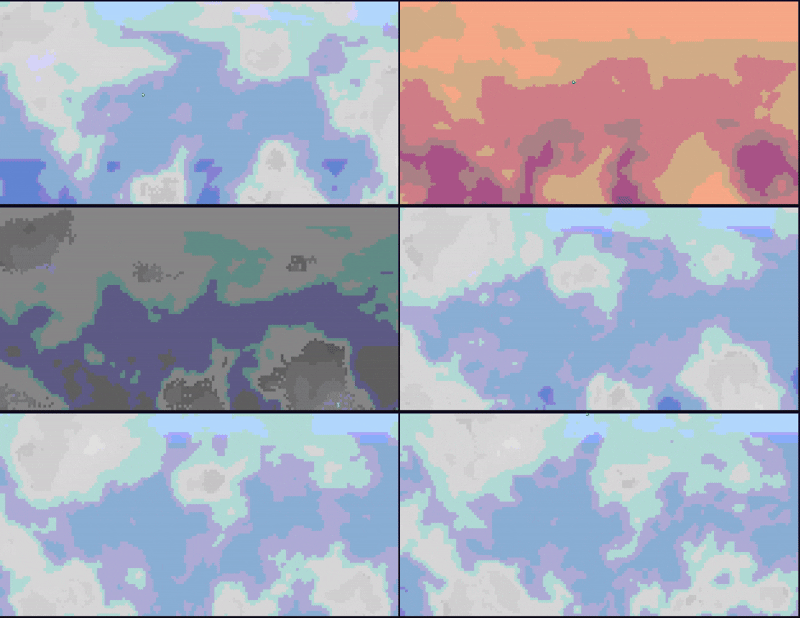
```bash cargo run ``` You'll see continuously animated clouds drifting across a sky gradient. Press `q` or `Esc` to quit cleanly. Your terminal is always left in a clean state — even on panic or Ctrl+C. --- ## Installation ### From source ```bash # Clone and run git clone https://github.com/AndyFerns/ruclouds.git cd ruclouds cargo run --release # Or install globally cargo install --path . ruclouds ``` ### Pre-built binaries Check the [Releases](https://github.com/AndyFerns/ruclouds/releases) page for pre-built binaries for Linux, macOS (Intel + Apple Silicon), and Windows. --- ## CLI Flags | Flag | Default | Description | |---|---|---| | `--speed ` | `1.0` | Animation speed multiplier | | `--density ` | `0.5` | Cloud density threshold (0.0–1.0) | | `--palette ` | `white-grey` | Palette name or custom hex pair | | `--wind-speed ` | `0.3` | Wind speed | | `--wind-angle ` | `0.0` | Wind direction in degrees (0 = left→right) | | `--fps ` | `30` | Target frames per second | | `--seed ` | random | RNG seed for reproducible results | | `--color-mode ` | `auto` | `auto`, `truecolor`, `256`, or `ansi16` | | `--no-sky` | off | Render against black instead of a sky gradient | ### Built-in palettes - `white-grey` — Classic white clouds on a blue sky - `sunset` — Warm orange/pink clouds on a sunset gradient - `midnight` — Subdued grey-blue clouds on a deep dark sky - `storm` — Heavy grey clouds on a dark overcast sky Preview of toggling through all default palettes:
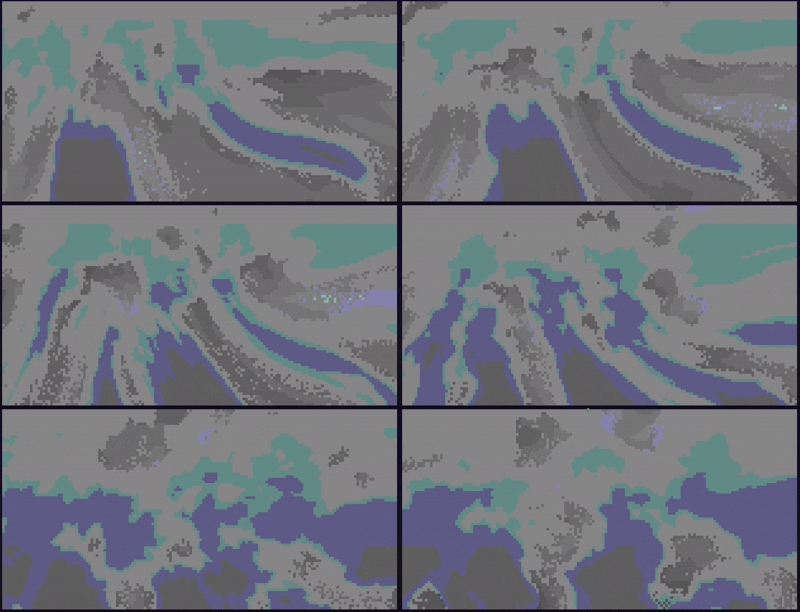
### Custom palette Pass two comma-separated hex colours (cloud-light, cloud-dark): ```bash ruclouds --palette "FF88CC,442255" ``` --- ## Keybindings All keys are polled non-blockingly every frame — they never pause the animation. | Key | Action | |---|---| | `+` / `-` | Increase / decrease animation speed | | `[` / `]` | Decrease / increase cloud density | | `c` | Cycle to the next colour palette | | `w` | Cycle wind direction (0°, 45°, 90°, … 315°) | | `g` | Toggle domain-warp intensity (subtle ↔ strong) | | `r` | Reseed RNG and reset simulation time | | `p` | Toggle "storm mode" (boosted speed + density) | | `q` / `Esc` | Quit (clean shutdown) | | `Ctrl+C` | Quit (same clean shutdown path as `q`) | --- Preview of cycling through wind direction and changing domain-warp intensity values mid-animation:
## How It Works Each terminal cell represents **two vertical sub-pixels** using the `▀` (upper half block) character — foreground colour is the top sub-pixel, background colour is the bottom. This doubles the effective vertical resolution for free. The cloud simulation runs a 5-stage pipeline per sub-pixel every frame: 1. **Wind offset** — accumulated drift along the configured angle 2. **Domain warp** — a second Perlin noise bends the coordinate space for wispy shapes 3. **Fractal Brownian motion** — 4-octave fBm sampled in 3D `(x, y, time)` for smooth animation 4. **Density threshold** — Hermite smoothstep produces cloud opacity 5. **Shading** — offset fBm sample simulates puffy depth/shadow The pipeline is a **pure function of `(x, y, time, wind_offset, config)`** — it never depends on the grid's width or height. This is what makes terminal resizing seamless: the simulation is always re-sampled fresh at whatever resolution the buffer currently is, with no stretching, cropping, or motion discontinuity. Rendering uses a **double-buffer diff**: only cells that changed since the last frame emit ANSI writes, minimising terminal I/O. --- ## Building ```bash cargo build --release ``` Requires Rust 1.70+ (2021 edition). --- ## License MIT