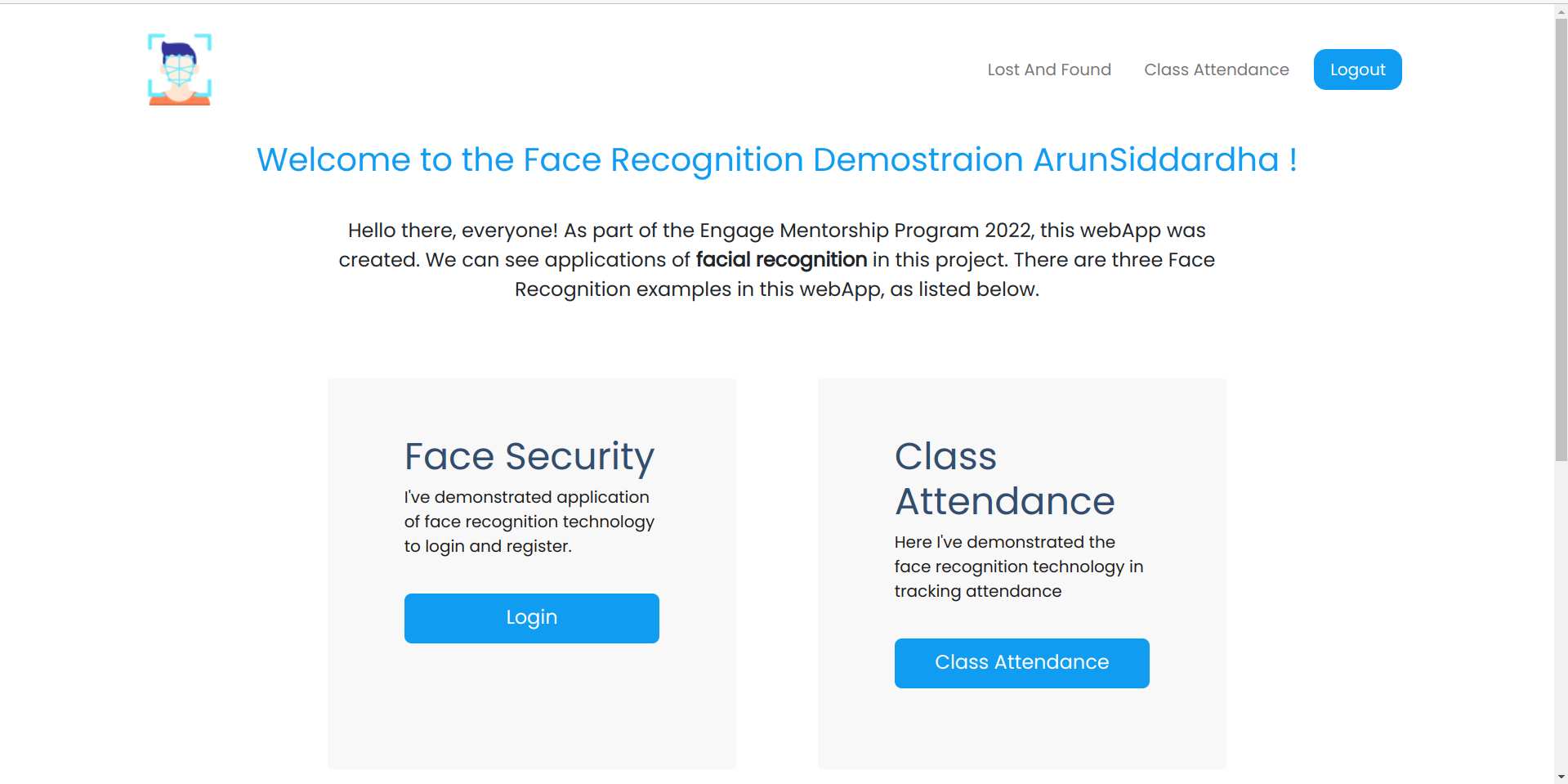
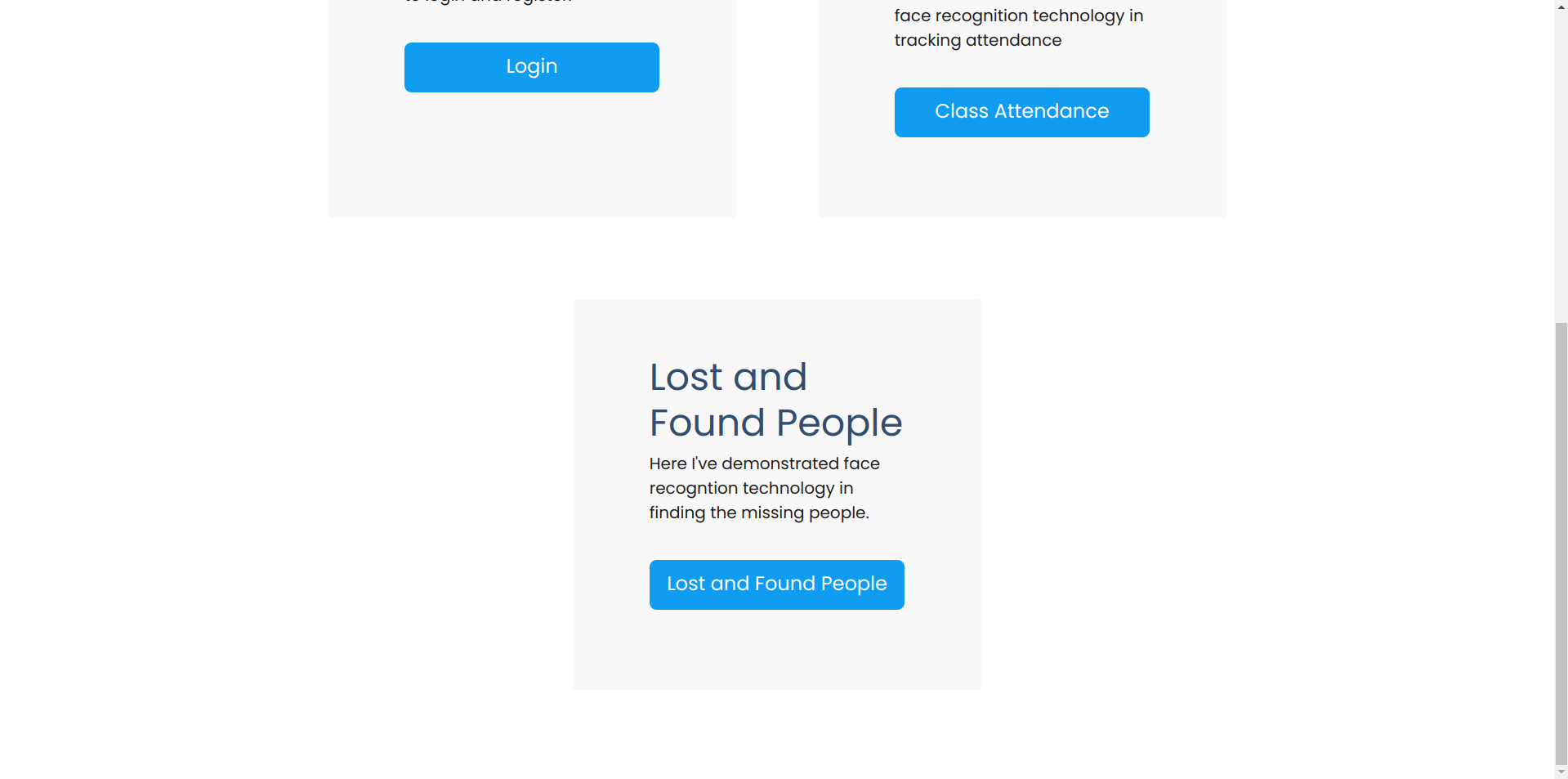
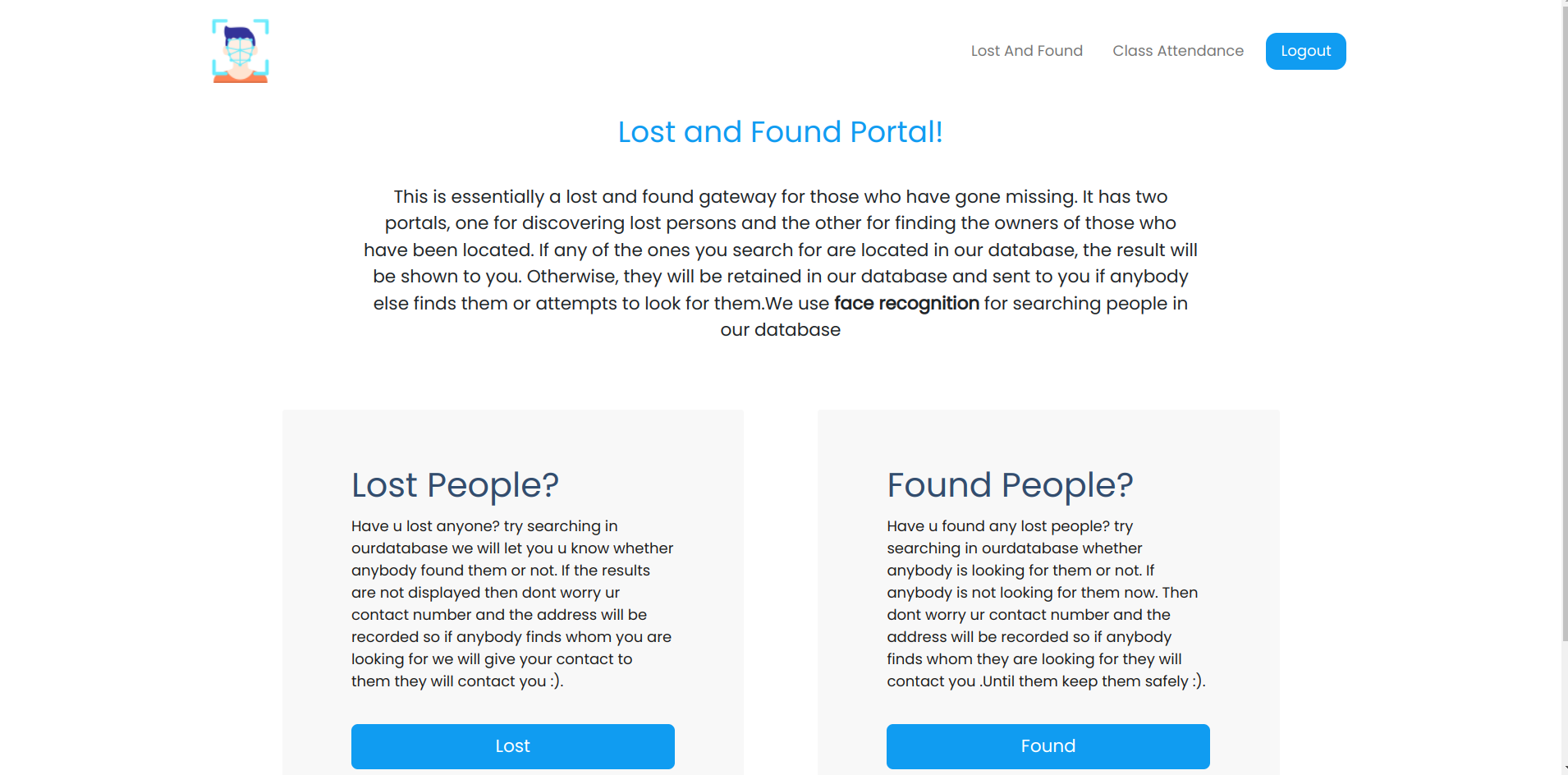
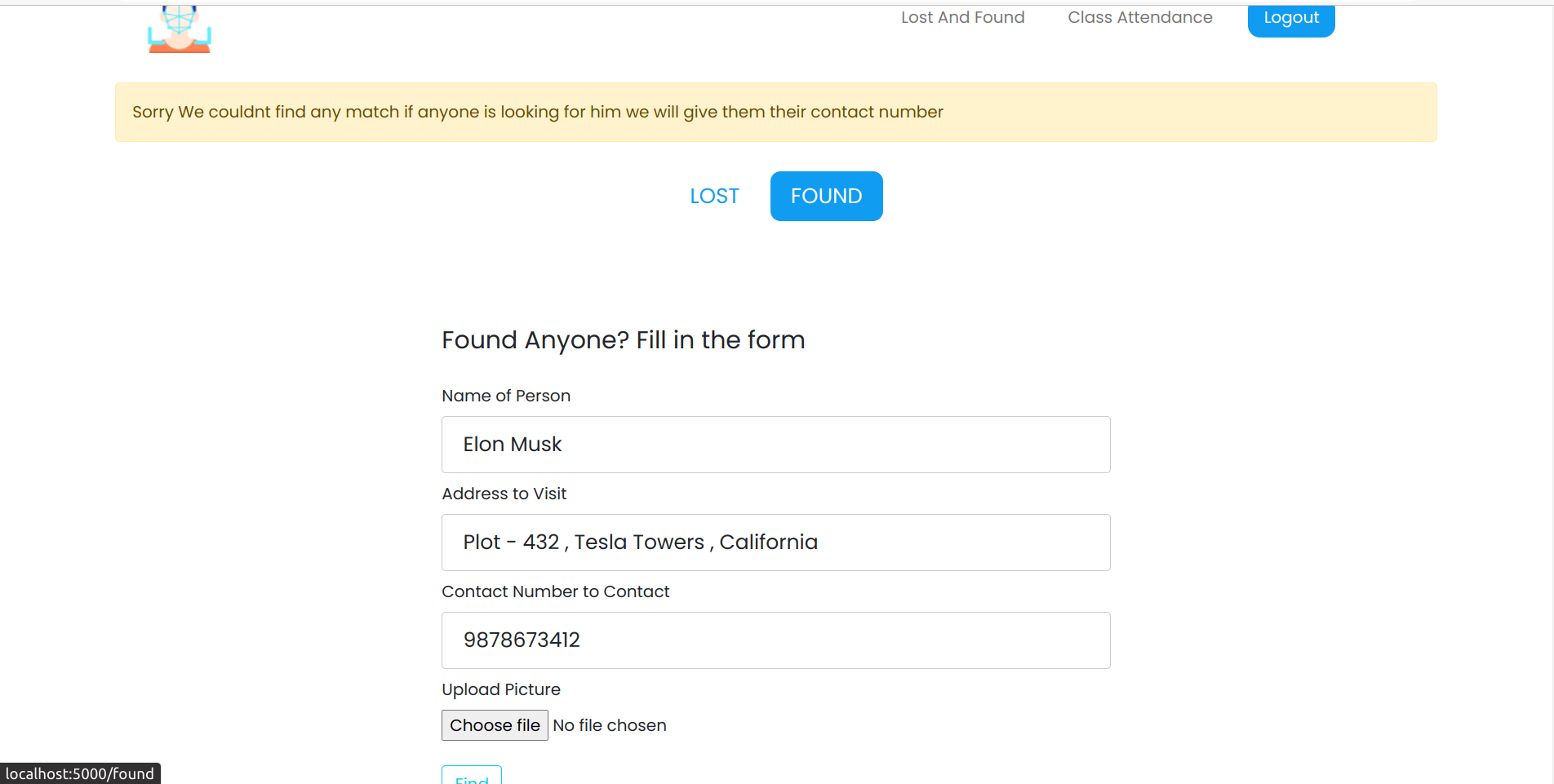
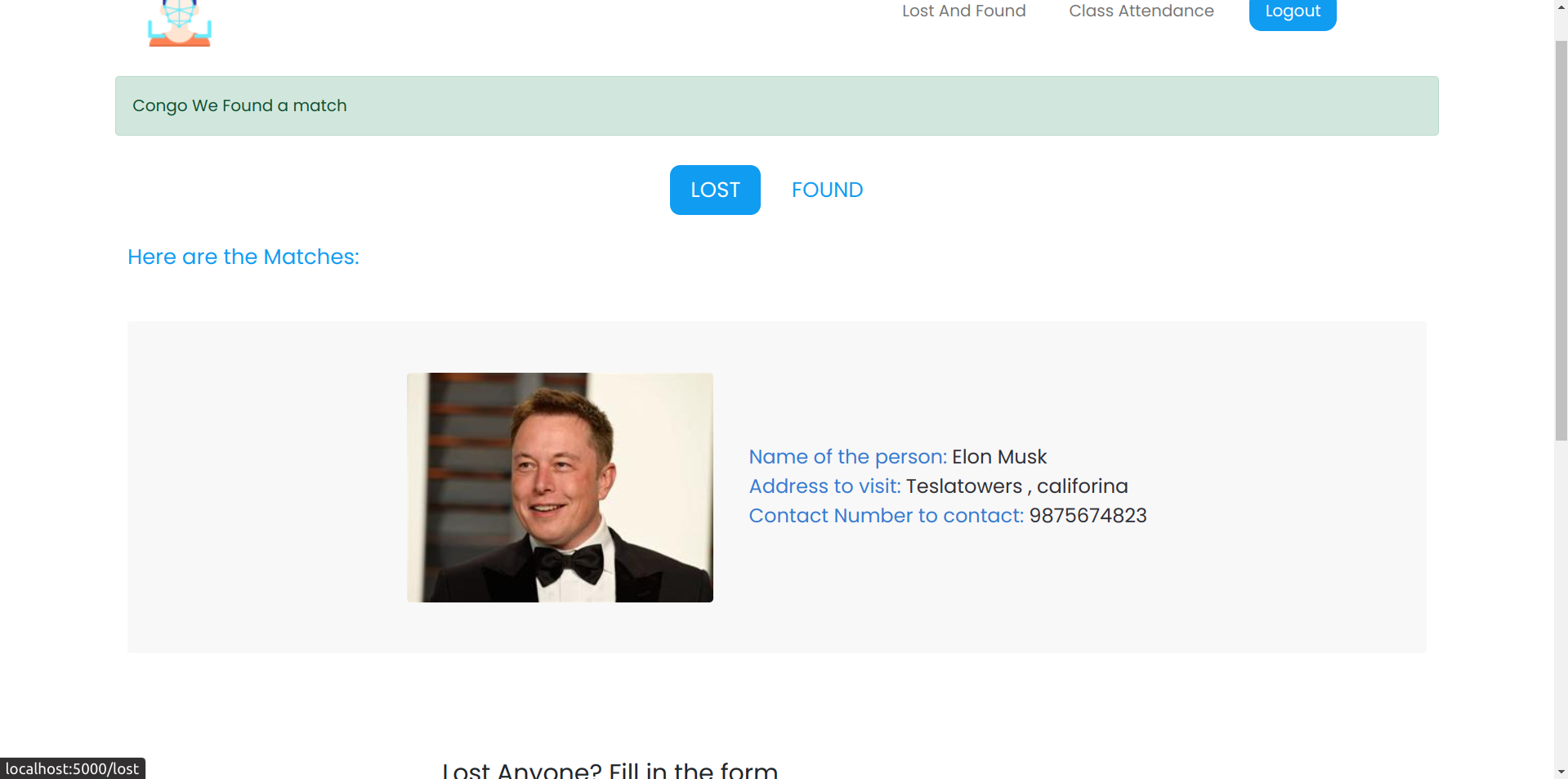
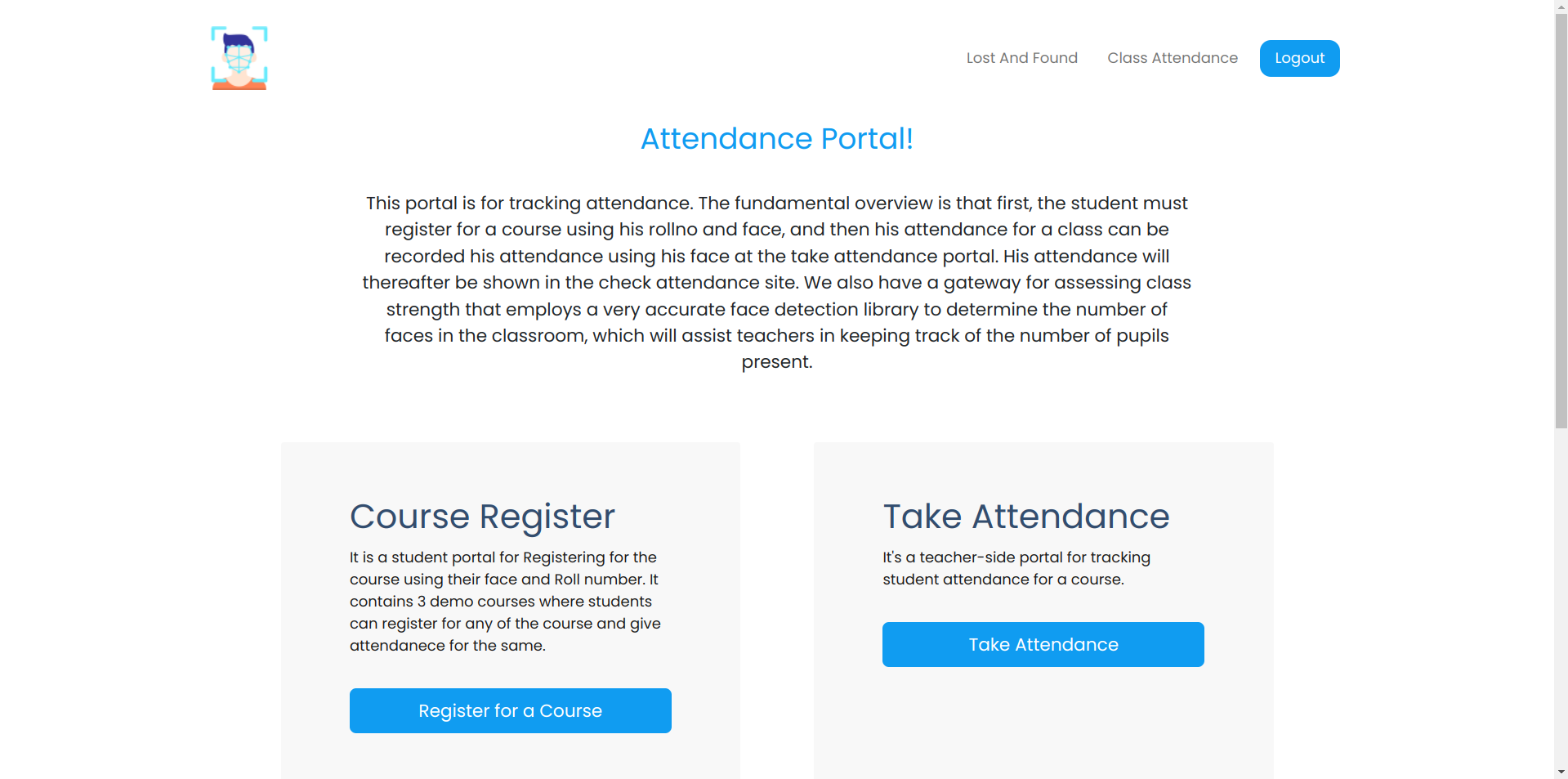
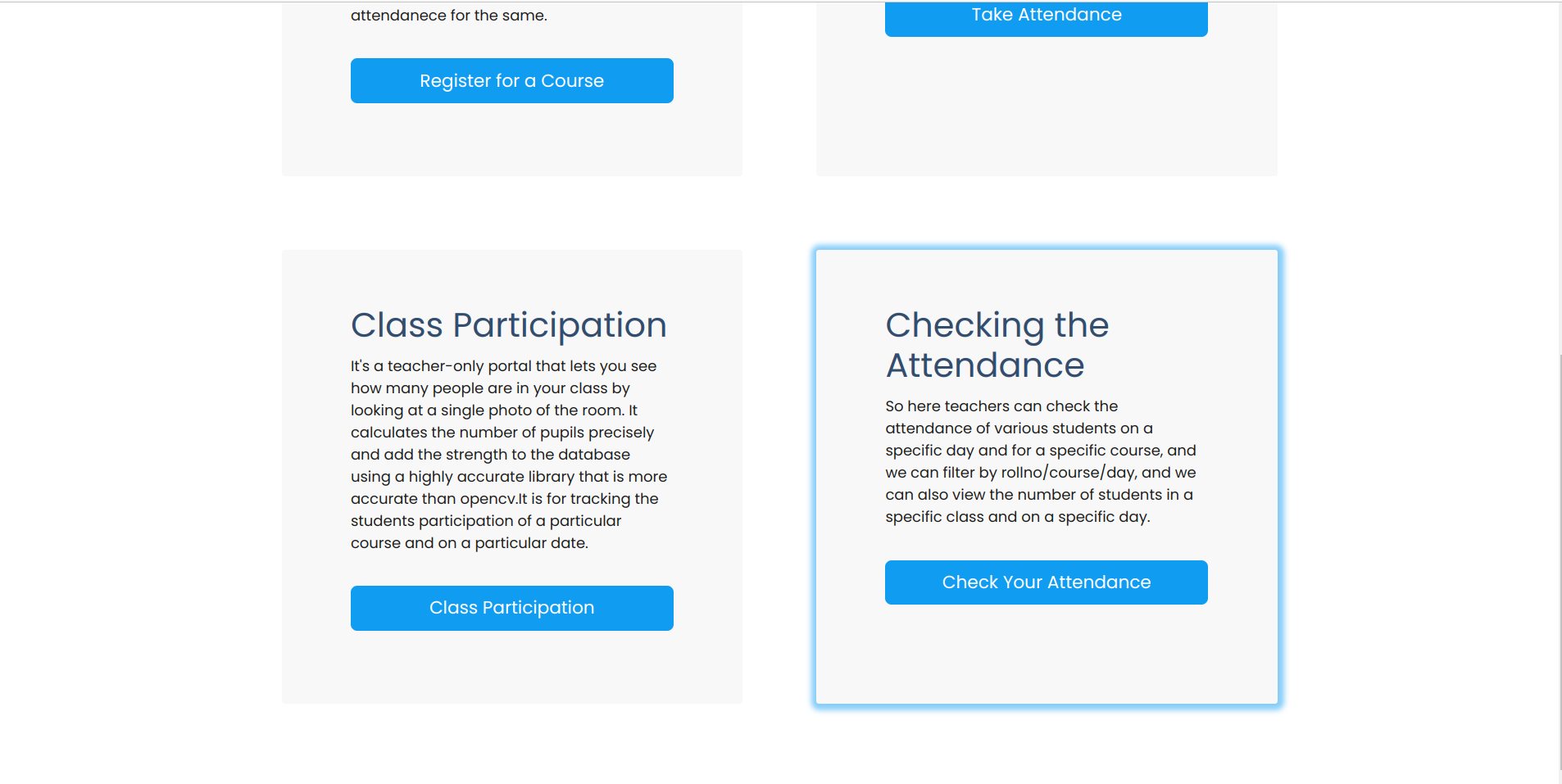
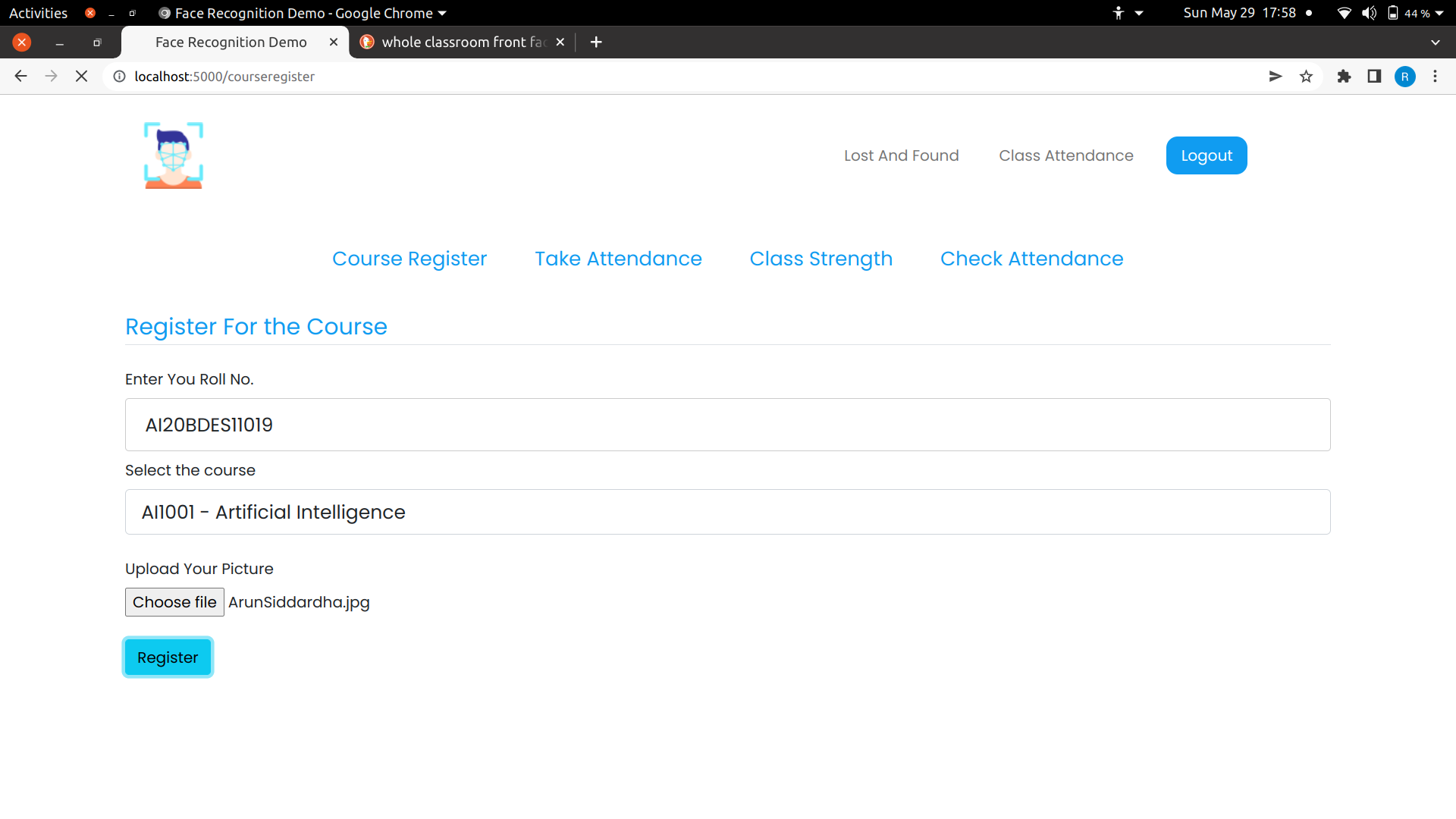
 - Class registration
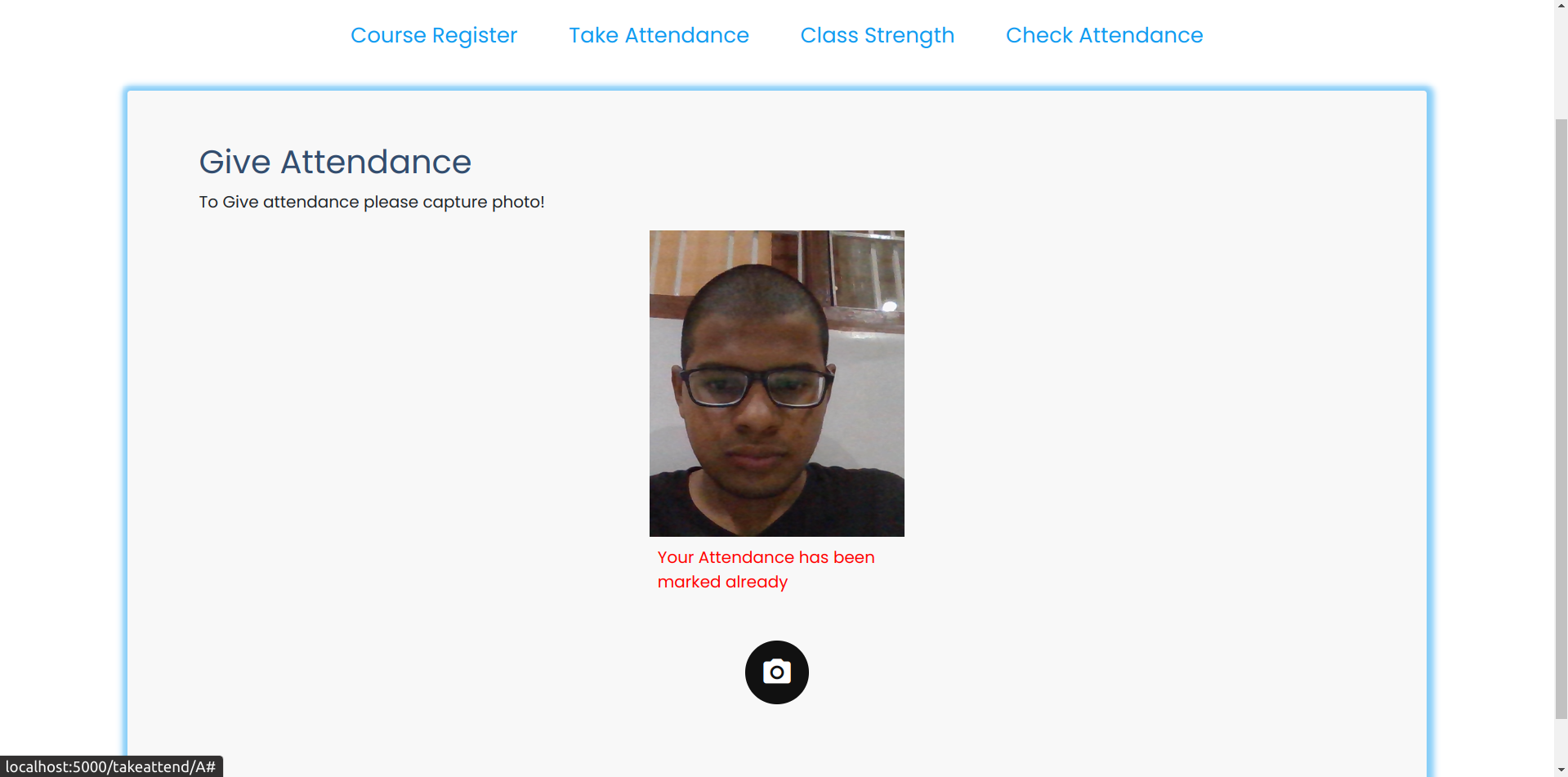
 - Taking the Attendance
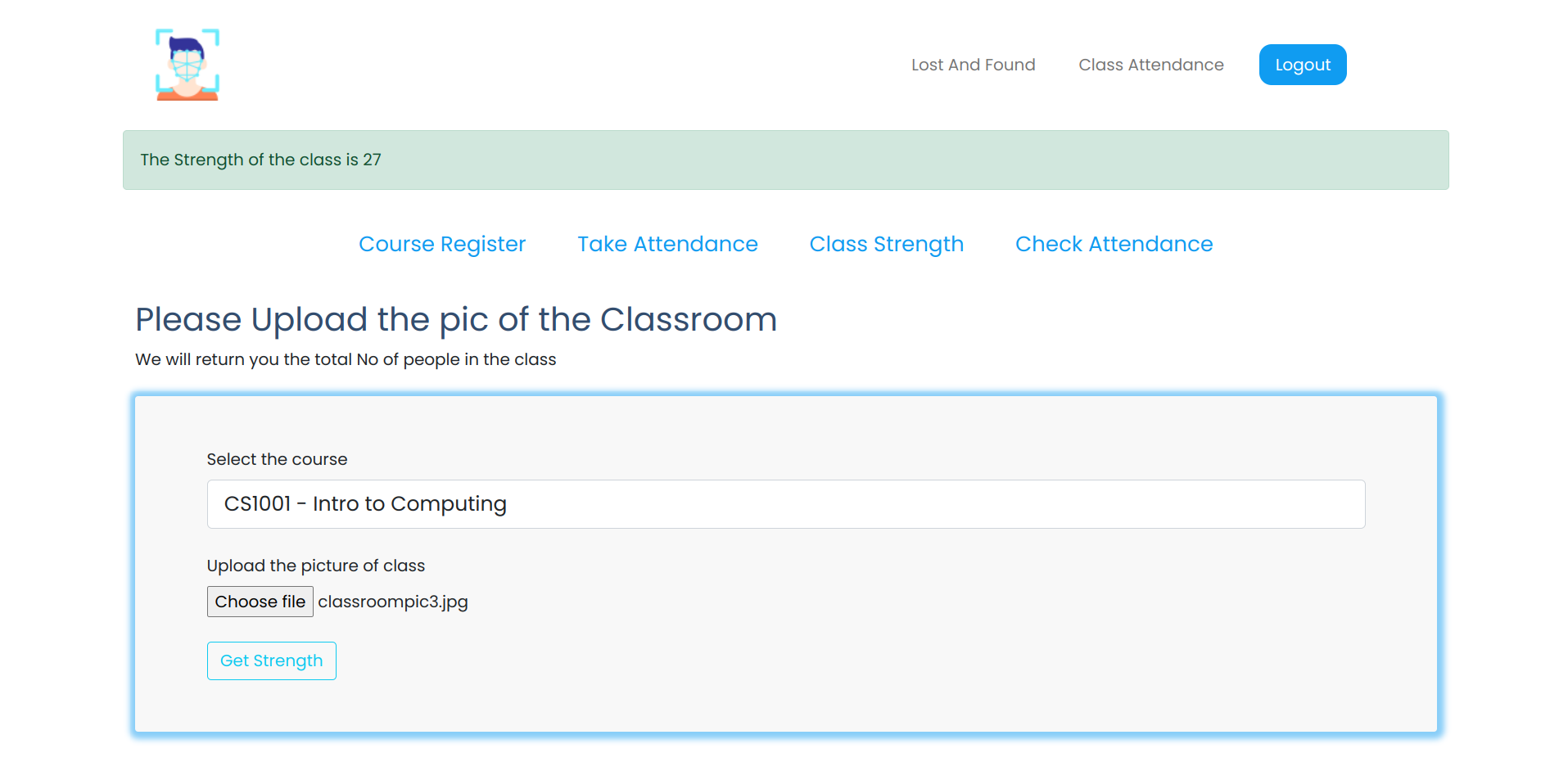
 - Getting the class strength
 ## Agile Developement Technology
- I have adopted the Scrum methodology for developing the application
- I have Divided the 25 days of engage mentorship program into four sprints .Each sprint is consisted of 6 days period.
- Before every sprint , I used to set a target for that sprint period and work on it.
### Sprint 1
- I have given this entire sprint to choosing of the project statement and finding the required tech stack finding the required APIS, Lisiting out what is the scope of developement in the three problem statements.
- I have listed out all the requirements and features that can be integrated in these three kinds of webapps
- I have made a wireframes of the system designs and the UI design for the same
- So finally after getting all the suggestions from my fellow friends and seniors I thought to go with the problem statement 1. Demonstrations of the application of the face recognition technology
### Sprint 2
- Now that i have got my mentor assigned I havegot inputs from the mentor on how to proceed with the project and what features I might integrate with it.
- So in this sprint, I have mainly focused on the backend system design and the APIs that I have to create
and the backend logic that I have to write with the tech stack im using.
- I have included all the mandatory features and created the APIs for the same and written backend logic for the same.
- The I have tested each and every feature and I have commited the feature to the git if and only if it is working
- I have spent many hours debugging code and writing the code in this sprint
### Sprint 3
- In this sprint I have mainly focused on the UI/UX part
- I have built a design prototype of hte UI and UX of the App
- I have taken inputs from my bdes friends for integrating the best and simple UI to app
- The UI of the webapp looks so pleasing and so simple
- I have done continuous UI/UX testing in this face.And I have worked on its adoption for various browsers and of various screen sizes
- And I have added all the additional features in this face to the app
### Sprint 4
- This was the last sprint in my development phase. I was close to delivery date
- I took the feedback from friends and others on the UI and UX of the product .Then imporved it to a great extent
- I have run my application in my friends laptops and checked whether it is working fine and did so many development tests for its reponse times
- And I have cleared many of the small bugs that were present in the code and then made it perfect
## Agile Developement Technology
- I have adopted the Scrum methodology for developing the application
- I have Divided the 25 days of engage mentorship program into four sprints .Each sprint is consisted of 6 days period.
- Before every sprint , I used to set a target for that sprint period and work on it.
### Sprint 1
- I have given this entire sprint to choosing of the project statement and finding the required tech stack finding the required APIS, Lisiting out what is the scope of developement in the three problem statements.
- I have listed out all the requirements and features that can be integrated in these three kinds of webapps
- I have made a wireframes of the system designs and the UI design for the same
- So finally after getting all the suggestions from my fellow friends and seniors I thought to go with the problem statement 1. Demonstrations of the application of the face recognition technology
### Sprint 2
- Now that i have got my mentor assigned I havegot inputs from the mentor on how to proceed with the project and what features I might integrate with it.
- So in this sprint, I have mainly focused on the backend system design and the APIs that I have to create
and the backend logic that I have to write with the tech stack im using.
- I have included all the mandatory features and created the APIs for the same and written backend logic for the same.
- The I have tested each and every feature and I have commited the feature to the git if and only if it is working
- I have spent many hours debugging code and writing the code in this sprint
### Sprint 3
- In this sprint I have mainly focused on the UI/UX part
- I have built a design prototype of hte UI and UX of the App
- I have taken inputs from my bdes friends for integrating the best and simple UI to app
- The UI of the webapp looks so pleasing and so simple
- I have done continuous UI/UX testing in this face.And I have worked on its adoption for various browsers and of various screen sizes
- And I have added all the additional features in this face to the app
### Sprint 4
- This was the last sprint in my development phase. I was close to delivery date
- I took the feedback from friends and others on the UI and UX of the product .Then imporved it to a great extent
- I have run my application in my friends laptops and checked whether it is working fine and did so many development tests for its reponse times
- And I have cleared many of the small bugs that were present in the code and then made it perfect