Ask your agent for a diagram. SeeCode turns a short spec into an editorial-quality, animated, explorable diagram: one HTML file you can hover, click and walk through, or export as SVG, PNG, GIF or MP4 for wherever it needs to go.
Install · Diagram types · Features · Themes · Import · Export · CLI




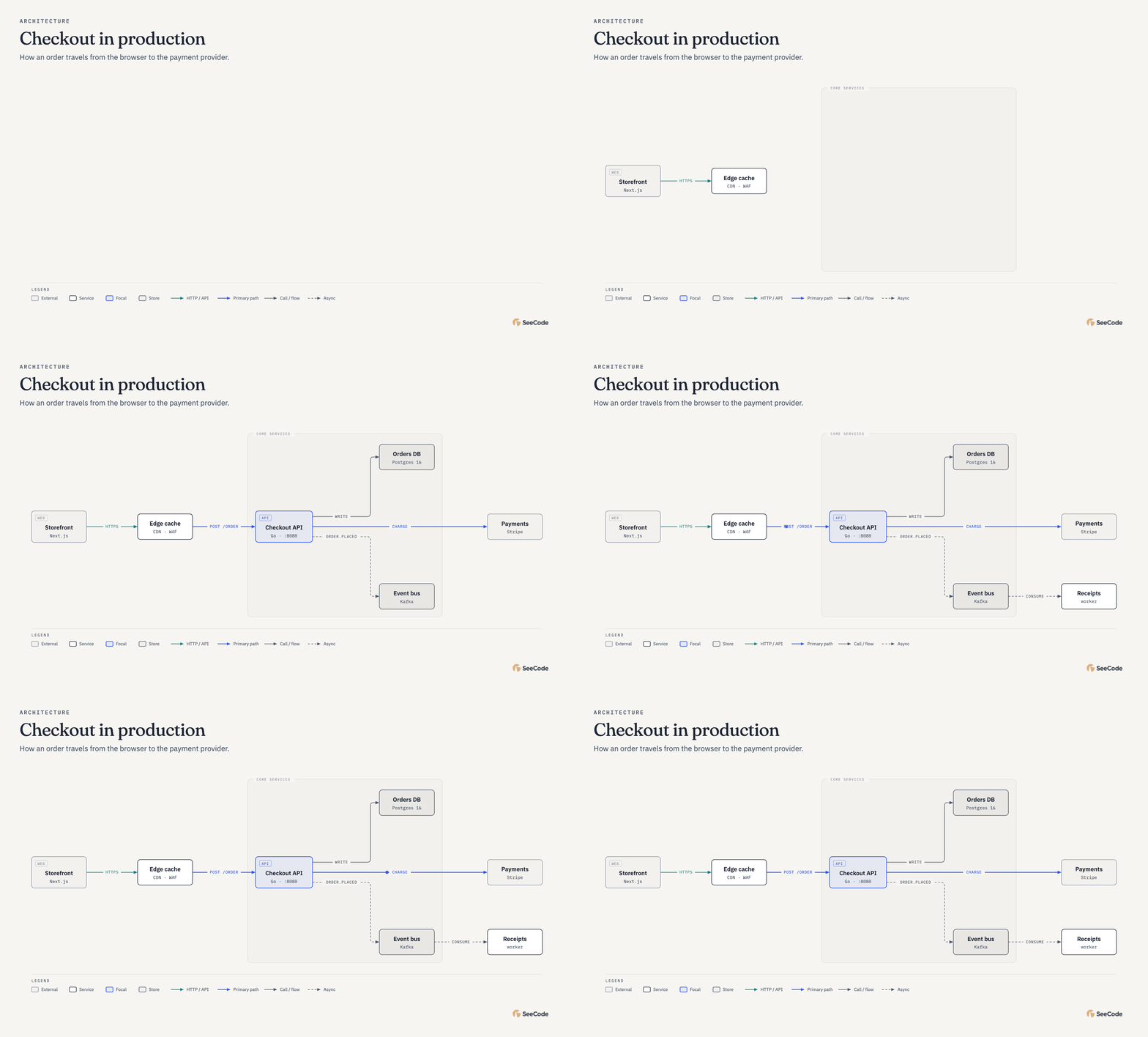
Exported straight from the diagram. ▶ See the viewer in action: hover trace, focus panel, route journey.
## Install, then describe what you want to see **Claude Code** (recommended: the plugin keeps you on the latest release): ```text /plugin marketplace add Aryanutkarsh/seecode /plugin install seecode@seecode ``` **Cursor, Codex, OpenCode and other Agent Skills hosts:** ```bash npx skills add Aryanutkarsh/seecode -g ``` [More install options, and how to update](#install). Then ask: ```text Use SeeCode to show how checkout works: the browser calls the API, the API writes to Postgres, charges Stripe and publishes an event to Kafka. ``` Keep going in plain language: *"highlight the payment path"*, *"make it dark"*, *"export it for my slides"*. The first time you use it in a project, SeeCode asks once whether to use your global settings or create project-specific ones. ## 45 diagram types Every type animates its own way (systems trace their flows, sequences play message by message, charts grow), and every type can also be fully static. Click any diagram for the full-size image. Charts take their numbers from a CSV or JSON file, so the data never has to pass through the model.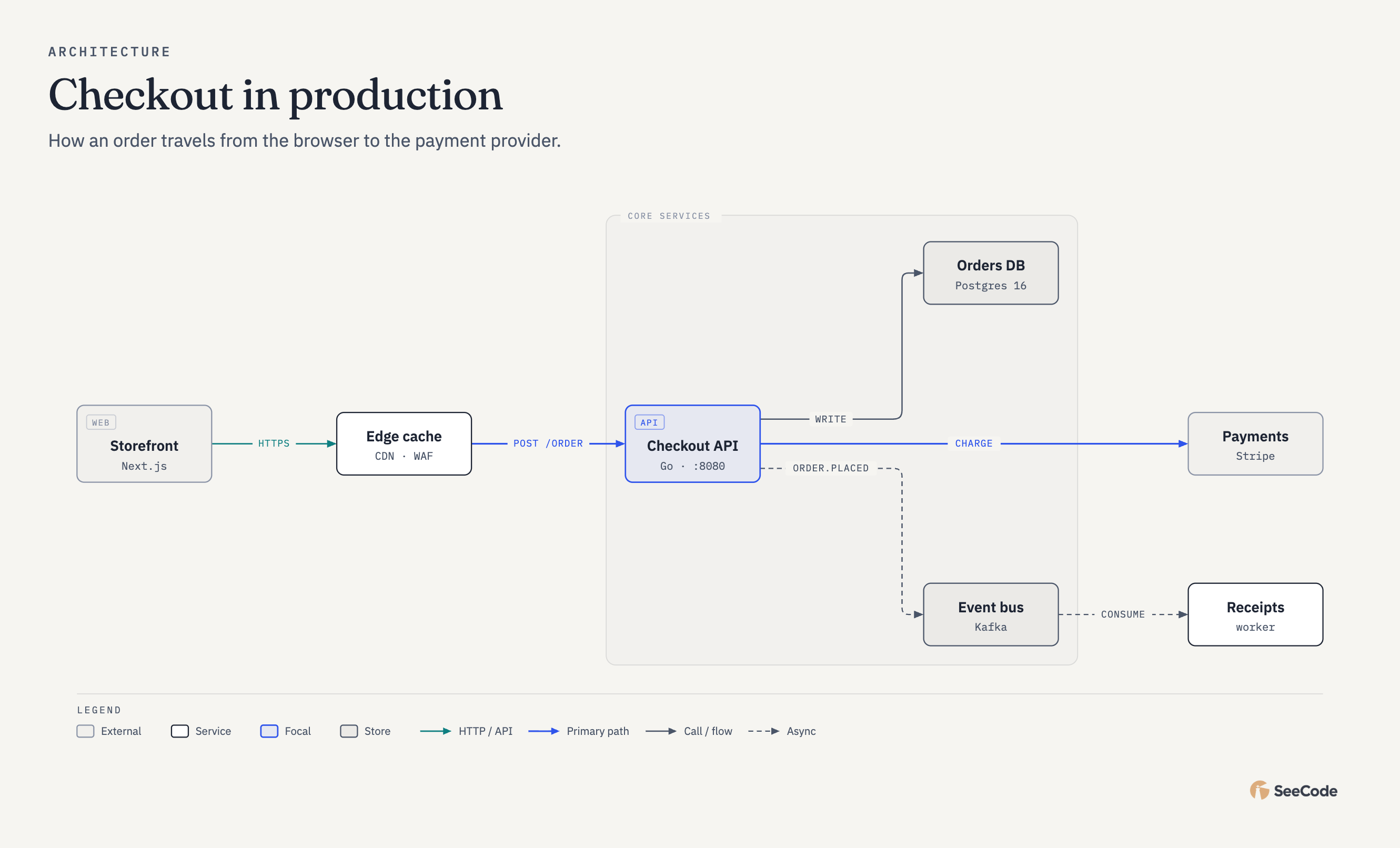 Architecture Components and connections |
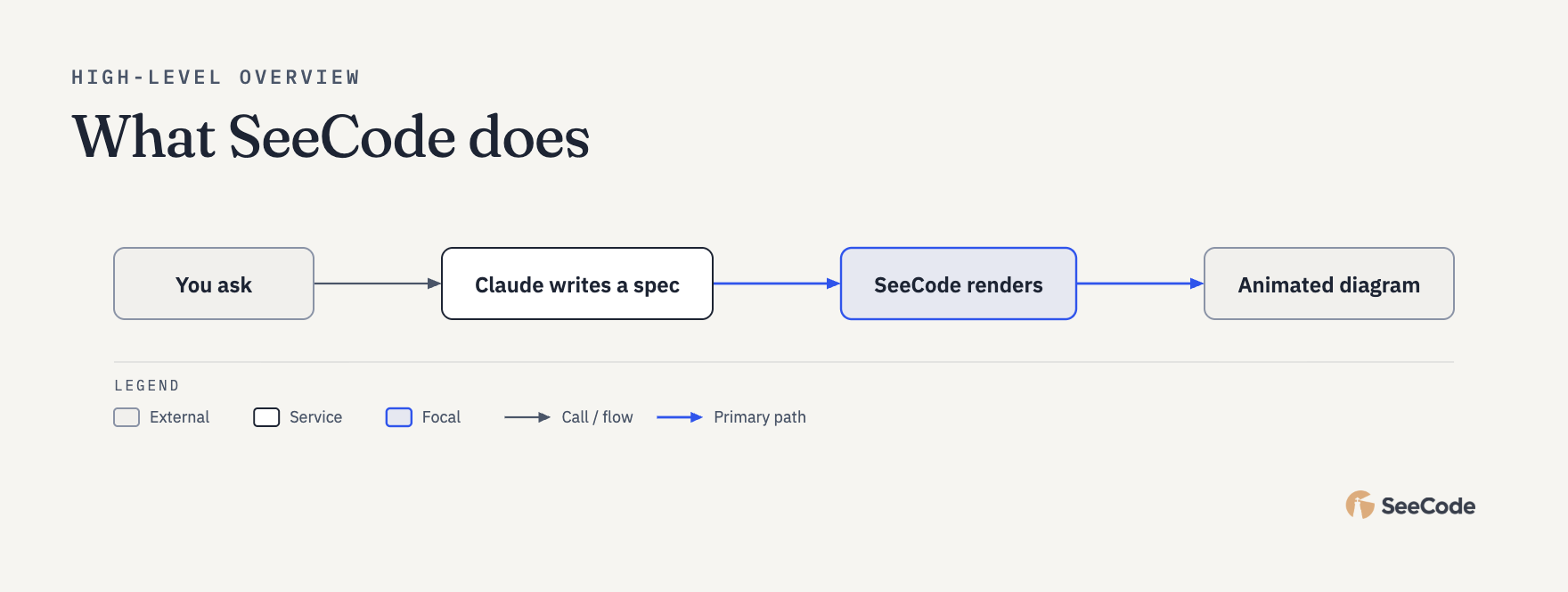 High-level 4–7-box overview for non-engineers |
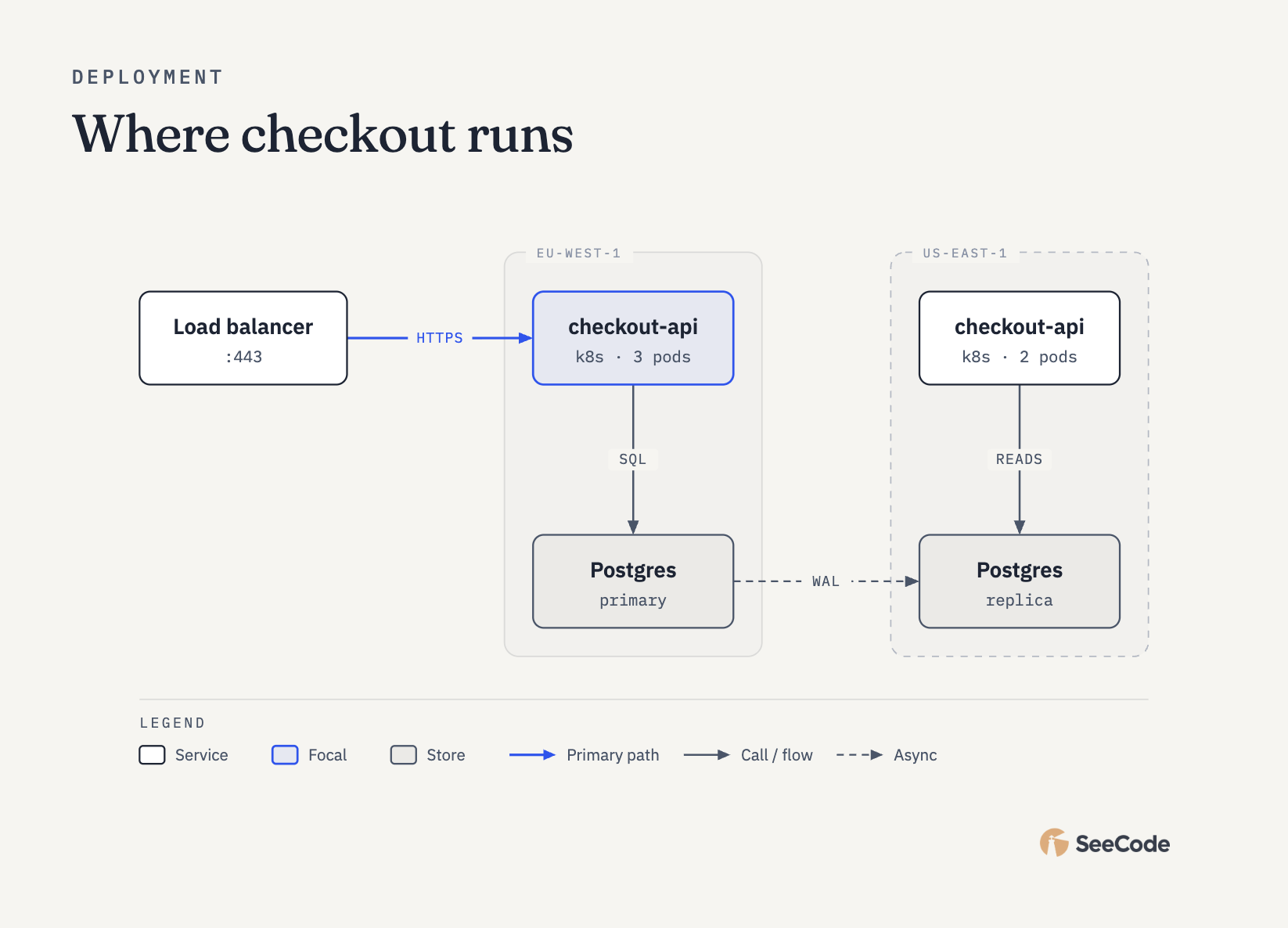 Deployment Where things run (hosts, regions) |
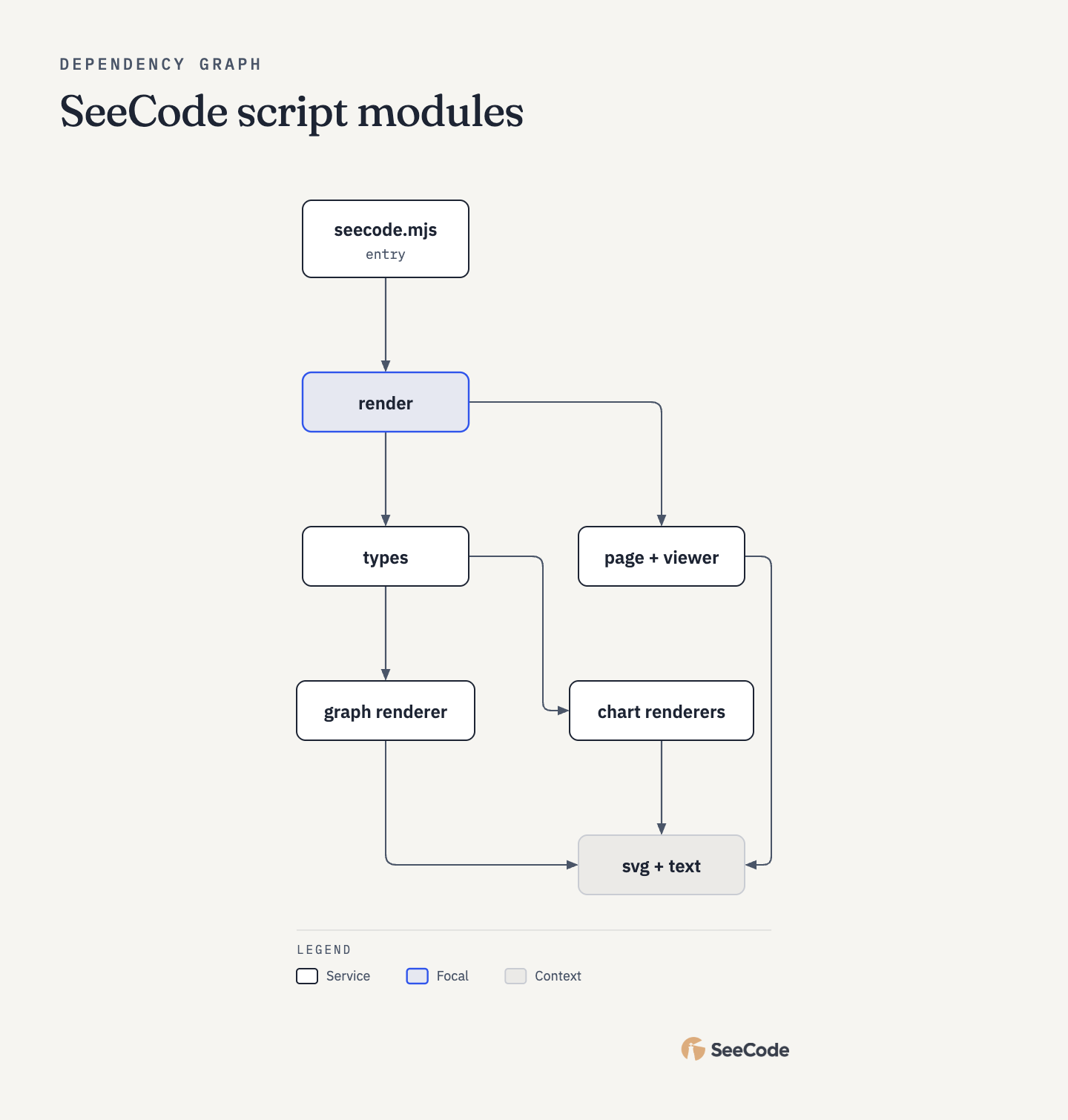 Dependency graph What imports or depends on what |
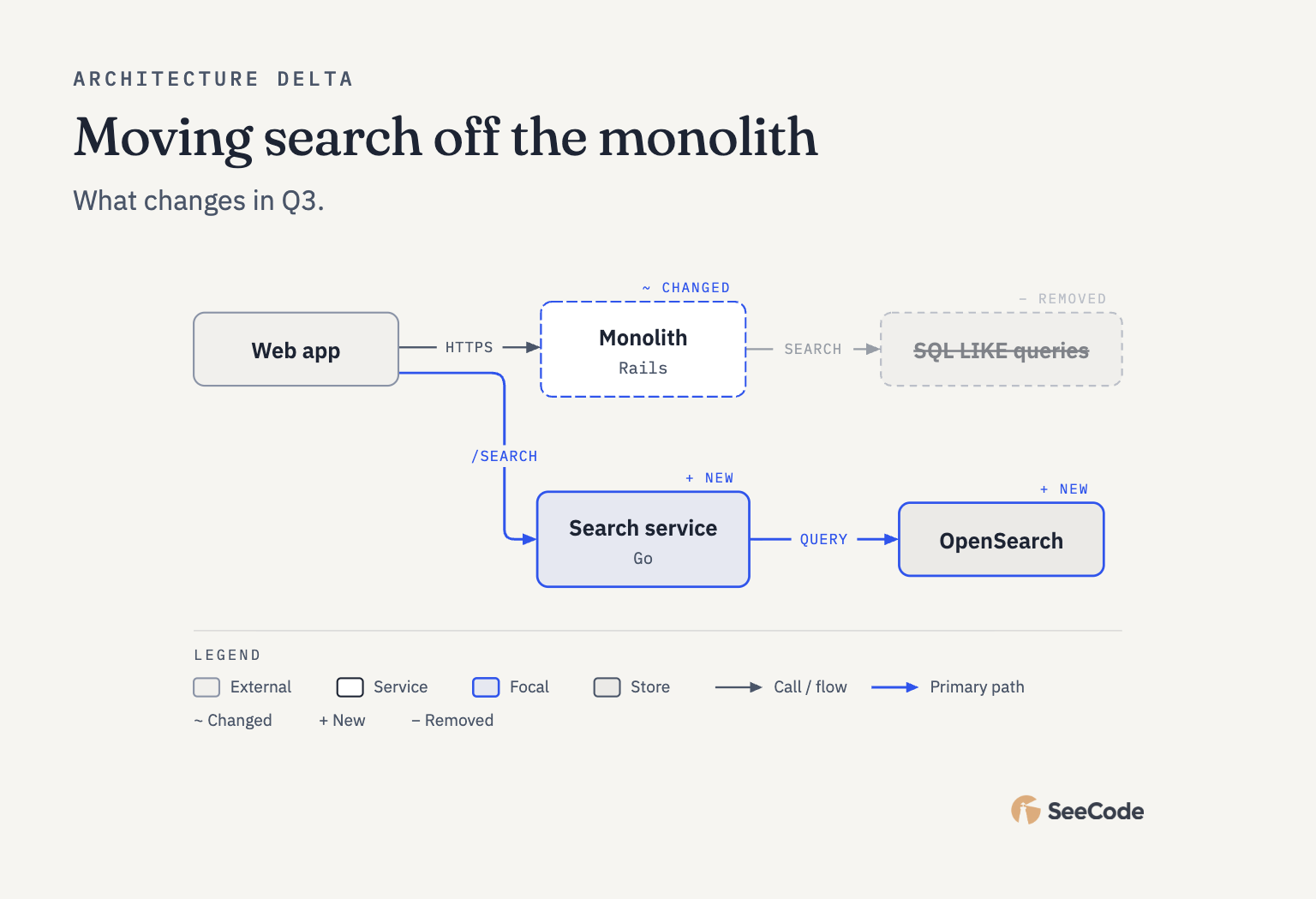 Architecture delta What a change adds, removes or alters |
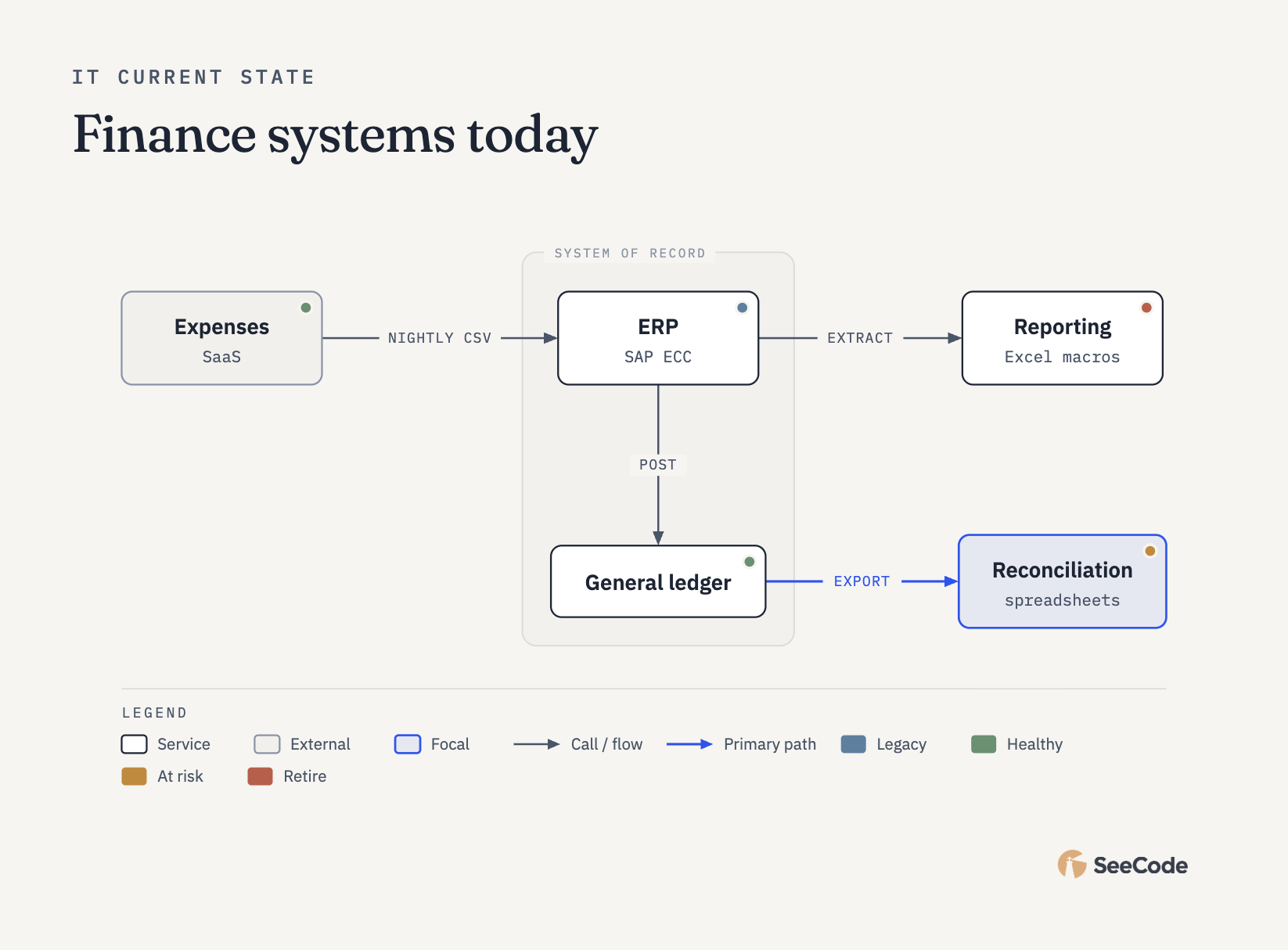 IT current state Current IT landscape with health status |
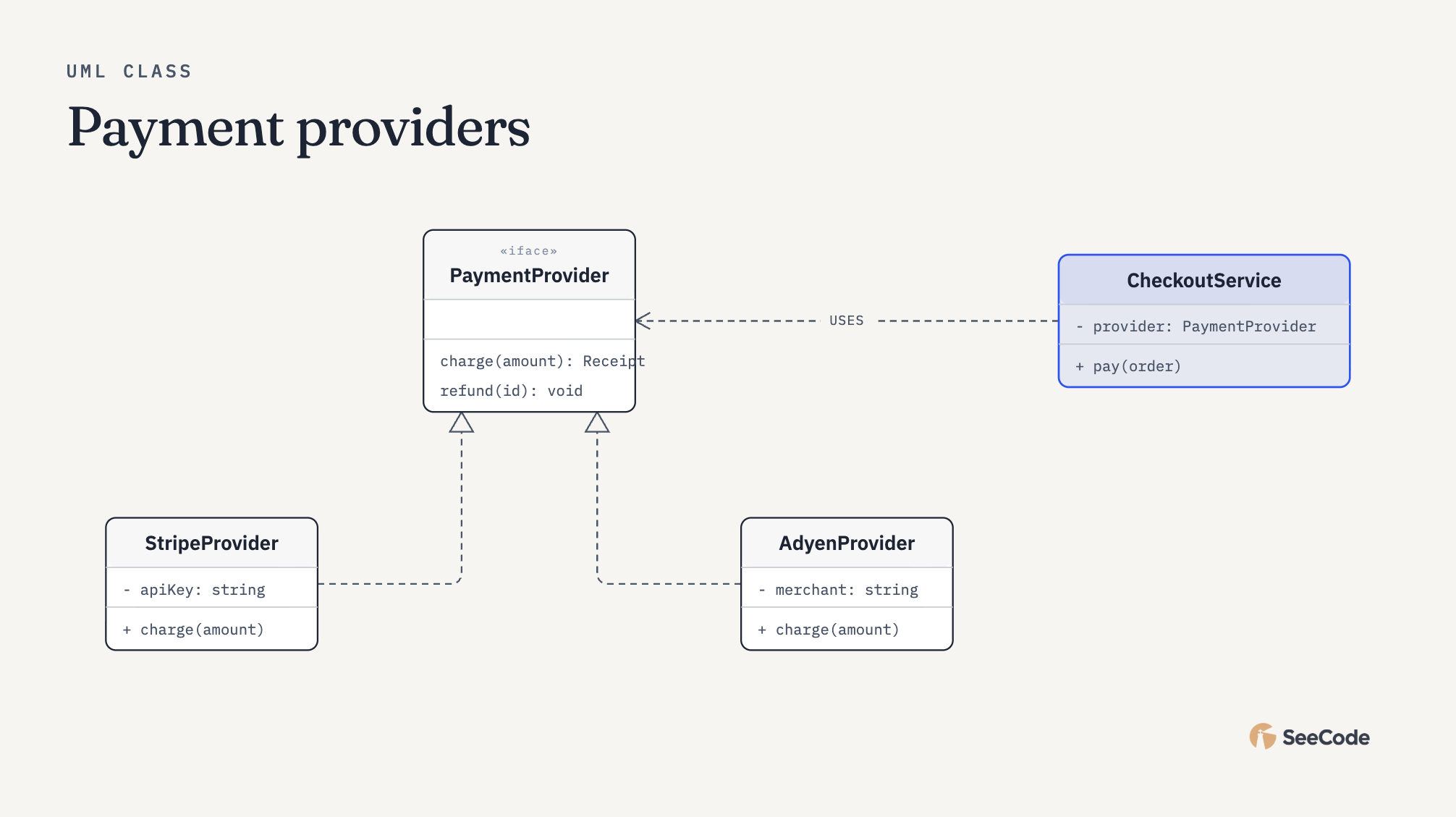 UML class Classes and interfaces |
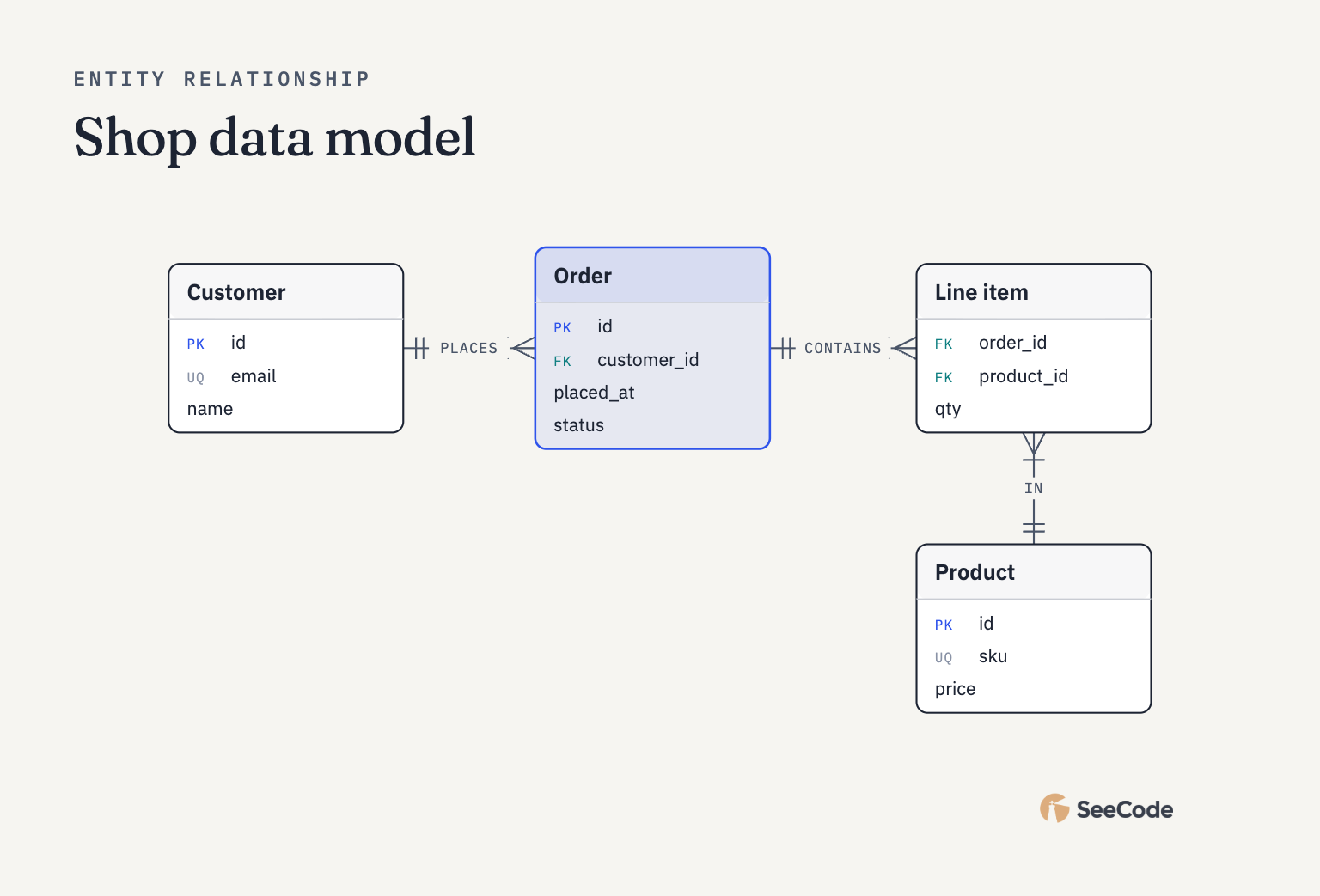 ER / data model Entities and cardinality |
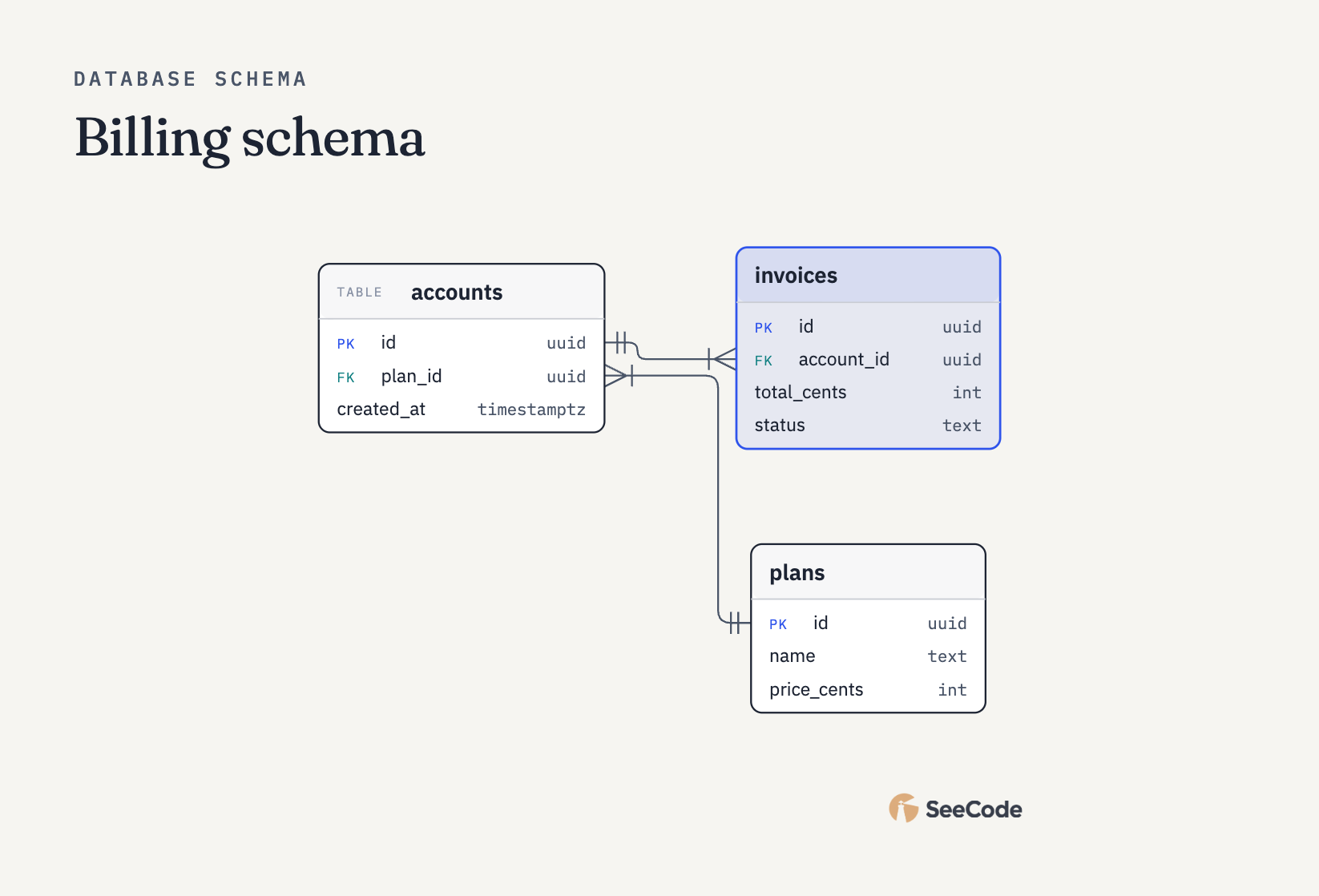 Database schema Tables and FK columns |
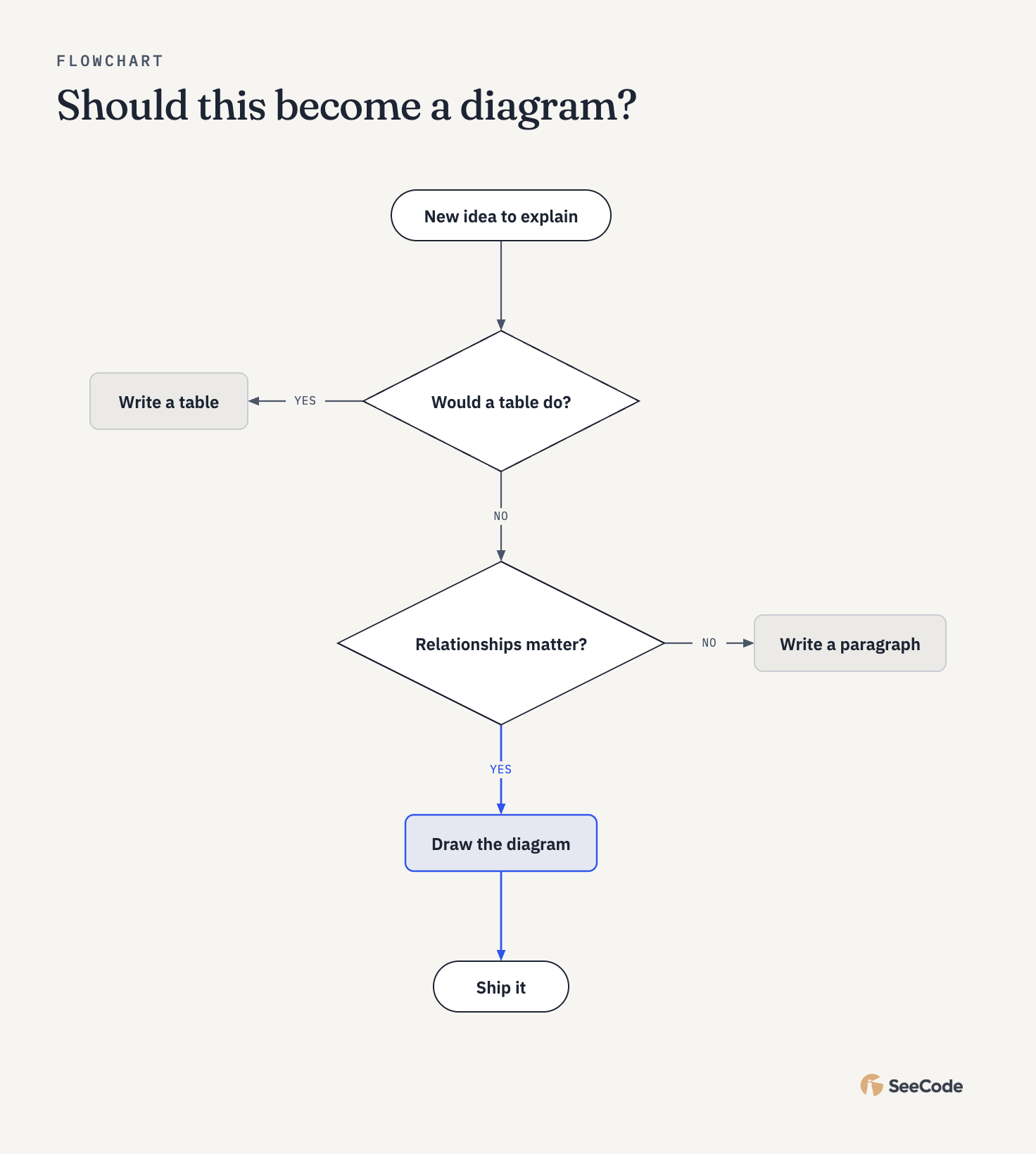 Flowchart Decisions and branches |
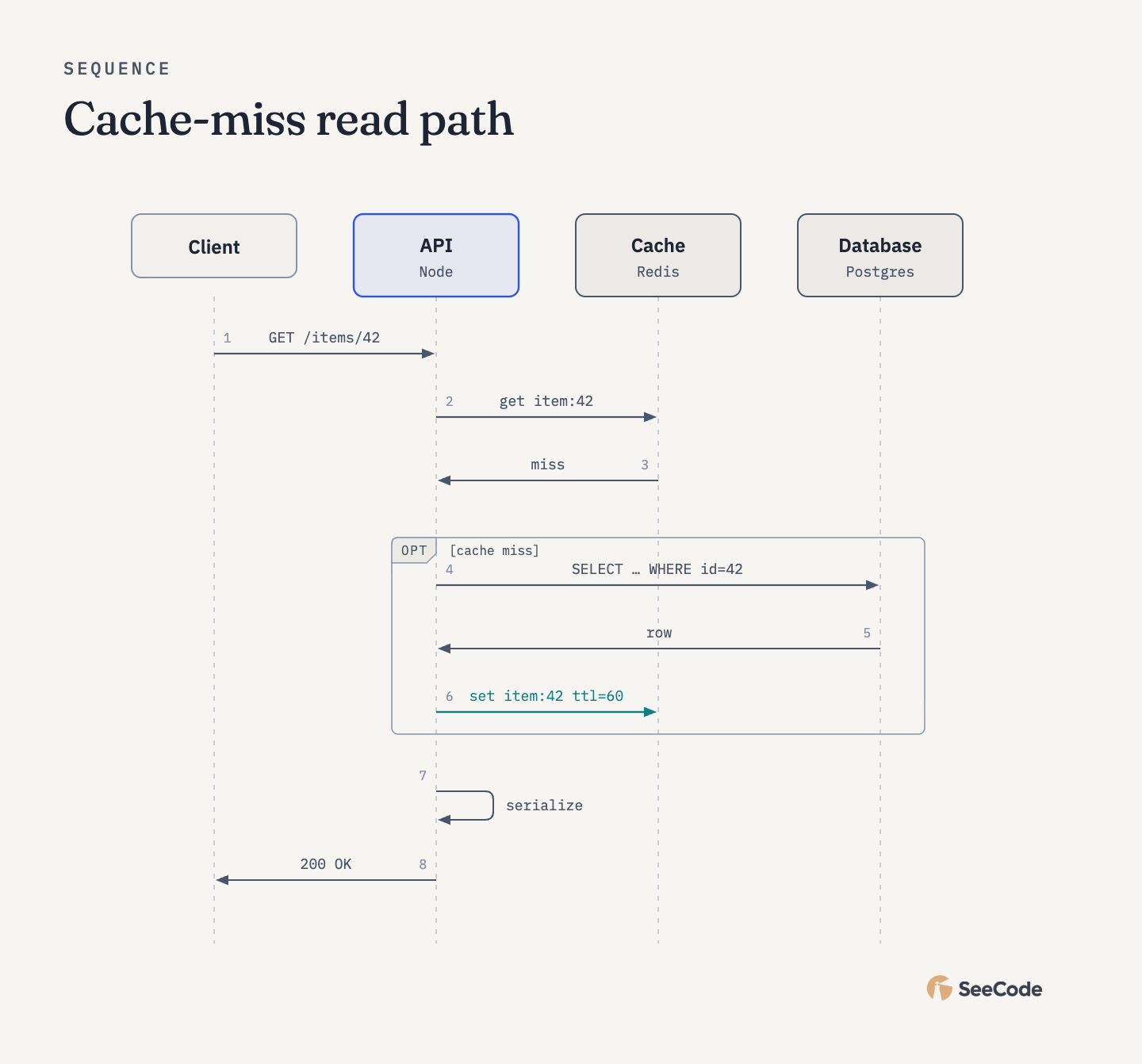 Sequence Messages between actors over time |
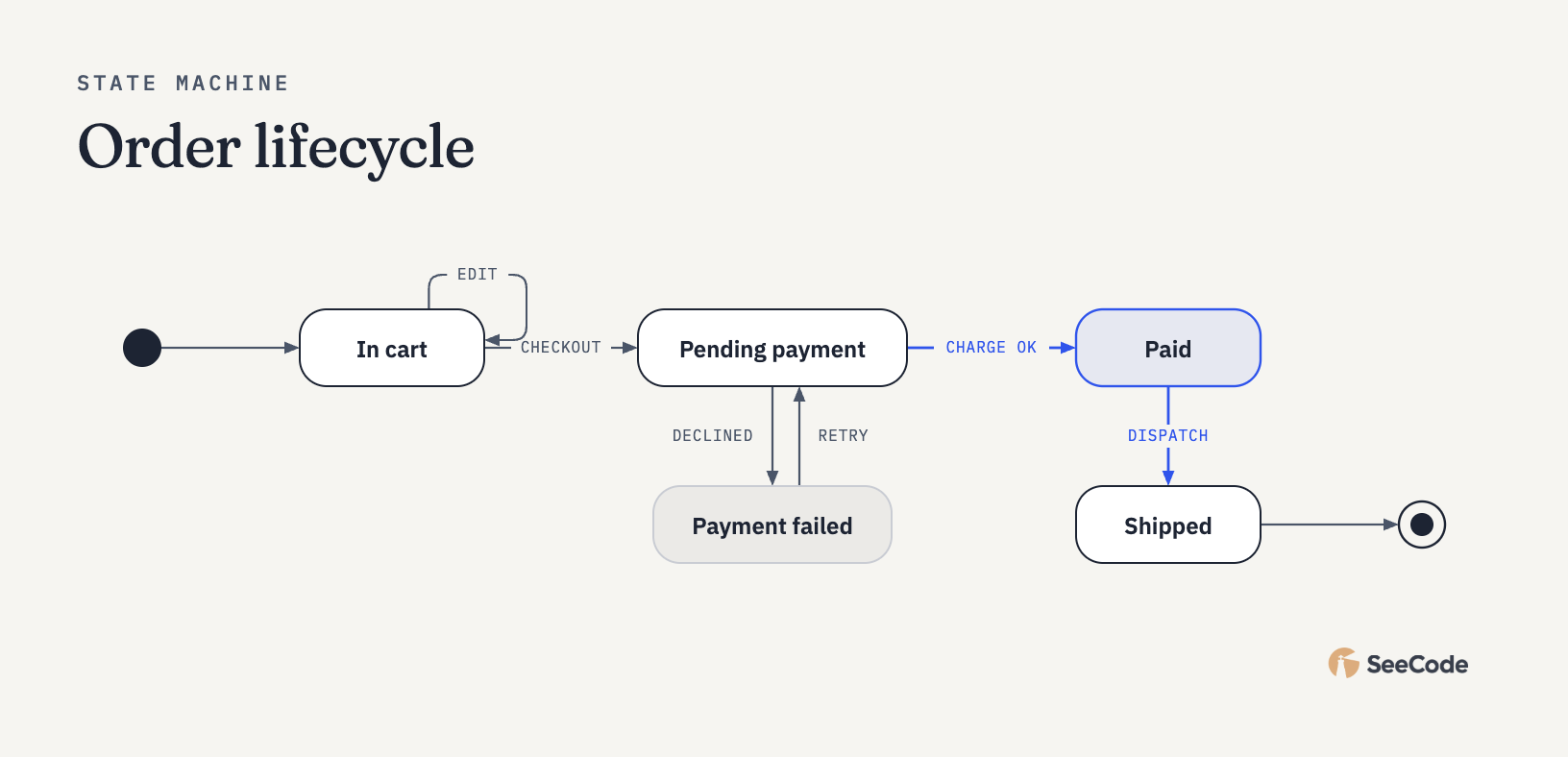 State machine States and transitions |
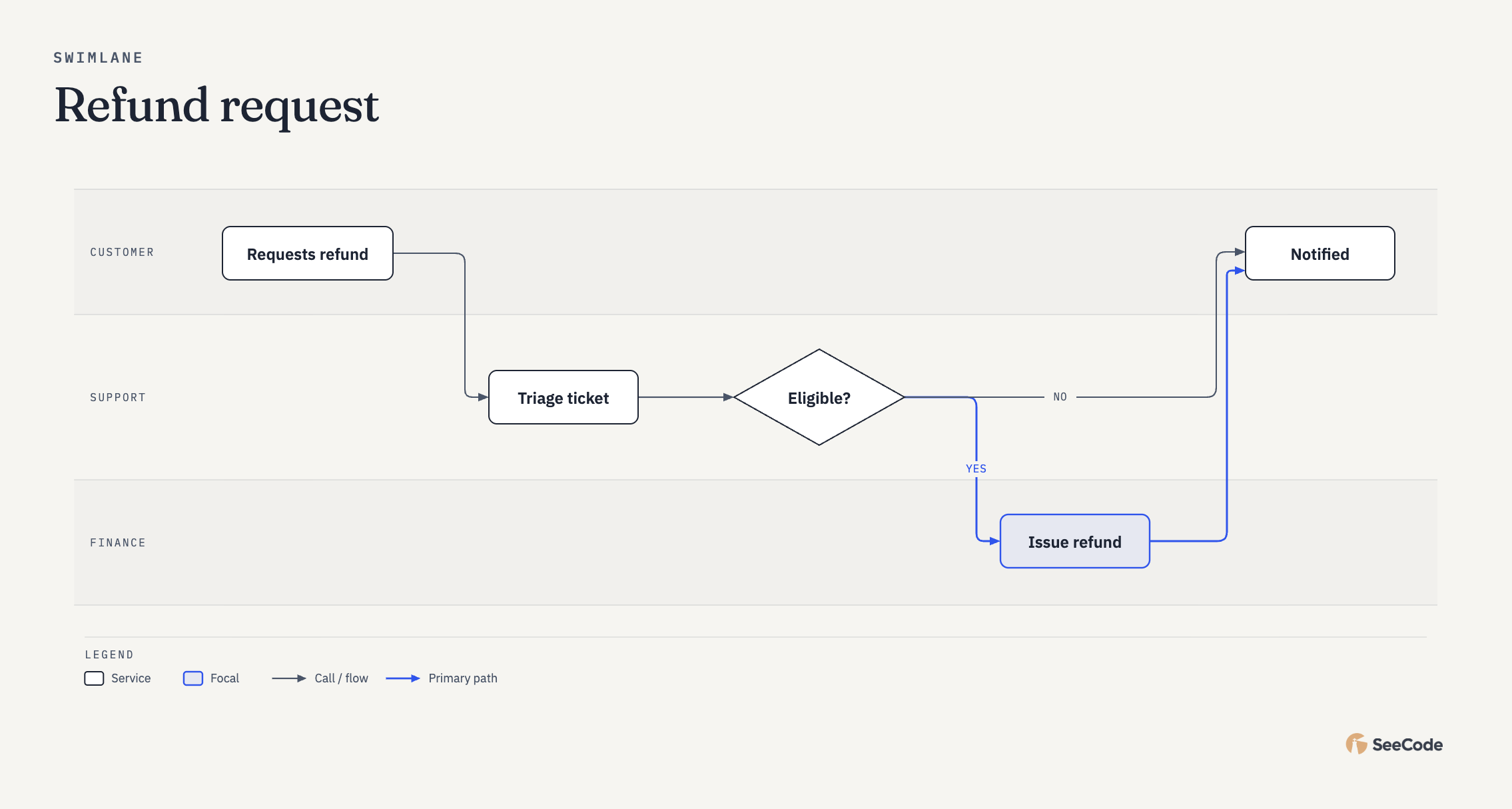 Swimlane Who does which step |
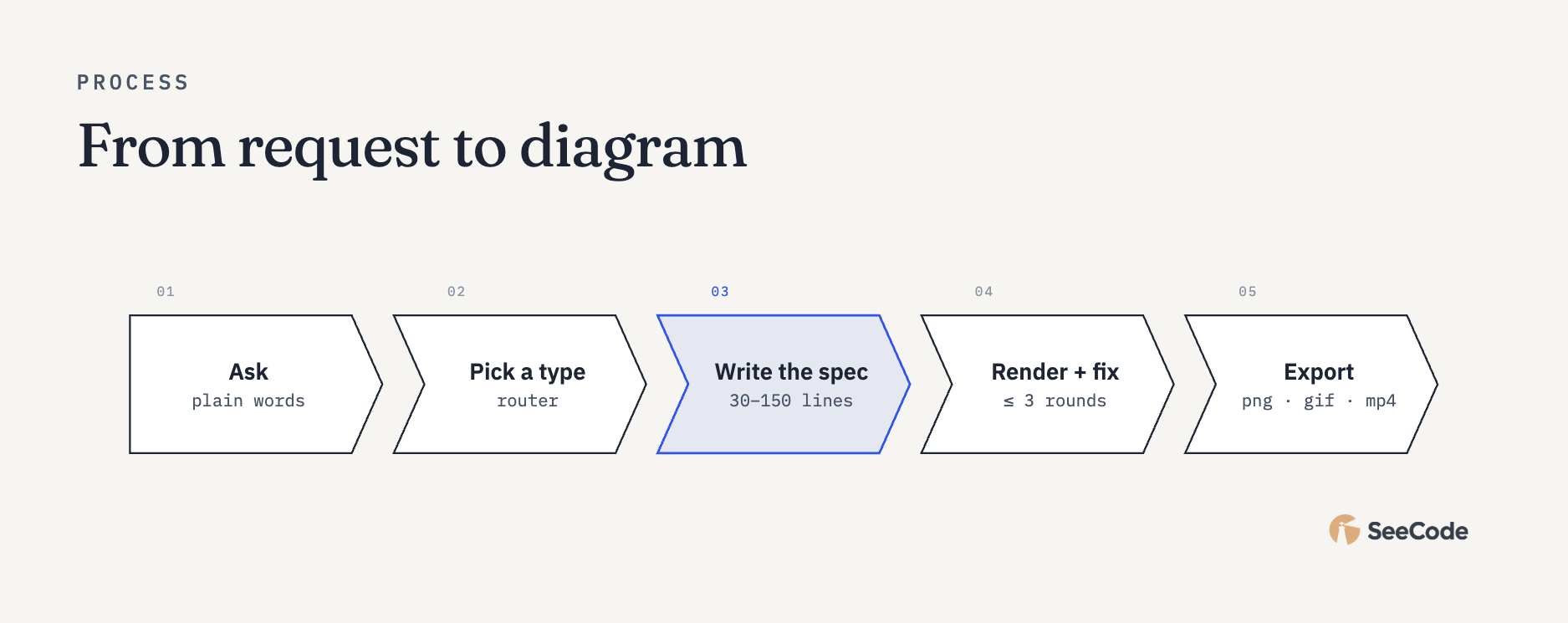 Process Short linear numbered steps |
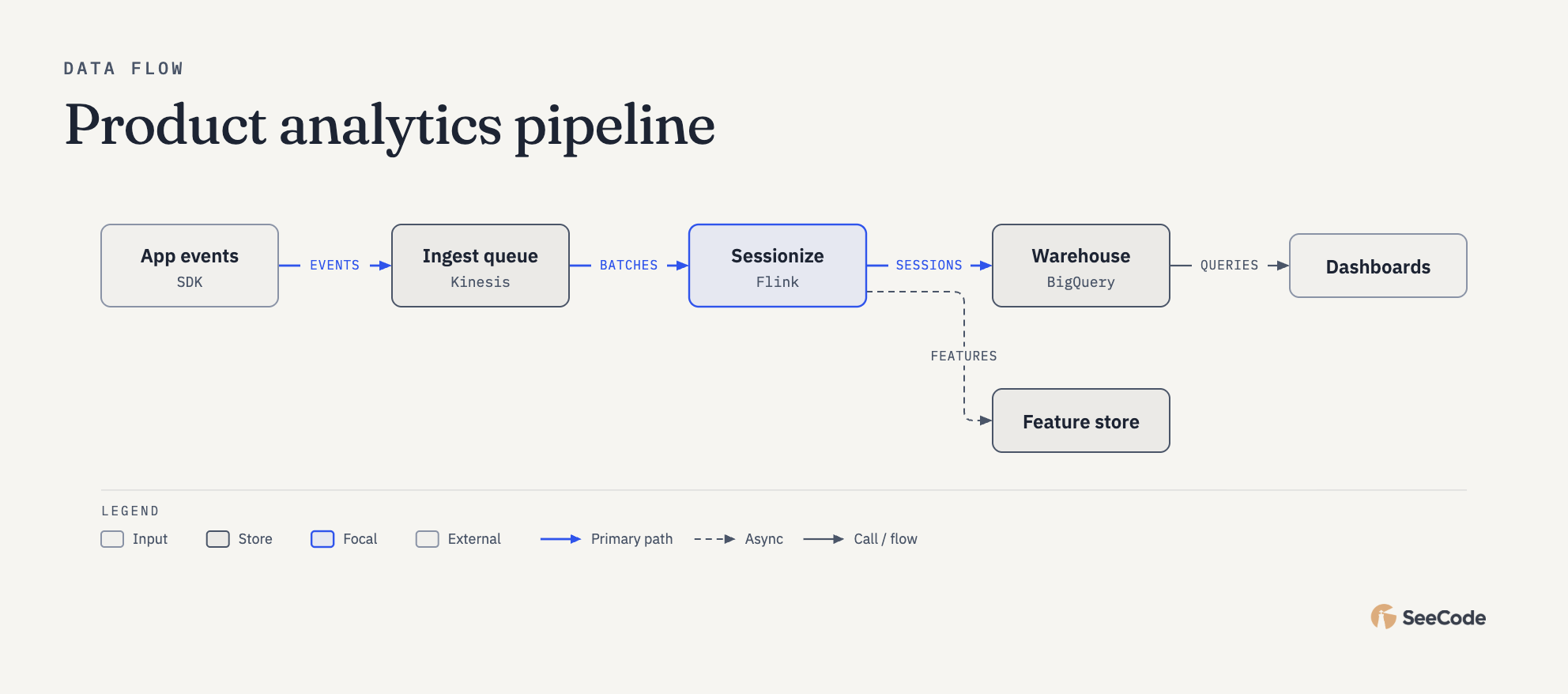 Data flow Data moving through stages |
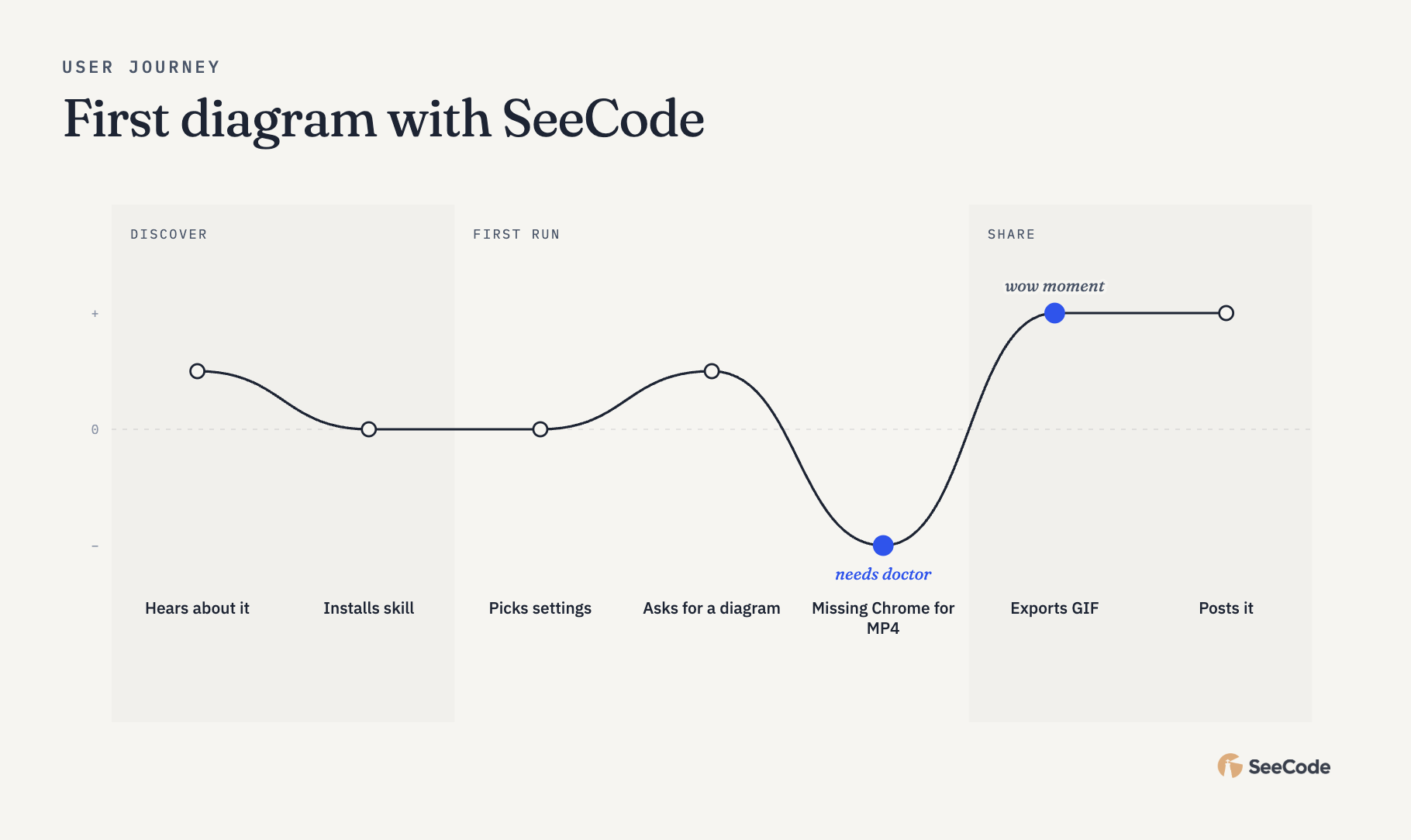 User journey User steps and emotion curve |
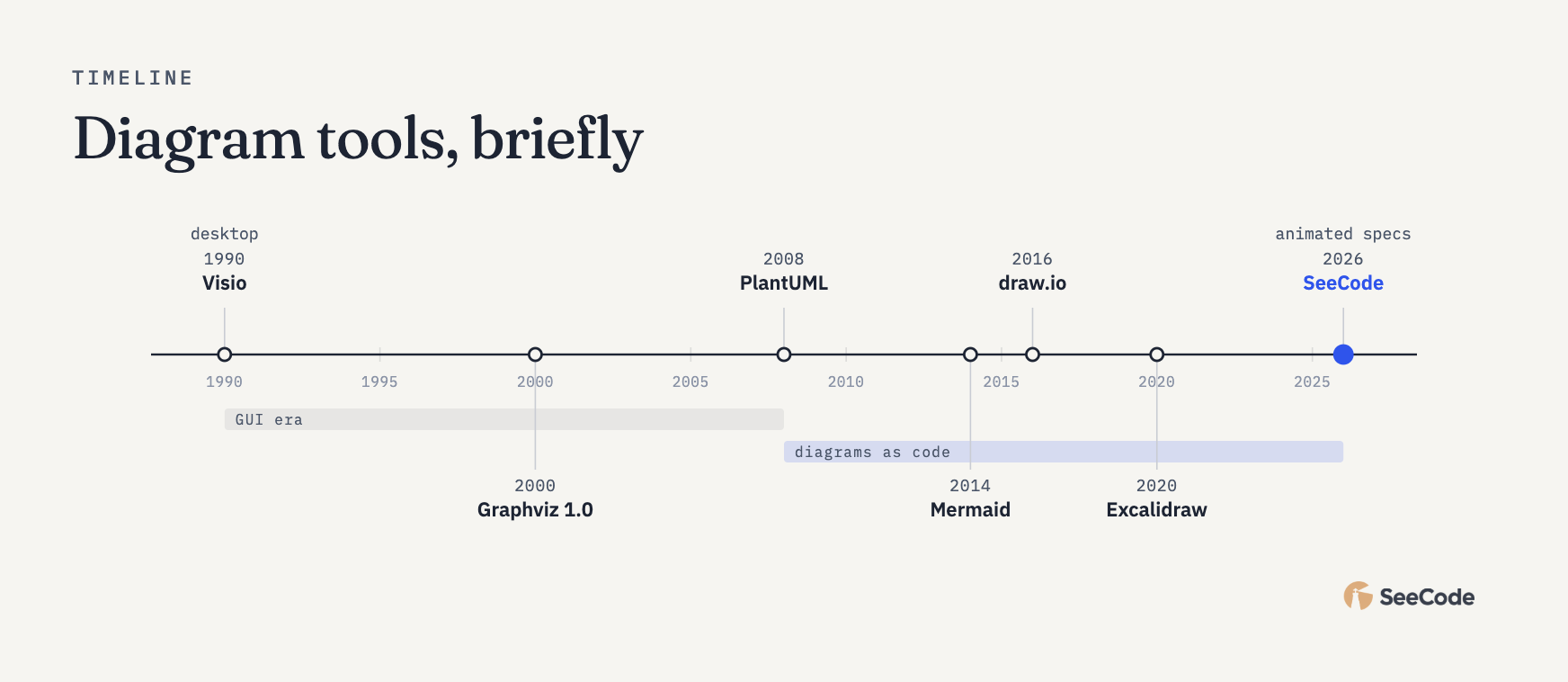 Timeline Dated events |
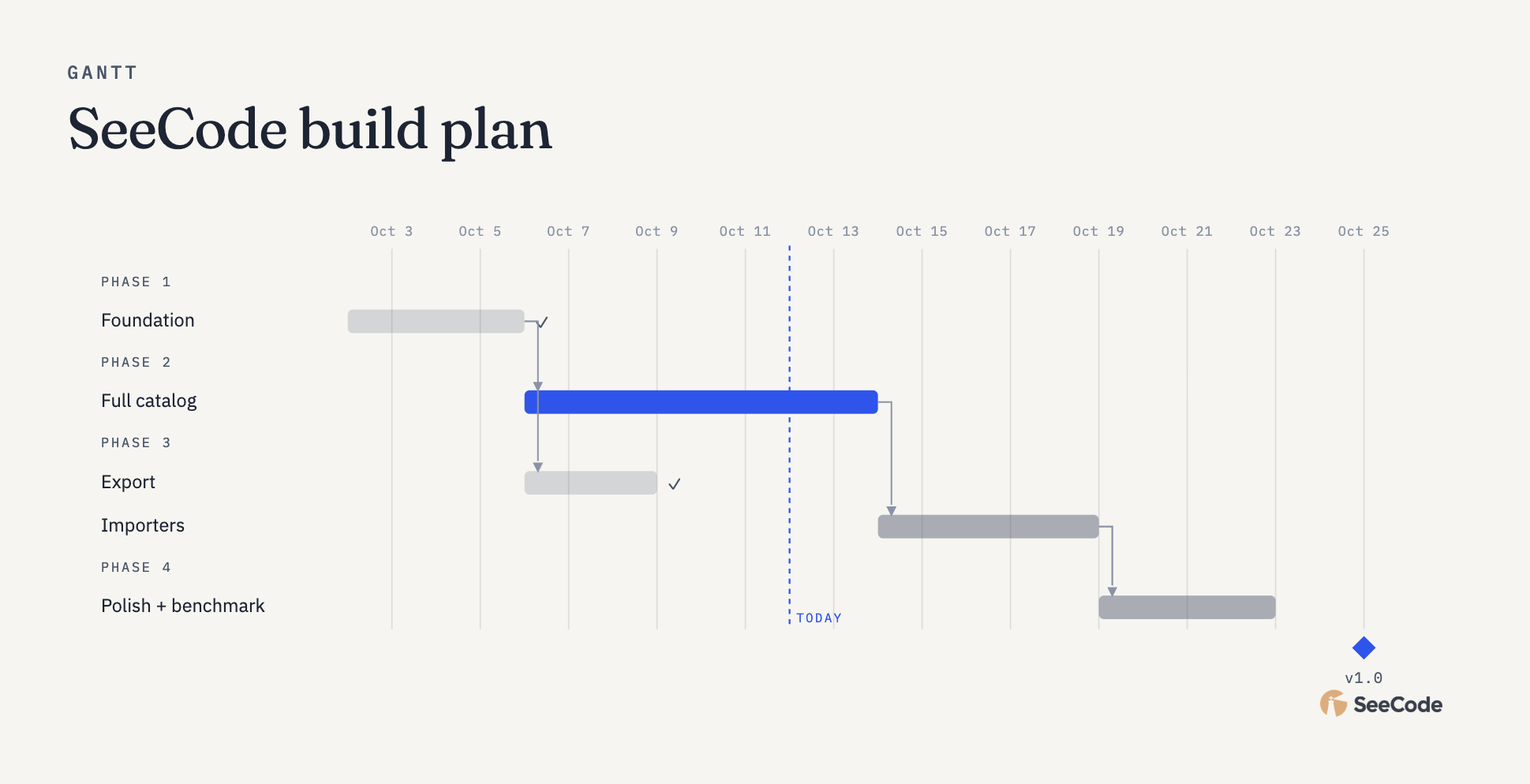 Gantt Work over time |
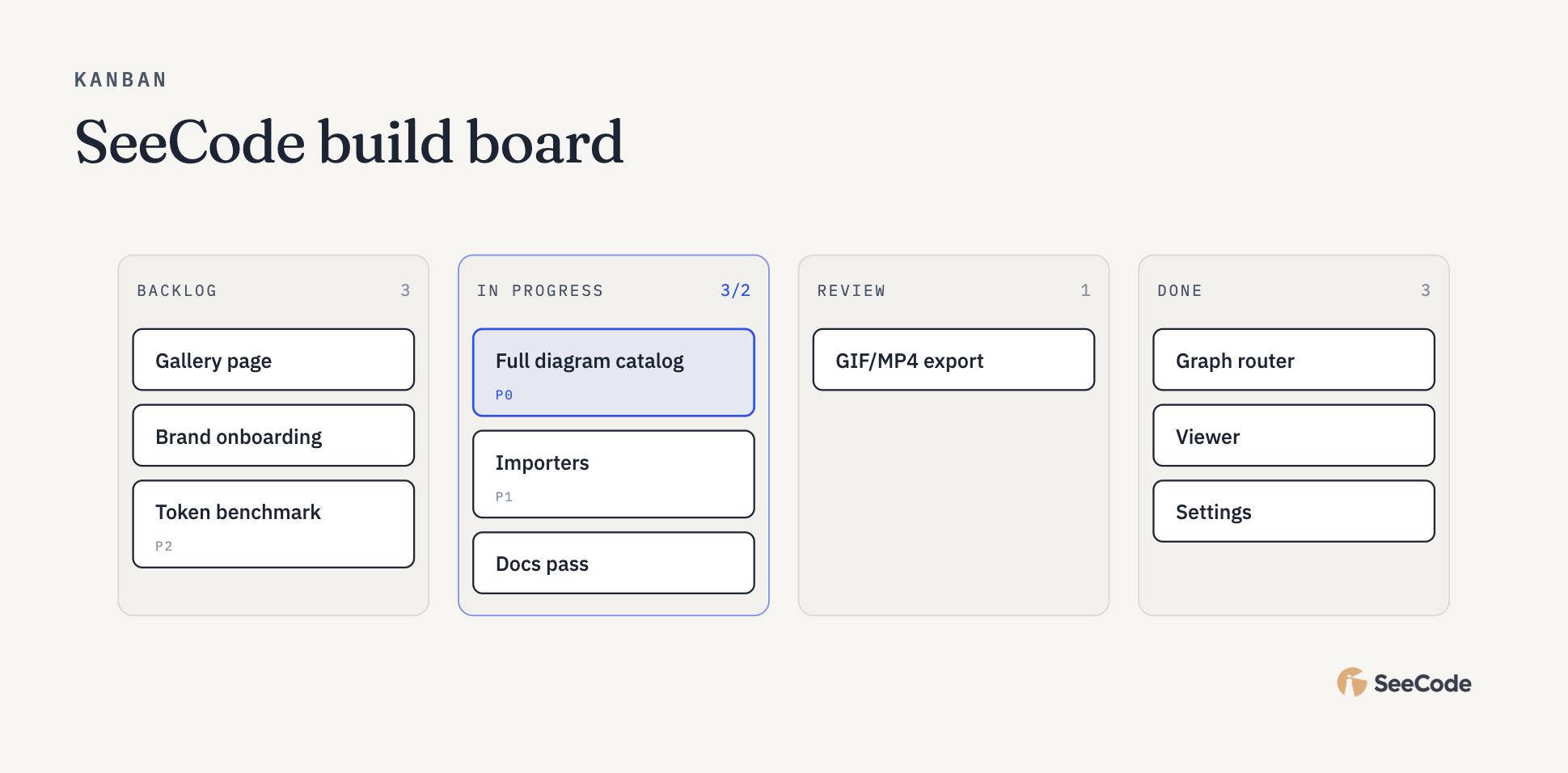 Kanban Items by status |
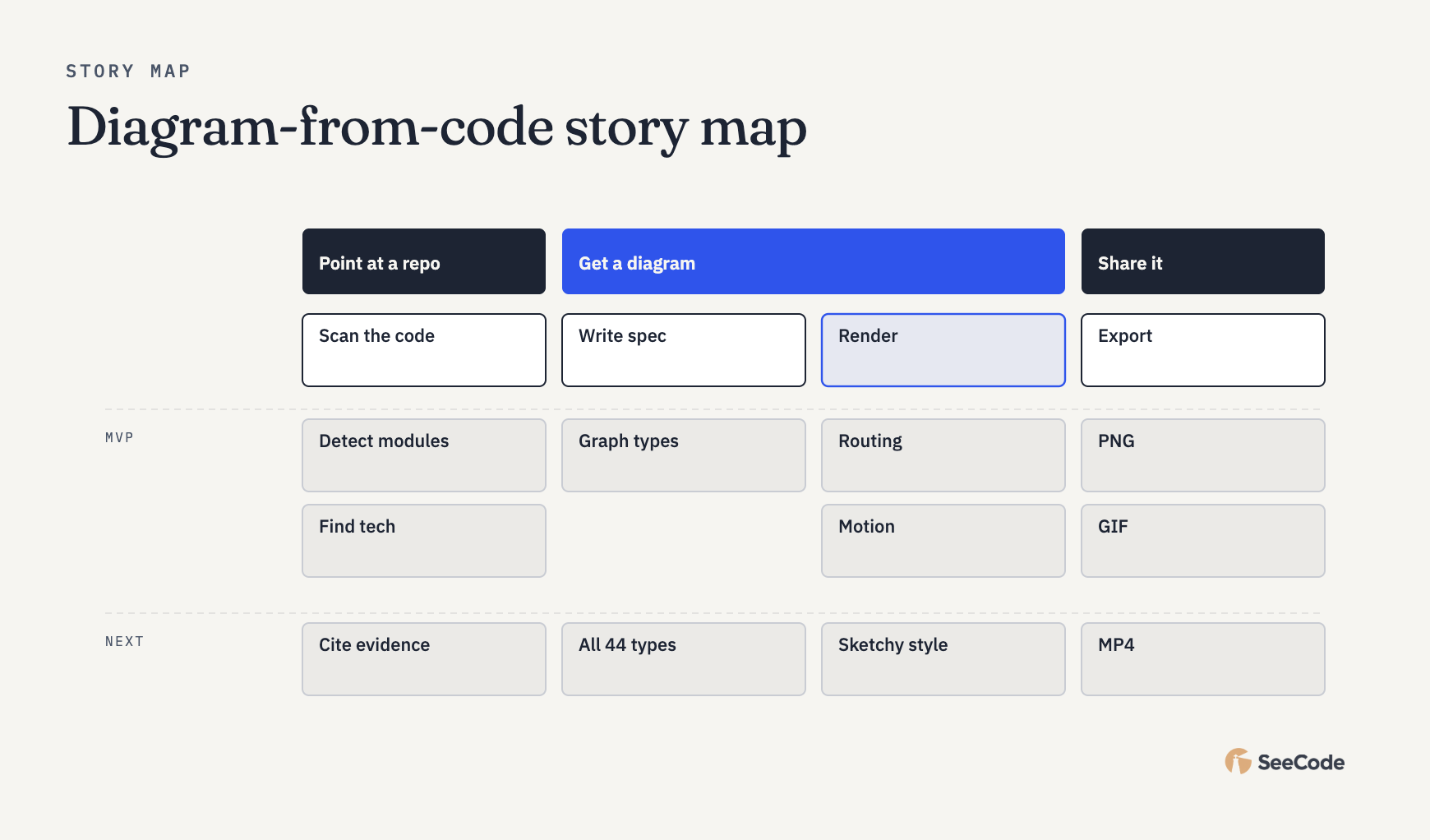 Story map Backbone and release slices |
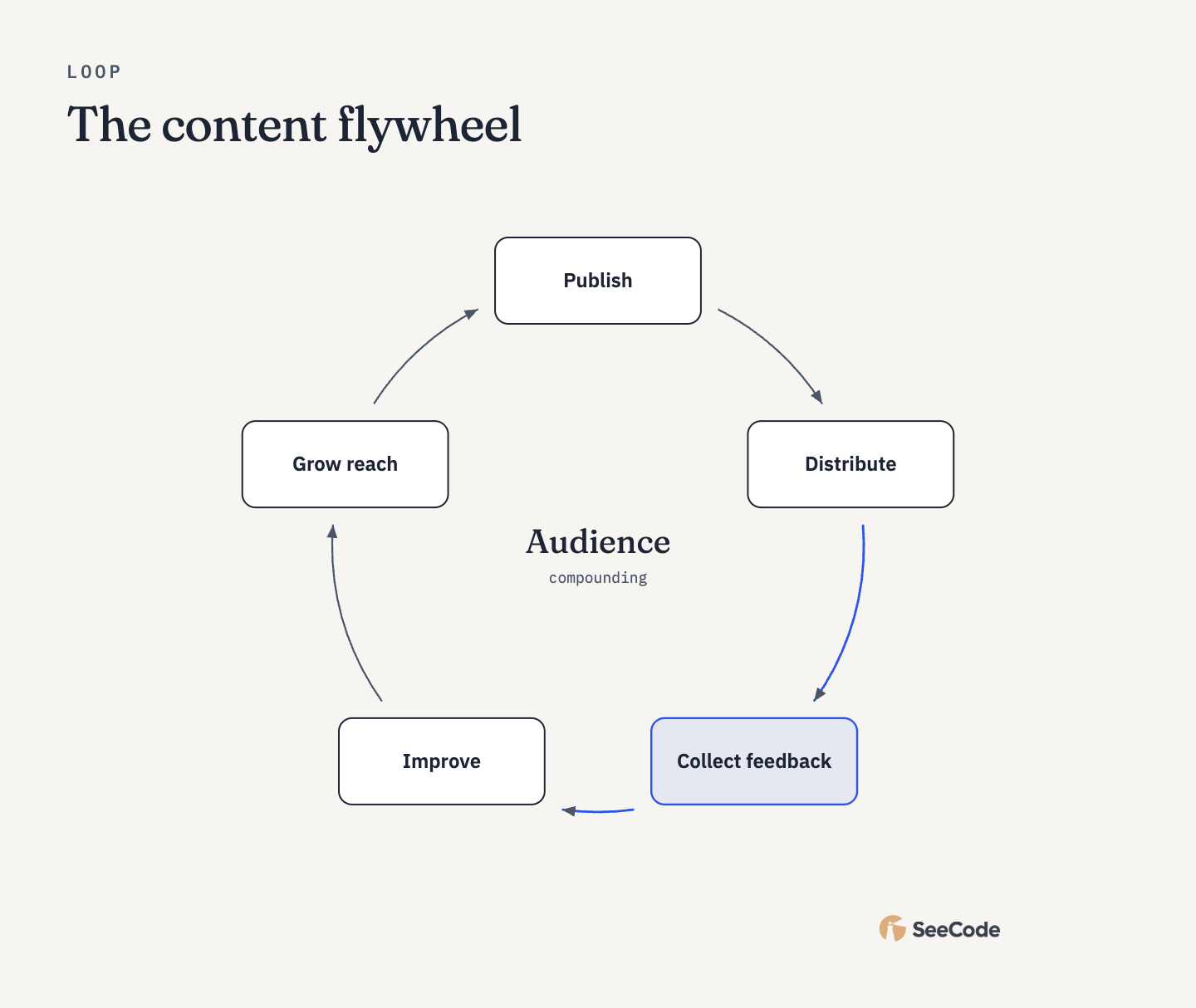 Loop / flywheel Reinforcing cycle or flywheel |
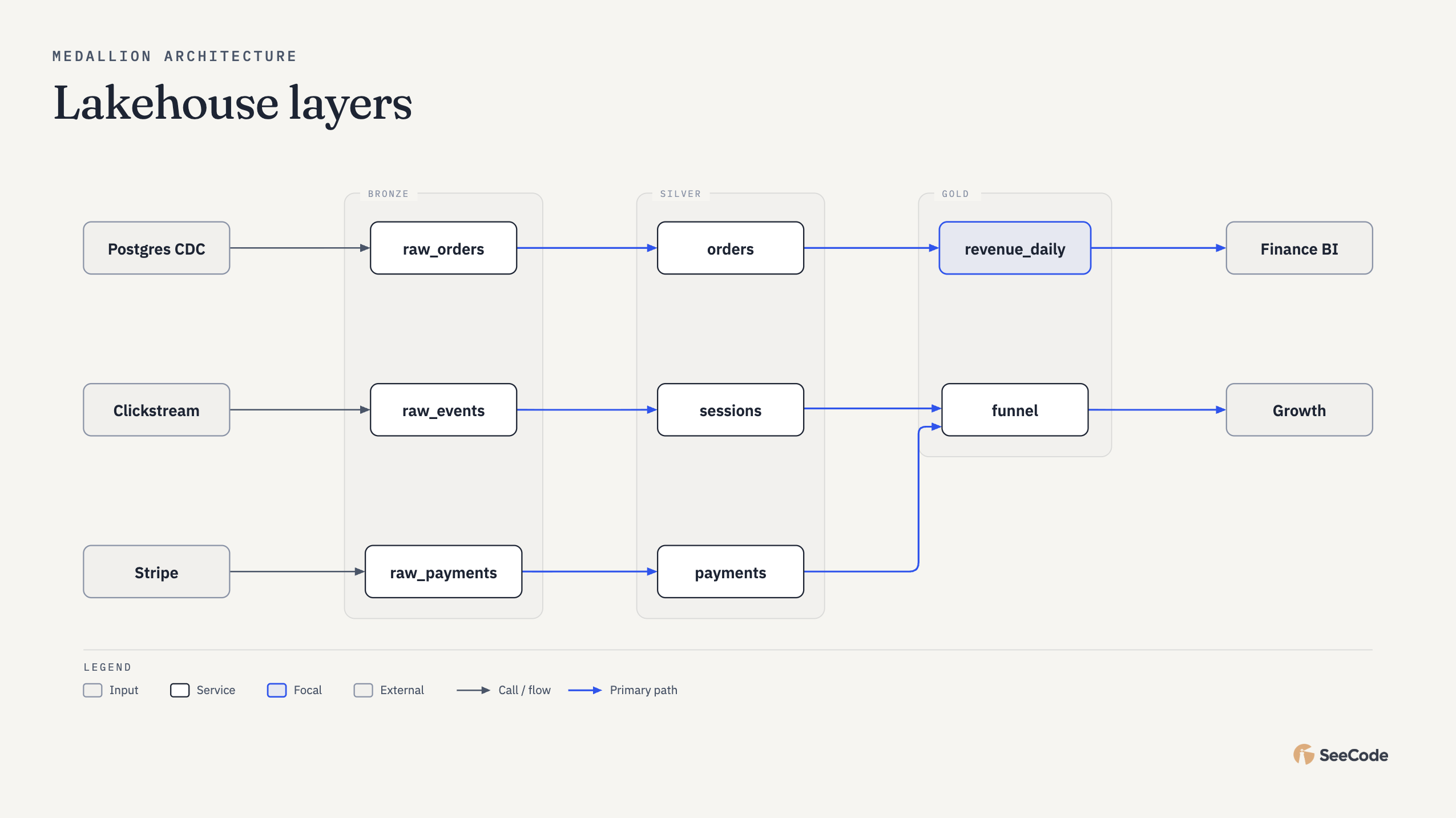 Medallion Bronze/silver/gold layers |
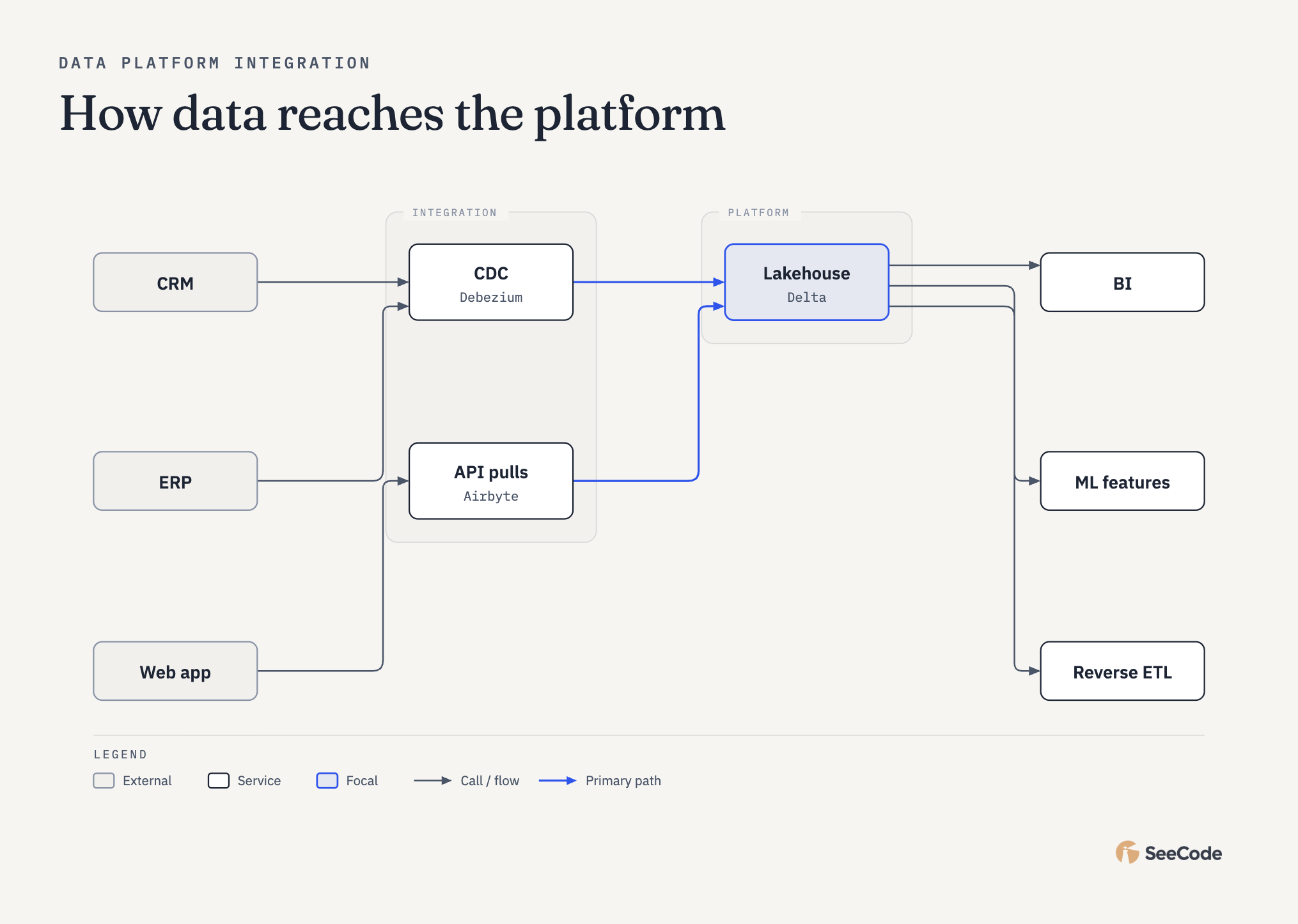 Platform integration Sources → integration → platform → serving |
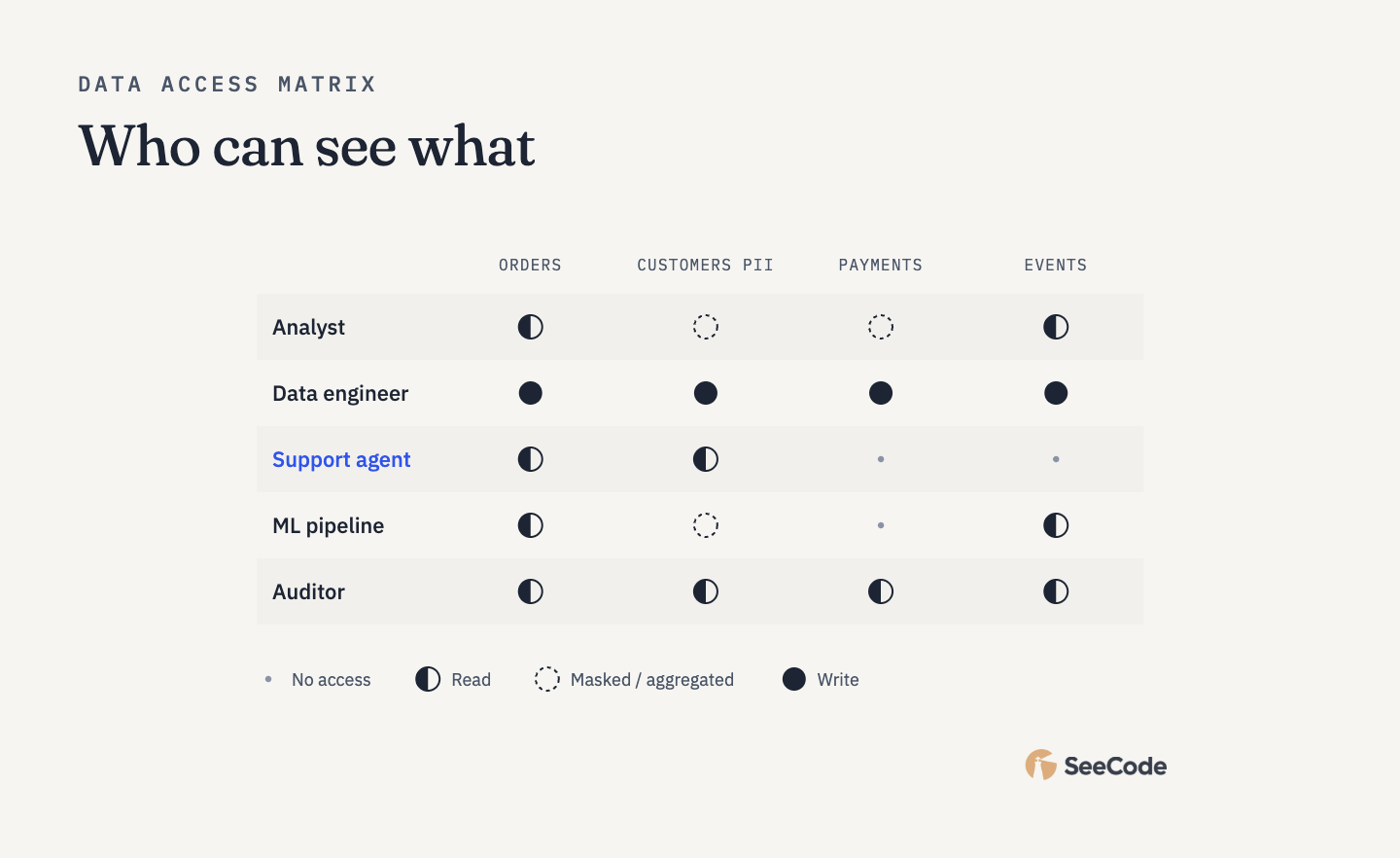 Access matrix Roles × data access |
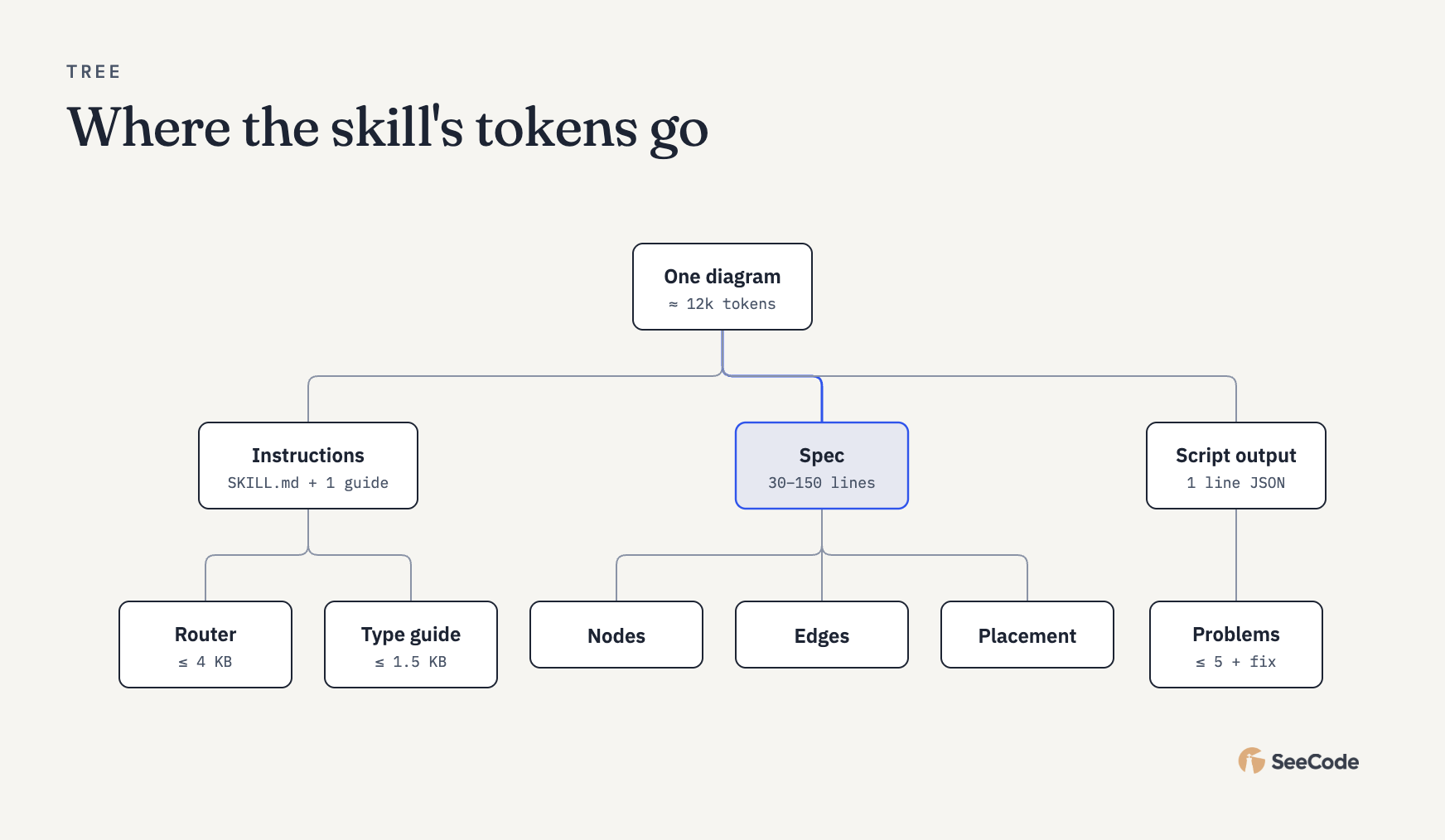 Tree Parent → children |
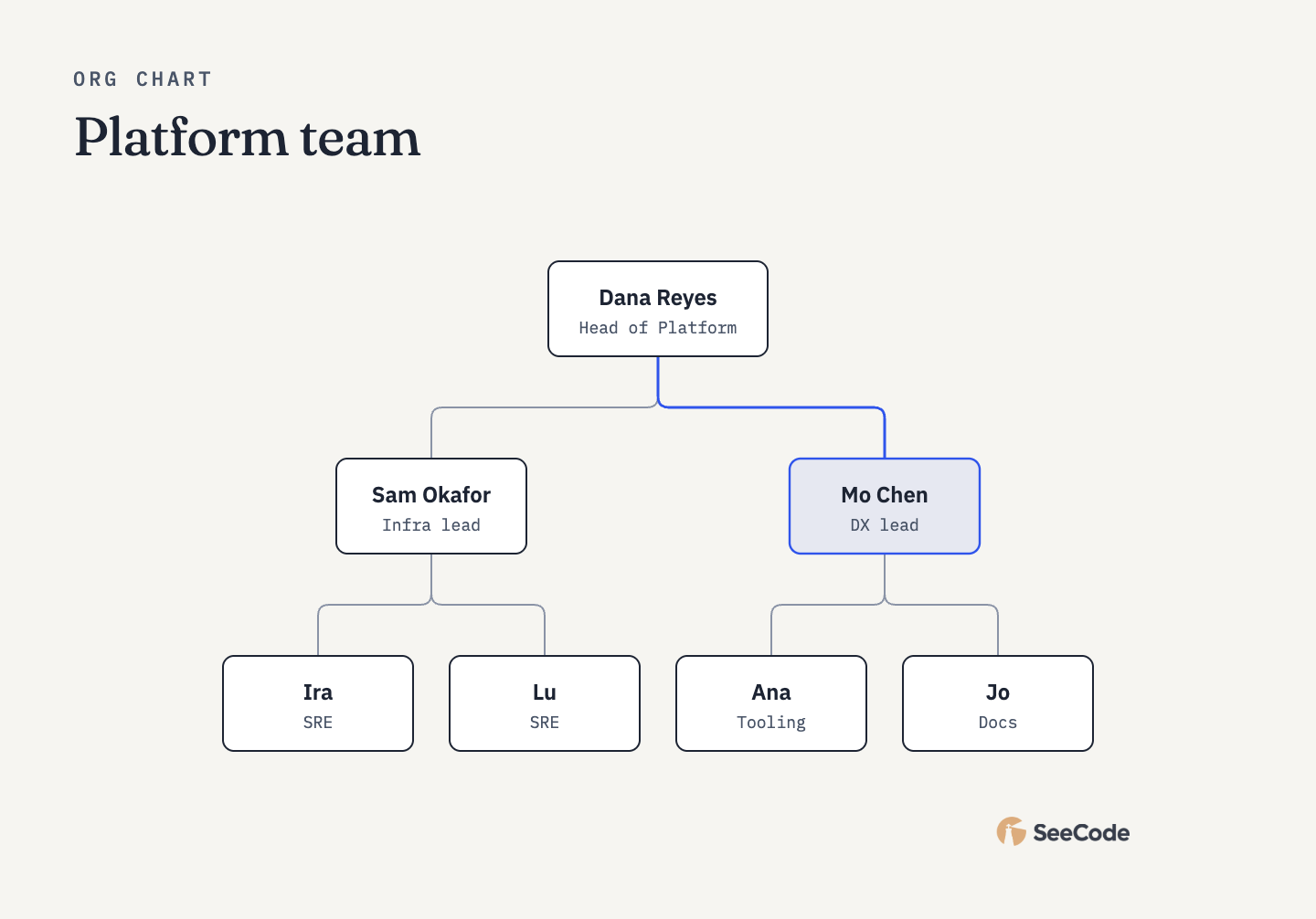 Org chart People and teams |
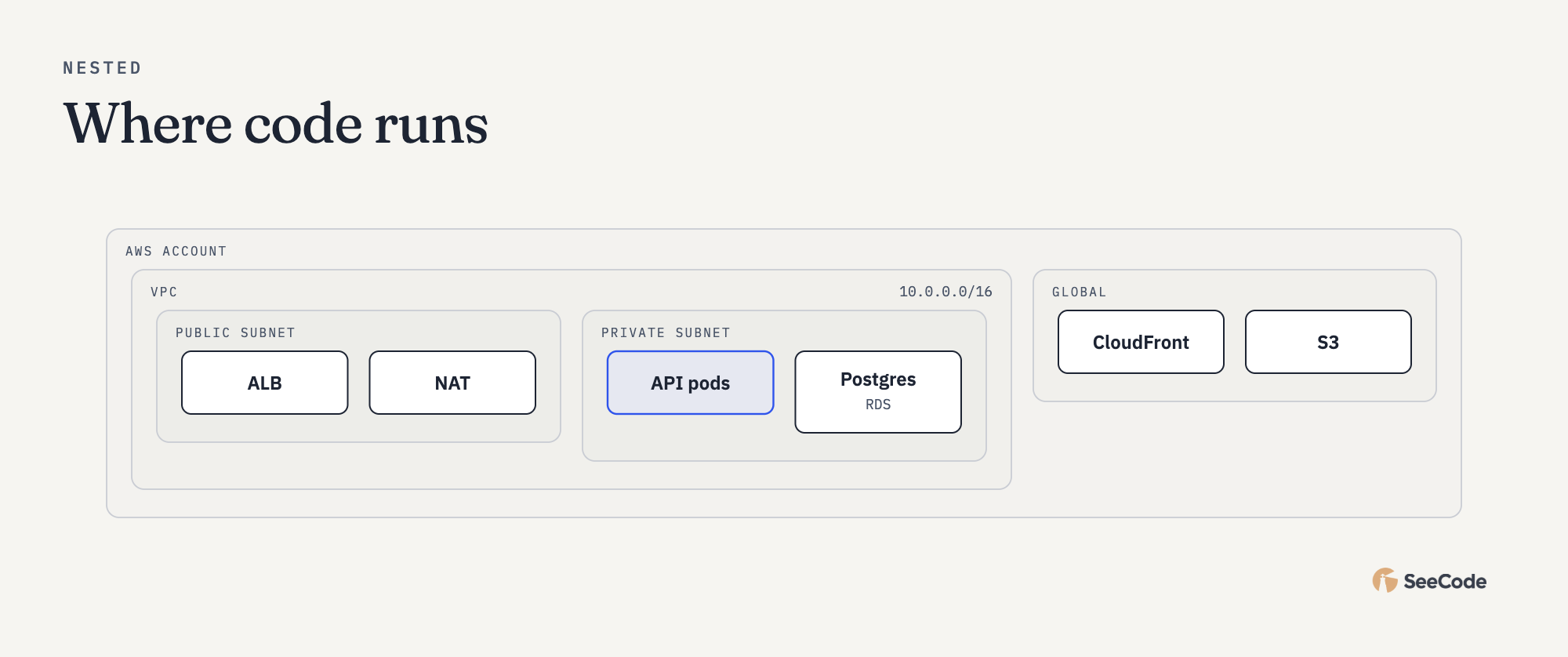 Nested Containment and scopes |
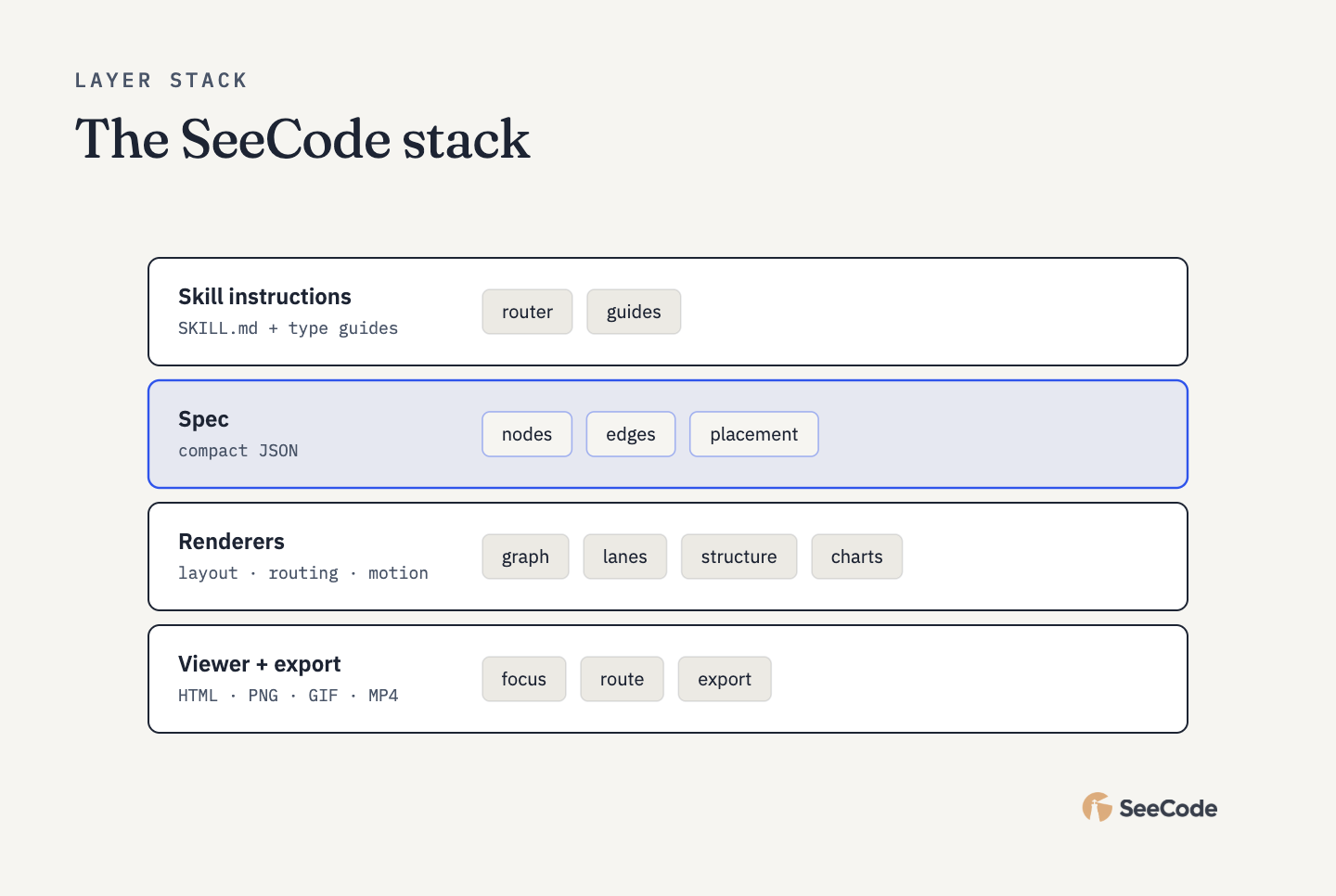 Layer stack A stack |
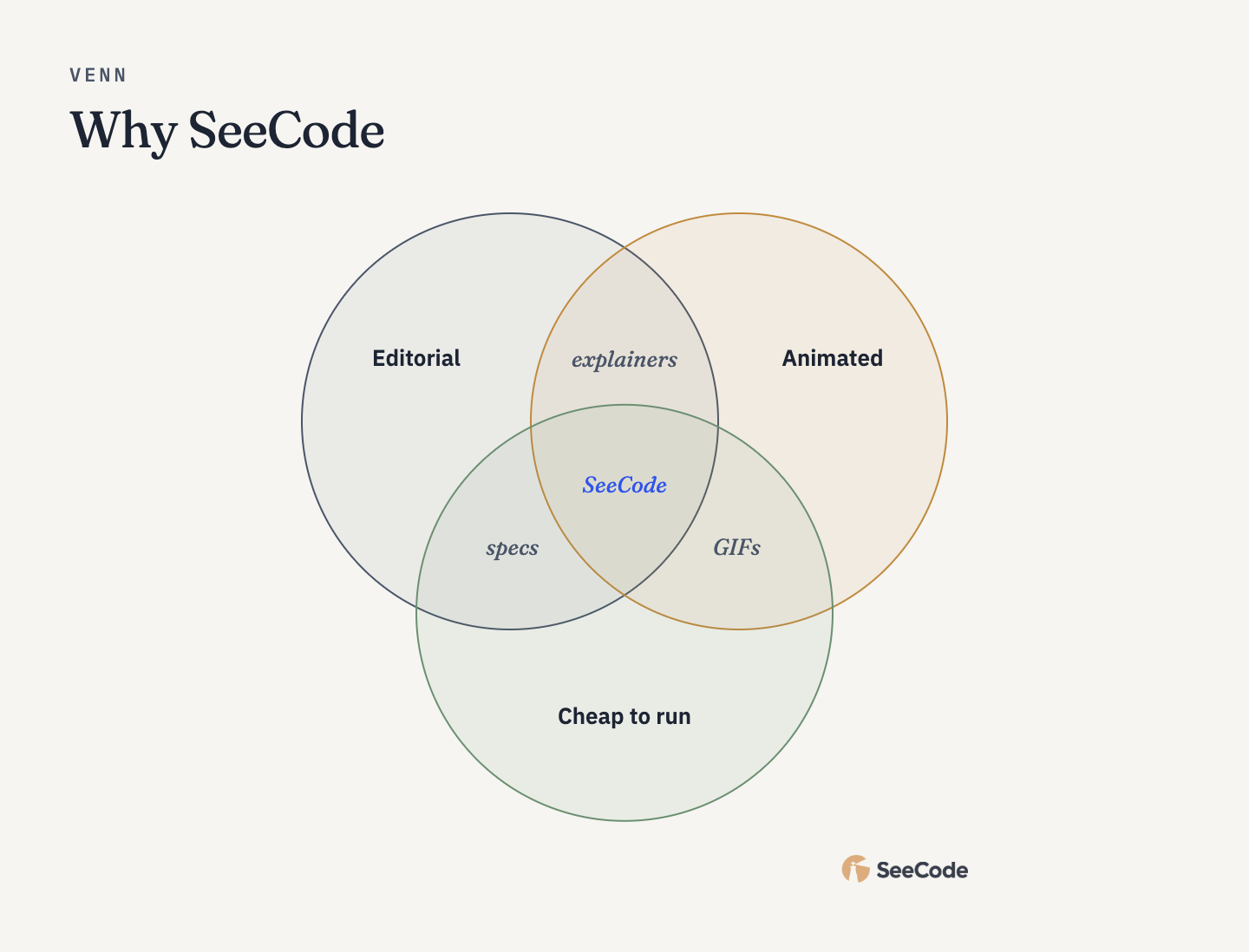 Venn Overlaps |
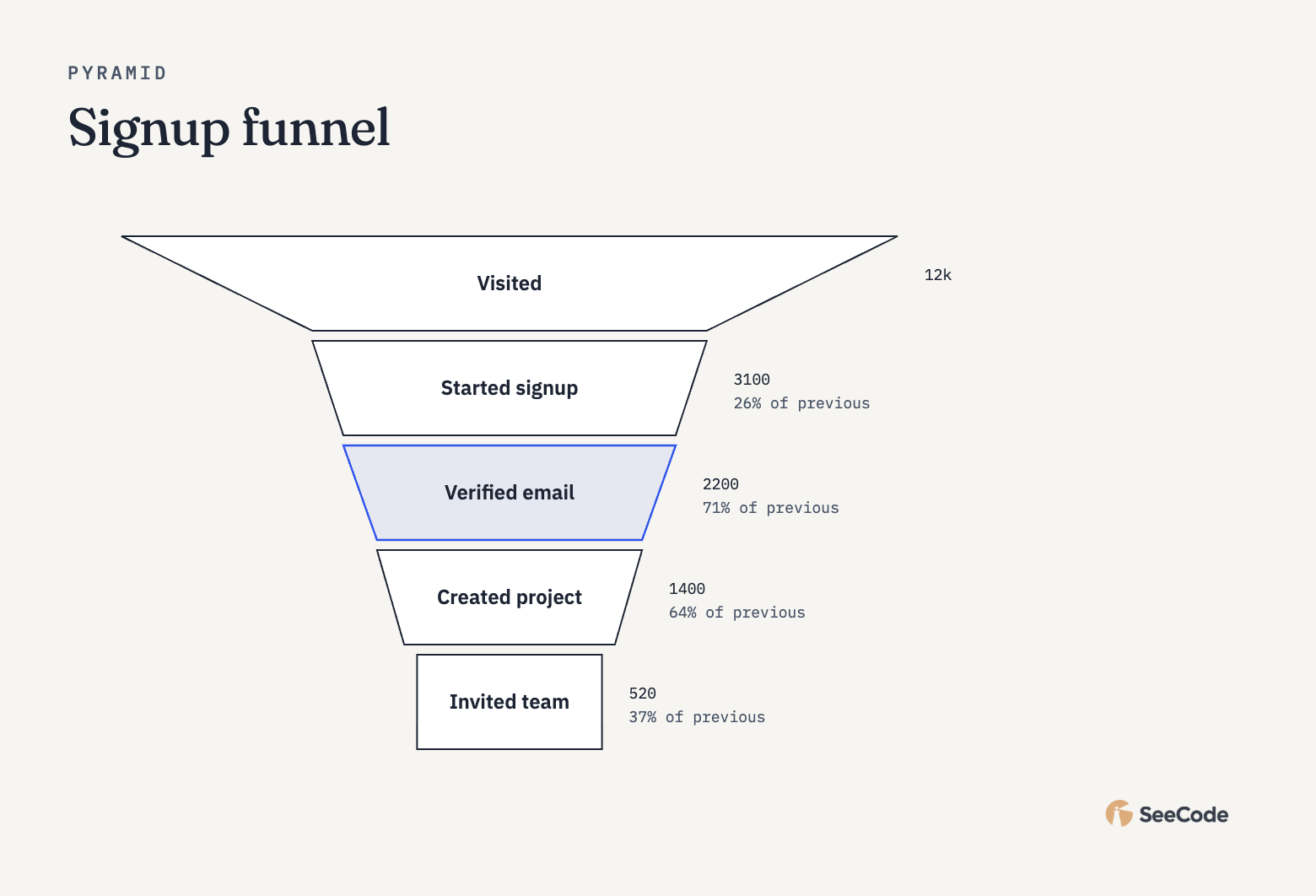 Pyramid / funnel Ranking |
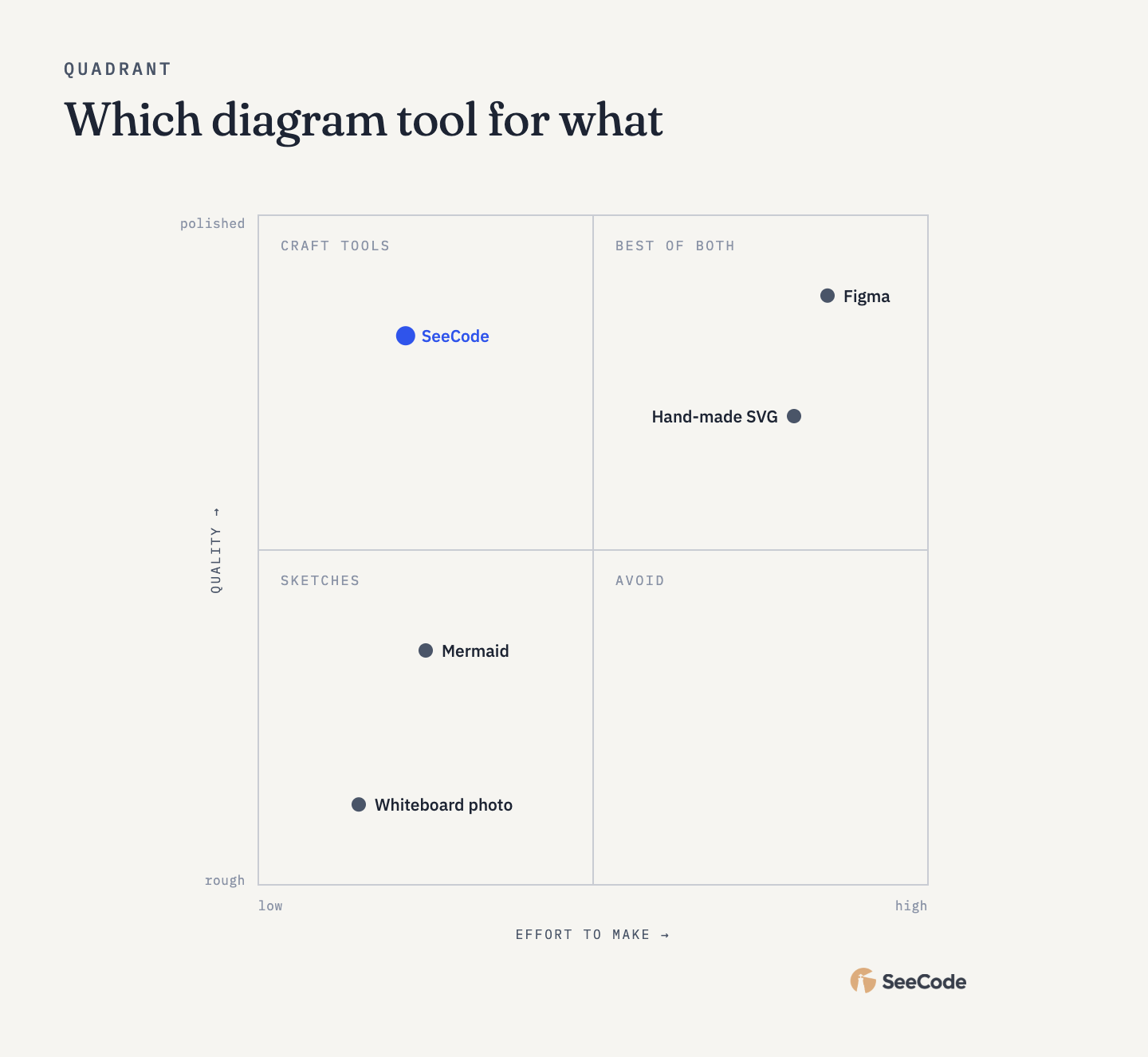 Quadrant A 2×2 |
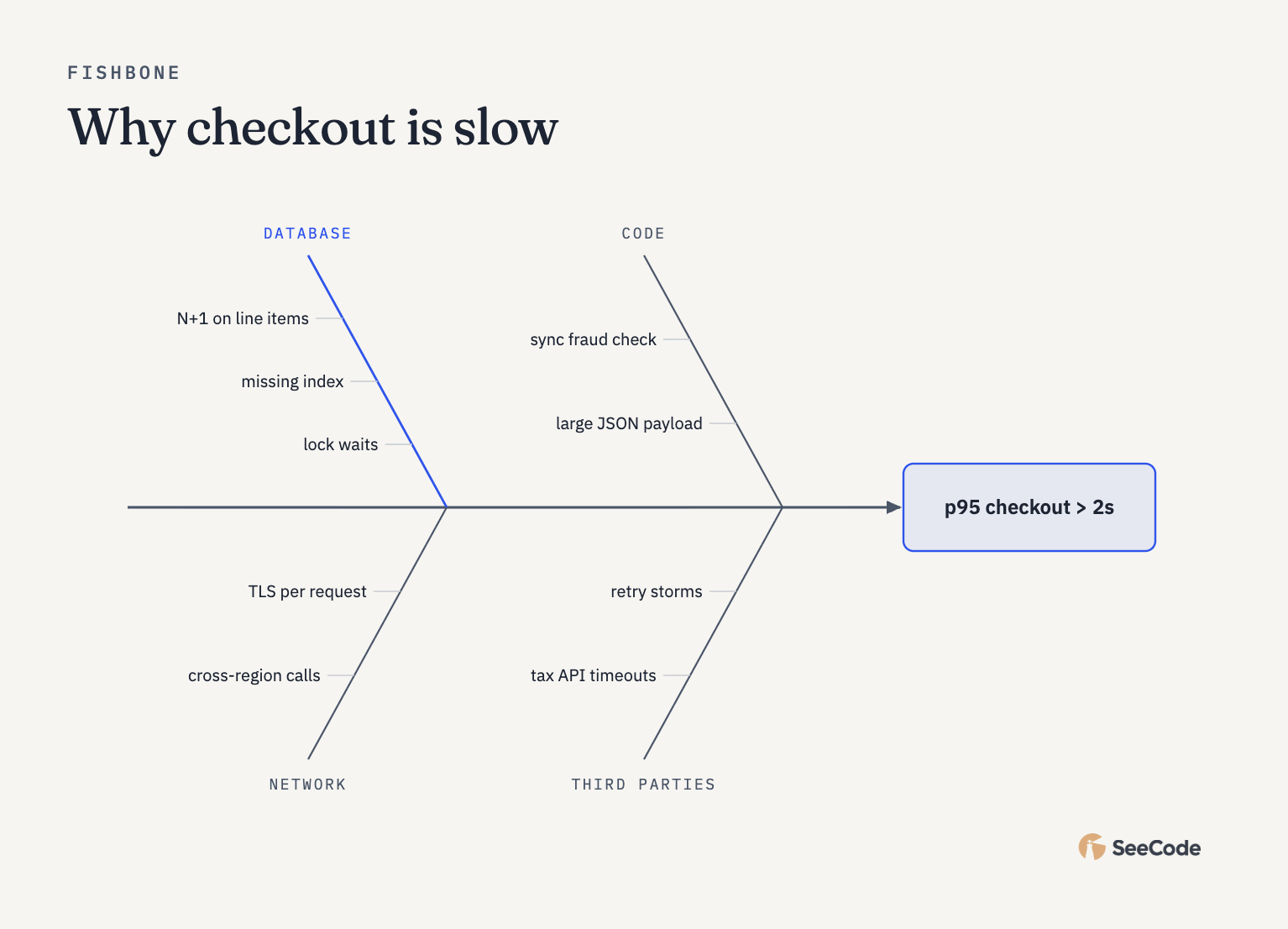 Fishbone Root causes |
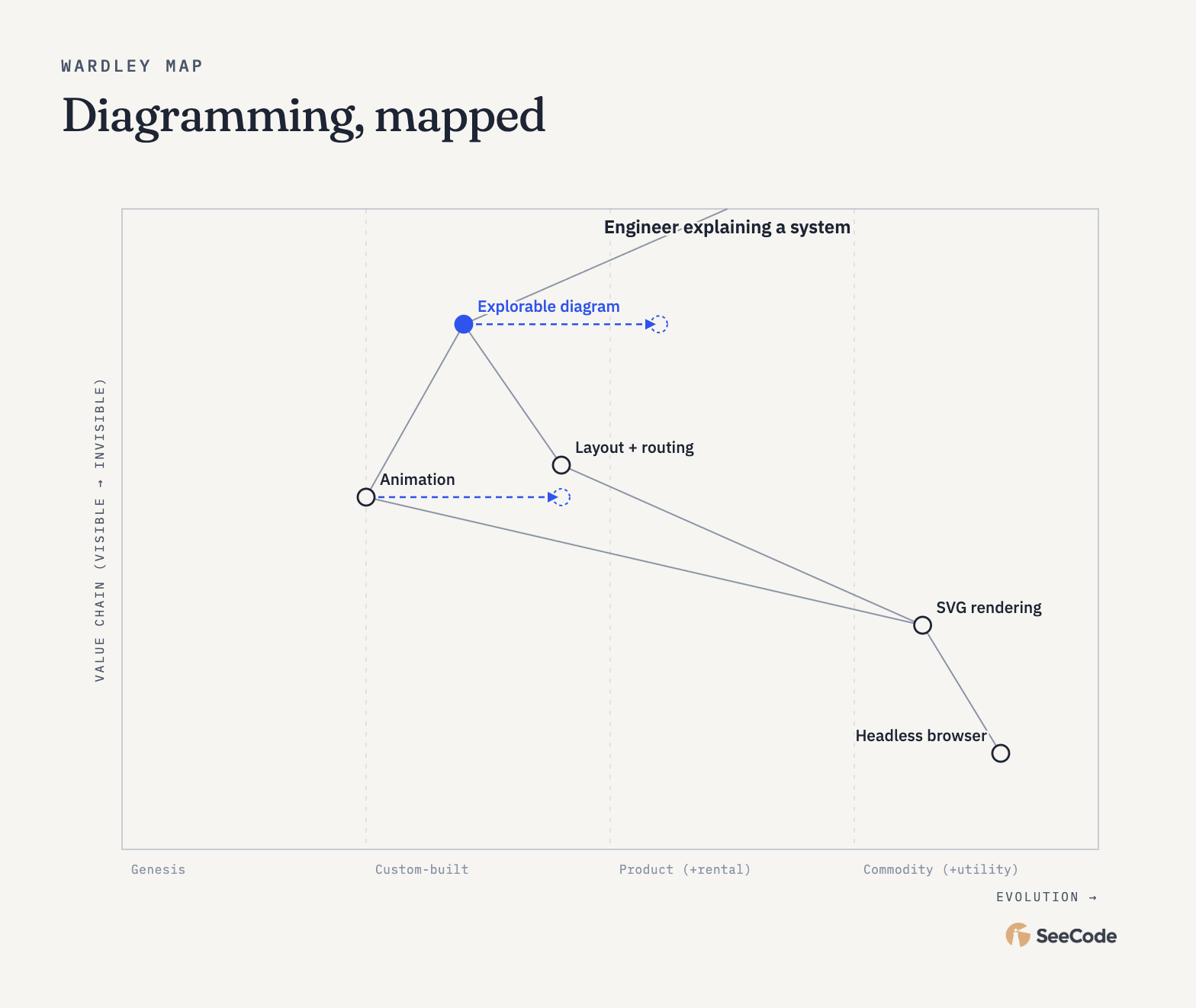 Wardley map Evolution × visibility |
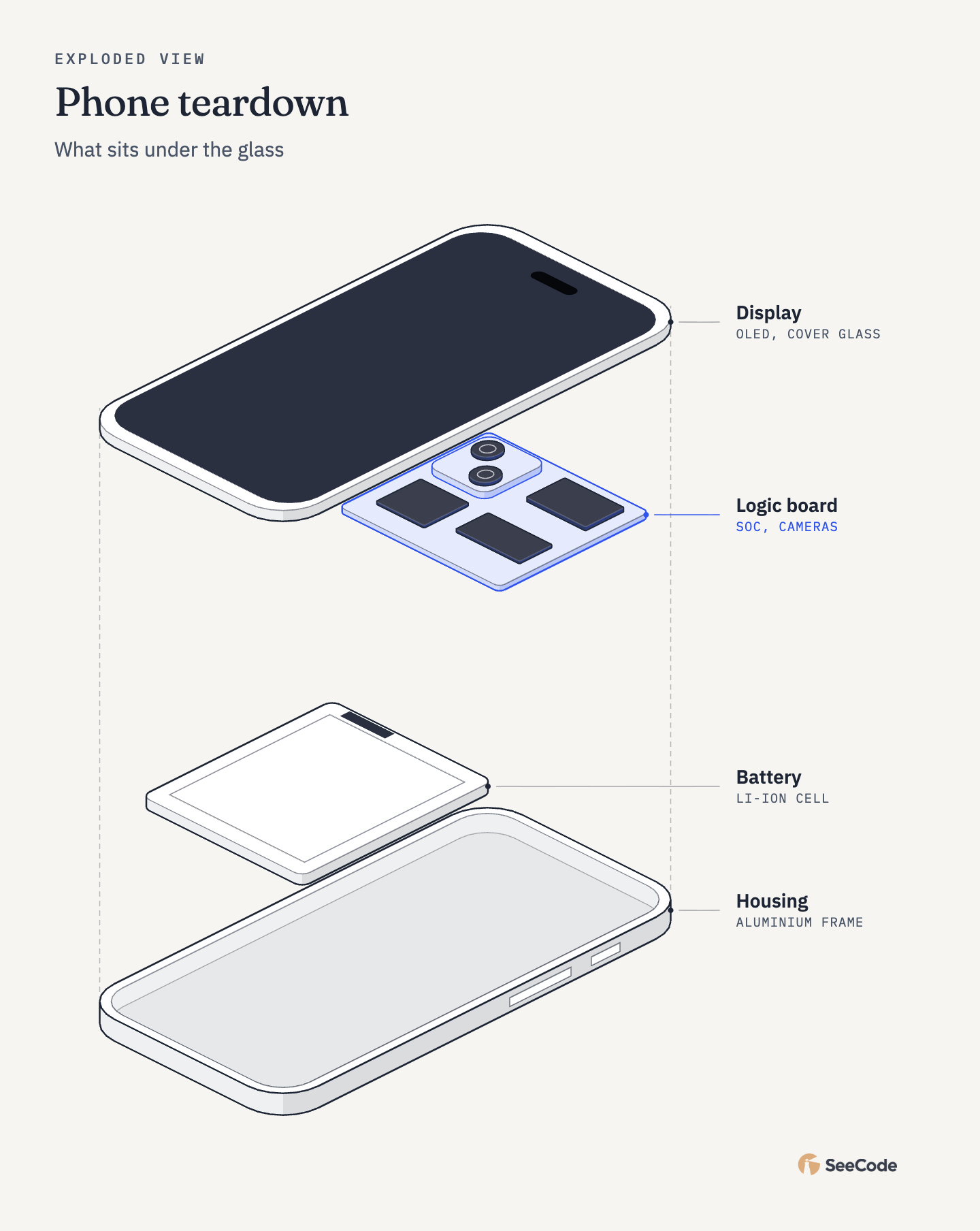 Exploded view Parts of one thing, isometric |
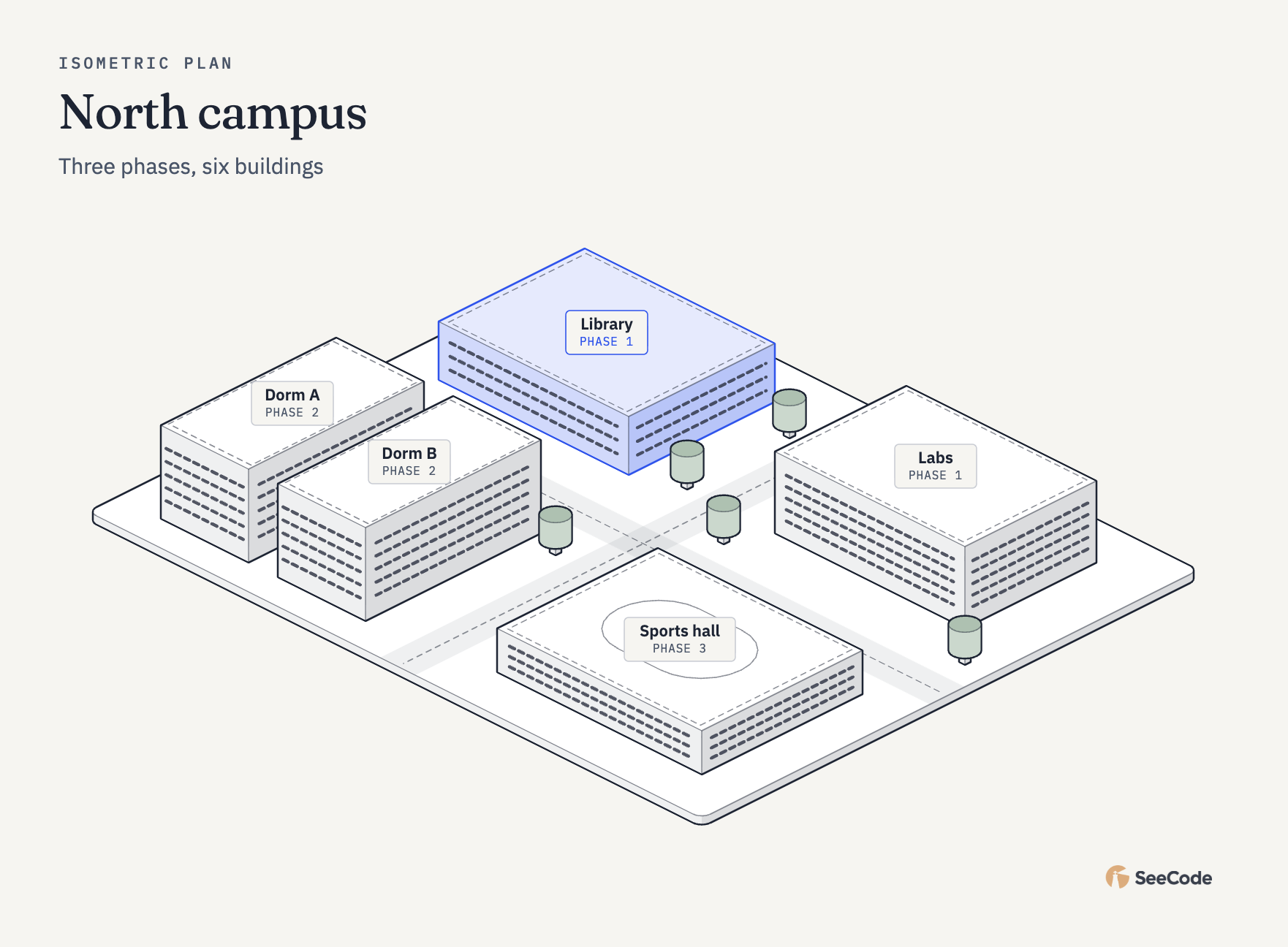 Isometric plan A floor or site from above |
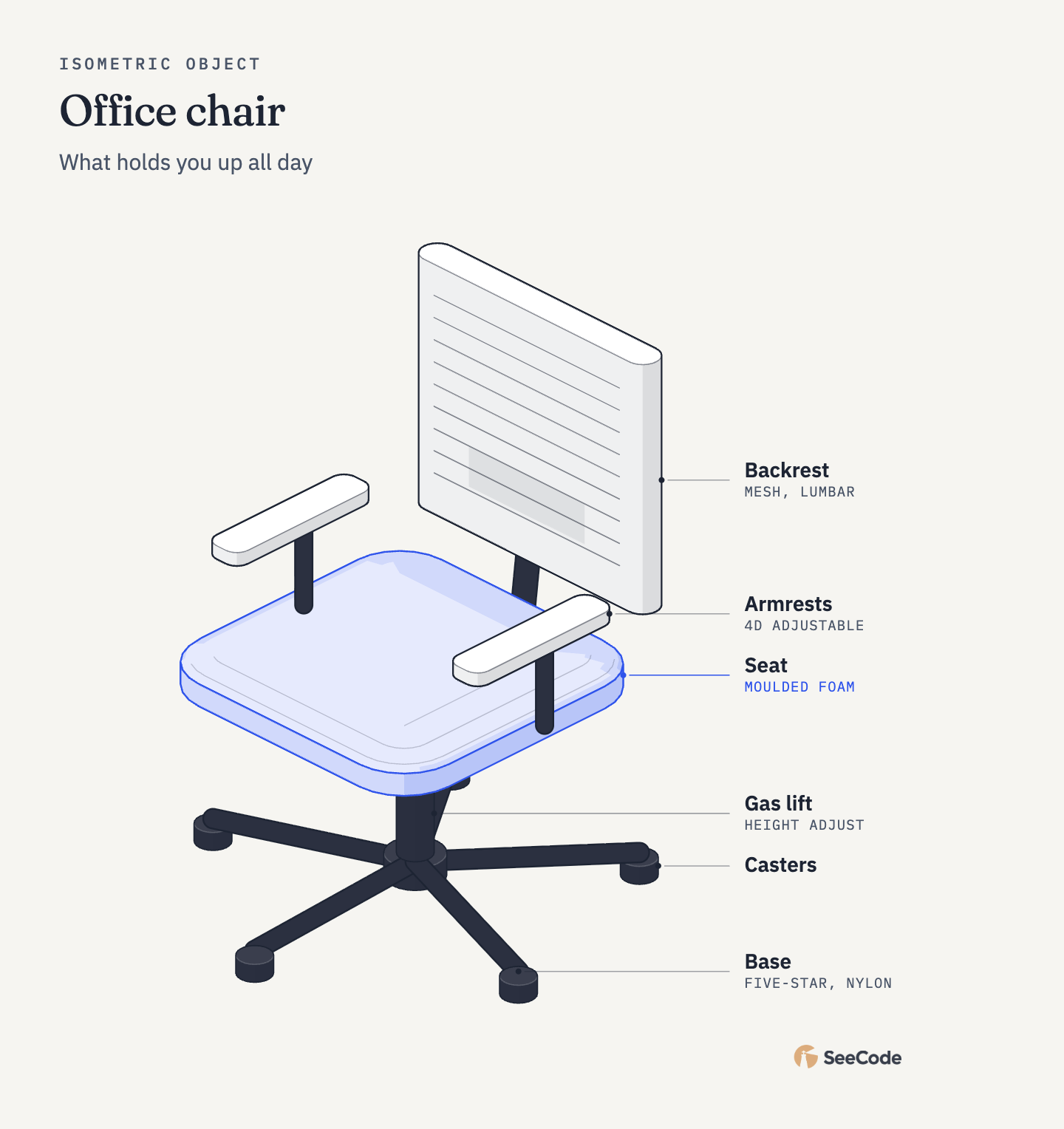 Isometric object Any object, from a description |
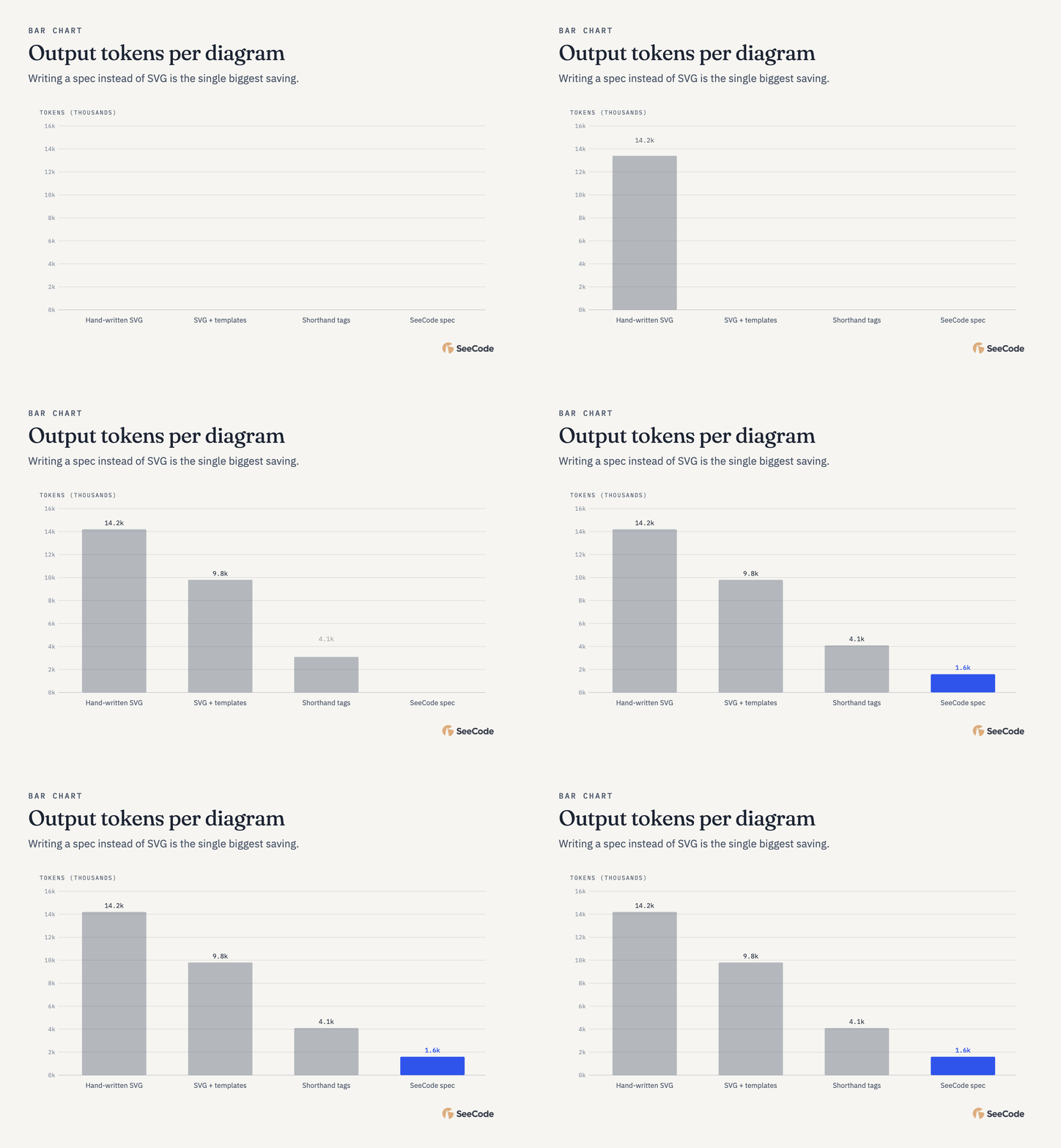
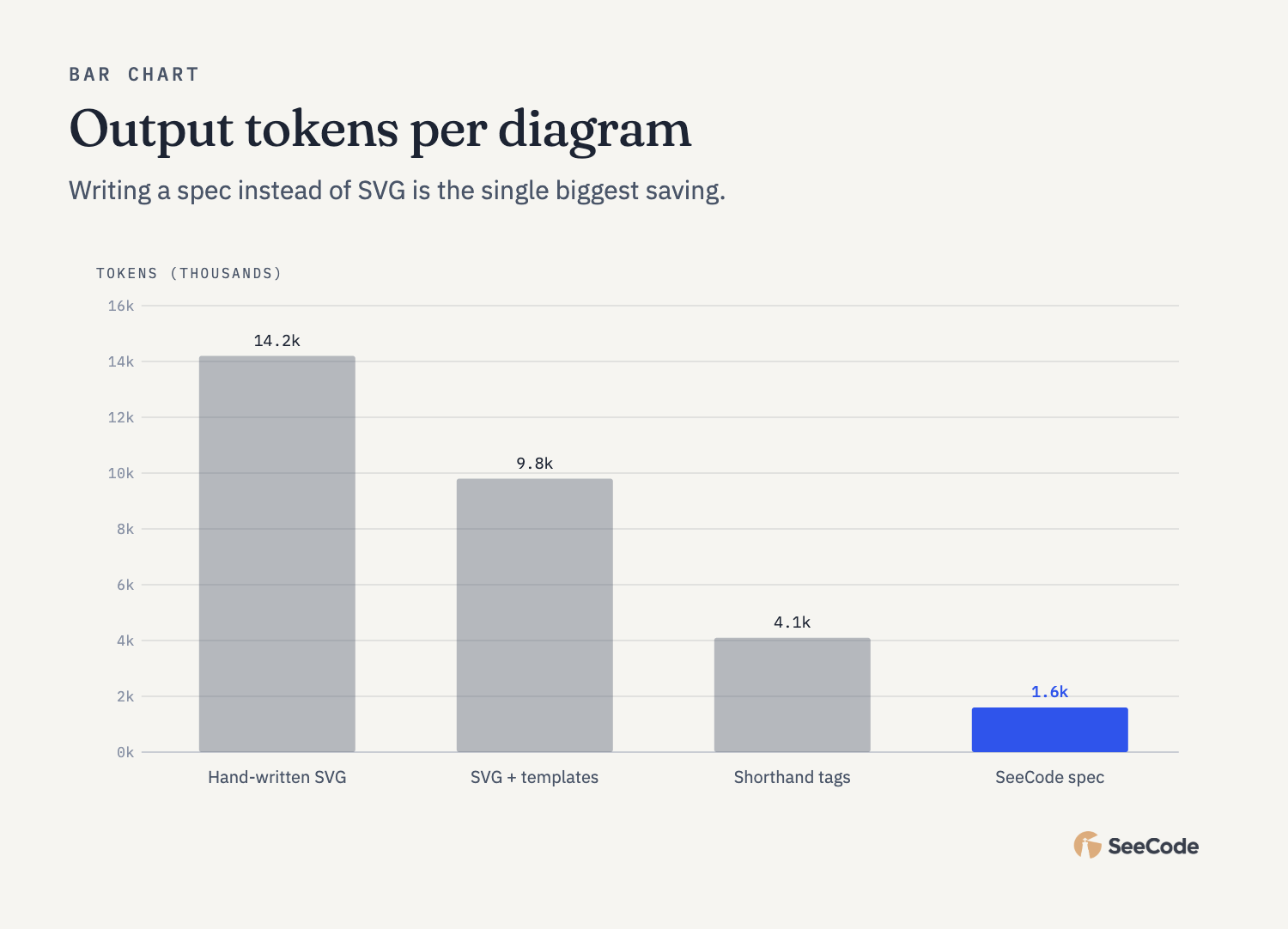 Bar Compare amounts |
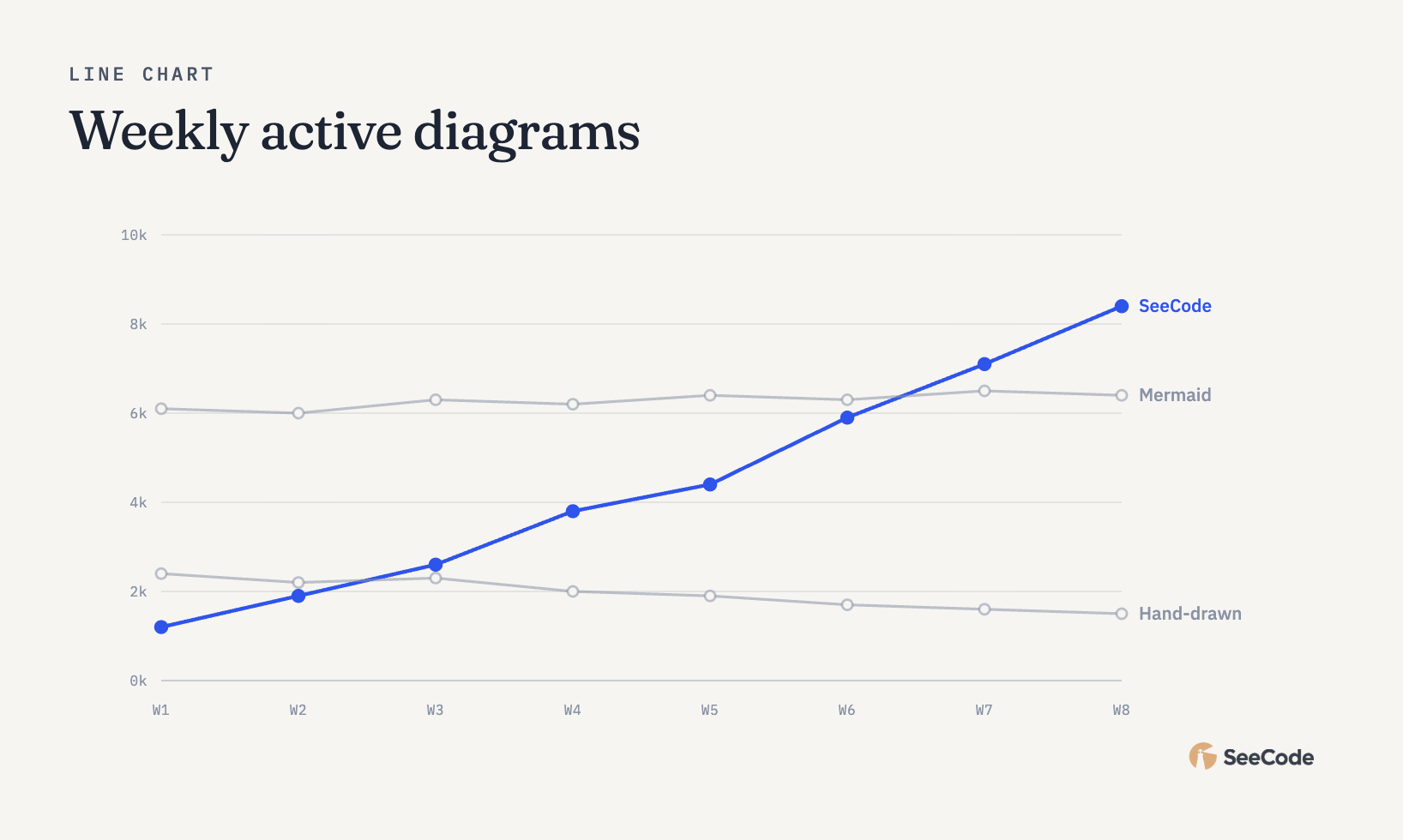 Line Change over time |
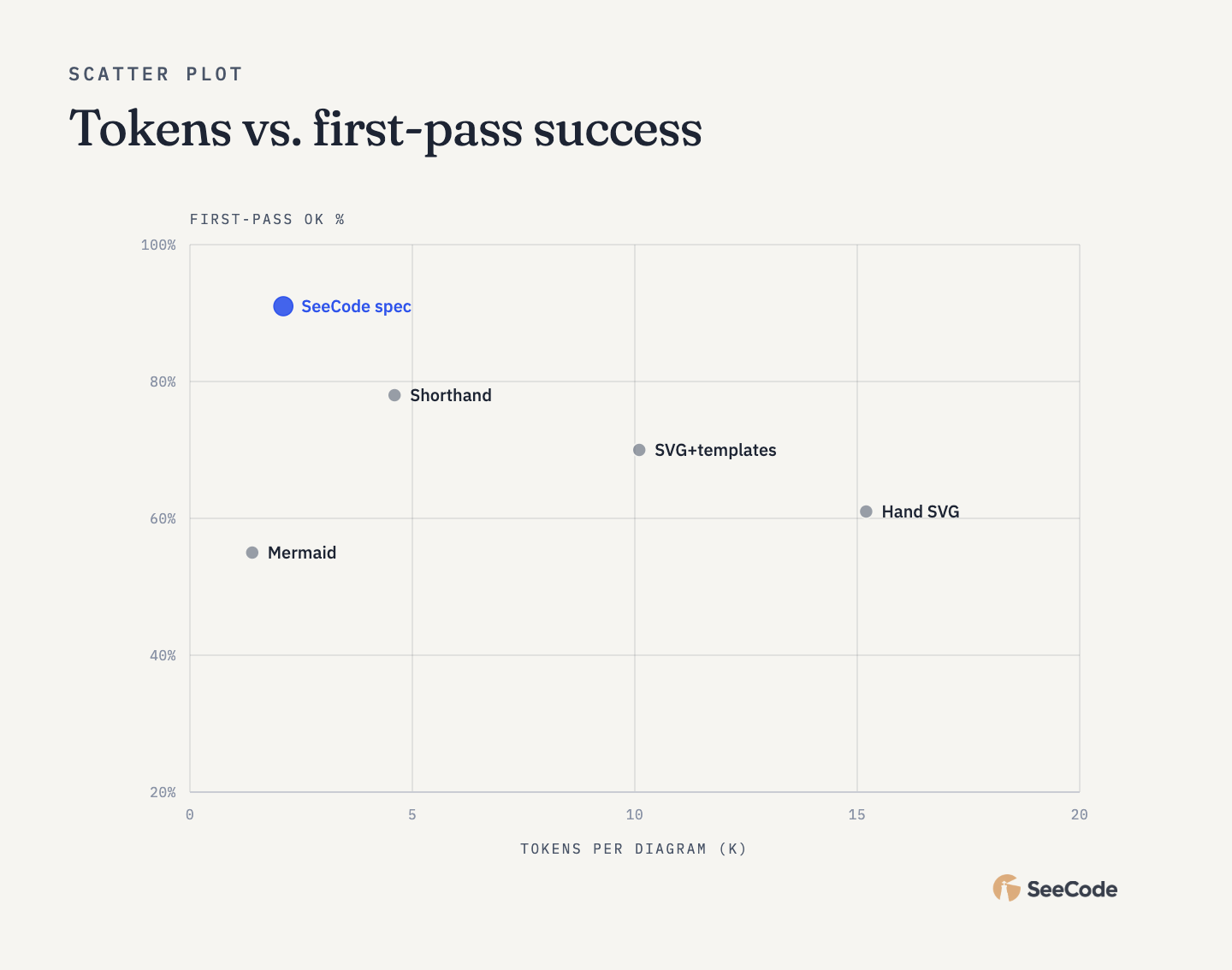 Scatter Two measures |
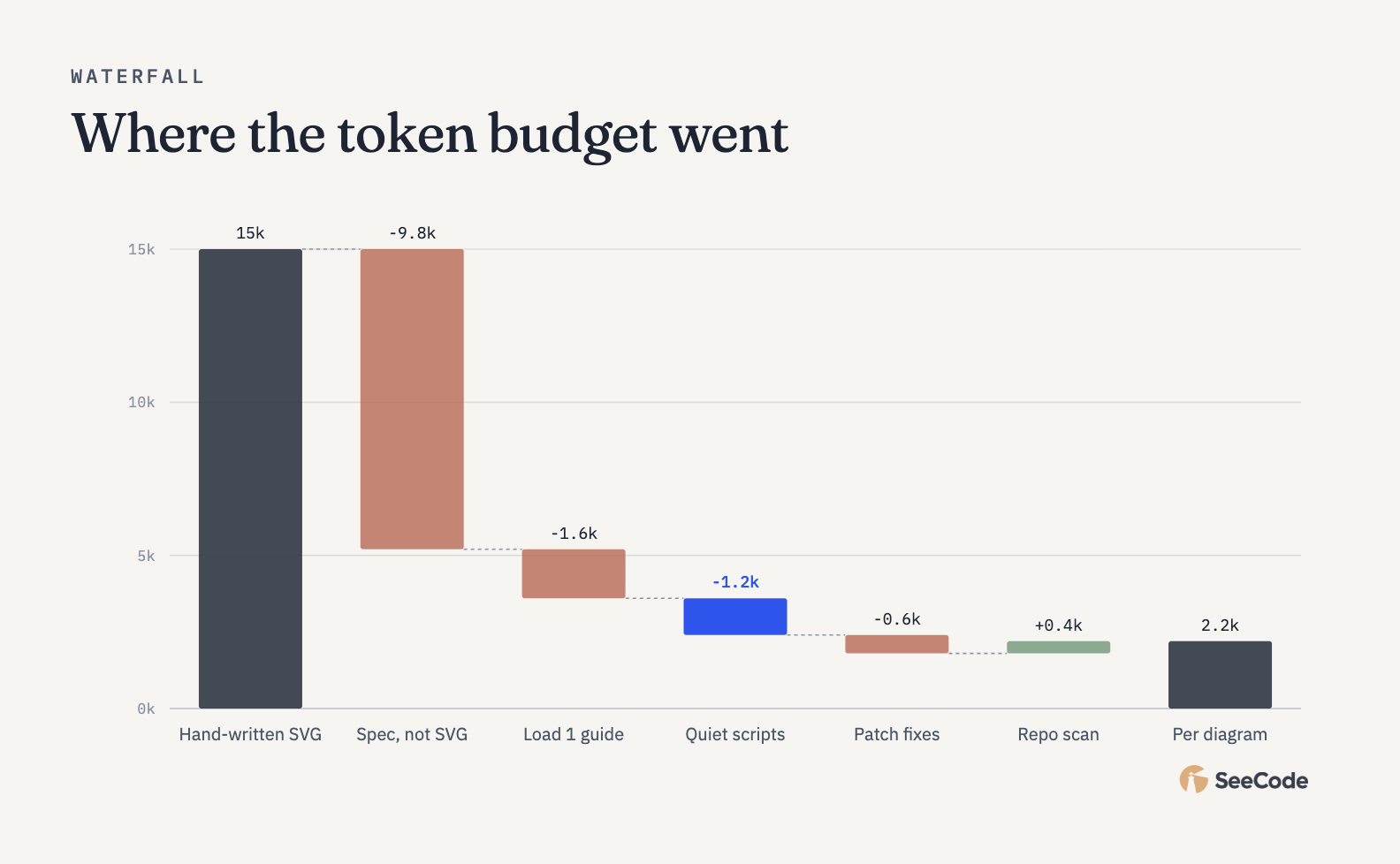 Waterfall Running total |
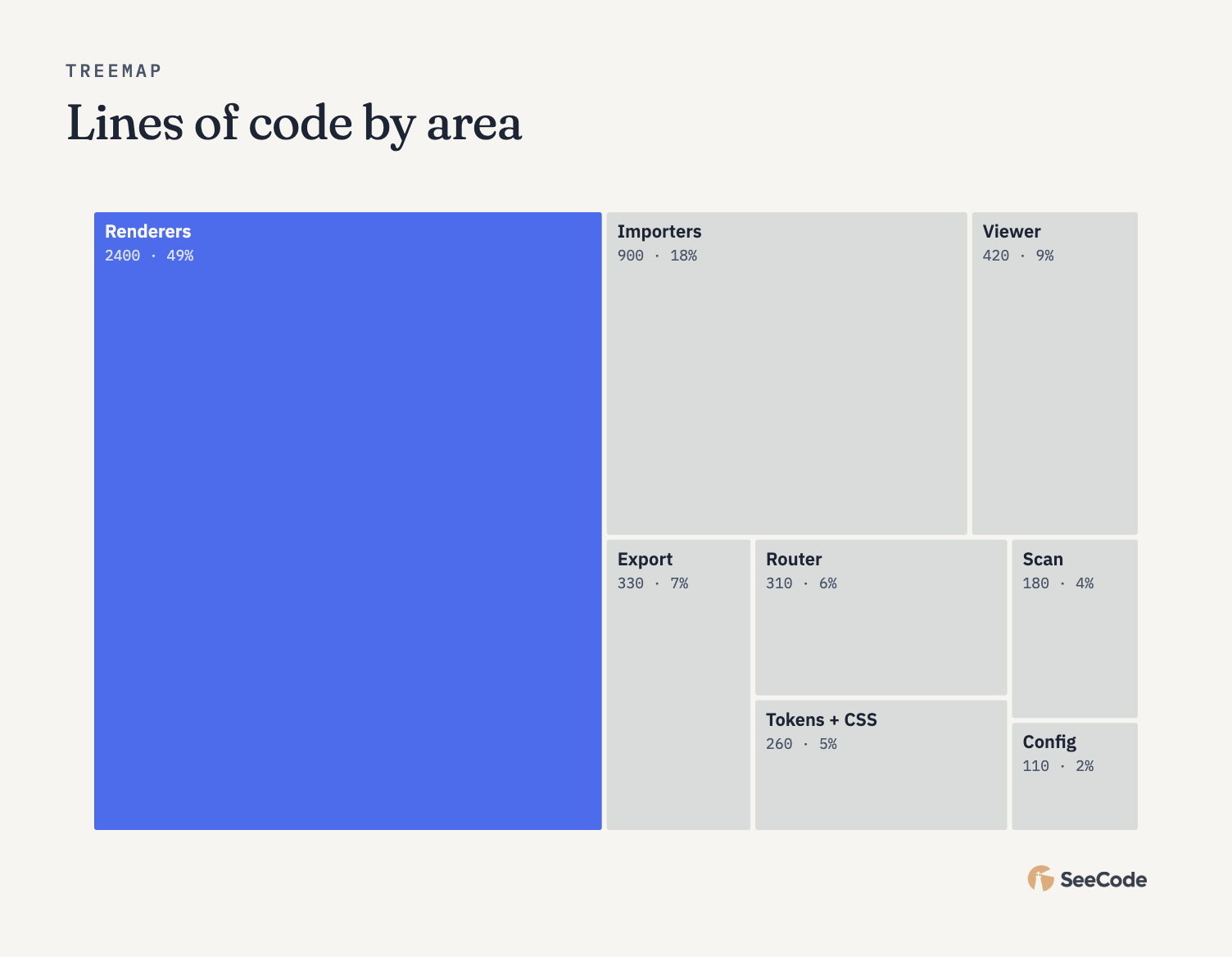 Treemap Part of whole |
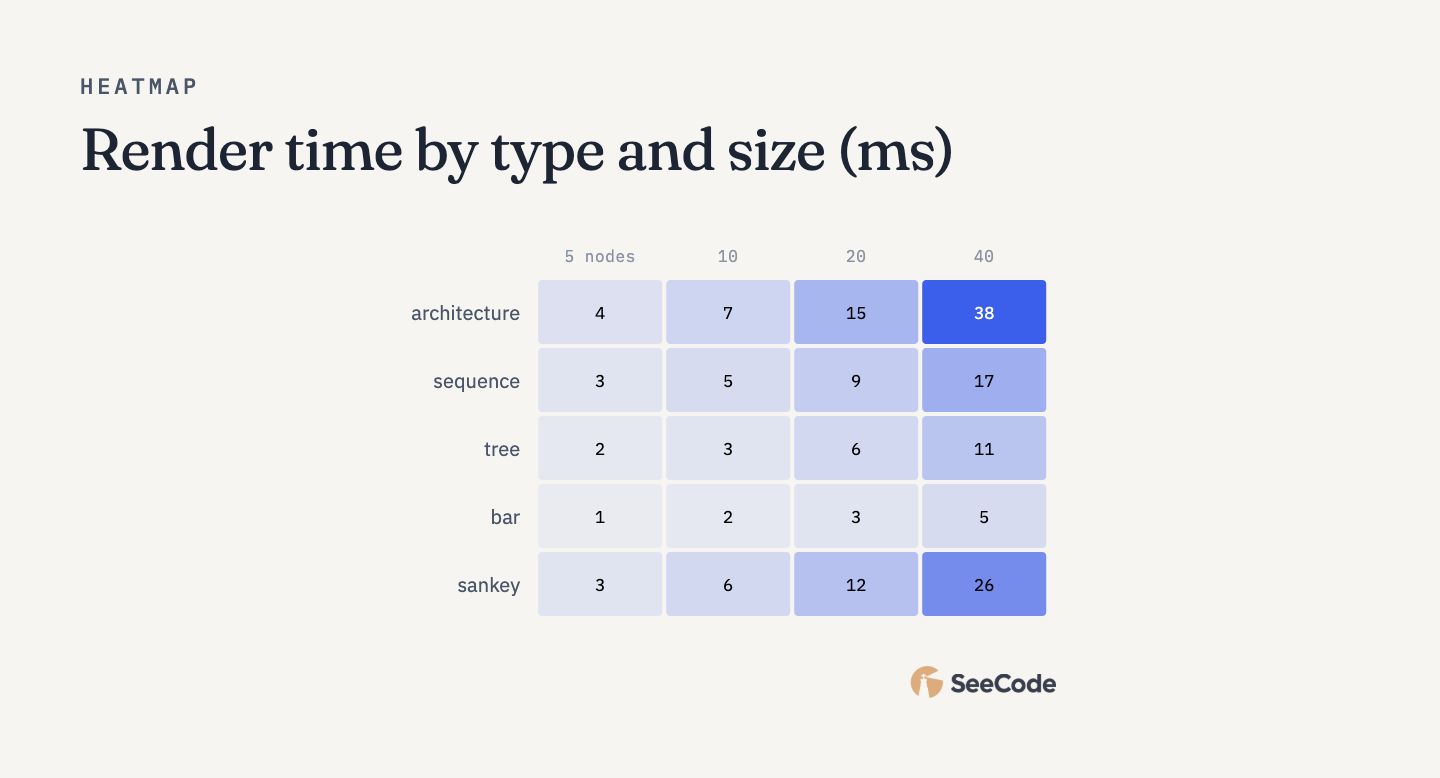 Heatmap Intensity grid |
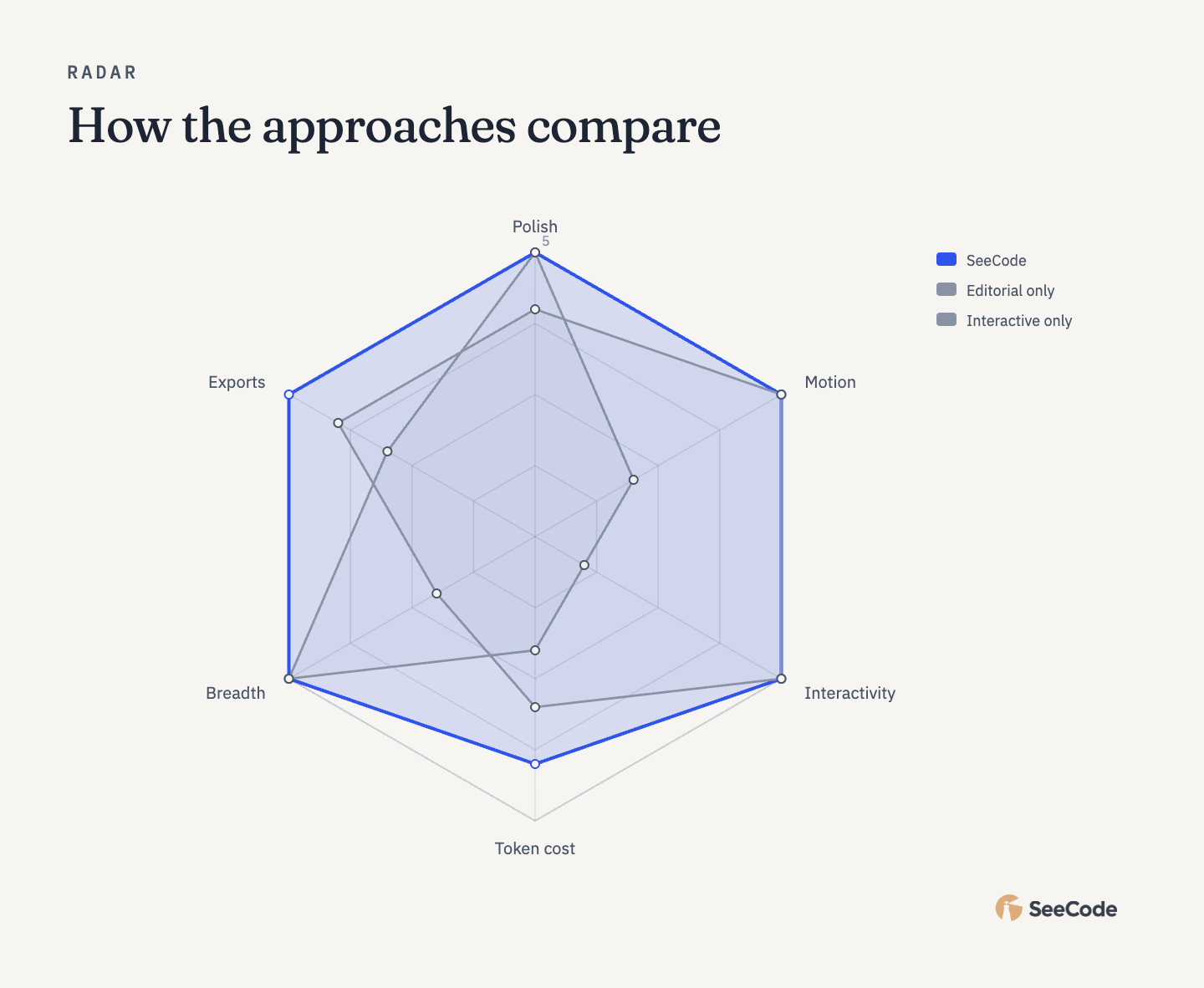 Radar Profile on shared axes |
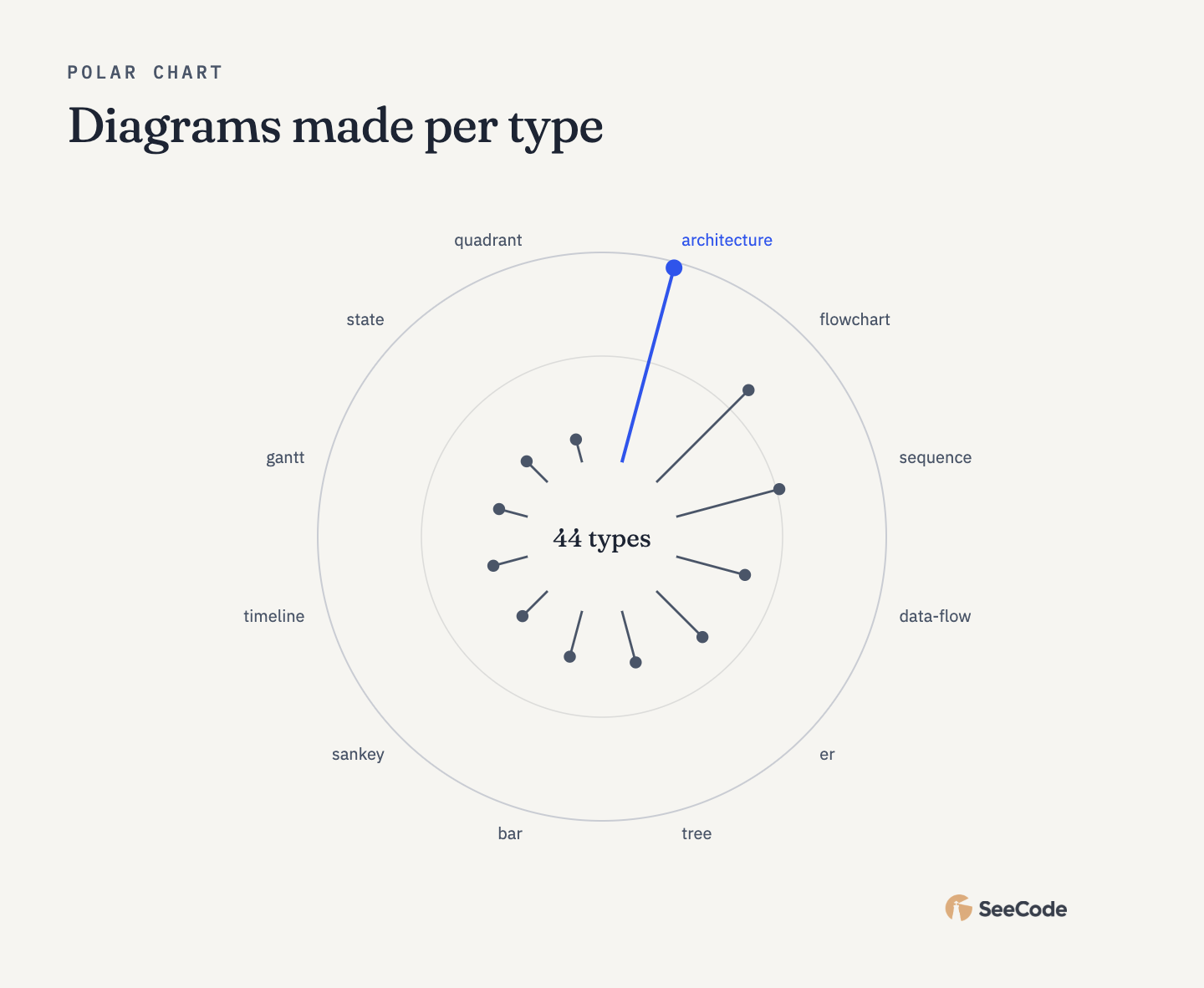 Polar Cyclical values |
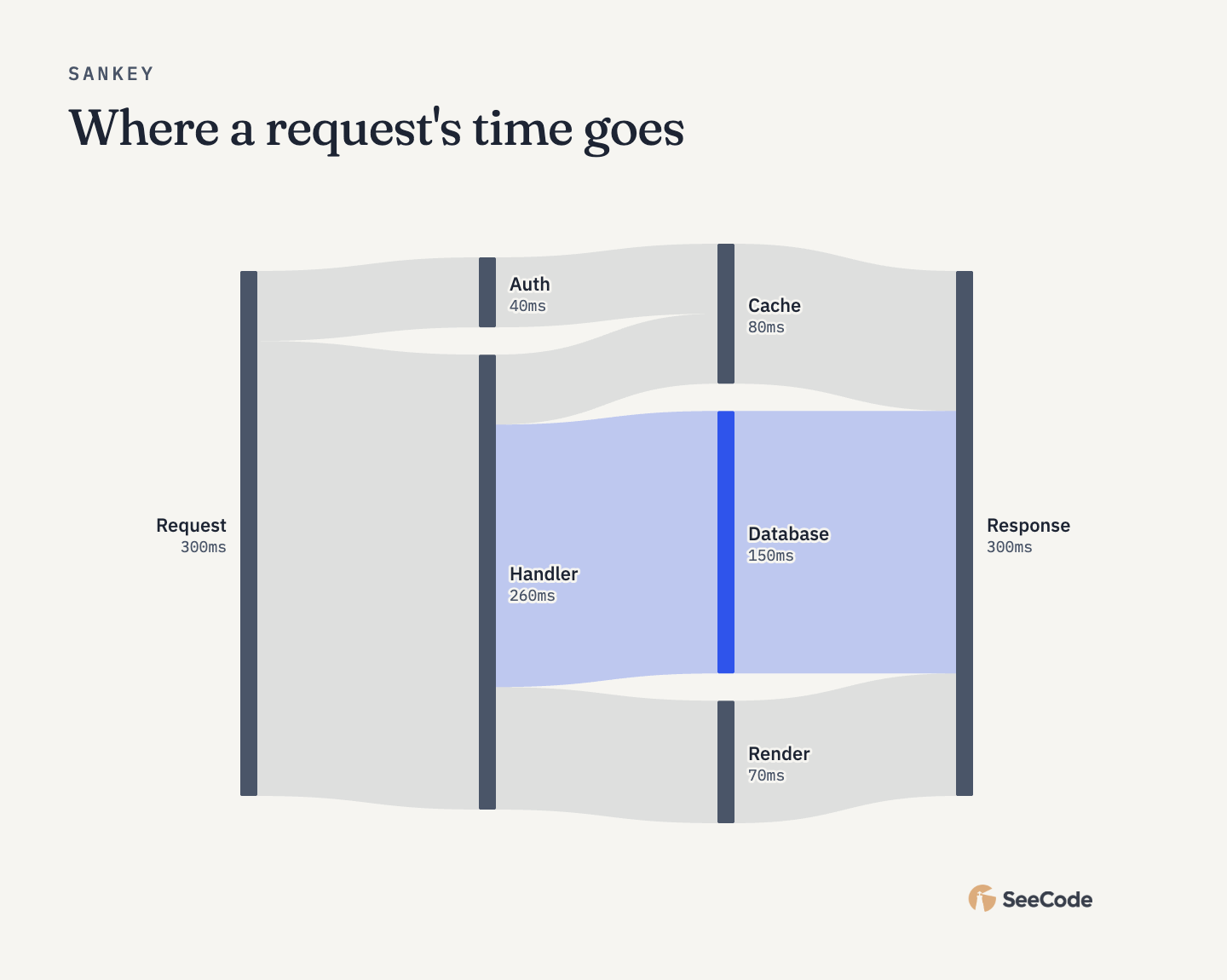 Sankey Flow volumes |
Office chair Star base, gas lift, cushion |
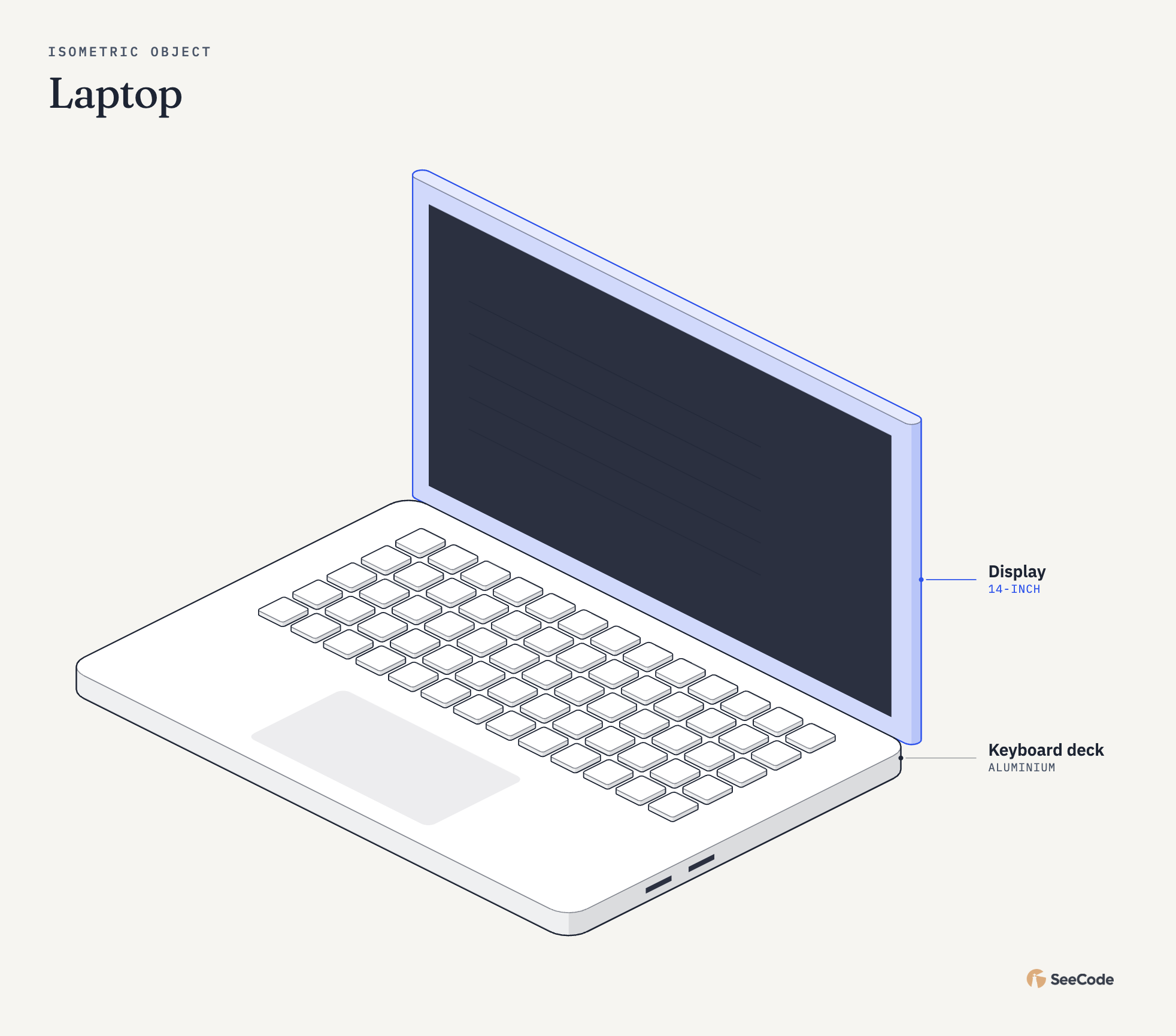 Laptop Keys, trackpad, display |
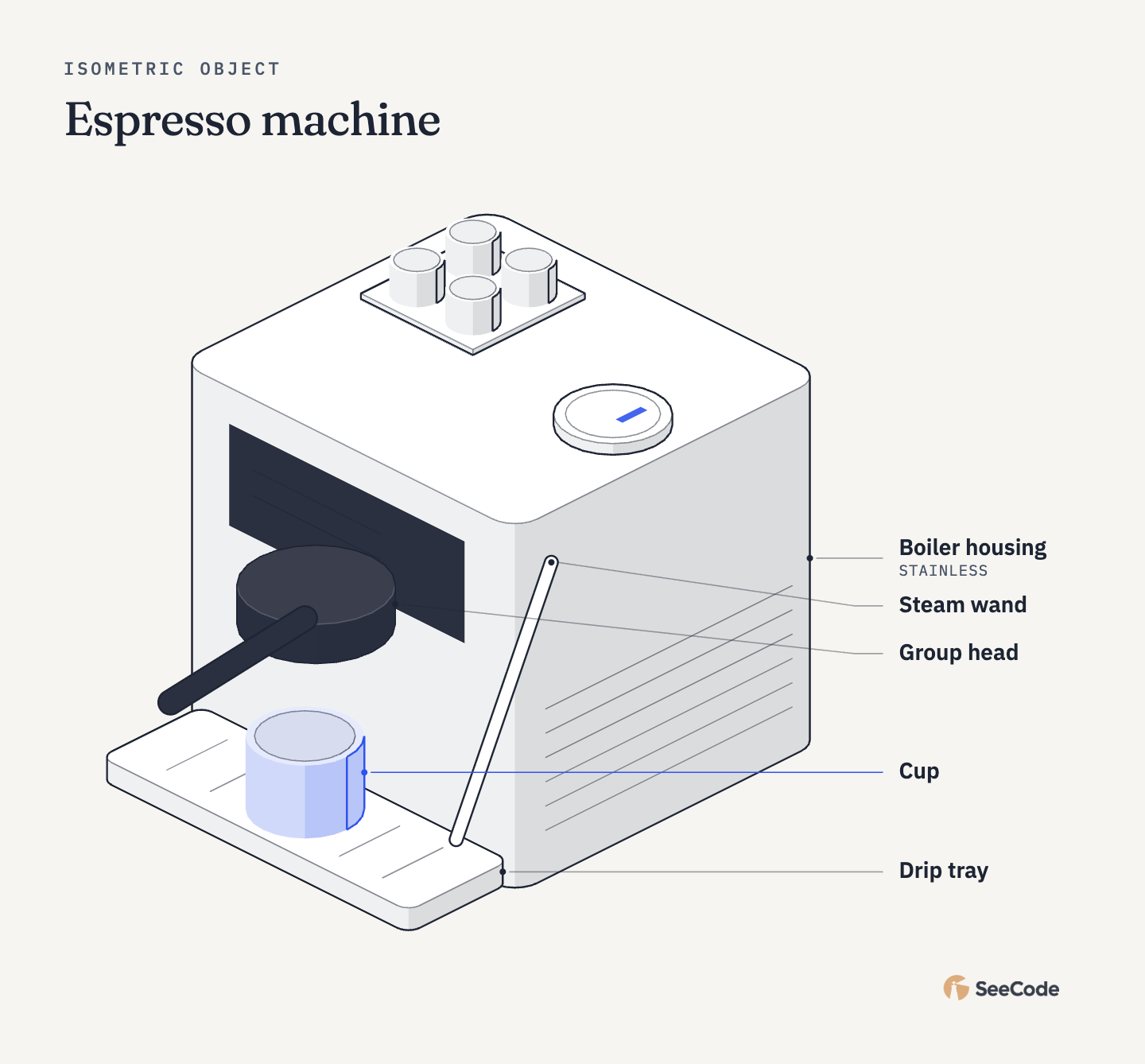 Espresso machine Group head, wand, cups |
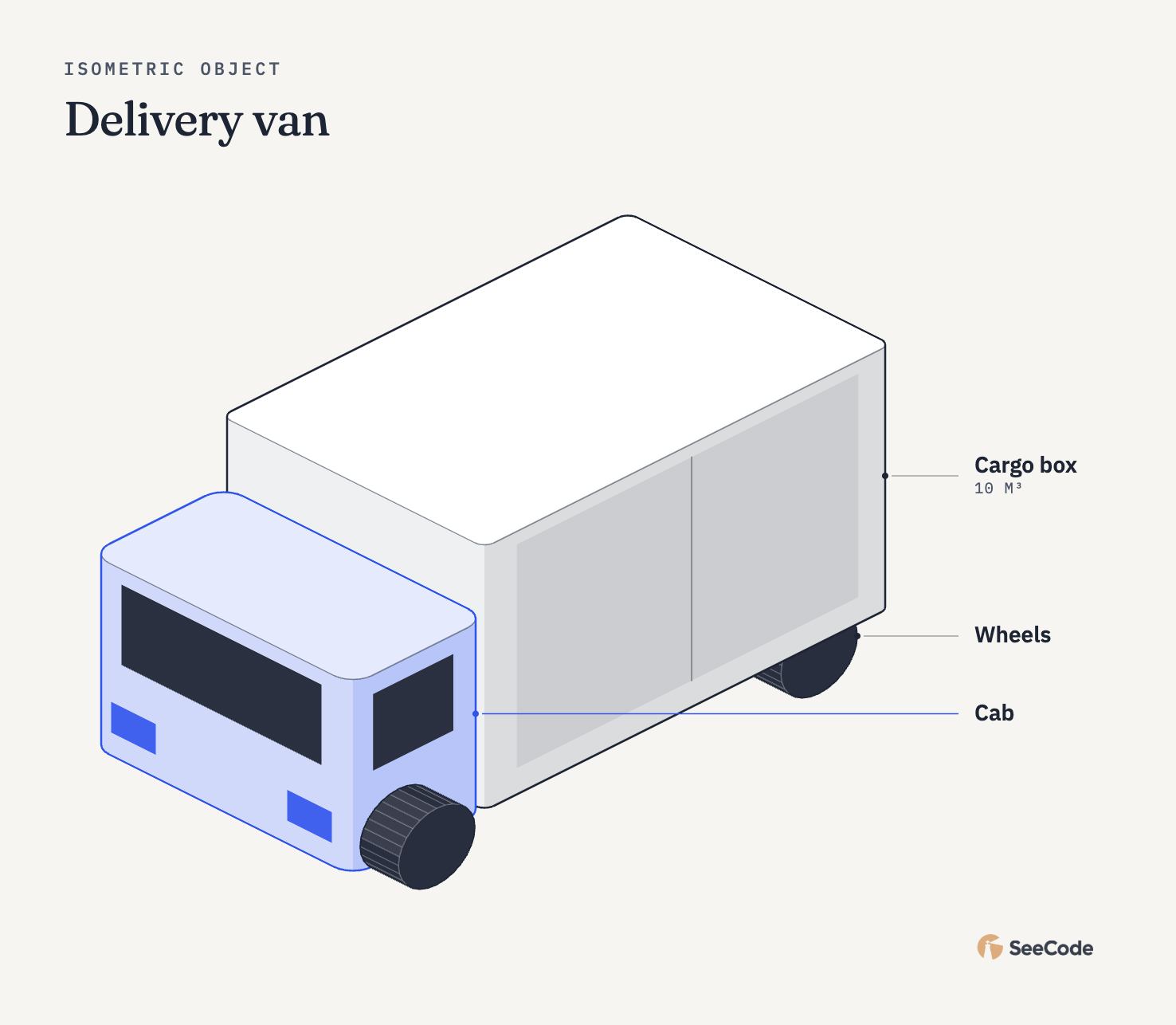 Delivery van Wheels on their side |
Phone teardown Tray housing, camera module, display |
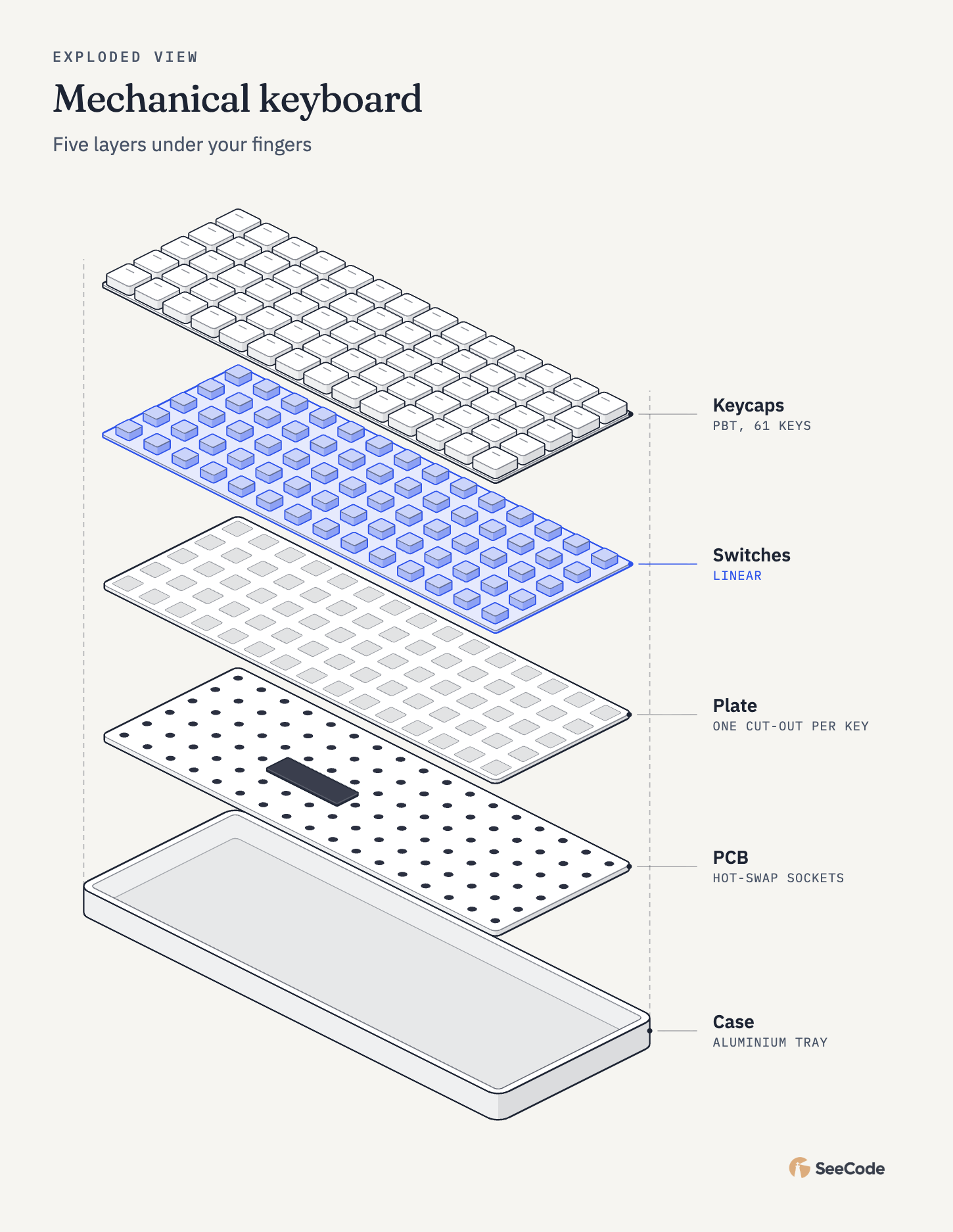 Mechanical keyboard Case, PCB, plate, switches, keycaps |
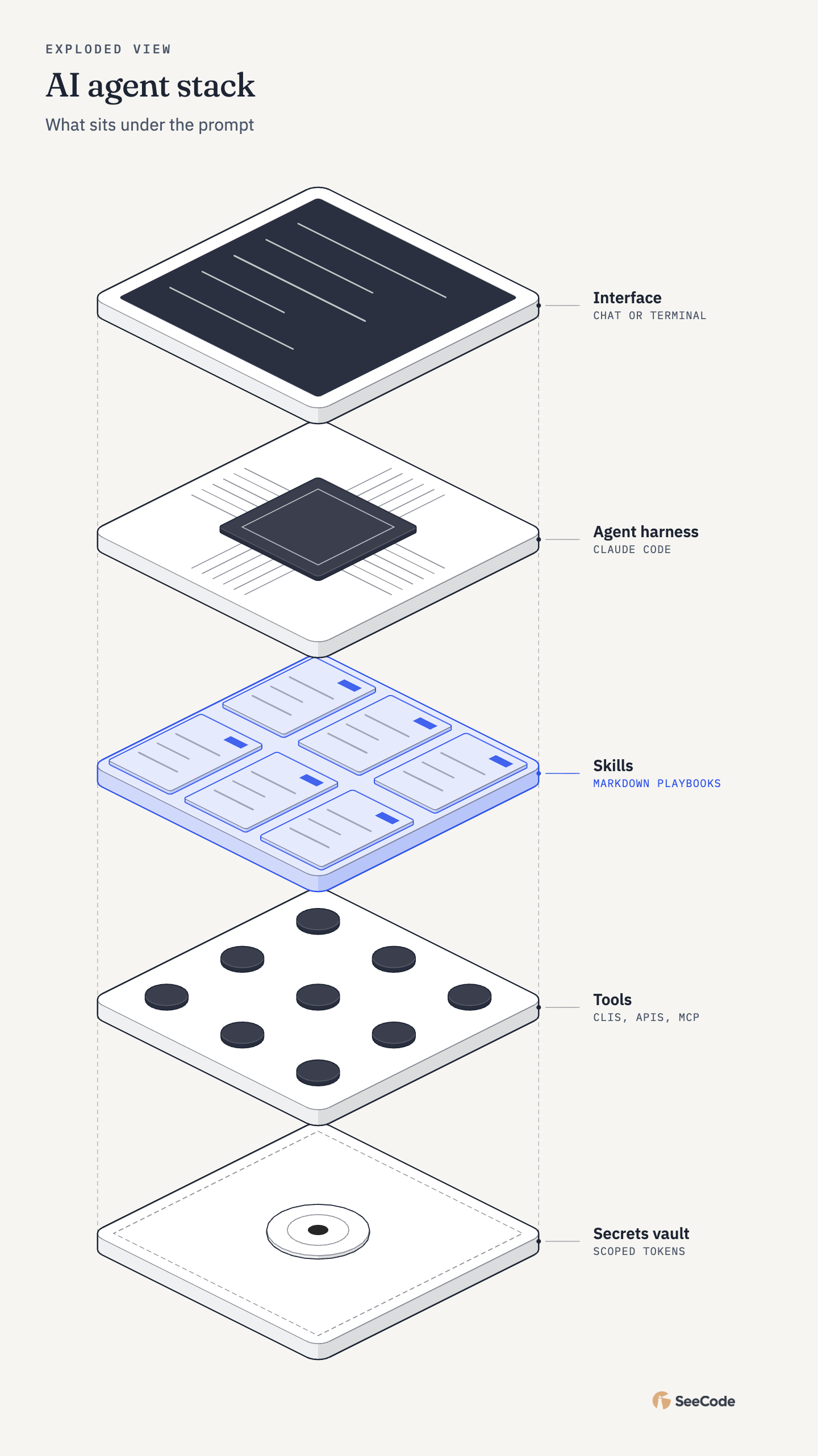 AI agent stack Vault, tools, skills, harness, interface |
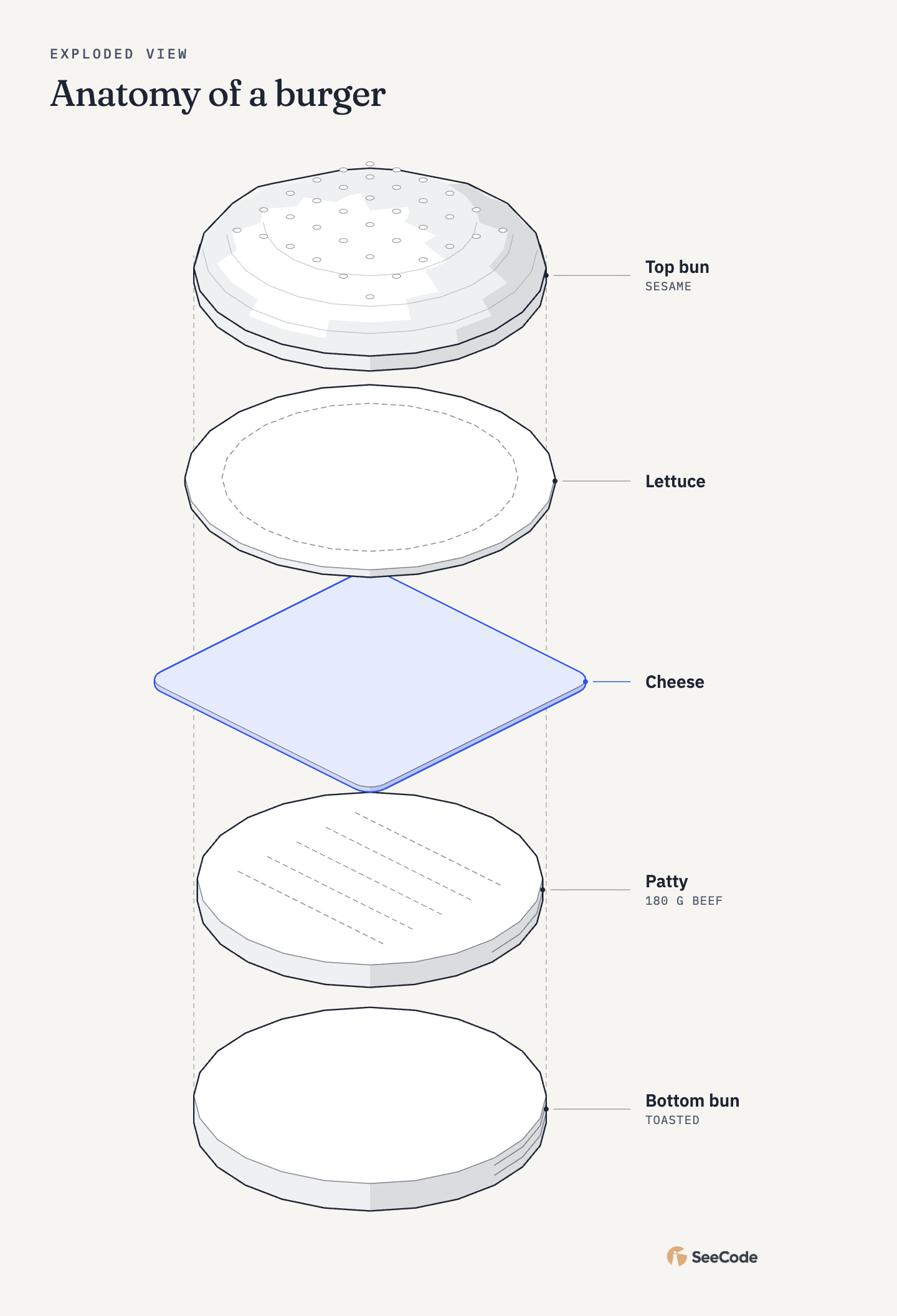 Anatomy of a burger Domed bun with sesame, ribbed layers |
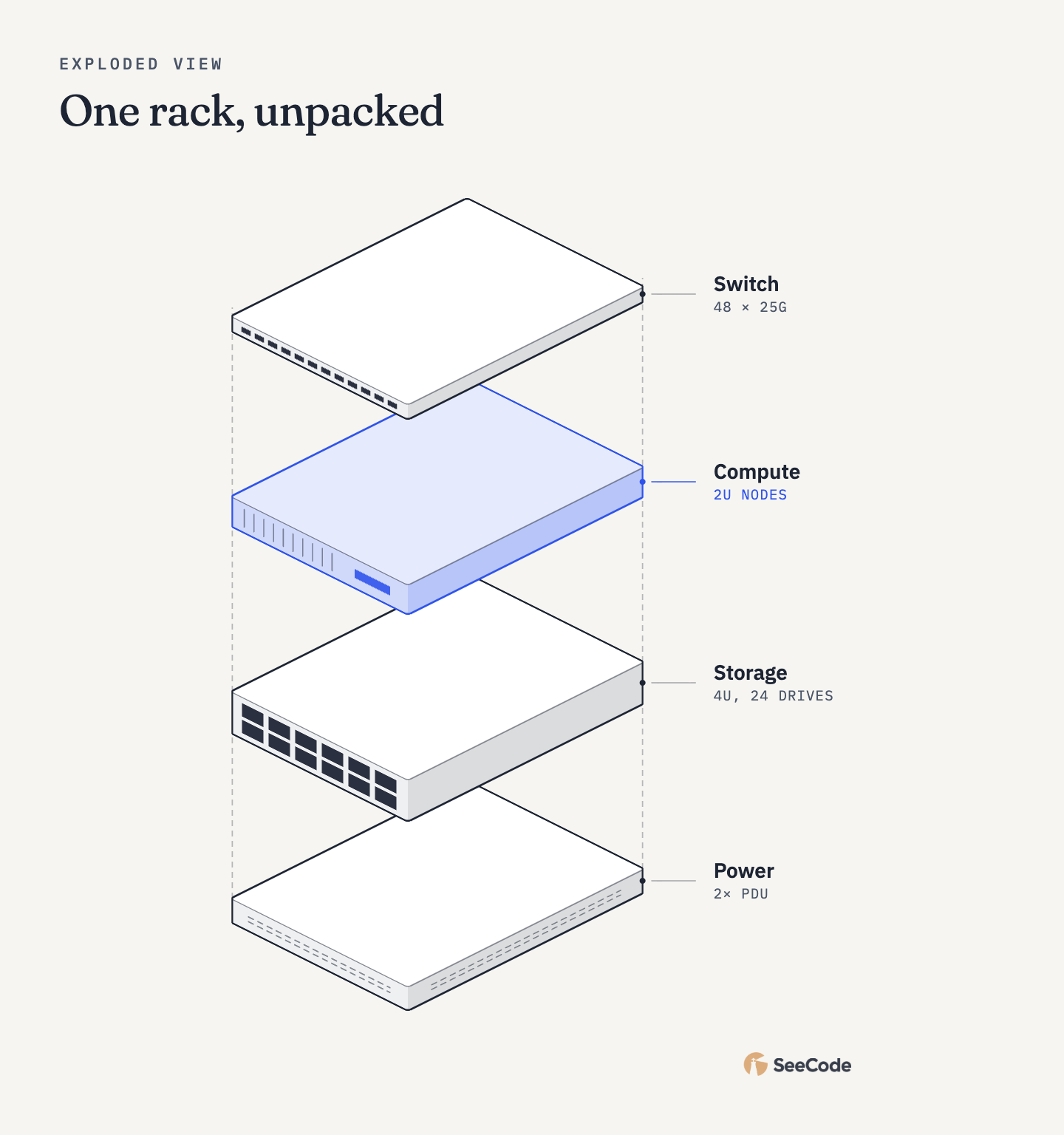 One rack, unpacked Ports, drive bays and vents on the walls |
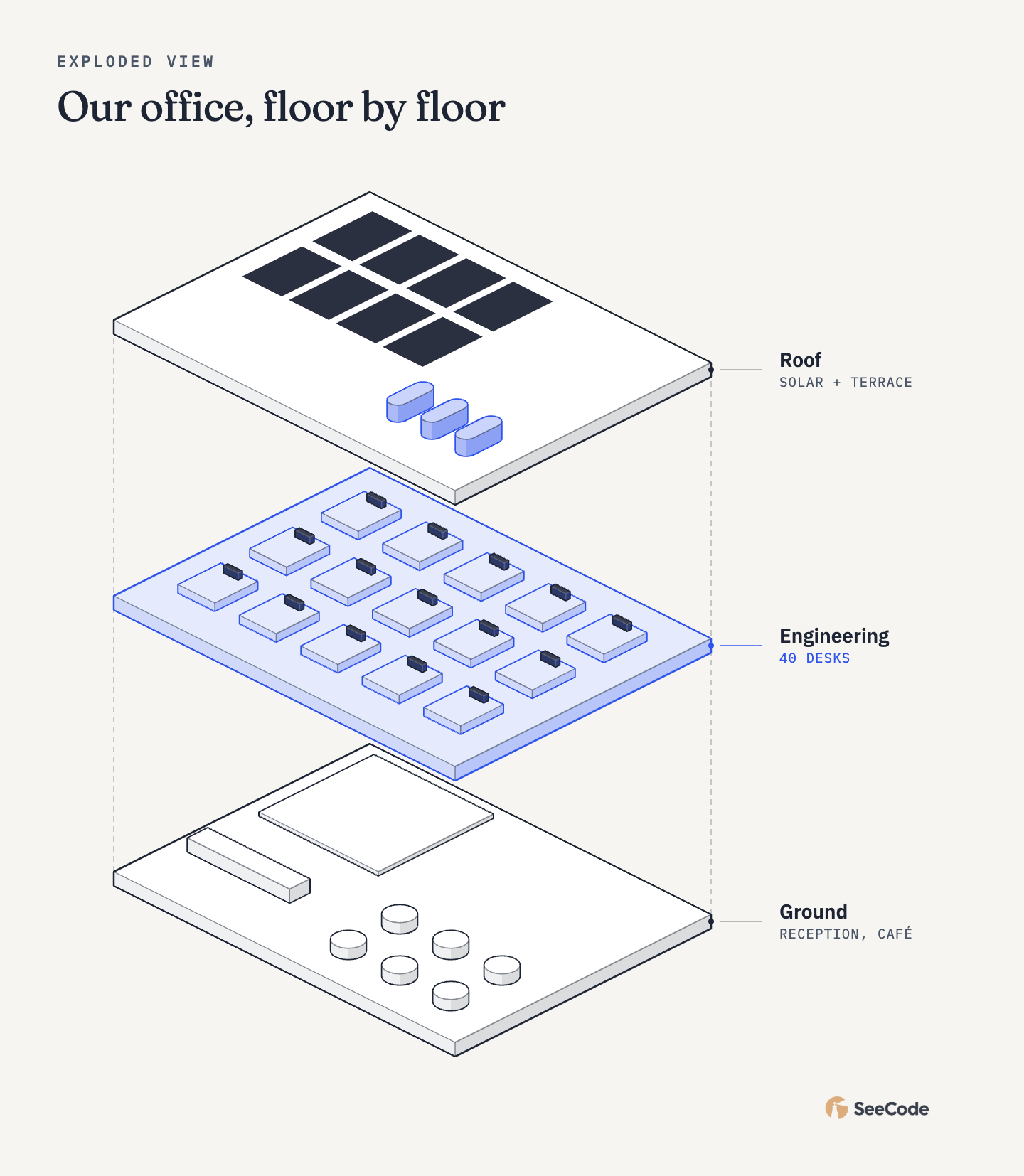 Office, floor by floor Desks, monitors, solar panels |
North campus Buildings, roads and trees, by phase |
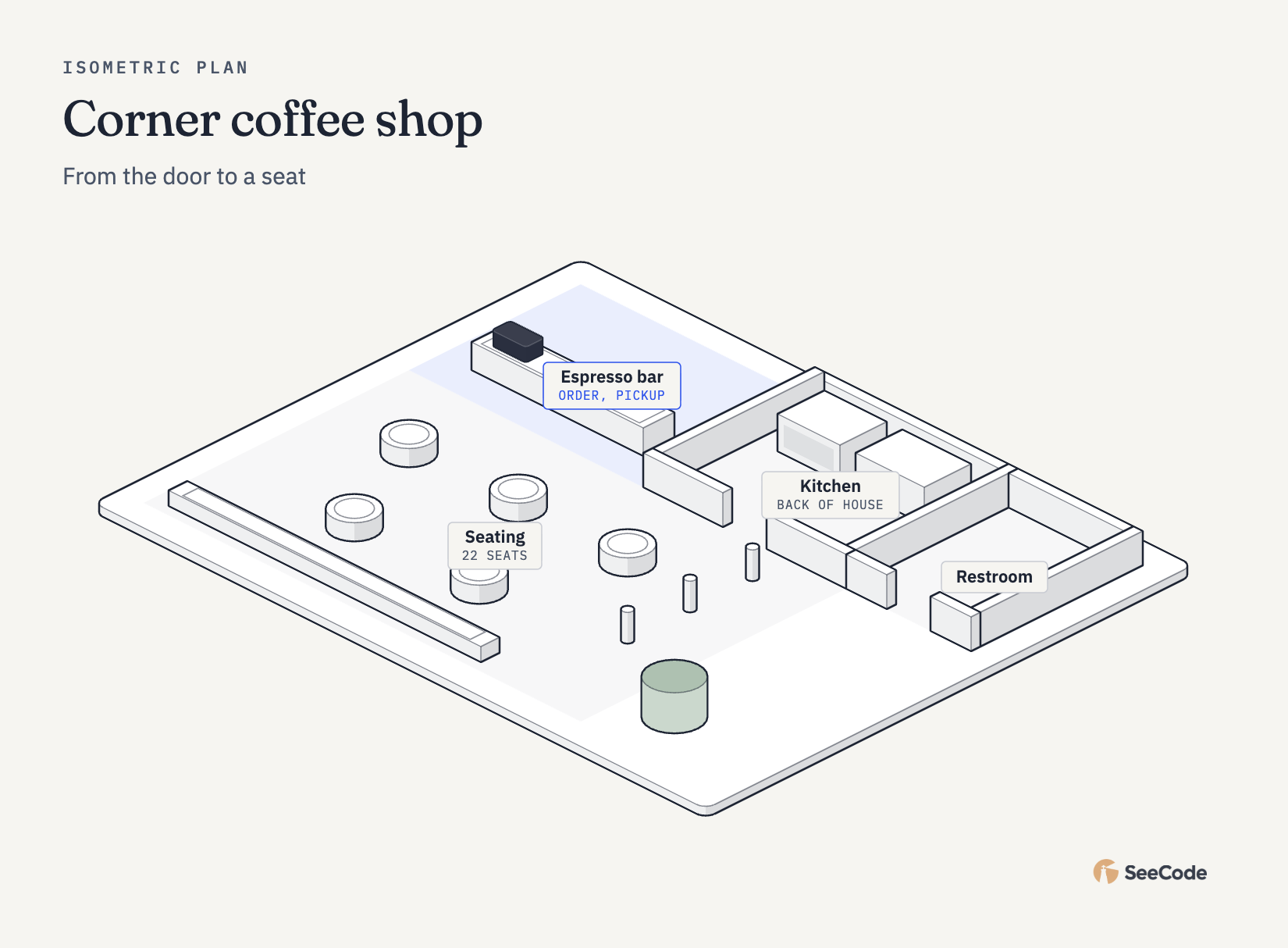 Corner coffee shop Bar, kitchen, tables, queue posts |
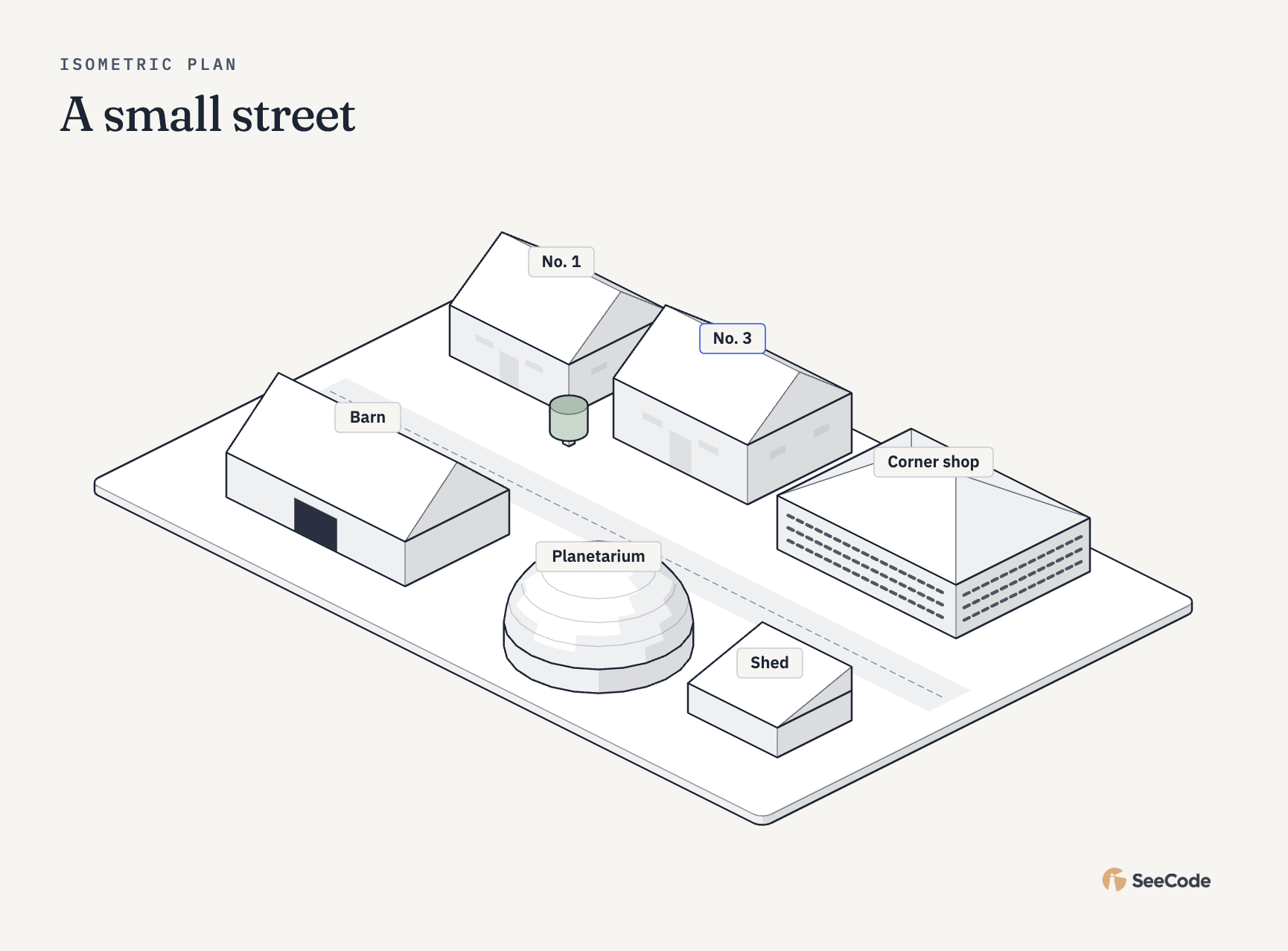 A small street Gable, hip and shed roofs, a dome |
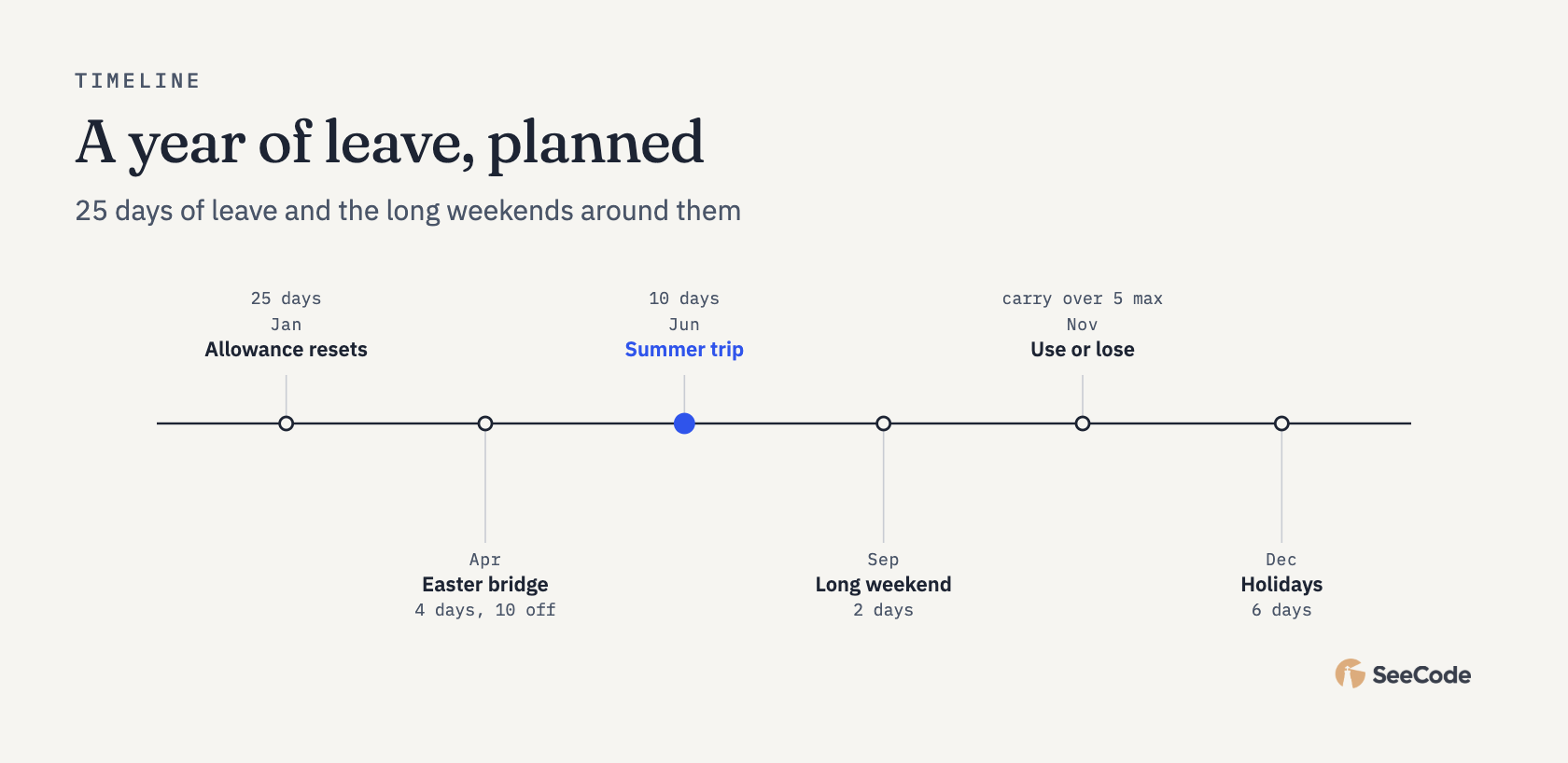 A year of leave Timeline |
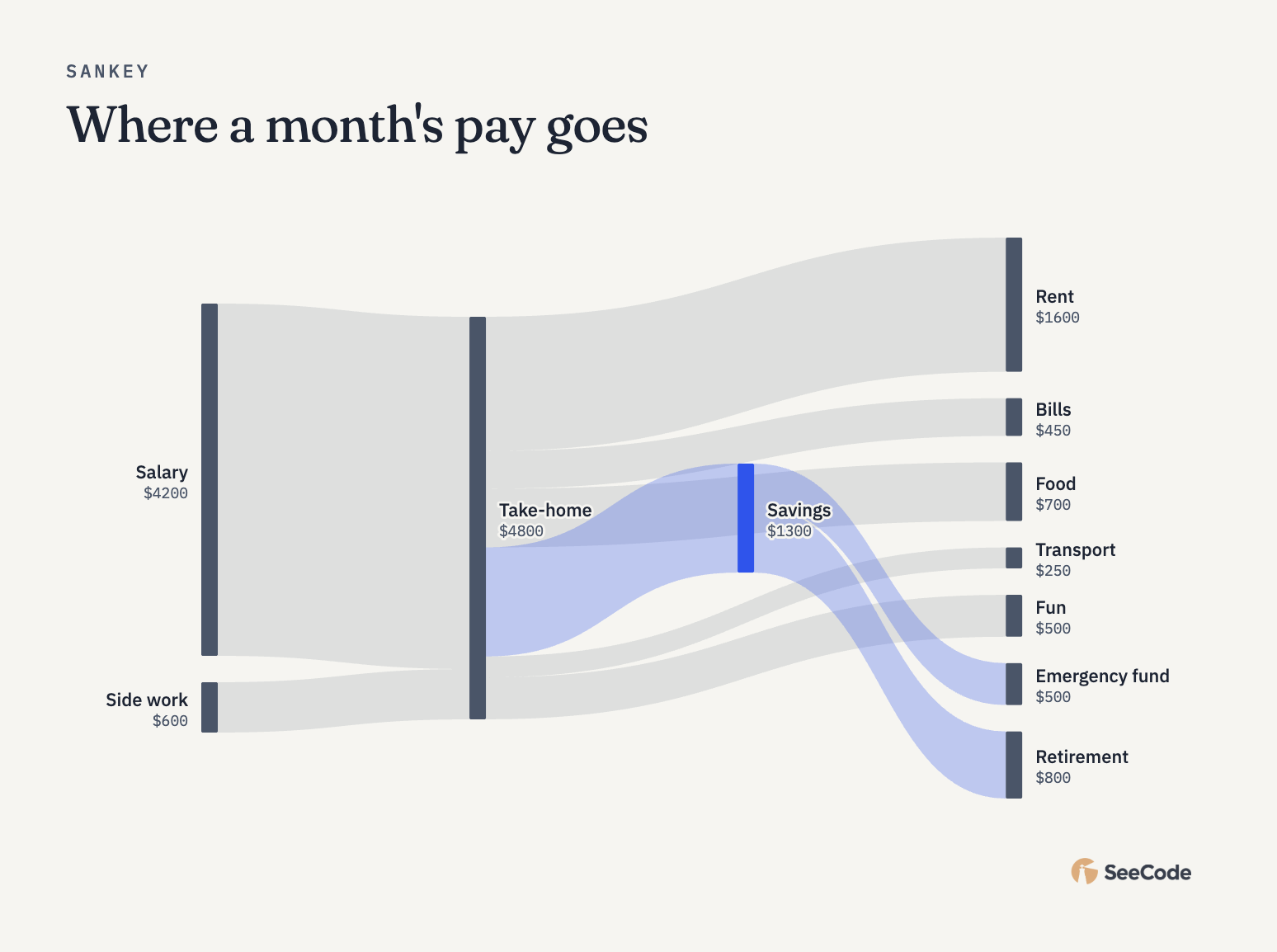 Where the pay goes Sankey |
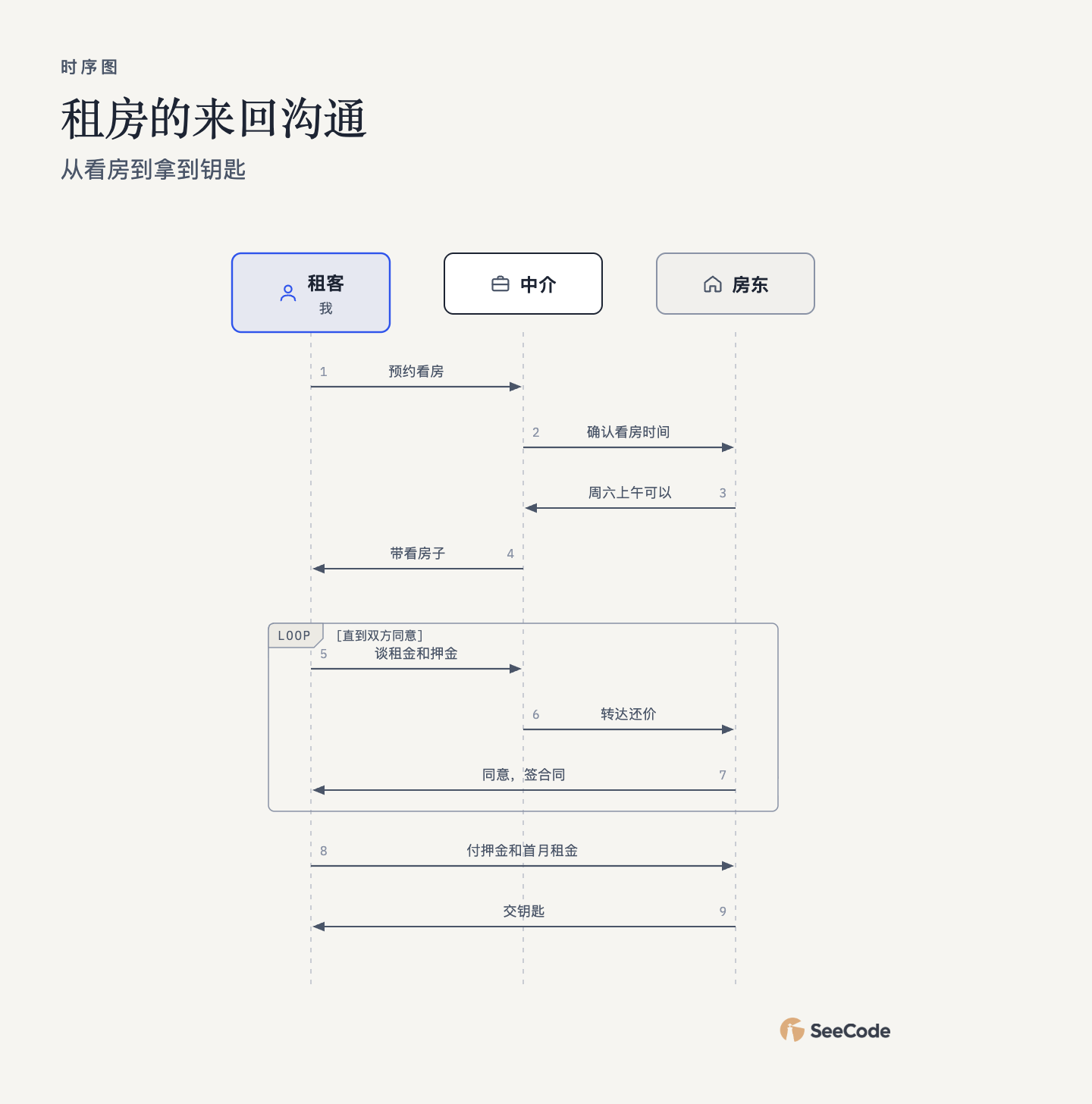 租房的来回沟通 (renting) Sequence, in Chinese |
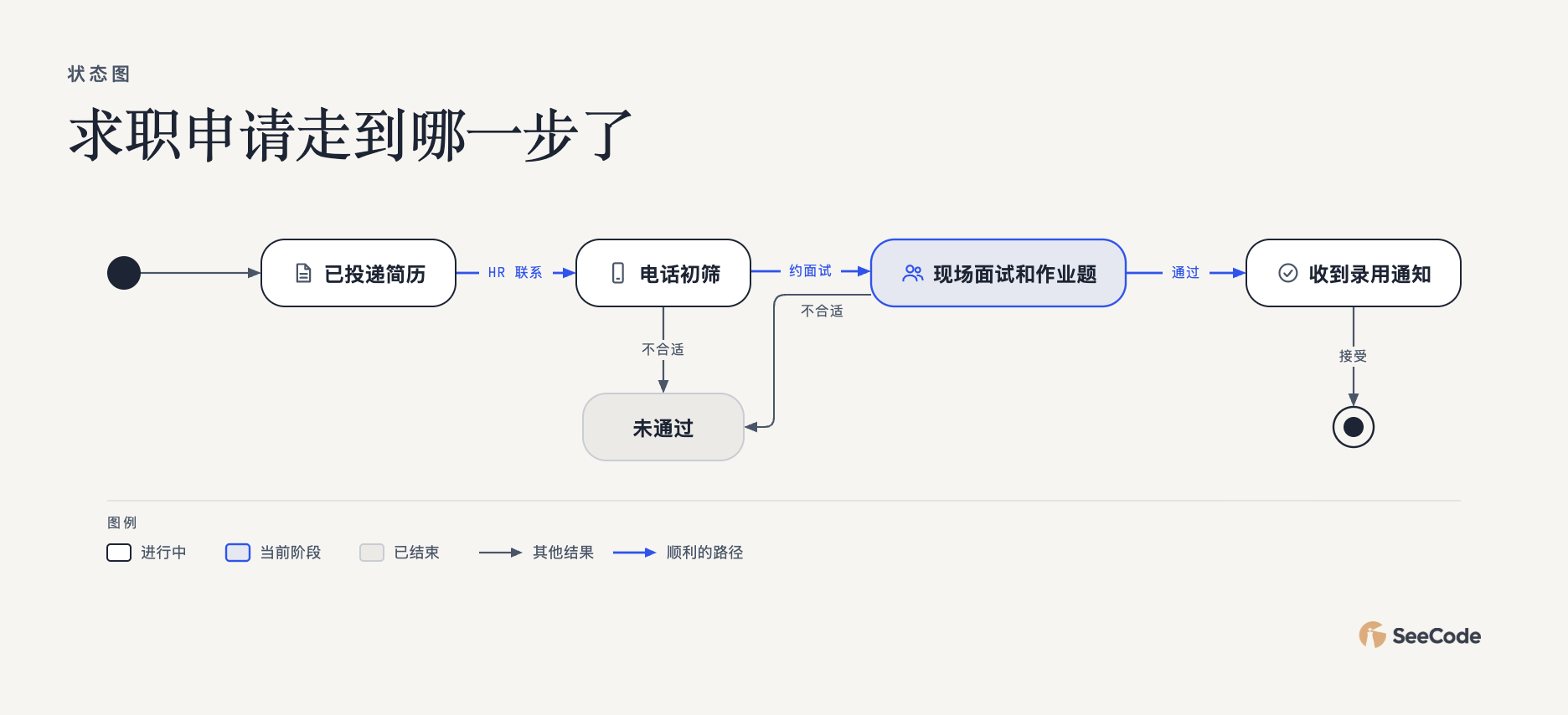 求职申请走到哪一步了 (job search) State, in Chinese, with a custom legend |
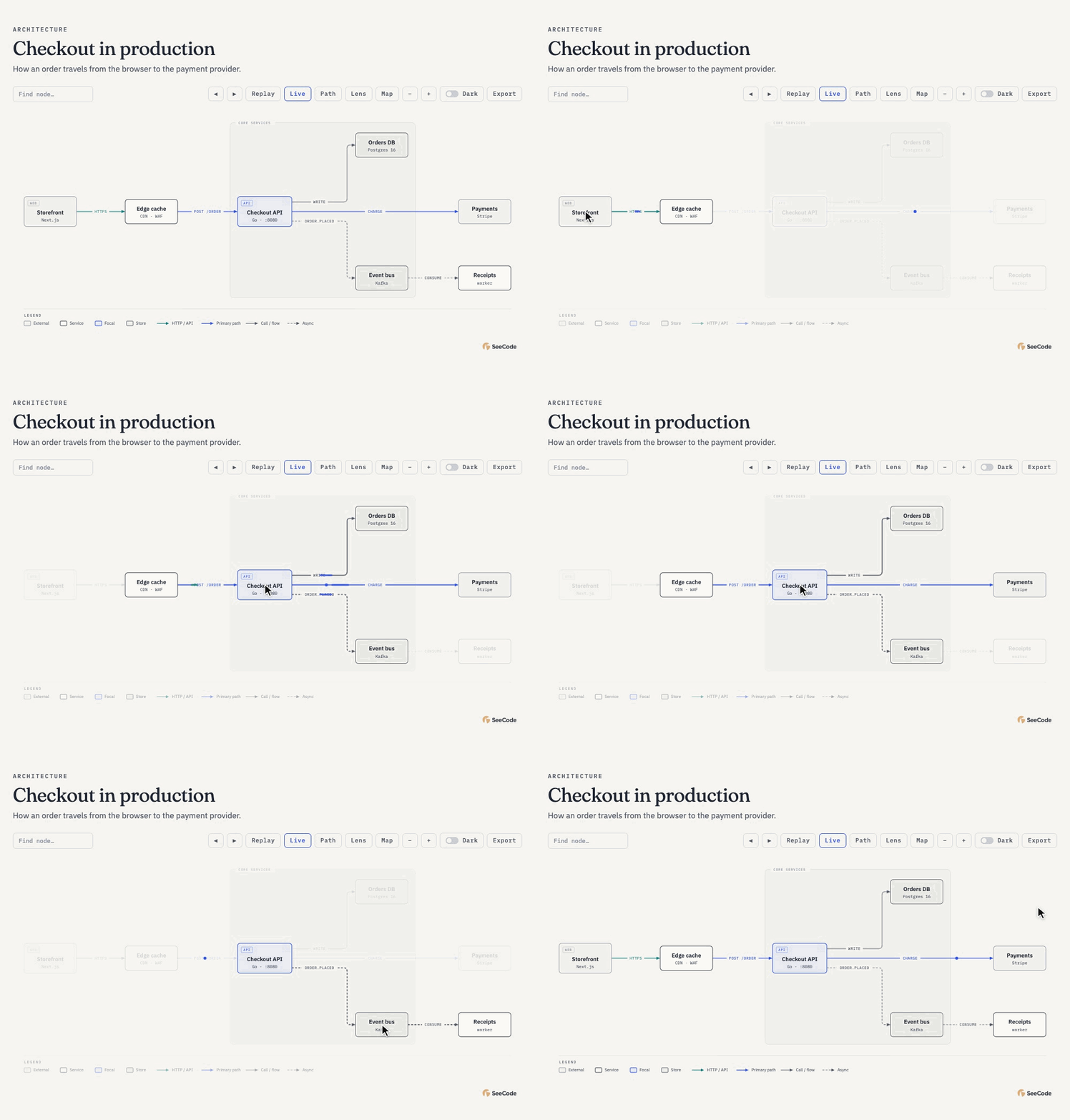 Hover to trace Point at a node and its connections light up with a moving trace: outgoing in the accent colour, incoming in teal. Everything else steps back. |
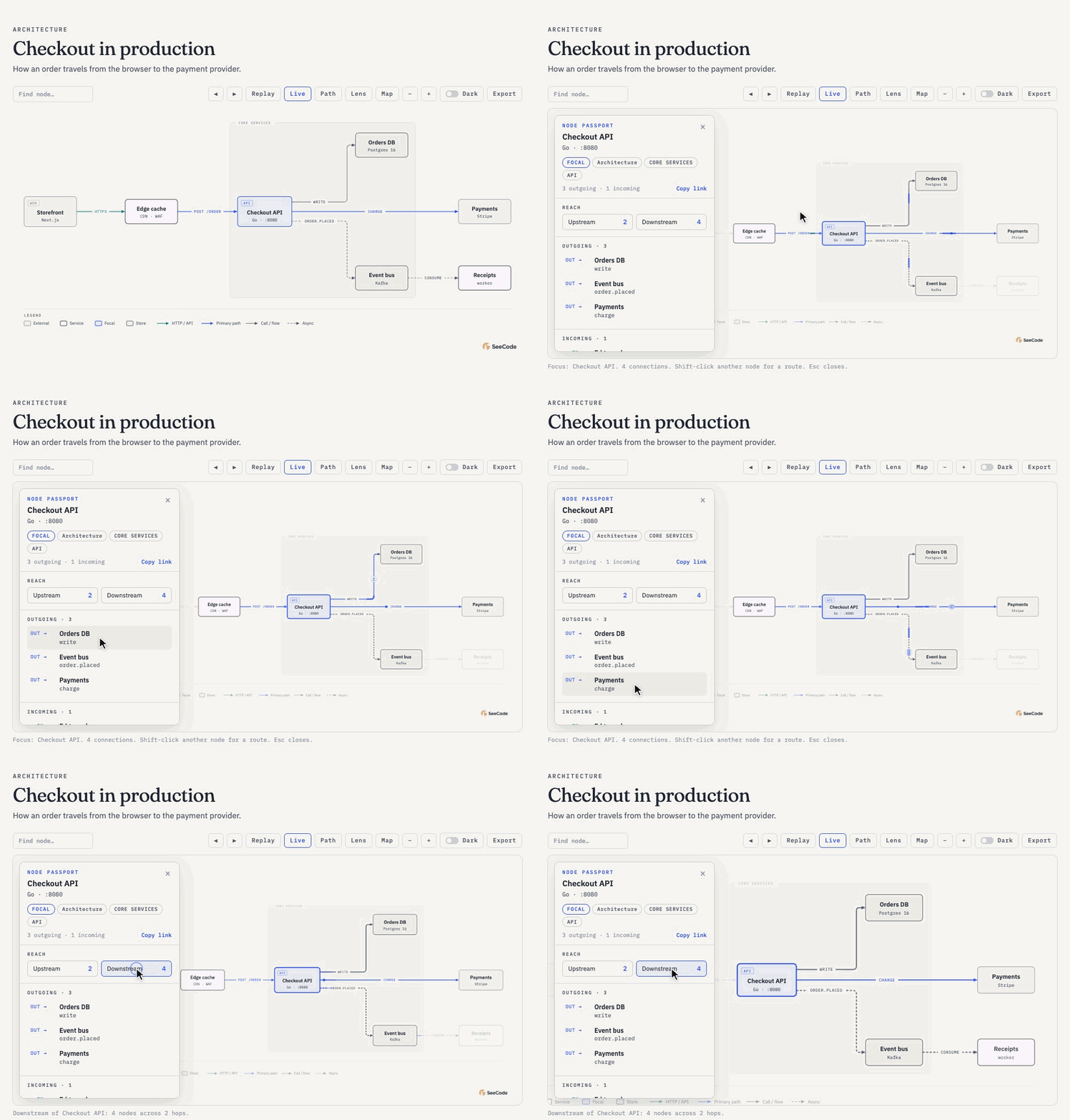 Click to focus The camera zooms in and a panel opens with the node's role, reach and every connection. Hover a connection to send a token along it, or show everything downstream. |
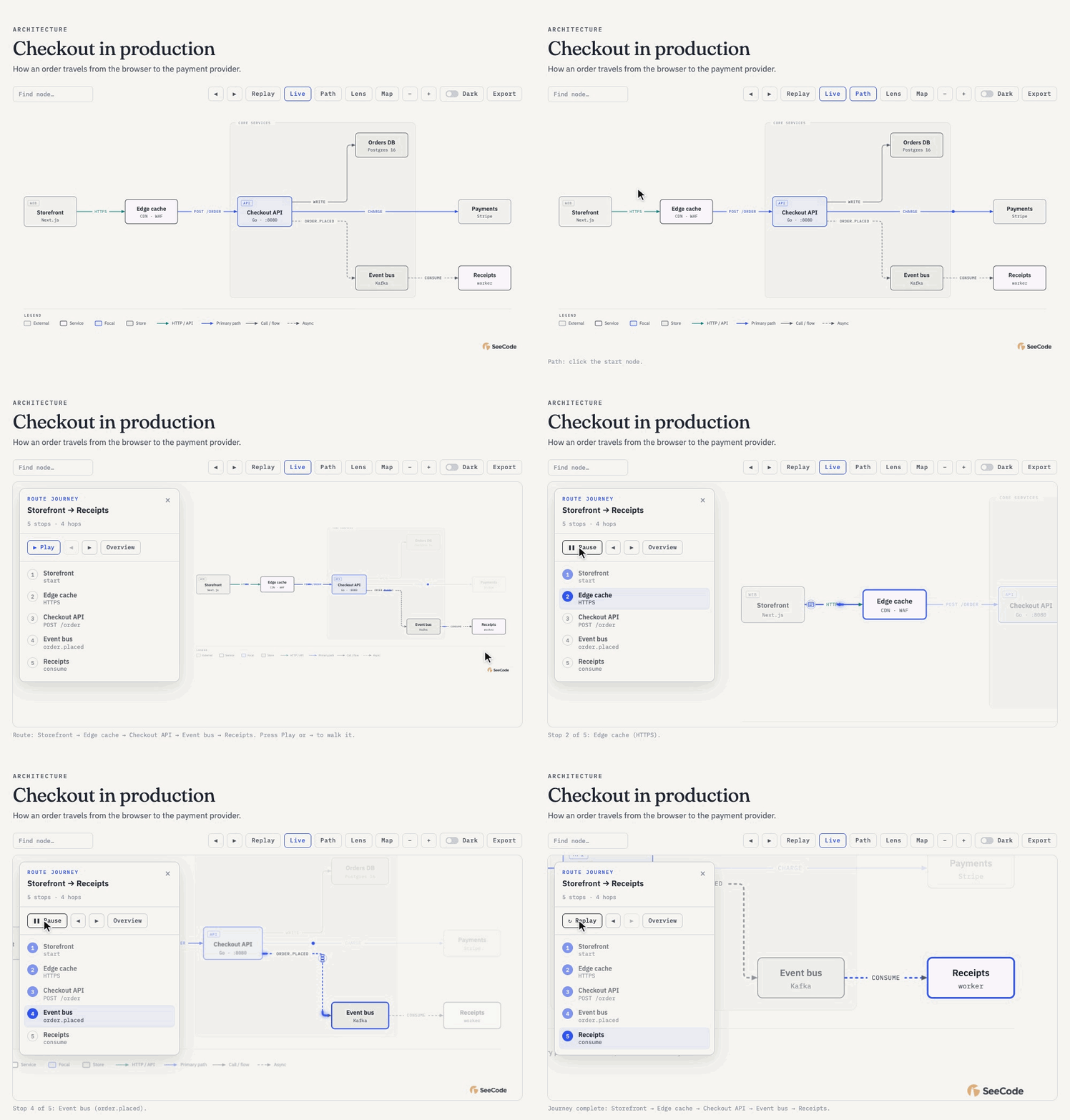 Walk a route Pick a start and an end, press Play, and the camera follows the request hop by hop, with each step listed in the panel. |
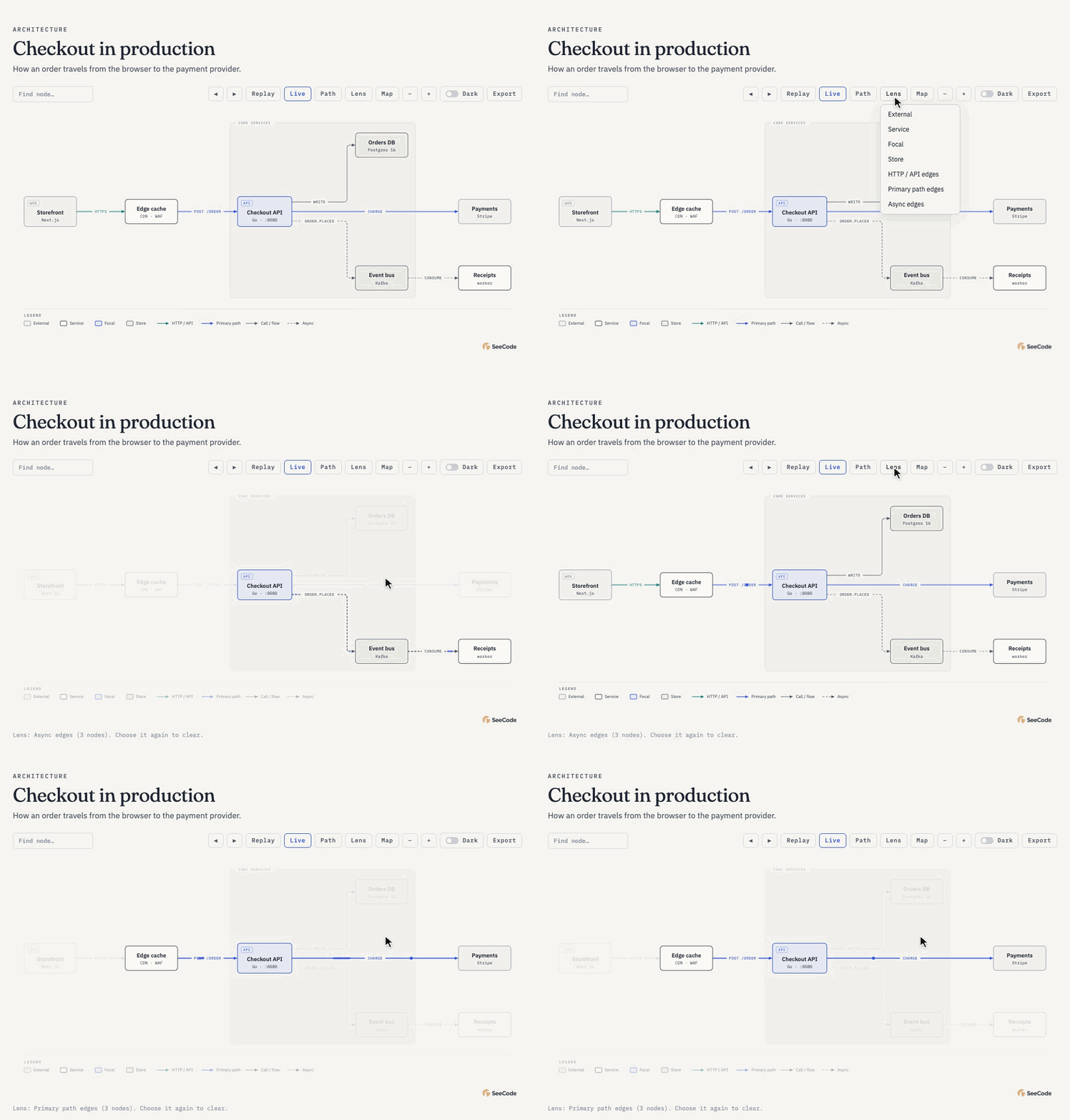 Look through a lens Highlight one kind of node or connection (async events, the primary path, stores) to read one layer of the system at a time. |
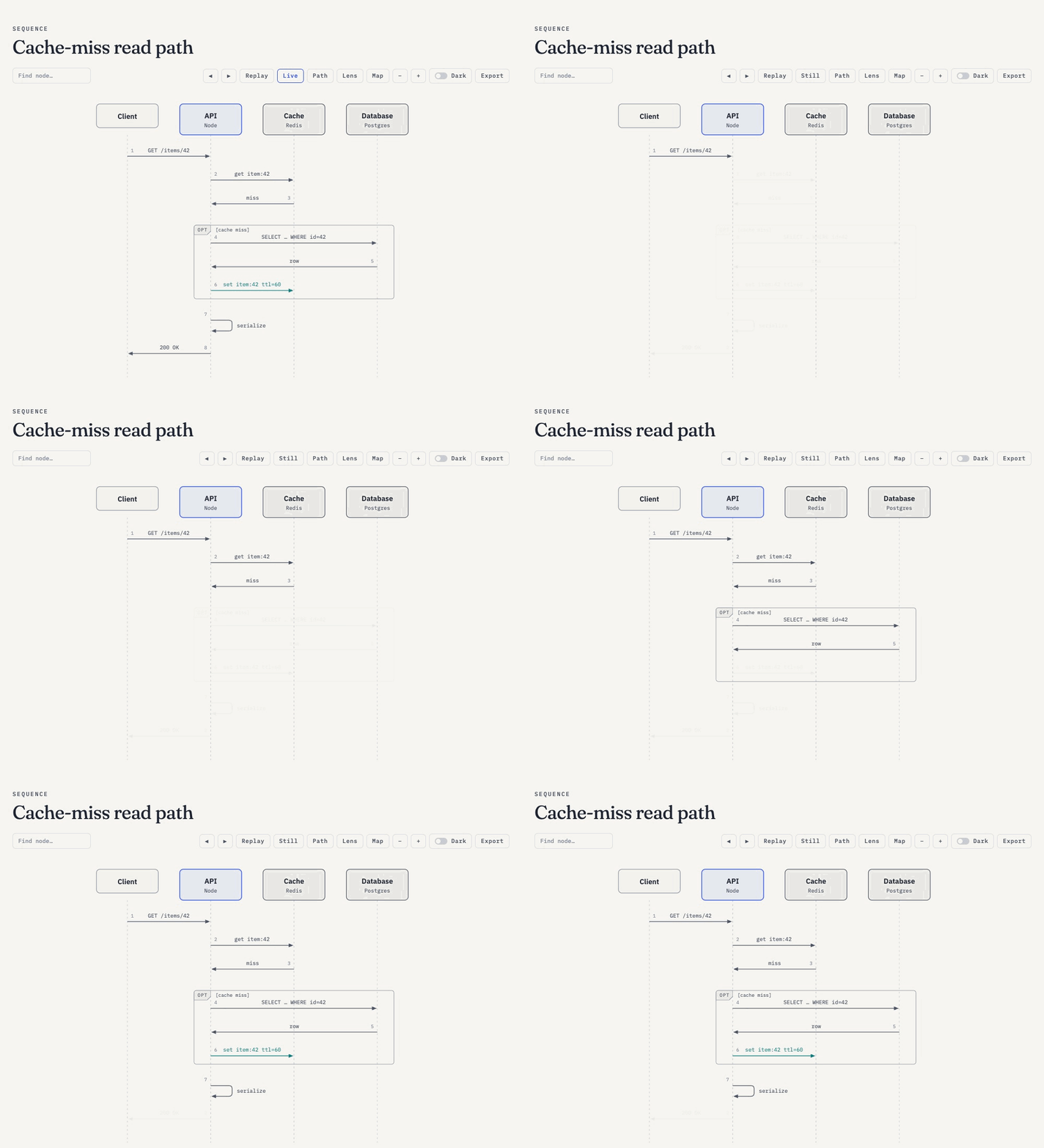 Step through it Use ← → to walk the diagram's build-up one step at a time, which is ideal for presenting. |
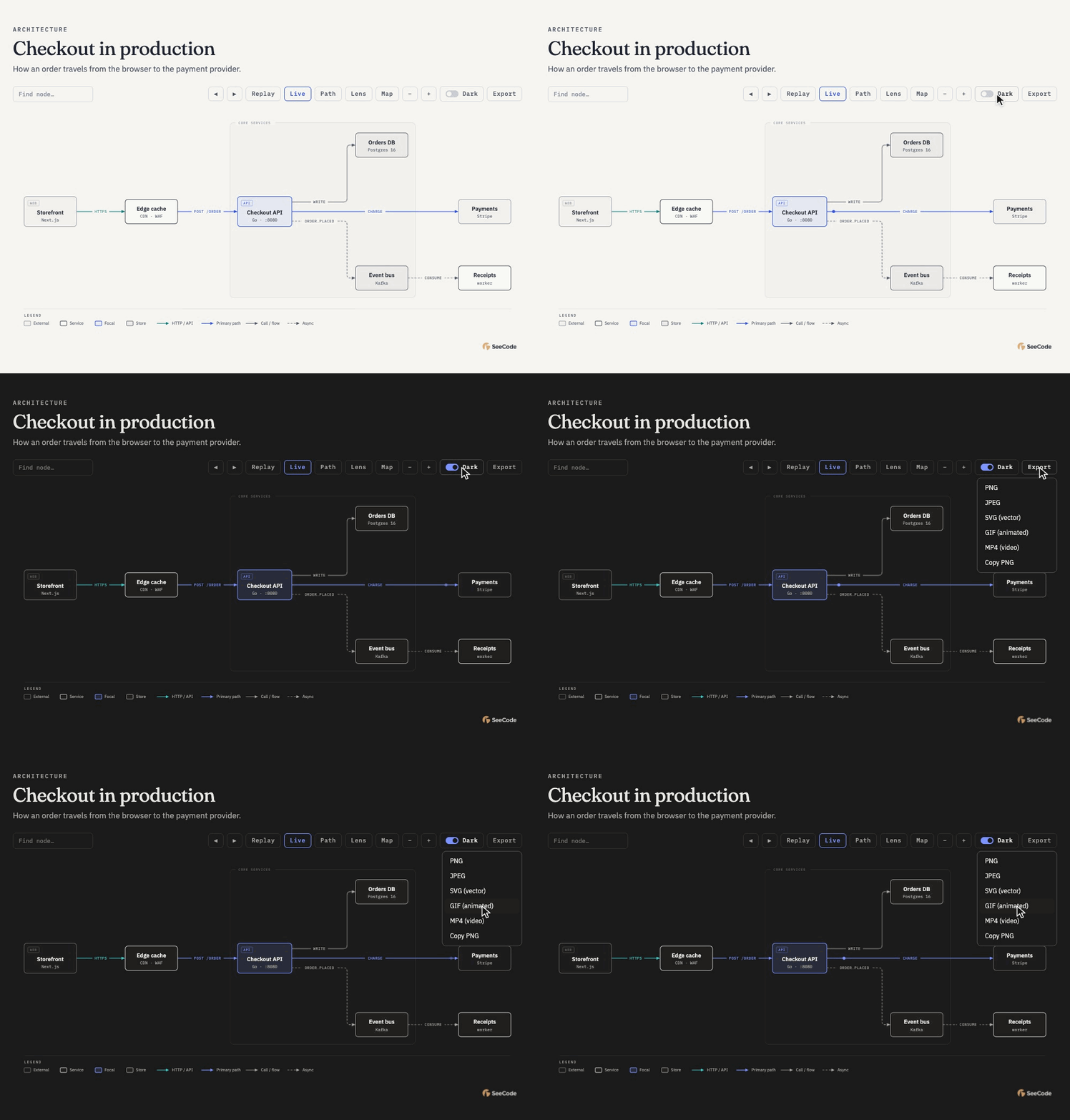 Theme it, export it Flip the dark-mode switch. The Export menu saves PNG, JPEG, SVG, GIF and MP4 straight from the page, with nothing installed. |
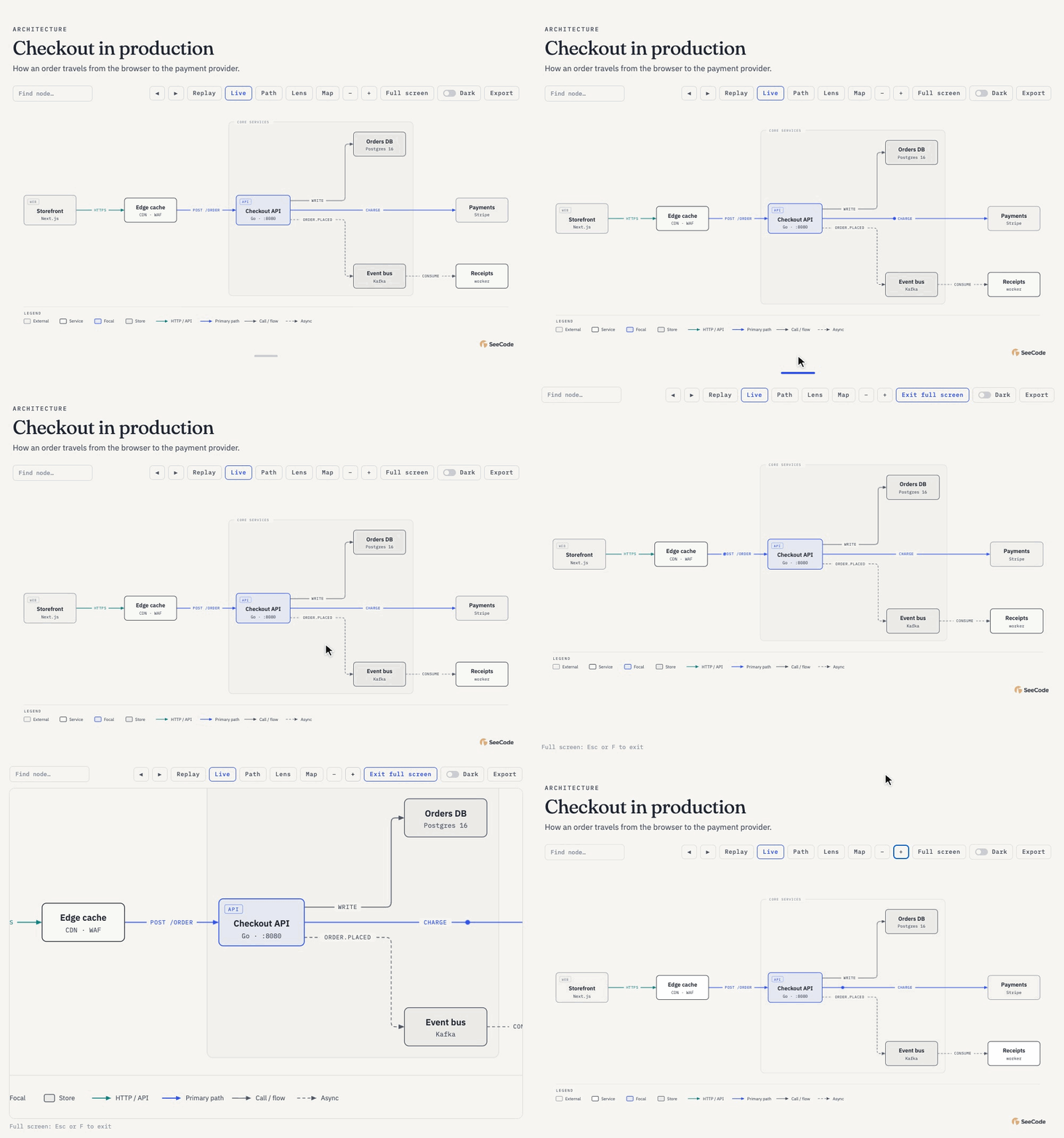 Give it room Drag the grip under the diagram to make the canvas taller, or press Full screen (F) to zoom and pan across the whole display. Esc brings you back. |
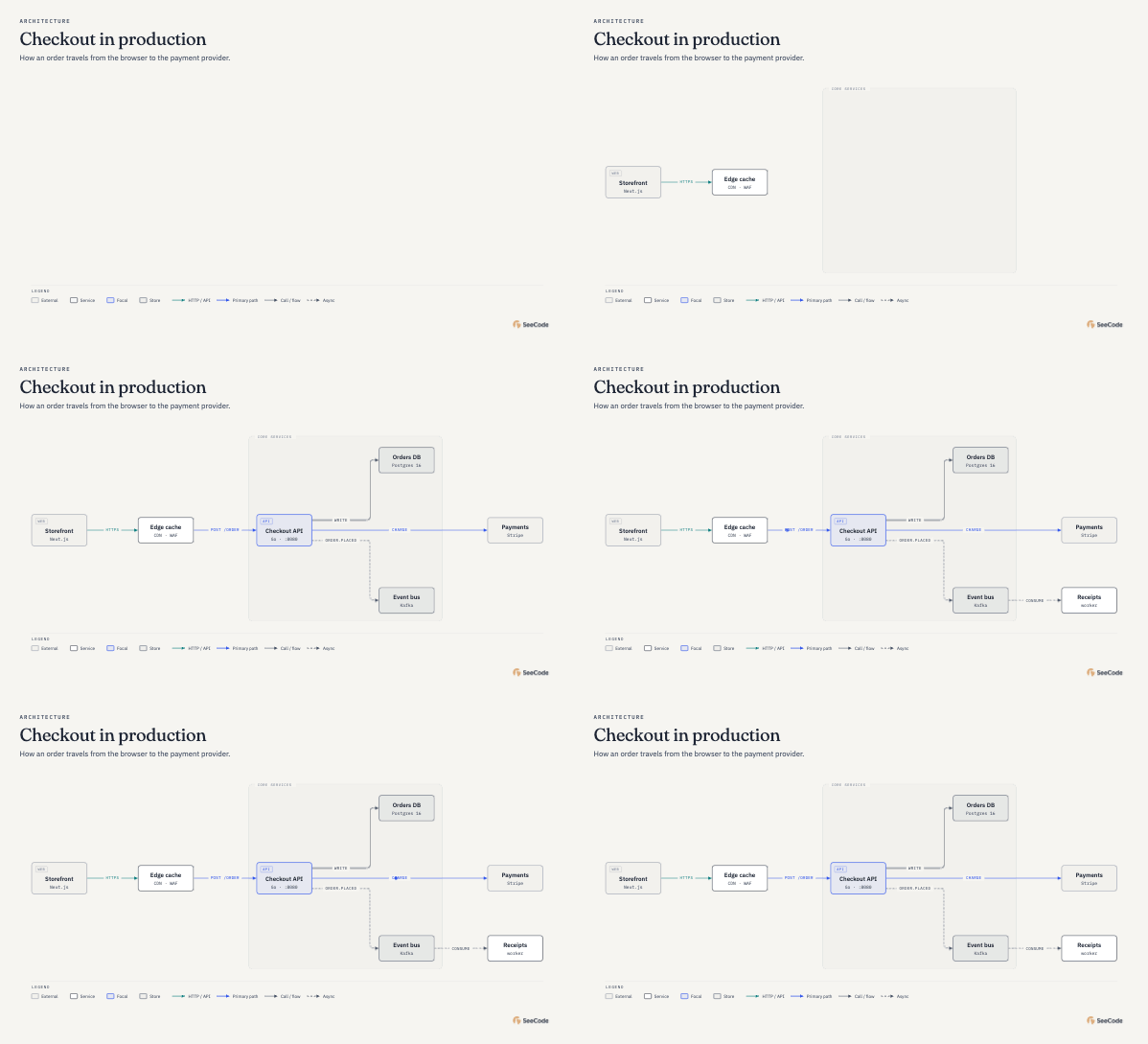 Light Warm paper, ink-dark text, one blue accent for what matters. |
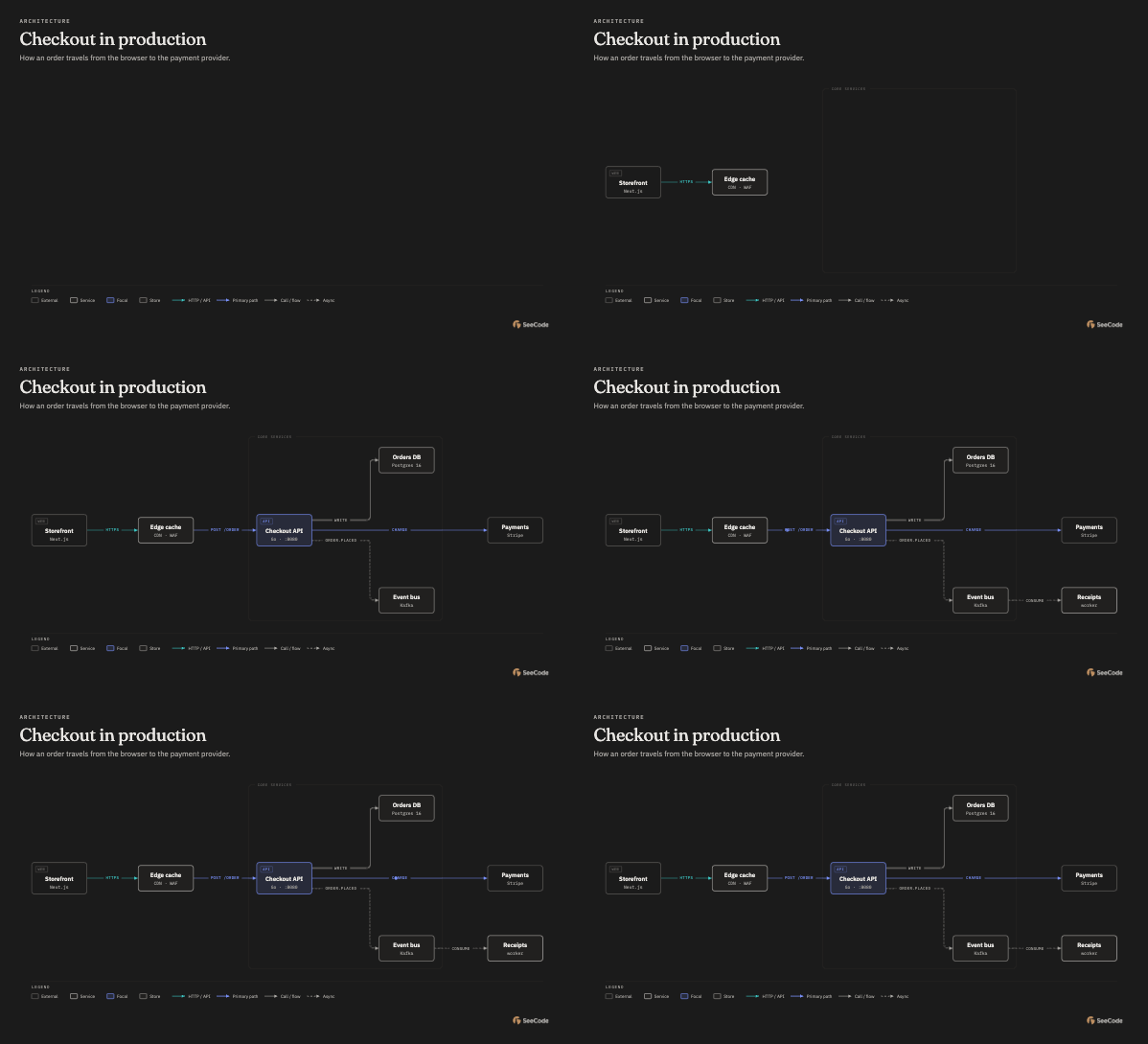 Dark Neutral #1a1a1a background, tuned so every label keeps its contrast. |
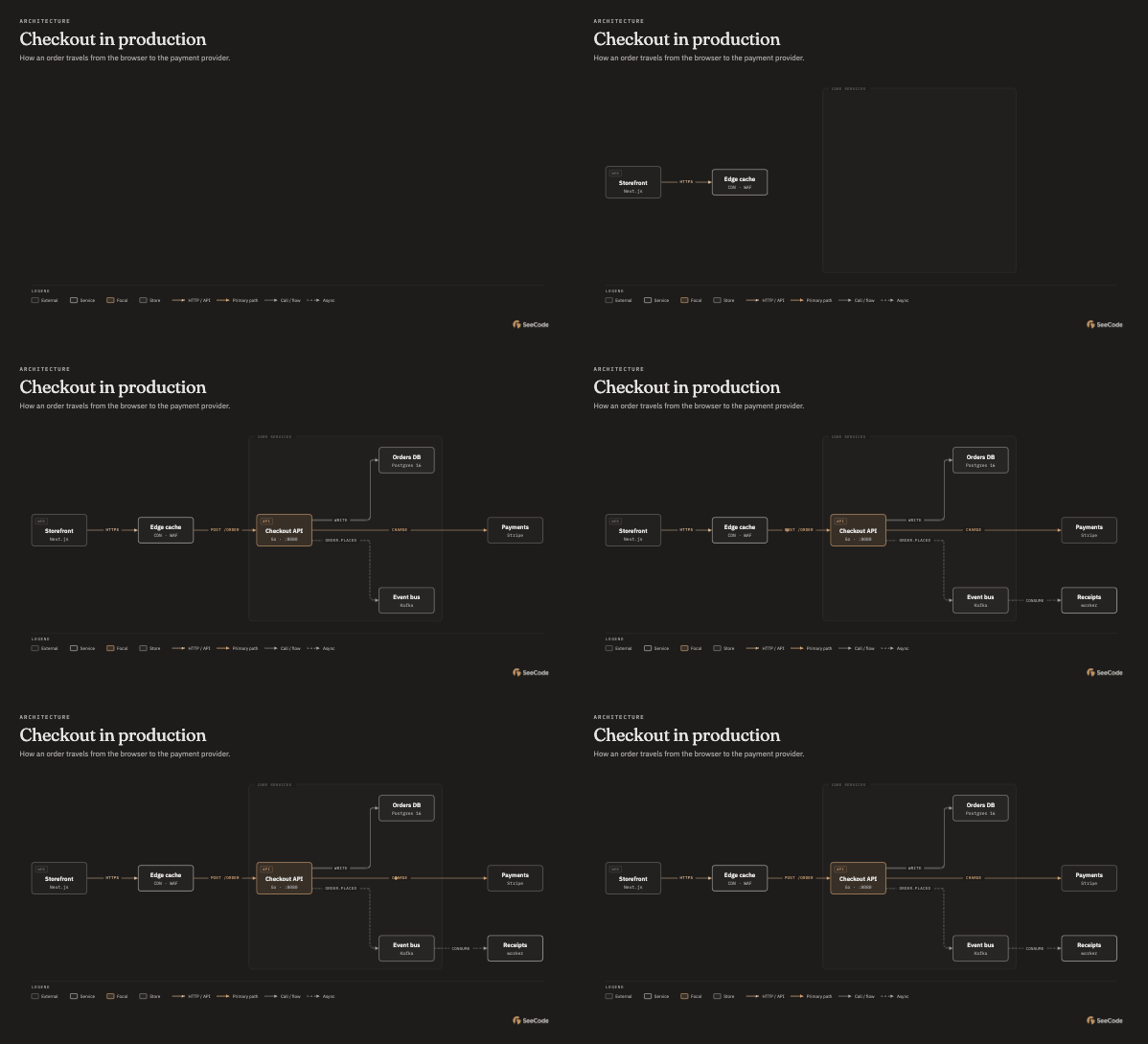 Your brand Learned from a site, CSS tokens or a list of colours. Shown here:    |
 |
 |