# AskYourPDF - Intelligent AI Research Assistant for Zotero
AskYourPDF is a Zotero extension that allows you to query your Zotero documents using various AI models such as GPT5, Claude and Mistral
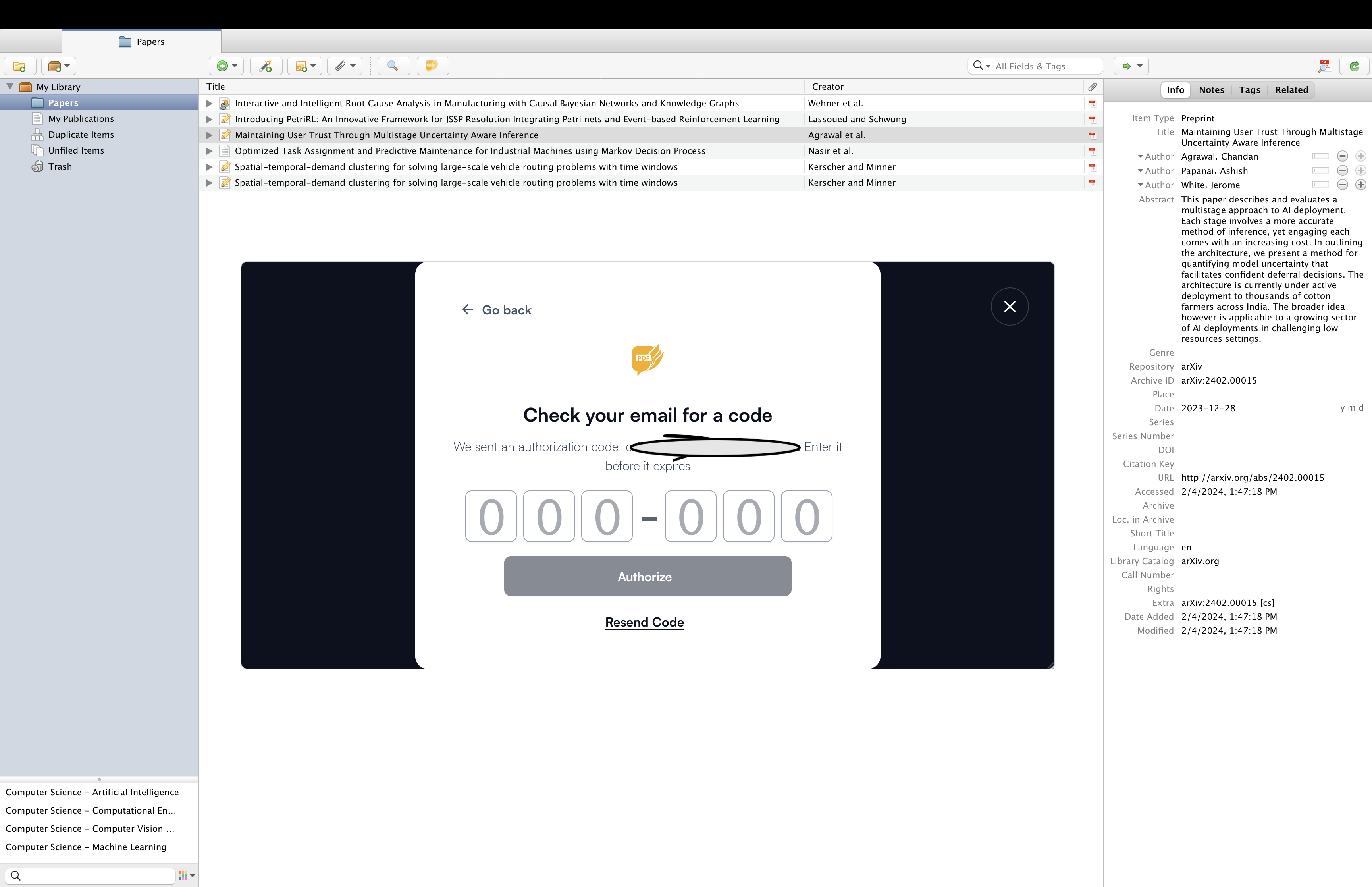](assets/videos/chat_interface.gif)
## Installation
- Download the latest release (.xpi file) from GitHub: https://github.com/AskYourPdf/zotero_plugin/releases/download/1.0.36/askyourpdf.xpi
- In Zotero select Tools from the top menu bar, and then click on Addons.
- On the Add-ons Manager panel, click the gear icon at the top right corner and select Install Add-on From File
- Select the .xpi file you just downloaded and click Open which will start the installation process.
![prompt-library.gif]()
## Quickstart
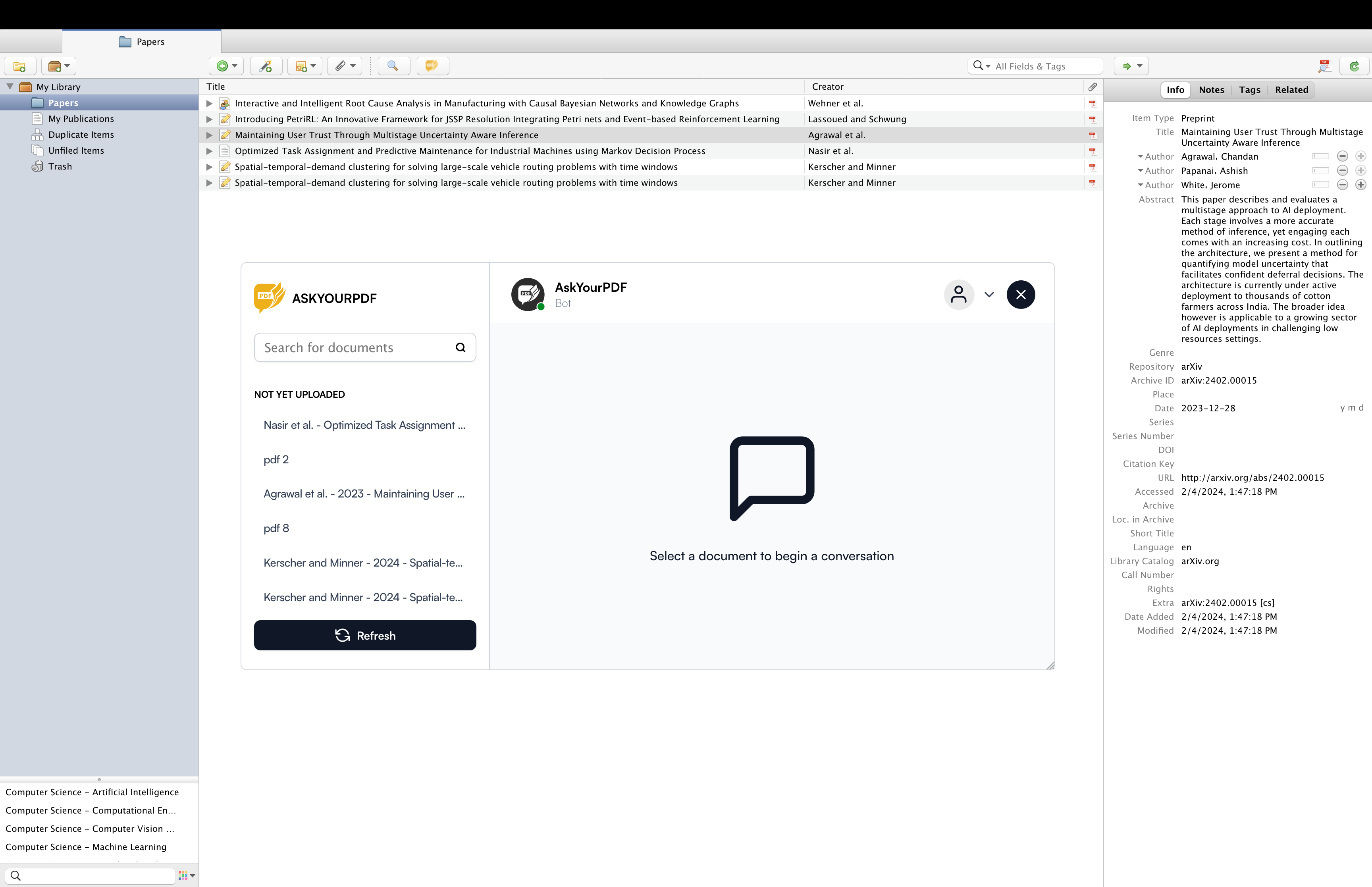
Simple click on the AskYourPDF extension after installation and then select the file(s) you want to chat with on your Zotero account
## Features
### Access to Various State of the Art AI Models
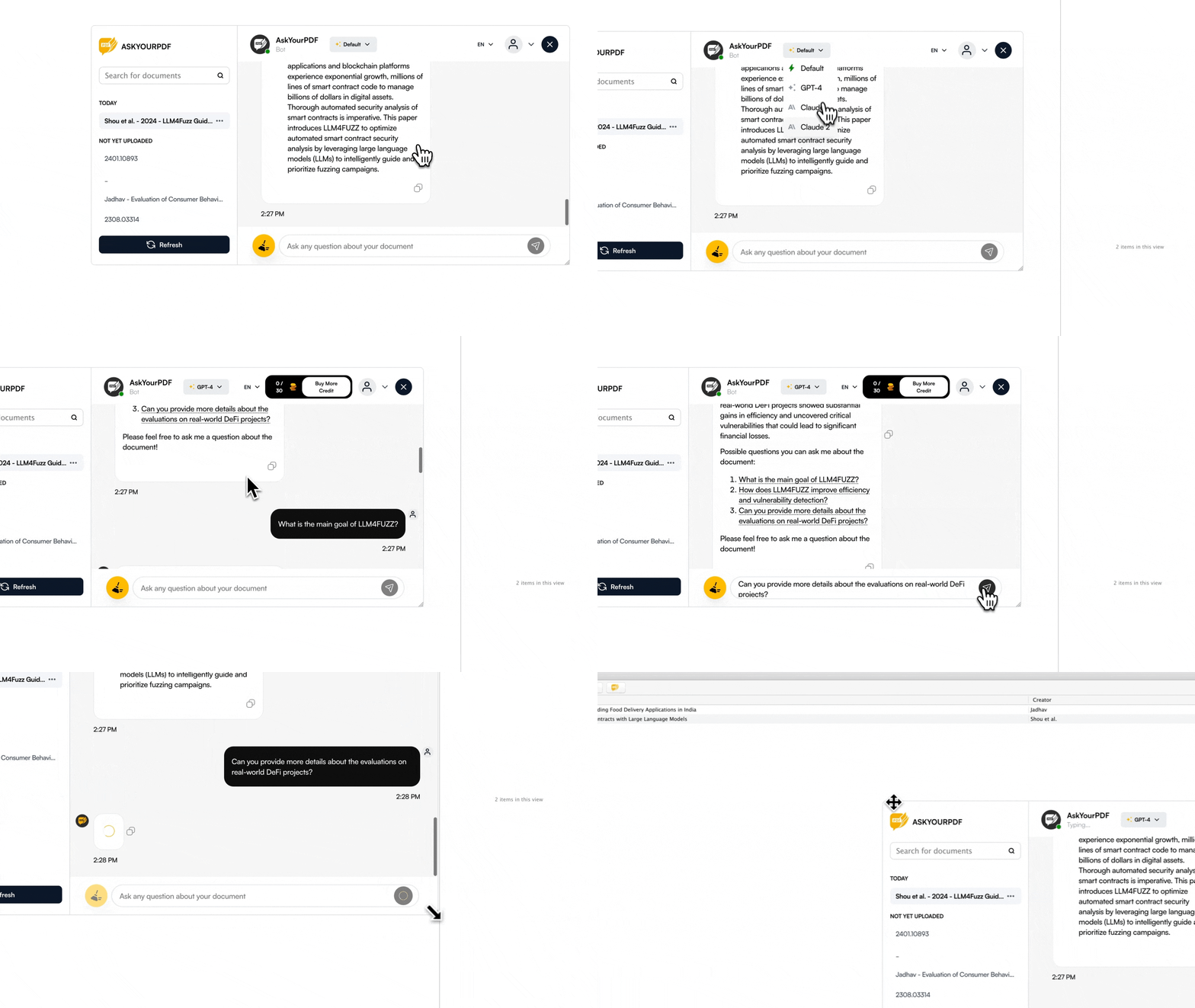](assets/videos/feature_model_selection.gif)
## AskYourPDF and GPT Requirements
- Currently, AskYourPDF supports Zotero 6 and 7.
- AskYourPDF account is required
## Troubleshooting
If you encounter any issues with Zotero, please do not hesitate to email us at [support@askyourpdf.com](mailto:support@askyourpdf.com) for assistance.