
OmniNest
Files · Movies · Music · Photos · Reader — one account, permissions, storage, and background tasks
--- OmniNest is a **self-hosted** media center for personal and family use. It organizes file management, movies, music, photos, and reading under one account, permission, object-storage, and async-task system. You deploy it; you keep the data. This repository is a **modular monolith**: Spring Boot for API / Worker / Scheduler, and Flutter for clients. See [backend/README.en.md](backend/README.en.md), [frontend/README.en.md](frontend/README.en.md), and [deploy/README.md](deploy/README.md). Chinese editions: [README.md](README.md). > **Status**: Under active development. This document covers capabilities, platform support, **disclaimer**, and the shortest path to run the stack. --- ## Disclaimer Please read this section before using OmniNest. **Using this software means you understand and accept the terms below.** ### Content and copyright - OmniNest **does not provide, distribute, or bundle** any media content (video, music, ebooks, photos, etc.). - You may only store, manage, or play content you **legally own** or are **lawfully allowed** to use. - Before uploading, importing, or sharing copyrighted material, you must ensure you have the necessary rights. Any copyright or legal disputes arising from content sources or usage are **the sole responsibility of the user**, not the authors or contributors. - This project **does not encourage or support** piracy, infringement, or illegal content distribution. - UI illustrations and demo media in this repository’s documentation **are** public-domain / CC0 (or equivalent) assets. **Do not commit or publish copyrighted media** into this repository or public demos. ### Software - The software is provided **“AS IS”**, without warranty of any kind, express or implied, including merchantability, fitness for a particular purpose, and non-infringement. - To the maximum extent permitted by law, authors and contributors are **not liable** for any direct, indirect, incidental, or consequential damages arising from use of the software, including data loss, downtime, device damage, or business loss. - Security, backups, key management, public exposure, and access control of a self-hosted deployment are **the deployer’s responsibility**. Defaults target personal / private networks and are **not** a hardened public production baseline by themselves. ### Platform support - Officially recommended and verified clients: **Web, Android, Windows**. - The Flutter tree contains iOS / macOS directories and adapters, but they have **not** received full testing equivalent to those three platforms. They are **not recommended** for production or critical use without your own validation. - Optional components such as virus scanning (ClamAV) and image analysis are **deployment choices** based on hardware and exposure. Typical 4C4G personal setups may disable scanning; public internet deployments should evaluate enabling it. ### Third-party music platforms The built-in open-source music module of OmniNest is not an official client of NetEase Cloud Music or its affiliates, and has no affiliation, partnership, or authorization with it; the NetEase Cloud Music name and trademark are mentioned for identification only and belong to their respective owners. The platform integrations are for personal study and research, local client experience, and playback assistance with the user's own account, and must not be used for commercial or illegal purposes. The module stores and distributes no platform music content and provides no ability to bypass payment or membership restrictions or to crack audio quality. Users are responsible for complying with the corresponding platforms' user agreements, copyright rules, and membership terms; platform content belongs to the respective platforms and rights holders, and any risks arising from misuse are borne by the user. ### Getting the clients - **Web** is served by the deployment stack's Nginx and connects same-origin. - **Android / Windows** packages ship without a baked-in server address: on first launch a setup page asks for your self-hosted server address (`host`, `host:port`, or a full URL), validates it, then continues to login or the install wizard; signed-in users can change it under Profile → Server & connection. - **Known Web limits**: the browser does not persist whole books (the cache lives in the current page session and re-downloads after a refresh), and in-memory parsing caps at 32 MiB per book — larger books fail with an explicit error instead of truncating. Use the Android or Windows client for offline reading or large books. - Custom builds: `frontend/scripts/build_signed_*_release.ps1` accept an optional `-ApiBaseUrl` preset (family distribution; address changes propagate with app updates) and `-RequireHttps` for HTTPS-only strict builds. The server ships as Docker images only; there is no standalone jar (see deploy/README.md). ### Privacy and data - Data stays on **your** server and storage. Developers do **not** collect your library contents through this software. - You are responsible for complying with applicable laws regarding personal data and online services. > Privacy notice: [`PRIVACY.en.md`](./PRIVACY.en.md). Third-party licensing and attribution: [`NOTICE.md`](./NOTICE.md). --- ## Screenshots| Portal workspace | Photos |
|---|---|
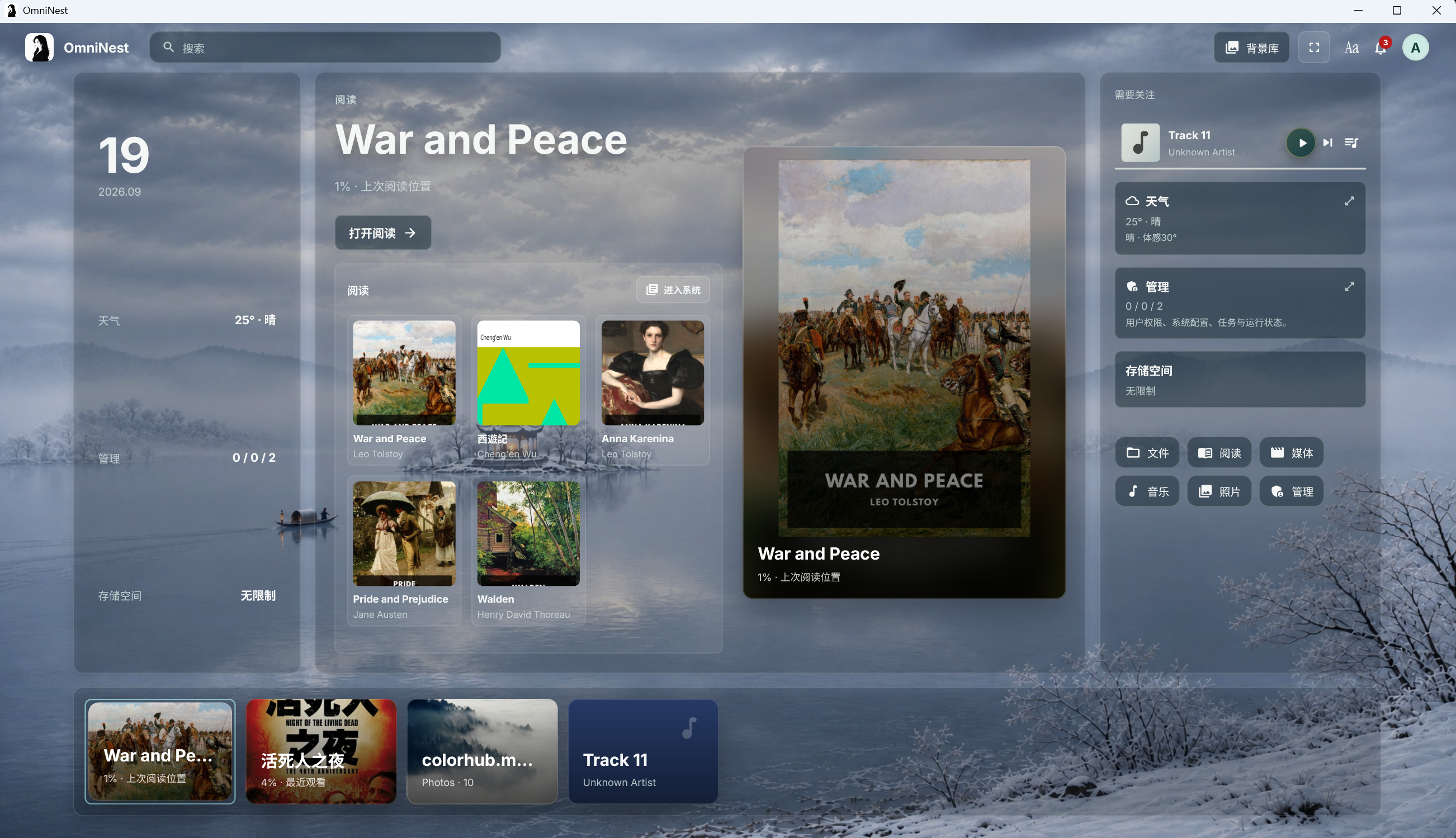 |
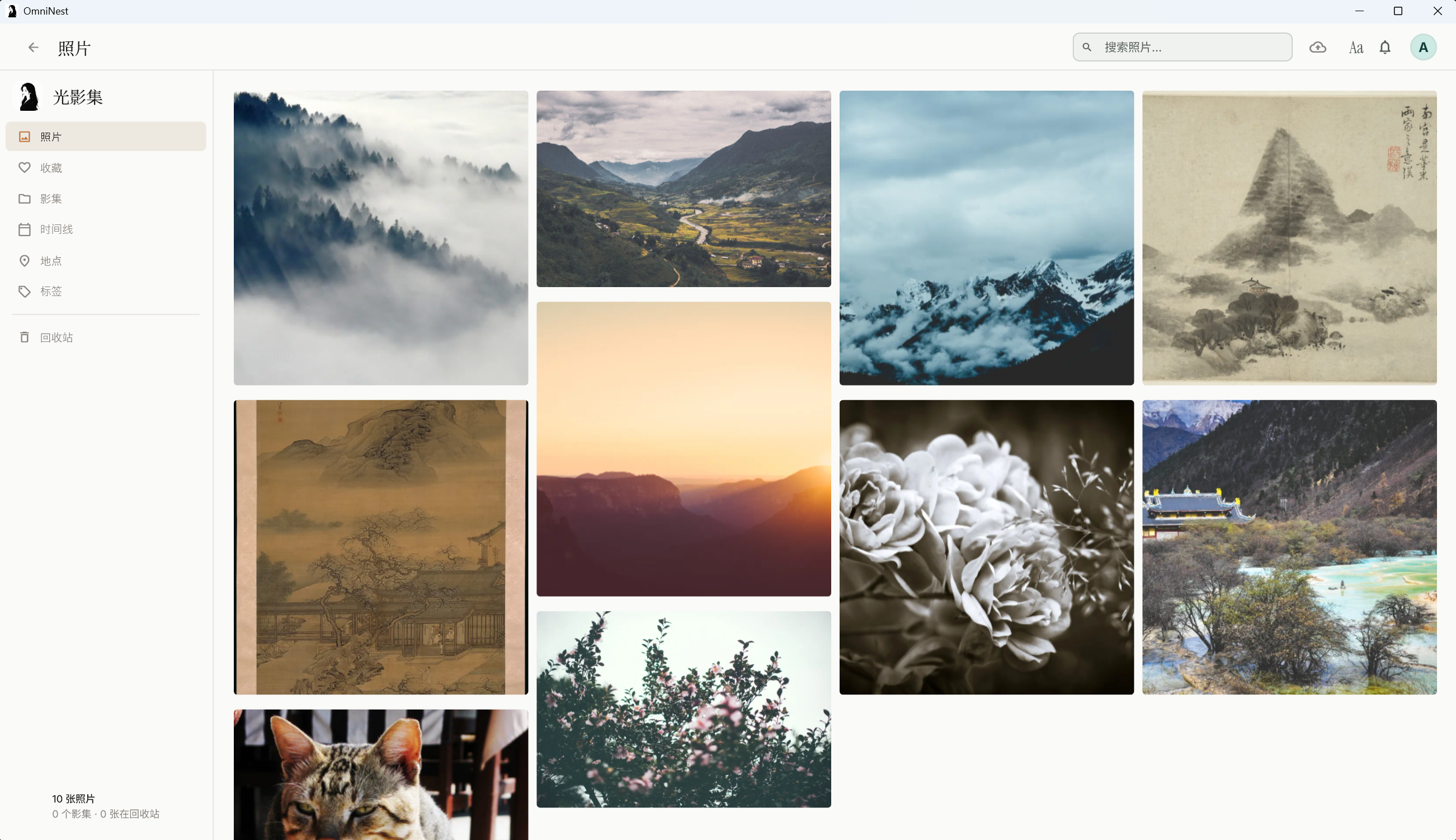 |
| Movie details | Music |
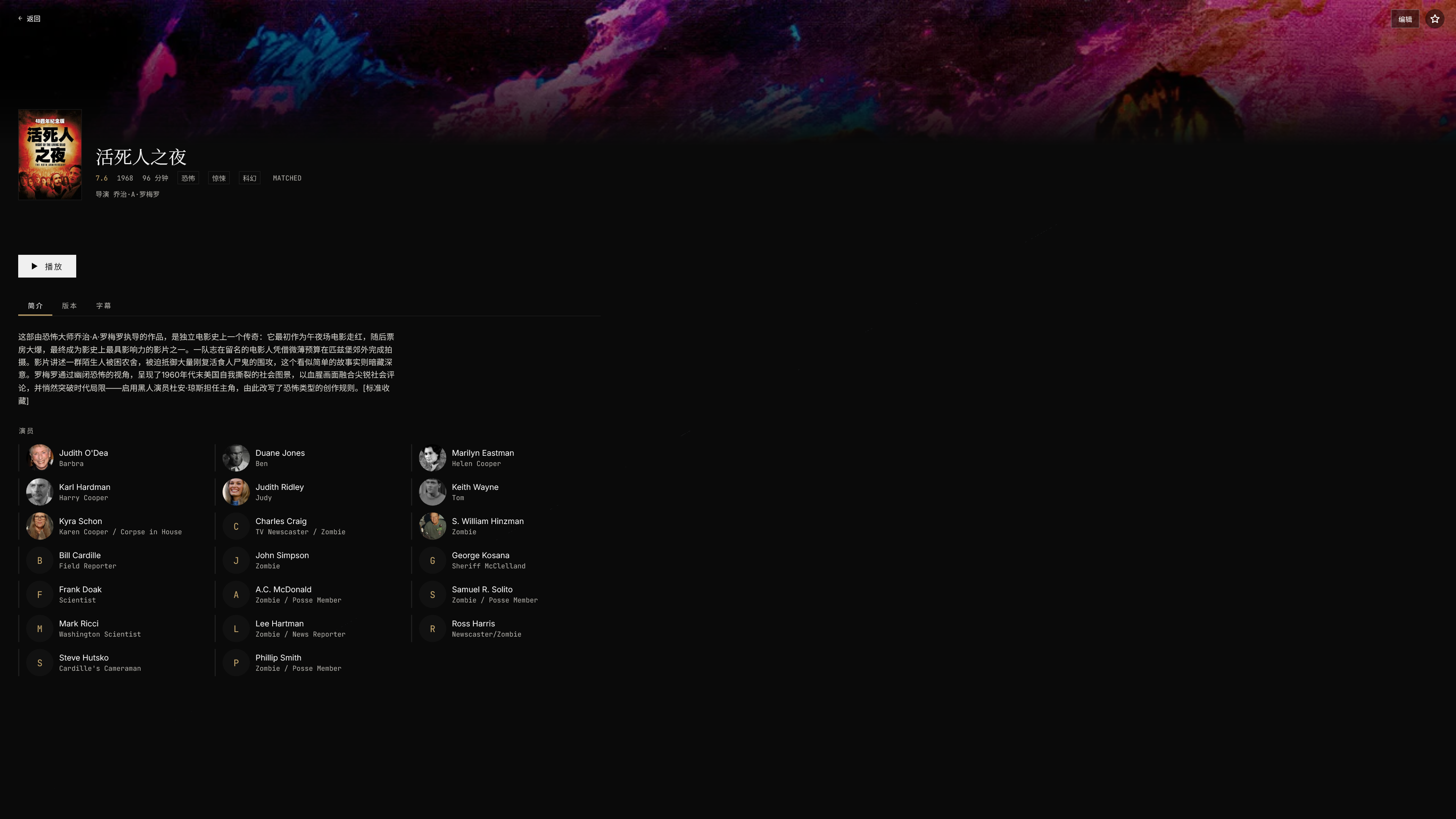 |
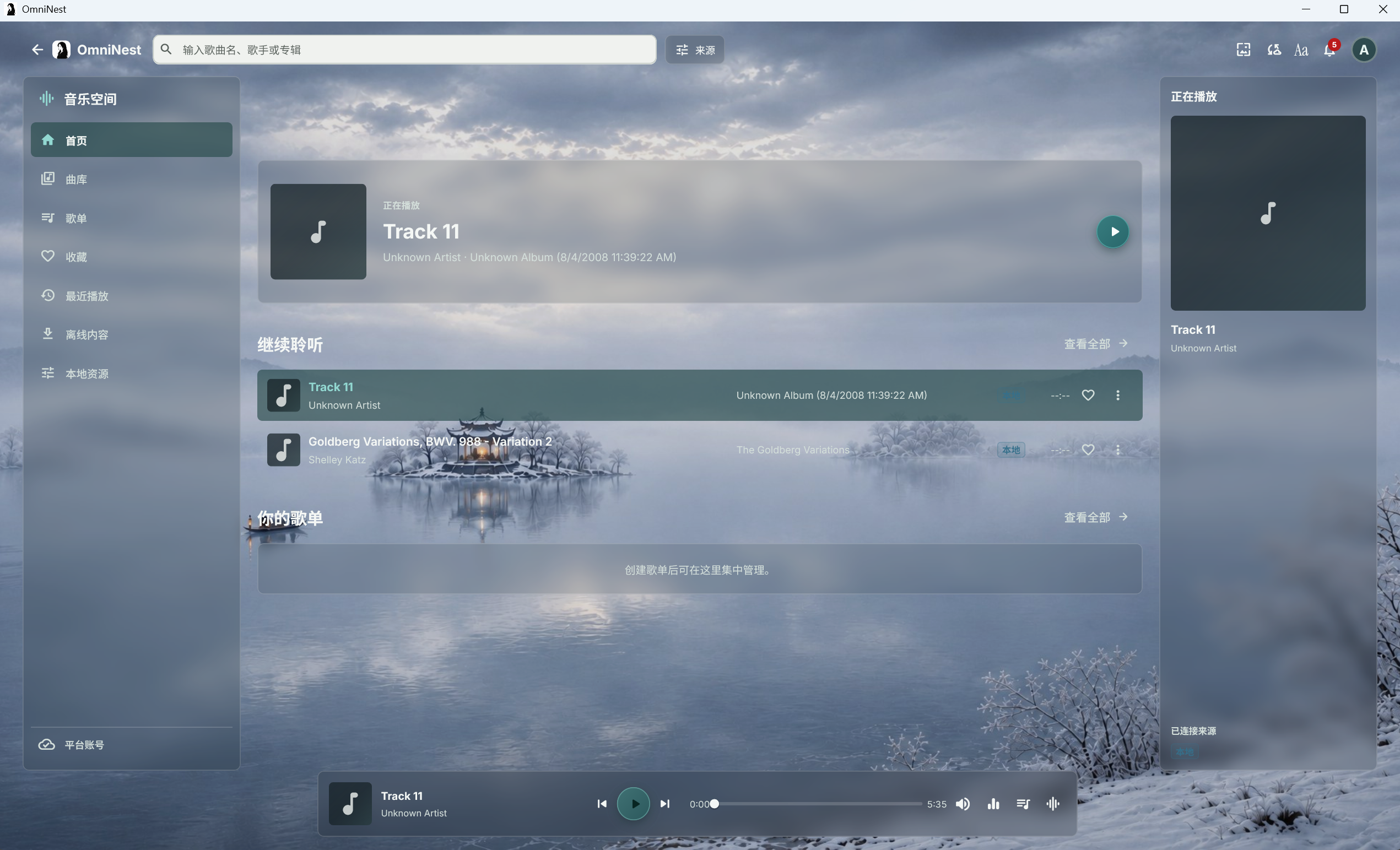 |
| Reader | Admin console |
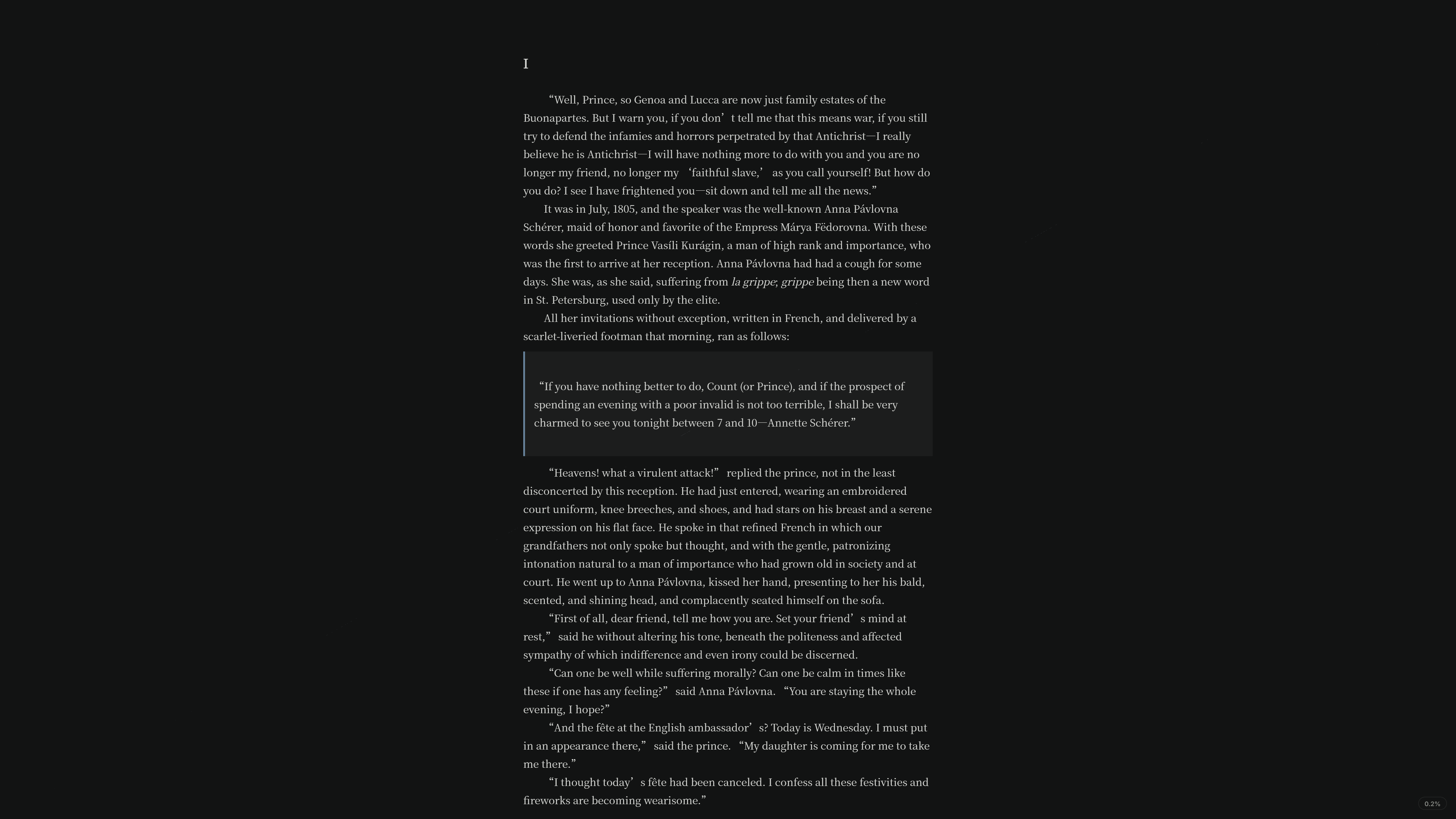 |
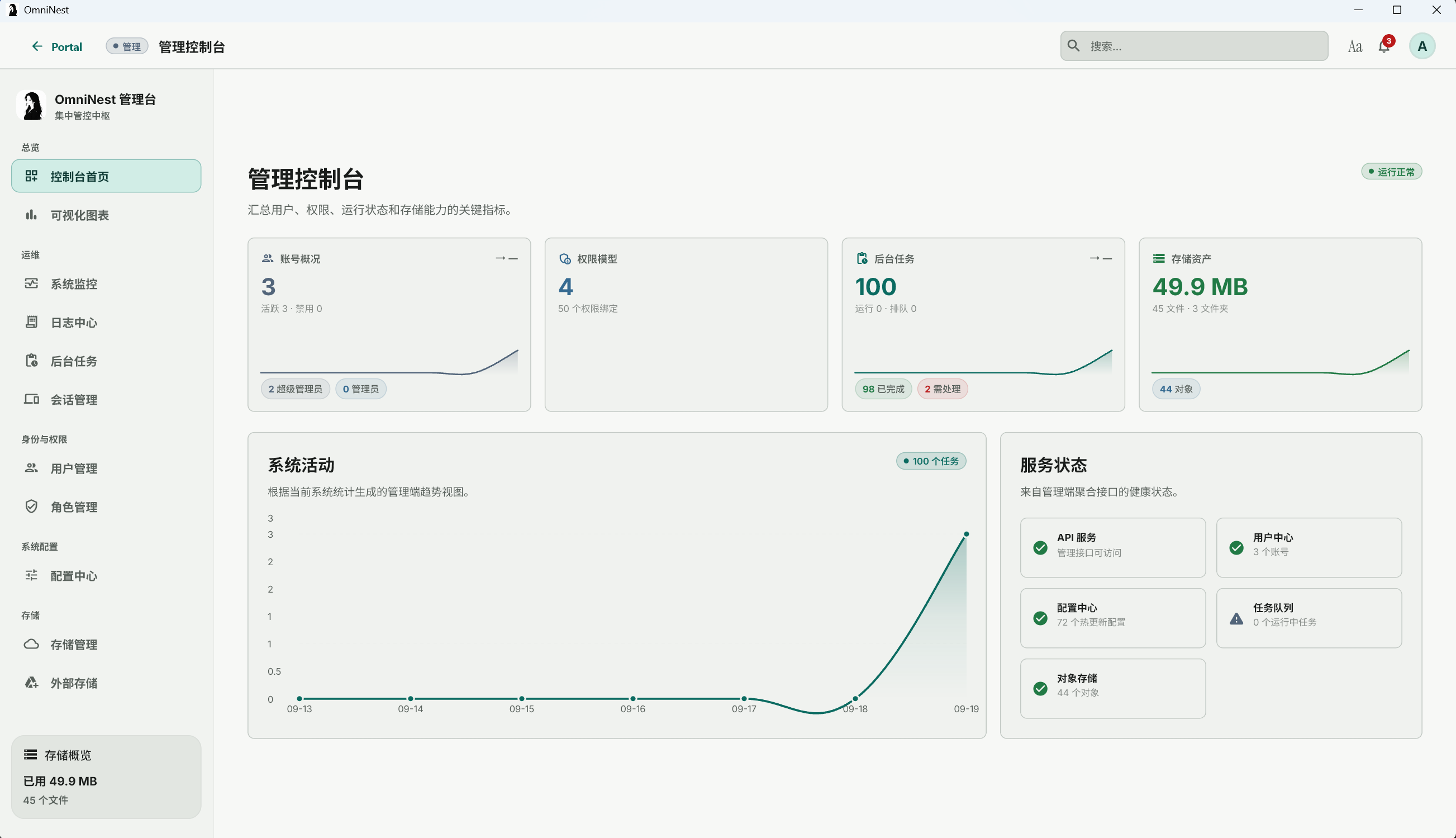 |
| Photo slideshow | Setup wizard |
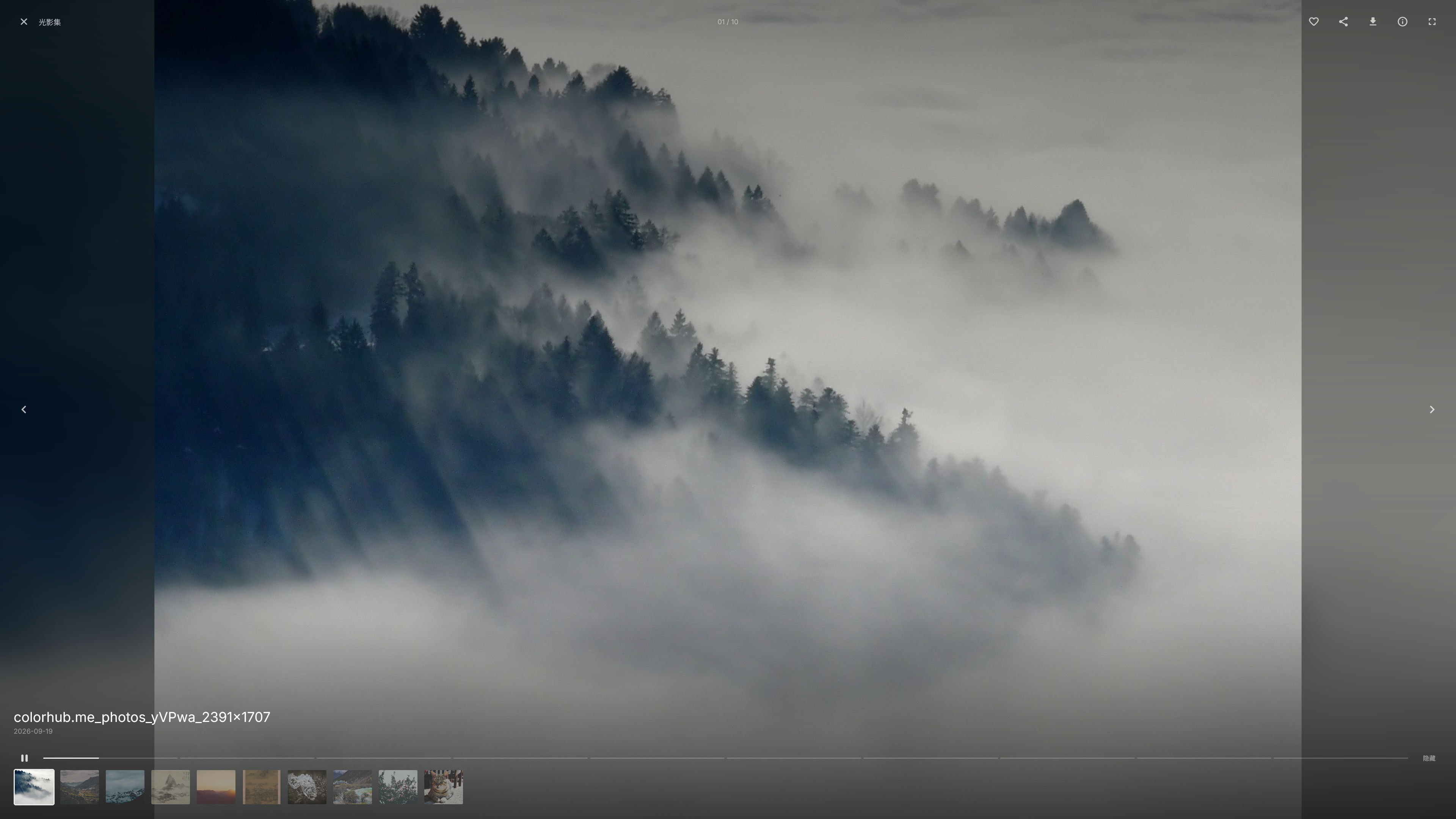 |
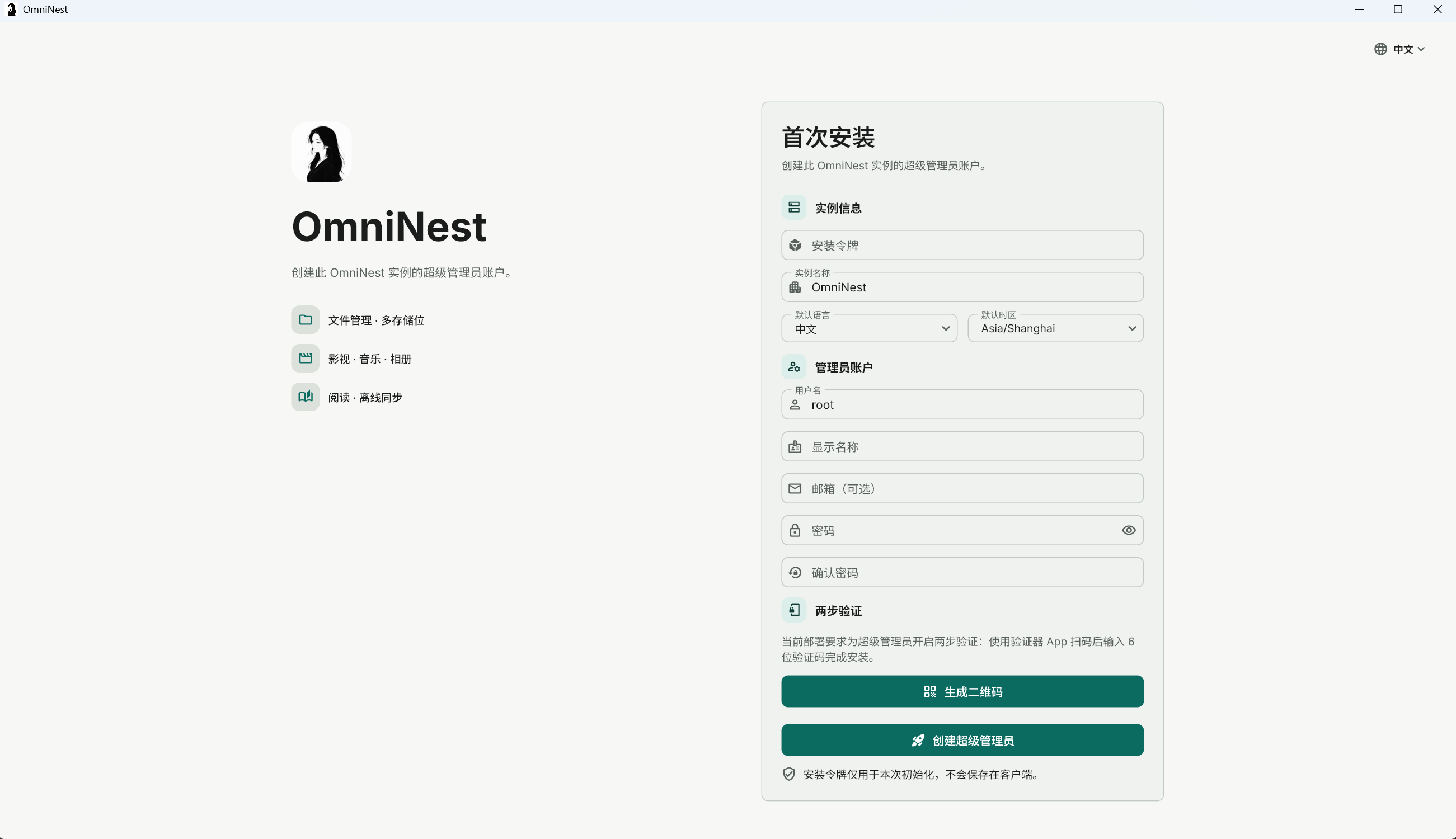 |
OmniNest is self-hosted software. Use media lawfully and take responsibility for your own deployment and data security.