# Molecular Nodes 🧬🍝💻
 [](https://github.com/BradyAJohnston/MolecularNodes/actions/workflows/lint.yml)
[](https://github.com/BradyAJohnston/MolecularNodes/actions/workflows/build.yml)
[](https://github.com/BradyAJohnston/MolecularNodes/actions/workflows/docs.yml)
[](https://app.codspeed.io/BradyAJohnston/MolecularNodes)
[](https://extensions.blender.org/add-ons/molecularnodes/)
[](https://github.com/BradyAJohnston/MolecularNodes/releases)
[](https://github.com/BradyAJohnston/MolecularNodes/releases)
[](https://pypi.org/project/molecularnodes/)
[](https://pepy.tech/project/molecularnodes)
[](https://github.com/BradyAJohnston/MolecularNodes/blob/main/LICENSE)
[](https://zenodo.org/badge/latestdoi/485261976)
[](https://pypi.org/project/biotite)
[](https://pypi.org/project/MDAnalysis)
[](https://github.com/BradyAJohnston/MolecularNodes/stargazers)
[](https://github.com/BradyAJohnston/MolecularNodes/actions/workflows/lint.yml)
[](https://github.com/BradyAJohnston/MolecularNodes/actions/workflows/build.yml)
[](https://github.com/BradyAJohnston/MolecularNodes/actions/workflows/docs.yml)
[](https://app.codspeed.io/BradyAJohnston/MolecularNodes)
[](https://extensions.blender.org/add-ons/molecularnodes/)
[](https://github.com/BradyAJohnston/MolecularNodes/releases)
[](https://github.com/BradyAJohnston/MolecularNodes/releases)
[](https://pypi.org/project/molecularnodes/)
[](https://pepy.tech/project/molecularnodes)
[](https://github.com/BradyAJohnston/MolecularNodes/blob/main/LICENSE)
[](https://zenodo.org/badge/latestdoi/485261976)
[](https://pypi.org/project/biotite)
[](https://pypi.org/project/MDAnalysis)
[](https://github.com/BradyAJohnston/MolecularNodes/stargazers)


 Molecular Nodes imports structural biology data into [Blender](https://blender.org) and styles, animates and renders it. It reads static structures from the PDB, AlphaFold and local files, molecular dynamics topologies and trajectories, oxDNA simulations, electron microscopy density maps, and `.star` and CellPack ensembles. Styles are [Geometry Nodes](https://docs.blender.org/manual/en/latest/modeling/geometry_nodes/introduction.html) trees, so every part of a style can be edited, combined and animated with the rest of Blender.
Molecular Nodes works as a Blender extension through the GUI, and as a Python package that scripts Blender for notebooks and pipelines.
| Procedural animations | Styles | MD trajectories | EM density maps |
| --- | --- | --- | --- |
| 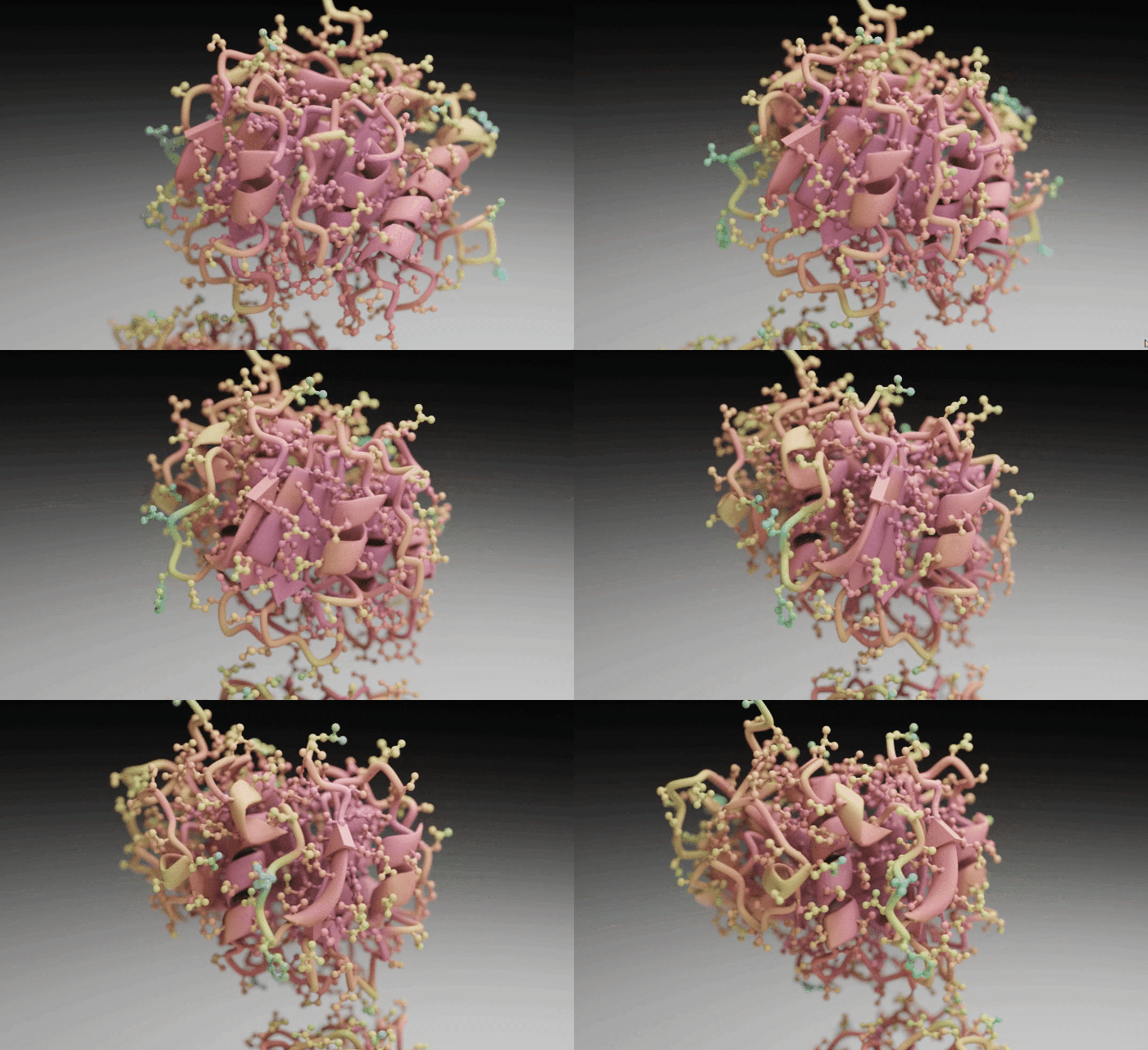 | 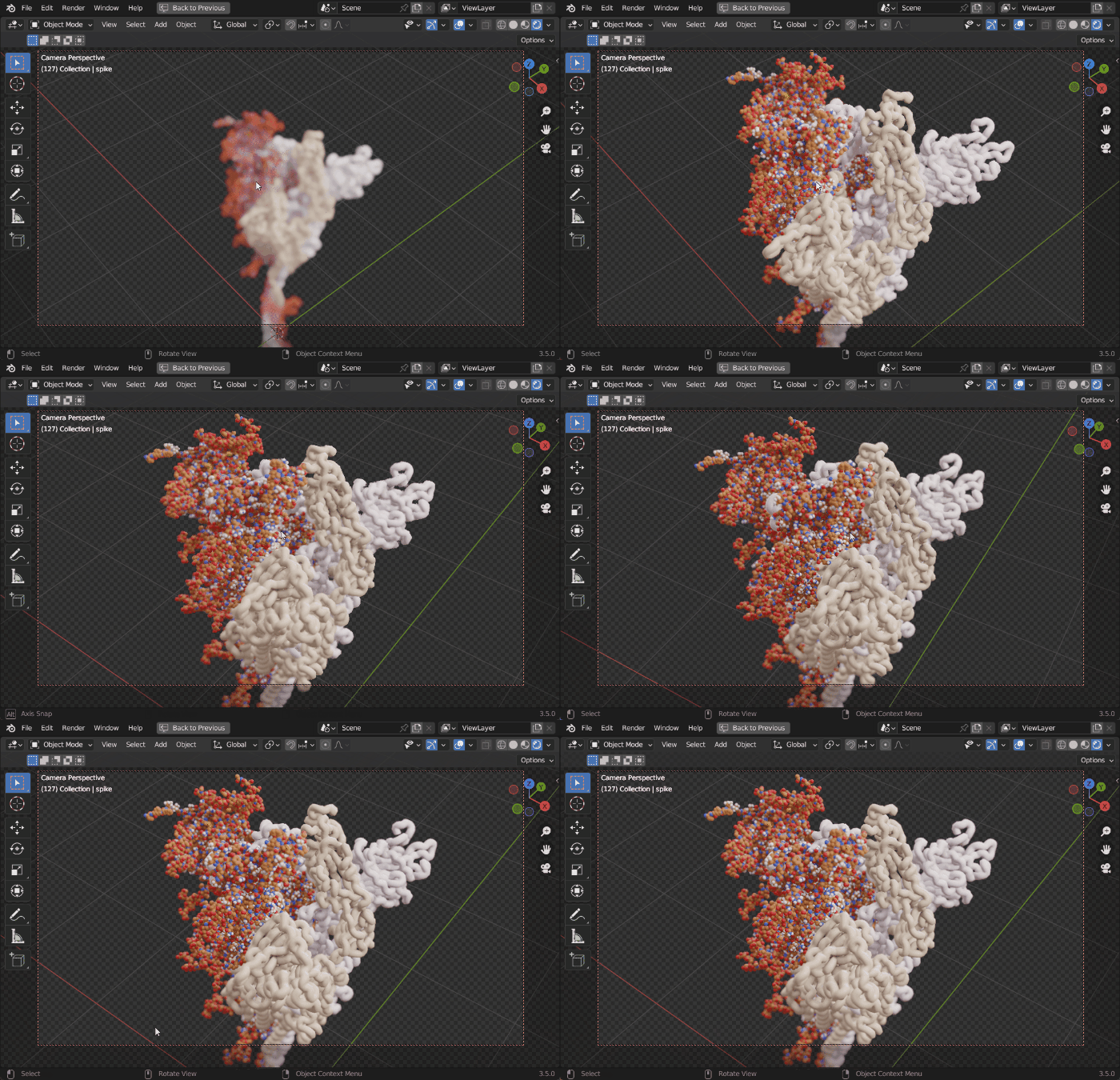 | 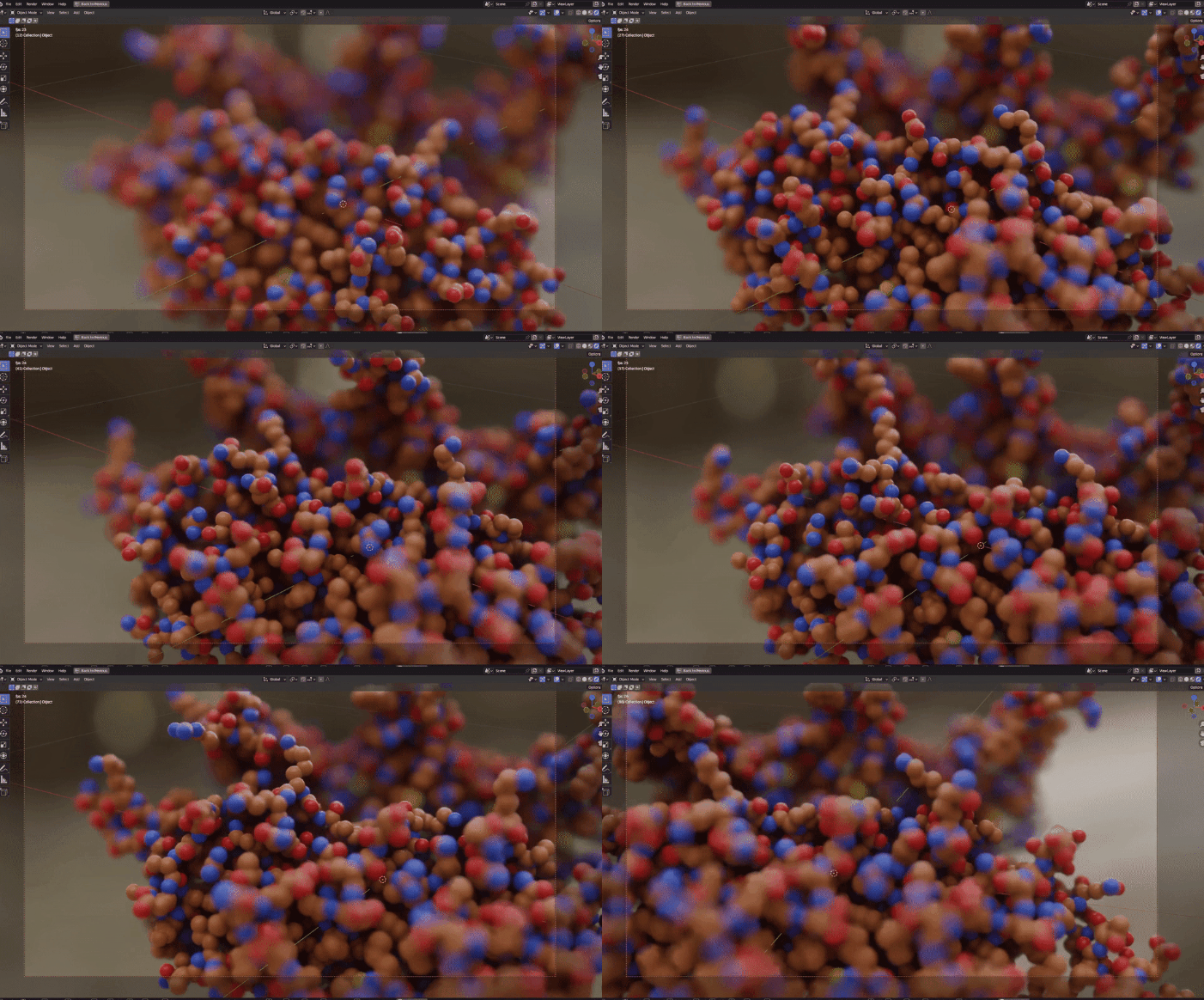 | 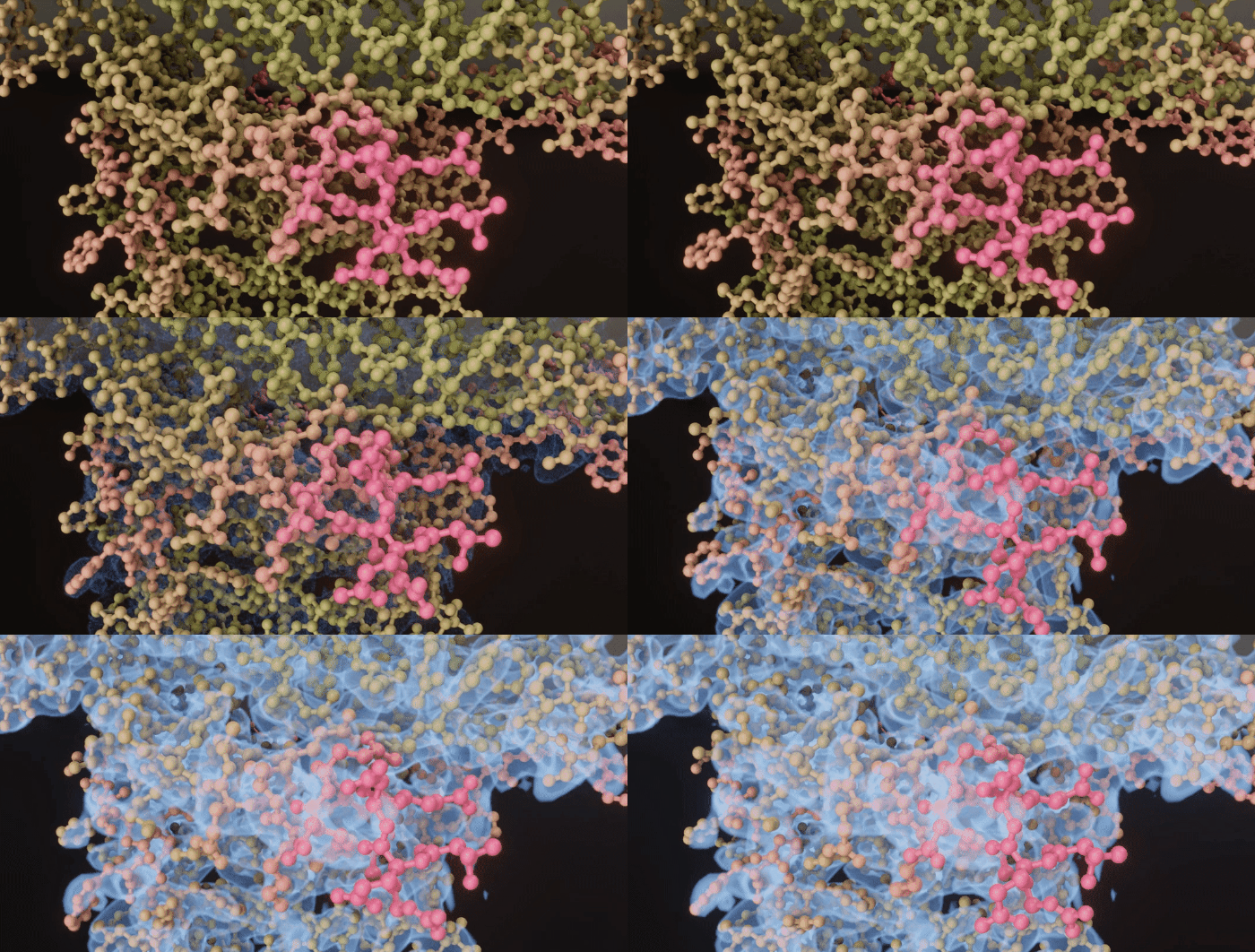 |
## Installation
### Blender extension
In Blender 5.2, open _Edit > Preferences > Get Extensions_, search for Molecular Nodes and click _Install_. The extension is also on the [Blender Extensions platform](https://extensions.blender.org/add-ons/molecularnodes/) and on [GitHub releases](https://github.com/BradyAJohnston/MolecularNodes/releases), to install from disk. The [installation page](https://bradyajohnston.github.io/MolecularNodes/tutorials/installation.html) has step-by-step instructions.
### Python package
```bash
pip install "molecularnodes[bpy]"
```
`molecularnodes` requires Python 3.13, the version Blender 5.2 uses. [`bpy`](https://pypi.org/project/bpy/) (Blender as a Python module) is an optional dependency, so installing inside Blender doesn't install a second copy of Blender; the `[bpy]` extra installs it for use outside Blender.
## Supported Blender versions
The version number follows Blender: Molecular Nodes `520.x` is built for Blender 5.2. Each Blender version below runs the test suite on Linux, macOS and Windows, both with the `bpy` module and inside an installed Blender. Unreleased Blender versions are tested with their daily builds.
| Blender | Molecular Nodes | Tests |
| ----------- | ---------------- | ---------------------------------------------------------------------------------------------------------------------------------------------------------------------------------------------------------- |
| 5.2 | `520.x` | [](https://github.com/BradyAJohnston/MolecularNodes/actions/workflows/tests-5.2.yml) |
| 5.3 (beta) | tested on `main` | [](https://github.com/BradyAJohnston/MolecularNodes/actions/workflows/tests-5.3.yml) |
| 5.4 (alpha) | tested on `main` | [](https://github.com/BradyAJohnston/MolecularNodes/actions/workflows/tests-5.4.yml) |
Each night, [](https://github.com/BradyAJohnston/MolecularNodes/actions/workflows/test-daily.yml) installs the built extension into the latest Blender daily build and runs the tests there.
Releases for earlier Blender versions remain on [GitHub releases](https://github.com/BradyAJohnston/MolecularNodes/releases) and the [Blender Extensions platform](https://extensions.blender.org/add-ons/molecularnodes/).
## Using the GUI
After installing the extension, add structures from the 3D Viewport's _Add > Molecular Nodes_ menu: fetch from the PDB or AlphaFold, or import a local file, an MD trajectory, an oxDNA simulation, a density map, a `.star` file or a CellPack model. The _Molecular Nodes_ tab of the 3D Viewport sidebar (N) lists the imported entities and their styles, and holds the trajectory, DSSP and annotation settings.
Each style is a node group in the object's Geometry Nodes tree. The [node documentation](https://bradyajohnston.github.io/MolecularNodes/nodes/) describes every node, and the [tutorials](https://bradyajohnston.github.io/MolecularNodes/tutorials/) walk through importing, selections, trajectories and cryo-EM data.
## Using the Python API
The Python API creates the same objects and node trees as the GUI. Create a `Canvas` first, which sets up the scene, then load, style and render molecules:
```python
import molecularnodes as mn
canvas = mn.Canvas(mn.scene.Cycles(samples=32), resolution=(720, 480))
mol = mn.Molecule.fetch("4ozs")
mol.add_style("cartoon", material=mn.material.AmbientOcclusion())
mol.add_style("ball_and_stick", selection="resname ARG")
canvas.look_at(mol)
canvas.snapshot("4ozs.png")
```
Selections are [MDAnalysis selection strings](https://docs.mdanalysis.org/stable/documentation_pages/selections.html). MD topologies and trajectories load into the same `Molecule`, either from files or from an existing `MDAnalysis.Universe`, and the scene frame steps through the trajectory:
```python
import MDAnalysis as mda
u = mda.Universe("topology.psf", "trajectory.dcd")
traj = mn.Molecule(u) # or mn.Molecule.load("topology.psf", "trajectory.dcd")
traj.add_style("cartoon")
canvas.look_at(traj)
canvas.animation("trajectory.mp4", frame_start=1, frame_end=50)
```
The [Python API documentation](https://bradyajohnston.github.io/MolecularNodes/api/) covers the canvas, styles, materials, trajectories and rendering, with rendered examples. The API is experimental and may change between versions.
## Examples
The [examples page](https://bradyajohnston.github.io/MolecularNodes/examples/) collects videos and projects made with Molecular Nodes, and the [citations page](https://bradyajohnston.github.io/MolecularNodes/citations/) lists academic papers that use it.
| Clockwork | Veritasium | BCON22 talk |
| --- | --- | --- |
| [](https://www.youtube.com/watch?v=lv89fSt5jBY) | [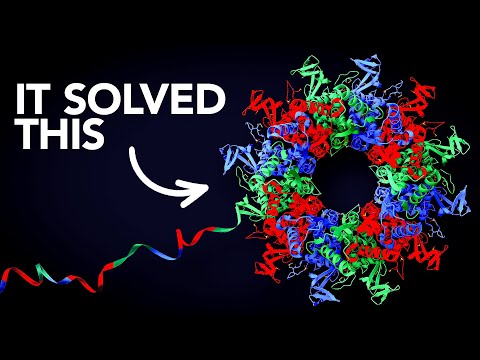](https://www.youtube.com/watch?v=P_fHJIYENdI) | [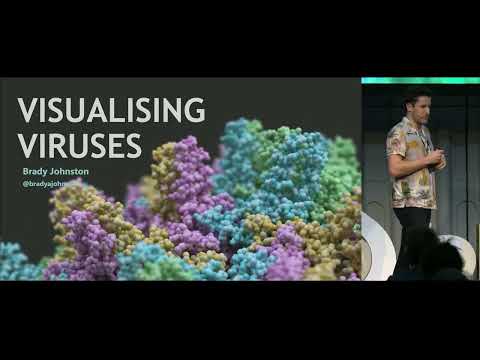](https://www.youtube.com/watch?v=adhTmwYwOiA) |
## Contributing
Open an issue to discuss a new feature, or comment on an existing issue to help fix it. [`CONTRIBUTING.md`](https://github.com/BradyAJohnston/MolecularNodes/blob/main/CONTRIBUTING.md) explains how the project is structured and how to build, test and document changes, and [`AI_POLICY.md`](https://github.com/BradyAJohnston/MolecularNodes/blob/main/AI_POLICY.md) sets out how AI tools may be used in contributions.
## Citation
There is no paper on Molecular Nodes yet. To cite it in academic work, use the [Zenodo record](https://zenodo.org/badge/latestdoi/485261976).
## Thanks
Thanks to the [Blender Foundation](https://blender.org), which develops Blender as free and open source software, and to the developers of the Python packages Molecular Nodes builds on, in particular [Biotite](https://www.biotite-python.org) and [MDAnalysis](https://www.mdanalysis.org).
Molecular Nodes imports structural biology data into [Blender](https://blender.org) and styles, animates and renders it. It reads static structures from the PDB, AlphaFold and local files, molecular dynamics topologies and trajectories, oxDNA simulations, electron microscopy density maps, and `.star` and CellPack ensembles. Styles are [Geometry Nodes](https://docs.blender.org/manual/en/latest/modeling/geometry_nodes/introduction.html) trees, so every part of a style can be edited, combined and animated with the rest of Blender.
Molecular Nodes works as a Blender extension through the GUI, and as a Python package that scripts Blender for notebooks and pipelines.
| Procedural animations | Styles | MD trajectories | EM density maps |
| --- | --- | --- | --- |
|  |  |  |  |
## Installation
### Blender extension
In Blender 5.2, open _Edit > Preferences > Get Extensions_, search for Molecular Nodes and click _Install_. The extension is also on the [Blender Extensions platform](https://extensions.blender.org/add-ons/molecularnodes/) and on [GitHub releases](https://github.com/BradyAJohnston/MolecularNodes/releases), to install from disk. The [installation page](https://bradyajohnston.github.io/MolecularNodes/tutorials/installation.html) has step-by-step instructions.
### Python package
```bash
pip install "molecularnodes[bpy]"
```
`molecularnodes` requires Python 3.13, the version Blender 5.2 uses. [`bpy`](https://pypi.org/project/bpy/) (Blender as a Python module) is an optional dependency, so installing inside Blender doesn't install a second copy of Blender; the `[bpy]` extra installs it for use outside Blender.
## Supported Blender versions
The version number follows Blender: Molecular Nodes `520.x` is built for Blender 5.2. Each Blender version below runs the test suite on Linux, macOS and Windows, both with the `bpy` module and inside an installed Blender. Unreleased Blender versions are tested with their daily builds.
| Blender | Molecular Nodes | Tests |
| ----------- | ---------------- | ---------------------------------------------------------------------------------------------------------------------------------------------------------------------------------------------------------- |
| 5.2 | `520.x` | [](https://github.com/BradyAJohnston/MolecularNodes/actions/workflows/tests-5.2.yml) |
| 5.3 (beta) | tested on `main` | [](https://github.com/BradyAJohnston/MolecularNodes/actions/workflows/tests-5.3.yml) |
| 5.4 (alpha) | tested on `main` | [](https://github.com/BradyAJohnston/MolecularNodes/actions/workflows/tests-5.4.yml) |
Each night, [](https://github.com/BradyAJohnston/MolecularNodes/actions/workflows/test-daily.yml) installs the built extension into the latest Blender daily build and runs the tests there.
Releases for earlier Blender versions remain on [GitHub releases](https://github.com/BradyAJohnston/MolecularNodes/releases) and the [Blender Extensions platform](https://extensions.blender.org/add-ons/molecularnodes/).
## Using the GUI
After installing the extension, add structures from the 3D Viewport's _Add > Molecular Nodes_ menu: fetch from the PDB or AlphaFold, or import a local file, an MD trajectory, an oxDNA simulation, a density map, a `.star` file or a CellPack model. The _Molecular Nodes_ tab of the 3D Viewport sidebar (N) lists the imported entities and their styles, and holds the trajectory, DSSP and annotation settings.
Each style is a node group in the object's Geometry Nodes tree. The [node documentation](https://bradyajohnston.github.io/MolecularNodes/nodes/) describes every node, and the [tutorials](https://bradyajohnston.github.io/MolecularNodes/tutorials/) walk through importing, selections, trajectories and cryo-EM data.
## Using the Python API
The Python API creates the same objects and node trees as the GUI. Create a `Canvas` first, which sets up the scene, then load, style and render molecules:
```python
import molecularnodes as mn
canvas = mn.Canvas(mn.scene.Cycles(samples=32), resolution=(720, 480))
mol = mn.Molecule.fetch("4ozs")
mol.add_style("cartoon", material=mn.material.AmbientOcclusion())
mol.add_style("ball_and_stick", selection="resname ARG")
canvas.look_at(mol)
canvas.snapshot("4ozs.png")
```
Selections are [MDAnalysis selection strings](https://docs.mdanalysis.org/stable/documentation_pages/selections.html). MD topologies and trajectories load into the same `Molecule`, either from files or from an existing `MDAnalysis.Universe`, and the scene frame steps through the trajectory:
```python
import MDAnalysis as mda
u = mda.Universe("topology.psf", "trajectory.dcd")
traj = mn.Molecule(u) # or mn.Molecule.load("topology.psf", "trajectory.dcd")
traj.add_style("cartoon")
canvas.look_at(traj)
canvas.animation("trajectory.mp4", frame_start=1, frame_end=50)
```
The [Python API documentation](https://bradyajohnston.github.io/MolecularNodes/api/) covers the canvas, styles, materials, trajectories and rendering, with rendered examples. The API is experimental and may change between versions.
## Examples
The [examples page](https://bradyajohnston.github.io/MolecularNodes/examples/) collects videos and projects made with Molecular Nodes, and the [citations page](https://bradyajohnston.github.io/MolecularNodes/citations/) lists academic papers that use it.
| Clockwork | Veritasium | BCON22 talk |
| --- | --- | --- |
| [](https://www.youtube.com/watch?v=lv89fSt5jBY) | [](https://www.youtube.com/watch?v=P_fHJIYENdI) | [](https://www.youtube.com/watch?v=adhTmwYwOiA) |
## Contributing
Open an issue to discuss a new feature, or comment on an existing issue to help fix it. [`CONTRIBUTING.md`](https://github.com/BradyAJohnston/MolecularNodes/blob/main/CONTRIBUTING.md) explains how the project is structured and how to build, test and document changes, and [`AI_POLICY.md`](https://github.com/BradyAJohnston/MolecularNodes/blob/main/AI_POLICY.md) sets out how AI tools may be used in contributions.
## Citation
There is no paper on Molecular Nodes yet. To cite it in academic work, use the [Zenodo record](https://zenodo.org/badge/latestdoi/485261976).
## Thanks
Thanks to the [Blender Foundation](https://blender.org), which develops Blender as free and open source software, and to the developers of the Python packages Molecular Nodes builds on, in particular [Biotite](https://www.biotite-python.org) and [MDAnalysis](https://www.mdanalysis.org).