The simplest way to scale Python.
Documentation ·
Getting started ·
API reference ·
Examples ·
Website



---
Burla is a distributed computing framework that runs plain Python functions across thousands of VMs in your own Google Cloud project. It has exactly one function:
```python
from burla import remote_parallel_map
my_inputs = list(range(1000))
def my_function(x):
print(f"[#{x}] running on separate computer")
remote_parallel_map(my_function, my_inputs)
```
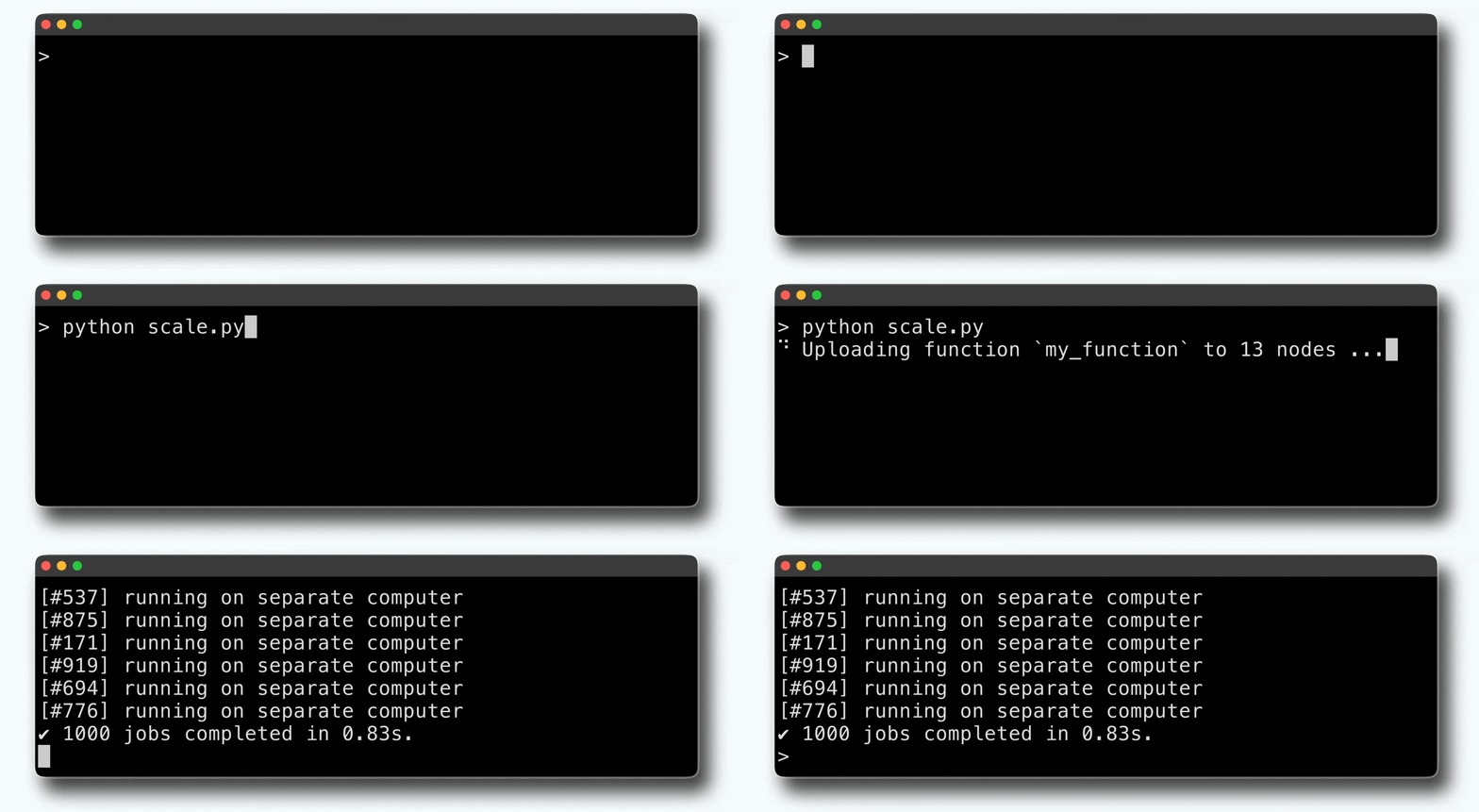
This example runs `my_function` on 1,000 VMs in less than one second:
## Highlights
- **One function.** `results = remote_parallel_map(my_function, my_inputs)` is the entire API. No DAGs, no YAML, no cluster SDK to learn.
- **Feels local.** Anything your function prints streams back to your terminal. Exceptions are re-raised locally with full tracebacks. Local packages and modules are cloned onto every machine automatically.
- **Fast dispatch.** Code starts running in under a second, even with thousands of VMs or millions of inputs.
- **Runs in your cloud.** Burla is self-hosted in your Google Cloud project. Your code, inputs, and results never leave it.
- **Any hardware, any image.** Request CPUs, RAM, or GPUs (A100, H100) per function call, and run inside any Docker image.
- **High utilization.** Adaptive concurrency repacks work while the job runs, keeping CPU and RAM near 90% utilization and preventing out-of-memory errors.
- **Built-in dashboard.** Live logs, node status, and background jobs, viewable from any device.
## Getting started
You'll need Python 3.11+, a Google Cloud project with billing enabled, and the [gcloud CLI](https://cloud.google.com/sdk/docs/install) authenticated (`gcloud auth login` and `gcloud auth application-default login`).
```bash
pip install burla
burla install
```
`burla install` deploys Burla into the project your gcloud CLI points at: it enables the required APIs, creates a service account with a minimum set of permissions, and deploys the dashboard to Cloud Run. Running it again upgrades an existing installation in place. The exact permissions it uses are listed in the [CLI reference](https://docs.burla.dev/cli-reference).
Once installed:
1. Open the dashboard URL printed by the installer and hit **⏻ Start** to boot machines. Idle nodes shut themselves down after 10 minutes.
2. Run `burla login` to connect your machine to the cluster.
3. Run your first job:
```python
from burla import remote_parallel_map
def my_function(x):
print(f"processing input {x} on a machine in the cloud")
return x * 2
results = remote_parallel_map(my_function, list(range(1000)))
```
See the [getting started guide](https://docs.burla.dev/get-started) for a full walkthrough.
## Usage
Hardware and environment are arguments, not configuration:
```python
results = remote_parallel_map(
my_function,
my_inputs,
func_cpu=4, # CPUs reserved per function call
func_ram=16, # GB of RAM per call ("dynamic" by default)
func_gpu="A100", # one GPU per call
image="python:3.12", # any Docker image
grow=True, # add VMs to the cluster if capacity falls short
generator=True, # yield results as they finish
)
```
Because each call can use different machine sizes, types, and environments, a multi-stage pipeline over a 100+ TB dataset is just a few lines:
```python
remote_parallel_map(process, [...], image="rocker/geospatial:latest")
remote_parallel_map(aggregate, [...], func_cpu=64)
remote_parallel_map(predict, [...], func_gpu="A100")
```
.png)
## Efficiency
Burla measures the actual CPU and RAM each task uses and repacks work across the cluster while the job runs. Nodes stay near full utilization instead of idling on conservative resource requests, so the same workloads typically finish with 20-50% less compute than on Ray, Dask, or AWS Batch, without taking any longer.
.png)
[Read the blog post](https://docs.burla.dev/blog/dynamic-hardware) on how adaptive concurrency works.
## Monitoring
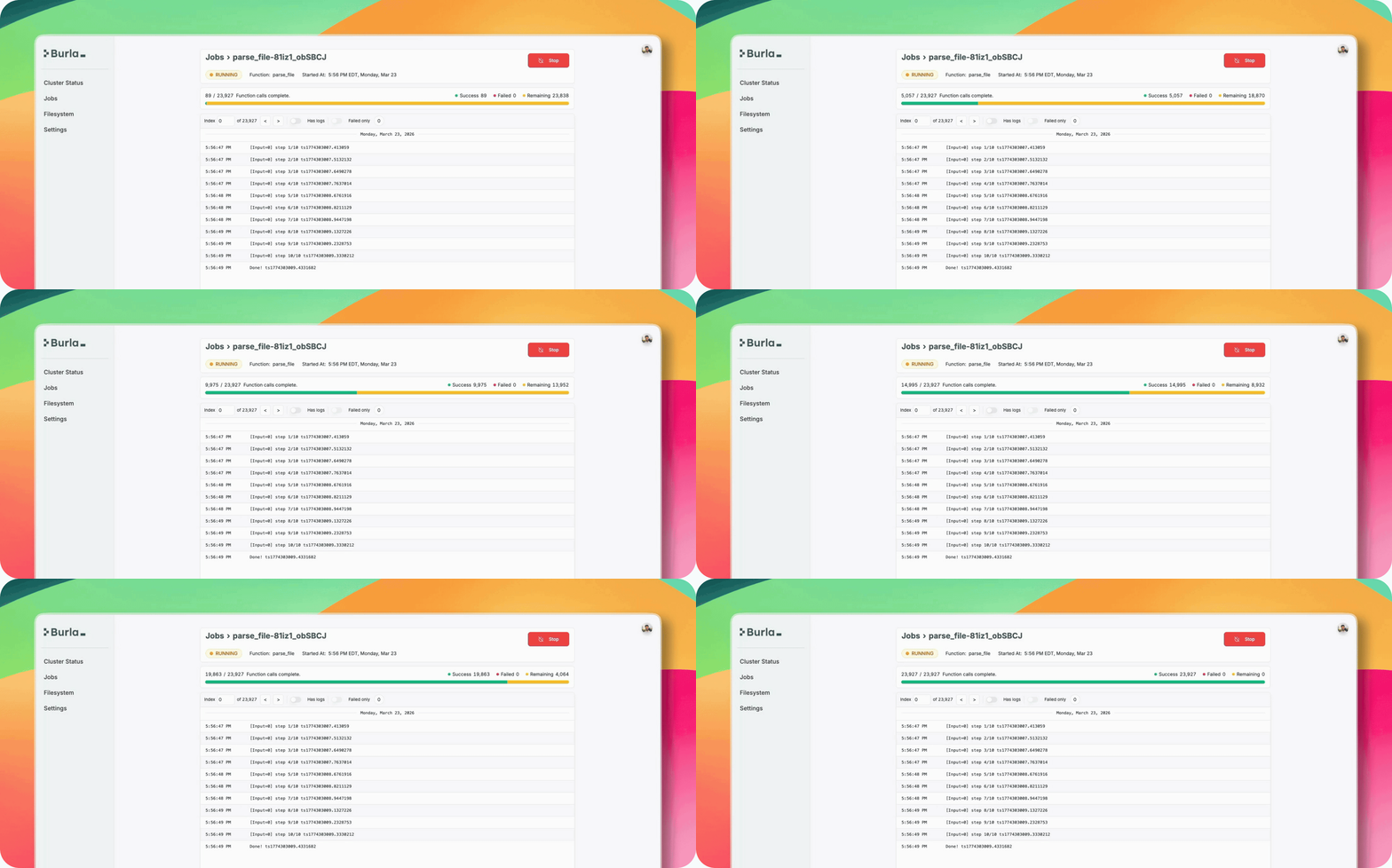
Every deployment includes a dashboard with live logs, output files, node status, and background jobs:
## Examples
Browse all →
## How it works
Burla is three services, all in this repository:
| Directory | Runs on | Purpose |
| --- | --- | --- |
| [`client/`](client) | Your machine | The `burla` PyPI package. Pickles your function, uploads inputs, streams back logs and results. |
| [`main_service/`](main_service) | Cloud Run | Control plane. Boots and deletes VMs, hosts the dashboard, handles auth. |
| [`node_service/`](node_service) | Each VM | Per-node orchestrator. Queues inputs, runs your function inside workers in your Docker image. |
When you call `remote_parallel_map`, the client sends your function and inputs directly to the nodes, which fan them out to one worker per CPU. Results, logs, and exceptions stream straight back to your machine. Cluster state lives in a Firestore database inside your project, and nodes rebalance queued inputs between themselves mid-job so the cluster stays busy.
## FAQ
**How is Burla different from Ray or Dask?**
Ray and Dask are general-purpose frameworks with APIs for tasks, actors, and distributed data structures. Burla deliberately covers one case, fanning a Python function out over many machines, and optimizes it hard: sub-second starts, adaptive concurrency, and nothing to learn beyond `remote_parallel_map`.
**Where does my code run?**
Entirely inside your own Google Cloud project, on VMs Burla boots and deletes for you. Your client talks directly to those VMs; your code, inputs, and results are never routed through anyone else's servers.
**Which clouds are supported?**
Google Cloud today. If you want to run Burla on AWS or Azure, email jake@burla.dev.
## Contributing
Bug reports and feature requests are welcome in [GitHub issues](https://github.com/Burla-Cloud/burla/issues). If you'd like to contribute code, open an issue first so we can point you in the right direction. To report a security issue, email jake@burla.dev.
## License
Burla is licensed under the [Functional Source License, Version 1.1, with Apache 2.0 Future License](LICENSE) (FSL-1.1-Apache-2.0). You can use, copy, modify, and redistribute it for any purpose except a competing commercial offering, and each version becomes available under Apache 2.0 two years after its release.
---
Questions? Email jake@burla.dev or book a call, we're always happy to talk.