## Installation
There are multiple ways to get KICS up and running:
#### Docker
KICS is available as a Docker image with multiple variants to fit different use cases:
To scan a directory/file on your host you have to mount it as a volume to the container and specify the path on the container filesystem with the -p KICS parameter (see Scan Command Options section below)
**Quick Start:**
```shell
docker pull checkmarx/kics:latest
docker run -t -v "{path_to_host_folder_to_scan}":/path checkmarx/kics scan -p /path -o "/path/"
```
**Available Image Variants:**
| Tag | Base OS | Package Manager | Use Case |
|-----|---------|----------------|----------|
| `latest`, `v{VERSION}` | Wolfi Linux | None | Default, lightweight image |
| `alpine`, `v{VERSION}-alpine` | Alpine Linux | `apk` | When you need `apk` package manager |
| `debian`, `v{VERSION}-debian` | Debian | `apt-get` | When you need `apt-get` package manager |
| `ubi8`, `v{VERSION}-ubi8` | Red Hat UBI8 | `yum` | Enterprise environments, Red Hat compatible |
You can see the list of available tags in [dockerhub](https://hub.docker.com/r/checkmarx/kics/tags?page=1&ordering=-name)
**Choosing the Right Image:**
- **For most users**: Use `latest` (default, smallest size)
- **If you need to install additional packages**: Choose based on your preferred package manager:
- `alpine` for `apk add` commands
- `debian` for `apt-get install` commands
- `ubi8` for `yum install` commands in enterprise environments
ℹ️ **UBI Based Images**
When using [UBI8](https://catalog.redhat.com) based image, the KICS process will run under the `kics` user and `kics` group with default UID=1000 and GID=1000, when using bind mount to share host files with the container, the UID and GID can be overriden to match current user with the `-u` flag that overrides the username:group or UID:GID. e.g:
```sh
docker run -it -u $UID:$GID -v $PWD:/path checkmarx/kics:ubi8 scan -p /path/assets/queries/dockerfile -o /path -v
```
Another option is [rebuilding the dockerfile](https://github.com/Checkmarx/kics/blob/master/docker/Dockerfile.ubi8) providing build arguments e.g: `--build-arg UID=999 --build-arg GID=999 --build-arg KUSER=myuser --build-arg KUSER=mygroup`
#### Build from Sources
1. Download and install Go 1.16 (1.22 recommended) or higher from https://golang.org/dl/.
2. Clone the repository:
```sh
git clone https://github.com/Checkmarx/kics.git
```
3. Build the binaries:
```sh
cd kics
go mod vendor
make build
```
or
```sh
cd kics
go mod vendor
LINUX/MAC: go build -o ./bin/kics cmd/console/main.go
WINDOWS: go build -o ./bin/kics.exe cmd/console/main.go (make sure to create the bin folder)
```
4. Kick a scan!
```sh
./bin/kics scan -p '' --report-formats json -o ./results
```
## Scan Examples
#### Scan a directory
```
docker run -t -v {path_to_host_folder_to_scan}:/path checkmarx/kics:latest scan -p /path -o "/path/"
```
#### Scan a single file
```
docker run -t -v {path_to_host_folder}:/path checkmarx/kics:latest scan -p /path/{filename}.{extension} -o "/path/"
```
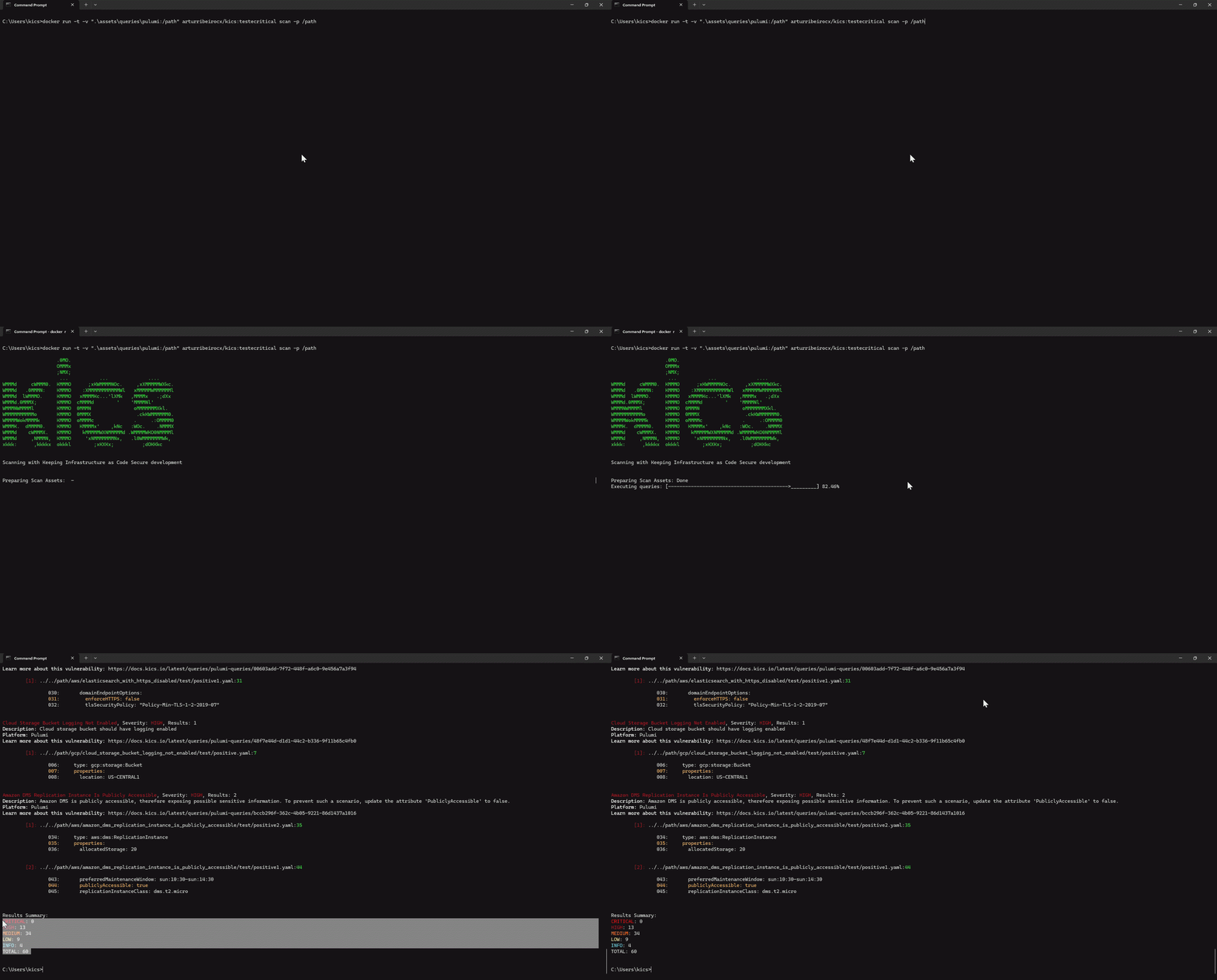
#### Scan Example
[](https://raw.githubusercontent.com/Checkmarx/kics/23c62655308523e1bf6aa8ae5852848deb263651/docs/img/faster.gif)
## Next Steps
- [Understand how to configure KICS](configuration-file.md) so you can have a better KICS experience.
- [Explore KICS commands](commands.md) to see what you can do with KICS.
- [Explore supported platforms](platforms.md) to see which files you can scan with KICS.
- [Explore the queries internals](queries.md) for better understanding how KICS works.
- [Create a new query](creating-queries.md) to learn how to create your own custom queries.
- [Explore the output results format](results.md) and quickly fix the issues detected.
- [Contribute](CONTRIBUTING.md) if you want to go the extra mile.