# SnapAI
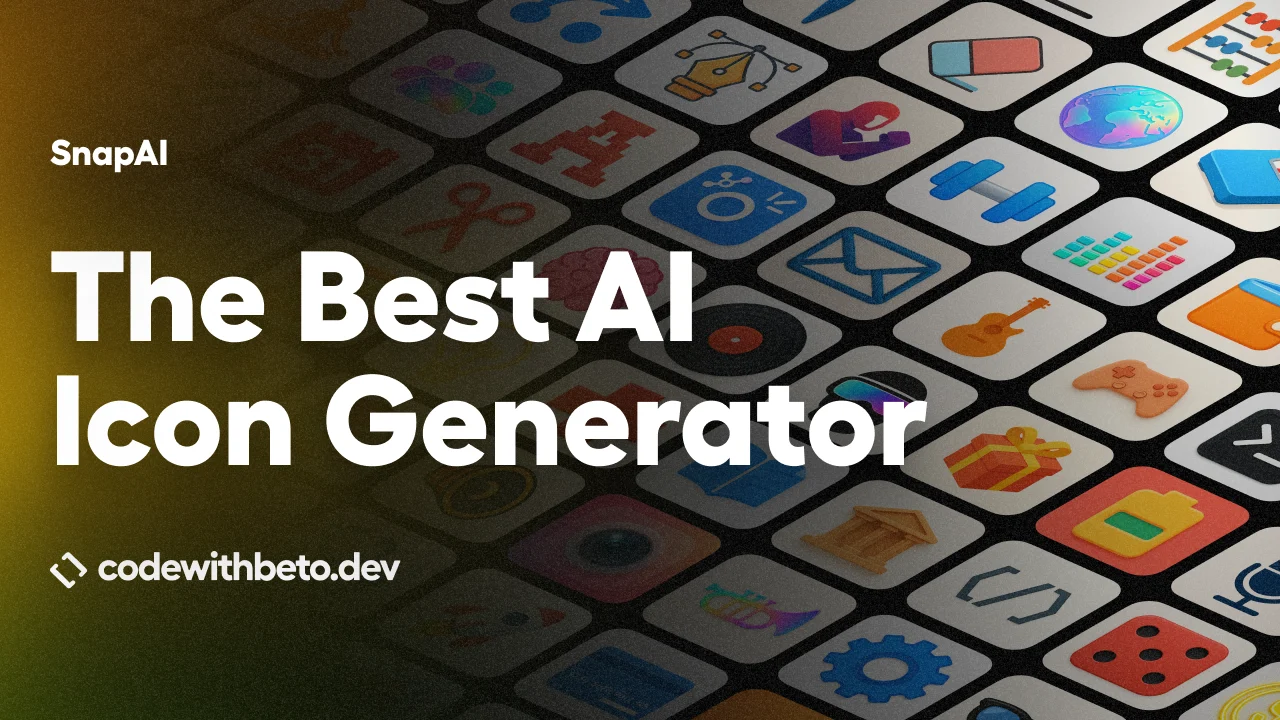
Generate app icon artwork and Google Play feature graphics from the terminal with OpenAI or Google Gemini. SnapAI is built for React Native and Expo developers, but the generated assets work with any mobile stack.
[Quick start](#quick-start) · [Agent skill](#use-an-ai-agent-easiest) · [Feature guide](#feature-guide) · [Examples](docs/EXAMPLES.md) · [CLI reference](docs/CLI_REFERENCE.md) · [Changelog](CHANGELOG.md) · [Learn React Native](https://cwb.sh/rn?r=snapai-readme)
▶ Watch the SnapAI video tutorial
## What SnapAI generates
| Asset | Output | Command |
| --- | --- | --- |
| App icon artwork | `1024x1024` | `snapai icon` |
| Google Play feature graphic | `1024x500` | `snapai feature-graphic` or `snapai fg` |
- OpenAI and Gemini image models behind one consistent CLI
- Prompt enhancement tuned for mobile app artwork
- Built-in styles, custom style hints, and raw prompt control
- Prompt previews before spending API credits
- Multiple variations with supported models
- No SnapAI account, backend, telemetry, or tracking
## Quick start
SnapAI requires Node.js 18 or newer and an API key from OpenAI or Google AI Studio.
### Use an AI agent (easiest)
Install the [Code with Beto App Icon skill](https://github.com/Code-with-Beto/skills/tree/main/plugins/cwb-app-icon) with one command:
```bash
npx skills add https://github.com/code-with-beto/skills --skill app-icon
```
Run the command yourself, or paste it into Codex, Claude Code, or another skills-compatible agent. Then describe what you want in natural language:
```text
Create an app icon for my Expo app. It is a habit tracker that feels calm,
friendly, and modern. Generate the icon assets and configure app.json for
iOS and Android.
```
The skill uses SnapAI to generate the artwork, prepares the Expo icon assets, and updates the iOS and Android configuration. See the [agent setup options and workflow](docs/ICON_GENERATION.md#use-snapai-with-an-ai-agent).
### Use the CLI directly
```bash
# See every command without installing
npx snapai --help
# Save an OpenAI key locally
npx snapai config --openai-api-key "sk-your-openai-api-key"
# Generate your first icon
npx snapai icon --prompt "minimalist weather app with sun and cloud"
```
Images are saved to `./assets` by default.
Prefer Gemini? Configure a Google key and select a Banana model:
```bash
npx snapai config --google-api-key "your-google-ai-studio-key"
npx snapai icon \
--prompt "music player with an abstract sound wave" \
--model banana
```
You can also install SnapAI globally:
```bash
npm install -g snapai
```
## Feature guide
Jump directly to the feature you need:
| Feature | Guide |
| --- | --- |
| Generate app icons | [App icon generation](docs/ICON_GENERATION.md) |
| Generate Google Play banners | [Feature graphics](docs/FEATURE_GRAPHICS.md) |
| Choose an OpenAI or Gemini model | [Models](docs/ICON_GENERATION.md#models) |
| Generate multiple variations | [Variations](docs/ICON_GENERATION.md#generate-variations) |
| Control quality, background, and format | [Output controls](docs/ICON_GENERATION.md#quality-background-and-format) |
| Preview or bypass prompt enhancement | [Prompt controls](docs/ICON_GENERATION.md#prompt-enhancement) |
| Use built-in or custom styles | [Styles](docs/ICON_GENERATION.md#styles) |
| Add a name or logo to a Play banner | [Banner branding](docs/FEATURE_GRAPHICS.md#add-an-app-name) |
| Configure keys and custom endpoints | [Configuration](docs/CONFIGURATION.md) |
| Run SnapAI in CI | [GitHub Actions](docs/CONFIGURATION.md#github-actions) |
| Look up every option | [CLI reference](docs/CLI_REFERENCE.md) |
| Browse real outputs | [Generated examples](docs/EXAMPLES.md) |
## Common recipes
### App icons
```bash
# Default OpenAI model
npx snapai icon --prompt "fitness tracker with a heart-rate symbol"
# Three high-quality variations
npx snapai icon \
--prompt "premium banking app with a secure lock" \
--model gpt-2 \
--quality high \
-n 3
# Gemini with a style
npx snapai icon \
--prompt "music player with an abstract sound wave" \
--model banana \
--style glassy
# Preview the enhanced prompt without generating
npx snapai icon \
--prompt "calculator app" \
--style minimalism \
--prompt-only
```
### Google Play feature graphics
```bash
# Basic 1024x500 banner
npx snapai fg --prompt "fitness tracker with energetic green gradients"
# Add an app name
npx snapai fg \
--prompt "fitness tracker with energetic green gradients" \
--app-name "FitTrack"
# Composite an existing logo
npx snapai fg \
--prompt "clean productivity banner with space on the left" \
--logo ./assets/icon.png \
--logo-position left
```
## Models at a glance
| SnapAI option | Provider model | Commands | Notes |
| --- | --- | --- | --- |
| `gpt-2` | OpenAI `gpt-image-2` | Icon, feature graphic | Default; no transparent background |
| `gpt-1.5` | OpenAI `gpt-image-1.5` | Icon, feature graphic | Previous OpenAI generation |
| `gpt-1` | OpenAI `gpt-image-1` | Icon, feature graphic | Previous OpenAI generation |
| `banana` | Gemini `gemini-2.5-flash-image` | Icon, feature graphic | One image |
| `banana-2` | Gemini `gemini-3.1-flash-image-preview` | Icon, feature graphic | One image, optional thinking level |
| `banana --pro` | Gemini `gemini-3-pro-image-preview` | Icon, feature graphic | Multiple images and 1K/2K/4K quality |
The official `gpt-image-2` model ID and its `gpt-image-2-2026-04-21` snapshot are also accepted.
For provider-specific behavior and examples, see the [icon guide](docs/ICON_GENERATION.md#models) and [feature graphic guide](docs/FEATURE_GRAPHICS.md#choose-a-model).
## Build the app behind the icon
SnapAI is built by [Code with Beto](https://codewithbeto.dev), where I teach developers how to build and ship production-ready React Native apps.
- [Learn React Native](https://cwb.sh/rn?r=snapai-readme) — the complete course with lifetime access and real-world projects
- [Get Pro Access](https://cwb.sh/pro?r=snapai-readme) — production codebases, future courses, Figma files, and priority support
- [Watch on YouTube](https://cwb.sh/youtube?r=snapai-readme) for practical React Native, Expo, and AI tutorials
- Join the [Discord community](https://cwb.sh/discord?r=snapai-readme) or [newsletter](https://cwb.sh/newsletter?r=snapai-readme)
## See real outputs
| OpenAI | Gemini |
| --- | --- |
| ![Weather icon generated with GPT Image 1.5]() | ![Music icon generated with Gemini]() |
[Browse the full gallery and copy the commands →](docs/EXAMPLES.md)
## Privacy and security
- Requests go directly from your machine to the provider you select.
- SnapAI does not run a backend or collect prompts and images.
- Local configuration is only created when you save a key.
- Use environment variables or repository secrets in CI, and never commit API keys.
Read the full [configuration and security guide](docs/CONFIGURATION.md).
## Project links
- [Code with Beto App Icon agent skill](https://github.com/Code-with-Beto/skills/tree/main/plugins/cwb-app-icon)
- [Report a bug or request a feature](https://github.com/betomoedano/snapai/issues)
- [Contributing guide](CONTRIBUTING.md)
- [Development setup](DEV_SETUP.md)
- [Publishing guide](PUBLISHING_GUIDE.md)
- [Changelog](CHANGELOG.md)
## License
MIT