# SparkyFitness
A self-hosted, privacy-first alternative to MyFitnessPal. Track nutrition, exercise, body metrics, and health data while keeping full control of your data.
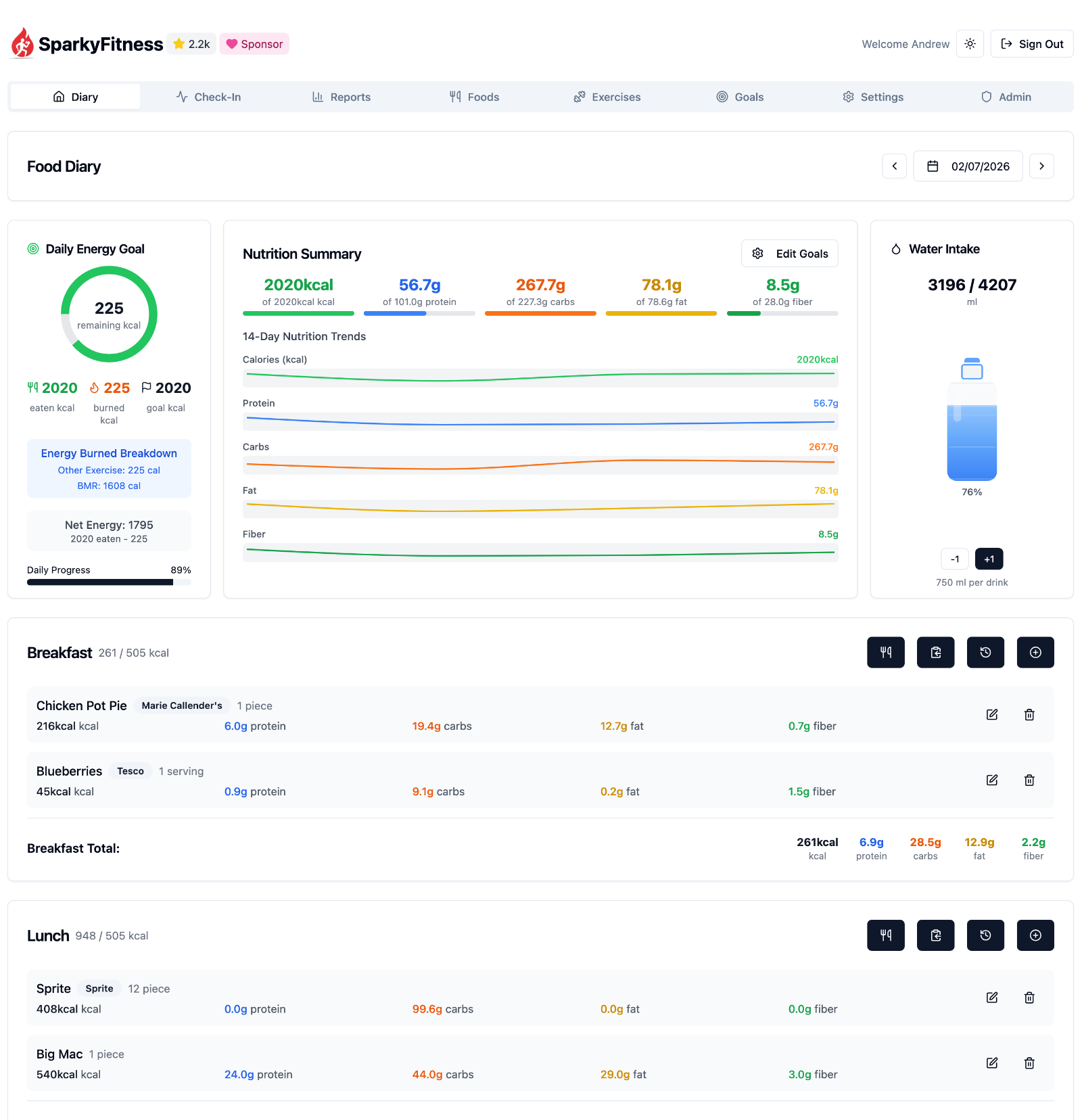
SparkyFitness is a self-hosted fitness tracking platform made up of:
- A backend server (API + data storage)
- A web-based frontend
- Native mobile apps for iOS and Android
It stores and manages health data on infrastructure you control, without relying on third party services.
## Core Features
- Nutrition, exercise, hydration, and body measurement tracking
- Goal setting and daily check-ins
- Interactive charts and long-term reports
- Multiple user profiles and family access
- Light and dark themes
## Health & Device Integrations
SparkyFitness can sync data from multiple health and fitness platforms:
- **Apple Health** (iOS)
- **Google Health Connect** (Android)
- **Fitbit**
- **Garmin Connect**
- **Withings**
Integrations automatically sync activity data such as steps, workouts, and sleep, along with health metrics like weight and body measurements, to your SparkyFitness server.
## Optional AI Features (Beta)
SparkyAI provides a conversational interface for logging data and reviewing progress.
- Log food, exercise, body stats, and steps via chat
- Upload food images for automatic meal logging
- Retains conversation history for follow ups
Note: AI features are currently in beta.
## Quick Start (Server)
Get a SparkyFitness server running in minutes using Docker Compose.
```bash
# 1. Create a new folder
mkdir sparkyfitness && cd sparkyfitness
# 2. Download Docker files only
curl -o docker-compose.yml https://github.com/CodeWithCJ/SparkyFitness/releases/latest/download/docker-compose.prod.yml
curl -L -o .env https://github.com/CodeWithCJ/SparkyFitness/releases/latest/download/default.env.example
# 3. (Optional) Edit .env to customize database credentials, ports, etc.
# 4. Start the app
docker compose pull && docker compose up -d
# Access application at http://localhost:8080
```
## Documentation
For full installation guides, configuration options, and development docs, please visit our [Documentation Site](https://codewithcj.github.io/SparkyFitness/).
### Quick Links
- **[Installation Guide](https://codewithcj.github.io/SparkyFitness/install/docker-compose)** - Deployment and configurations
- **[Features Overview](https://codewithcj.github.io/SparkyFitness/features)** - Complete feature documentation
- **[Development Workflow](https://codewithcj.github.io/SparkyFitness/developer/getting-started)** - Developer guide and contribution process
- **[iOS App Info](https://github.com/CodeWithCJ/SparkyFitness/wiki/Apple-Health-Integration)** and **[Android App Info](https://github.com/CodeWithCJ/SparkyFitness/wiki/Android-Mobile-App)**
### Need Help?
- **[Join our Discord](https://discord.gg/vcnMT5cPEA)**
## Star History
## Translations
**[Weblate Translations](https://hosted.weblate.org/engage/sparkyfitness)**
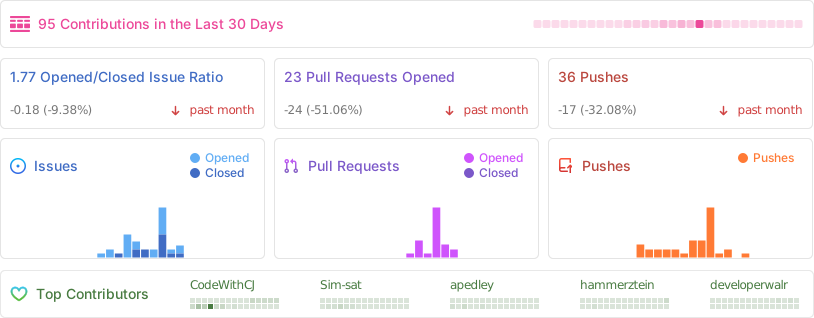
## Repository activity
## Contributors
## ⚠️ Known Issues / Beta Features ⚠️
SparkyFitness is under active development.
Breaking changes may occur between releases.
- Auto-updating containers is not recommended
- Always review release notes before upgrading
The following features are currently in beta and may not have been thoroughly tested. Expect potential bugs or incomplete functionality:
- AI Chatbot
- Family & Friends access
- API documentation
 ## Repository activity

## Contributors
## Repository activity

## Contributors