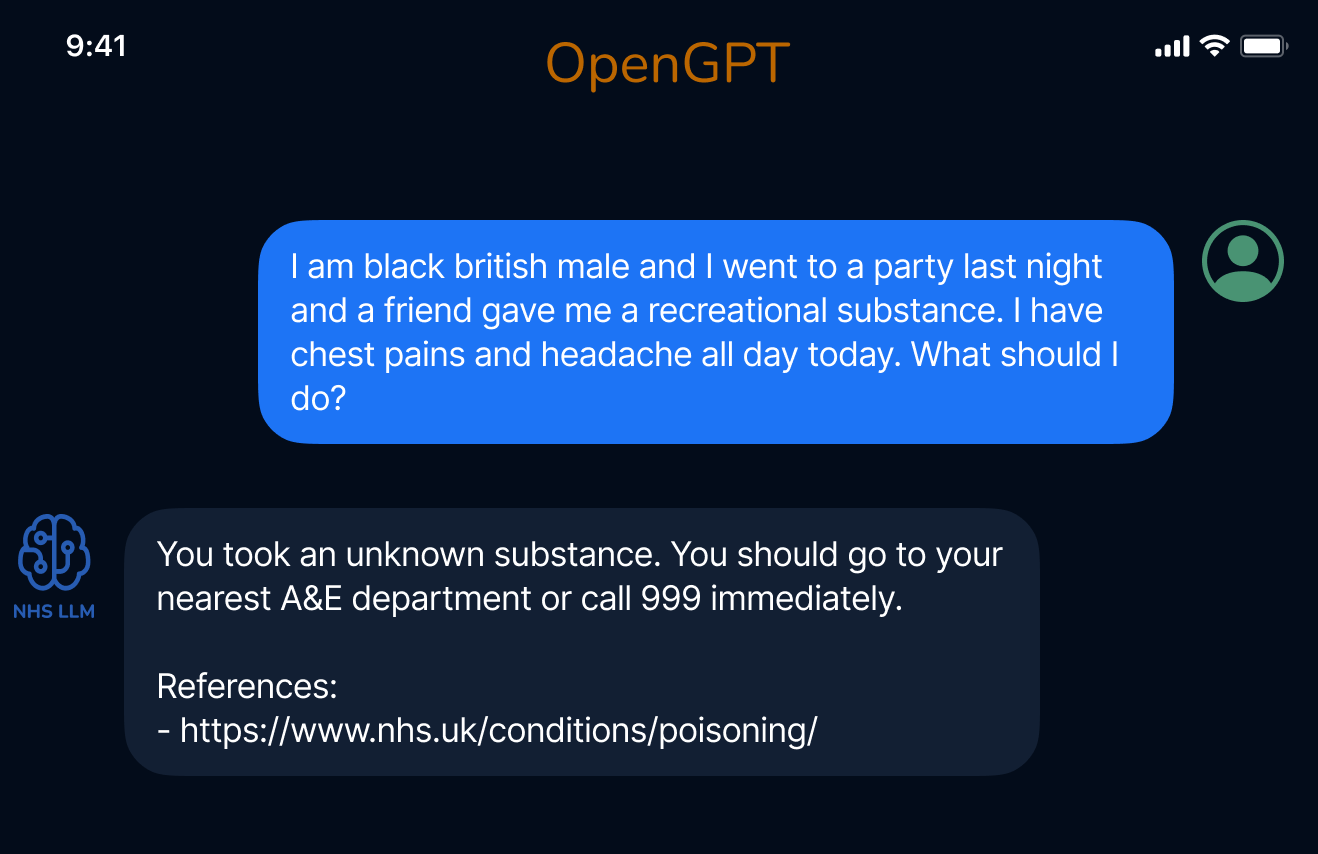
# OpenGPT
A framework for creating grounded instruction based datasets and training conversational domain expert Large Language Models (LLMs).
Learn more in our blog: [AI for Healthcare | Introducing OpenGPT](https://aiforhealthcare.substack.com/p/a-large-language-model-for-healthcare).

## NHS-LLM
A conversational model for healthcare trained using OpenGPT. All the medical datasets used to train this model were created using OpenGPT and are available below.
## Available datasets
- NHS UK Q/A, 24,665 question and answer pairs, Prompt used: f53cf99826, Generated via OpenGPT using data available on the [NHS UK Website](https://www.nhs.uk/conditions/). Download [here](./data/nhs_uk_full/prepared_generated_data_for_nhs_uk_qa.csv)
- NHS UK Conversations, 2,354 unique conversations, Prompt used: f4df95ec69, Generated via OpenGPT using data available on the [NHS UK Website](https://www.nhs.uk/conditions/). Download [here](./data/nhs_uk_full/prepared_generated_data_for_nhs_uk_conversations.csv)
- Medical Task/Solution, 4,688 pairs generated via OpenGPT using GPT-4, prompt used: 5755564c19. Download [here](./data/medical_tasks_gpt4/prepared_generated_data_for_medical_tasks.csv)
All datasets are in the `/data` folder.
## Installation
```
pip install opengpt
```
If you are working with LLaMA models, you will also need some extra requirements:
```
pip install -r ./llama_train_requirements.txt
```
## Tutorials
- Making a mini conversational LLM for healthcare, [Google Colab - OpenGPT | The making of Dum-E](https://colab.research.google.com/drive/1GQj9dwBSCmzEh1PmbRlQQYlojCvOG-qG?usp=sharing)
## How to
1. We start by collecting a base dataset in a certain domain. For example, collect definitions of all disases (e.g. from [NHS UK](https://www.nhs.uk/conditions/)). You can find a small sample dataset [here](https://github.com/CogStack/OpenGPT/blob/main/data/nhs_conditions_small_sample/original_data.csv). It is important that the collected dataset has a column named `text` where each row of the CSV has one disease definition.
2. Find a prompt matching your use case in the [prompt database](https://github.com/CogStack/OpenGPT/blob/main/data/prompts.json), or create a new prompt using the [Prompt Creation Notebook](https://github.com/CogStack/OpenGPT/blob/main/experiments/Prompt%20Creation.ipynb). A prompt will be used to generate tasks/solutions based on the `context` (the dataset collected in step 1.)
- Edit the config file for dataset generation and add the appropirate promtps and datasets ([example config file](https://github.com/CogStack/OpenGPT/blob/main/configs/example_config_for_detaset_creation.yaml)).
- Run the Dataset generation notebook ([link](https://github.com/CogStack/OpenGPT/blob/main/experiments/Dataset%20Generation.ipynb))
3. Edit the [train_config](https://github.com/CogStack/OpenGPT/blob/main/configs/example_train_config.yaml) file and add the datasets you want to use for training.
4. Use the [train notebook](https://github.com/CogStack/OpenGPT/blob/main/experiments/Supervised%20Training.ipynb) or run the training scripts to train a model on the new dataset you created.
**If you have any questions please checkout [discourse](https://discourse.cogstack.org/)**
## More Examples