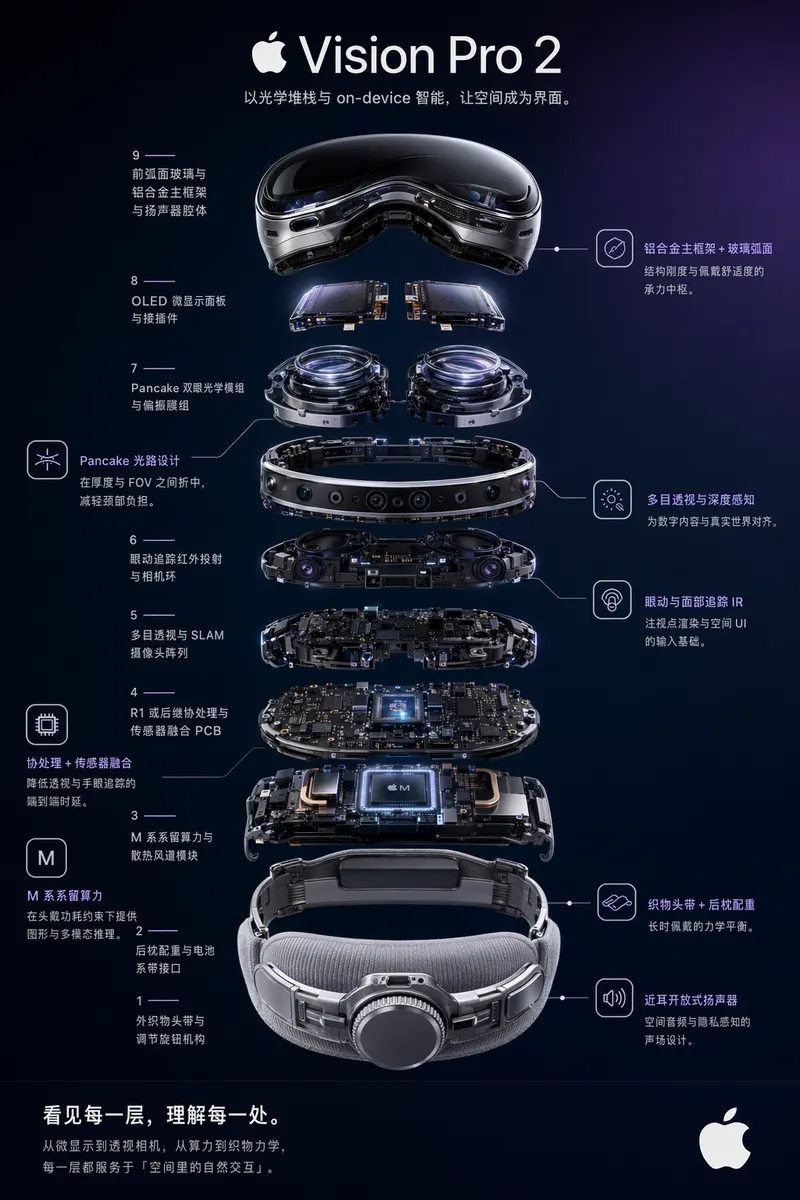
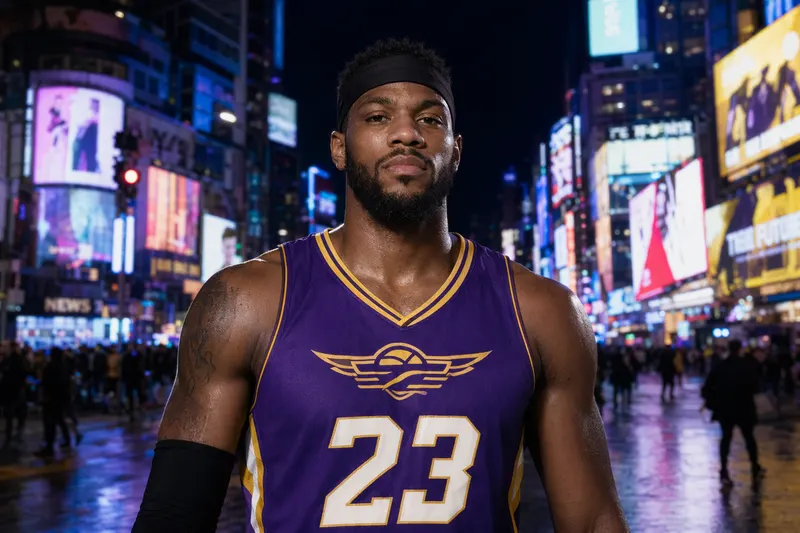
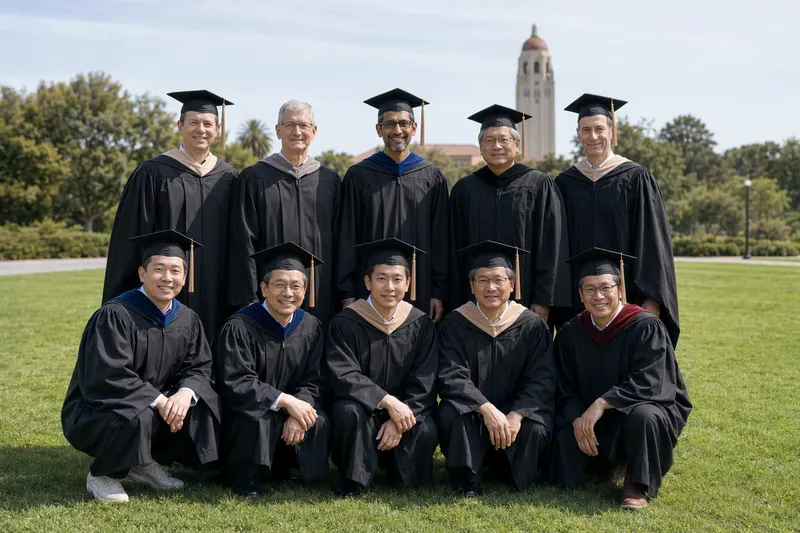
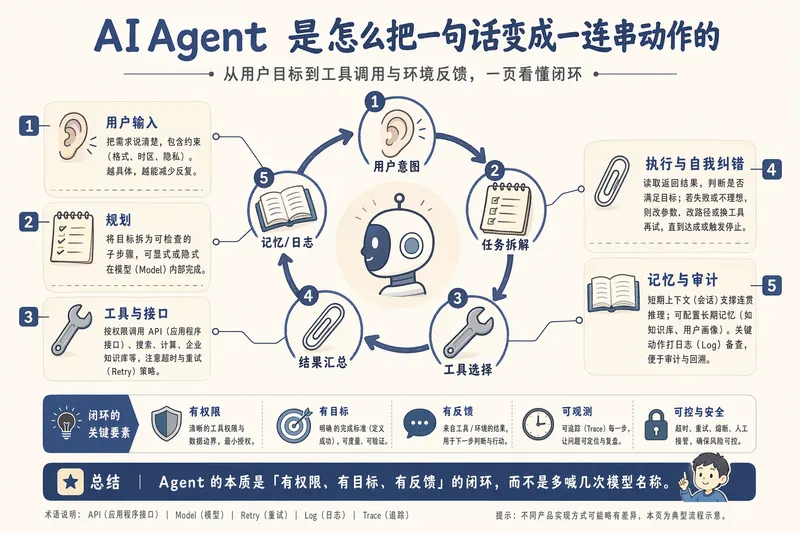
# GPT Image 2 Skill **A focused image-generation / editing skill for GPT Image 2, with a single SKILL definition that adapts to three runtime modes — local generation, host-native delegation, and pure prompt advisor.** [中文文档](./README.zh-CN.md) · [Back to collection root](../../README.md)  --- ## What it does This skill is a structured prompt-engineering and image-generation pack built around the GPT Image 2 model (and OpenAI-compatible image endpoints). It only does two image tasks — `POST /images/generations` and `POST /images/edits` — but it does them in three different runtime environments without changing user-facing behavior. It bundles: - A **mode-aware workflow** so the same skill works whether the agent itself owns the image API key, the host has its own image tool, or there is no image tool at all. - A **structured template library** of 18 categories and 79 prompt templates covering posters, UI mockups, product visuals, infographics, academic figures, technical diagrams, comics, avatars, and editing workflows. - **Reproducible prompt + image archival** under `garden-gpt-image-2/prompt/` and `garden-gpt-image-2/image/` with task-slug + timestamp naming. --- ## The three runtime modes The very first thing this skill does on any task is run a tiny detection script: ```bash node skills/gpt-image-2/scripts/check-mode.js # or for structured output: node skills/gpt-image-2/scripts/check-mode.js --json ``` The output picks one of three modes: | Mode | Trigger | Behavior | |---|---|---| | **A — Garden local** | `ENABLE_GARDEN_IMAGEGEN` truthy **AND** `OPENAI_API_KEY` present | End-to-end: pick template → render prompt → call `generate.js` / `edit.js` → image lands on disk | | **B — Host-native** | Garden disabled, but the host agent already has an image tool (`image_generation`, `dalle`, `nano_banana`, image MCP, etc.) | Render the prompt, then **delegate** image generation to the host's own tool | | **C — Advisor** | Garden disabled, host has no image tool | Skill degrades into a high-quality prompt writer — saves the rendered prompt to `garden-gpt-image-2/prompt/` and instructs the user to paste it into ChatGPT / Midjourney / DALL·E / Sora / Nano Banana / their own gateway | In all three modes, prompt files are saved (mode A & C must save, mode B is recommended for reuse). Only mode A produces an image file; mode B leaves that to the host, mode C cannot. --- ## Quick start ### 0. Detect the mode (always step 0) ```bash node skills/gpt-image-2/scripts/check-mode.js ``` The commands below (1–4) only apply in **Mode A**. ### 1. Text-to-image ```bash node skills/gpt-image-2/scripts/generate.js \ --prompt "A cute baby sea otter" \ --size 1024x1024 \ --quality high ``` ### 2. Generate from a saved prompt file ```bash node skills/gpt-image-2/scripts/generate.js \ --promptfile garden-gpt-image-2/prompt/poster-20260424-153045.md ``` ### 3. Edit an existing image ```bash node skills/gpt-image-2/scripts/edit.js \ --image assets/source.png \ --prompt "Replace the background with a clean studio scene" ``` ### 4. Mask-based local edit ```bash node skills/gpt-image-2/scripts/edit.js \ --image assets/source.png \ --mask assets/mask.png \ --prompt "Replace only the masked area with a glass vase" ``` For Mode B / C there is no CLI entry point — the skill just renders the final prompt and either hands it to the host's image tool (B) or shows it to the user (C). --- ## Case Gallery The public case library covers 18 categories, 79 templates, and 160+ generated / edited results. This gallery is a curated map of the most important capability families: each thumbnail opens the live case page, while the image itself is served from the dedicated `ConardLi/gpt-image-2-101` case repository. ### UI Mockups
website/gpt-image2-website/public/case/INDEX.md.
---
## Skill structure
```
skills/gpt-image-2/
├── SKILL.md Main skill definition
├── scripts/
│ ├── check-mode.js Mode A/B/C detector (run this first)
│ ├── generate.js Text-to-image (Mode A only)
│ ├── edit.js Image edit / inpaint (Mode A only)
│ ├── shared.js Shared request, save, env-resolution logic
│ └── package.json
└── references/
├── prompt-writing.md Methodology: how to design templates & ask for missing fields
├── ui-mockups/ Live commerce, social, product card, chat, video cover
├── product-visuals/ Exploded view, white-bg, premium studio, packaging, lifestyle
├── infographics/ Information graphics
├── poster-and-campaigns/ Brand poster, campaign KV, banner, editorial cover
├── slides-and-visual-docs/ Dense explainer, policy slide, visual report, educational
├── portraits-and-characters/ Pro portrait, founder portrait, virtual host, character sheet
├── scenes-and-illustrations/ Healing, concept, picture book, minimalist mood
├── editing-workflows/ Background replace, local replace, removal, retouch, portrait
├── avatars-and-profile/ Style transfer, character grid, 3D icon, sticker, cultural series
├── storyboards-and-sequences/ 4-panel, manga spread, anime KV, character relations, recipe
├── grids-and-collages/ 2×2 banner grid, lookbook, mixed-style, anime pitch board
├── branding-and-packaging/ Identity board, mascot kit, cosmetic, beverage label
├── typography-and-text-layout/ Title-safe poster, bilingual layout
├── assets-and-props/ Skeuomorphic icons, game screenshot mockup
├── academic-figures/ Method pipeline, NN architecture, qualitative comparison
├── technical-diagrams/ Architecture, flow, sequence diagrams
└── maps/ Food map, travel route, illustrated city, store distribution
```
---
## Environment variables
Read in this order: CLI args → `process.env` → `