# Beautiful Article Skill — Turn any source into a beautiful article > A skill for AI agents to **edit and design** any source material (URL / PDF / DOCX / Markdown / plain text / screenshots / pasted notes) into a **beautiful, share-ready article** that is easier to read, archive, and pass around than the original. [中文文档](./README.zh-CN.md) · [Back to collection root](../../README.md) ![Beautiful Article Skill](https://cdn.jsdelivr.net/gh/ConardLi/assets@main/imgs/article/banner.webp) --- ### Powered by [ReActicle](https://github.com/ConardLi/reacticle) `beautiful-article` is the editorial **harness** (methodology, checkpoints, theme picker, sub-agent reviewers); [`reacticle`](https://github.com/ConardLi/reacticle) is the underlying **runtime component protocol** the skill writes against — prose-first React components plus a token-based `Raw` escape hatch, all wired into the same theme system. ``` beautiful-article (this skill · methodology + harness) │ composes ▼ reacticle (npm package · components / themes / Raw / export) ``` | Layer | What it owns | Where it lives | |---|---|---| | `beautiful-article` (this skill) | **How** the agent plans, writes, reviews and delivers an article from any source — six numbered phases, three hard checkpoints, theme picker, sub-agent reviewers | This directory | | `reacticle` | The component vocabulary + 11 authoring themes the skill compiles into — `Article` / `Hero` / `Lead` / `Section` / `Quote` / `Image` / `Formula` / `CodeBlock` / `Raw` …, each theme a `.css` token bundle + `.md` authoring profile | [`ConardLi/reacticle`](https://github.com/ConardLi/reacticle) · [npm `reacticle`](https://www.npmjs.com/package/reacticle) · [docs](https://rearticle.mmh1.top/) | The two pair very well but are independently useful: the skill works because it has ReActicle to target, and ReActicle is a perfectly usable React library on its own. --- ### [Showcase](https://mmh1.top/#/ai-article) — articles built with `beautiful-article` + ReActicle Real long-form articles, each authored end-to-end by an AI agent running this skill against the [`reacticle`](https://www.npmjs.com/package/reacticle) component protocol. Click any cover to open the live, single-file HTML article.
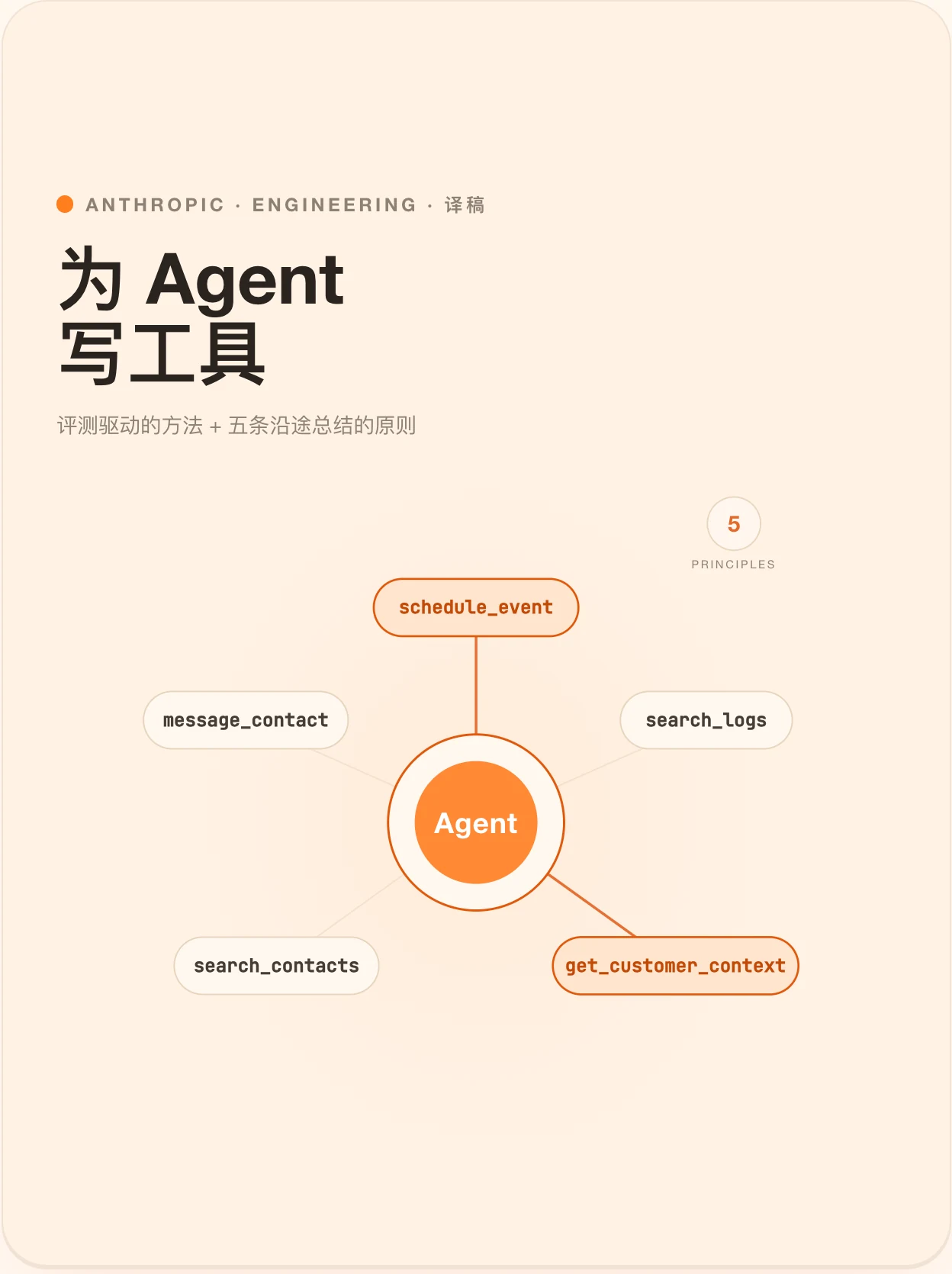
Agent Tools 设计的最佳实践
Agent Tools 设计的最佳实践

Theme · Freddie · 长文 · 21 min
Anthropic 工程团队关于 Tools 的五条原则,与一套评测驱动的方法。
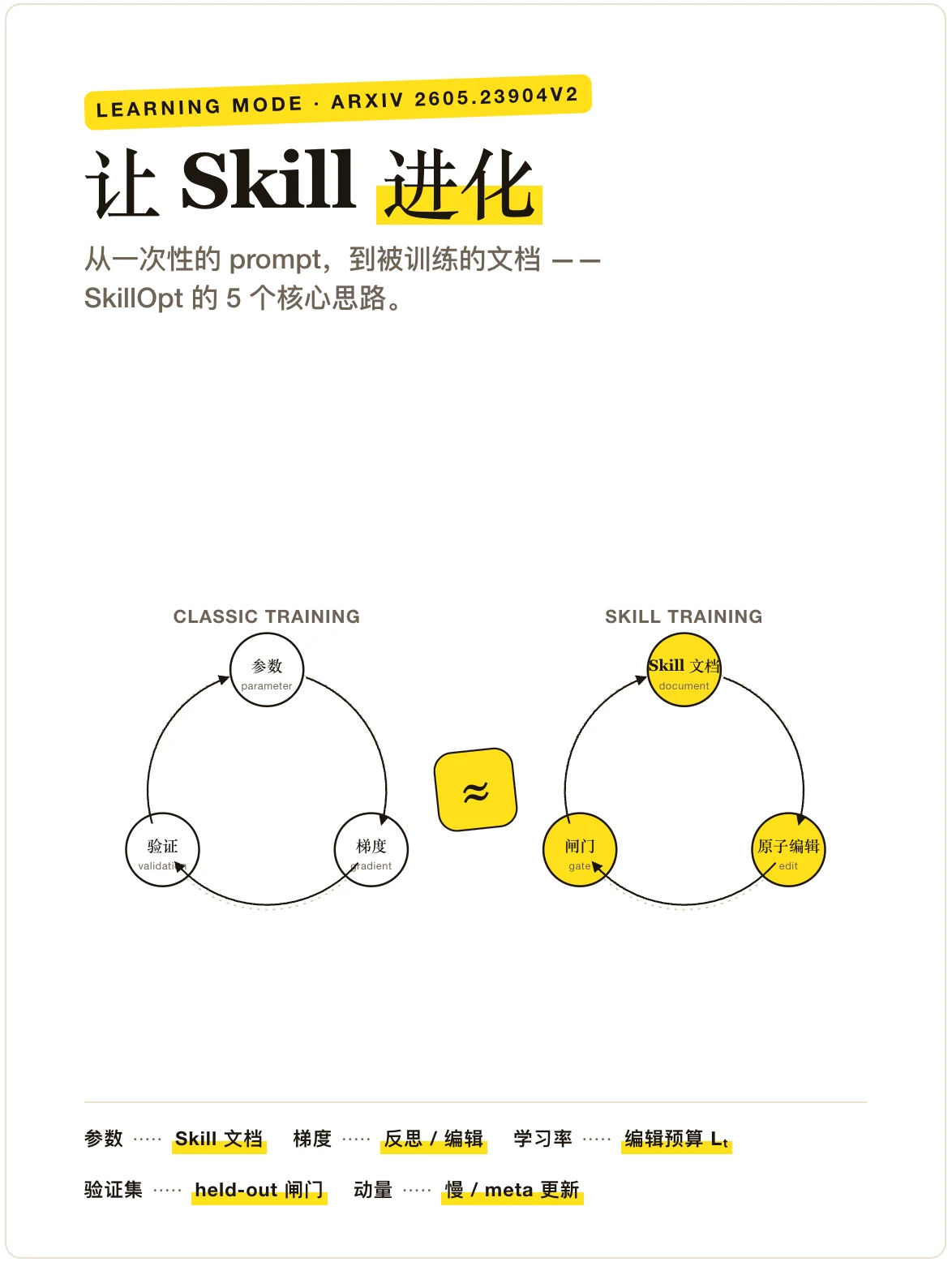
Agent Skill 是如何进化的?
Agent Skill 是如何进化的?

Theme · Freddie · 解释文 · 8 min
把 Skill 文档当成被训练的对象,而不是被复制粘贴的 prompt。
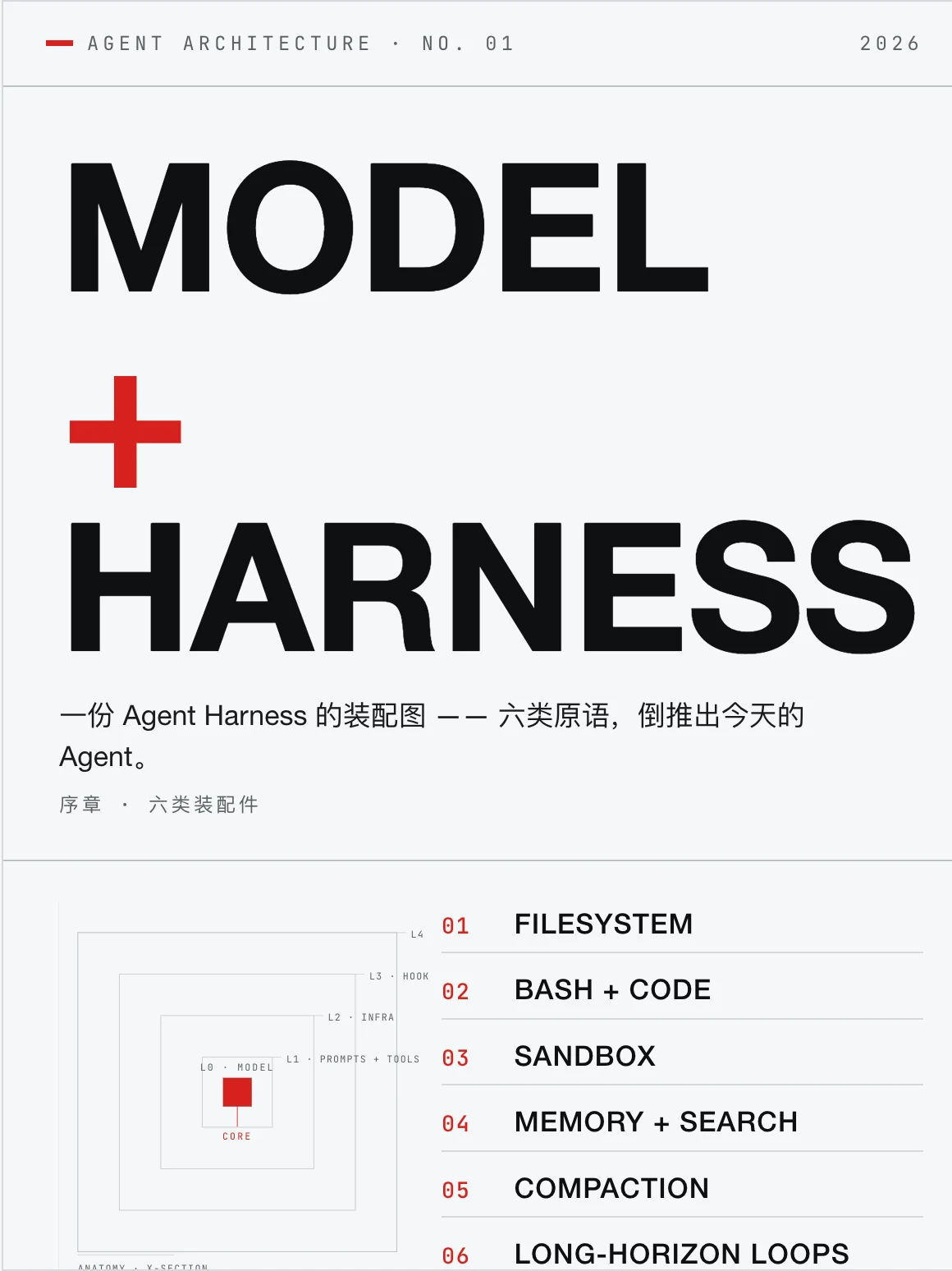
Agent Harness 的解剖图
Agent Harness 的解剖图

Theme · Vignelli · 长文 · 12 min
智能在模型里;让智能变得有用的,是它周围的那套系统。
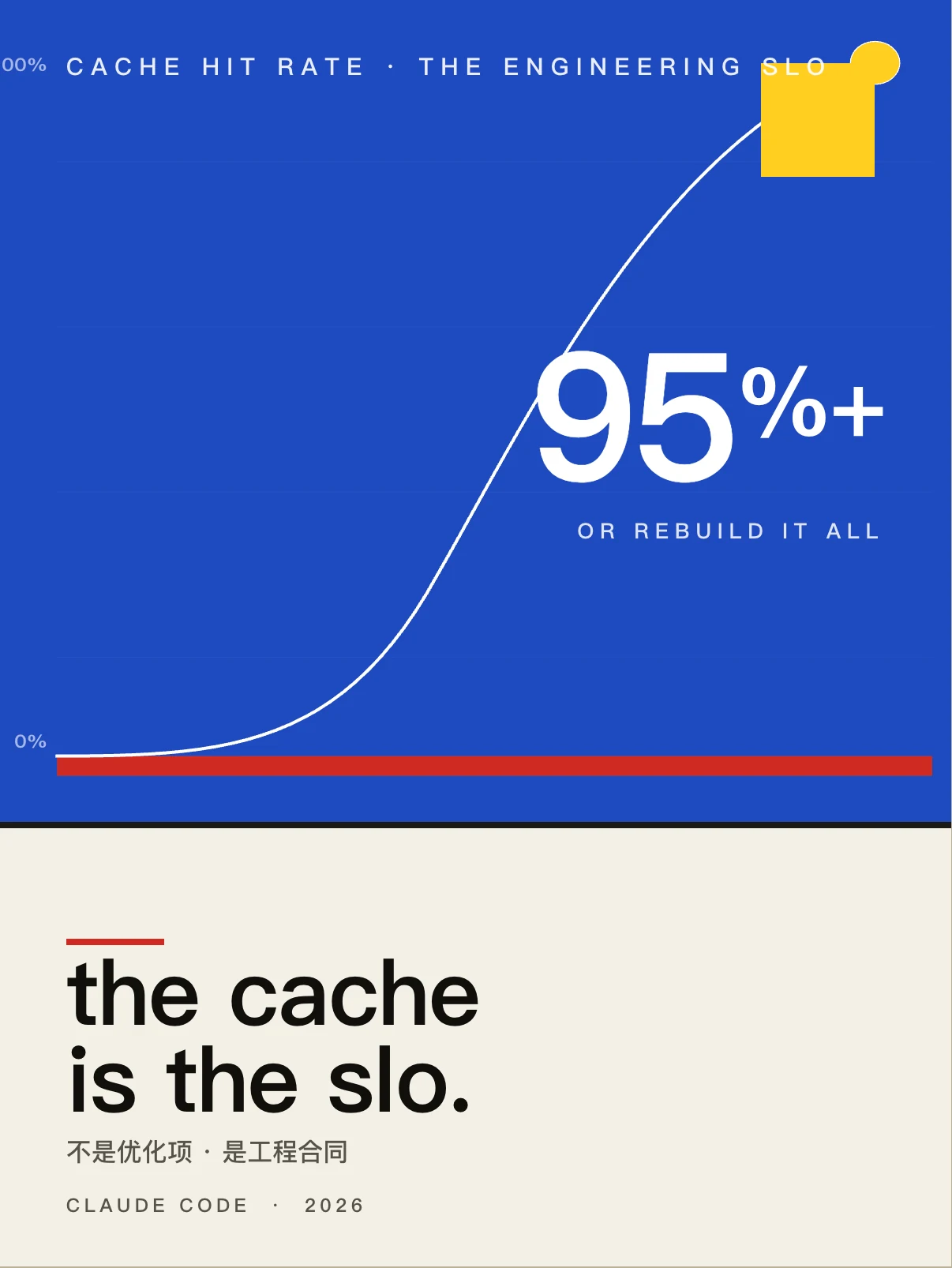
提示词缓存对 Agent 有多重要?
提示词缓存对 Agent 有多重要?

Theme · Bayer · 长文 · 15 min
缓存命中率是 Agent 的 SLO,Claude Code 团队的反直觉经验。
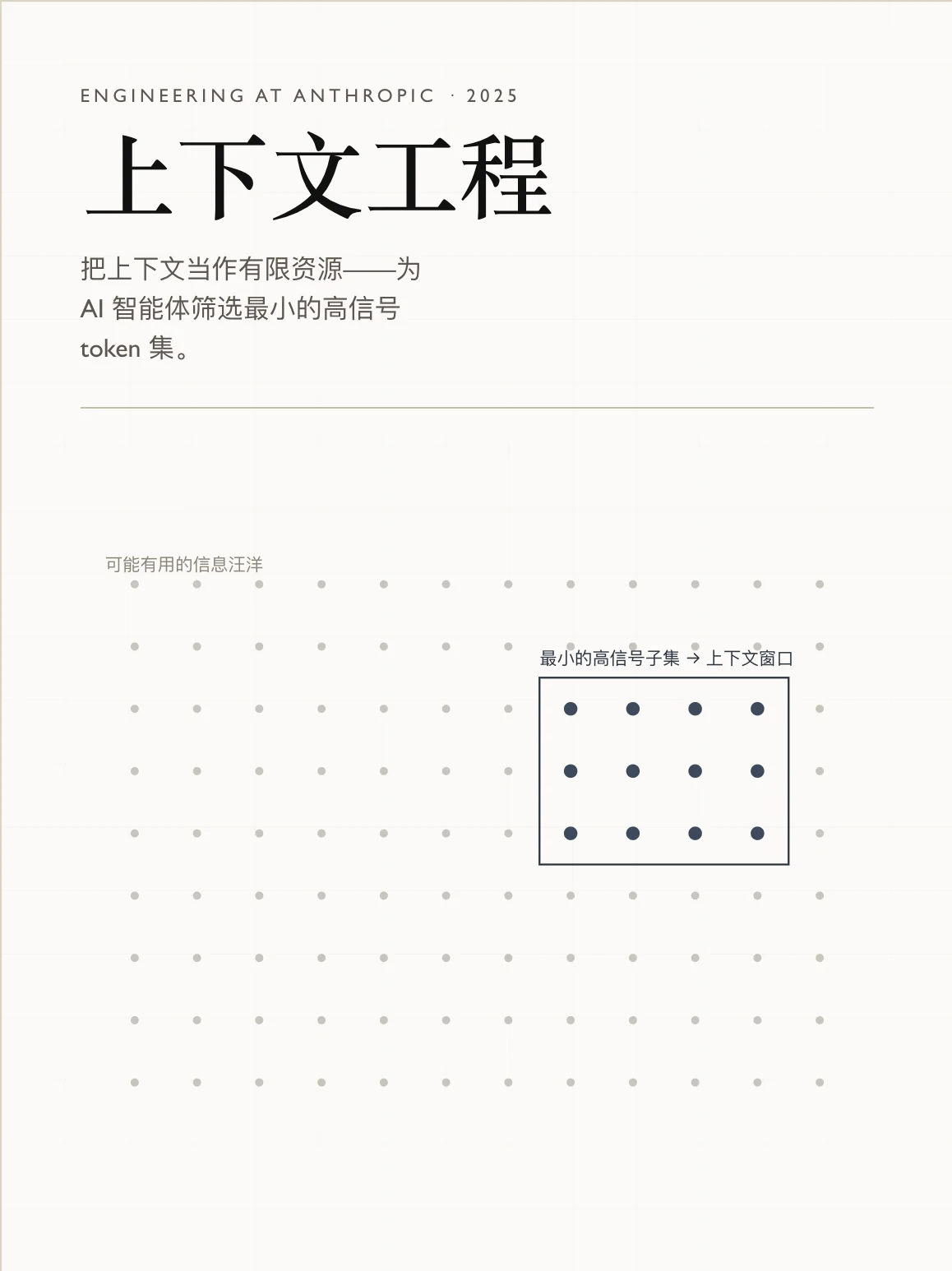
面向 Agent 的高效上下文工程
面向 Agent 的高效上下文工程

Theme · Tufte · 长文 · 16 min
本文探讨如何高效地筛选与管理驱动 AI Agent 运转的上下文。
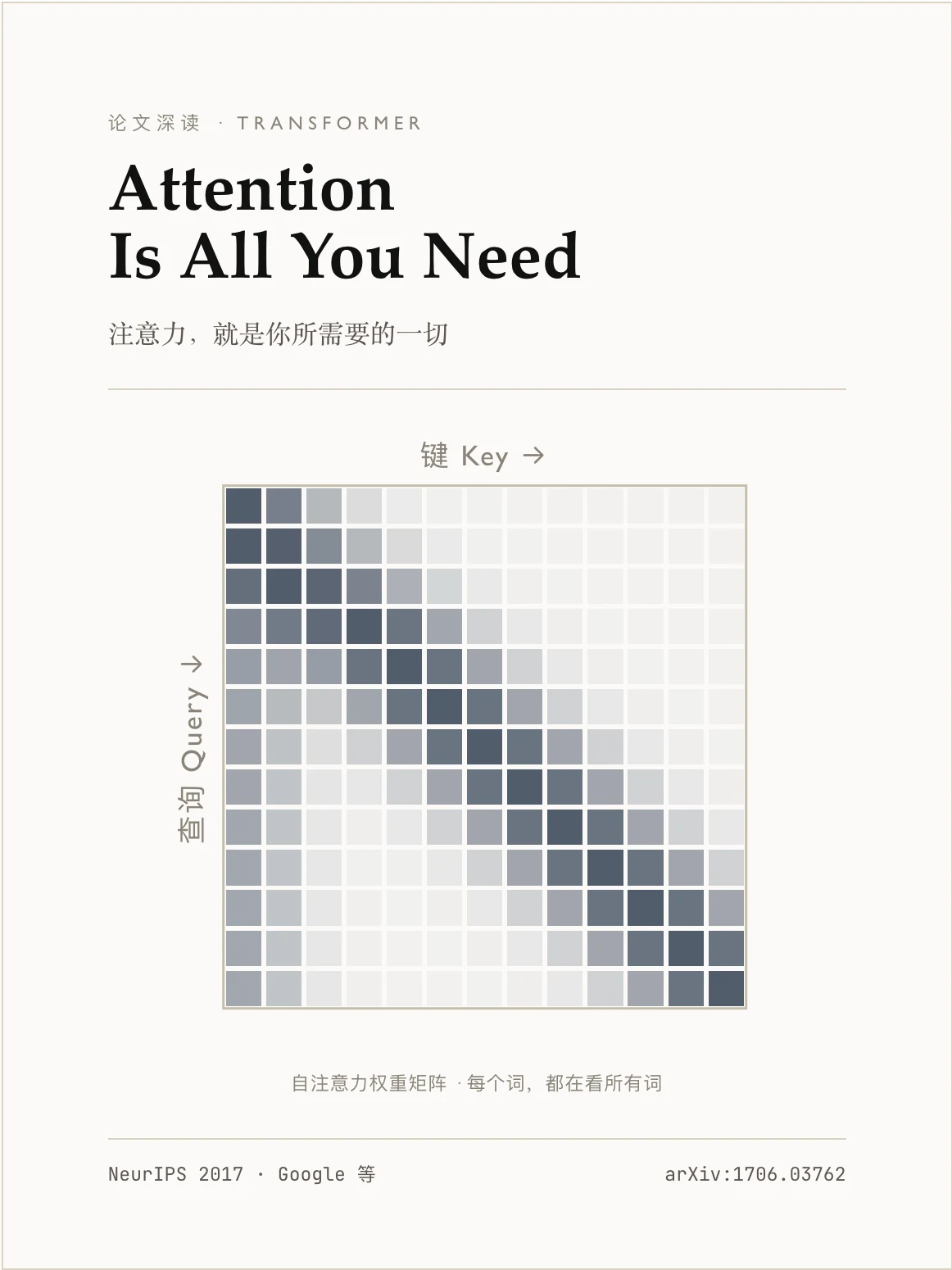
Attention Is All You Need

Theme · Tufte · 长文 · 30 min
一篇重塑现代 AI 的论文,逐层拆给你看。
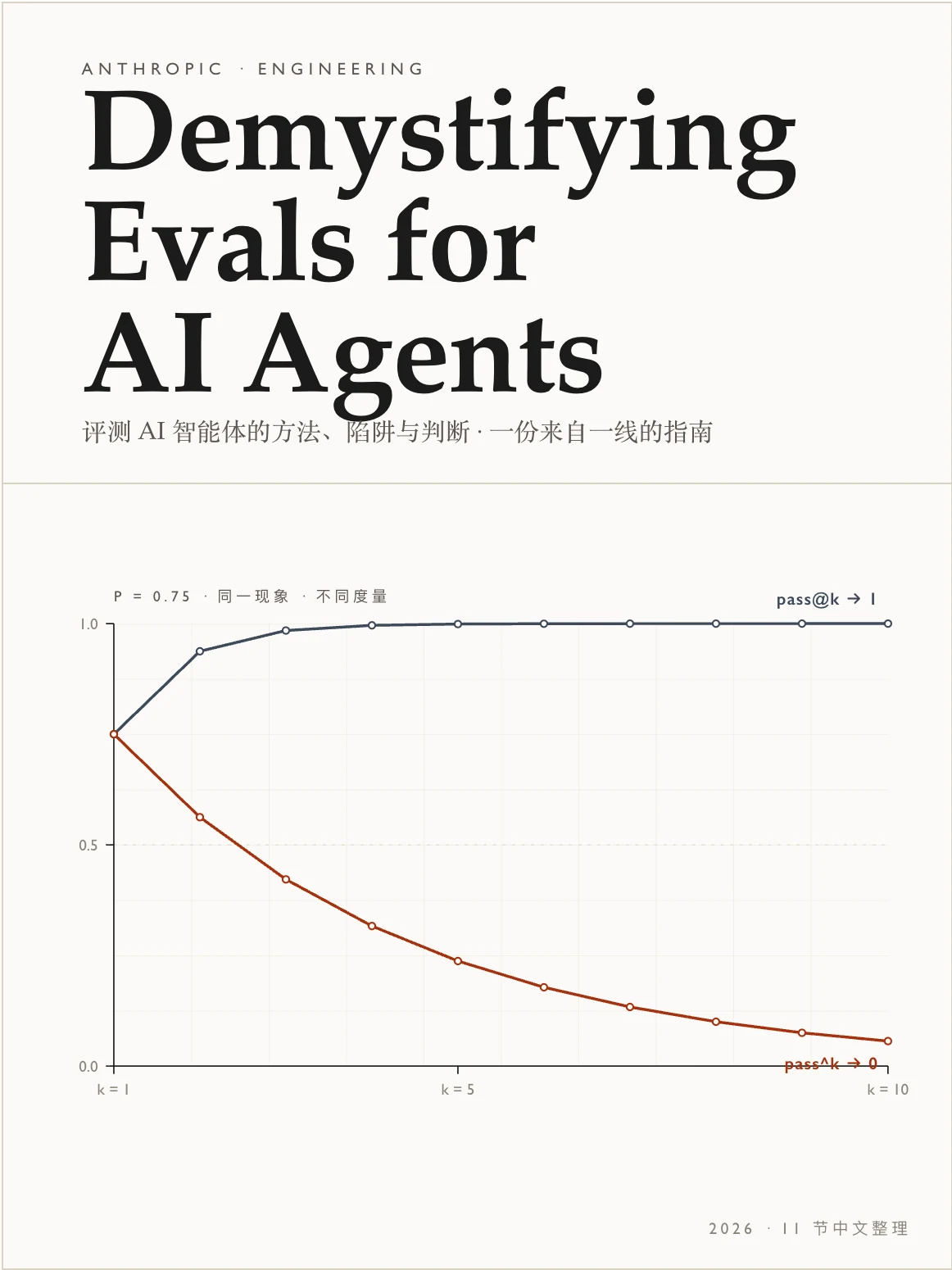
把 AI Agent 的评测讲清楚
把 AI Agent 的评测讲清楚

Theme · Tufte · 长文 · 25 min
让 Agent 有用的那些能力,恰恰让它难以评测 — 来自 Anthropic 的指南。
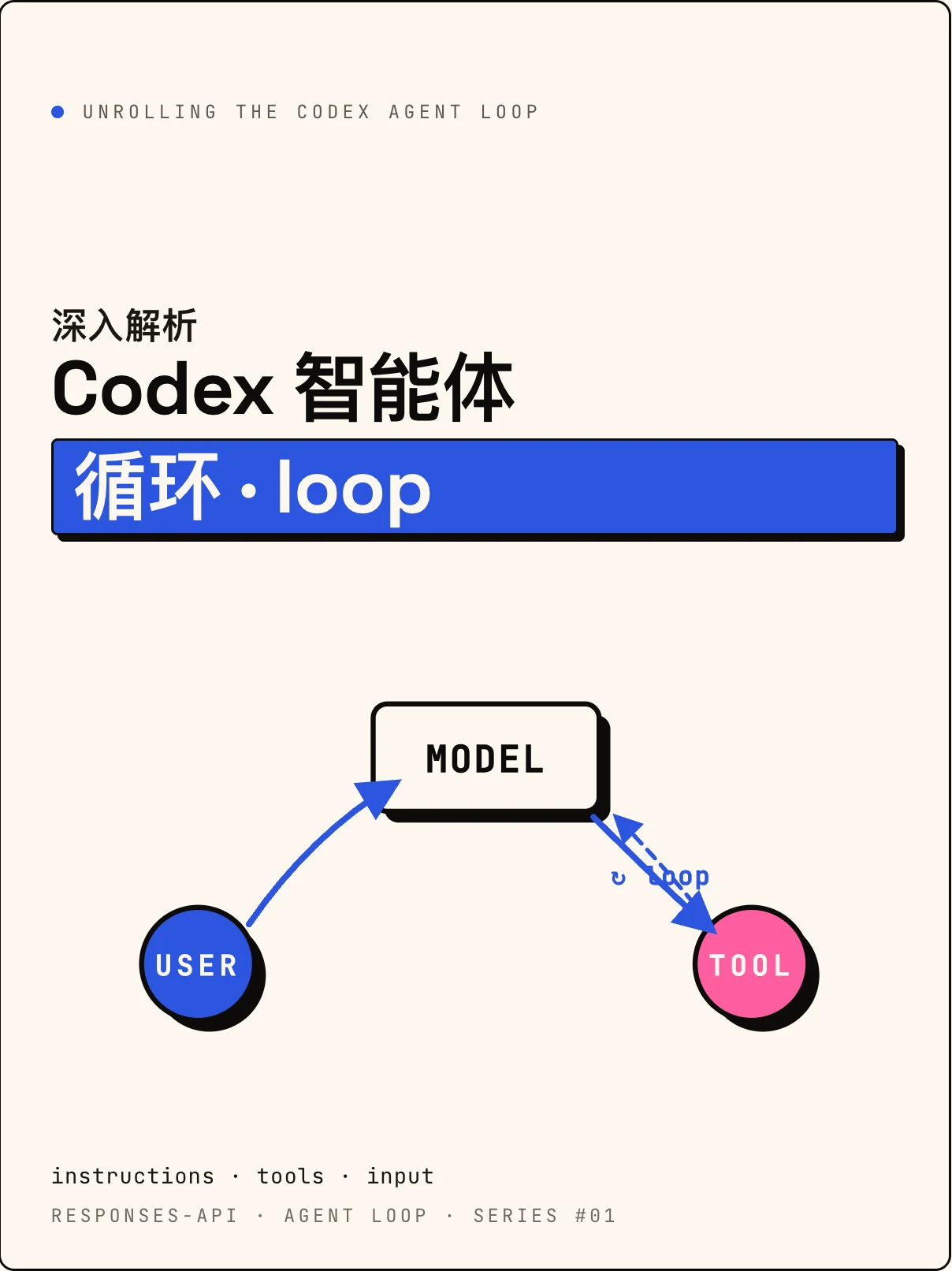
Codex 的 Agent Loop 是怎么做的?

Theme · Sottsass · 长文 · 18 min
OpenAI 官方分享:在 Responses API 之上,一条对话是如何被反复"展开"的。
--- ### [Theme Gallery](https://rearticle.mmh1.top/#/gallery) — one specimen article per theme > 11 themes shipped. Full theme contracts (`.css` token bundle + `.md` authoring profile, anti-patterns, code/media style) are documented at [Theming](https://rearticle.mmh1.top/#/theming). Every theme ships with a long-form **specimen article** that lives the theme end-to-end — typography, photography, code, formulas, Raw blocks, the works. Click any cover to read the live article; click the theme name to jump to that theme's section in the docs.
Tufte · Data-Ink
Tufte · Data-Ink

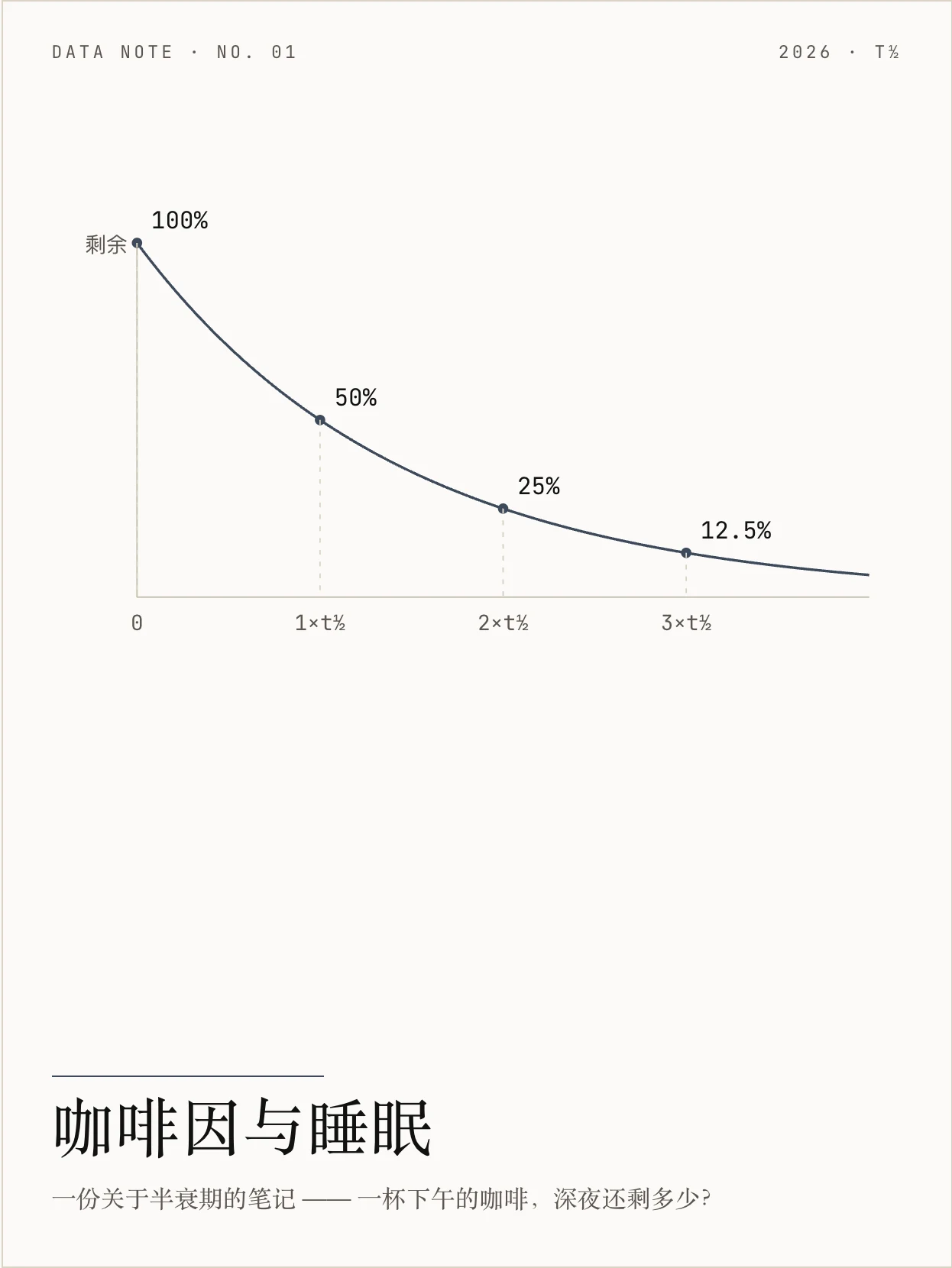
咖啡因与睡眠 · 数据笔记
Edward Tufte 数据墨水,证据优先,发丝级图表与最朴素的版式。
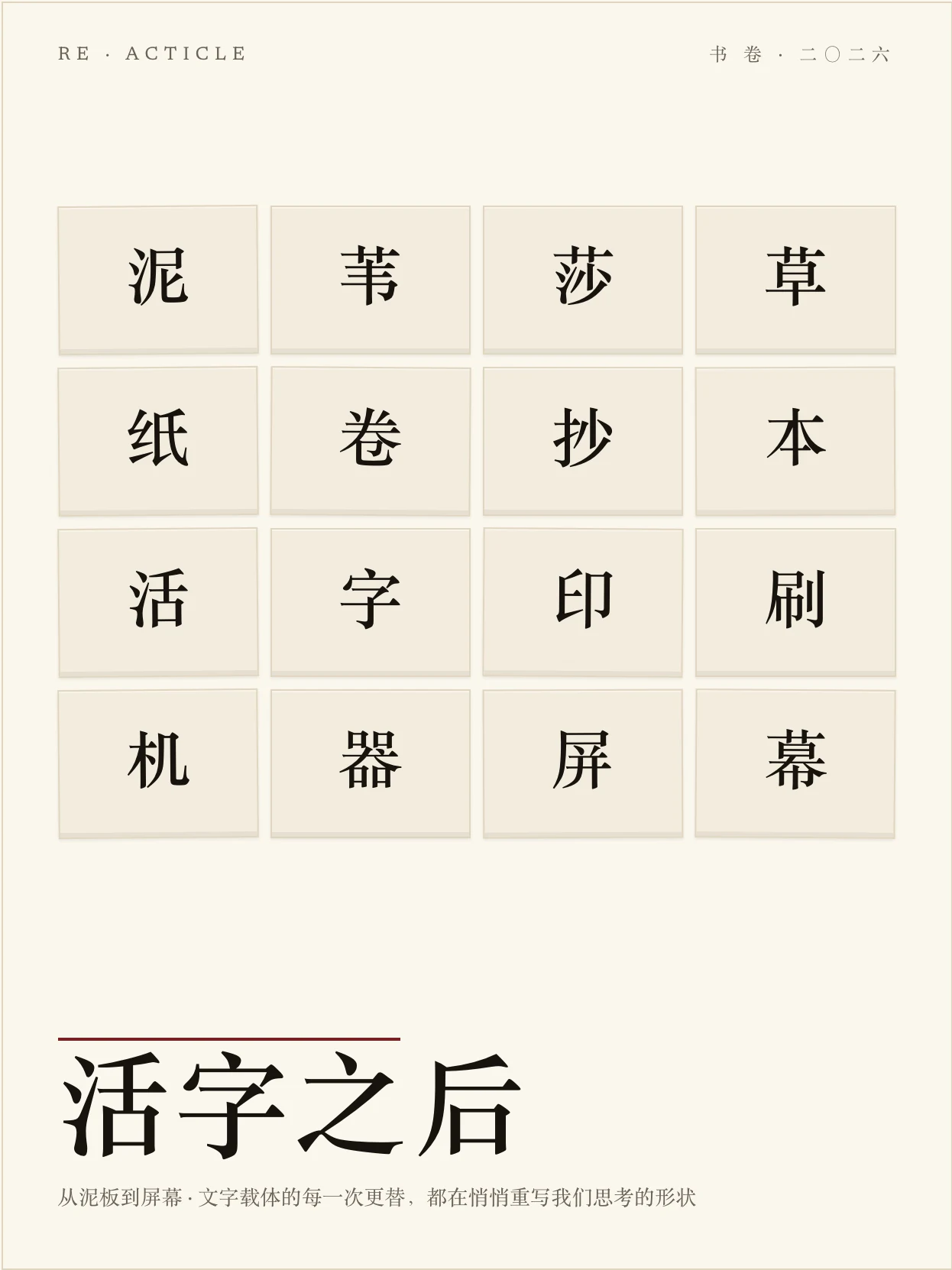
Press · 书卷
Press · 书卷

活字之后 · 随笔
Stripe Press 式书卷长读物:会落定的标题、氧化血红首字母、纯正文之美。
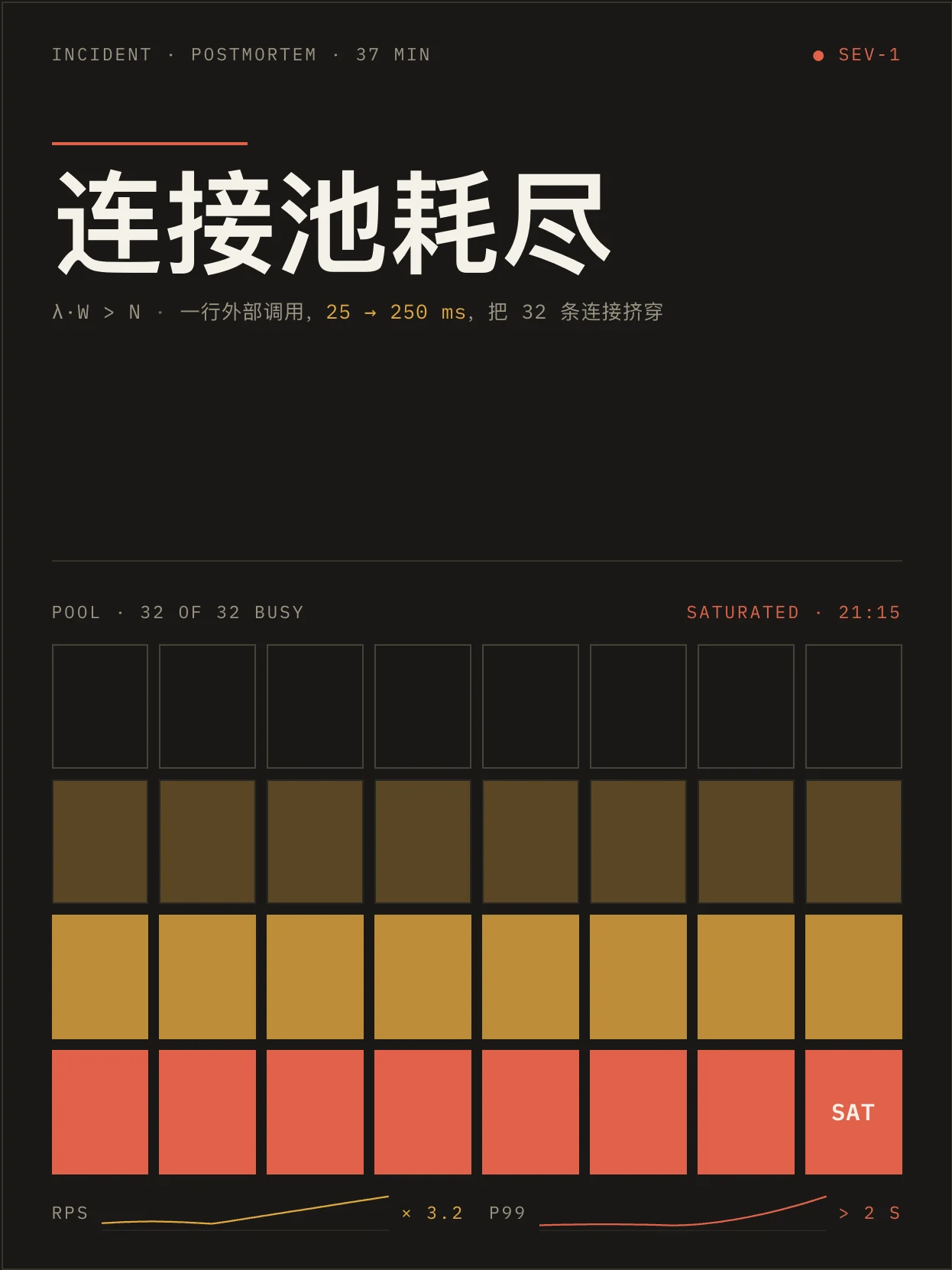
Shannon · 工程暗色
Shannon · 工程暗色

连接池耗尽 · 故障复盘
贝尔实验室技术论文血统,暗底黄金信号、回压依赖、夜间作战气质。
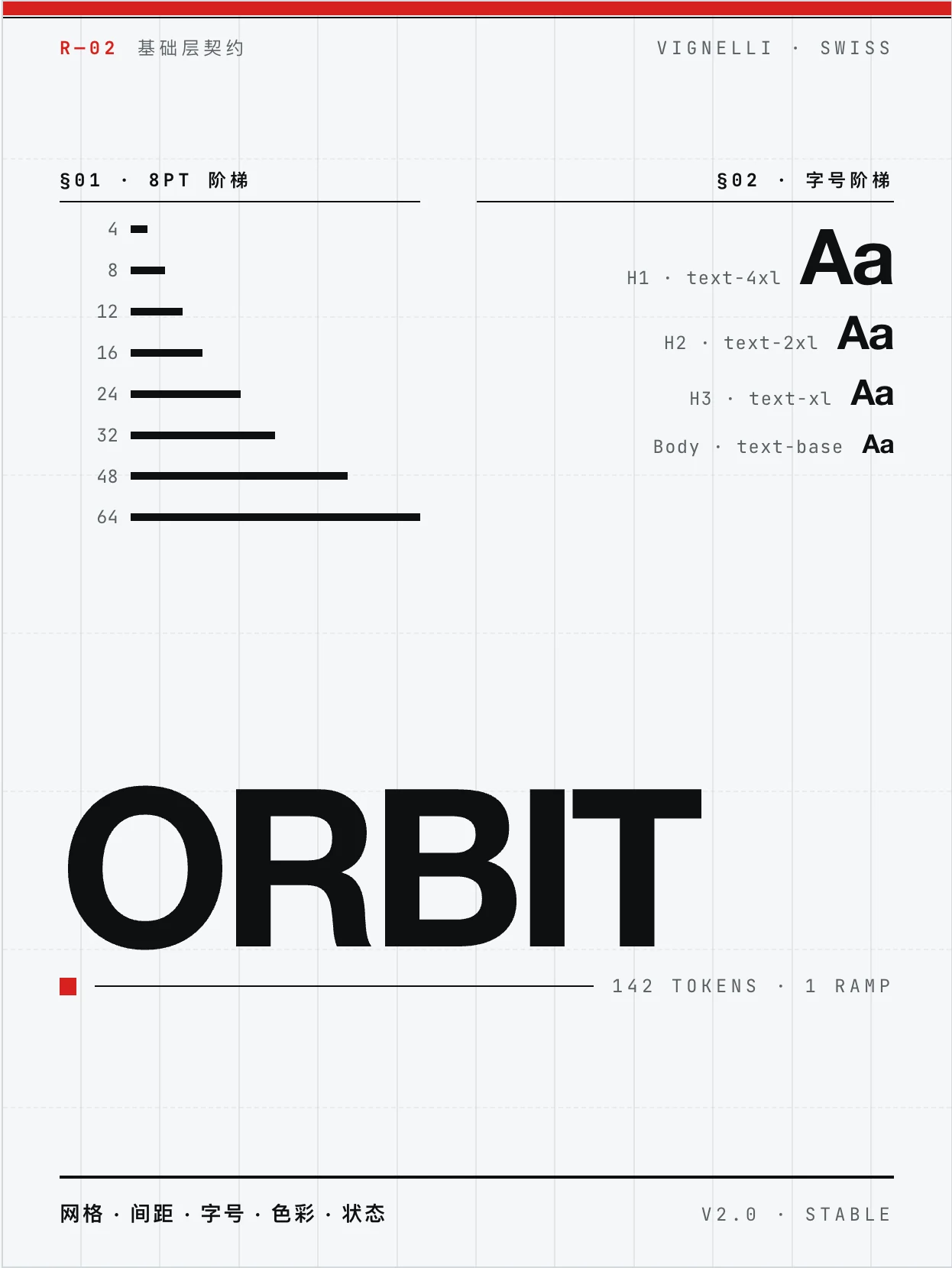
Vignelli · 瑞士
Vignelli · 瑞士网格

Orbit 设计系统规格 · 规格
Massimo Vignelli 网格至上、grotesque 字族、瑞士红只承载结构。
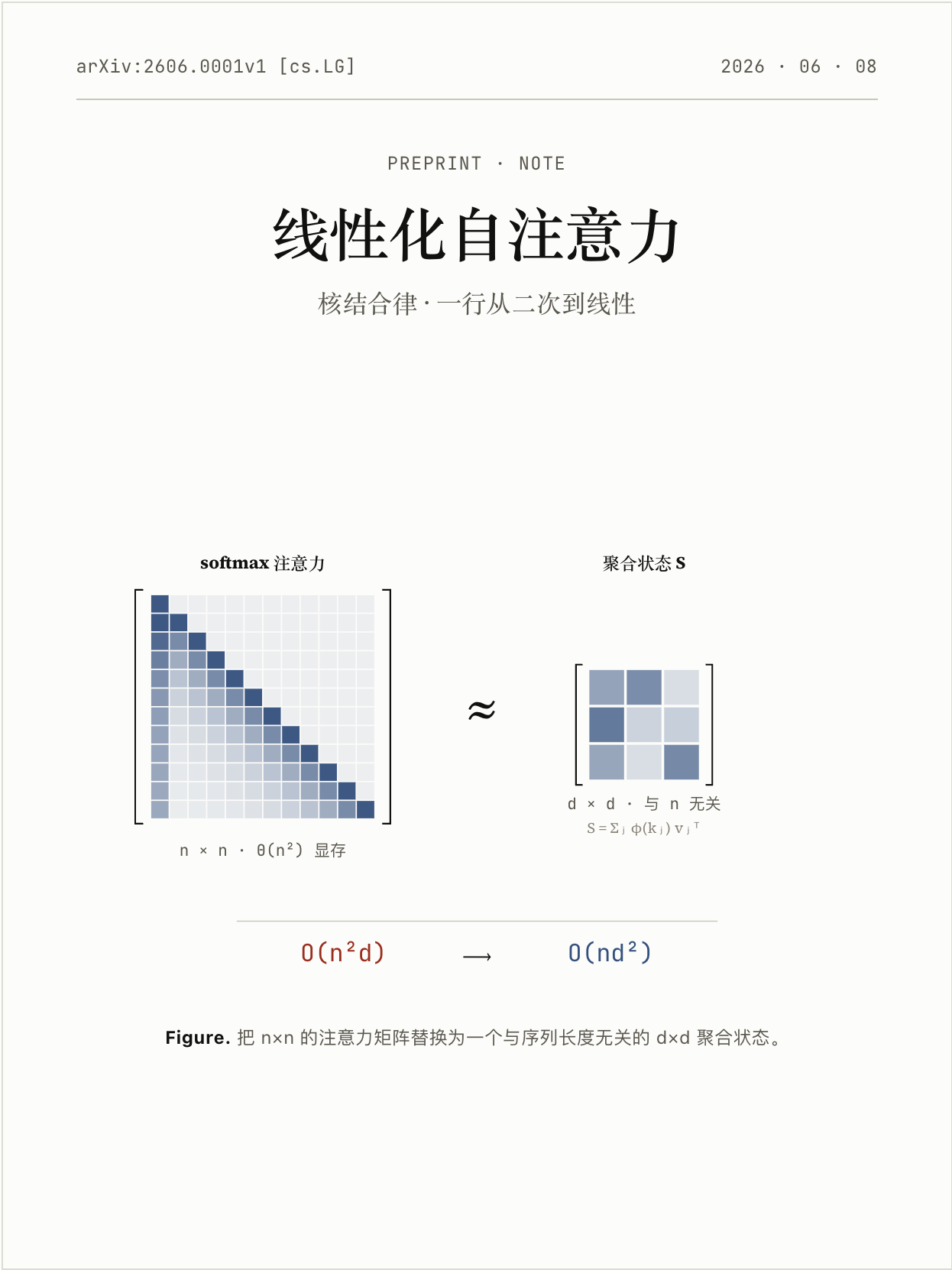
Knuth · 学术
Knuth · 学术

线性化自注意力 · 预印本
Donald Knuth / Computer Modern,编号小节、命题与证明、arXiv 草稿气质。
Freddie · 暖黄
Freddie · 暖黄

第一封 Newsletter · 上手指南
Mailchimp Freddie 黑字荧光,亲和插画 + 不端着的产品上手语气。
Andy · 静谧
Andy · 静谧

把呼吸放慢 · 练习
柔软圆润、呼吸-神经跷跷板,让人慢下来的练习气质。
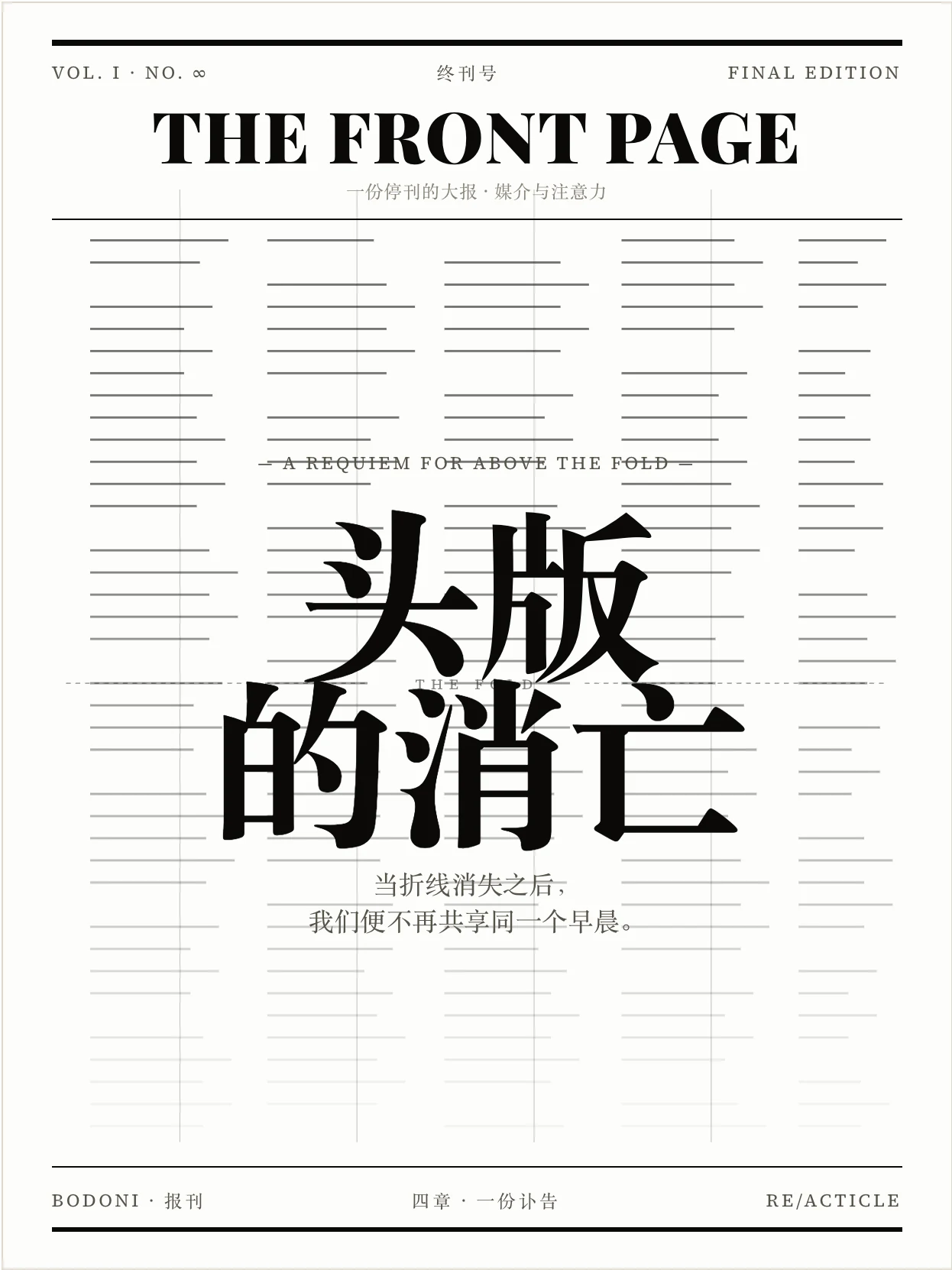
Bodoni · 报刊
Bodoni · 报刊

头版的消亡 · 特稿
高对比 Didone 报刊气质,黑白大报、对折线之上的分量。
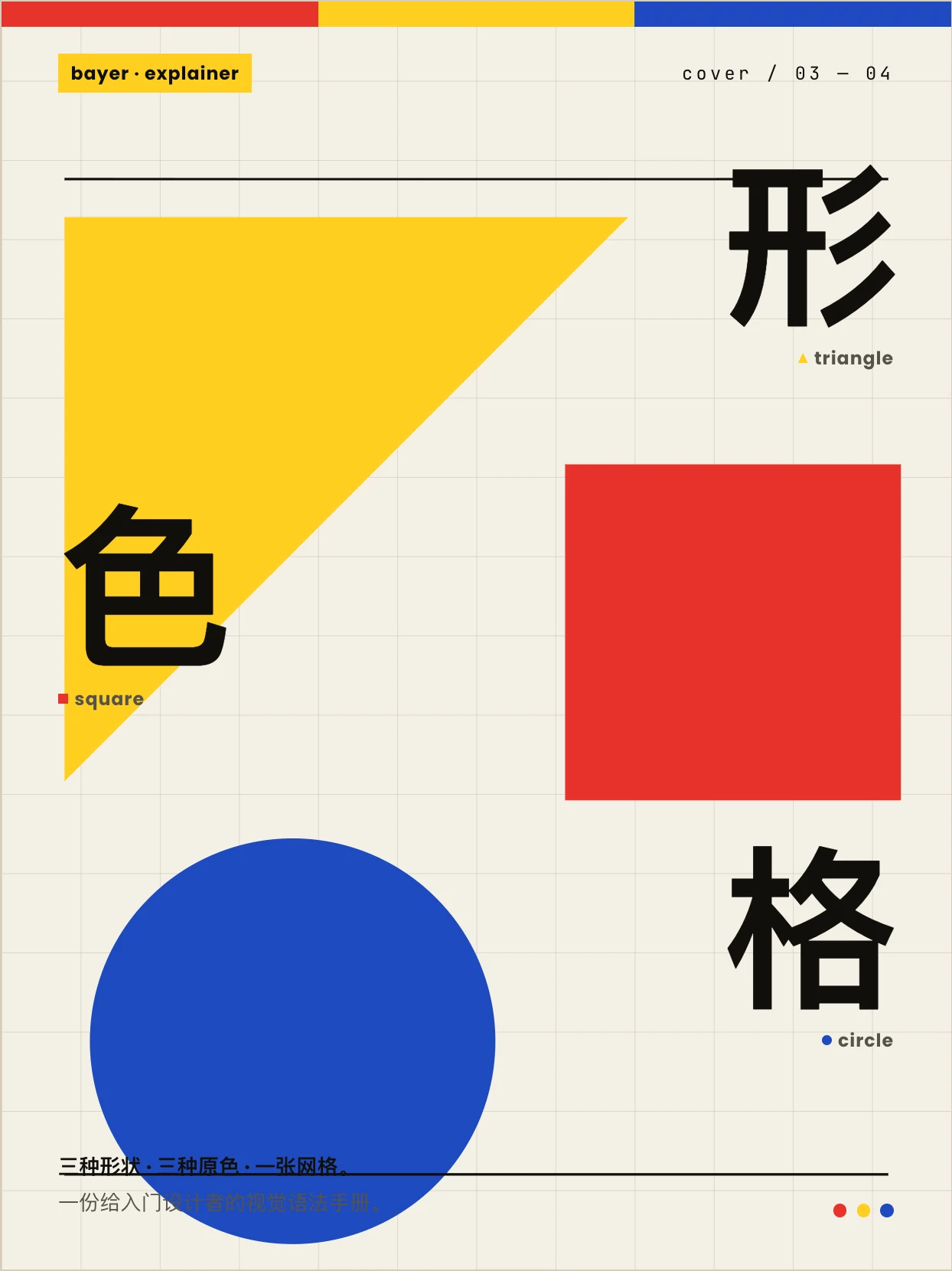
Bayer · 包豪斯
Bayer · 包豪斯

形、色、网格 · 教学
Herbert Bayer 包豪斯三原色几何,形有性格、色有重量。
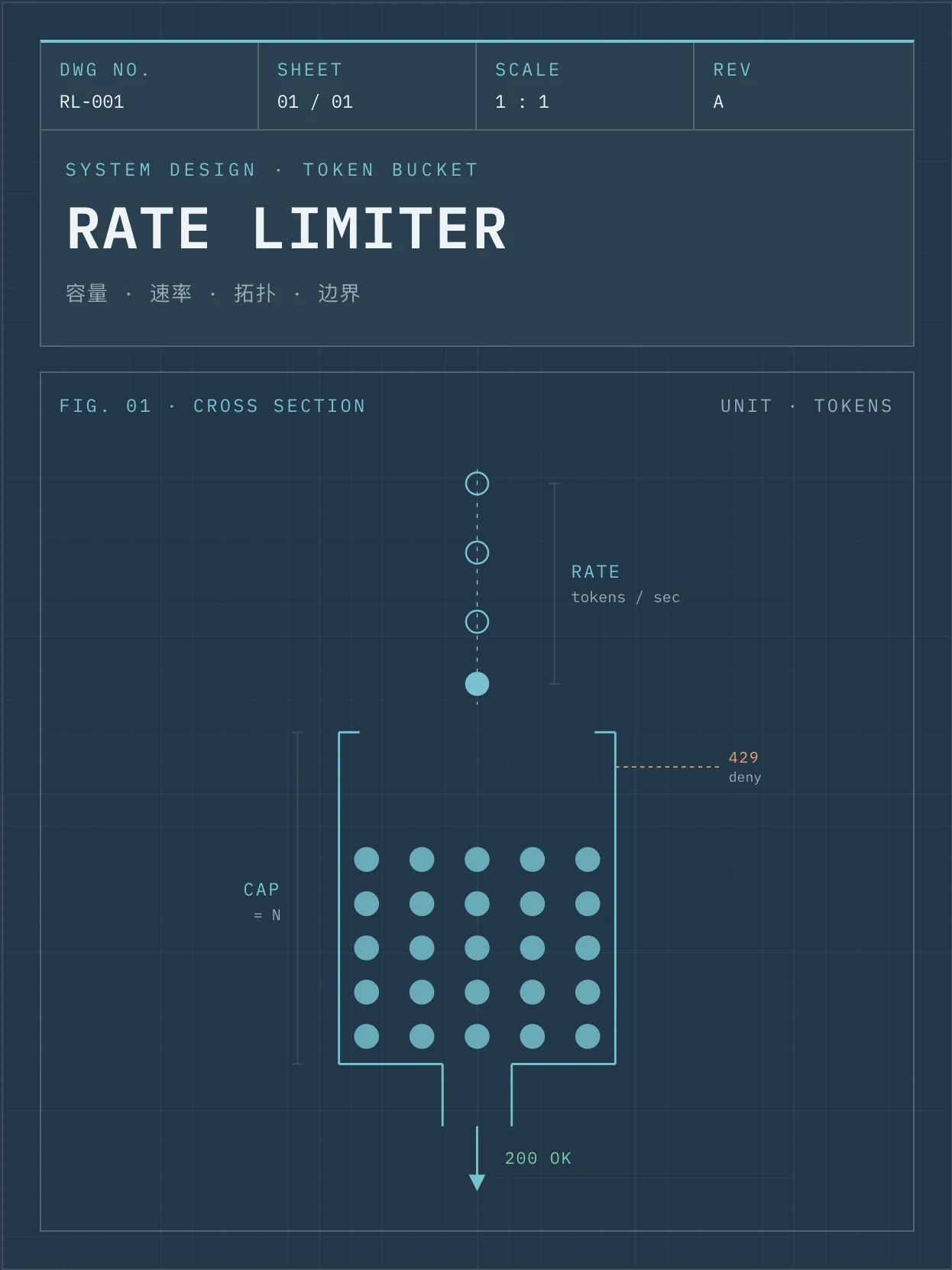
Fuller · 蓝图
Fuller · 蓝图

限流器设计规格 · 系统设计
Buckminster Fuller 工程蓝图,方格纸拓扑、令牌桶模拟,可照着实现。
Sottsass · 孟菲斯
Sottsass · 孟菲斯

撞色不翻车 · 设计随笔
Memphis 80s 撞色,黑描边、硬投影、轻微旋转的不正经语法。
 
> Browse all specimens with theme switching, search and filters at the live gallery: . --- ## What it does `beautiful-article` turns dry, linear, hard-to-digest source material into a polished, visually clear, share-ready article. It is **not** a web-app builder — the focus is always the *article*: better reading, better pacing, better aesthetics. The article is delivered as a self-contained file that opens offline (with optional companion PDF), but that's a delivery detail, not the goal. It is designed for: - Repackaging long URLs / PDFs / DOCX / Markdown into a beautiful HTML long-form - Producing briefings, explainers, tutorials, post-mortems, design / proposal reviews - Visual essays, dialogue / interview transcripts, interactive learning explainers - Any time you want a **better reading medium** than raw Markdown — with tables, SVG, code, formulas, copy / export buttons baked in The skill is primarily a **methodology + collaboration harness**. It ships a Vite + React + TypeScript scaffold built around the [`reacticle`](https://www.npmjs.com/package/reacticle) component protocol — the agent does not hand-write naked HTML / CSS, it composes prose-first semantic components plus a theme-constrained `Raw` free layer. --- ## Core ideas - **Article first, not app** — the focus is the article. Raw layers, SVGs, mini-tools must serve reading / explanation / pacing / aesthetics, not stand on their own. - **Source → Plan → Build → Review harness** — every project flows through six numbered phases with three hard checkpoints in between. - **Component protocol via `reacticle`** — semantic prose components (Hero, Lead, Section, Quote, Callout, Image, Formula, CodeBlock, Table, …) plus a `Raw` escape hatch that must use theme tokens (`--ra-*`). - **Theme-driven design** — pick from a registry of authoring profiles (`tufte`, `press`, `bayer`, `bodoni`, `vignelli`, `sottsass`, `freddie`, `andy`, `fuller`, `knuth`, `shannon`) — each profile is a Markdown contract for the agent, not a CSS file. - **100% information retention by default** — the article type carries a recommended retention ratio (longform `~100%`, briefing `~50%`, visual-essay `~40%`, …) which the user can override. - **Hard collaboration checkpoints** — the agent pauses for the plan, the first-spread proof, and the final delivery decision; **every decision must be confirmed item-by-item, never silently bundled**. - **Cover by default** — a 3:4 book-style cover sits above the TOC, locked container, theme-token only, no remote images. - **Optional PDF export** — the main deliverable is a self-contained HTML file; PDF is opt-in via a zero-npm `html-to-pdf.sh` headless-browser script. --- ## Workflow ```text Phase 0 Intake │ Phase 1 Source → Markdown (URL / PDF / DOCX / MD / text → source.md) │ Phase 2 Editorial Planning (one plan.md: Brief / Outline / Theme / Assets) │ ★ Checkpoint 1 Plan (5 independent decisions confirmed) │ Phase 4 First Spread (cover + hero + first section + one signature visual) │ ★ Checkpoint 2 First Spread (acceptance + dev mode A/B) │ Phase 5 Full Article Build (single-agent sequential or multi-agent parallel) │ Phase 6 Final Review (Editorial / Visual / Technical) │ Phase 7 Repair (minimal-slice fixes only) │ ★ Checkpoint 3 Delivery (HTML, or HTML + PDF, or pause to revise) │ Phase 8 Delivery (article.html, optional article.pdf) ``` The agent owns a per-project workspace directory that is its **long-term memory**: ```text / source/ original.* source.md source..md (if translated) extraction-notes.md plan/ plan.md article/ Cover.tsx Article.tsx sections/ raw-blocks/ assets/ article.html (output) review/ first-spread-review.md final-review.md (source-review.md only on complex sources, repair-log.md only when there are repairs) index.html package.json vite.config.ts tsconfig*.json (build harness) ``` --- ## Skill structure ```text skills/beautiful-article/ ├── SKILL.md Main skill (frontmatter name: beautiful-article) ├── manifest.json Release manifest ├── README.md / README.zh-CN.md This document ├── references/ │ ├── article-types.md Article-type router │ ├── article-types/ briefing / dialogue / essay / explainer / full-report │ │ interactive-explainer / longform / review / tutorial / visual-essay │ ├── information-density.md Retention ratios vs. component / visual mix │ ├── plan-template.md Single plan.md template (Brief / Outline / Theme / Assets) │ ├── theme-selection.md Theme picker, density / theme decoupling rules │ ├── layout.md Width modes, TOC defaults │ ├── cover.md 3:4 book-style cover guide (5 self-checks, 5 layouts) │ ├── asset-policy.md Image strategy (none / user-assets / placeholders / ai-generated) │ ├── component-policy.md Reacticle component contract, prose-first │ ├── raw-policy.md Raw allow / deny list, token-driven, self-checks │ ├── section-build.md One-section-one-file rule, sub-agent prompt templates │ ├── source-to-markdown.md Per-format extraction rules + 5-item self-check │ ├── scaffold.md Scaffold script behaviour, workspace layout │ ├── html-output.md dev / build / single-file commands │ ├── pdf-output.md html-to-pdf.sh usage + print CSS overrides │ ├── review-checklist.md Per-phase reviewer checklists & sub-agent prompts │ ├── repair-policy.md Minimal-slice repair table │ └── harness.md Skill-as-harness perspective ├── theme-profiles/ │ ├── index.json Theme registry │ └── andy / bayer / bodoni / freddie / fuller / knuth / press / shannon / sottsass / tufte / vignelli ├── scripts/ │ ├── scaffold.sh One-shot workspace bootstrap │ ├── html-to-pdf.sh Optional HTML → PDF (headless browser, zero npm deps) │ ├── pdf-print-overrides.css @media print overrides injected into the HTML │ ├── source-to-markdown-markitdown.py Main extraction path (PDF / DOCX / HTML) │ └── source-to-markdown.py Lightweight fallback (Markdown / TXT / simple HTML) └── assets/ └── scaffold-template/ Vite + React + TS template the scaffold script copies ``` --- ## How it works (highlights) ### 1. Quality protocol per node Different phases use different quality-checking approaches — over-using sub-agents and over-writing review files is the #1 perf trap, so the skill makes the rules explicit: | Node | How it's checked | Artifact | |---|---|---| | Phase 1 Source (default) | Main agent inline 5-item checklist | none | | Phase 1 Source (complex / low-confidence only) | Source Reviewer SubAgent (diff against `original.*`) | `review/source-review.md` | | Phase 2 Plan / before Checkpoint 1 | **Main agent inline self-check (no SubAgent, no file)** | none | | Phase 4 First Spread / before Checkpoint 2 | First Spread Reviewer SubAgent | `review/first-spread-review.md` | | Phase 5 Per Section | Section Reviewer SubAgent — returns pass/fail by message | none (no per-section files) | | Phase 6 Final / before Checkpoint 3 | Editorial + Visual + Technical Reviewer SubAgents | `review/final-review.md` | ### 2. No silent default decisions At every checkpoint each decision is asked **independently** — the agent may recommend, but never sneak through "I went ahead with X, tell me if it's wrong". Five independent decisions on Plan Checkpoint: article type (with recommended retention), theme, width, image mode, cover on/off. ### 3. Article type → retention bundles The 10 article types all carry a recommended retention ratio: `longform · ~100%`, `tutorial · ~90%`, `full-report · ~80%`, `explainer · ~80%`, `dialogue · ~80%`, `review · ~70%`, `essay · ~70%`, `briefing · ~50%`, `visual-essay · ~40%`, `interactive-explainer · ~25% excerpt + 75% AI-rebuild`. Users can override with a single sentence. ### 4. One-section-one-file rule Every Section is its own component file in `article/sections/NN-*.tsx`. `Article.tsx` is just the assembler — owned by the main agent, who imports & orders sections, runs typecheck / build, and resolves theme drift. This is the precondition for sub-agent parallelism in dev-mode B. ### 5. Theme tokens everywhere `Raw` blocks must consume `--ra-*` theme tokens — no wild colors / fonts. Switching theme rewires every Raw block in one place. Each theme ships a Markdown authoring profile telling the agent how to write & style content under that theme. --- ## Setting up a project This skill **does not pre-create** a workspace — every project gets its own. From the SKILL's Phase 4: ```bash # Default: cover on bash /scripts/scaffold.sh ./my-article --theme=tufte # Cover off bash /scripts/scaffold.sh ./my-article --theme=press --no-cover # List available themes bash /scripts/scaffold.sh --list-themes ``` The scaffold spins up a Vite + React + TS workspace, installs the latest published `reacticle` from npm, and seeds `source/ plan/ review/` plus `article/Article.tsx`, `article/Cover.tsx`, and `article/sections/01-opening.tsx` so the agent has a known starting shape. After Phase 5 the agent runs the build to produce a single inlined HTML: ```bash npm run build # → article/article.html (CSS + JS inlined) ``` Optional PDF export (only if Checkpoint 3 selects HTML + PDF): ```bash bash /scripts/html-to-pdf.sh ``` --- ## Best practices ### Recommended 1. **Pick the article type before anything else** — its retention ratio anchors the whole plan. 2. **Trust the harness phases** — don't skip Plan checkpoint just because you can guess the answer. 3. **Use theme tokens for every Raw block** — `--ra-*` only. No raw hex / font names. 4. **One section per file** — even if a section is small, isolate it. It pays off in review and repair. 5. **Cover should reflect theme + article gist** — not just a placeholder gradient. ### Avoid 1. ❌ Treating the skill as "make me an HTML page" — the deliverable is an *article*. 2. ❌ Bundling multiple checkpoint decisions into one yes/no. 3. ❌ Letting Raw blocks bring their own colors / typography (theme drift). 4. ❌ Writing all sections inside `Article.tsx` (kills sub-agent parallelism). 5. ❌ Removing the colophon / cover container (they are part of the contract). --- ## FAQ **Q1: When should I *not* use this skill?** When the user actually wants a web app, dashboard, form, prototype, or generic landing page — those go to `web-design-engineer`, not here. If in doubt, the skill stops and asks rather than silently producing the wrong artifact. **Q2: Does it always produce 100% information retention?** No — that is just the `longform` default. The article type sets the ratio, and the user can override at Checkpoint 1. **Q3: Can the article be in a different language than the source?** Yes. If the user specifies a target language different from the source, Phase 1 produces an idiomatic translation `source/source..md` first, and Phase 2+ writes from that file. **Q4: What if my agent runtime has no SubAgent / Task tool?** The skill notes this case explicitly: the main agent backfills the SubAgent's job and writes "no SubAgent environment, main-agent fallback" at the top of the resulting review file. **Q5: Why React + Vite + reacticle instead of plain HTML?** Because the agent needs a stable, prose-first component contract that survives multi-section parallel work, theme switching, and Raw escape hatches. The `npm run build` step always inlines everything back into a single HTML for delivery. --- ## Tool requirements The skill assumes the agent runtime can: - Spawn shell commands (for `scaffold.sh`, `html-to-pdf.sh`, `npm` builds) - Read / write files in a project workspace - (Optionally) launch sub-agents for First Spread / Section / Final review nodes - (Optionally) run `MarkItDown` (Python) for high-fidelity PDF / DOCX / HTML extraction; otherwise the lightweight fallback script handles Markdown / TXT / simple HTML --- ## License MIT