Website · Demo · Deployment · Architecture
tide is a self-hosted video meeting service. Its Go binary embeds the SvelteKit web app and LiveKit media server. Optional recording uses LiveKit Egress, Redis, and S3-compatible storage. - Meeting links with custom slugs and downloadable calendar invites (`.ics`) - Microphone, camera, screen sharing, device selection, and automatic reconnection - Guest lobby with host controls to admit, deny, mute, remove, and end meetings - Per-participant video hiding for the current viewer - Ephemeral in-room chat - Optional audio and video recording, with download and delete controls - Optional transcripts of recordings, made by moil on the room owner's own computer (macOS, alpha; [how it works](docs/ARCHITECTURE.md#81-transcripts)). No AI runs on the server 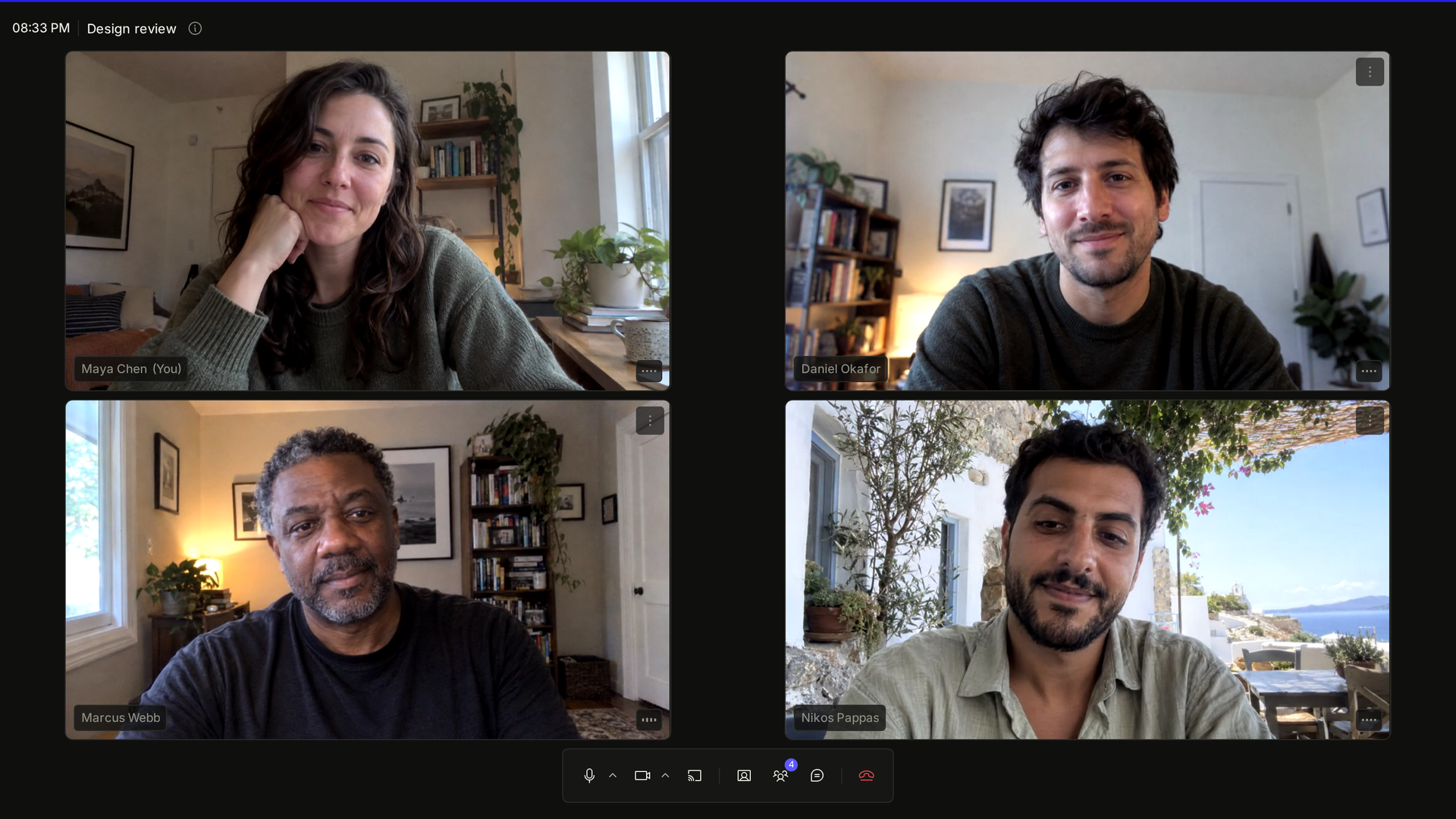 ## Quickstart On Linux with Docker: ```sh docker run --rm --network host ghcr.io/convex-works/tide:0.1.0 ``` The image is for linux/amd64 and linux/arm64. It uses the host's network because browsers send media straight to tide on UDP 7882 and TCP 7881. To build from source instead, you need Go 1.26.10 or later and Node 24 or later. From the repository root: ```sh npm ci --prefix web make build ./bin/tide ``` Either way, with no `TIDE_*` environment variables set, tide runs in anonymous mode at `http://localhost:8080`. **Next:** open http://localhost:8080, choose **New**, then **Create & join**. Open the meeting link in a private window to join as a guest, and admit the guest from the host's People panel. In anonymous mode, anyone who can reach the server can create a room. The browser that creates it owns it. Unused rooms expire after 24 hours; restarting tide clears every room. ## Deployment Configuration selects the mode: | Mode | Enabled by | Room storage | Processes | | ------------------------ | ------------------------- | ------------ | --------------------- | | Anonymous | No OIDC issuer | In memory | tide | | Signed in | `TIDE_OIDC_ISSUER` | SQLite | tide | | Signed in with recording | OIDC + `TIDE_S3_ENDPOINT` | SQLite | tide + Egress + Redis | Sign-in requires an OIDC provider and session and client secrets. Guests join with a display name and do not need an account. Recording also requires an S3-compatible bucket, storage credentials, and shared media and Redis secrets. For production, serve tide behind an HTTPS proxy that forwards WebSocket upgrades. Media reaches the server directly over UDP 7882, with TCP 7881 as a fallback; there is no TURN relay on 443, so networks that allow only HTTPS out get no media. The [deployment guide](docs/DEPLOYMENT.md) covers the binary, Docker Compose, Kubernetes, and all required configuration. Restarting tide restarts its embedded media server and ends live meetings and recordings. An [external media server](docs/DEPLOYMENT.md#external-media-server) can keep meetings running across a tide restart. ## Recording Hosts can record audio as OGG or the meeting layout as MP4. Files go to the configured S3-compatible bucket and appear in the room's recording list for download or deletion. Recording runs on the server and continues if the host closes their tab while other participants remain. It stops when explicitly stopped or when the room empties. ## Development Install the web dependencies as in Quickstart, then run: ```sh make dev ``` This requires Docker with Compose. It starts Dex, MinIO, Redis, and Egress in containers, with the Go server and Vite on the host. Open `http://localhost:5173` and sign in with `host@tide.dev` / `tide-dev`. `make dev` detects the LAN address on macOS and writes it to `deploy/.env`. On Linux, set `TIDE_MEDIA_NODE_IP=