
Jellyfin VLC Bridge
Play Jellyfin movies, shows and collections in VLC with resume support and synchronized progress.


Download for Windows
·
Install the Chrome extension
·
Installation guide
·
Français
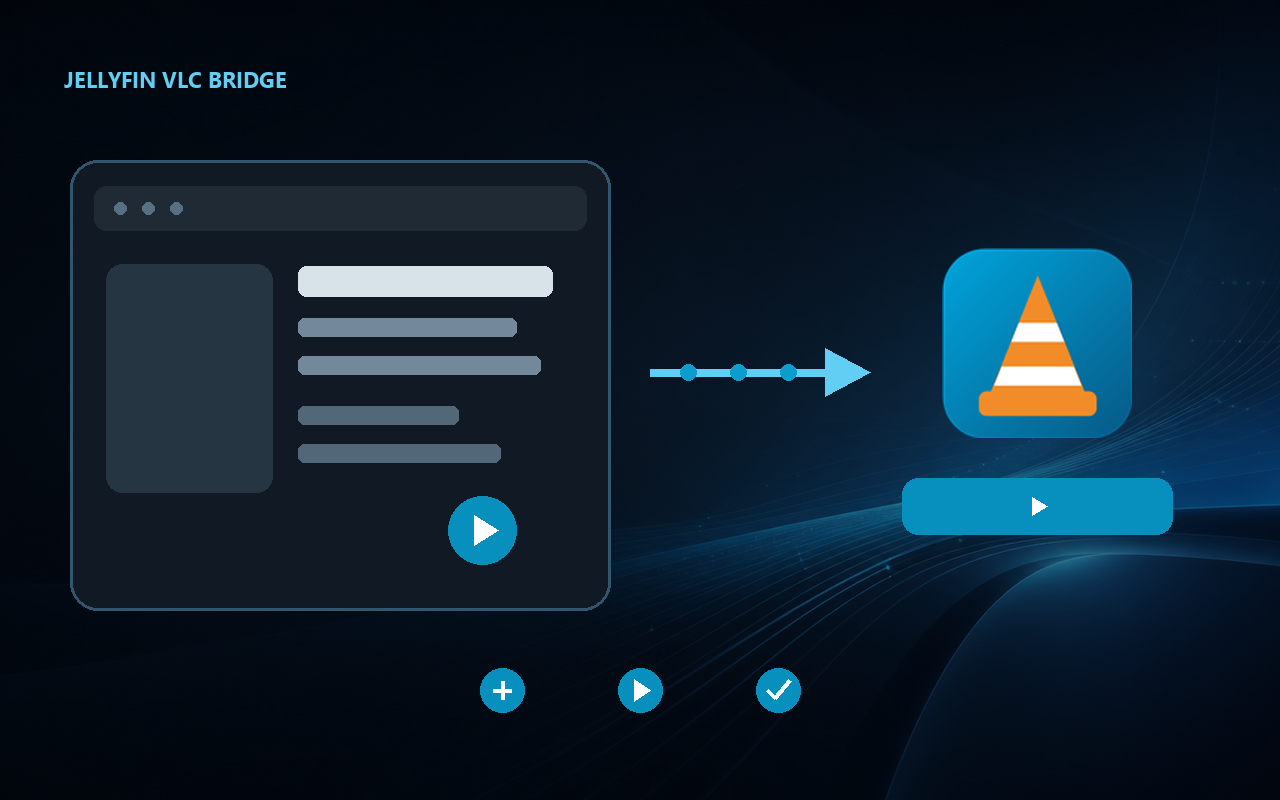
Jellyfin VLC Bridge adds a **Play with VLC** action to Jellyfin Web. It opens the original media in VLC on the Windows PC without modifying the Jellyfin server or sending data to the developer.
| Application | Platform | Extension |
|---|---|---|
| **1.19.1** | **Windows 10/11 x64** | **1.8.1** (package ready) |
**New in 1.19.1:** the Control Center, installer and uninstaller now share a WPF interface with rounded cards and vector icons. This version also includes the VLC progress, SMB settings and support export fixes prepared in 1.19.0. Run the new Setup to update all three interfaces while preserving your connection. See the [maintenance interface and verification guide](docs/MAINTENANCE-1.19.1.md) (French).
## Installation
1. **Prepare VLC** — install [VLC Media Player](https://www.videolan.org/vlc/).
2. **Install the Bridge** — download `JellyfinVlcBridge--Setup.exe` from the [latest GitHub release](https://github.com/CrySer66/jellyfin-vlc-bridge/releases/latest), run it, then approve its code in **Jellyfin → Settings → Quick Connect**.
3. **Add the button** — install the [official Chrome extension](https://chromewebstore.google.com/detail/hkjbodgdbjhignhlbecchiigcfigpidp), reload Jellyfin, open a media item and select **Play with VLC**.
**Quick check:** open a movie or episode page in Jellyfin. The **Play with VLC** button should appear in the action bar.
**Jellyfin 12:** Bridge 1.18.1 updates authentication while keeping the same mechanism for Jellyfin 10.x. Extension 1.8.1 displays preparation errors in the playback dialog. See the [upgrade steps](INSTALLATION.en.md#after-upgrading-to-jellyfin-12) and [compatibility verification limits](docs/COMPATIBILITY.md#jellyfin-10x-and-12).
The playback fix works with the already installed extension 1.8.0. The 1.8.1 package is ready for a separate Chrome Web Store submission; its presence on GitHub does not mean it is already available in the store.
Installation is per Windows user and does not require administrator rights. The [detailed guide](INSTALLATION.en.md) also covers HTTP Direct Play, SMB, updates and uninstallation.
**WinGet (optional):** version 1.18.0 was [accepted on August 31, 2026](https://github.com/microsoft/winget-pkgs/pull/413912). Catalog availability was not yet confirmed during our check that day. The [WinGet guide](INSTALLATION.en.md#install-with-winget-optional) explains how to check availability, then install and update the Bridge. The GitHub download remains available.
## Features
- movies, episodes, seasons, shows and collections;
- Jellyfin media-version selection, such as 1080p or 4K, before launching VLC;
- resume from the saved position or restart from the beginning;
- playback, pause, stop and progress synchronization with Jellyfin;
- automatic continuation through prepared episodes or movies;
- recommended HTTP Direct Play or an existing SMB share;
- Quick Connect authentication without copying an administrator API key;
- Jellyfin token protection through Windows Credential Manager;
- graphical diagnostics and repair in the Control Center;
- quick access to the Control Center from a notification-area icon;
- guided updates from GitHub Releases;
- silent background launch without a command window or Jellyfin file changes.
## Privacy and security
The project contains no advertising, telemetry or analytics. The extension sends only the media identifier and playback choices to the companion application on the same PC. The local relay listens exclusively on `127.0.0.1`.
Diagnostics and support packages generated by the application exclude the Jellyfin token and personal identifiers. See the [privacy policy](PRIVACY.md), [security policy](SECURITY.md), [code-signing policy](CODE_SIGNING.md) and [download verification guide](docs/VERIFY_DOWNLOADS.md).
## Download with confidence
The Windows executables currently have **no Authenticode signature**. The first application to SignPath Foundation’s open-source program was not accepted because the project does not yet have enough visibility and reputation. Windows SmartScreen may therefore display a warning even for an intact official file.
Always download the Bridge from this repository’s [Releases page](https://github.com/CrySer66/jellyfin-vlc-bridge/releases). Starting with version 1.18.0, releases provide:
- a SHA-256 digest in `SHA256SUMS.txt`;
- a GitHub attestation for the installer and ZIP, confirming that they came from this repository’s public workflow.
The Control Center also compares GitHub’s advertised SHA-256 digest before it opens a downloaded update installer.
Read the [download verification guide](docs/VERIFY_DOWNLOADS.md) before deciding how to respond to a Windows warning. A provenance attestation is not a Windows signature and does not suppress SmartScreen.
## Languages
The Windows application and Chrome extension support French and English. Chrome automatically follows the browser language. The Control Center follows Windows and also offers a manual language choice.
## Documentation and contributing
- [Detailed installation](INSTALLATION.en.md)
- [Building and development](docs/DEVELOPMENT.md)
- [Compatibility and supported environments](docs/COMPATIBILITY.md)
- [Verify a download](docs/VERIFY_DOWNLOADS.md)
- [Distribution roadmap](docs/DISTRIBUTION.md)
- [Contributing](CONTRIBUTING.md)
- [Release history](CHANGELOG.md)
- [Report a problem](https://github.com/CrySer66/jellyfin-vlc-bridge/issues/new/choose)
The application, extension, installer and test sources are public. Compiled executables are published separately in [GitHub Releases](https://github.com/CrySer66/jellyfin-vlc-bridge/releases).
## Current limitations
- the finished installer targets Windows 10/11 x64;
- VLC must be installed separately;
- audio and subtitle tracks are selected in VLC;
- a major Jellyfin Web change may require an extension update.
## License
Jellyfin VLC Bridge is an independent project and is not affiliated with Jellyfin, VideoLAN, Google or Microsoft. It is distributed under the [MIT license](LICENSE).