# Avalonia Progress Ring
[](https://www.nuget.org/packages/Deadpikle.AvaloniaProgressRing/) [](https://www.nuget.org/packages/Deadpikle.AvaloniaProgressRing/) [](https://www.nuget.org/packages/Deadpikle.AvaloniaProgressRing/) [](https://github.com/Deadpikle/AvaloniaProgressRing/issues/)
This project is a simple progress ring for Avalonia that's modeled off of [ModernWpf's](https://github.com/Kinnara/ModernWpf) progress ring. Credit to ModernWpf for the initial code and design! v0.8.x works on Avalonia 0.9.x, and v0.9.x is compatible with Avalonia 0.10.x. v0.10.x is compatible with Avalonia 11 Preview 2+ (0.10.7+ builds on Avalonia 11.1+). v0.11.x is compatible with Avalonia 12 Preview 1.
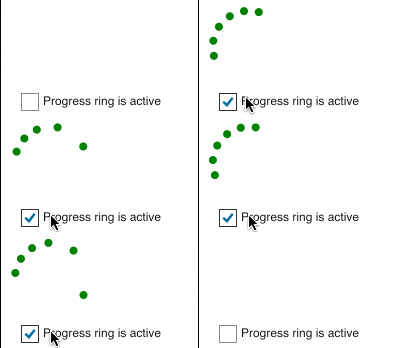
## Using in Your Project
Add `Deadpikle.AvaloniaProgressRing` to your NuGet references, then add the following to your `App.xaml` in `Application.Styles`:
```xml
```
In your `UserControl`, add the following:
```xml
```
Make sure that you bind to `IsActive` to show/hide the progress ring!
## Contributing
All contributions and improvements are welcome with one exception: no contributions made via AI or AI tools will be accepted at this time. Thanks for your involvement!
## License
MIT. Thanks!