# PTQ and QAT with YOLO-NAS
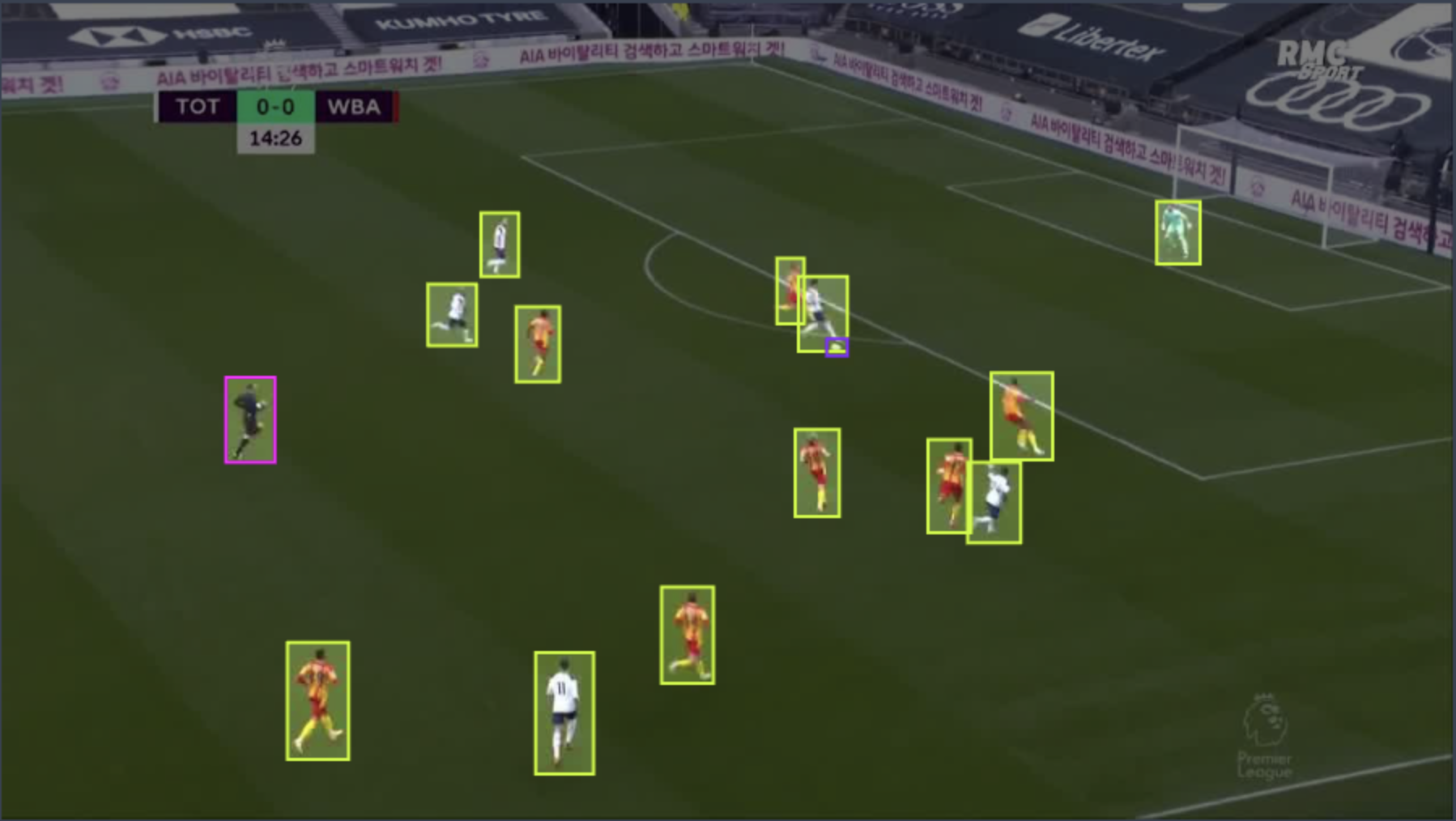
In this tutorial, we will guide you step by step on how to prepare our YOLO-NAS for production!
We will leverage YOLO-NAS architecture which includes quantization-friendly blocks, and train a YOLO-NAS model on Roboflow's [Soccer Player Detection Dataset](https://universe.roboflow.com/roboflow-100/soccer-players-5fuqs)
in a way that would maximize our throughput without compromising on the model's accuracy.
The steps will be:
1. Training from scratch on one of the downstream datasets - these will play the role of the user's dataset (i.e., the one in which the model will need to be trained for the user's task)
2. Performing post-training quantization and quantization-aware training
Pre-requisites:
- [Training with configuration files](https://github.com/Deci-AI/super-gradients/blob/master/documentation/source/configuration_files.md)
- [PTQ and QAT](https://github.com/Deci-AI/super-gradients/blob/master/documentation/source/ptq_qat.md)
**Note: quantization is currently supported exclusively for GPU and TensorRT environments.**
Now, let's get to it.
## Step 0: Installations and Dataset Setup
Follow the [official instructions](https://github.com/roboflow/roboflow-100-benchmark?ref=roboflow-blog) to download Roboflow100:
To use this dataset, you **must** download the "coco" format, **NOT** the yolov5.
```
- Your dataset should look like this:
rf100
├── 4-fold-defect
│ ├─ train
│ │ ├─ 000000000001.jpg
│ │ ├─ ...
│ │ └─ _annotations.coco.json
│ ├─ valid
│ │ └─ ...
│ └─ test
│ └─ ...
├── abdomen-mri
│ └─ ...
└── ...
- Install CoCo API: https://github.com/pdollar/coco/tree/master/PythonAPI
```
Install the latest version of SG:
```commandline
pip install super-gradients
```
Install torch + PyTorch-quantization (note that later versions should be compatible as well and that you should essentially follow torch installation according to https://pytorch.org/get-started/locally/)
```commandline
pip install torch==1.11.0+cu113 torchvision==0.12.0+cu113 torchaudio==0.11.0 --extra-index-url https://download.pytorch.org/whl/cu113 &> /dev/null
pip install pytorch-quantization==2.1.2 --extra-index-url https://pypi.ngc.nvidia.com &> /dev/null
```
## Launch Training (non-QA)
Although this might come as a surprise - the name quantization-aware training needs to be more accurate and be performed on a trained checkpoint rather than from scratch.
So in practice, we need to train our model on our dataset fully, then after we perform calibration, we fine-tune our model once again, which will be our final step.
As we discuss in our [Training with configuration files](), we clone the SG repo, then use the repo's configuration files in our training examples.
We will use the ```src/super_gradients/recipes/roboflow_yolo_nas_s.yaml```configuration to train the small variant of our DeciModel, DeciModel S.
So we navigate to our ```train_from_recipe``` script:
```commandline
cd /super_gradients/src/super_gradients/examples/train_from_recipe_example
```
Then to avoid collisions between our cloned and installed SG:
```commandline
export PYTHONPATH=$PYTHONPATH:/super_gradients/
```
To launch training on one of the RF100 datasets, we pass it through the dataset_name argument:
```
python -m train_from_recipe --config-name=roboflow_yolo_nas_s dataset_name=soccer-players-5fuqs dataset_params.data_dir= ckpt_root_dir= experiment_name=yolo_nas_s_soccer_players
...
Train epoch 99: 100%|██████████| 32/32 [00:23<00:00, 1.35it/s, PPYoloELoss/loss=0.853, PPYoloELoss/loss_cls=0.417, PPYoloELoss/loss_dfl=0.56, PPYoloELoss/loss_iou=0.0621, gpu_mem=11.7]
Validation epoch 99: 100%|██████████| 3/3 [00:00<00:00, 5.49it/s]
===========================================================
SUMMARY OF EPOCH 99
├── Training
│ ├── Ppyoloeloss/loss = 0.8527
│ │ ├── Best until now = 0.8515 (↗ 0.0012)
│ │ └── Epoch N-1 = 0.8515 (↗ 0.0012)
│ ├── Ppyoloeloss/loss_cls = 0.4174
│ │ ├── Best until now = 0.4178 (↘ -0.0004)
│ │ └── Epoch N-1 = 0.4178 (↘ -0.0004)
│ ├── Ppyoloeloss/loss_dfl = 0.5602
│ │ ├── Best until now = 0.5573 (↗ 0.0029)
│ │ └── Epoch N-1 = 0.5573 (↗ 0.0029)
│ └── Ppyoloeloss/loss_iou = 0.0621
│ ├── Best until now = 0.062 (↗ 0.0)
│ └── Epoch N-1 = 0.062 (↗ 0.0)
└── Validation
├── F1@0.50 = 0.779
│ ├── Best until now = 0.8185 (↘ -0.0395)
│ └── Epoch N-1 = 0.796 (↘ -0.017)
├── Map@0.50 = 0.9601
│ ├── Best until now = 0.967 (↘ -0.0069)
│ └── Epoch N-1 = 0.957 (↗ 0.0031)
├── Ppyoloeloss/loss = 1.4472
│ ├── Best until now = 1.3971 (↗ 0.0501)
│ └── Epoch N-1 = 1.4421 (↗ 0.0051)
├── Ppyoloeloss/loss_cls = 0.5981
│ ├── Best until now = 0.527 (↗ 0.0711)
│ └── Epoch N-1 = 0.5986 (↘ -0.0005)
├── Ppyoloeloss/loss_dfl = 0.8216
│ ├── Best until now = 0.7849 (↗ 0.0367)
│ └── Epoch N-1 = 0.8202 (↗ 0.0014)
├── Ppyoloeloss/loss_iou = 0.1753
│ ├── Best until now = 0.1684 (↗ 0.007)
│ └── Epoch N-1 = 0.1734 (↗ 0.002)
├── Precision@0.50 = 0.6758
│ ├── Best until now = 0.7254 (↘ -0.0495)
│ └── Epoch N-1 = 0.6931 (↘ -0.0172)
└── Recall@0.50 = 0.9567
├── Best until now = 0.9872 (↘ -0.0304)
└── Epoch N-1 = 0.9567 (= 0.0)
===========================================================
[2023-03-30 14:09:47] INFO - sg_trainer.py - RUNNING ADDITIONAL TEST ON THE AVERAGED MODEL...
Validation epoch 100: 100%|██████████| 3/3 [00:00<00:00, 5.45it/s]
===========================================================
SUMMARY OF EPOCH 100
├── Training
│ ├── Ppyoloeloss/loss = 0.8527
│ │ ├── Best until now = 0.8515 (↗ 0.0012)
│ │ └── Epoch N-1 = 0.8515 (↗ 0.0012)
│ ├── Ppyoloeloss/loss_cls = 0.4174
│ │ ├── Best until now = 0.4178 (↘ -0.0004)
│ │ └── Epoch N-1 = 0.4178 (↘ -0.0004)
│ ├── Ppyoloeloss/loss_dfl = 0.5602
│ │ ├── Best until now = 0.5573 (↗ 0.0029)
│ │ └── Epoch N-1 = 0.5573 (↗ 0.0029)
│ └── Ppyoloeloss/loss_iou = 0.0621
│ ├── Best until now = 0.062 (↗ 0.0)
│ └── Epoch N-1 = 0.062 (↗ 0.0)
└── Validation
├── F1@0.50 = 0.7824
│ ├── Best until now = 0.8185 (↘ -0.0361)
│ └── Epoch N-1 = 0.779 (↗ 0.0034)
├── Map@0.50 = 0.9635
│ ├── Best until now = 0.967 (↘ -0.0036)
│ └── Epoch N-1 = 0.9601 (↗ 0.0033)
├── Ppyoloeloss/loss = 1.432
│ ├── Best until now = 1.3971 (↗ 0.0349)
│ └── Epoch N-1 = 1.4472 (↘ -0.0152)
├── Ppyoloeloss/loss_cls = 0.588
│ ├── Best until now = 0.527 (↗ 0.061)
│ └── Epoch N-1 = 0.5981 (↘ -0.0101)
├── Ppyoloeloss/loss_dfl = 0.8191
│ ├── Best until now = 0.7849 (↗ 0.0343)
│ └── Epoch N-1 = 0.8216 (↘ -0.0025)
├── Ppyoloeloss/loss_iou = 0.1738
│ ├── Best until now = 0.1684 (↗ 0.0054)
│ └── Epoch N-1 = 0.1753 (↘ -0.0015)
├── Precision@0.50 = 0.6769
│ ├── Best until now = 0.7254 (↘ -0.0485)
│ └── Epoch N-1 = 0.6758 (↗ 0.0011)
└── Recall@0.50 = 0.9567
├── Best until now = 0.9872 (↘ -0.0304)
└── Epoch N-1 = 0.9567 (= 0.0)
```
And so our best checkpoint resides in /yolo_nas_s_soccer_players/ckpt_best.pth reaches 0.967 mAP!
Let's visualize some results:
```python
from super_gradients.common.object_names import Models
from super_gradients.training import models
model = models.get(Models.YOLO_NAS_S,
checkpoint_path=/yolo_nas_s_soccer_players/ckpt_best.pth>,
num_classes=3)
predictions = model.predict("messi_penalty.mp4")
predictions.show(show_confidence=False)
```

## QAT and PTQ
Now, we will take our checkpoint from our previous section and perform post-training quantization, then quantization-aware training.
To do so, we will need to launch training with our `qat_from_recipe` example script, which simplifies taking any existing training recipe and making it a quantization-aware one with the help of some of our recommended practices.
So this time, we navigate to the `qat_from_recipe` example directory:
```commandline
cd /super_gradients/src/super_gradients/examples/qat_from_recipe_example
```
Before we launch, let's see how we can easily create a configuration from our `roboflow_yolo_nas_s` config to get the most out of QAT and PTQ.
We added a new config that inherits from our previous one, called `roboflow_yolo_nas_s_qat.yaml`. Let's peek at it:
```yaml
defaults:
- roboflow_yolo_nas_s
- quantization_params: default_quantization_params
- _self_
checkpoint_params:
checkpoint_path: ???
strict_load: no_key_matching
experiment_name: soccer_players_qat_yolo_nas_s
pre_launch_callbacks_list:
- QATRecipeModificationCallback:
batch_size_divisor: 2
max_epochs_divisor: 10
lr_decay_factor: 0.01
warmup_epochs_divisor: 10
cosine_final_lr_ratio: 0.01
disable_phase_callbacks: True
disable_augmentations: False
```
Let's break it down:
- We inherit from our original non-QA recipe
- We set `quantization_params` to the default ones. Reminder - this is where QAT and PTQ hyper-parameters are defined.
- We set our checkpoint_params.checkpoint_path to ??? so that passing a checkpoint is required. We will override this value when launching from the command line.
- We add a `QATRecipeModificationCallback` to our `pre_launch_callbacks_list`: This callback accepts the entire `cfg: DictConfig` and manipulates it right before we start the training. This allows us to adapt any non-QA recipe to a QA one quickly.
Here we will:
- Use half the batch size of the original recipe.
- Use 10 percent of the number of the epochs (and warmup epochs).
- Use 1 percent of the original learning rate.
- Set the final learning rate ratio of the cosine scheduling to 0.01
- Disable augmentations and the phase_callbacks.
Now we can launch PTQ and QAT from the command line:
```commandline
python -m qat_from_recipe --config-name=roboflow_yolo_nas_s_qat experiment_name=soccer_players_qat_yolo_nas_s dataset_name=soccer-players-5fuqs dataset_params.data_dir= checkpoint_params.checkpoint_path=/yolo_nas_s_soccer_players/ckpt_best.pth ckpt_ckpt_root_dir=
...
[2023-04-02 11:37:56,848][super_gradients.training.pre_launch_callbacks.pre_launch_callbacks][INFO] - Modifying recipe to suit QAT rules of thumb. Remove QATRecipeModificationCallback to disable.
[2023-04-02 11:37:56,858][super_gradients.training.pre_launch_callbacks.pre_launch_callbacks][WARNING] - New number of epochs: 10
[2023-04-02 11:37:56,858][super_gradients.training.pre_launch_callbacks.pre_launch_callbacks][WARNING] - New learning rate: 5e-06
[2023-04-02 11:37:56,858][super_gradients.training.pre_launch_callbacks.pre_launch_callbacks][WARNING] - New weight decay: 1.0000000000000002e-06
[2023-04-02 11:37:56,858][super_gradients.training.pre_launch_callbacks.pre_launch_callbacks][WARNING] - EMA will be disabled for QAT run.
[2023-04-02 11:37:56,859][super_gradients.training.pre_launch_callbacks.pre_launch_callbacks][WARNING] - SyncBatchNorm will be disabled for QAT run.
[2023-04-02 11:37:56,859][super_gradients.training.pre_launch_callbacks.pre_launch_callbacks][WARNING] - Recipe requests multi_gpu=False and num_gpus=1. Changing to multi_gpu=OFF and num_gpus=1
100%|███████████████████████████████████████████████████████████████████████████████████████████████████████████████████████████████████████████████████████████████████████| 32/32 [00:32<00:00, 1.01s/it]
[2023-04-02 11:38:34,316][super_gradients.training.qat_trainer.qat_trainer][INFO] - Validating PTQ model...
0%| | 0/3 [00:00/soccer_players_qat_yolo_nas_s/soccer_players_qat_yolo_nas_s_16x3x640x640_qat.onnx, ready to be converted to [converted and deployed to int8 using TRT](https://docs.nvidia.com/deeplearning/tensorrt/quick-start-guide/index.html#onnx-export).