# 💡 Fikir Overlay
**Real-time idea overlay for live streams**
[](https://nodejs.org)
[](#)
[](#-language-support)
[](#-license)
Viewers submit ideas in chat → you manage them from a control panel → accepted ideas appear as post-it notes on your OBS overlay.
[Preview](#-preview) · [Features](#-features) · [Quick Start](#-quick-start) · [OBS Setup](#️-obs-setup) · [Languages](#️-language-support) · [Shortcuts](#️-keyboard-shortcuts) · [Structure](#-structure) · [License](#-license)
---
## 📸 Preview
**🎛️ Control Panel**
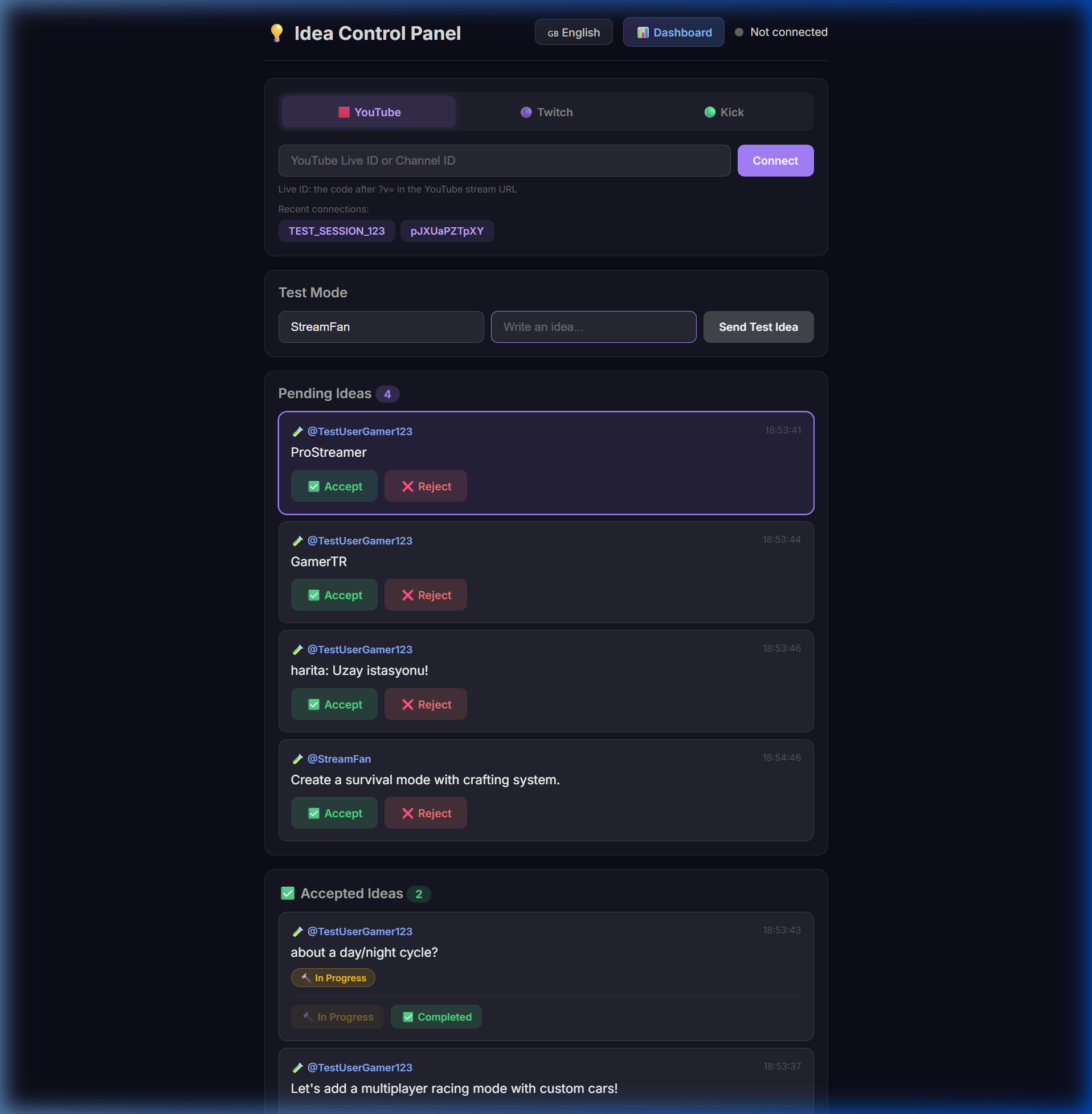
|
**📊 Dashboard**
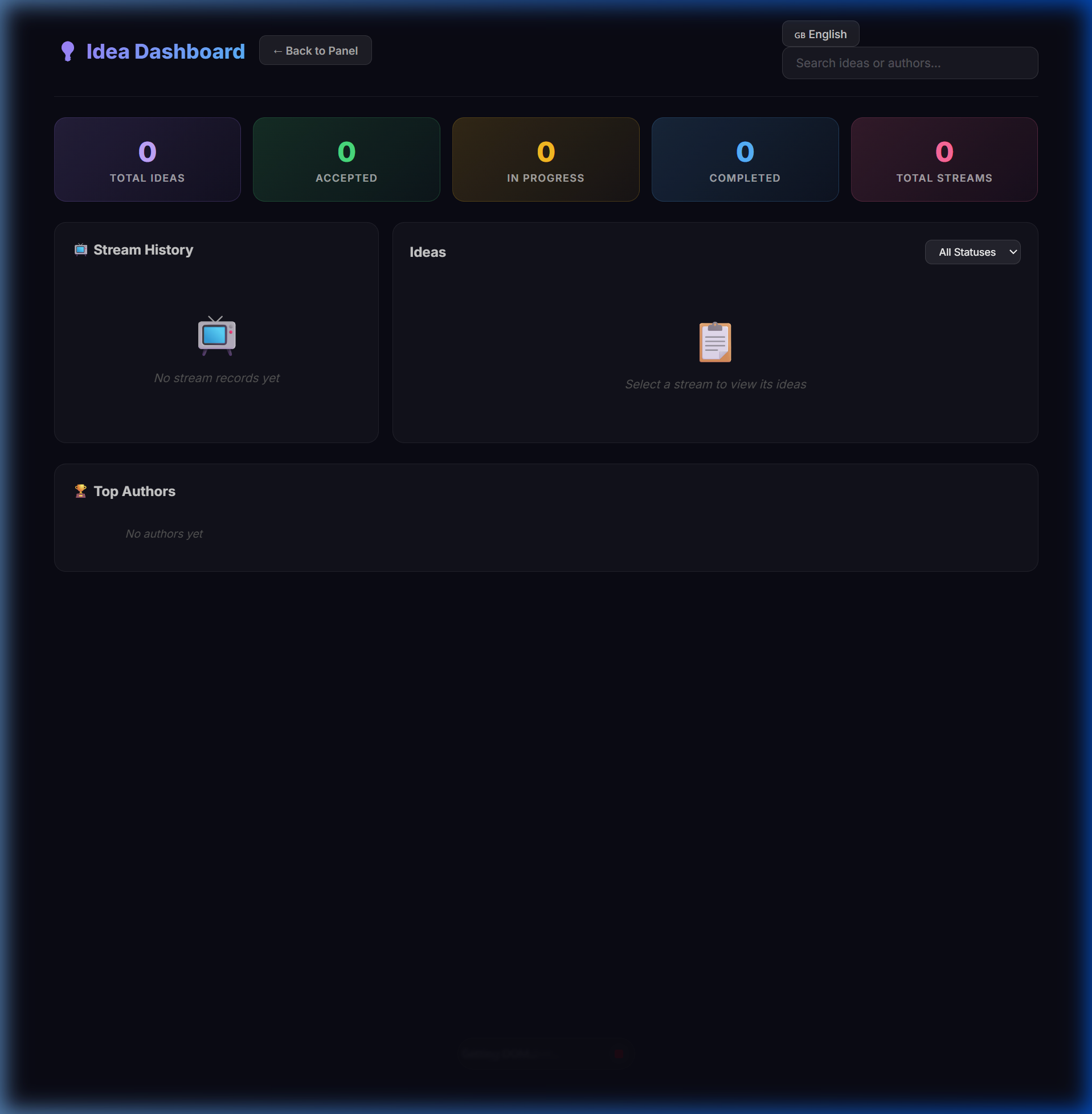
|
**🔔 OBS Notifications**
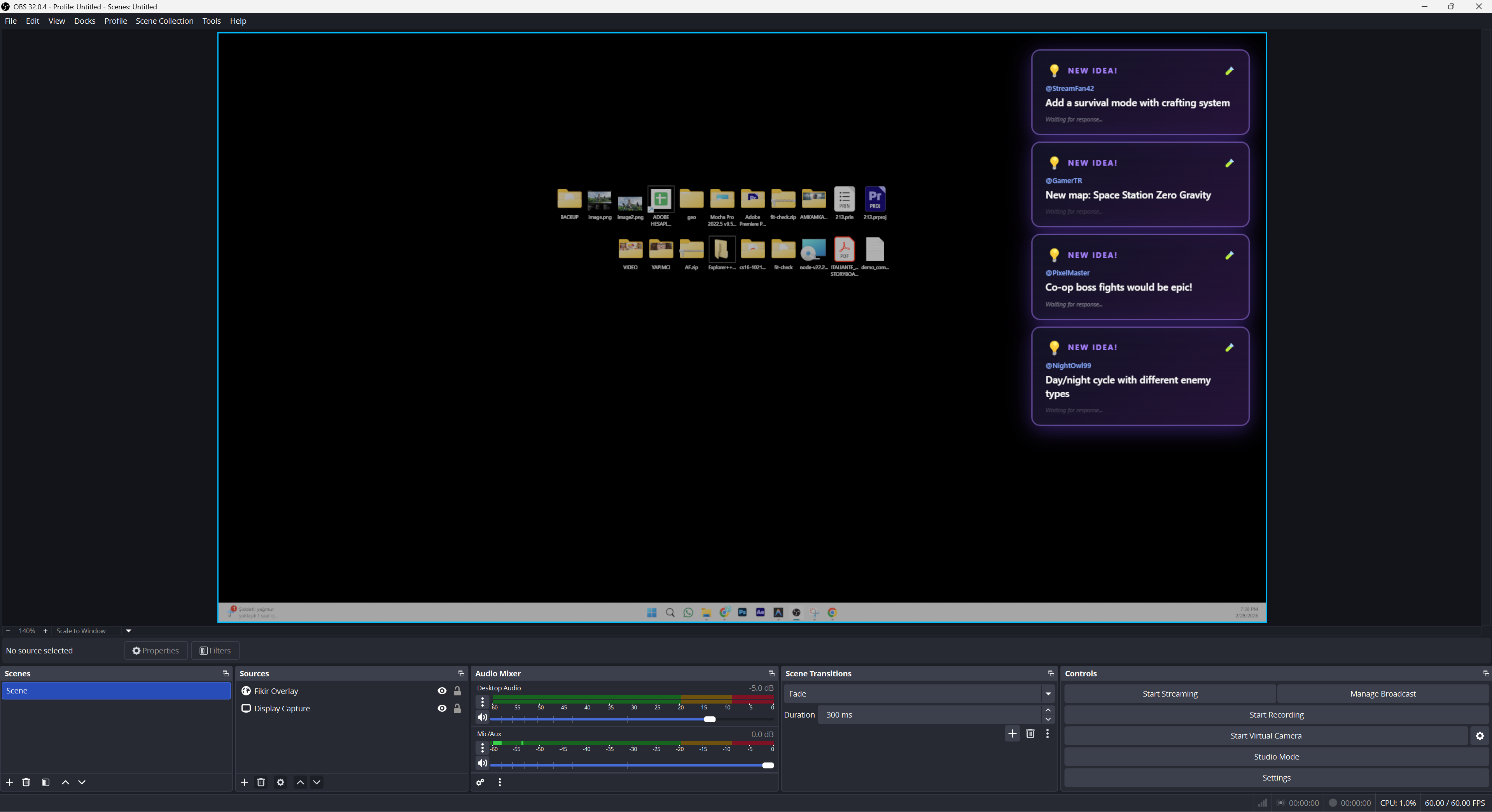
|
**📌 OBS Post-it Notes**
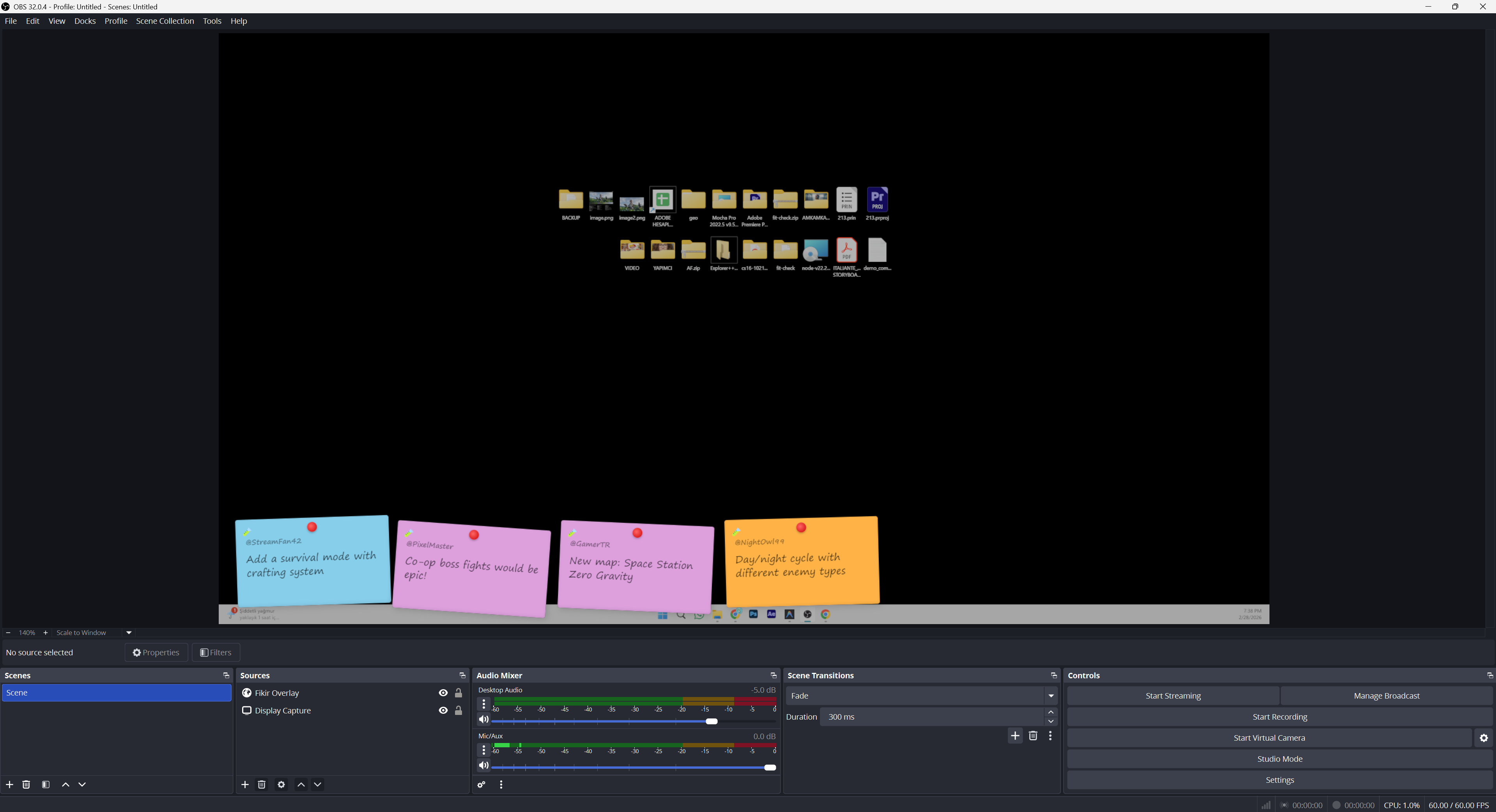
|
---
## ✨ Features
- **Multi-platform** — YouTube, Twitch, and Kick chat support
- **30+ chat triggers** — `/idea`, `/fikir`, `/idée`, `/идея`, `/アイデア` and more
- **10 UI languages** — English, Türkçe, Español, Português, Français, Deutsch, Русский, 日本語, 한국어, 中文
- **OBS overlay** — Draggable, resizable post-it notes with transparent background
- **Status tracking** — Pending → Accepted → In Progress → Completed
- **Dashboard** — Browse past streams, search ideas, view top authors
- **Anti-spam** — Rate limiting (3/min per user) + profanity filter (EN/TR)
- **Persistent storage** — SQLite database for all ideas and sessions
---
## 🚀 Quick Start
> **Requires:** [Node.js](https://nodejs.org) v18+
```bash
git clone https://github.com/EEspinoso/fikir-overlay.git
cd fikir-overlay
npm install
node server.js
```
**Windows shortcut:** Double-click `start.bat` — auto-installs and launches.
Once running, open:
| Page | URL | Purpose |
|------|-----|---------|
| **Panel** | [localhost:3000/panel.html](http://localhost:3000/panel.html) | Manage ideas |
| **Overlay** | [localhost:3000/overlay.html](http://localhost:3000/overlay.html) | OBS source |
| **Dashboard** | [localhost:3000/dashboard.html](http://localhost:3000/dashboard.html) | Stats & history |
---
## 🖥️ OBS Setup
1. In OBS, add a **Browser** source
2. Set URL to `http://localhost:3000/overlay.html`
3. Set size to **1920 × 1080**
4. Paste this **Custom CSS** for transparent background:
```css
body { background-color: rgba(0, 0, 0, 0); margin: 0; overflow: hidden; }
```
5. Done! Accepted ideas will appear as post-it notes on your stream.
> **Tip:** Open the control panel on a second monitor or browser tab while streaming.
---
## 🗣️ Language Support
**UI Languages (panel & dashboard)** — click the selector in the top-right corner:
🇬🇧 English · 🇹🇷 Türkçe · 🇪🇸 Español · 🇧🇷 Português · 🇫🇷 Français · 🇩🇪 Deutsch · 🇷🇺 Русский · 🇯🇵 日本語 · 🇰🇷 한국어 · 🇨🇳 中文
**Chat triggers (30+ languages)** — viewers can type:
`/idea` `/fikir` `/idée` `/ideia` `/idee` `/идея` `/アイデア` `/아이디어` `/创意` `/فكرة` `/fikra` and more...
---
## ⌨️ Keyboard Shortcuts
| Key | Action |
|-----|--------|
| `Enter` | Accept selected idea |
| `Backspace` | Reject selected idea |
| `↑` `↓` | Navigate between ideas |
---
## 📁 Structure
```
fikir-overlay/
├── server.js # Express + Socket.IO server
├── start.bat # Windows one-click launcher
├── lib/
│ ├── db.js # SQLite database
│ ├── ratelimit.js # Rate limiter
│ └── profanity.js # Profanity filter
└── public/
├── panel.html # Control panel
├── overlay.html # OBS overlay
├── dashboard.html # Stats dashboard
├── js/i18n.js # Translation system
└── css/ # Stylesheets
```
---
## 📋 License
[MIT](LICENSE)
Made with ❤️ for streamers