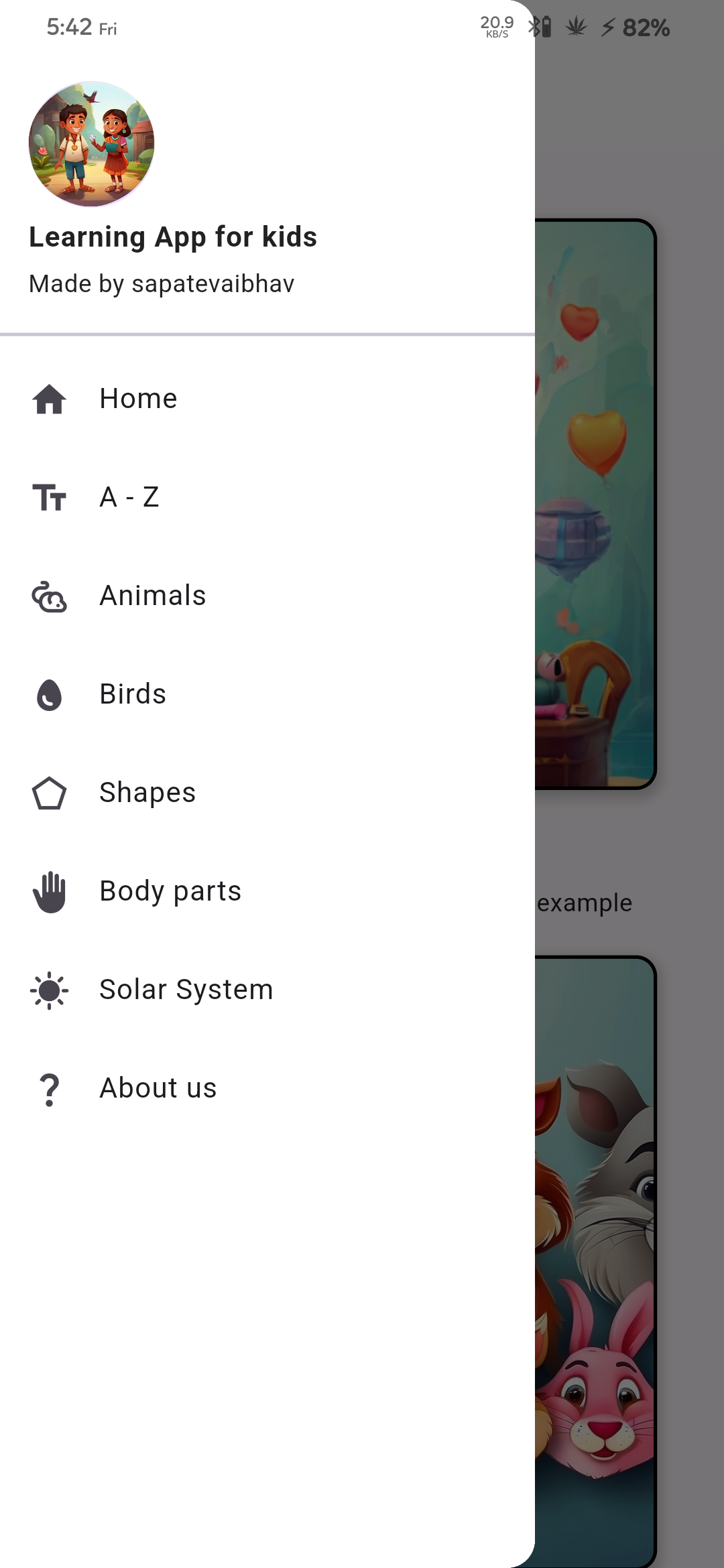
Learn, a simple learning app built using Flutter for kids. This app is designed to provide an engaging learning experience for children, covering a wide range of topics including :
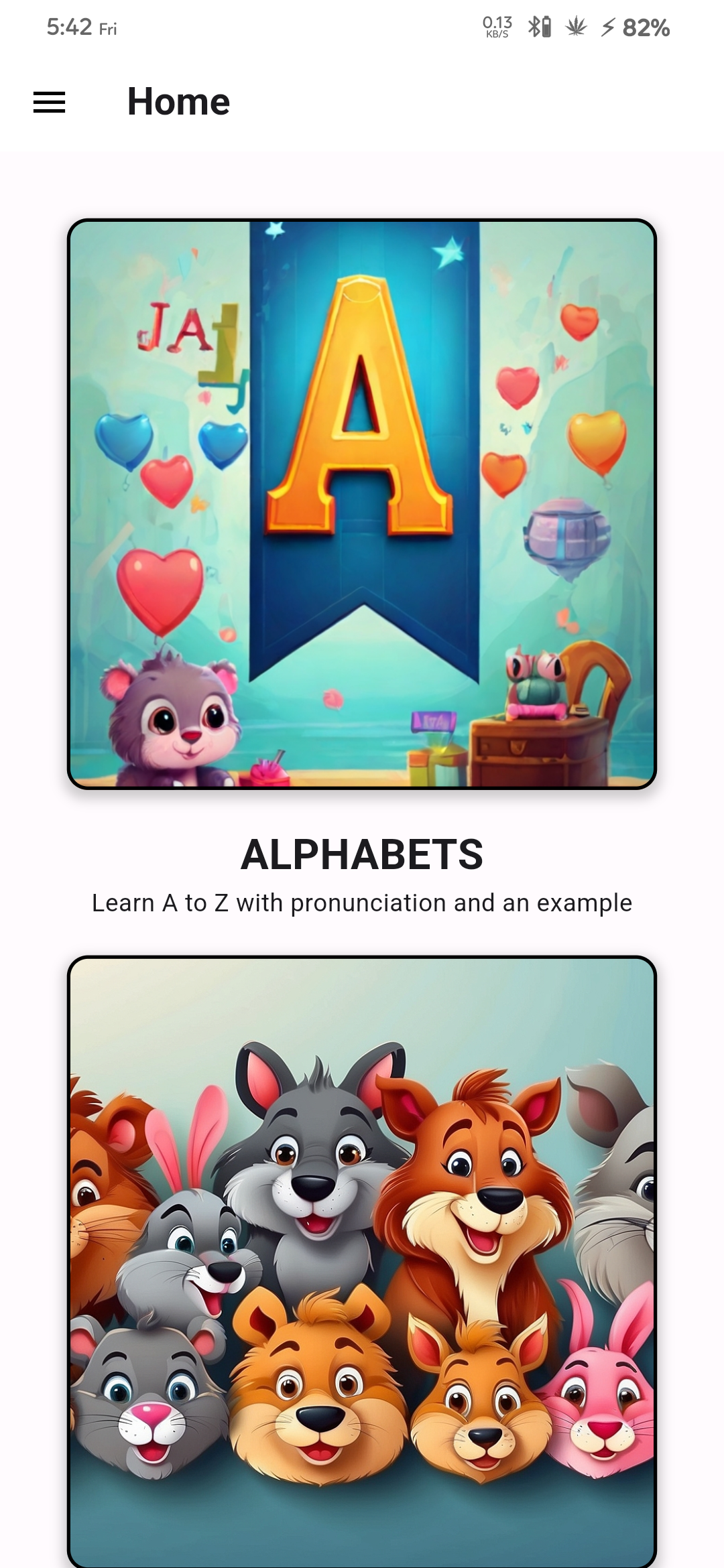
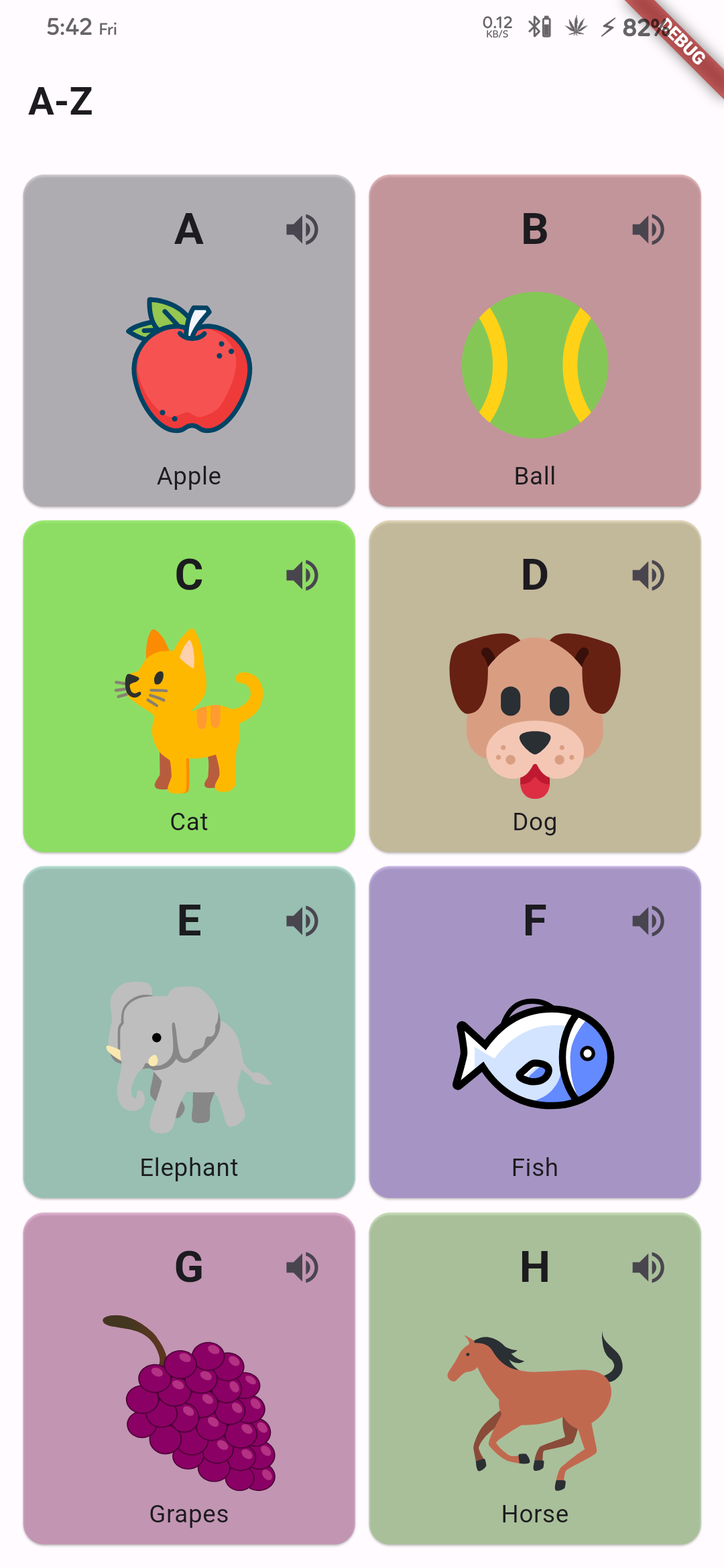
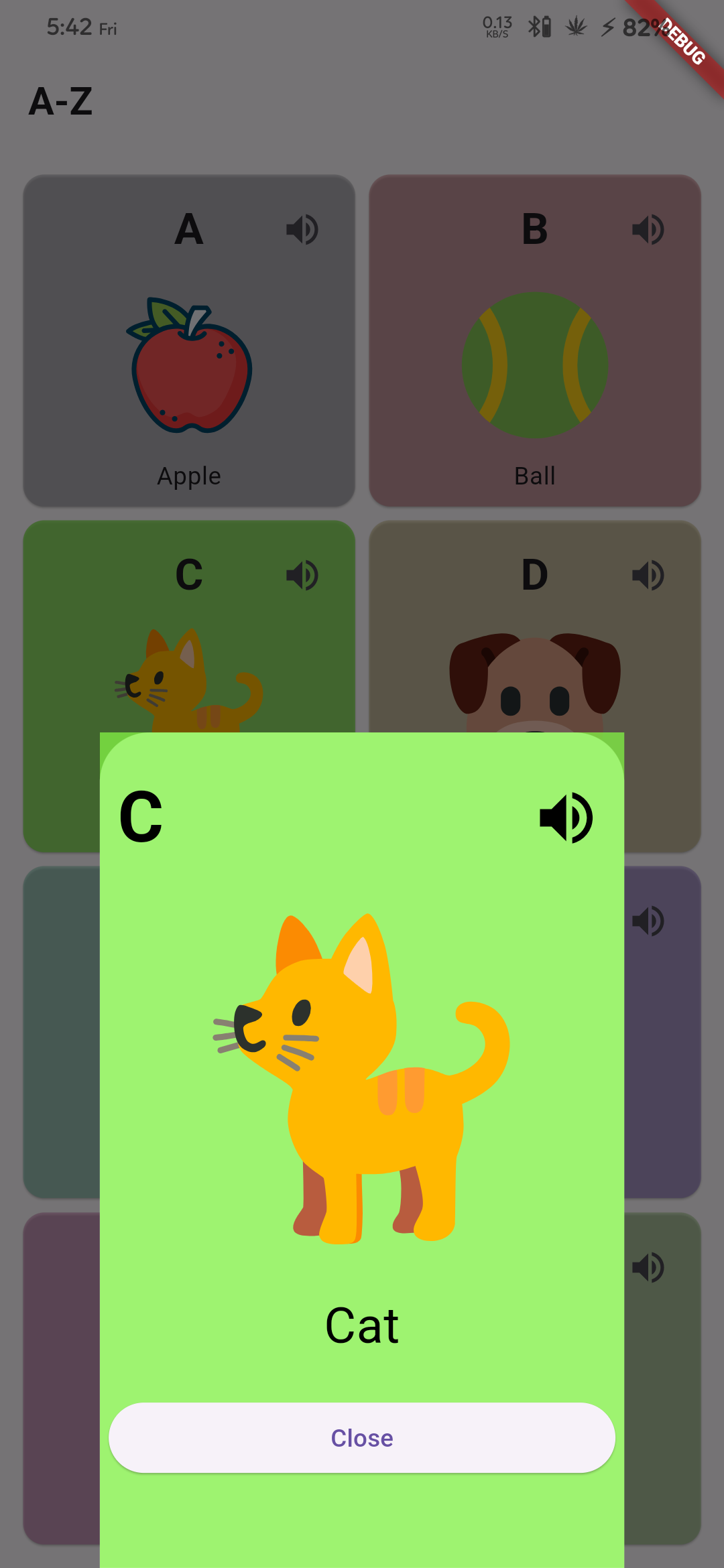
- A-Z Alphabets with examples and pronunciation.
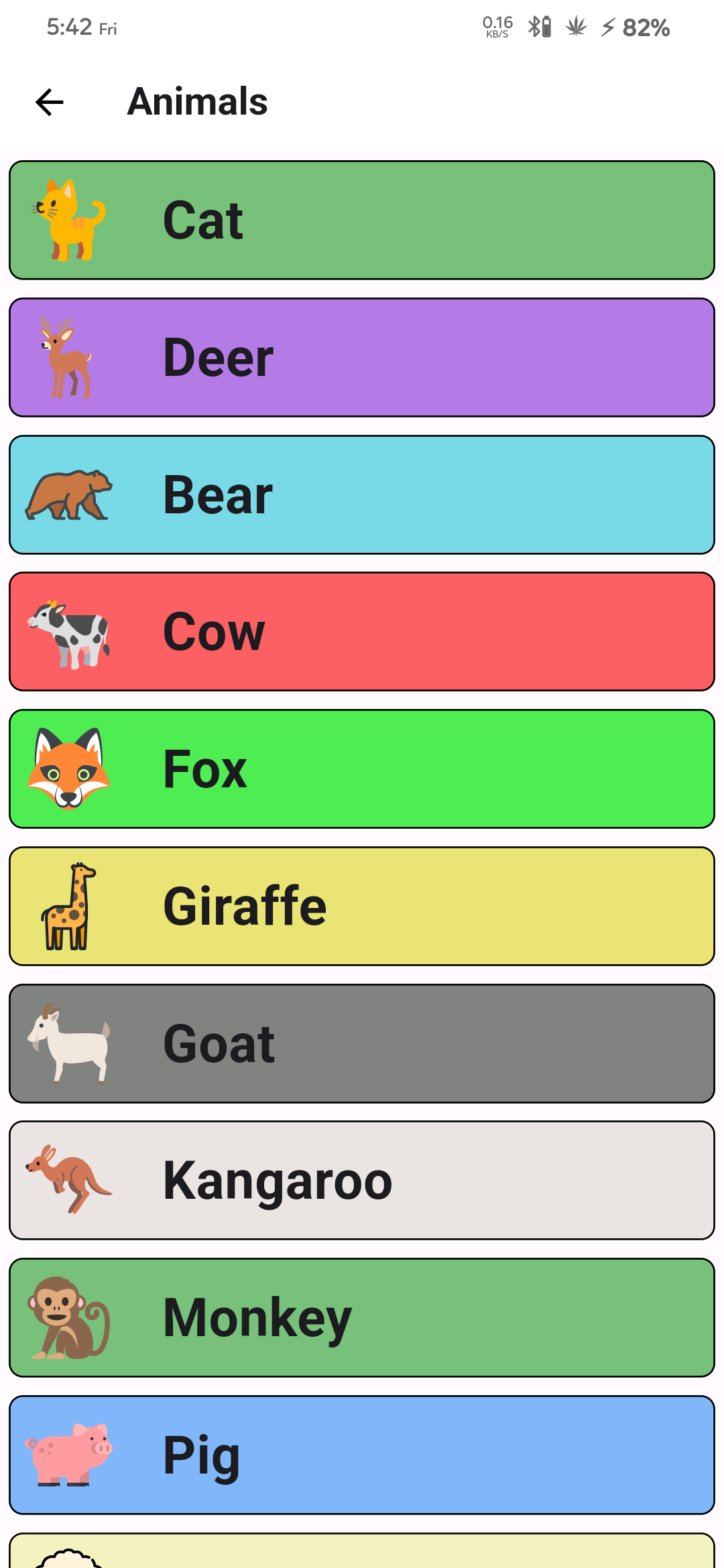
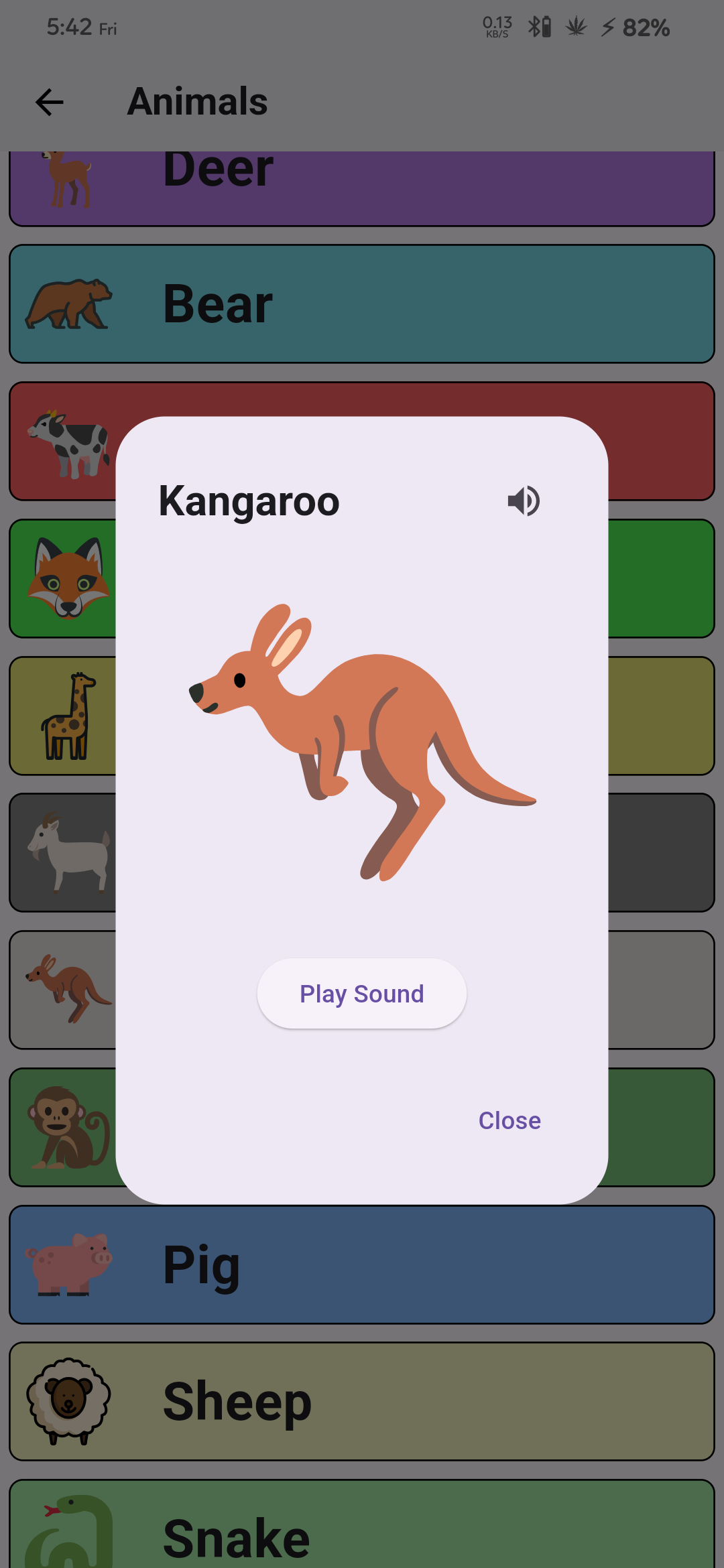
- Animals and their pronunciation along with their voices.
- Body parts and their pronunciation with Short information on various topics.
More exciting features are planned for future updates, such as birds and their voices, information on the solar system, knowledge of shapes, and much more!
## 🏆 Featured in:
| Event Logo |
Event Name |
Event Description |
 |
GirlScript Summer of Code 2024 |
GirlScript Summer of Code is a three-month-long Open Source Program conducted every summer by GirlScript Foundation. It is an initiative to bring more beginners to Open-Source Software Development. |
 |
Vinyasa Summer of Code 2024 |
Vinyasa Summer of Code represents an exciting opportunity for students in computer science and design to delve into innovative projects and collaborative learning. |
## Table of Contents
- [Code of Conduct](#code-of-conduct)
- [Contributing Guidelines](#contributing-guidelines)
- [Getting Started](#getting-started)
- [Clone the Git Repository](#clone-the-git-repository)
- [Run the Flutter Project](#run-the-flutter-project)
- [Screenshots](#screenshots)
- [License](#license)
## Code of Conduct
Please note that this project is released with a [Contributor Code of Conduct](CODE_OF_CONDUCT.md). By participating in this project you agree to abide by its terms.
## Contributing Guidelines
We believe in the power of collaboration. If you have ideas to improve College.ai, feel free to contribute! Check out our [Contribution Guidelines](CONTRIBUTING.md) to get started.
### Getting Started
To get started with the **Learn** app, follow these simple steps :
### Clone the Git Repository
```bash
git clone https://github.com/VaibhavCodeClub/learn
```
### Run the Flutter Project
Please ensure you have Flutter installed. If not, you can follow the instructions on [Flutter.dev](https://flutter.dev/) to get it installed on your machine.
Navigate to the project directory using the terminal.
Run the following command to fetch the dependencies:
```bash
flutter pub get
```
Once the dependencies are fetched, run the app on your preferred device using :
```bash
flutter run
```
That's it! The app should now be running on your device/emulator.
### Screenshots
 **Note:** If you encounter any issues or have suggestions for improvement, please feel free to [create an issue](https://github.com/VaibhavCodeClub/learn/issues/new/choose) on our GitHub repository. We appreciate your feedback!
## License
This project is licensed under the MIT License - see the [LICENSE](LICENSE) file for details.
**Note:** If you encounter any issues or have suggestions for improvement, please feel free to [create an issue](https://github.com/VaibhavCodeClub/learn/issues/new/choose) on our GitHub repository. We appreciate your feedback!
## License
This project is licensed under the MIT License - see the [LICENSE](LICENSE) file for details.
Our Contributors ❤️
Thank you for contributing to our repository
Don't forget to star ⭐ the repository if you find it useful!


[](https://flutter.dev/)