# TabPageViewController
[](http://cocoapods.org/pods/TabPageViewController)
[](https://developer.apple.com/swift)
[](http://cocoapods.org/pods/TabPageViewController)
[](http://cocoapods.org/pods/TabPageViewController)
[](https://github.com/Carthage/Carthage)
[]()
[](https://github.com/matteocrippa/awesome-swift#utility)
## Description
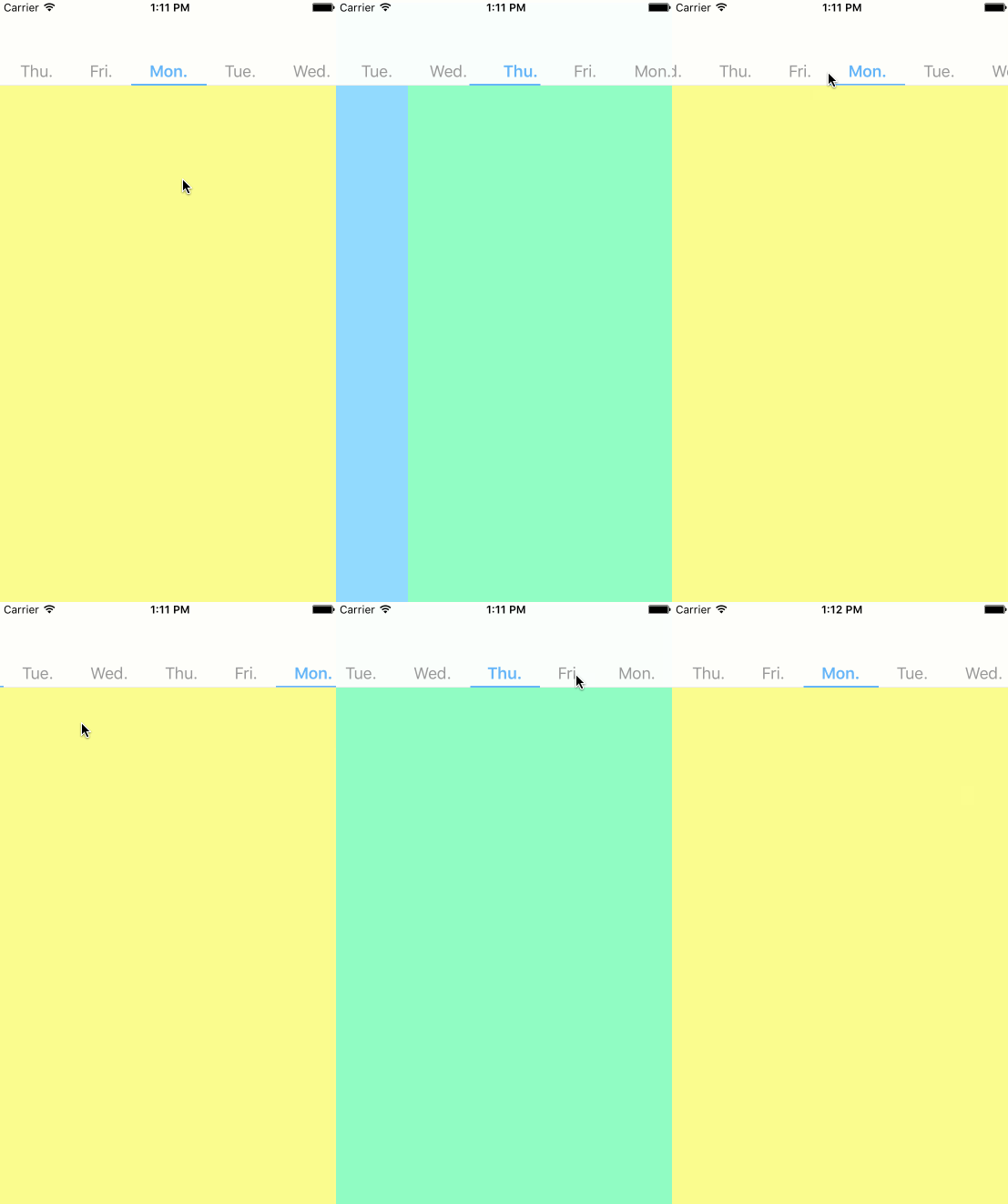 TabPageViewController is paging view controller and scroll tab view.
**Screenshot**
Infinity Mode
TabPageViewController is paging view controller and scroll tab view.
**Screenshot**
Infinity Mode
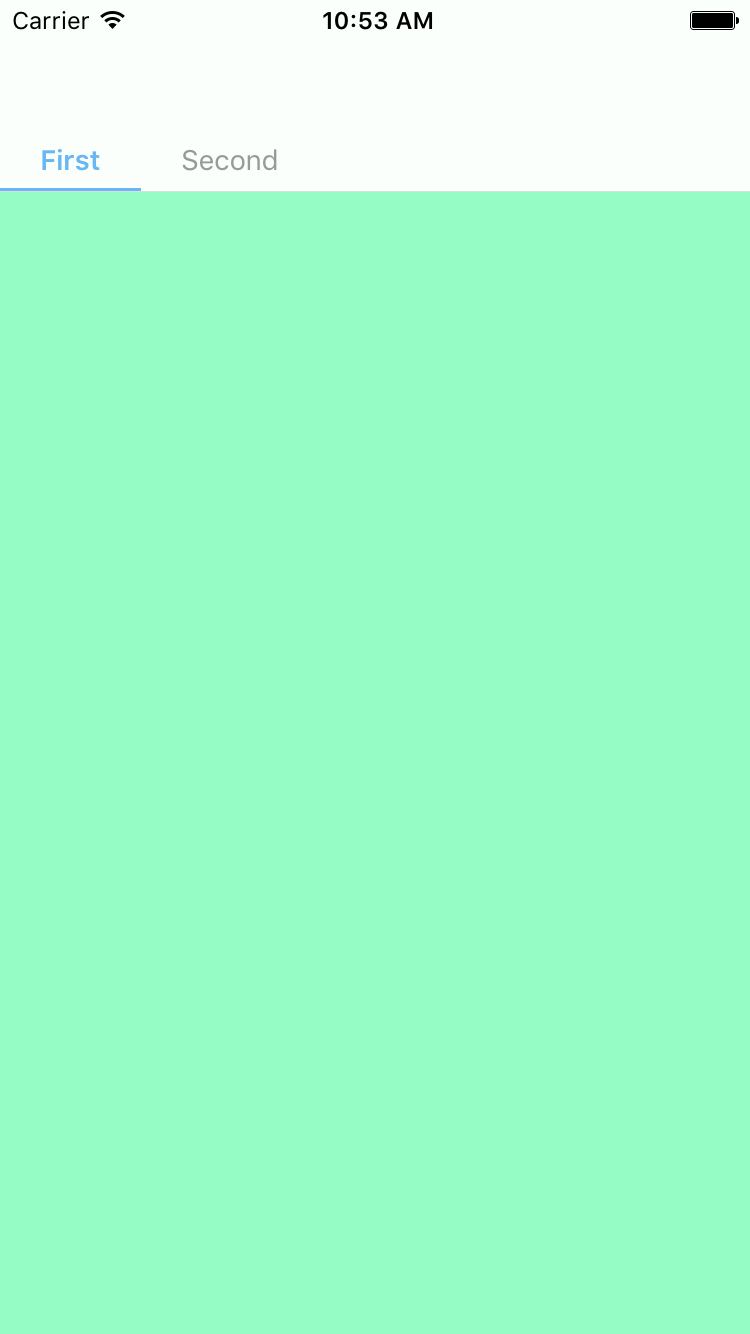
 Limited Mode
## Customization
Use TabPageOption
* fontSize for tab item
`fontSize: CGFloat`
* currentColor for current tab item
`currentColor: UIColor`
* defaultColor for tab item
`defaultColor: UIColor`
* tabHeight for tab view
`tabHeight: CGFloat`
* tabMargin for tab item
`tabMargin: CGFloat`
* tabBackgroundColor for tab view
`tabBackgroundColor: UIColor`
* currentBarHeight for current bar view
`currentBarHeight: CGFloat`
* pageBackgoundColor for tab page viewcontroller
`pageBackgoundColor: UIColor`
* isTranslucent for tab view and navigation bar
`isTranslucent: Bool`
* hides tabbar on swipe
`hidesTabBarOnSwipe: Bool`
## Usage
`import TabPageViewController` to use TabPageViewController in your file.
### Example
```swift
let tabPageViewController = TabPageViewController.create()
let vc1 = UIViewController()
let vc2 = UIViewController()
tabPageViewController.tabItems = [(vc1, "First"), (vc2, "Second")]
TabPageOption.currentColor = UIColor.redColor()
```
Infinity Mode
```swift
let tabPageViewController = TabPageViewController.create()
tabPageViewController.isInfinity = true
```
## Requirements
iOS13+
## Installation
### Using CocoaPods
```ruby
use_frameworks!
pod "TabPageViewController"
```
### Using Carthage
```ruby
github "EndouMari/TabPageViewController"
```
### Manually
Copy all the files in `Pod/Classes` directory into your project.
## Author
EndouMari
## License
TabPageViewController is available under the MIT license. See the LICENSE file for more info.