Podroid logo # Podroid **Run Linux containers and a full Linux desktop on your Android phone. No root.** A real Alpine Linux VM with its own kernel - not a chroot or proot trick - so **Podman, Docker and LXC** behave exactly like they do on a server. [![Release](https://img.shields.io/github/v/release/ExTV/Podroid?include_prereleases&style=flat-square&label=release&color=blue)](https://github.com/ExTV/Podroid/releases) [![Downloads](https://img.shields.io/github/downloads/ExTV/Podroid/total?style=flat-square&color=brightgreen)](https://github.com/ExTV/Podroid/releases) [![Stars](https://img.shields.io/github/stars/ExTV/Podroid?style=flat-square&color=yellow)](https://github.com/ExTV/Podroid/stargazers) [![License](https://img.shields.io/github/license/ExTV/Podroid?style=flat-square)](LICENSE) ![Android 8+](https://img.shields.io/badge/Android-8%2B-3DDC84?style=flat-square&logo=android&logoColor=white) ![arm64](https://img.shields.io/badge/arch-arm64-orange?style=flat-square) [**Website**](https://extv.github.io/Podroid/) · [**Documentation**](https://extv.github.io/Podroid/guide/) · [**Download APK**](https://github.com/ExTV/Podroid/releases/latest)


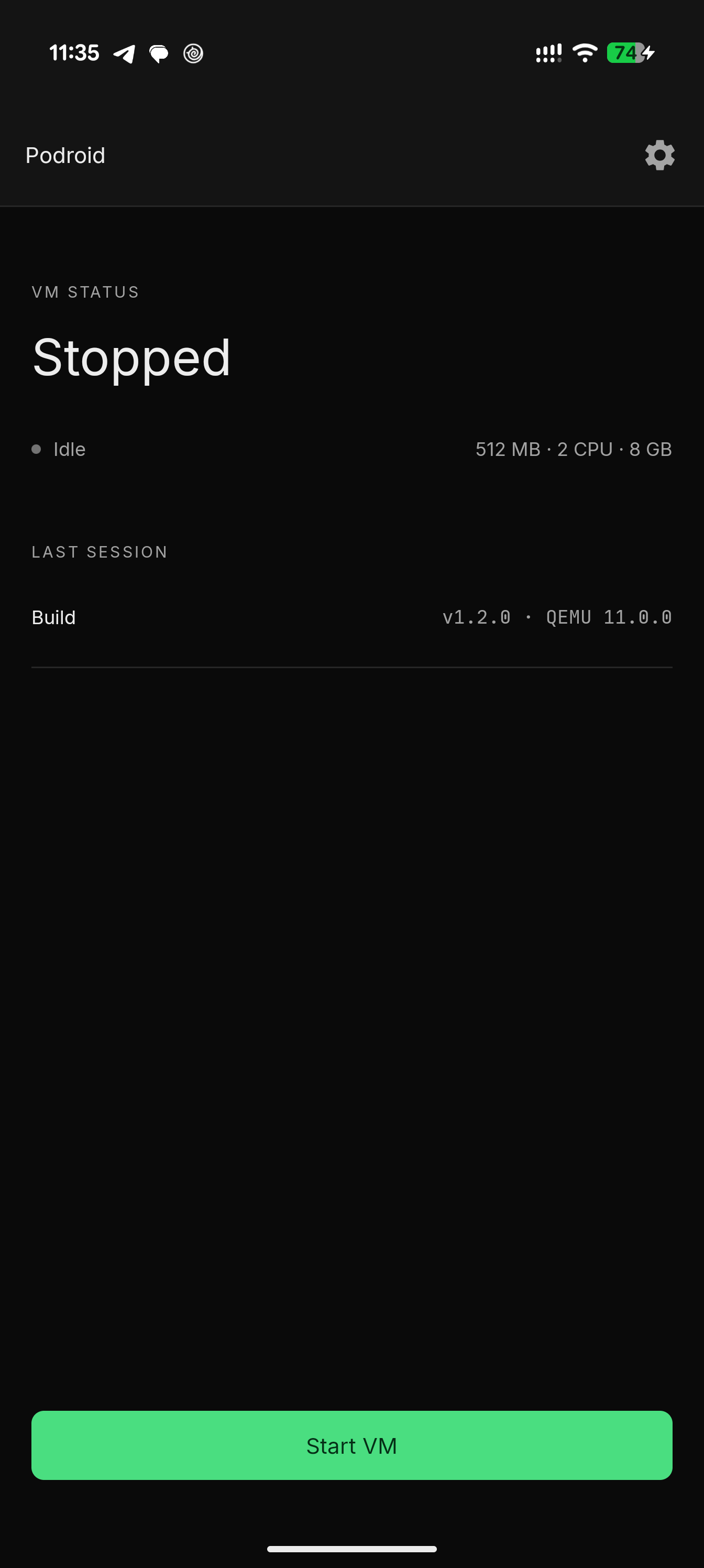
Home screen before the VM starts
Home
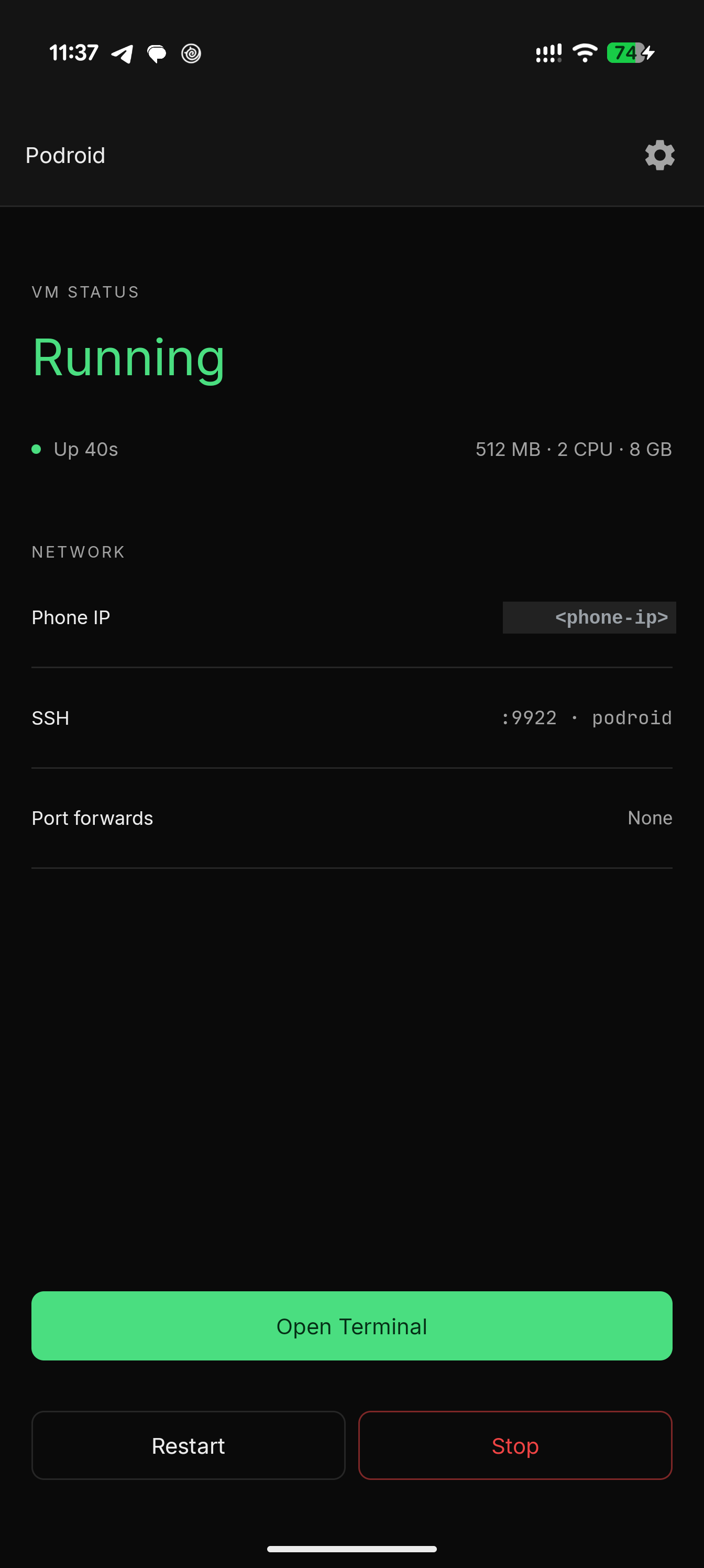
Home screen with the VM running and network info
Running
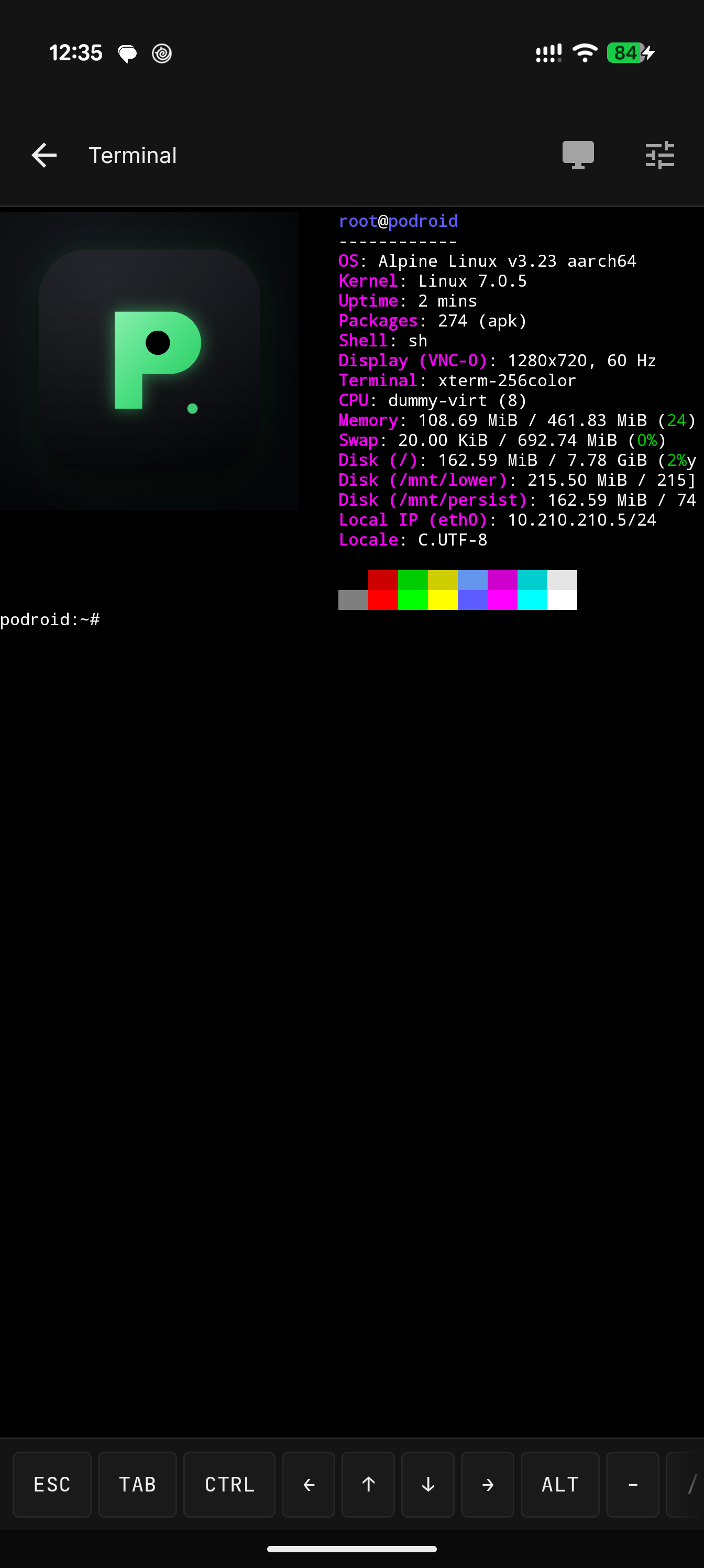
Built-in terminal showing Alpine system info
Terminal
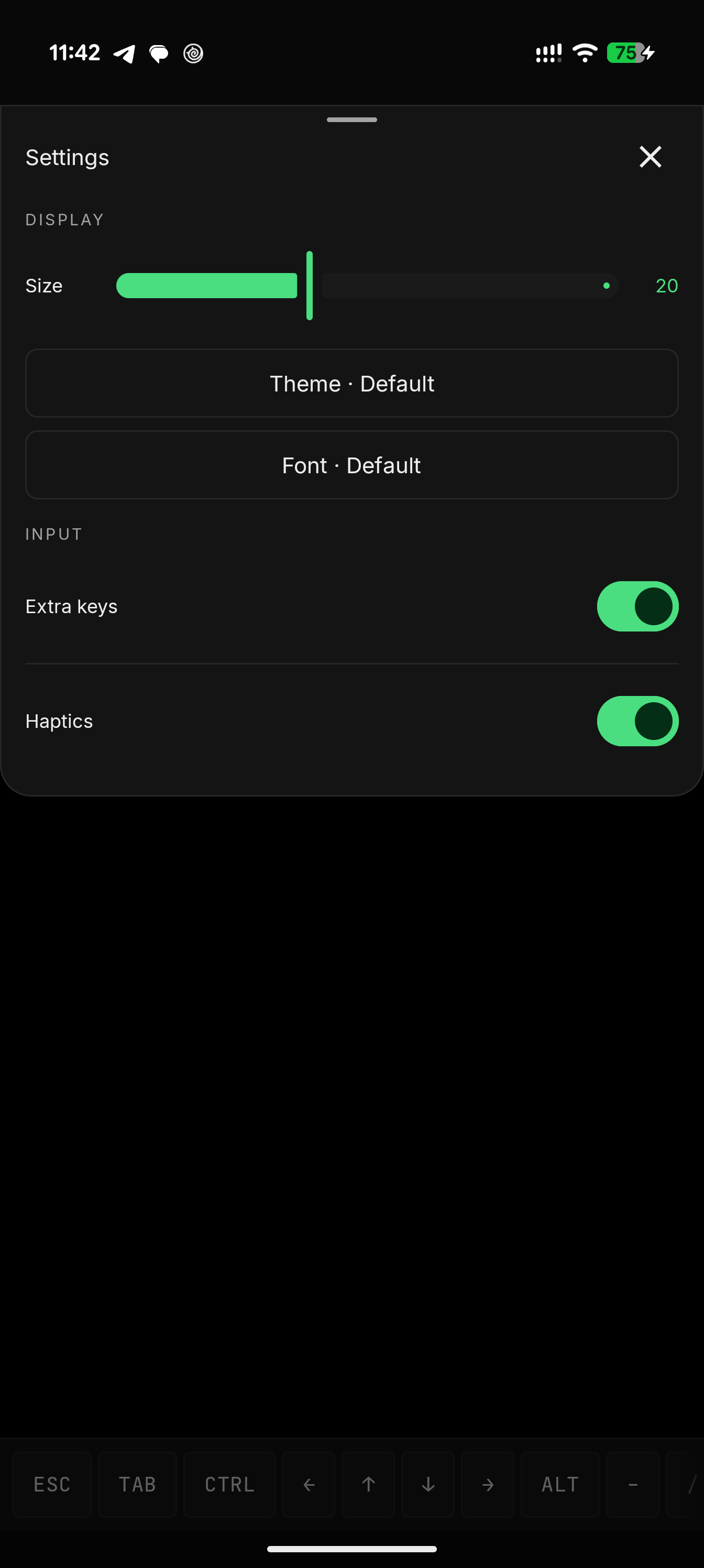
Terminal Quick Settings with themes and fonts
Themes & fonts
## What you get - **Podman, Docker and LXC** - pre-installed, ready the moment it boots - **A real VM** - Alpine Linux on a custom kernel via QEMU, or hardware-accelerated AVF on supported pKVM devices - **In-app terminal** - full xterm-256color, 122 color themes, 13 fonts, live resize - **X11 desktop** - run GUI Linux apps in a built-in viewer with touch, keyboard, mouse and audio - **USB passthrough**, **SSH**, **port forwarding** and a **guest-to-Android bridge** - **Container backup**, a **live VM/device status view** and **Downloads-folder sharing** with the guest - **English and 中文**, no root, any arm64 device on Android 8+ ## Quick start 1. [Download the APK](https://github.com/ExTV/Podroid/releases/latest) and install it. 2. Tap **Start VM**, wait for **Ready!**, open the terminal. ```sh # rootless containers, straight away podman run --rm alpine echo "hello from a container" docker run -d -p 8080:80 nginx # expose that container to your phone and LAN, right from the VM shell podroid-forward add 8080 8080 tcp # TCP or UDP, on both the QEMU and AVF backends curl http://:8080 podroid-forward clean # remove every rule you added, in one go # SSH in from your laptop (enable SSH in the setup wizard or Settings) ssh root@ -p 9922 # password: podroid ``` Setup, the two backends, networking, the X11 viewer and troubleshooting all live in the **[documentation](https://extv.github.io/Podroid/guide/)**. ## Build ```sh git clone https://github.com/ExTV/Podroid.git cd Podroid ./build-all.sh all # kernel, rootfs, QEMU and APK (needs Docker + Android SDK/NDK) ``` Per-component builds and toolchain details: [CONTRIBUTING.md](CONTRIBUTING.md). ## Contributing Contributions of every size are welcome: bug reports, kernel-config tweaks, new themes, UI polish, X11 input fixes, anything. - **Pull requests:** read [CONTRIBUTING.md](CONTRIBUTING.md) first. Keep changes scoped, run `./build-all.sh test` before pushing, and explain *why* in the PR description. - **Bug reports:** [open an issue](https://github.com/ExTV/Podroid/issues/new) with your device and Android version, a short repro, and the diagnostic log (**Settings → Export Diagnostic Log** in the app). ## Related projects **[RikkaHub Agent](https://github.com/ExTV/rikkahub-agent)** is a fork of [RikkaHub](https://github.com/rikkahub/rikkahub), the native Android LLM chat client, that turns it into a real on-device agent: 80+ device tools, scheduled jobs, an AI-driven browser, a Linux workspace, SSH, screen automation and a remote Telegram bot, all opt-in. Its SSH tool can log into a running Podroid VM (`localhost:9922`), so an agent on your phone can build, run and inspect containers without you typing a command. ## Credits | | | |---|---| | [QEMU](https://www.qemu.org) | Machine emulation | | [Termux](https://github.com/termux/termux-app) | Terminal emulator engine | | [Alpine Linux](https://alpinelinux.org) | The guest distribution | Full list in [CREDITS.md](CREDITS.md). ## License [GPLv2](LICENSE). If Podroid is useful to you, a [star](https://github.com/ExTV/Podroid/stargazers) helps other people find it.