Eyevinn Live Encoding
[](https://github.com/Eyevinn/live-encoding/issues?q=is%3Aissue+is%3Aopen+label%3A%22help+wanted%22)
[](https://github.com/Eyevinn)
[](http://slack.streamingtech.se)
[](https://app.osaas.io/browse/eyevinn-live-encoding)
Live transcoding to HLS and optionally MPEG-DASH. Provides origin for CDN shield to pull streams as well as push to CDN origin.
[](https://app.osaas.io/browse/eyevinn-live-encoding)
## Requirements
- ffmpeg and optionally Shaka packager installed
## Installation / Usage
```
% npm install
```
### Environment Variables
| Variable | Description | Default value |
| ------------ | ------------------------------------------------------------------------------ | ------------- |
| `PORT` | API port to bind and listen to | `8000` |
| `ORIGIN_DIR` | Location on disk where to write media segments and playlists | `/tmp/media` |
| `HLS_ONLY` | Only output HLS + TS | `true` |
| `RTMP_PORT` | RTMP port to bind and listen to | `1935` |
| `STREAM_KEY` | RTMP streamkey | `stream` |
| `OUTPUT_URL` | URL to upload media segments and playlists. If not set push to CDN is disabled | |
### CDN Pull
Run encoder with media dir at `/data`
```
% ORIGIN_DIR=/data npm start
```
### User Interface
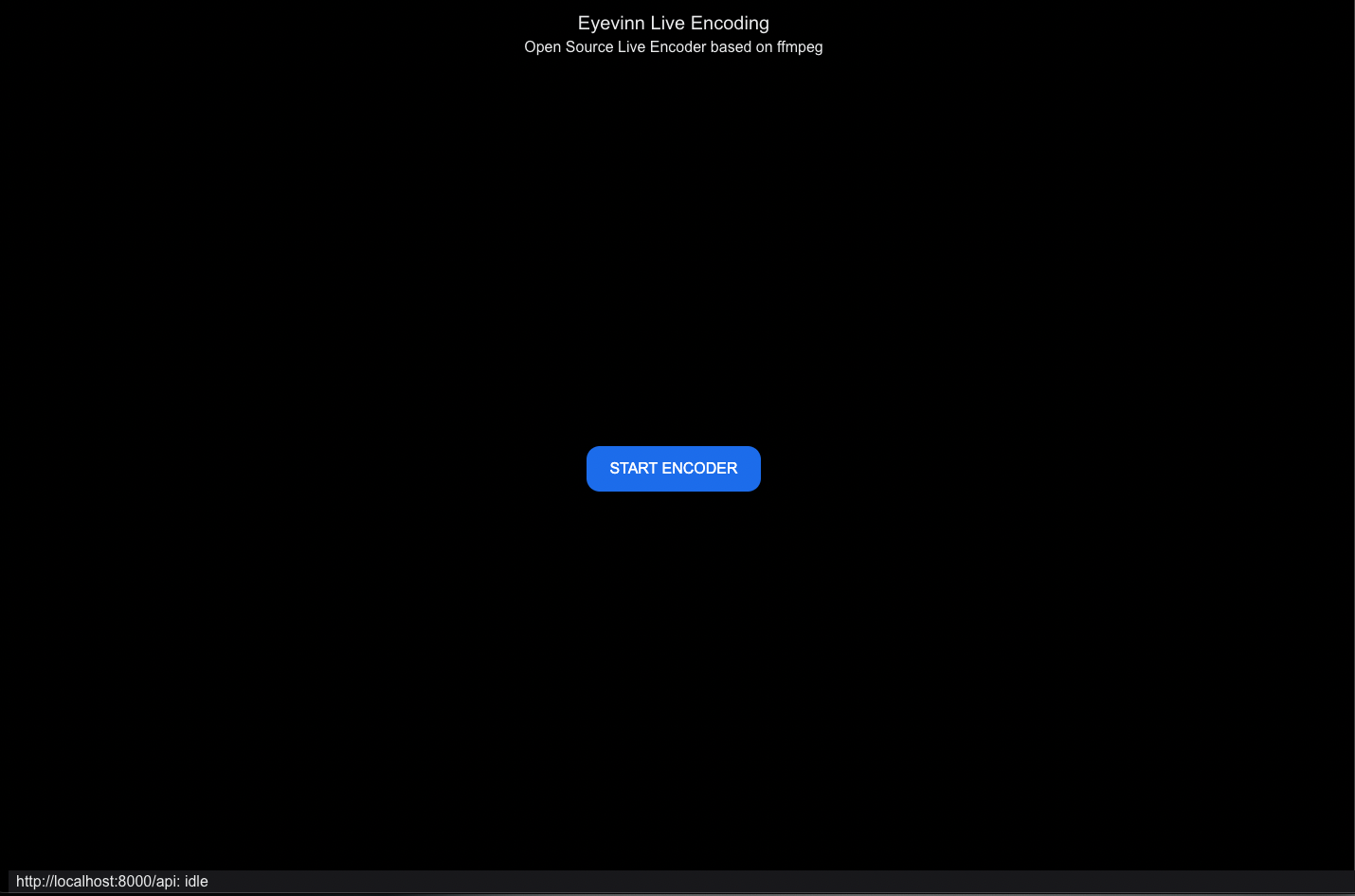
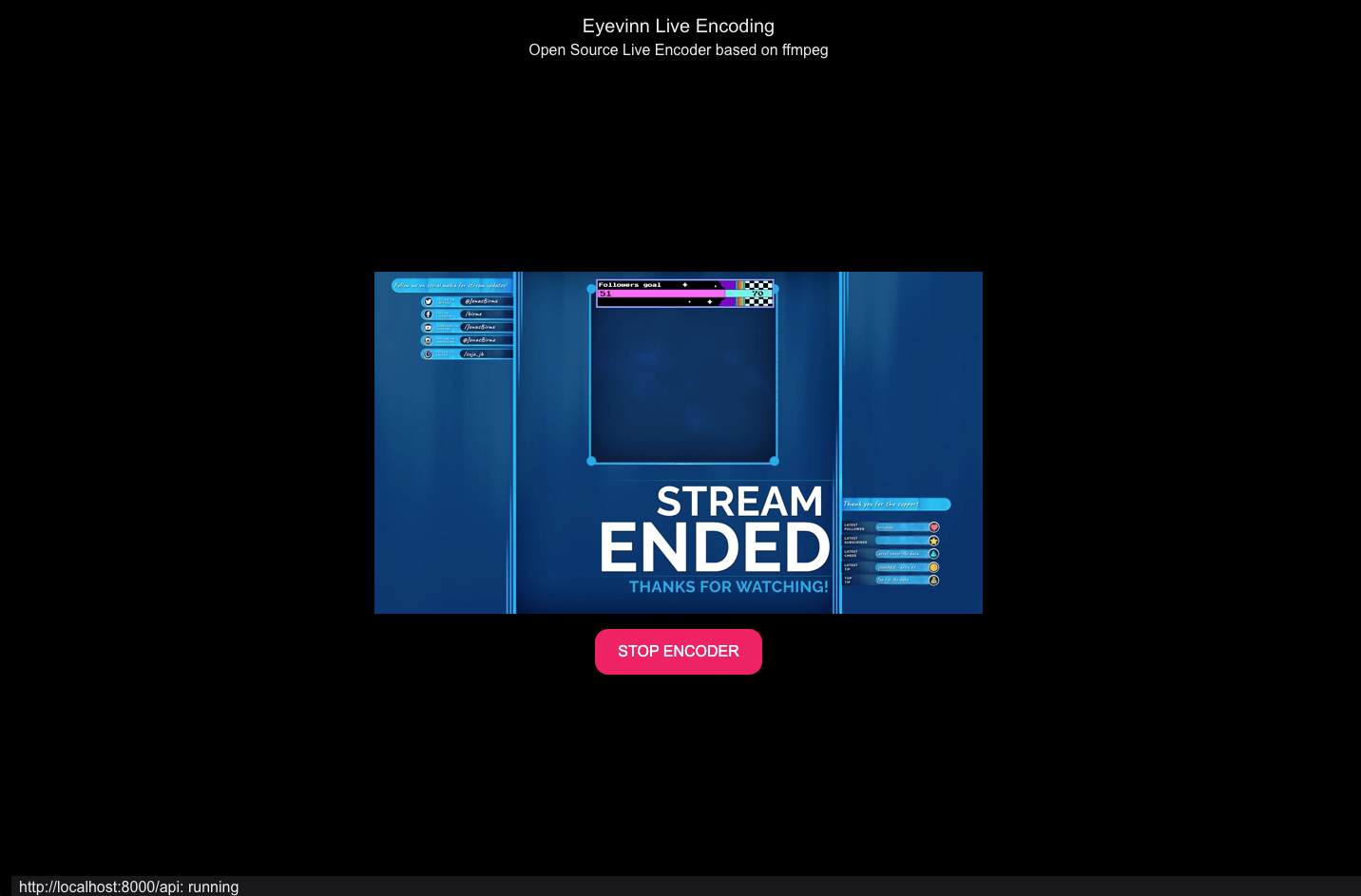
Web user interface available at `http://localhost:8000/`
### API
Start encoder:
```
% curl -X 'POST' \
'http://localhost:8000/api/encoder' \
-H 'accept: application/json' \
-H 'Content-Type: application/json' \
-d '{
"timeout": 0
}'
```
Get status:
```
% curl -X 'GET' \
'http://localhost:8000/api/encoder' \
-H 'accept: application/json'
```
If status is `starting` you can start pushing to the RTMP address `rtmp://:1935/live/stream` (where `stream` is the streamkey).
When status is `running` you can play the HLS from `http://localhost:8000/origin/hls/index.m3u8`
Top stop the encoder:
```
% curl -X 'DELETE' \
'http://localhost:8000/api/encoder' \
-H 'accept: application/json'
```
### CDN Push (AWS Media Package)
Run encoder with media dir at `/data`
```
% ORIGIN_DIR=/data \
OUTPUT_URL=https://>:@xxxxx.mediapackage.xxxx.amazonaws.com/in/v2/e82a0fc53d4b44ec89ac1a1fccd3a333/e82a0fc53d4b44ec89ac1a1fccd3a333/channel \
npm start
```
### Docker
Run Eyevinn live encoding as a Docker container where `/tmp/media` is a directory on your host.
```
% docker run --rm -d \
-p 8000:8000 -p 1935:1935 \
-v /tmp/media:/data \
eyevinntechnology/live-encoding
```
## Development
Start the API in development mode that restart server if file changes.
```
% DEBUG=1 npm run dev
```
API is then available at http://localhost:8000/api
Start the web application in development mode
```
% npm run dev:app
```
Then the web application is available at http://localhost:3000/ and will connect to the API on port 8000.
To then build the app run:
```
% npm run build:app
```
The output is placed in the folder `out/` that is then served by the server.
## Contributing
See [CONTRIBUTING](CONTRIBUTING.md)
## License
This project is licensed under the MIT License, see [LICENSE](LICENSE).
# Support
Join our [community on Slack](http://slack.streamingtech.se) where you can post any questions regarding any of our open source projects. Eyevinn's consulting business can also offer you:
- Further development of this component
- Customization and integration of this component into your platform
- Support and maintenance agreement
Contact [sales@eyevinn.se](mailto:sales@eyevinn.se) if you are interested.
# About Eyevinn Technology
[Eyevinn Technology](https://www.eyevinntechnology.se) is an independent consultant firm specialized in video and streaming. Independent in a way that we are not commercially tied to any platform or technology vendor. As our way to innovate and push the industry forward we develop proof-of-concepts and tools. The things we learn and the code we write we share with the industry in [blogs](https://dev.to/video) and by open sourcing the code we have written.
Want to know more about Eyevinn and how it is to work here. Contact us at work@eyevinn.se!