# Gemini Collector **把你的 Gemini 对话与所有 AI 生成内容完整保存到本地** macOS & Windows 原生应用 · 支持多账号 · 亮色 / 暗色主题 [**English**](./README.md) ![GitHub Release](https://img.shields.io/github/v/release/FirenzeLor/gemini-collector?color=blue) ![Last Commit](https://img.shields.io/github/last-commit/FirenzeLor/gemini-collector) ![PRs Welcome](https://img.shields.io/badge/PRs-welcome-brightgreen.svg)
--- ## 界面预览
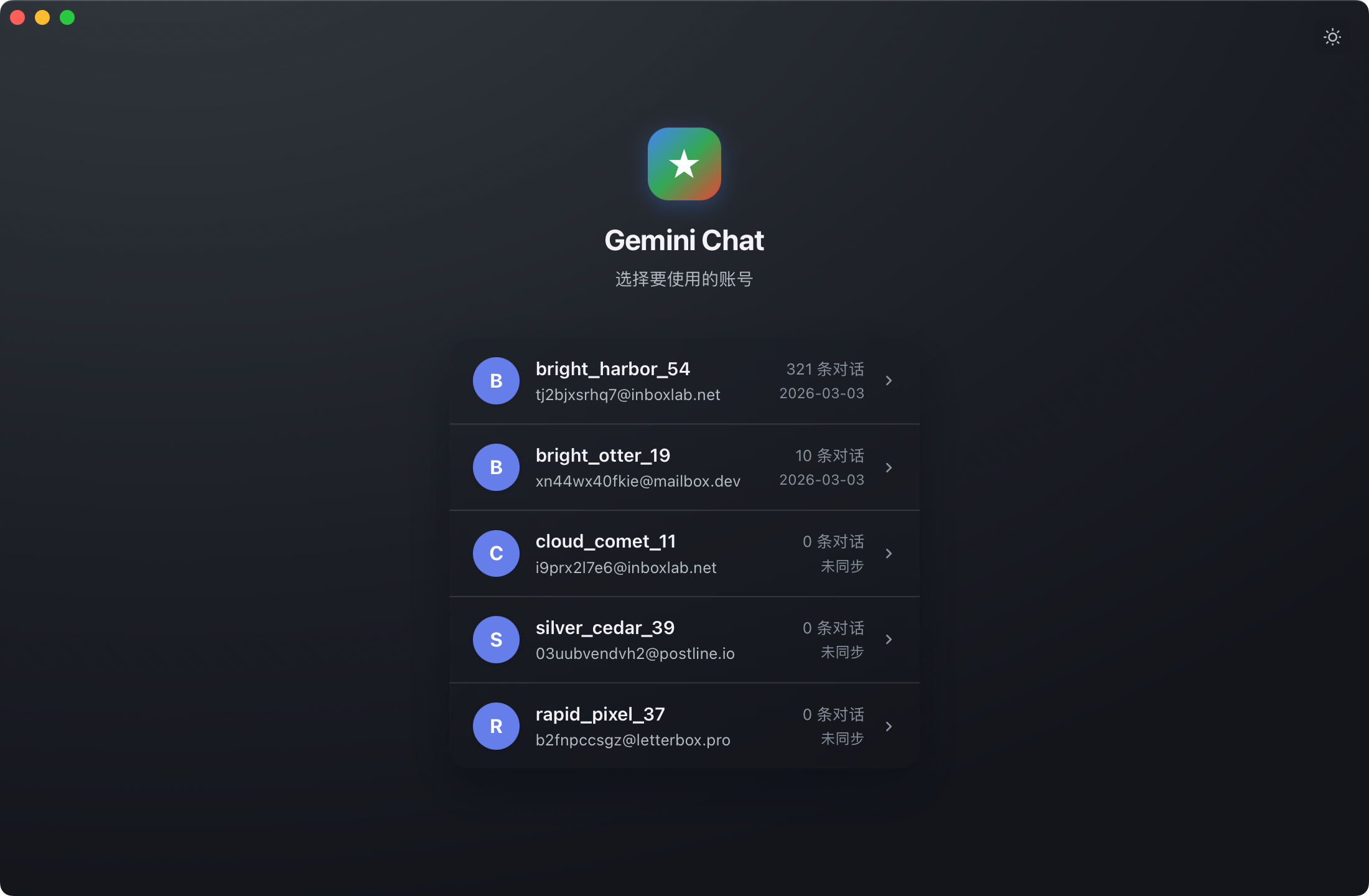
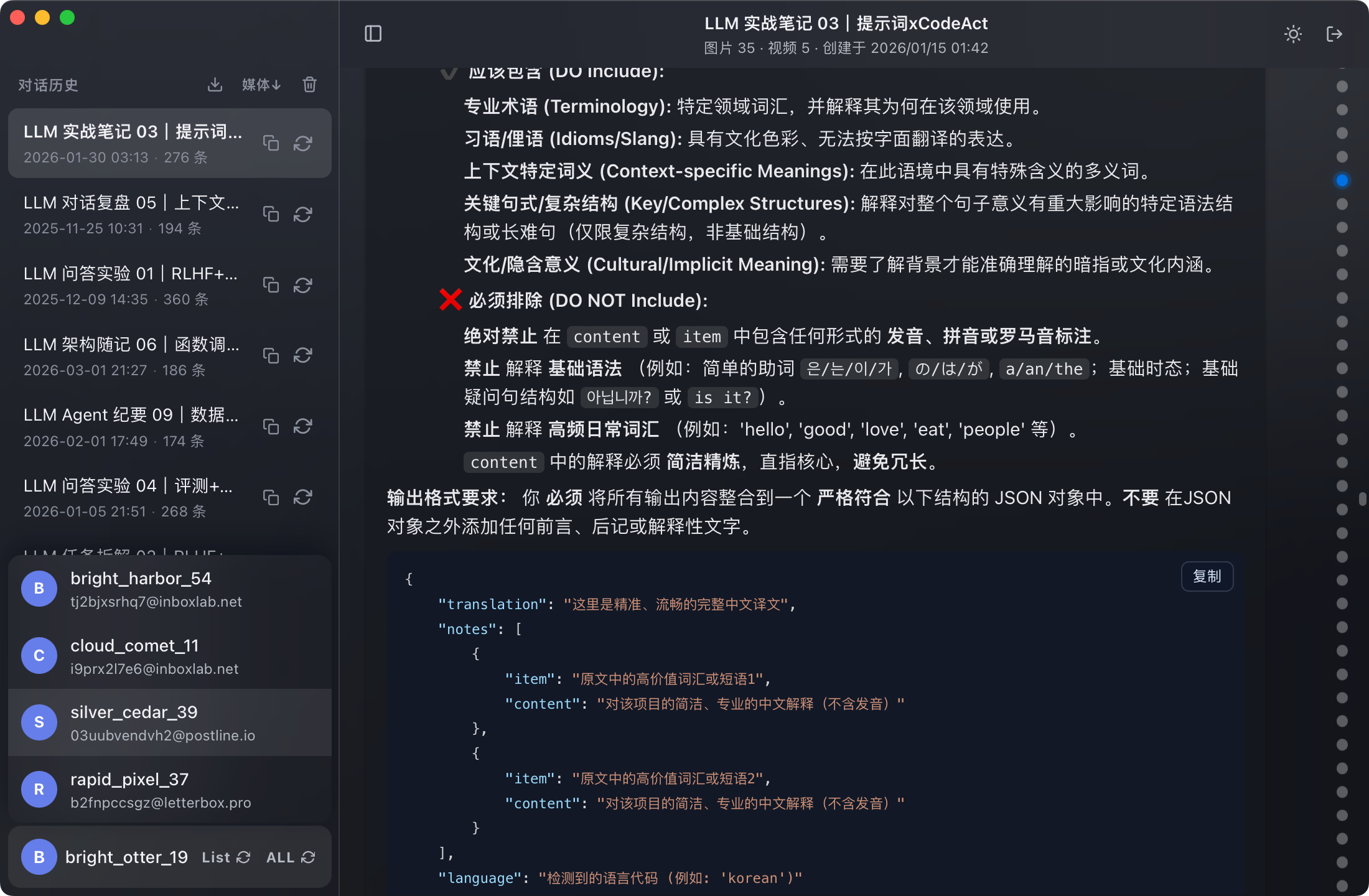
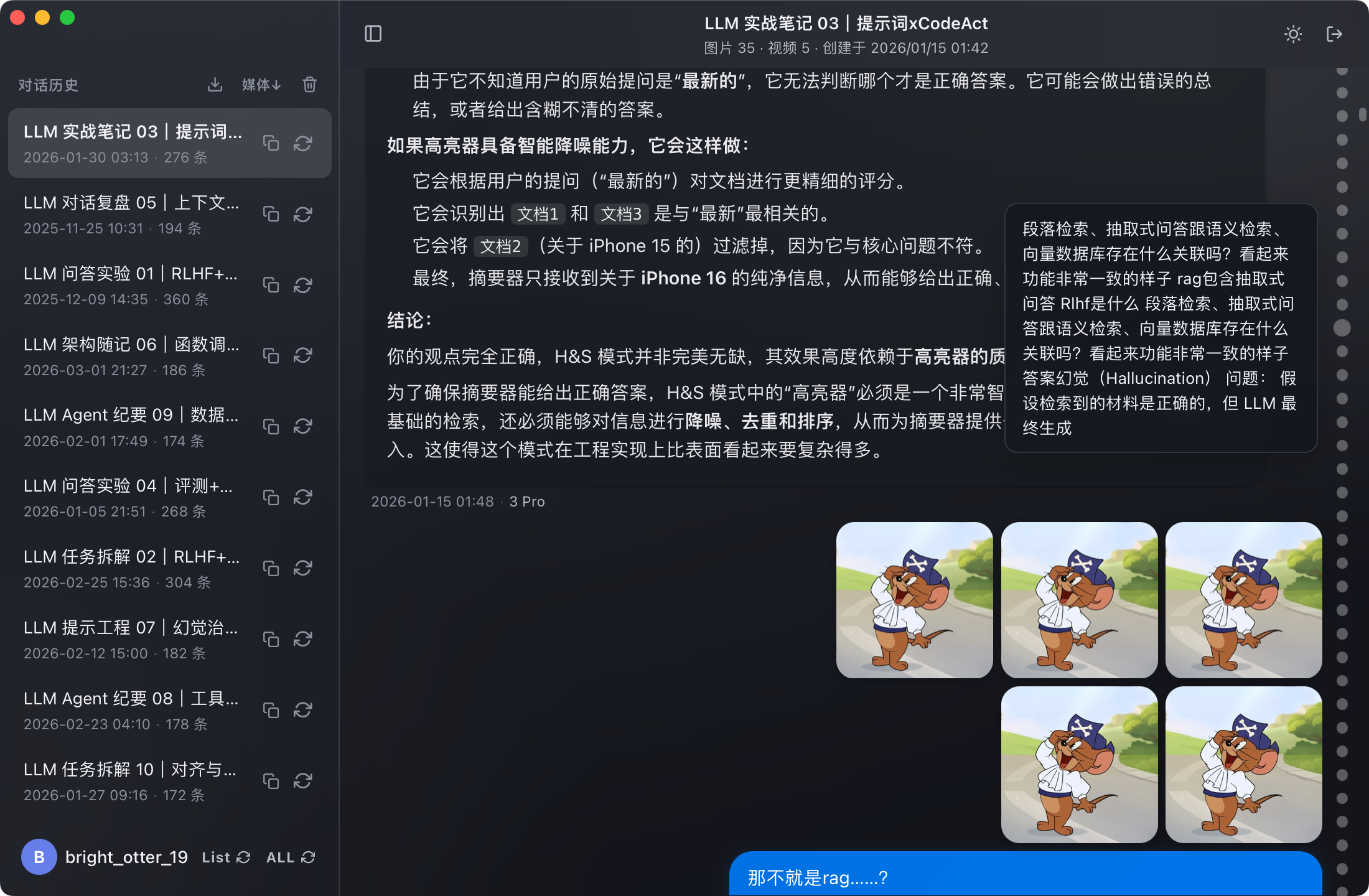
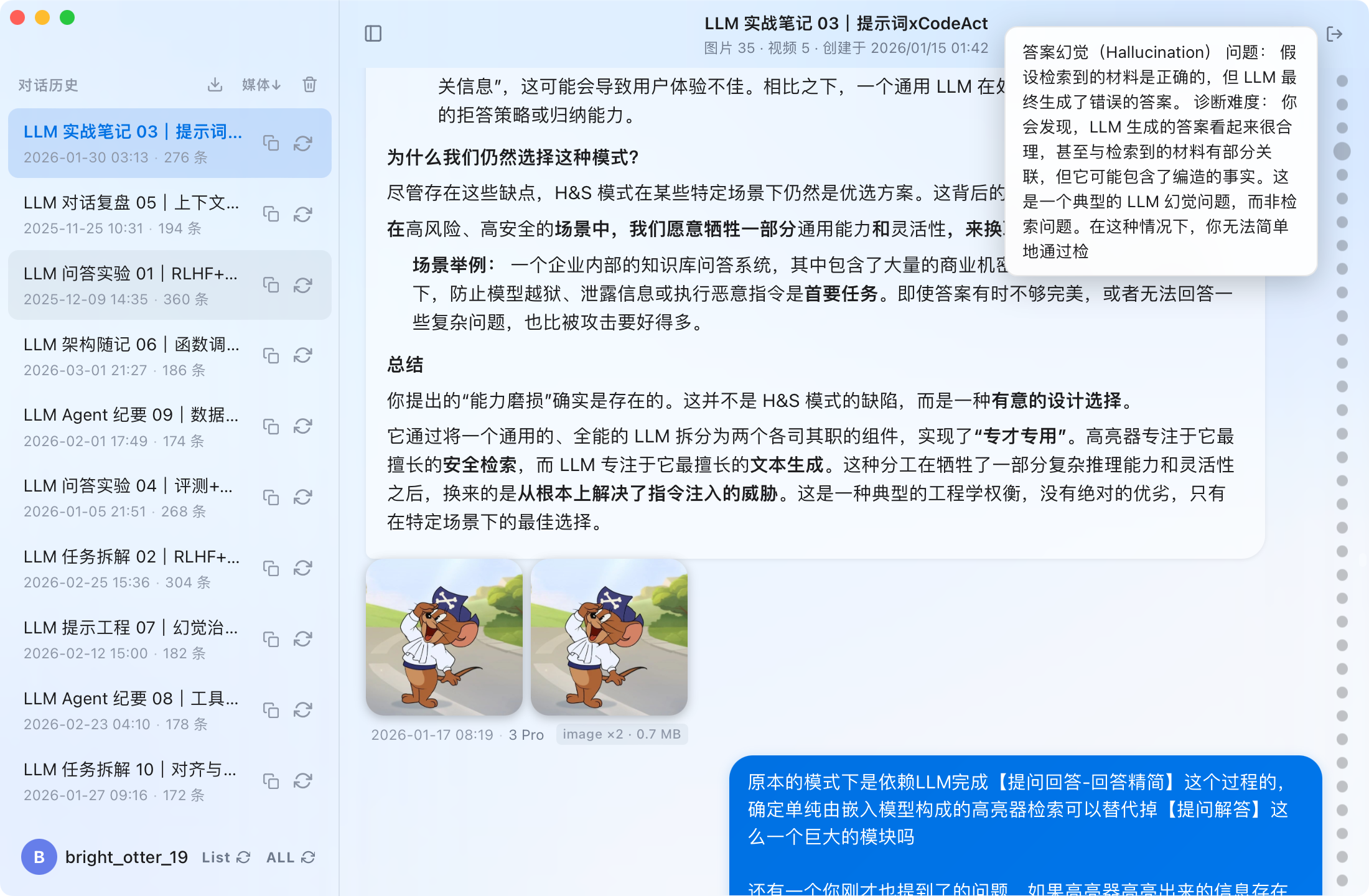
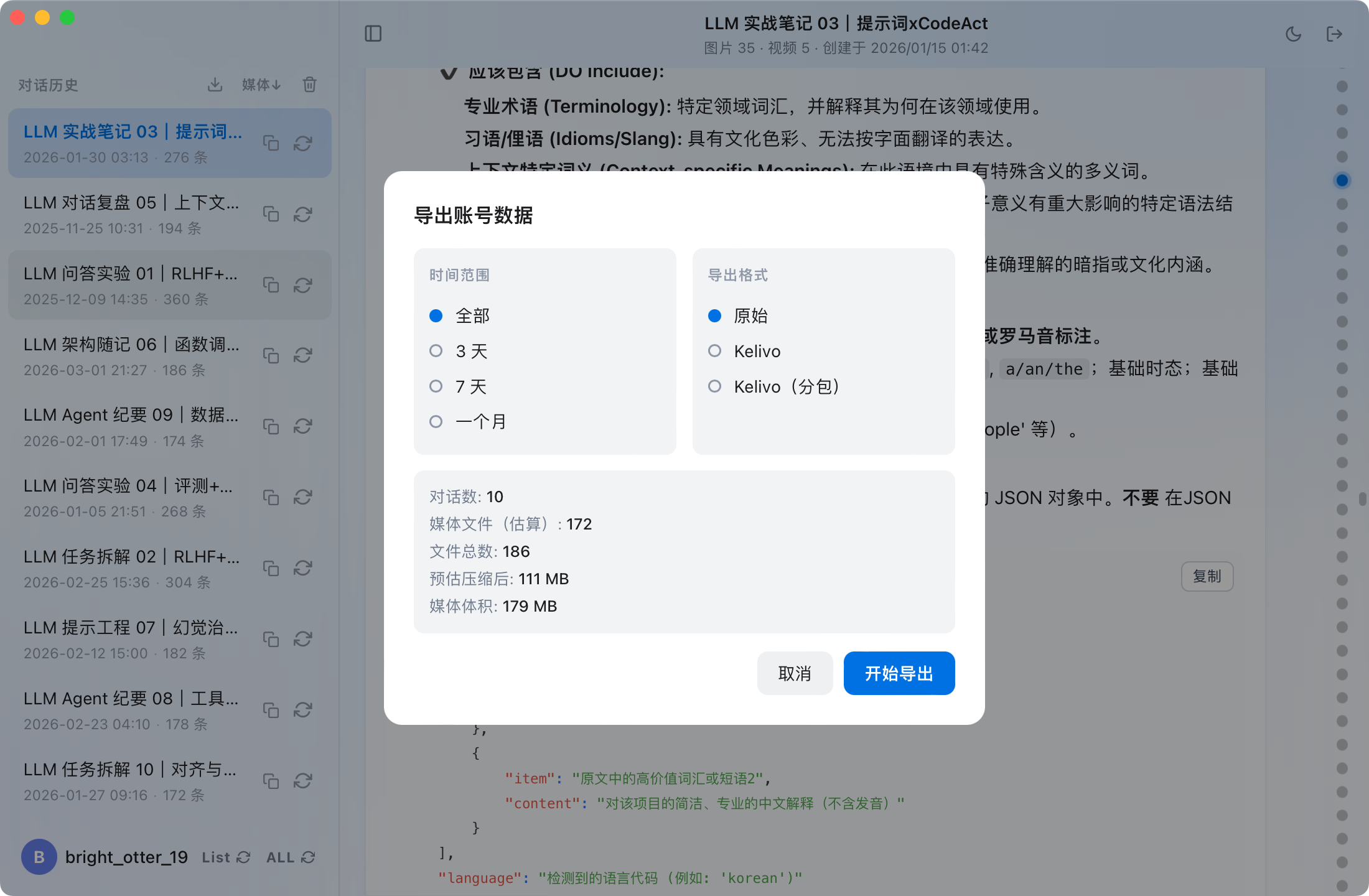
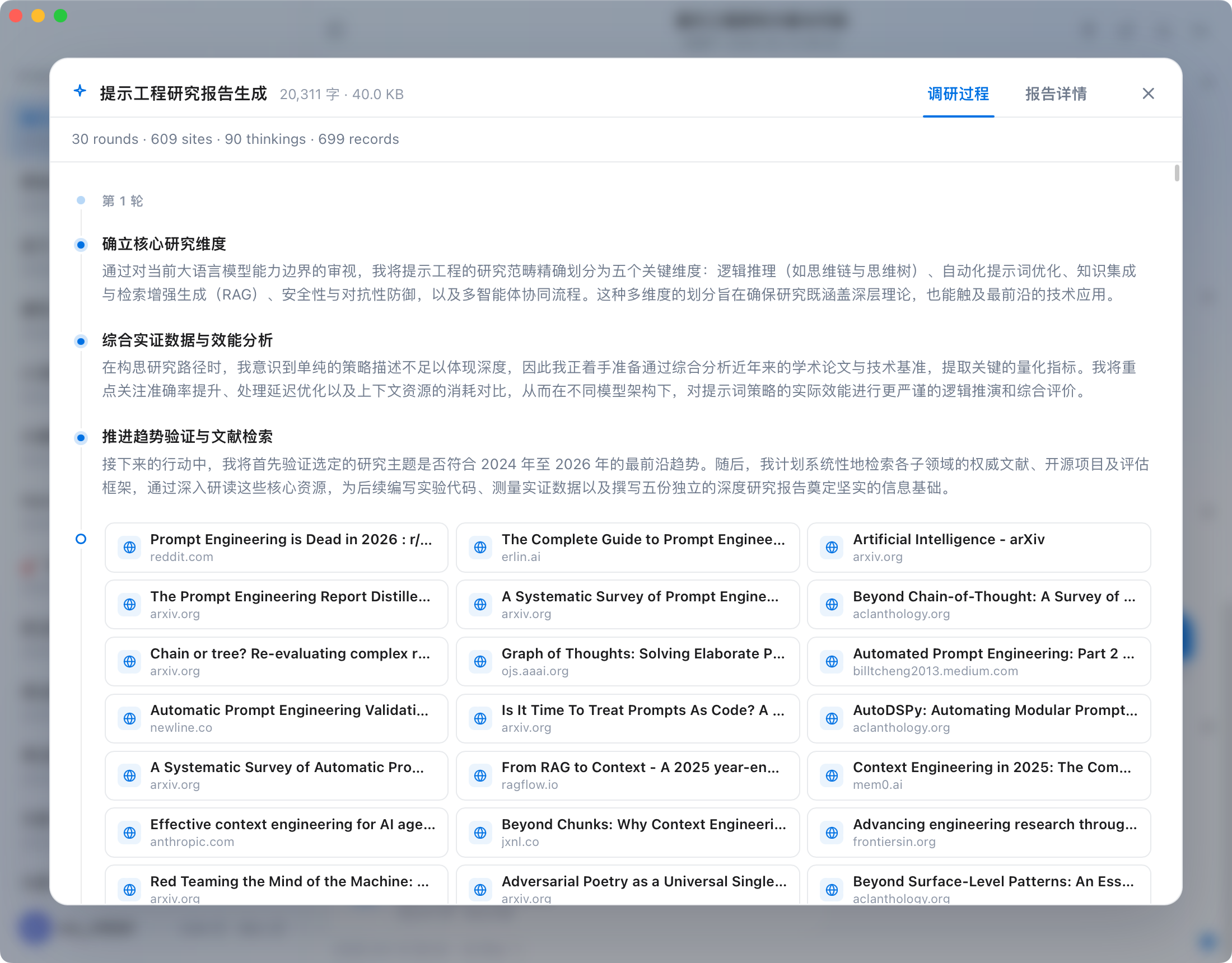
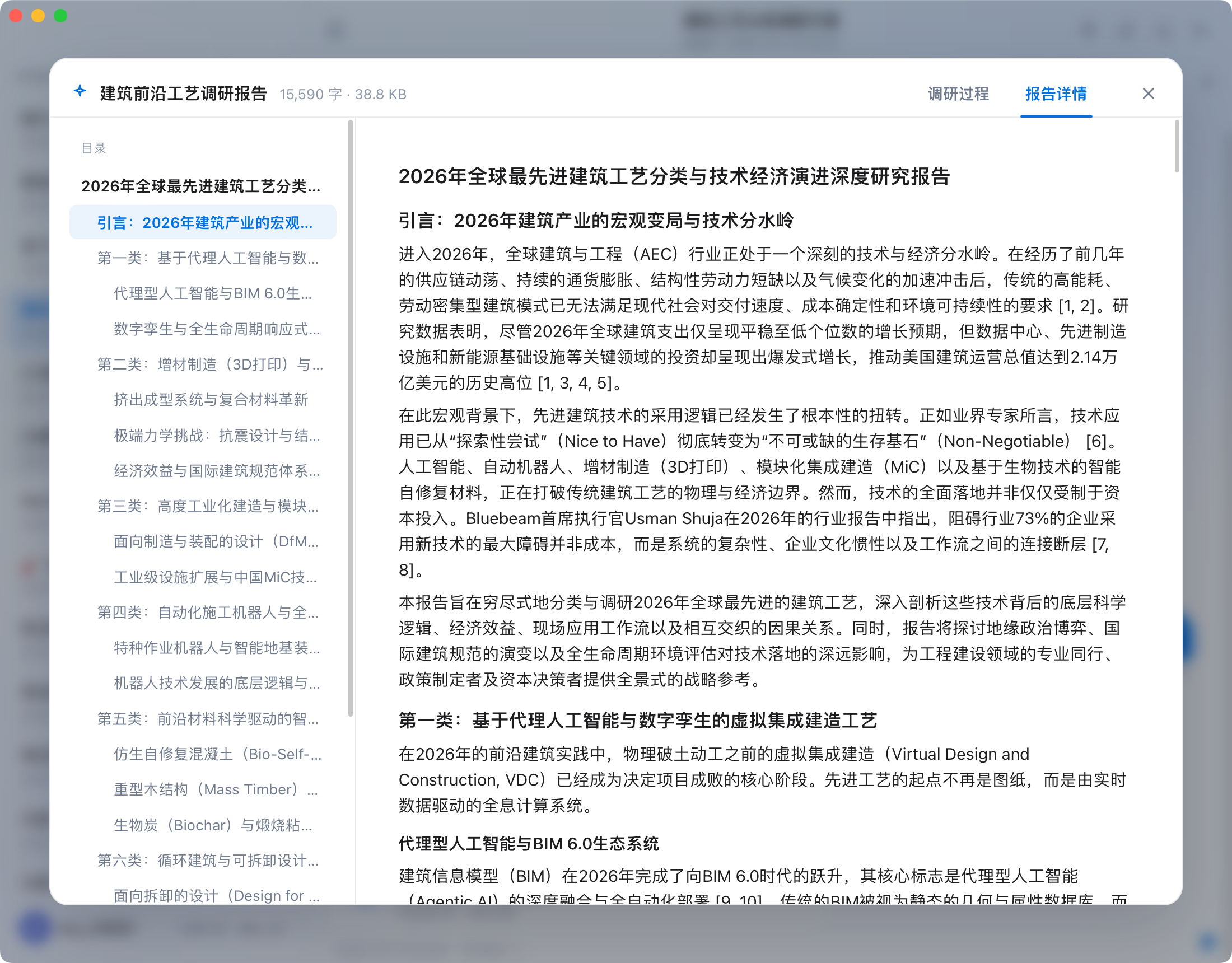
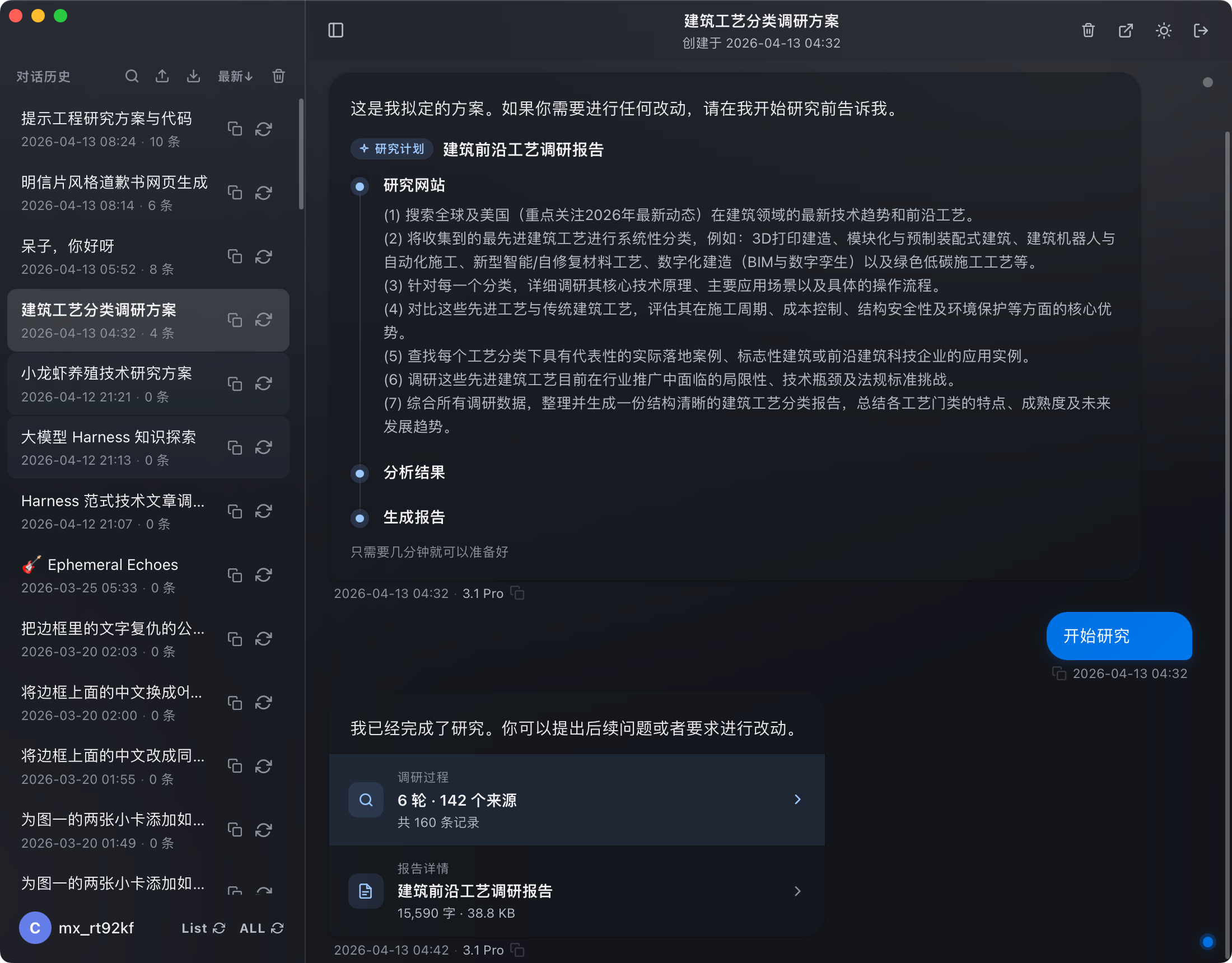
| 默认主题 | 夜间主题 | |:---:|:---:| | Google Gemini multi-account picker desktop app light theme | Google Gemini multi-account picker desktop app dark theme | | 对话浏览 | 多媒体消息 | |:---:|:---:| | Google Gemini local chat history viewer and backup desktop interface | Downloading and viewing Gemini AI-generated images and media messages locally | | 对话导览 | 导出数据 | |:---:|:---:| | Google Gemini conversation list sync and local backup management | Exporting Google Gemini conversations to local Markdown and JSON formats | | 深度调研 | Canvas 文件 | |:---:|:---:| | Gemini 深度调研对话,显示调研轮数与来源数量 | 对话中展示多个 AI 生成的 Canvas 文件 | | 调研过程 | 报告详情 | |:---:|:---:| | 深度调研过程时间线,含轮次、思考步骤与搜索来源 | 深度调研报告详情,带目录导航 |
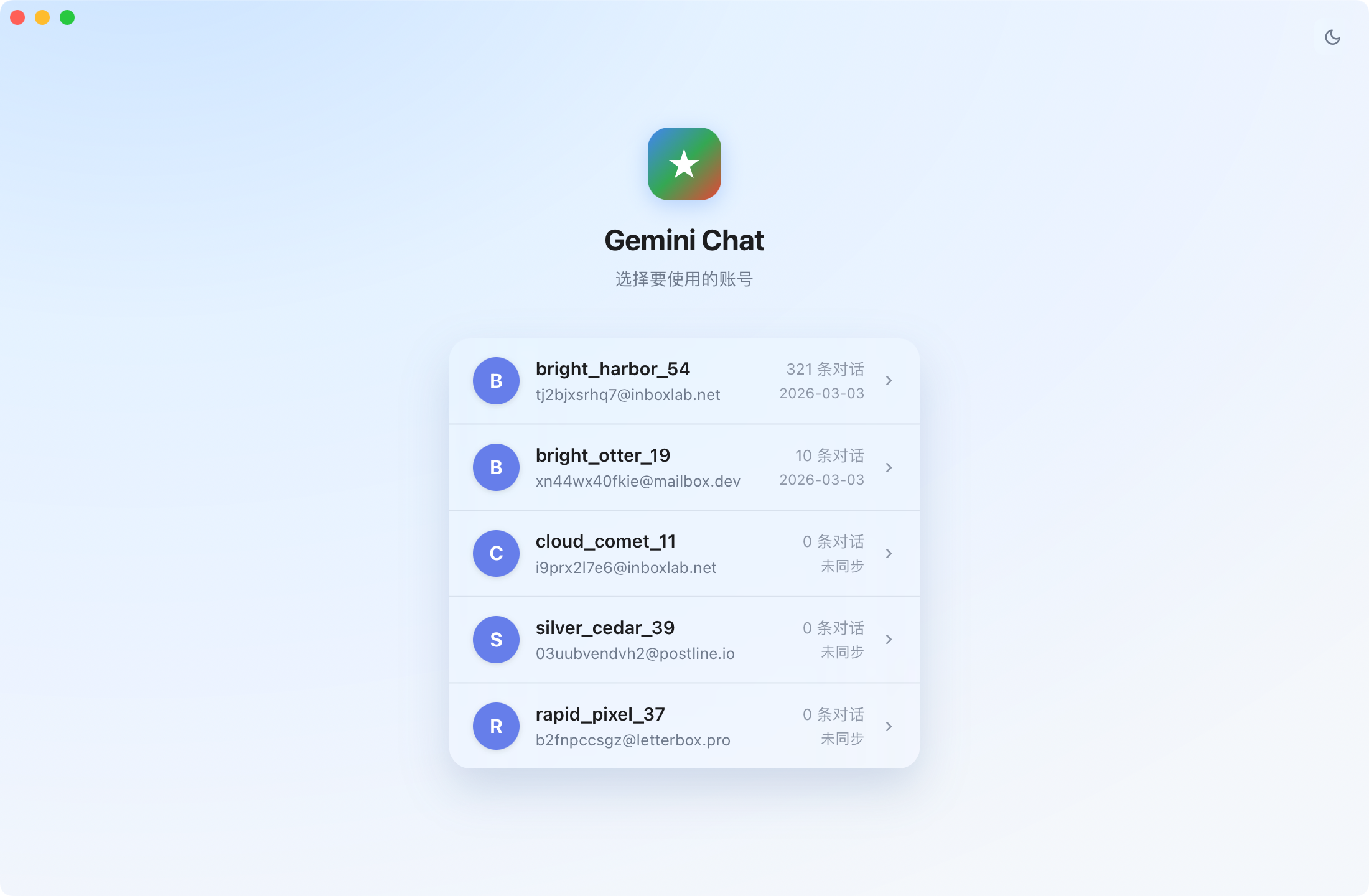
--- ## 功能特色 **零操作,立刻同步** - **macOS**:打开 App 即可看到本机 Chrome 已登录的所有 Gemini 账号,一键同步,无需任何配置 - **Windows**:首次打开时通过内置浏览器登录 Google 账号,登录后自动识别并同步 - 多账号同时在线,独立管理,增量更新,断点续传 **全量内容归档** - 同步所有对话文本,完整保留上下文 - 用户上传的附件一并同步到本地 - AI 生成的图片、音乐、视频、报告等内容同步保存,不遗漏任何素材 **浏览体验** - 原生 macOS 界面,支持亮色 / 暗色主题自动切换 - 对话内容完整渲染:Markdown、代码高亮、数学公式(LaTeX) - 时间轴快速跳转,千条对话秒级定位 - 右键删除单条对话 **导出** - 支持按时间范围筛选(全部 / 最近 3 天 / 7 天 / 一个月) - 导出格式: - 原始数据 - [Kelivo](https://github.com/Chevey339/kelivo) - [Kelivo](https://github.com/Chevey339/kelivo) 分包(将数据拆分为多个小包,解决 iOS 设备单次导入量有限的问题) - 导出前预览文件数量与体积 --- ## 安全 **所有操作均在本地完成,不上传任何数据。** - **macOS**:读取本机 Chrome Cookie 完成 Gemini 授权,无需手动登录 - **Windows**:通过内置 WebView2 浏览器完成 Google 登录,Cookie 仅存储在本地 - 所有同步内容保存在本地,不经过任何第三方服务器 - 无需注册账号,无需额外授权 --- ## 安装 | 平台 | 状态 | 说明 | |:---|:---:|:---| | macOS | ✅ 已支持 | 从 [Releases](https://github.com/FirenzeLor/gemini-collector/releases) 下载最新 `.dmg`,拖入 Applications 即可 | | Windows | ✅ 已支持 | 从 [Releases](https://github.com/FirenzeLor/gemini-collector/releases) 下载最新安装包,运行安装即可 | > **macOS 首次打开提示"无法验证开发者"**:前往 **系统设置 → 隐私与安全性** 点击"仍要打开"即可。 > > **提示"已损坏"**:在终端执行以下命令后重新打开: > ```bash > xattr -cr /Applications/gemini-collector.app > ``` --- ## 使用前提 **macOS** - macOS 12 及以上 - 已安装 Google Chrome,并在 Chrome 中登录了 Gemini([gemini.google.com](https://gemini.google.com)) **Windows** - Windows 10 (1803+) 及以上 - 首次使用时需在 App 内登录 Google 账号(无需安装 Chrome) --- ## 许可证 [PolyForm Noncommercial License 1.0.0](./LICENSE) — 免费用于非商业目的,可自由使用、修改和分发。