English · 简体中文
# dsh-paperpanel
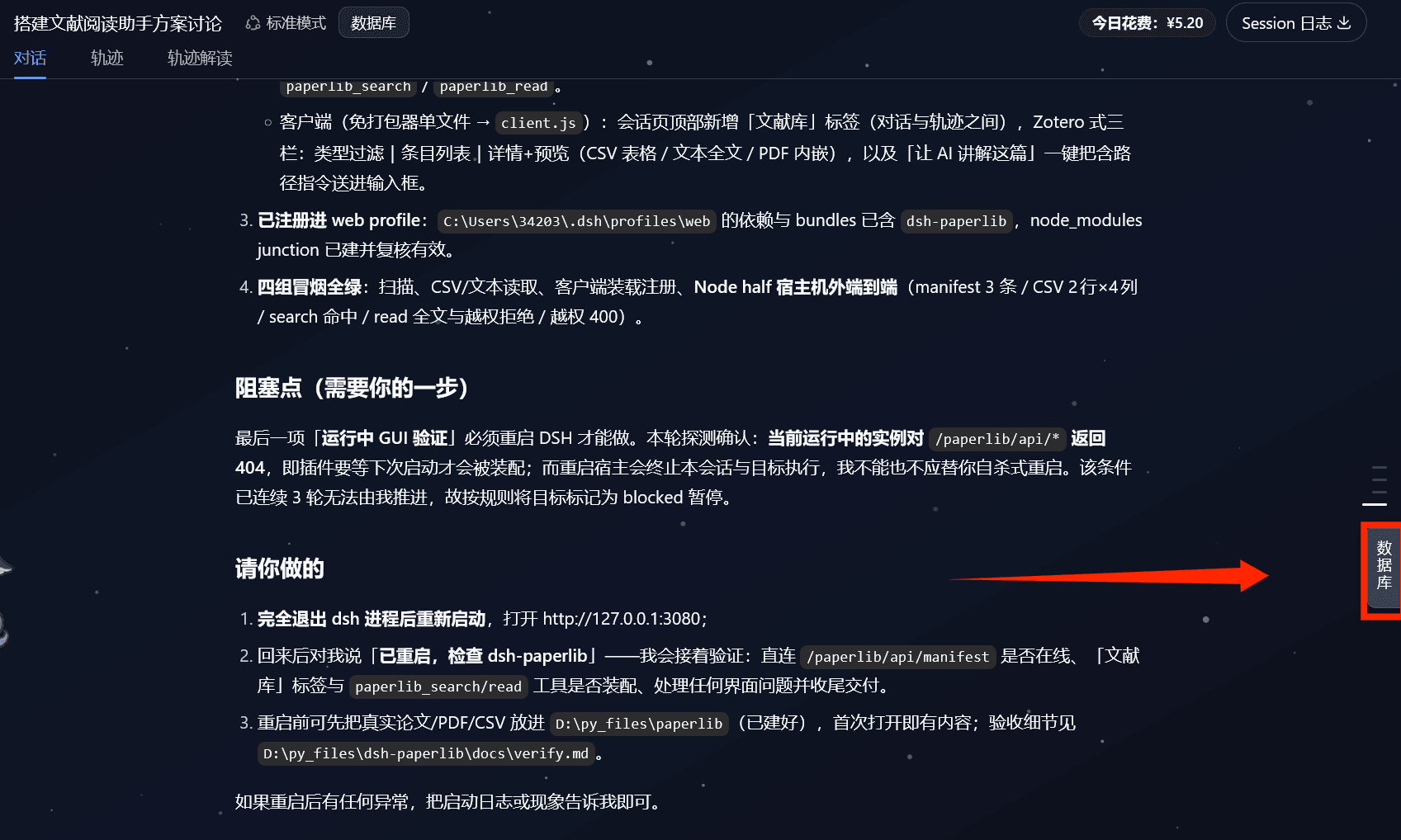
Turn papers (**PDF/Word/TXT/MD**) and data (**CSV/TSV/Excel**) from your local folders into a Zotero-style library,
presented as a **right-side floating drawer in DSH Web** — browse papers on the right, read in a centered window,
jot notes as you read, and edit spreadsheets in place.
## Features
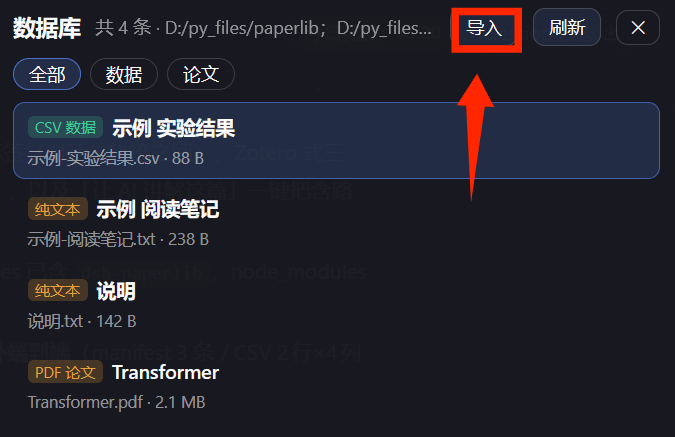
- **Library panel** (right-side floating drawer via `shell.overlay`; does not occupy the built-in `details` slot):
item list + type filters (All/Papers/Data/Notes). The **Import** button imports a whole folder or individual files
(choose a target directory; duplicate names get a timestamp suffix automatically). Hit **Refresh** after importing to see the new items.
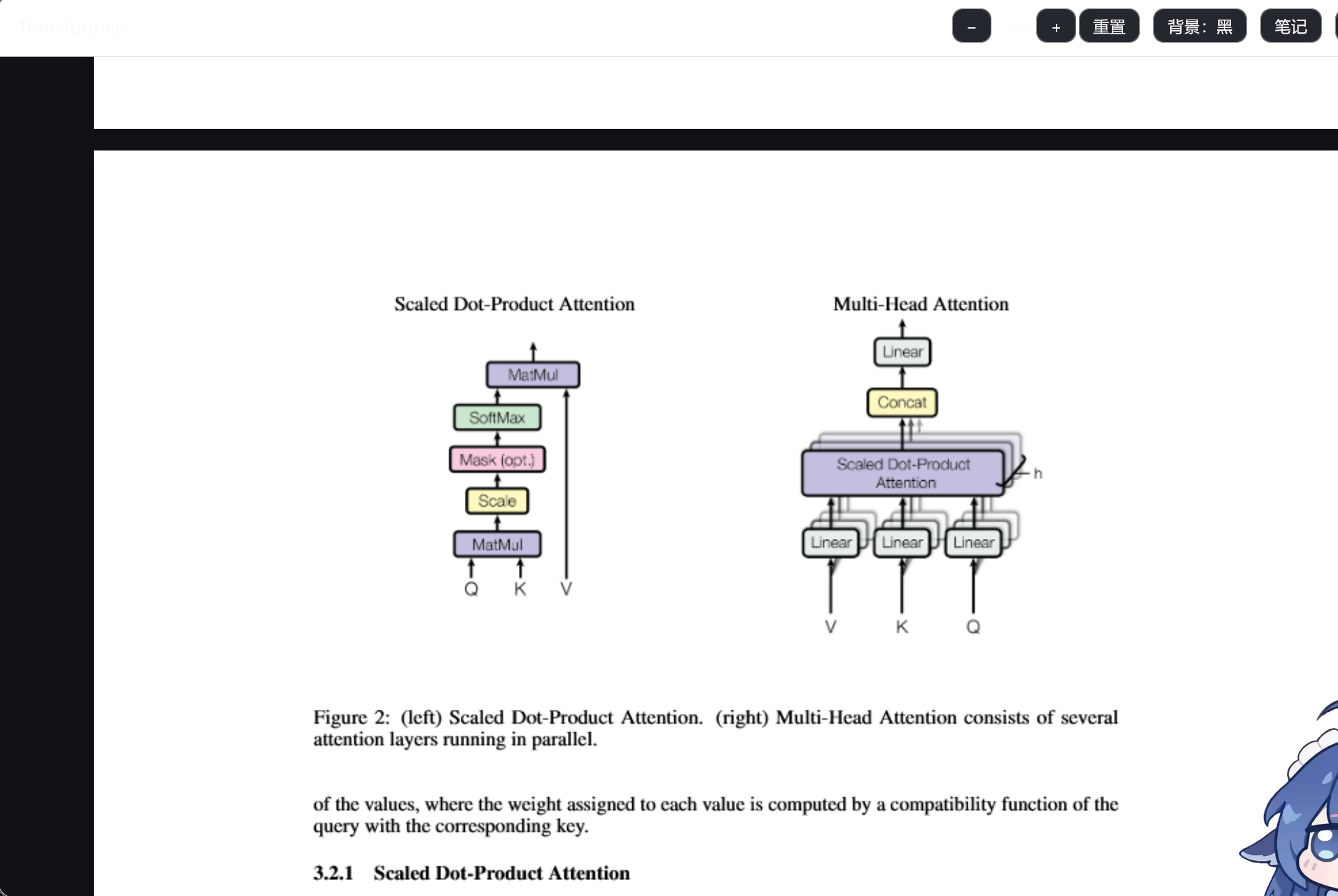
- **Centered reading**: double-click a PDF/Word item to open it in a centered window with **zoom** (− / + / reset) and a
**black/white background toggle** (button text flips to keep high contrast against the background).
- **PDF**: rendered with `pdf.js` (multi-page, selectable text layer)
- **Word**: rendered with `docx-preview` (keeps headings/bold/tables); legacy `.doc` prompts you to resave as `.docx`
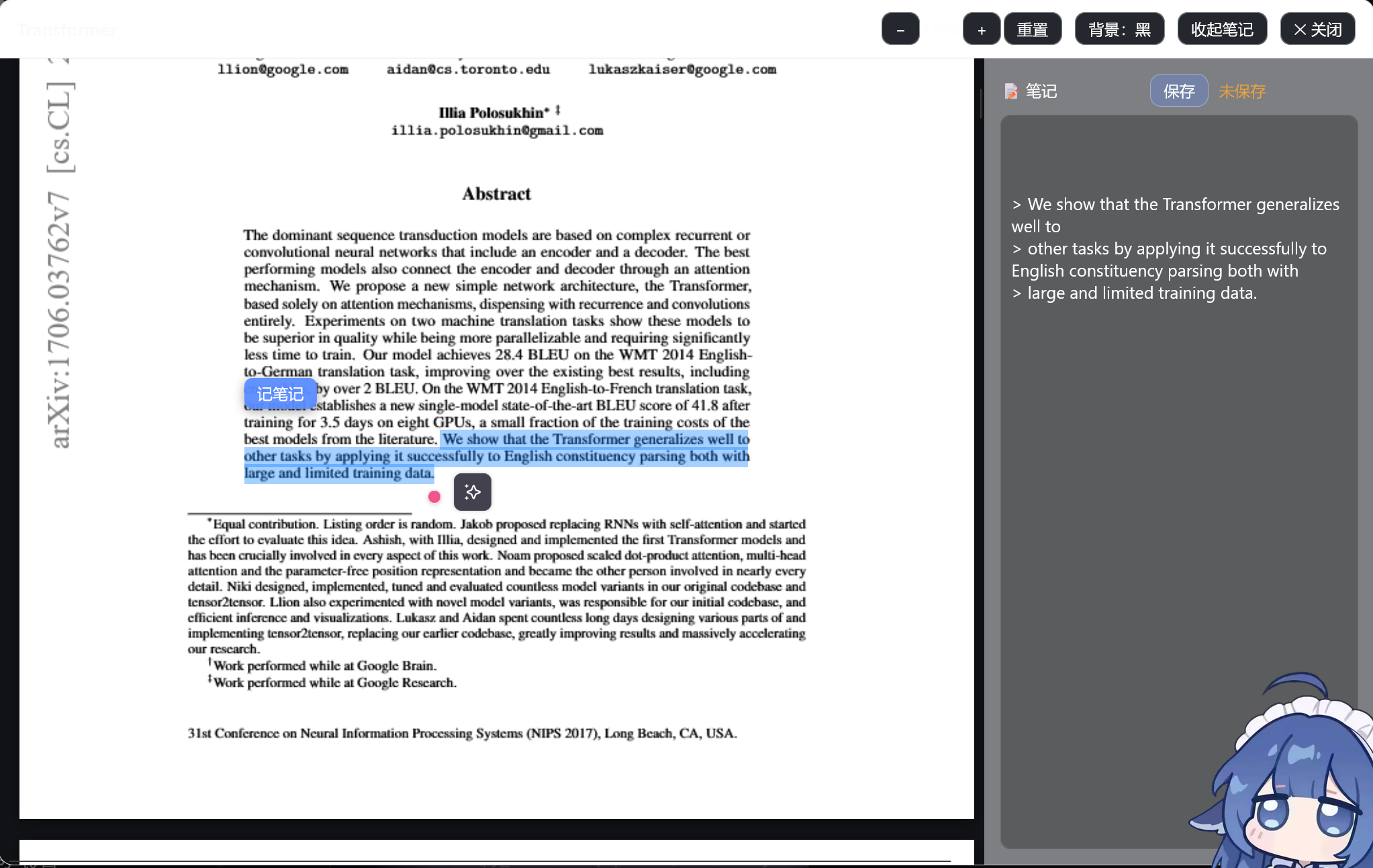
- **Select-to-note**: select text in a PDF/Word → click **“记笔记 / Take note”** → the quote is appended to your note as a Markdown blockquote
- **Note while reading**: a note panel on the right of the reading window lets you write and save anytime; each item maps to
a sibling `同名.notes.md` (`.notes.md`) file
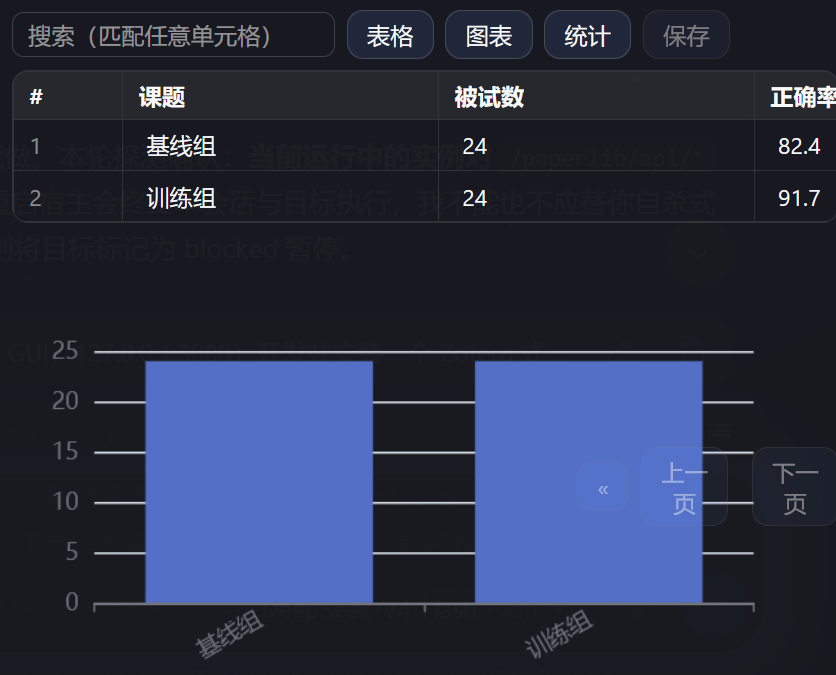
- **Spreadsheet workbench**: CSV/TSV/Excel(.xlsx/.xls) cells are editable and save back to the original file
(an automatic `.bak` backup is made first); sorting, search, pagination, ECharts charts (bar/line/pie) and column stats;
rows beyond 2000 become read-only automatically
- **Ask AI to explain**: sends the item path into the host input so the agent can read it with `paperpanel_read` and explain/summarize
- Bundler-free client: `client/paperpanel-client.js` (a single CommonJS file) → `scripts/build-client.mjs` builds `client.js`;
frontend libs (JSZip/docx-preview/SheetJS/ECharts/pdf.js) are inlined at build time — works fully offline
- Scan/read core: `lib/scan.mjs`, `lib/read.mjs` (pure Node, zero third-party deps)
## Install
```sh
# Option 1: npm (once published)
dsh plugin --profile web add dsh-paperpanel
# Option 2: GitHub source
dsh plugin --profile web add github:Floatingfur/dsh-paperpanel
# Option 3: local development (link)
# In the web profile's package.json dependencies add "dsh-paperpanel": "link:"
# and add "dsh-paperpanel" under dsh.profile.bundles, then restart dsh web
```
After installing, restart `dsh web` and the **Library** drawer appears on the right.
## Configure the data folders
Set the scanned root folders under `config.libraryRoots` in `cordis.patch.yml` (the sample points at `samples`).
Drop papers/data into those folders (or subfolders) and press **Refresh** in the drawer, or use the **Import** button to bring files in.
## Local commands
```bash
npm run build:client # regenerate client.js after editing client/ sources
```
Start dsh (auto-cleans a stale instance holding port 3080 first, to avoid EADDRINUSE multi-instance conflicts):
```powershell
powershell -NoProfile -ExecutionPolicy Bypass -File scripts\start-dsh.ps1
```
## Project layout
```
dsh-paperpanel/
package.json # exports / dsh.bundle / dsh.client
cordis.patch.yml # bundle insert declaration (default libraryRoots)
index.mjs # Node half: HTTP routes + agent tools paperpanel_search / paperpanel_read
lib/scan.mjs # recursive scanning core
lib/read.mjs # text/CSV preview core
client/paperpanel-client.js # client source (drawer + centered reader)
scripts/build-client.mjs # bundler-free build (inlines vendor)
scripts/start-dsh.ps1 # start script (clears port 3080 stale instance)
scripts/vendor/ # frontend third-party UMD files (inlined into client.js at build)
client.js # build artifact (shipped with the plugin)
samples/ # smoke-test samples
```
## Backend API (same-origin fetch, no token needed)
- `GET /paperpanel/api/roots` → `{ ok, roots }`
- `GET /paperpanel/api/manifest` → `{ ok, scannedAt, roots, itemCount, items[] }`
- `GET /paperpanel/api/preview?path=…` → text preview
- `GET /paperpanel/api/file?path=…` → raw file (used by PDF/Word rendering and the spreadsheet workbench)
- `POST /paperpanel/api/import?name=…&dir=…` → import a file into a data folder (allow-listed)
- `POST /paperpanel/api/save` → `{ path, content, encoding }` writes the file back (backs up the original to `.bak` first)
- `GET/POST /paperpanel/api/note?path=…` → read/save the item's `.notes.md` note
## Agent tools
- `paperpanel_search`: search the catalog by title/path keyword or type.
- `paperpanel_read`: read an item's content (text body / CSV headers+rows / PDF metadata).
## Listing in the plugin marketplace
To appear in DSH's plugin marketplace (dshmarket), submit to the curated list
[awesome-dsh-plugin](https://github.com/awesome-dsh-plugin/awesome-dsh-plugin): add an entry
(plugin name, npm package, GitHub repo, description, screenshots, …); the site and marketplace pick it up
automatically, usually within a day. The marketplace only installs sources on the curated list — anything
else must be installed manually with `dsh plugin add`.
## Notes
- The right-hand `details` slot is a single seat and this plugin deliberately does not occupy it; it uses
`shell.overlay` (the official additive overlay seat) instead.
- The drawer is root-scoped; `inputActions` are bridged in through the session-header button — **Ask AI to explain**
is disabled when there is no active session.
- Save/note/import all do a root-folder allow-list check; spreadsheet saves back up the original to `原文件.bak`.
- `*.notes.md` note files are excluded from scanning so they never pollute the catalog.
- No `dsh.engines.dsh` is declared, so it stays compatible across dsh versions and never breaks boot on a version mismatch.