# Gramophone


[](https://t.me/FoedusProgramme)
[日本語](./readme_ja.md)
A sane music player built with media3 and the Material Design library that is following Android's standard strictly.
[ ](https://f-droid.org/packages/org.akanework.gramophone/)
[
](https://f-droid.org/packages/org.akanework.gramophone/)
[ ](https://apt.izzysoft.de/fdroid/index/apk/org.akanework.gramophone)
[
](https://apt.izzysoft.de/fdroid/index/apk/org.akanework.gramophone)
[ ](https://play.google.com/store/apps/details?id=org.akanework.gramophone&utm_source=github.com&utm_campaign=readme)
## Features
- Light, stable, and minimalistic
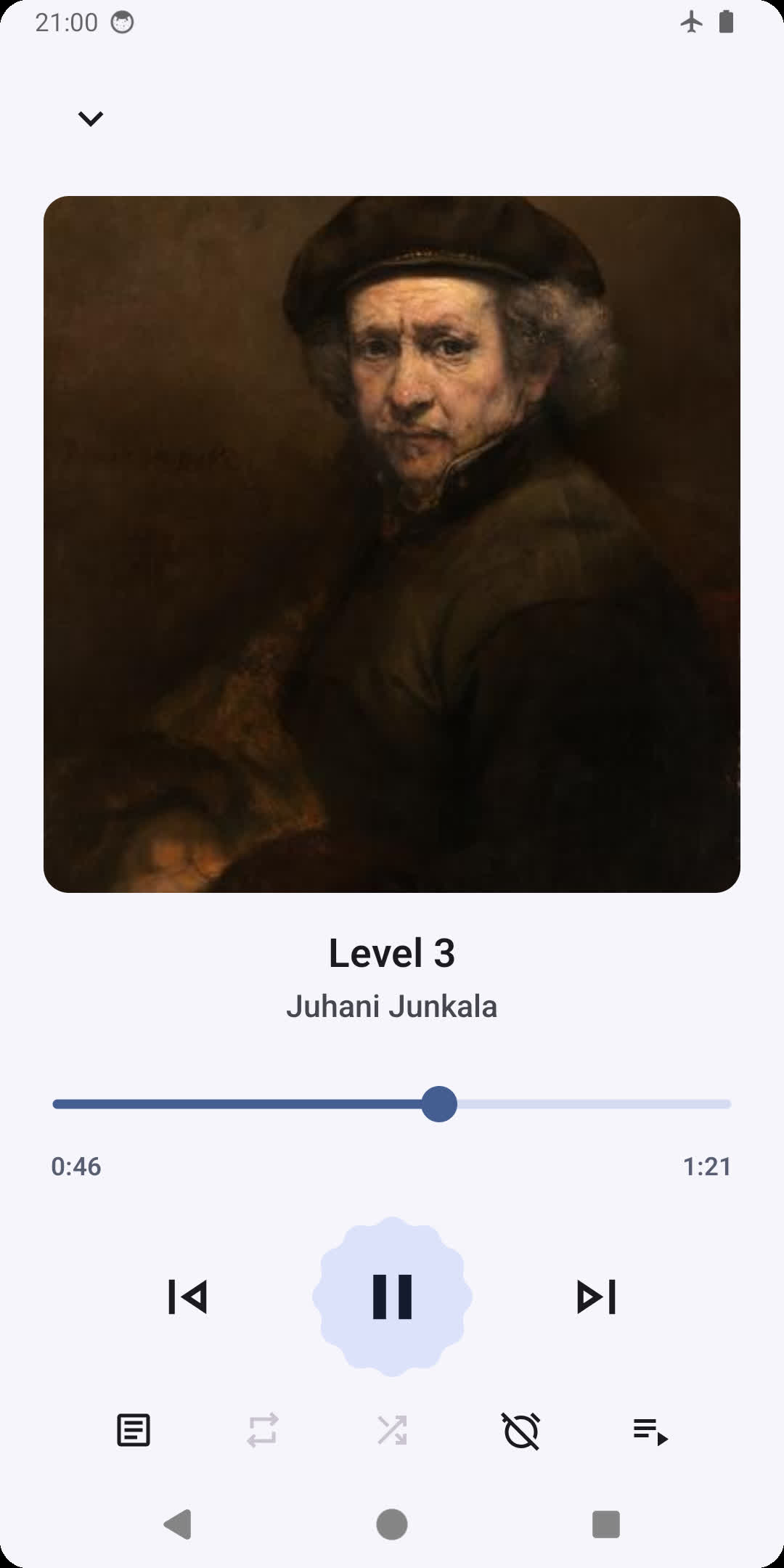
- Up-to-date Material 3 design and theme
- Dynamic player UI Monet color
- Monet themed icon (Android 12+)
- Music library features
- Search and browse for your favourite music
- Uses MediaStore to quickly access on-device music
- List and grid views
- Browse songs by folder and filesystem
- Natural sorting and various other sorting options
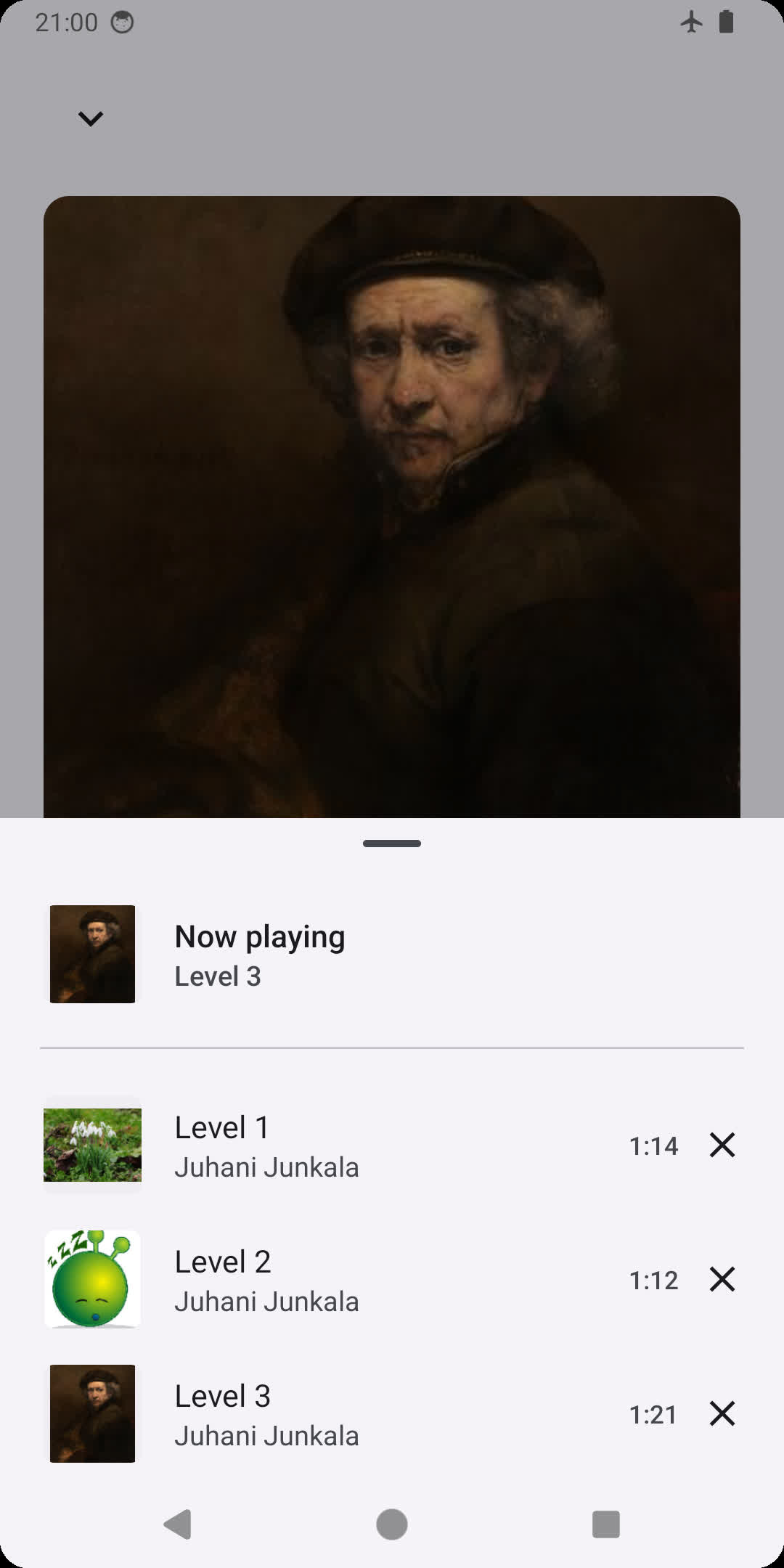
- Playlist support
- Synced lyrics
- LRC, TTML, SRT
- Supports word/syllable Karaoke lyrics synchronization
- Full support for ReplayGain 2.0
- Support for system/third-party Equalizer apps
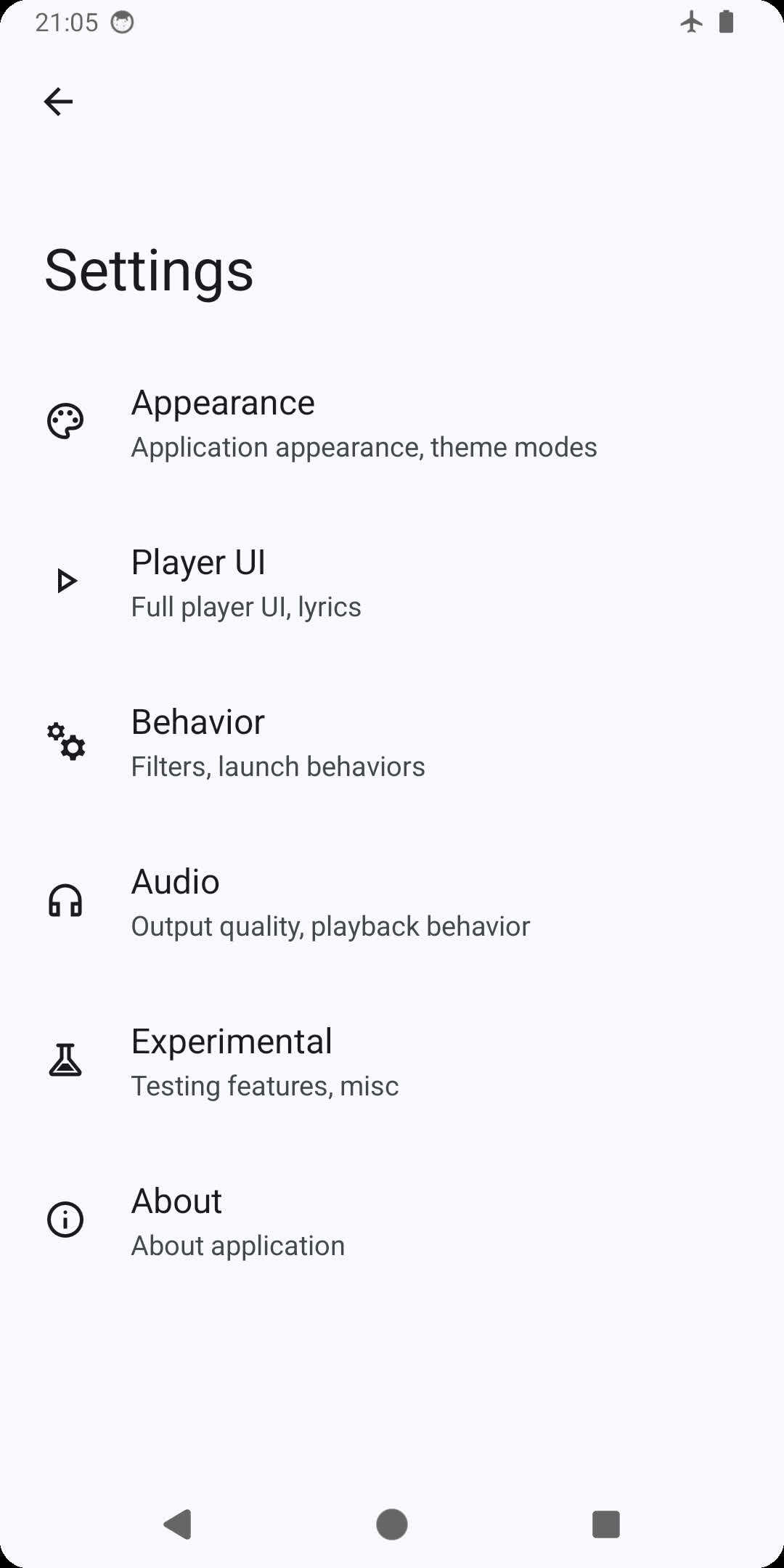
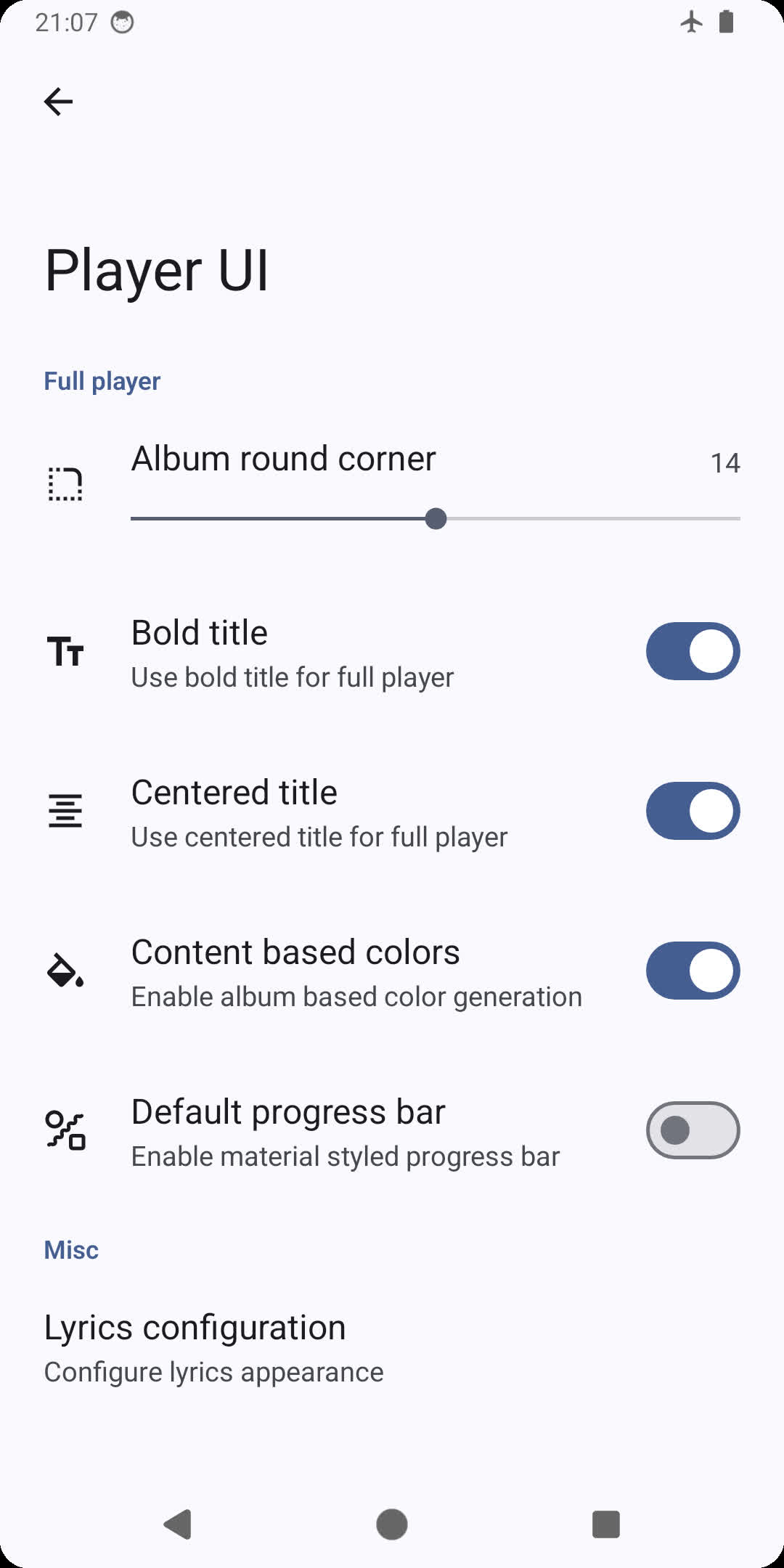
## Screenshots
| 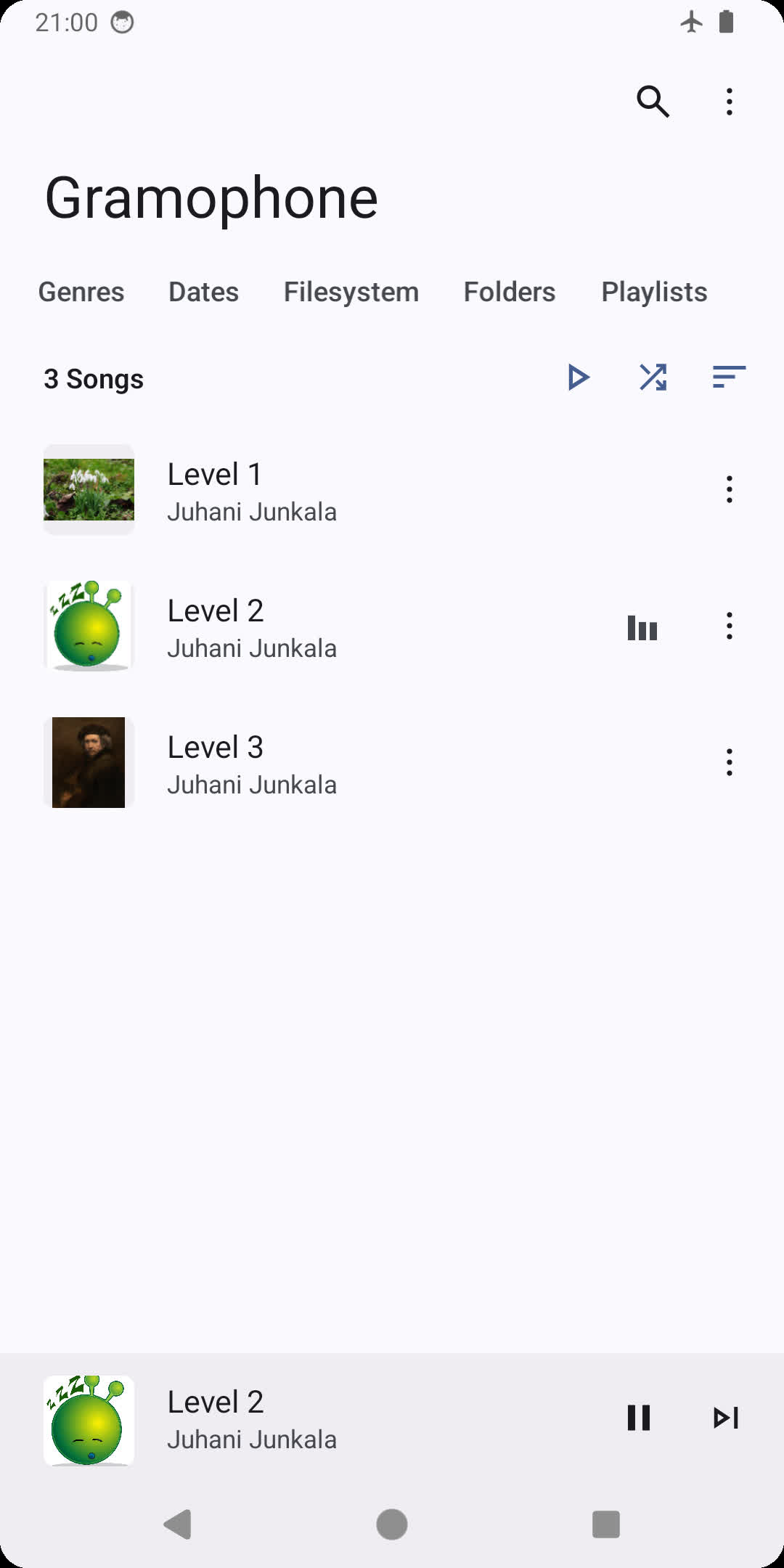 | 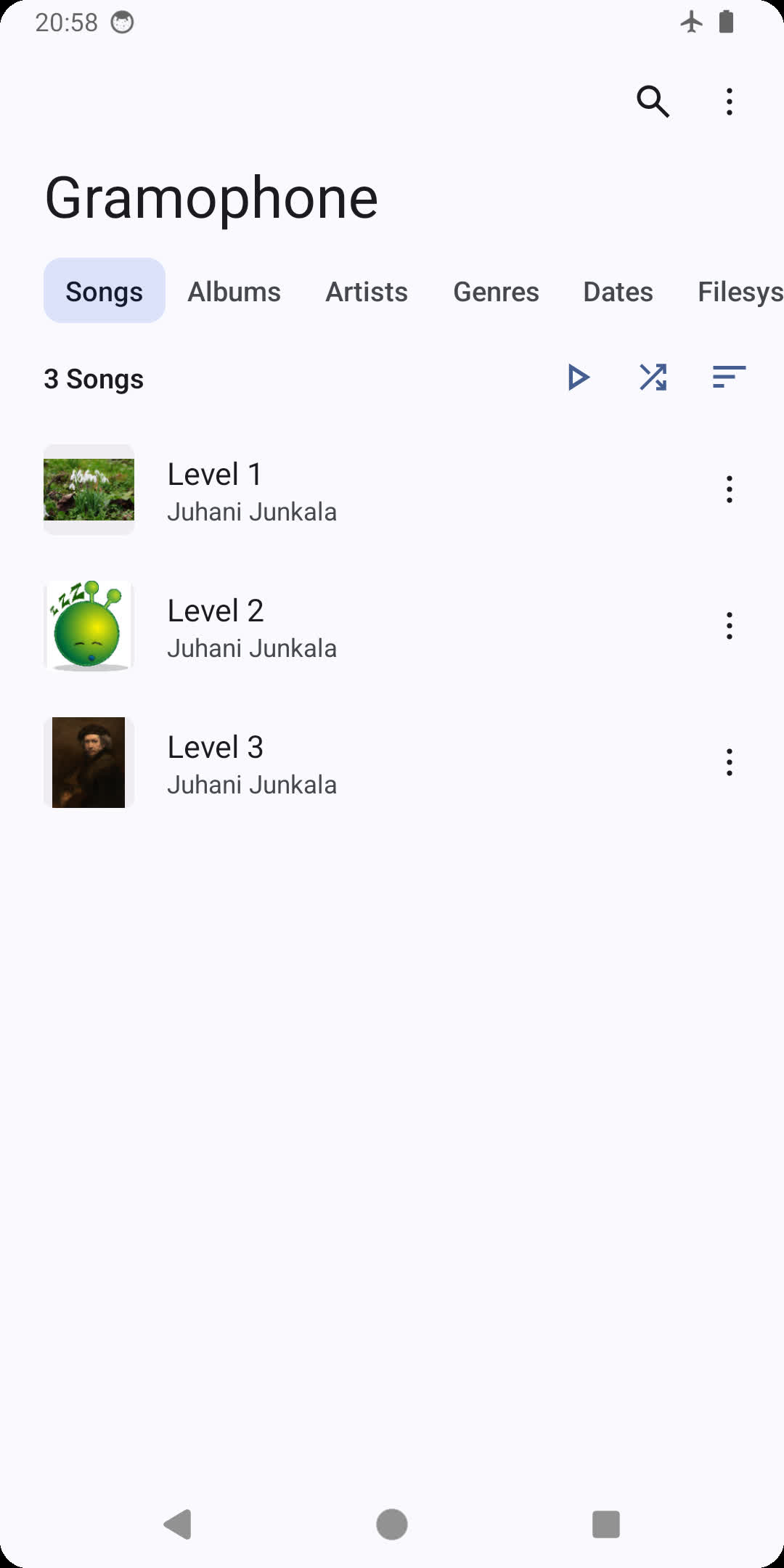 | 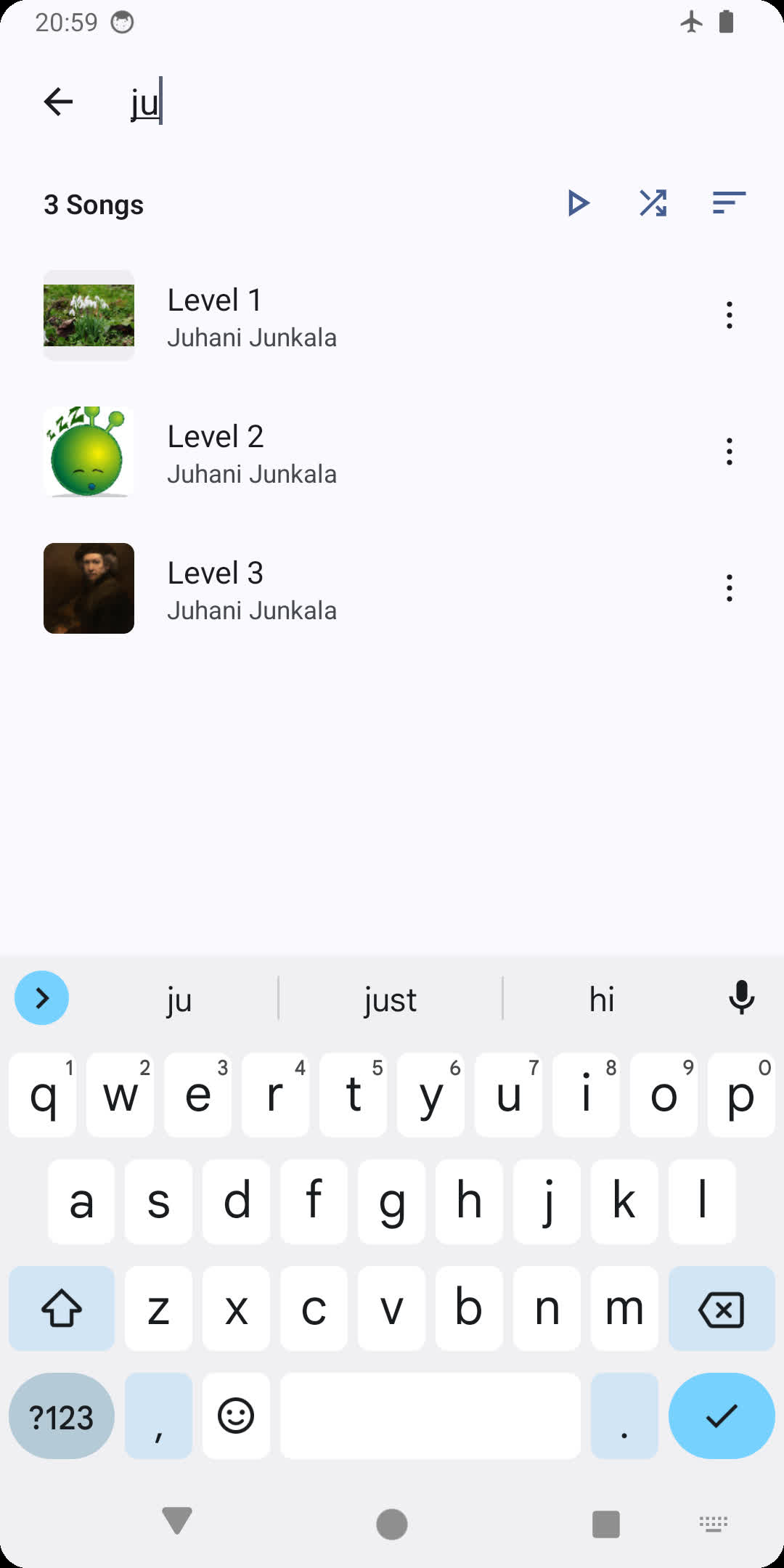 |
|------------------------------------------------------------------------------------------------------------------------------------------------------|------------------------------------------------------------------------------------------------------------------------------------------------------|------------------------------------------------------------------------------------------------------------------------------------------------------|
| 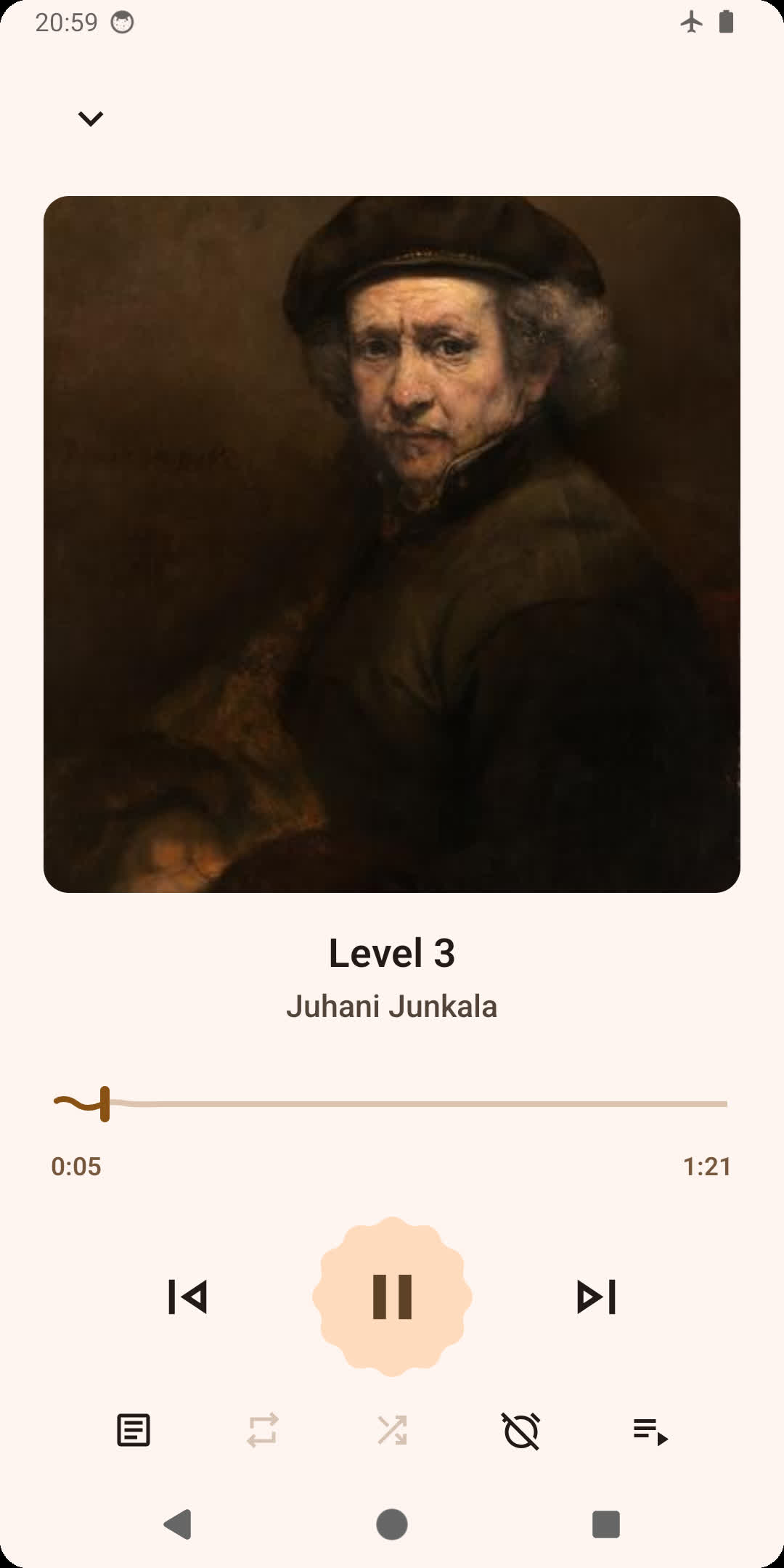 |  |  |
|  |  |  |
## Installation
You can download the latest stable version of the app from either [GitHub releases](https://github.com/FoedusProgramme/Gramophone/releases/latest), [F-Droid](https://f-droid.org/packages/org.akanework.gramophone/), or from [IzzyOnDroid](https://apt.izzysoft.de/fdroid/index/apk/org.akanework.gramophone).
Beta versions and sneak peeks are available in the [telegram channel](https://t.me/FoedusProgramme) or [chat](https://t.me/FoedusDiscussion).
## Building
To build this app, you will need the latest beta version of [Android Studio](https://developer.android.com/studio) and a fast network.
### 1. Submodules
Gramophone includes certain dependencies such as media3 as git submodule. Make sure you download git submodules by running `git submodule update --init --recursive` before trying to build Gramophone.
### 2. Set up package type
Gramophone has a package type that indicates the source of the application package. Package type string is extracted from an external file named `package.properties`.
Simply open your favorite text editor, type `releaseType=SelfBuilt`, and save it in the root folder of the repository as `package.properties`.
### 3. Start the build
Launch Android Studio and import your own app signing signature. You should be able to build Gramophone now.
## License
This project is licensed under the GNU General Public License v3.0 - see the [LICENSE](https://github.com/FoedusProgramme/Gramophone/blob/beta/LICENSE) file for details.
## Translation
](https://play.google.com/store/apps/details?id=org.akanework.gramophone&utm_source=github.com&utm_campaign=readme)
## Features
- Light, stable, and minimalistic
- Up-to-date Material 3 design and theme
- Dynamic player UI Monet color
- Monet themed icon (Android 12+)
- Music library features
- Search and browse for your favourite music
- Uses MediaStore to quickly access on-device music
- List and grid views
- Browse songs by folder and filesystem
- Natural sorting and various other sorting options
- Playlist support
- Synced lyrics
- LRC, TTML, SRT
- Supports word/syllable Karaoke lyrics synchronization
- Full support for ReplayGain 2.0
- Support for system/third-party Equalizer apps
## Screenshots
|  |  |  |
|------------------------------------------------------------------------------------------------------------------------------------------------------|------------------------------------------------------------------------------------------------------------------------------------------------------|------------------------------------------------------------------------------------------------------------------------------------------------------|
|  |  |  |
|  |  |  |
## Installation
You can download the latest stable version of the app from either [GitHub releases](https://github.com/FoedusProgramme/Gramophone/releases/latest), [F-Droid](https://f-droid.org/packages/org.akanework.gramophone/), or from [IzzyOnDroid](https://apt.izzysoft.de/fdroid/index/apk/org.akanework.gramophone).
Beta versions and sneak peeks are available in the [telegram channel](https://t.me/FoedusProgramme) or [chat](https://t.me/FoedusDiscussion).
## Building
To build this app, you will need the latest beta version of [Android Studio](https://developer.android.com/studio) and a fast network.
### 1. Submodules
Gramophone includes certain dependencies such as media3 as git submodule. Make sure you download git submodules by running `git submodule update --init --recursive` before trying to build Gramophone.
### 2. Set up package type
Gramophone has a package type that indicates the source of the application package. Package type string is extracted from an external file named `package.properties`.
Simply open your favorite text editor, type `releaseType=SelfBuilt`, and save it in the root folder of the repository as `package.properties`.
### 3. Start the build
Launch Android Studio and import your own app signing signature. You should be able to build Gramophone now.
## License
This project is licensed under the GNU General Public License v3.0 - see the [LICENSE](https://github.com/FoedusProgramme/Gramophone/blob/beta/LICENSE) file for details.
## Translation
 ## Notice
- Discussion chat: [Telegram](https://t.me/FoedusDiscussion)
- GitHub/F-Droid/IzzyOnDroid certificate SHA-256 digest: f451197ad7b80bd1bc981ba38a2c49d471856fb38bcc333676d6e8f8f3ce5d6e
- Play Store certificate SHA-256 digest: 178869b0f9130d145b53404df4d4e5e311095406cb3c51a3e7a4b03bb3e87786
## FAQ
**Why can't I see songs shorter than 60 seconds?**
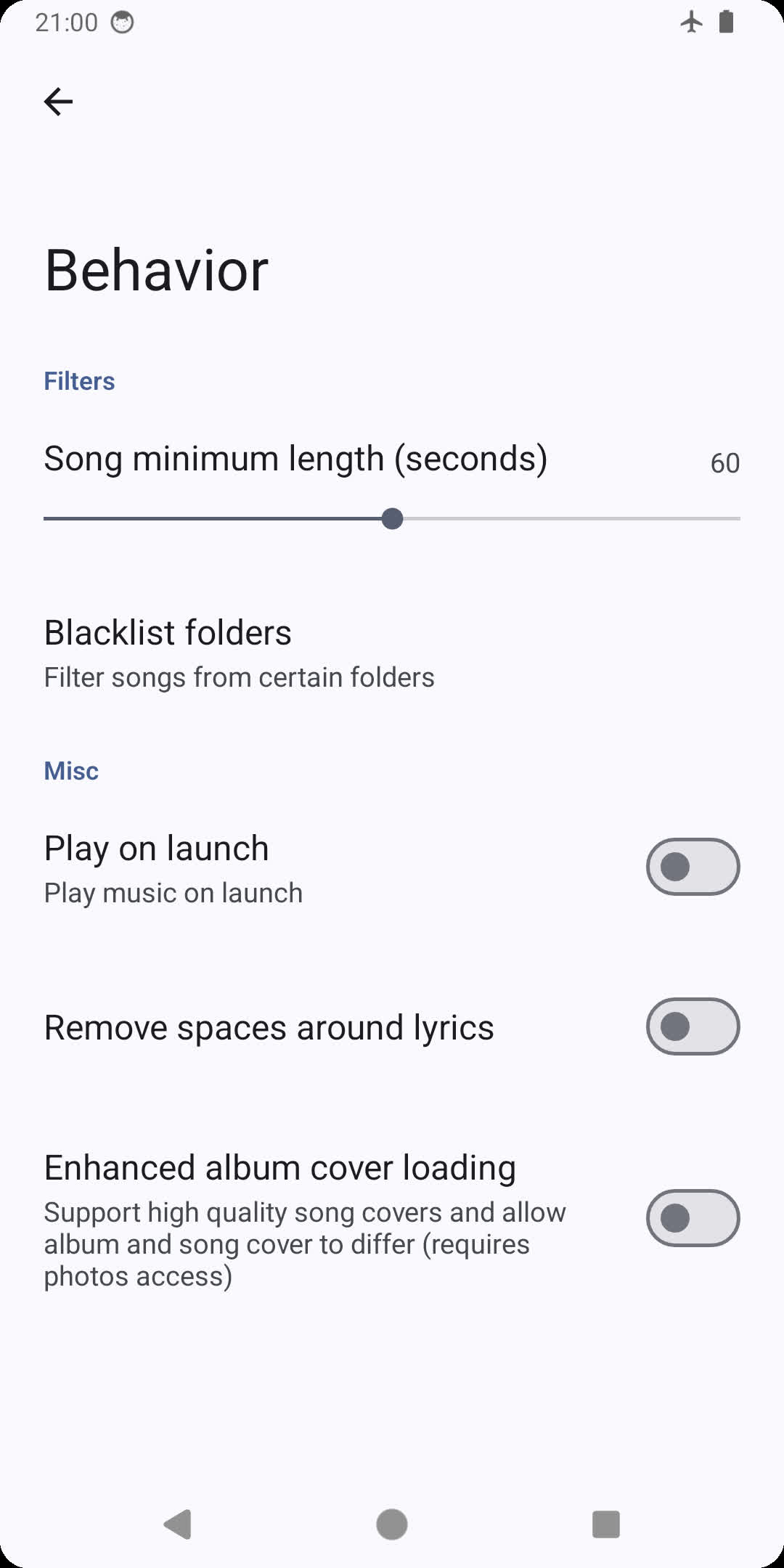
Gramophone hides songs shorter than 60 seconds by default. You can change it in _Three dots > Settings > Behaviour_ (set the setting to 0 to show all songs).
**I changed the minimum song length setting, but some songs are still missing!**
Make sure you haven't excluded the folder in _Behaviour > Folder blacklist_.
Then, try to reboot your phone, then wait a few minutes (this will rescan the system-wide media database Gramophone uses to find songs).
If it's still not visible, your system version may not support scanning this file extension: this most commonly is observed for .opus, which will only be scanned since Android 10 (pro tip: rename your .opus file to .ogg, and it will be detected on Android 6 and later).
**My song isn't playing! / My song is playing, but it's completely silent, yet the volume is turned up!**
Please note that Gramophone relies on system media codecs to make the app smaller. This means
- int32 (32-bit) FLAC files will only work on Android 14 or later
- FLAC files often do work even on versions prior to Android 8, but are only officially supported on Android 8 or later
- xHE-AAC files in general will only work on Android 9 or later
- Dolby Digital (AC-3) / Dolby Digital Plus (E-AC-3) / AC-4 requires a device that has licensed decoders for these formats
There is one exception: ALAC files can be played even without the system ALAC decoder as Gramophone includes an extremely lightweight Java ALAC decoder.
## Friends
[SongSync](https://github.com/lambada10/songsync)
## Notice
- Discussion chat: [Telegram](https://t.me/FoedusDiscussion)
- GitHub/F-Droid/IzzyOnDroid certificate SHA-256 digest: f451197ad7b80bd1bc981ba38a2c49d471856fb38bcc333676d6e8f8f3ce5d6e
- Play Store certificate SHA-256 digest: 178869b0f9130d145b53404df4d4e5e311095406cb3c51a3e7a4b03bb3e87786
## FAQ
**Why can't I see songs shorter than 60 seconds?**
Gramophone hides songs shorter than 60 seconds by default. You can change it in _Three dots > Settings > Behaviour_ (set the setting to 0 to show all songs).
**I changed the minimum song length setting, but some songs are still missing!**
Make sure you haven't excluded the folder in _Behaviour > Folder blacklist_.
Then, try to reboot your phone, then wait a few minutes (this will rescan the system-wide media database Gramophone uses to find songs).
If it's still not visible, your system version may not support scanning this file extension: this most commonly is observed for .opus, which will only be scanned since Android 10 (pro tip: rename your .opus file to .ogg, and it will be detected on Android 6 and later).
**My song isn't playing! / My song is playing, but it's completely silent, yet the volume is turned up!**
Please note that Gramophone relies on system media codecs to make the app smaller. This means
- int32 (32-bit) FLAC files will only work on Android 14 or later
- FLAC files often do work even on versions prior to Android 8, but are only officially supported on Android 8 or later
- xHE-AAC files in general will only work on Android 9 or later
- Dolby Digital (AC-3) / Dolby Digital Plus (E-AC-3) / AC-4 requires a device that has licensed decoders for these formats
There is one exception: ALAC files can be played even without the system ALAC decoder as Gramophone includes an extremely lightweight Java ALAC decoder.
## Friends
[SongSync](https://github.com/lambada10/songsync)