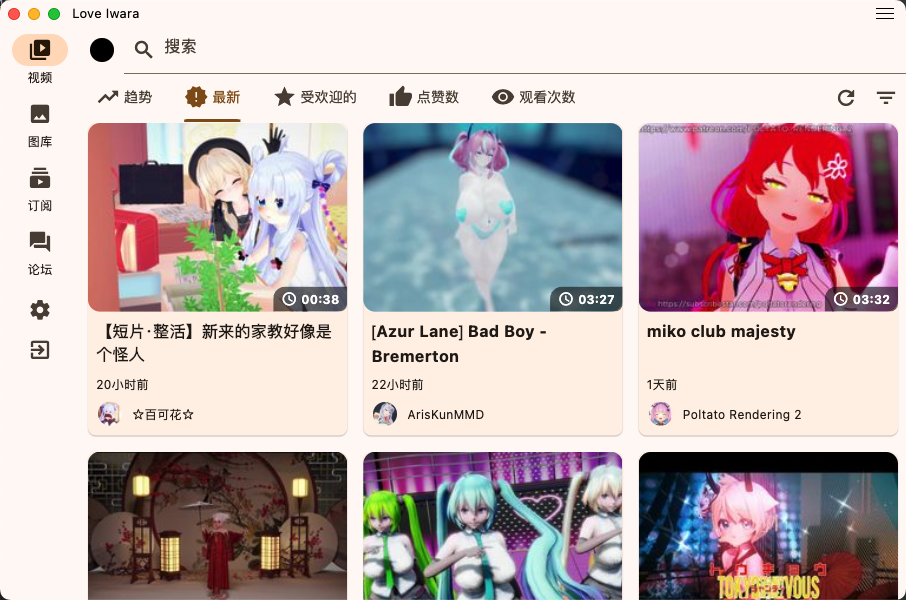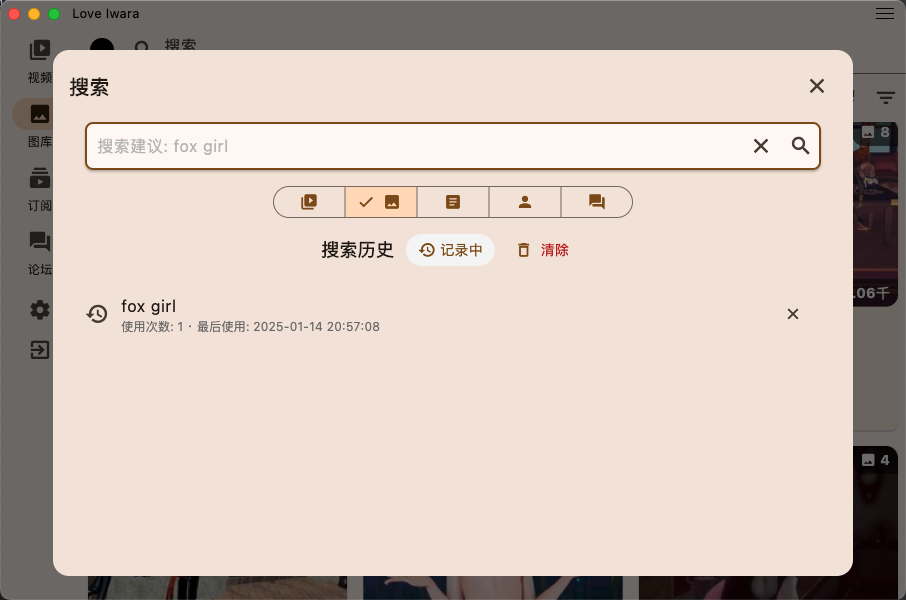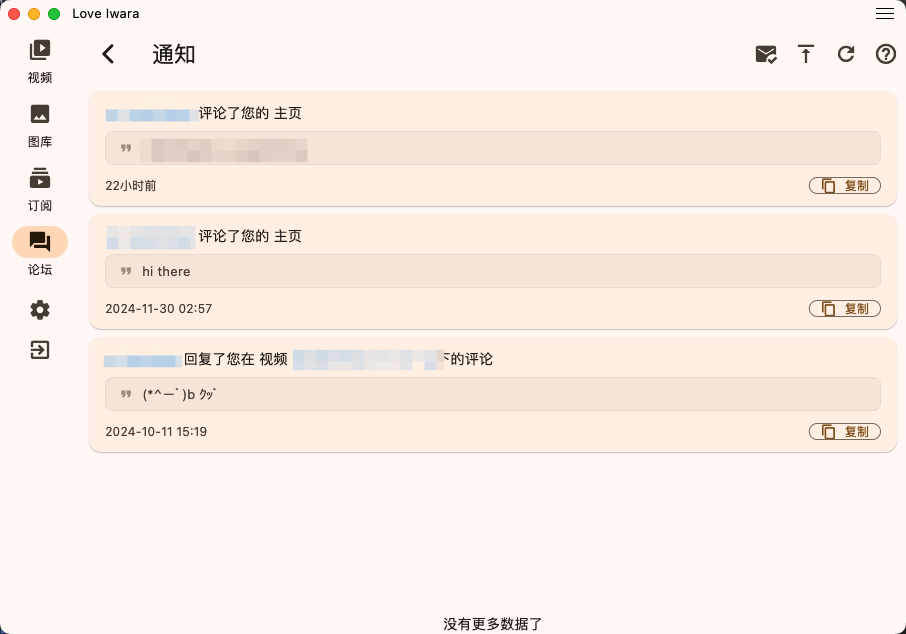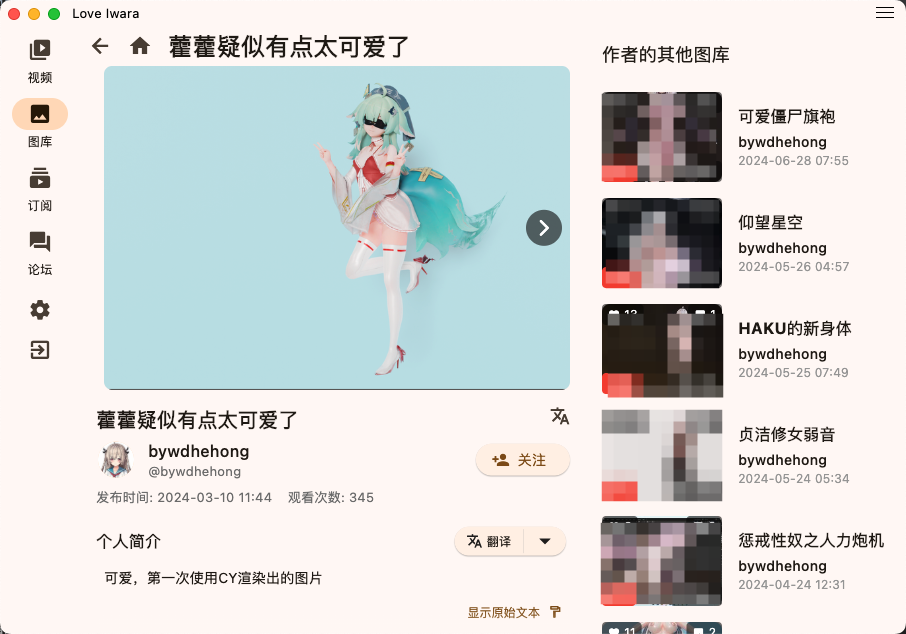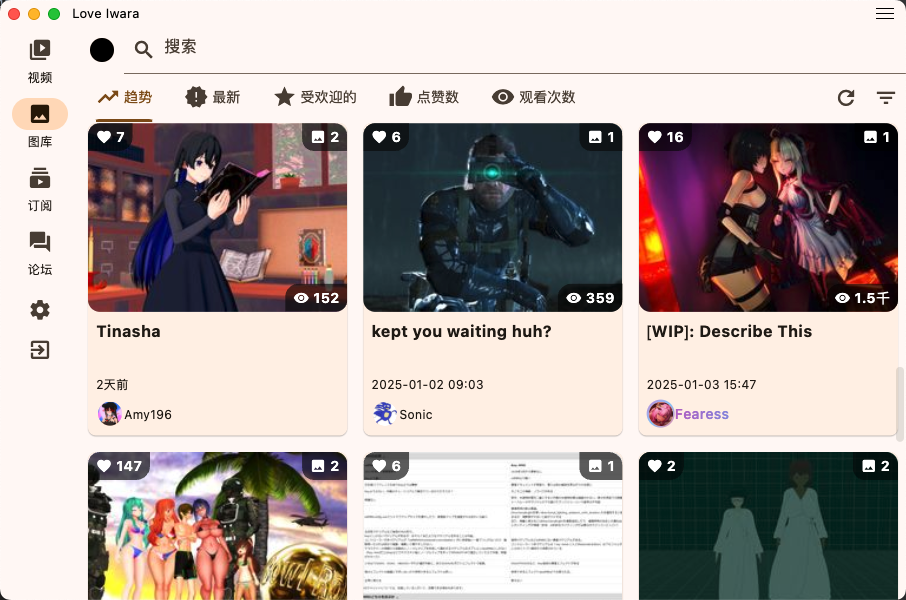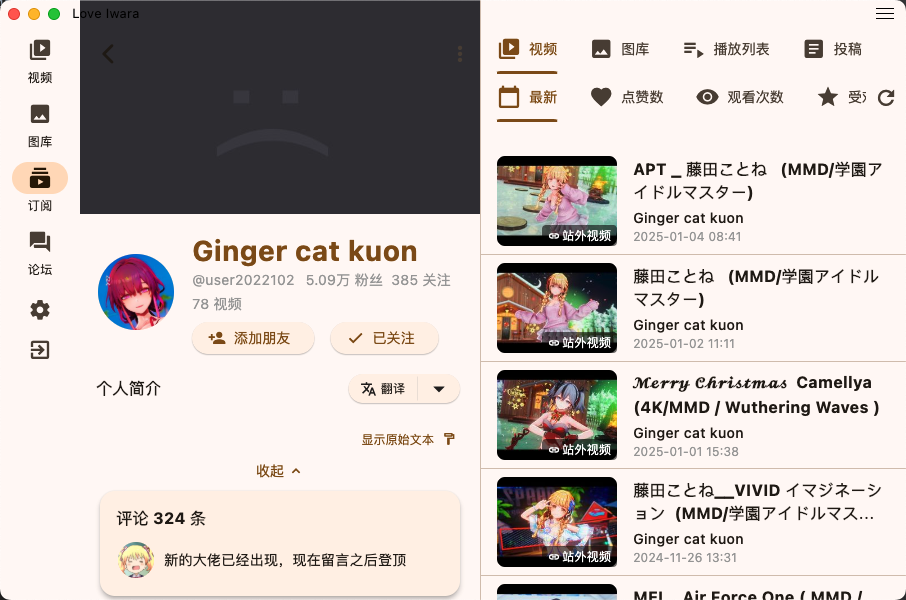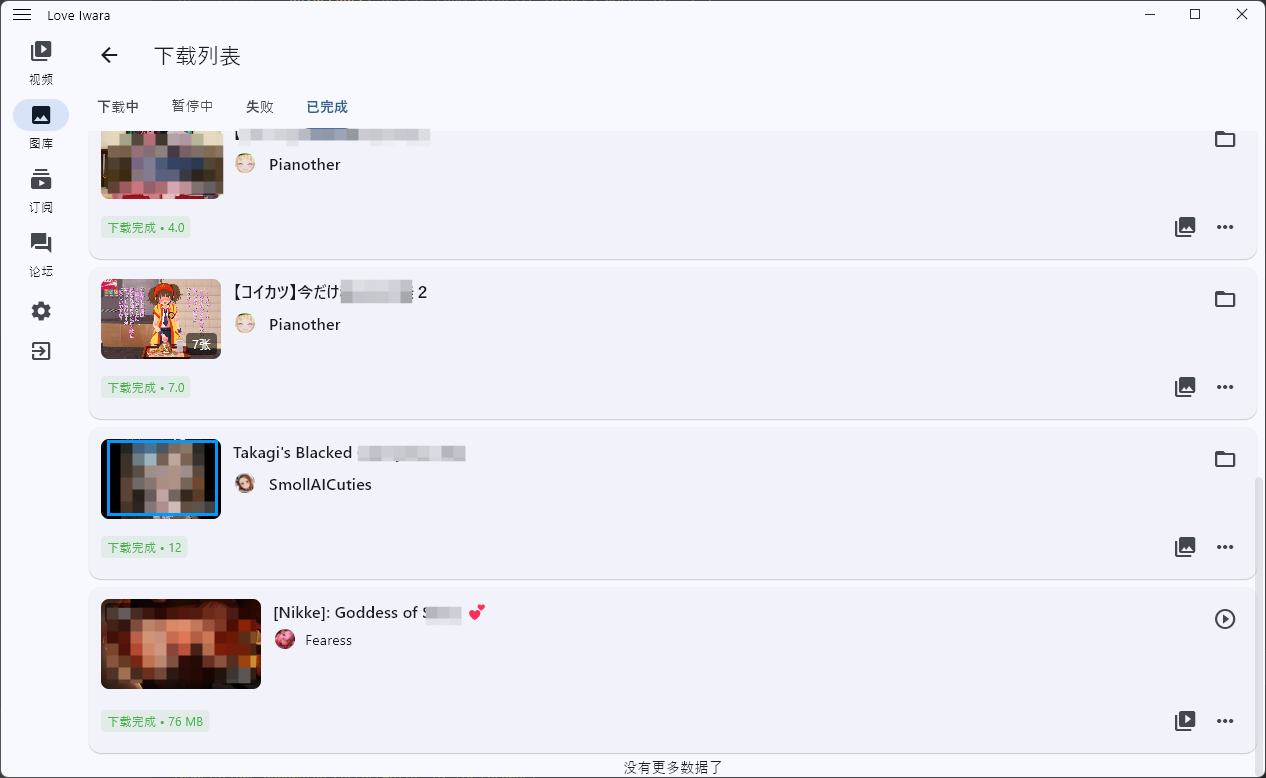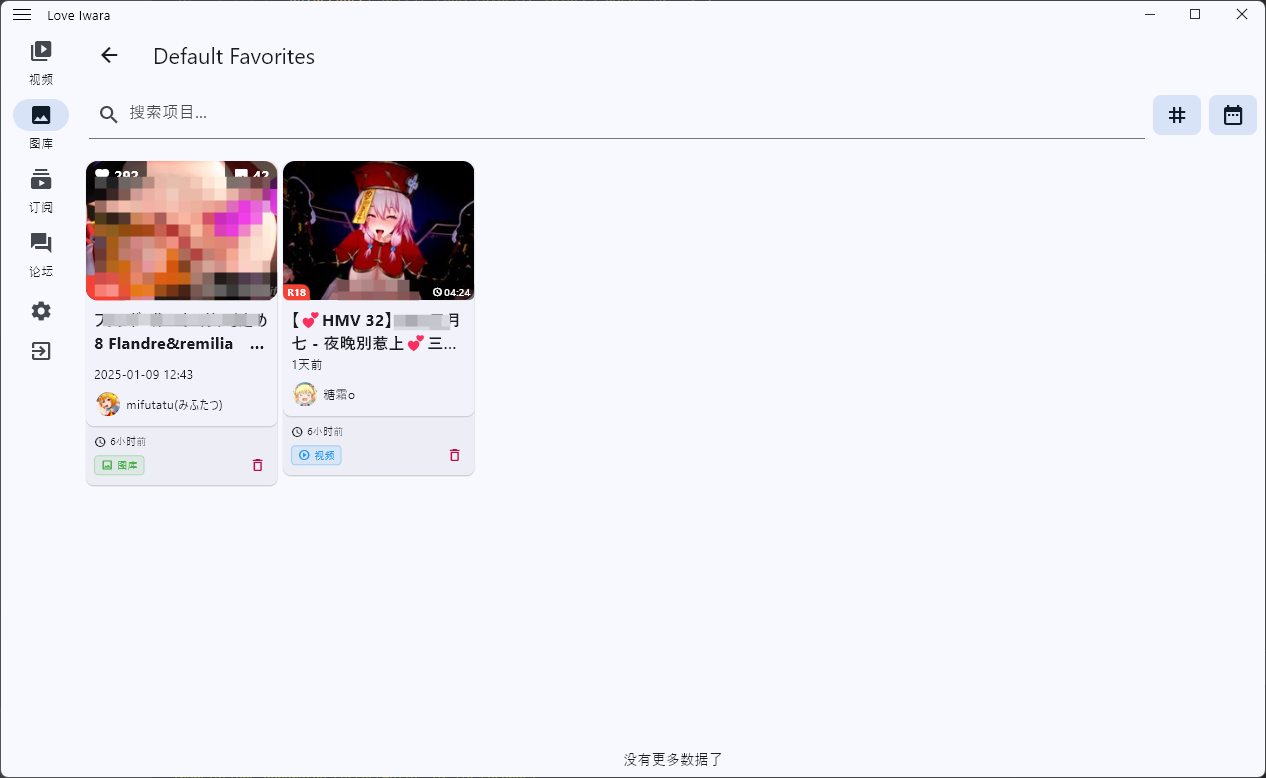
Love Iwara logo # Love Iwara (2i) **A fast, beautiful, cross-platform third-party Iwara client built with Flutter.** One codebase → Android · Windows · macOS · Linux · iOS [![Telegram Group](https://img.shields.io/badge/Telegram-Group-2CA5E0?style=flat&logo=telegram&logoColor=white)](https://t.me/+ITH4CV6Z_sc2ZWVl) [![GitHub stars](https://img.shields.io/github/stars/FoxSensei001/LoveIwara?label=stars&labelColor=27303D&color=0D1117&logo=github&logoColor=FFFFFF&style=flat)](https://github.com/FoxSensei001/LoveIwara) [![GitHub forks](https://img.shields.io/github/forks/FoxSensei001/LoveIwara?label=forks&labelColor=27303D&color=0D1117&logo=github&logoColor=FFFFFF&style=flat)](https://github.com/FoxSensei001/LoveIwara) [![License: MIT](https://img.shields.io/github/license/FoxSensei001/LoveIwara?labelColor=27303D&color=0877d2)](LICENSE) [![GitHub issues](https://img.shields.io/github/issues/FoxSensei001/LoveIwara?labelColor=27303D&color=0D1117&logo=github&logoColor=FFFFFF&style=flat)](https://github.com/FoxSensei001/LoveIwara/issues) ![Flutter](https://img.shields.io/badge/Flutter-3.x-02569B?style=flat&logo=flutter&logoColor=white) ![Dart](https://img.shields.io/badge/Dart-^3.8-0175C2?style=flat&logo=dart&logoColor=white) ![Android](https://img.shields.io/badge/Android-3DDC84?style=flat&logo=android&logoColor=white) ![Windows](https://img.shields.io/badge/Windows-0078D6?style=flat&logo=windows&logoColor=white) ![macOS](https://img.shields.io/badge/macOS-000000?style=flat&logo=apple&logoColor=white) ![Linux](https://img.shields.io/badge/Linux-FCC624?style=flat&logo=linux&logoColor=black) ![iOS](https://img.shields.io/badge/iOS-000000?style=flat&logo=apple&logoColor=white) **English** · [中文](README_ZH.md)

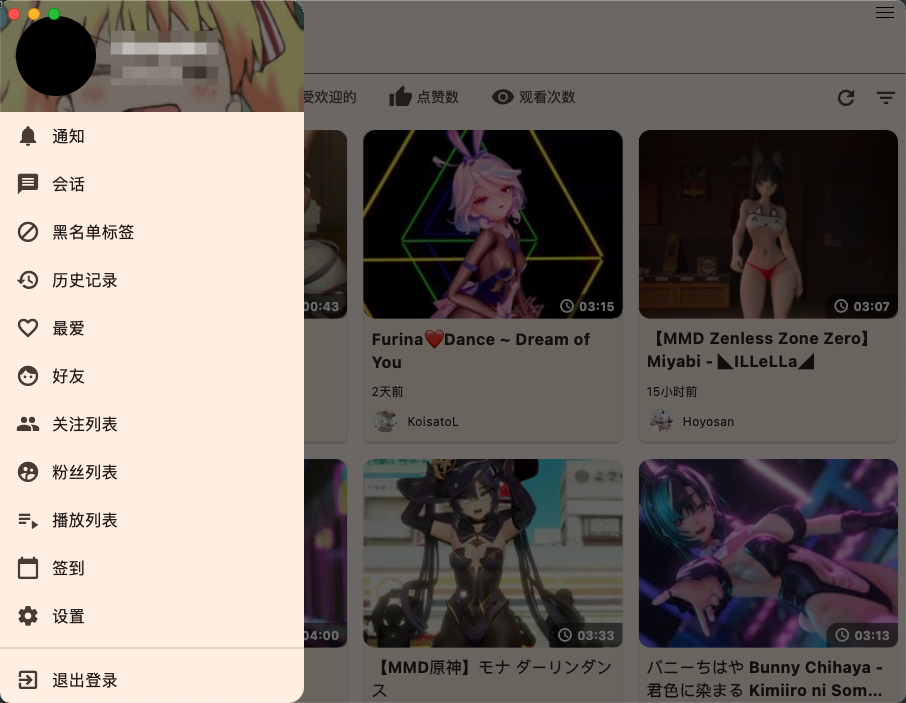
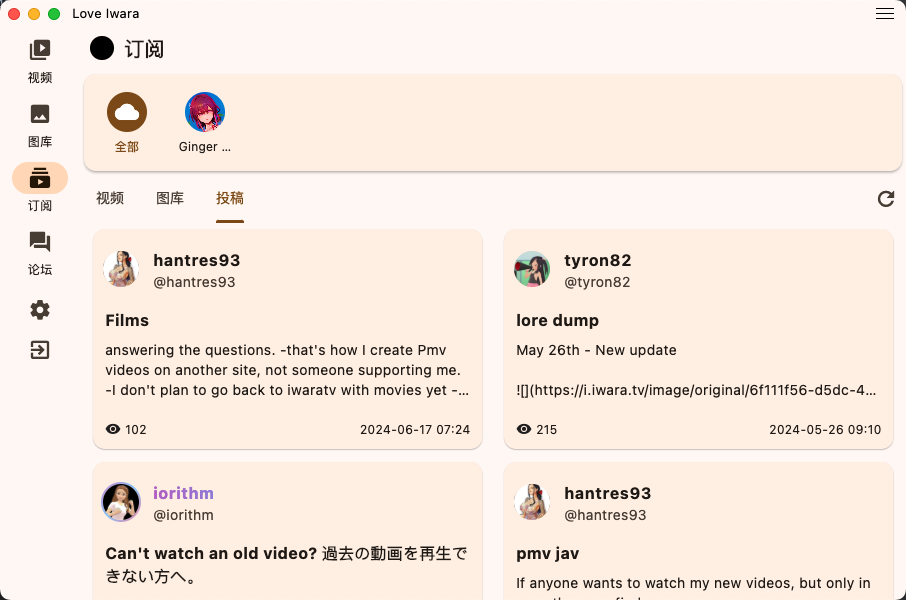
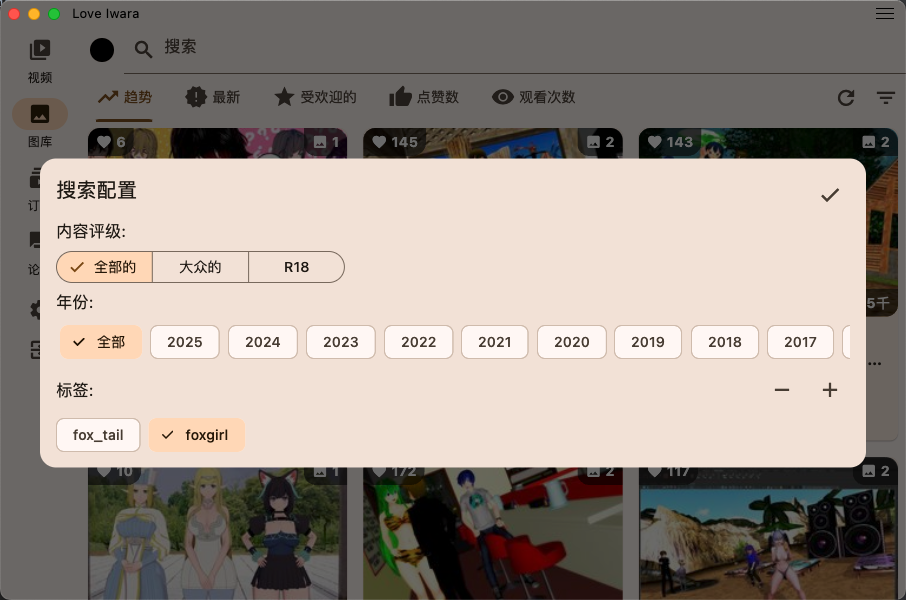
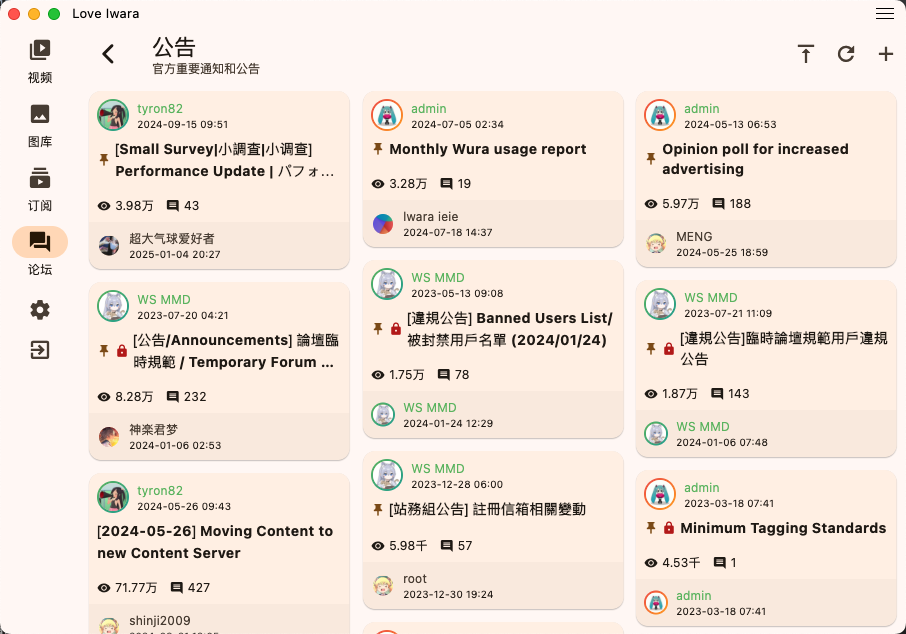
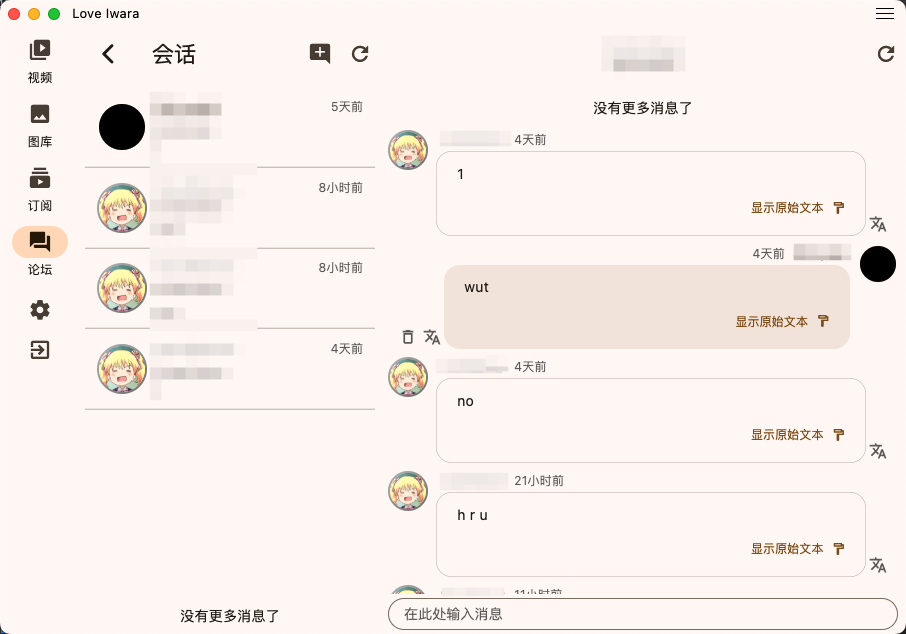
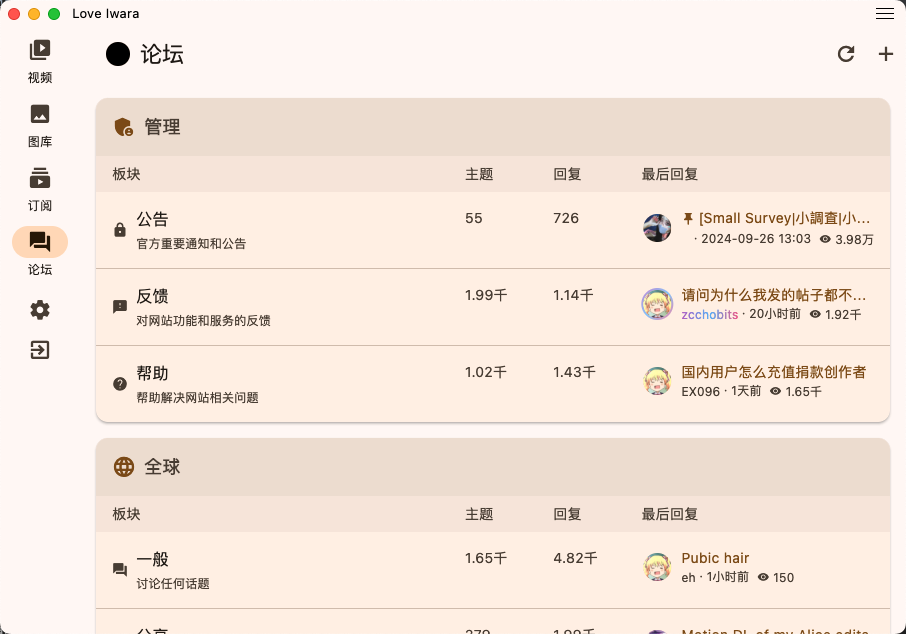
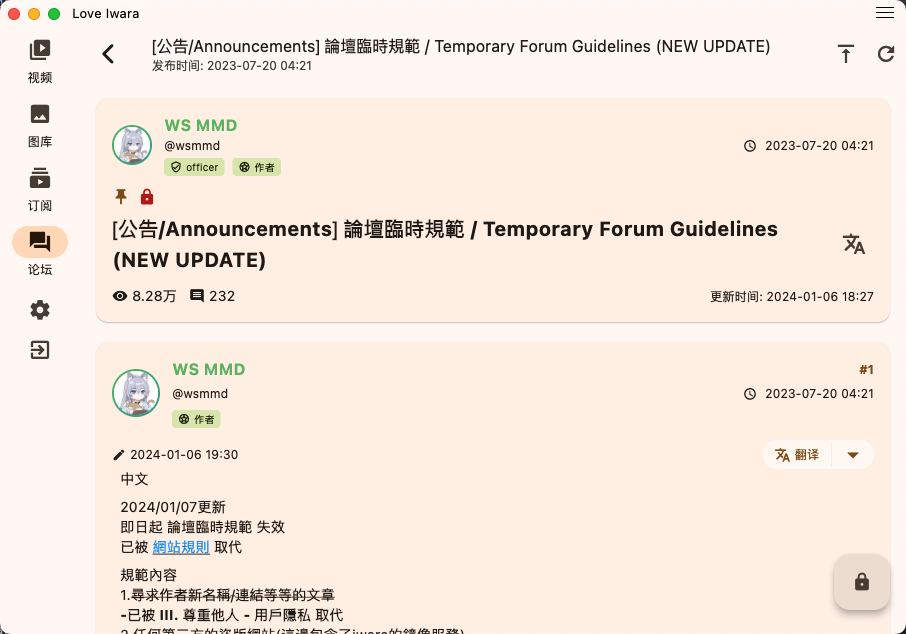
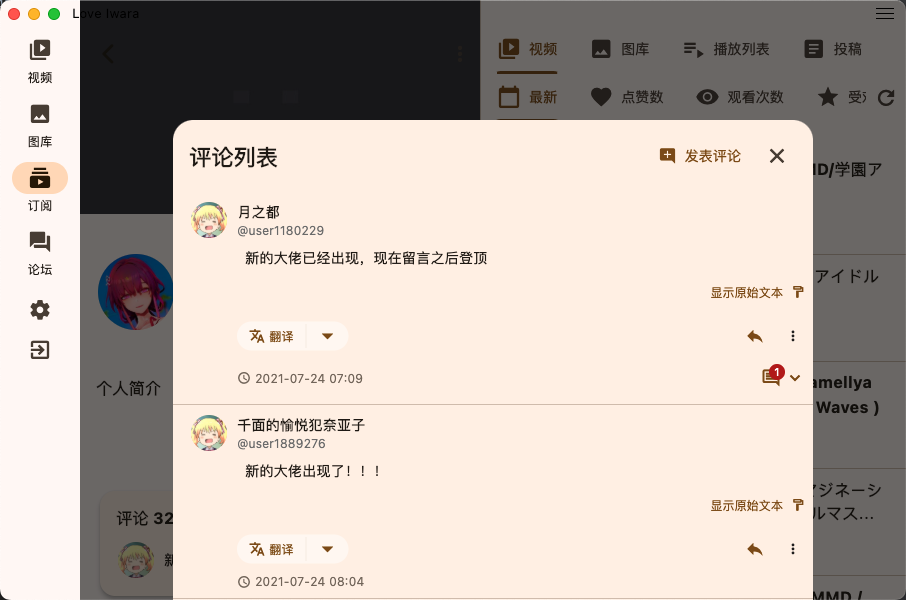
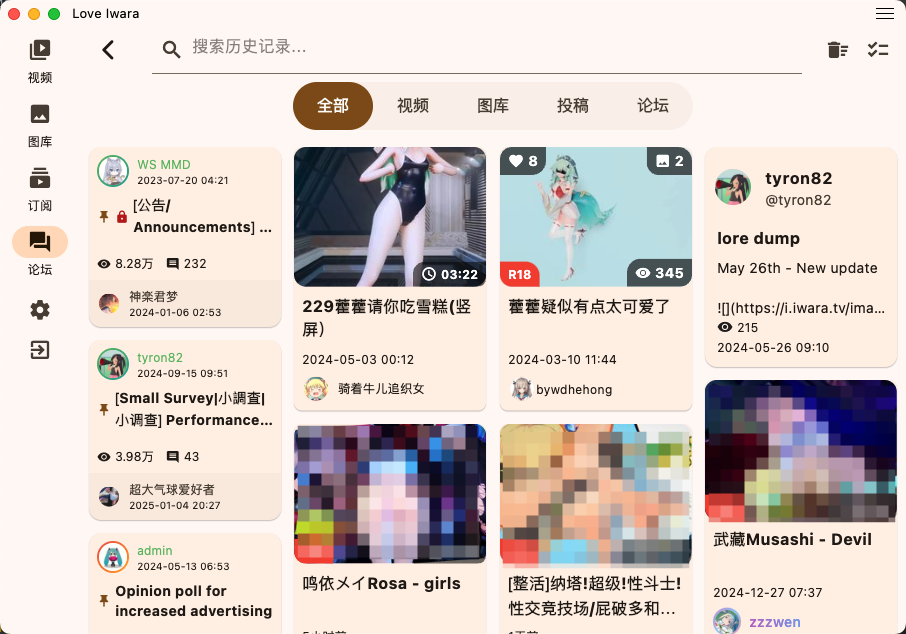
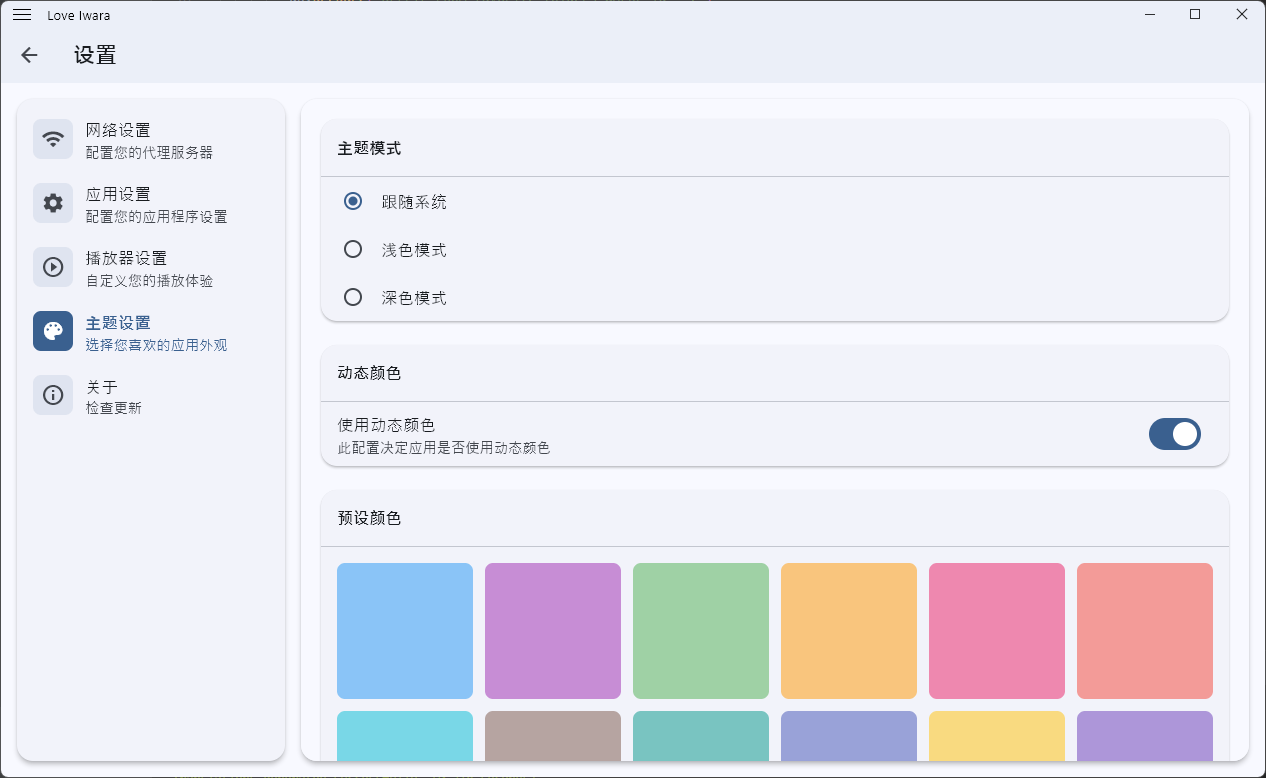
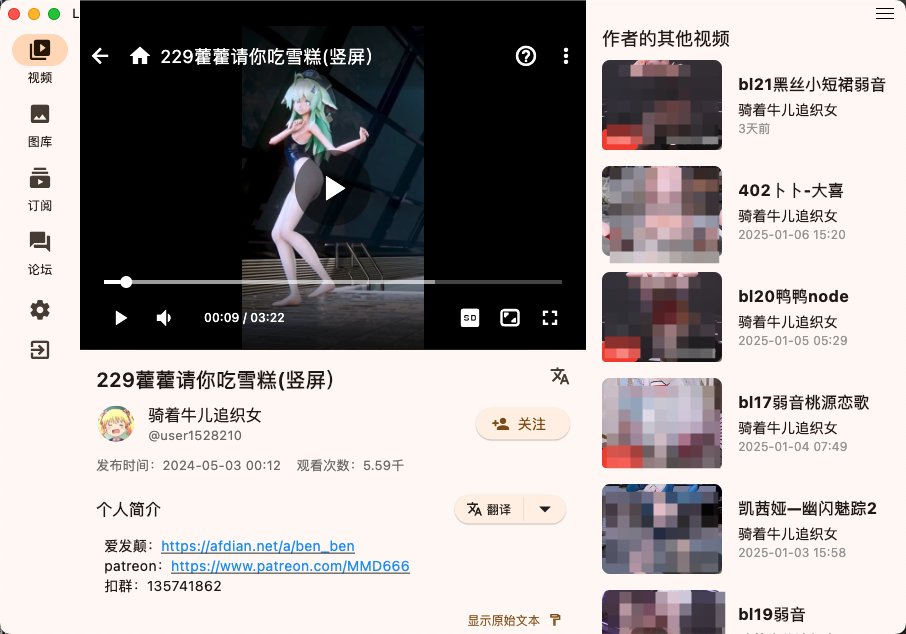
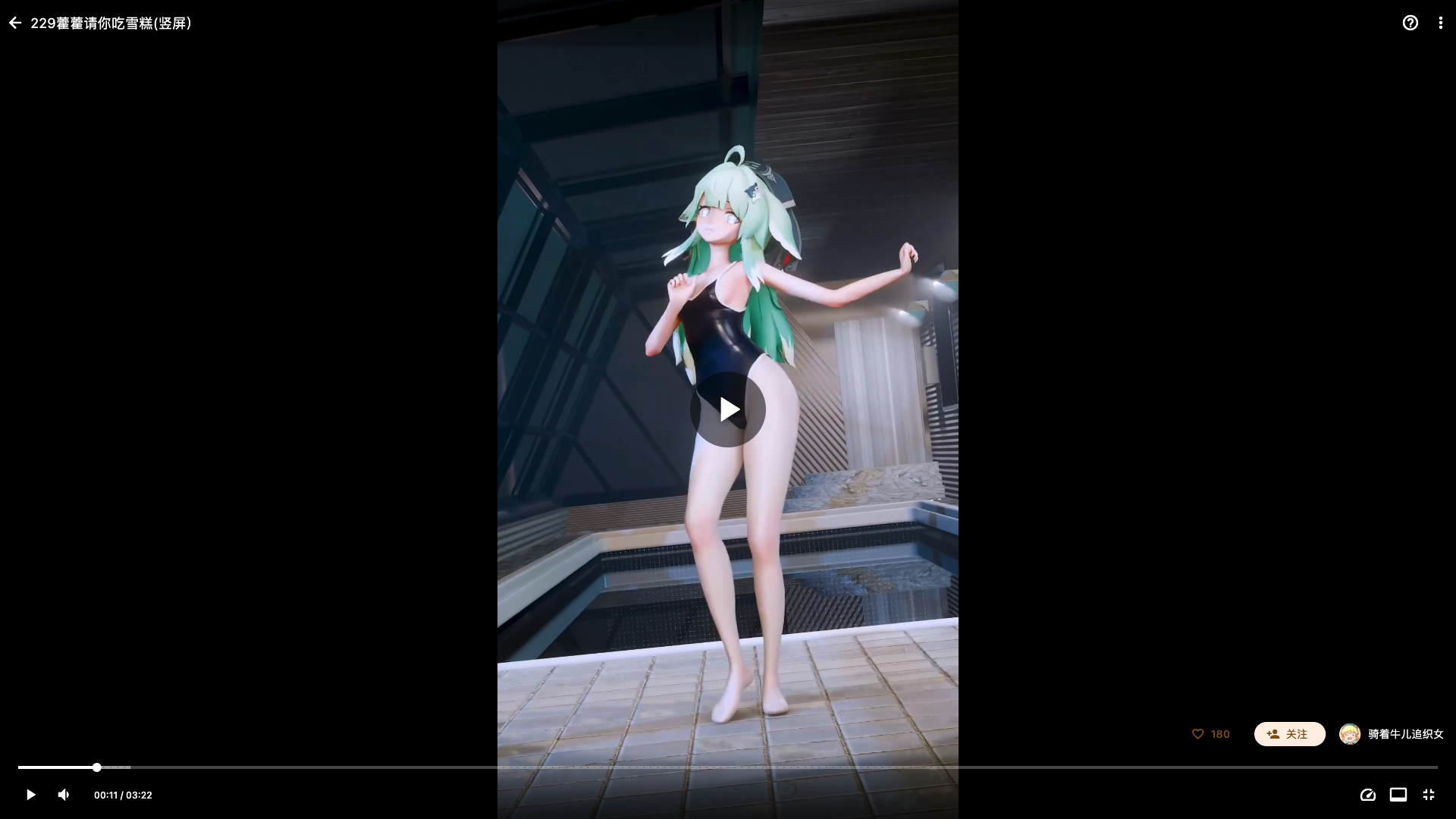
--- ## 🌟 Introduction **Love Iwara** (also known as `i_iwara` or **2i**) is a third-party client for [Iwara](https://www.iwara.tv) built with Flutter. It aims to deliver a smooth, native-feeling experience across phones, tablets, and desktops — all from a single codebase covering **Android, Windows, macOS, Linux, and iOS**. > [!NOTE] > This started as a learning project — my first attempt at a cross-platform Flutter app. Some code may not be perfectly polished, but it's actively maintained and packed with features. If you're learning Flutter too, I hope we can grow together. PRs and feedback are always welcome! > [!IMPORTANT] > **Usage restrictions** — This project is for learning and personal reference only and is **not recommended for production use**. **Promotion of this project on any public platform is strictly prohibited.** Violations may result in maintenance being halted and the repository being removed. > [!WARNING] > **Disclaimer** — The developer(s) have no affiliation with Iwara or its content providers. This application hosts **zero** content of its own. ## ✨ Features ### 🖥️ Platforms | Android | Windows | macOS | Linux | iOS | |:---:|:---:|:---:|:---:|:---:| | ✅ | ✅ | ✅ | ⚠️ *untested¹* | ✅ | ¹ Linux builds are produced but currently untested due to a lack of test devices. ### 🎥 Video - Smooth playback powered by **media_kit** (libmpv) - Quality selection · playback-speed control (incl. a default / auto speed) · fullscreen - **Seek preview** thumbnails on progress-bar hover & drag - **Clickable timestamps** — jump straight to a moment from highlighted timestamps in descriptions & comments - **"Continue watching"** drawer + optional auto-play on entering a video - Live loading-speed indicator - Desktop: **drag & drop** local video files onto the window to play instantly ### 🌐 Browse & Discover - Multi-category **search**: videos · galleries · posts · users · forums - **Site switching** between `iwara.tv` and `iwara.ai` at runtime - **News** feed integration (`news.iwara.tv`) - **Oreno3d** tag source integration for richer video tagging - Subscriptions, rich filtering, and responsive layouts for desktop/tablet ### 🖼️ Gallery - Image browsing with smooth zoom & pan - Gallery viewer with quality settings ### 💬 Community - **Forum**: create & edit threads and replies - **Posts**: browse & comment - **Comments**: browse & reply - **Private messages**: browse & reply - **In-app notifications**: browse & reply ### 👤 Account & Sharing - User authentication, profile management, following system - **Share** videos / galleries / posts / threads / users - Android deep-link handoff: opening an Iwara link in another app jumps back into 2i ### 🗂️ Local Data & Utilities - **History** (local): videos · galleries · posts · forums - **Local favorites** with custom favorite folders - **Downloads** *(beta)*: videos / galleries / single files, with custom paths (incl. external SD/TF card on Android) - **Backup & restore**: export / import configuration and history - **Translation** of descriptions, posts, comments, forums, conversations, and more - "Remember last volume" option (PC) ### 🌍 Multi-language English · 简体中文 · 繁體中文 · 日本語 > Found something else? There are more hidden gems to discover — and more on the way. Got an idea? Open an [Issue](https://github.com/FoxSensei001/LoveIwara/issues) or drop by the [Telegram group](https://t.me/+ITH4CV6Z_sc2ZWVl). ## 🧰 Tech Stack | Area | Library | |---|---| | Framework | **Flutter** + Dart | | State management | **GetX** (`get`) | | Routing | **go_router** | | Networking | **Dio** (+ CookieJar / Cloudflare interceptors) | | Video | **media_kit** (libmpv) | | Persistence | **sqlite3** · **get_storage** · **flutter_secure_storage** | | i18n | **slang** | | Desktop shell | **window_manager** (custom title bar, drag & drop) | ## 📸 Screenshots | | | |:-------------------------:|:-------------------------:| ||| ||| ||| ||| ||| ||| ||| ||| ||| ||| ## 🚀 Quick Start ```bash # 1. Clone git clone https://github.com/FoxSensei001/LoveIwara.git cd LoveIwara # 2. Verify your toolchain flutter doctor # 3. Install dependencies flutter pub get # 4. Run (auto-selects a connected device) flutter run # …or target a platform: flutter run -d windows # macos / linux / android / ios ``` > [!TIP] > After editing any `lib/i18n/*.i18n.yaml`, regenerate the localization strings with `dart run slang`. > See [`pubspec.yaml`](pubspec.yaml) for the full dependency list — a few packages need extra setup steps.
🛠️ Full development environment setup ### Prerequisites - Flutter SDK (latest stable recommended) · Dart SDK · Git - Recommended IDE: Android Studio / VS Code / Cursor + Flutter plugin ### Platform-specific requirements **Windows** - Windows 10+ (64-bit), Visual Studio 2022+, Windows 10 SDK ```bash flutter doctor -v ``` **macOS** - Latest macOS + Xcode + CocoaPods ```bash sudo gem install cocoapods ``` **Linux** ```bash # Ubuntu/Debian sudo apt-get install clang cmake ninja-build pkg-config libgtk-3-dev liblzma-dev # Fedora sudo dnf install clang cmake ninja-build gtk3-devel ``` **Android** — Android Studio + Android SDK + emulator/device **iOS** — Xcode + simulator/device + Apple Developer account (for publishing) ### Build release binaries ```bash flutter build apk --release # Android APK flutter build appbundle --release # Android AAB flutter build ios --release # iOS flutter build windows --release # Windows flutter build macos --release # macOS flutter build linux --release # Linux ``` ### Handy commands ```bash dart run slang # regenerate i18n strings flutter analyze # lint flutter test # run tests flutter clean # clear build cache flutter devices # list connected devices ``` ### Troubleshooting ```bash # Dependency conflicts flutter pub cache repair && flutter clean && flutter pub get # Emulator flutter emulators && flutter emulators --launch ```
🔐 Android signing configuration To build a signed release APK: **1. Generate a keystore** (run inside `android/app`): ```bash keytool -genkeypair -v -keystore keystore.jks -alias -keyalg RSA -keysize 2048 -validity 10000 ``` Make sure `keystore.jks` ends up in `android/app`. **2. Configure signing** in `android/app/build.gradle`: ```groovy signingConfigs { release { storeFile file("keystore.jks") storePassword System.getenv("KEYSTORE_PASSWORD") ?: project.findProperty("MY_KEYSTORE_PASSWORD") keyAlias System.getenv("KEY_ALIAS") ?: project.findProperty("MY_KEY_ALIAS") keyPassword System.getenv("KEY_PASSWORD") ?: project.findProperty("MY_KEY_PASSWORD") } } ``` And add the placeholders to `android/gradle.properties`: ```properties MY_KEYSTORE_PASSWORD=${KEYSTORE_PASSWORD} MY_KEY_ALIAS=${KEY_ALIAS} MY_KEY_PASSWORD=${KEY_PASSWORD} ``` **3. GitHub Actions** — add repository Secrets: `KEYSTORE_BASE64` (base64 of `keystore.jks`), `KEYSTORE_PASSWORD`, `KEY_ALIAS`, `KEY_PASSWORD`. Then in `.github/workflows/build.yml`: ```yaml env: KEYSTORE_PASSWORD: ${{ secrets.KEYSTORE_PASSWORD }} KEY_ALIAS: ${{ secrets.KEY_ALIAS }} KEY_PASSWORD: ${{ secrets.KEY_PASSWORD }} steps: - name: Setup Keystore run: | echo "${{ secrets.KEYSTORE_BASE64 }}" | base64 --decode > android/app/keystore.jks shell: bash ``` **4. Build** — `flutter build apk --release` → output at `build/app/outputs/flutter-apk/app-release.apk`.
## 🌍 Internationalization Translations are currently mostly machine-generated. If you'd like to help improve them, start from the Simplified Chinese template: [`lib/i18n/zh-CN.i18n.yaml`](lib/i18n/zh-CN.i18n.yaml), then run `dart run slang`. ### 🏷️ Iwara Tag Localization Iwara's raw tags are English-ish keys (e.g. `mother`, `blue_archive`). The app ships a community-maintained dictionary that maps every tag to **Simplified Chinese / Traditional Chinese / Japanese / English**, so tags render in your current language across detail pages, search, and the tag list page. How it works: - **Dictionary**: lives in [`tool/data/iwara_tags/`](tool/data/iwara_tags/). The app consumes the merged, minified [`iwara_tags.min.json`](tool/data/iwara_tags/iwara_tags.min.json). - **Delivery**: bundled as an offline fallback (`assets/data/iwara_tags.min.json`) and hot-updated from the jsDelivr CDN — so wording can improve **without shipping a new app build**. - **In the app**: tag chips show the localized name. On a detail-page tag card, the expand/collapse row has an icon button to toggle **original key ⇄ translation**; long-press / right-click a tag (or tap the tag title on the tag list page) opens a dialog with both the translation and the original key, copy buttons, and a feedback link. These are best-effort translations of 2600+ ACG / Vtuber / NSFW terms and may contain mistakes. > **Spotted a wrong or awkward translation?** Please report it on the dedicated issue: **https://github.com/FoxSensei001/LoveIwara/issues/98** (the in-app tag dialog links here too). **Contributing a fix** (for maintainers/contributors): 1. Edit the human-readable [`iwara_tags_localized.json`](tool/data/iwara_tags/iwara_tags_localized.json) (per-tag `zh-CN` / `zh-TW` / `ja` / `en`). 2. Regenerate the merged artifact and bundled asset: `dart run tool/data/iwara_tags/build_localized_min.dart`. 3. Commit both the source and the generated `iwara_tags.min.json` (see [`tool/data/iwara_tags/README.md`](tool/data/iwara_tags/README.md)). The third-party **Oreno3d** metadata (origins / characters / tags) is localized the same way — dictionary in [`tool/data/oreno3d_tags/`](tool/data/oreno3d_tags/), bundled asset + jsDelivr CDN, shown in your current language on the video detail page and search cards. ## 🙏 Acknowledgments This project drew inspiration and learned many best practices from these excellent repositories:
iwrqk/iwrqk
iwrqk/iwrqk
Excellent Flutter-implemented Iwara client
wgh136/PicaComic
wgh136/PicaComic
Well-structured Flutter comic application
### Contributors Thanks to everyone who has contributed! 🎉
Contributors
Made with [contrib.rocks](https://contrib.rocks) ## 🤝 Contributing Pull requests are welcome! For major changes, please open an issue first to discuss what you'd like to change. Before reporting a new issue, check the existing [issues](https://github.com/FoxSensei001/LoveIwara/issues). Questions? Join our [Telegram group](https://t.me/+ITH4CV6Z_sc2ZWVl). ## 💬 Community Join us on Telegram: **[Click here to join the group](https://t.me/+ITH4CV6Z_sc2ZWVl)**. ---
Made with ❤️ and Flutter · This is a fan-made client — please support official Iwara.