---
## What is this?
Handing a go-to-market tool to an agent means digging through docs written for
people: which key to create, which endpoint to call, whether there is an MCP
server, what a call costs. And a growth play that works usually lives in
someone's notes, where no agent can run it.
growth.engineer writes both down as markdown files an agent can follow:
| Entry | Example key | What the file holds |
| --- | --- | --- |
| **Company** | `apollo` | Who the company is and how an agent reaches it: MCP server, CLI or API, and the credential each one needs. |
| **Tool** | `apollo/enrich-person` | One function an agent can call: the exact MCP tool, CLI command or API endpoint, and the docs page that names it. |
| **Workflow** | `funding-signal-outbound` | Up to ten steps across tools that reach a result: the one motion it serves, the outcome the user gets, the inputs to ask for, how to set up each tool, and the steps. |
Paste a workflow file into Claude, ChatGPT, Cursor or any other agent and it
can run the play. The file tells the agent to ask before it sends a message,
spends money or changes data.
Facts come from each vendor's own documentation, and every tool links the page
that documents its call.
---
## Connect your agent
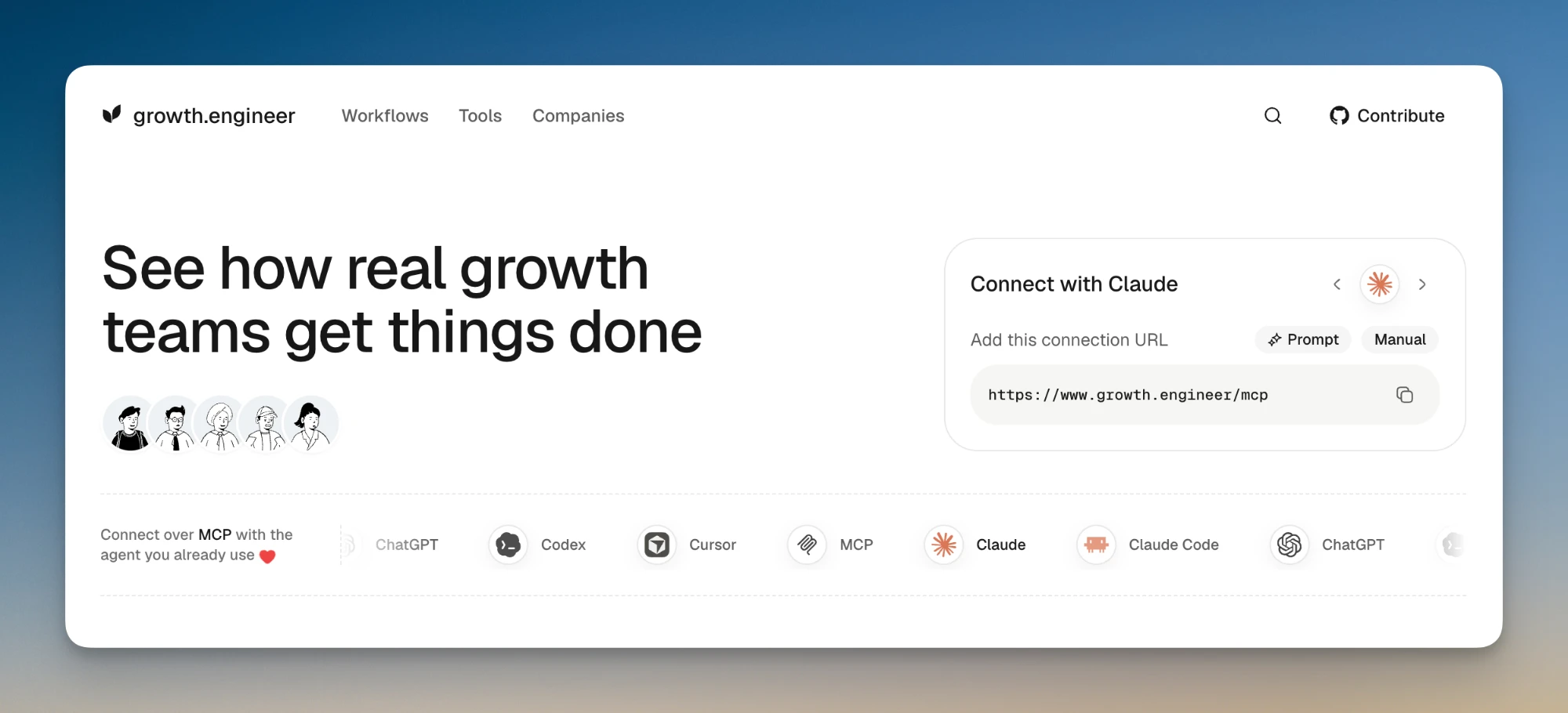
The site runs an MCP server at `https://www.growth.engineer/mcp`
(Streamable HTTP, no sign-in). Its `search` tool finds workflows, tools and
companies, and `get` returns a file; neither changes anything. A third tool,
`submit_feedback`, sends a bug report, request or question to the
maintainers. Every workflow is also an MCP prompt that
takes the workflow's inputs as arguments, and three more prompts
(`contribute-workflow`, `contribute-tool`, `contribute-company`) walk an agent
through adding to the catalog.
| Client | How to add it |
| --- | --- |
| Claude | Settings → Connectors → Add → Add custom connector. Name it growth.engineer, paste the URL and click Add. |
| Claude Code | `claude mcp add --transport http growth-engineer --scope user https://www.growth.engineer/mcp` |
| ChatGPT | Plugins in the sidebar → Add → Create MCP App. Paste the URL, pick No authentication, accept the warning and click Create. |
| Codex | `codex mcp add growth-engineer --url https://www.growth.engineer/mcp` |
| Cursor | In `~/.cursor/mcp.json`, add `"growth-engineer": { "url": "https://www.growth.engineer/mcp" }` under `mcpServers`. |
### Or fetch the files
Every file is public. There is no key and no sign-in.
| URL | Returns |
| --- | --- |
| `/workflows/