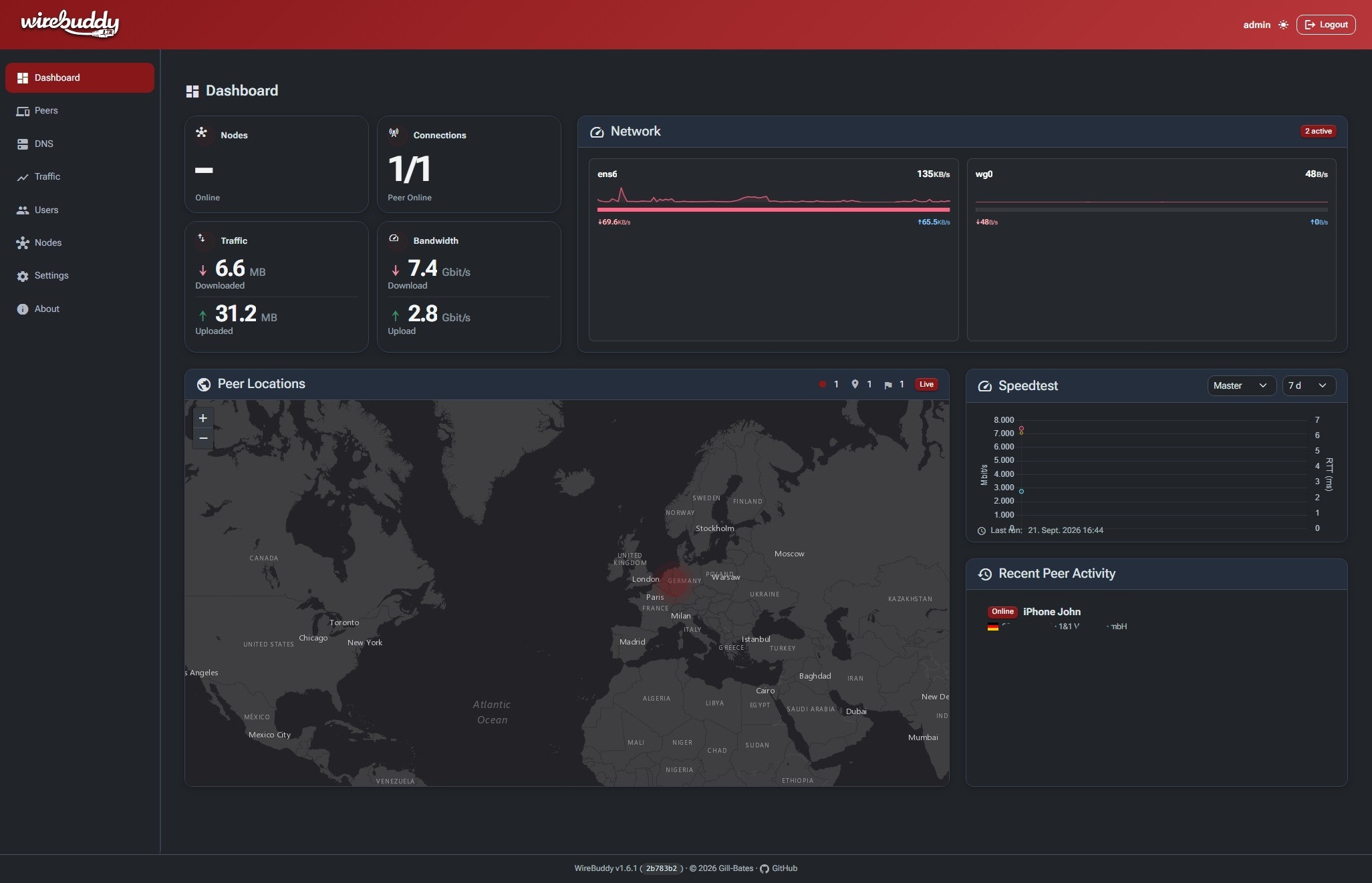
More screenshots
Login — dark/light theme toggle, no account enumeration on failed attempts.
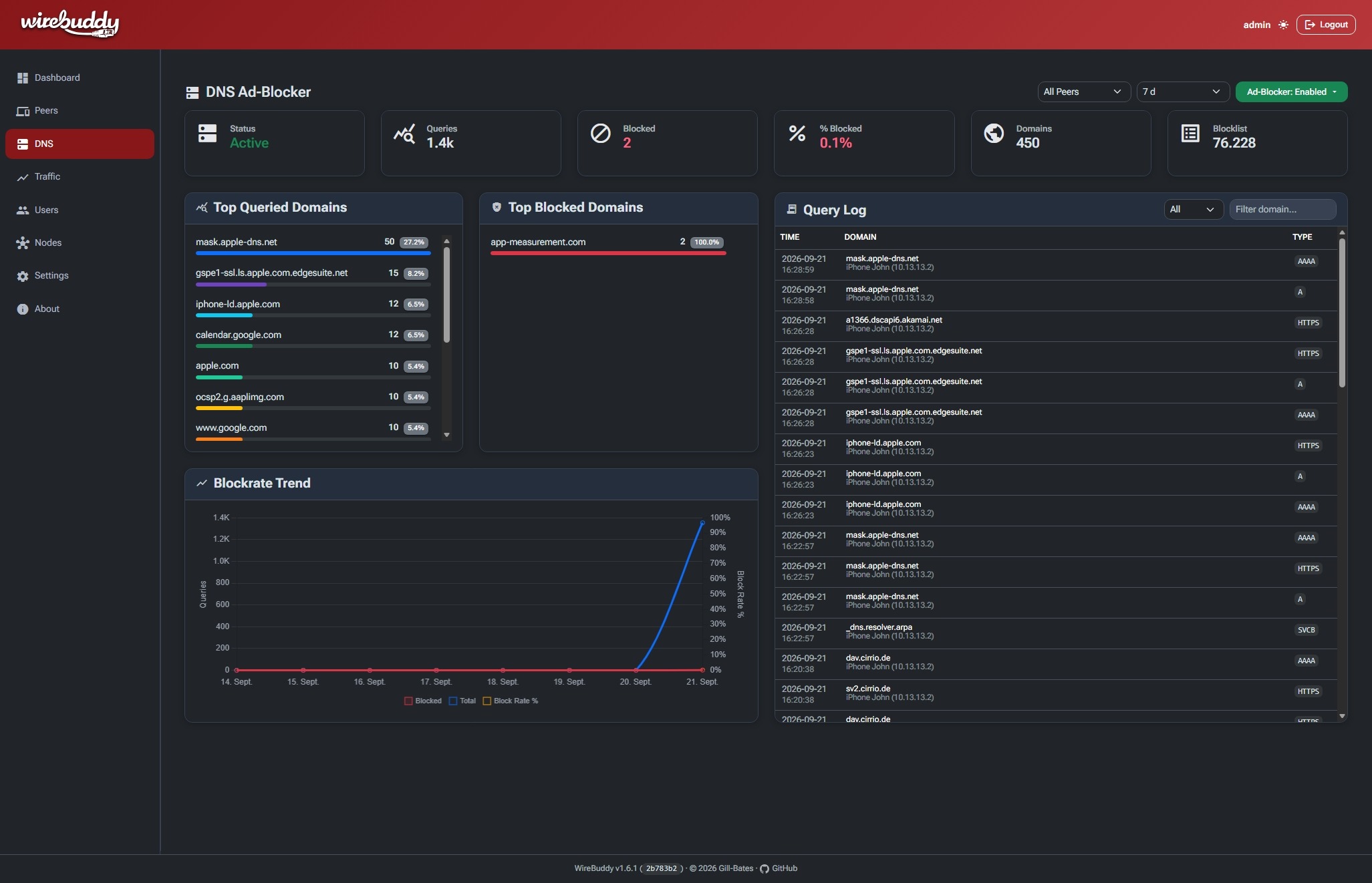
Traffic — per-peer RX/TX charts with destination breakdown by country and ASN.
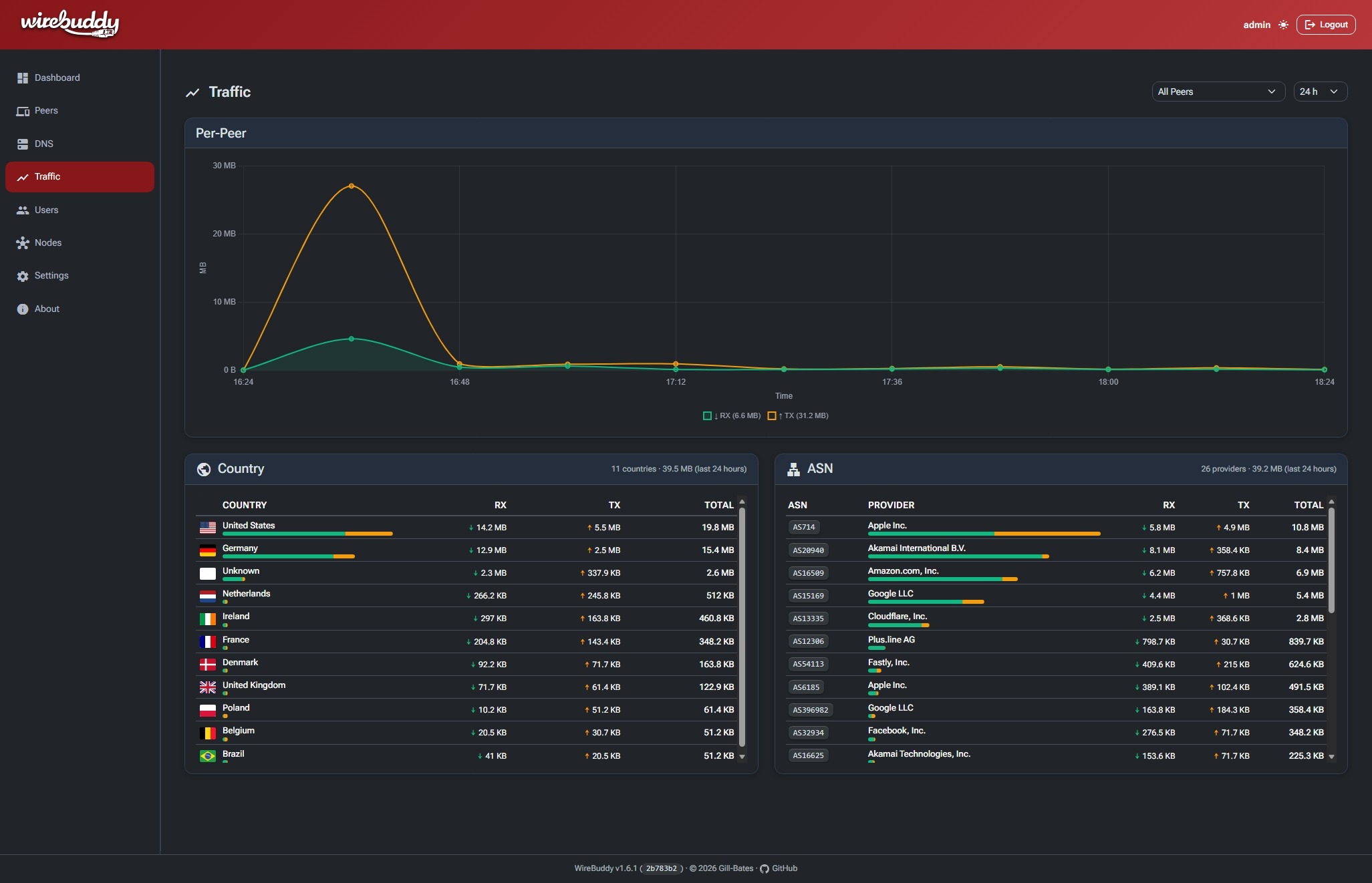
DNS Ad-Blocker — live query log, top blocked domains, and block-rate trend.
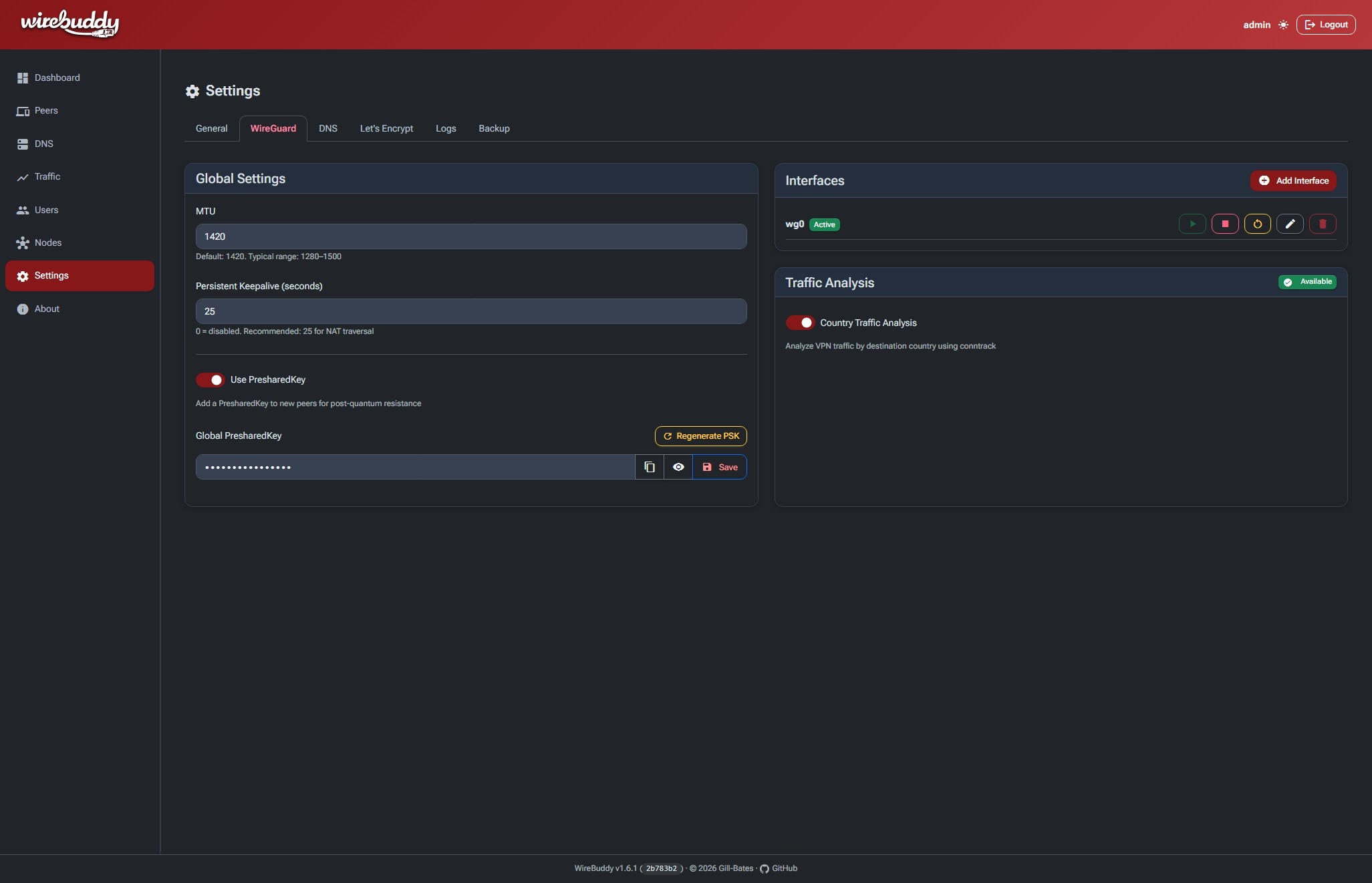
WireGuard Settings — global tunnel defaults, interface management, and traffic analysis.
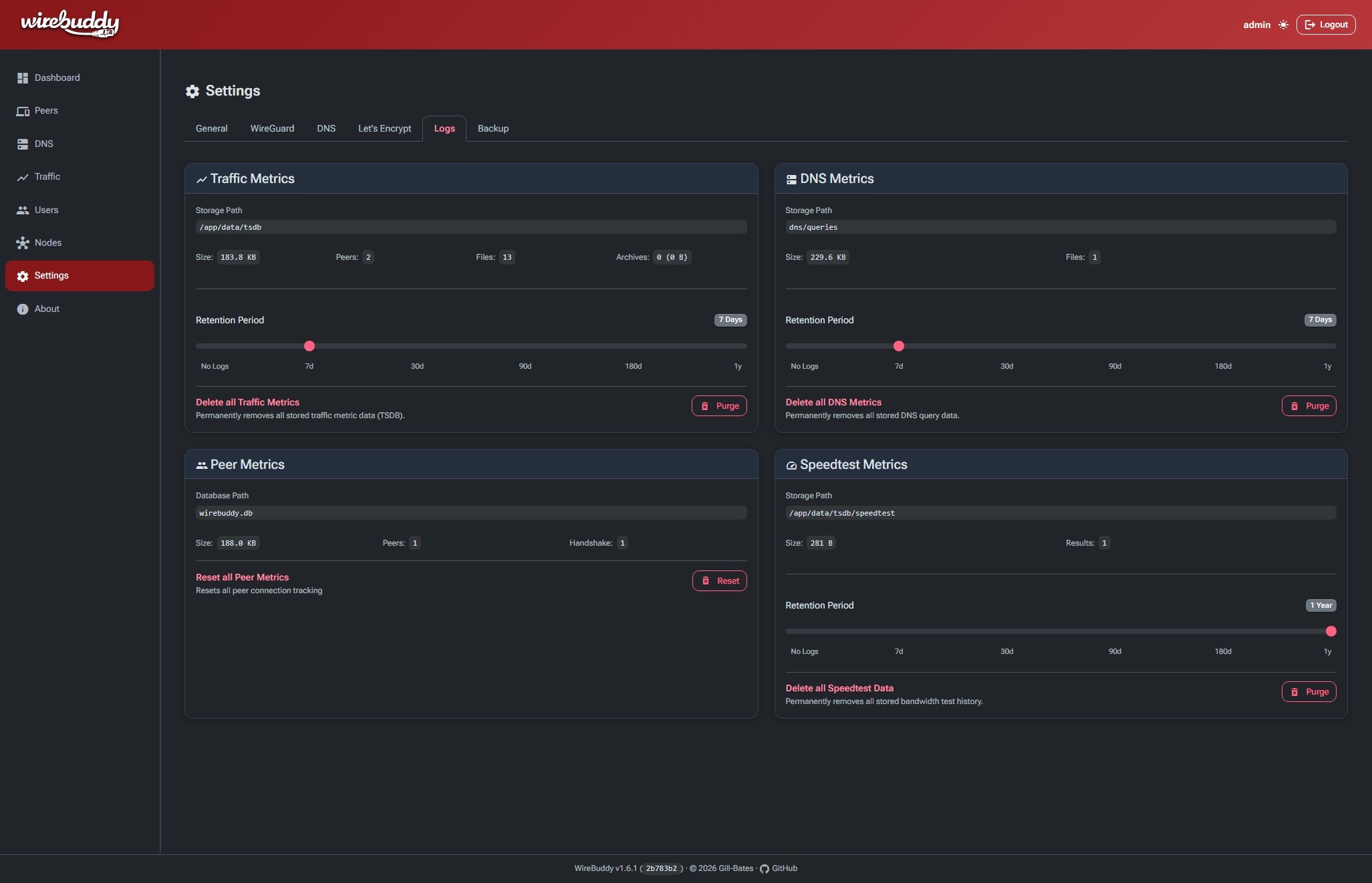
Logs — per-dataset retention and storage stats, with one-click purge.
---
## ✨ Features
| Category | Highlights |
|---|---|
| **WireGuard VPN** | Multi-interface management, automatic keypair generation, routing presets, client isolation, QR codes for mobile setup |
| **Multi-Node** | Distributed VPN clusters, automatic peer sync, metrics aggregation, token-based enrollment, real-time sync via SSE |
| **DNS Ad-Blocking** | Integrated Unbound resolver with blocklists, DNS-over-TLS, real-time query log, DNSSEC, and per-peer filtering |
| **Monitoring** | Built-in time-series database, per-peer traffic charts, traffic analysis by country & ASN |
| **GeoIP** | MaxMind GeoLite2 integration, interactive heatmap, country flags & ASN badges |
| **HTTPS & Certificates** | Built-in HTTPS with self-signed or Let's Encrypt certificates, HTTP-01 validation, and certificate management |
| **User Management** | Multi-user roles, Passkeys (WebAuthn) & MFA (TOTP), login tracking |
| **Web UI** | Customizable drag-and-drop dashboard, responsive Bootstrap 5, dark/light/auto theme, Material Icons |
---
## 🚀 Getting Started
```bash
docker pull giiibates/wirebuddy:latest
```
For production Docker deployments, WireBuddy expects Linux with `network_mode: host`.
The default setup serves the GUI over HTTP. To use WireBuddy's built-in HTTPS,
enable **Settings → General → Serve GUI over HTTPS**, then restart the
container. It uses a self-signed certificate until you obtain a Let's Encrypt
certificate in **Settings → Let's Encrypt**.
For installation, configuration, and security setup, see the **[Documentation](https://gill-bates.github.io/wirebuddy/)**.
---
## License
Released under the [MIT License](LICENSE).