# Obsidian-pisum
- This is an [obsidian](https://obsidian.md/) theme using a color scheme inspired by [obsidian_gruvbox](https://github.com/insanum/obsidian_gruvbox) and [Qiita](https://github.com/increments/vscode-qiita).
- Only dark mode is available, but I set the light mode to be an [Andy_Matuschak mode](https://notes.andymatuschak.org) which must be a credit to [death_au](https://github.com/deathau) 's brilliant solution.
- Scrollbar is put back considering the user using PC or Linux. Mac user can remove the scrollbar by manually reactivate the code in the end of the css file.
- The css file is a bit big but with detailed comments that is inspired by [Reggie](https://github.com/pgalliford)'s [Hulk theme](https://github.com/pgalliford/Obsidian-theme-Incredible-Hulk).
---
### Screenshot
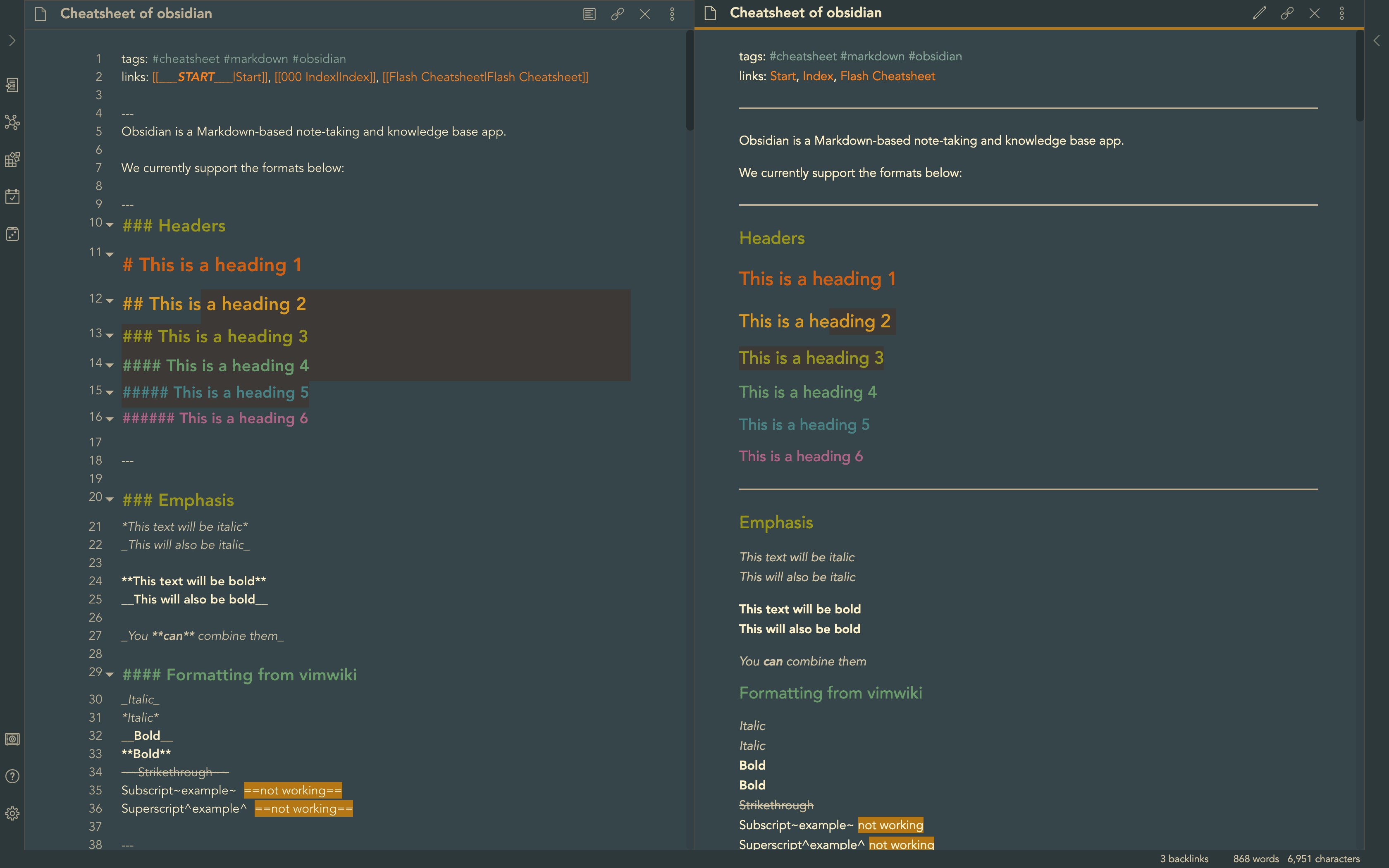
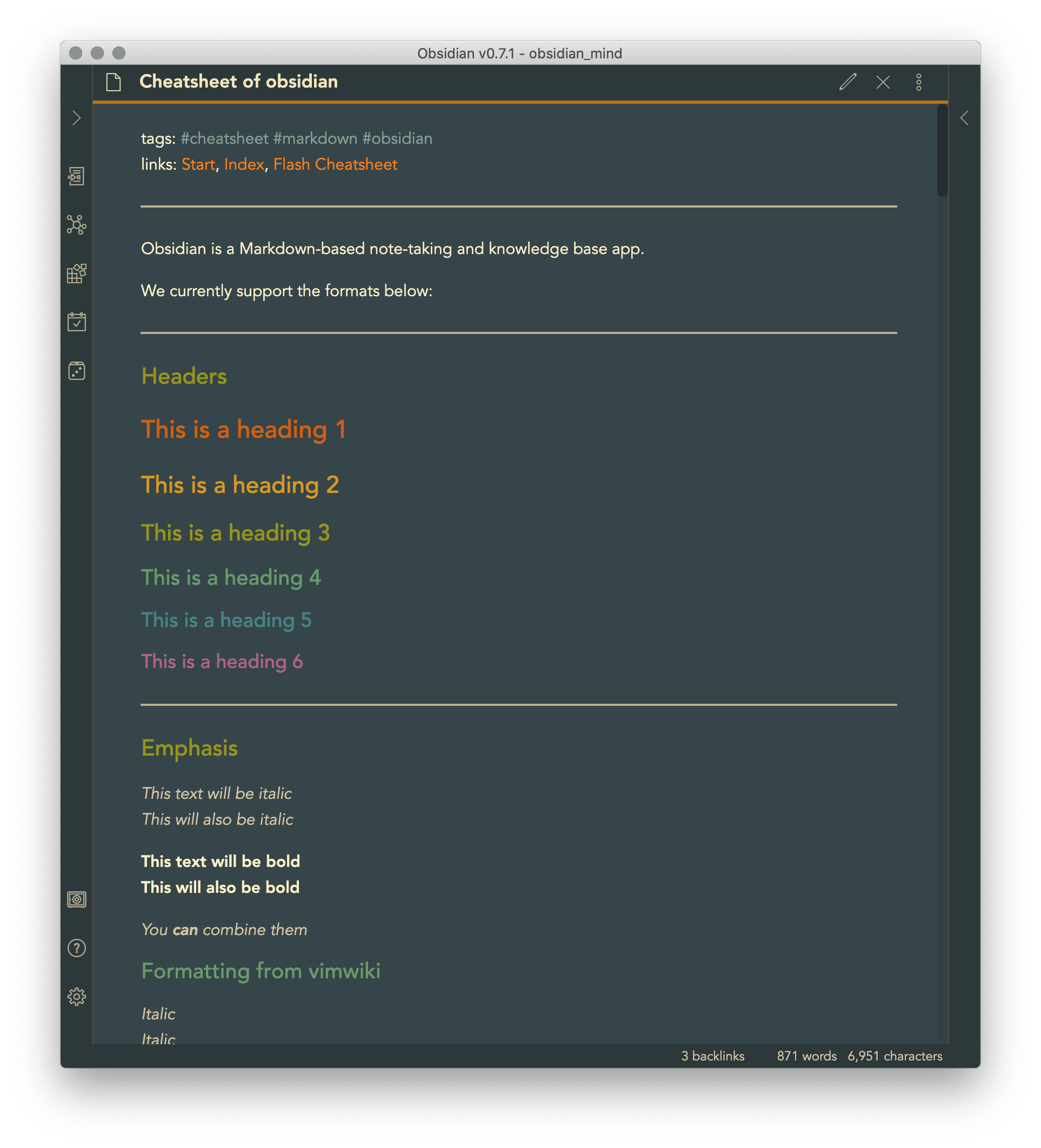
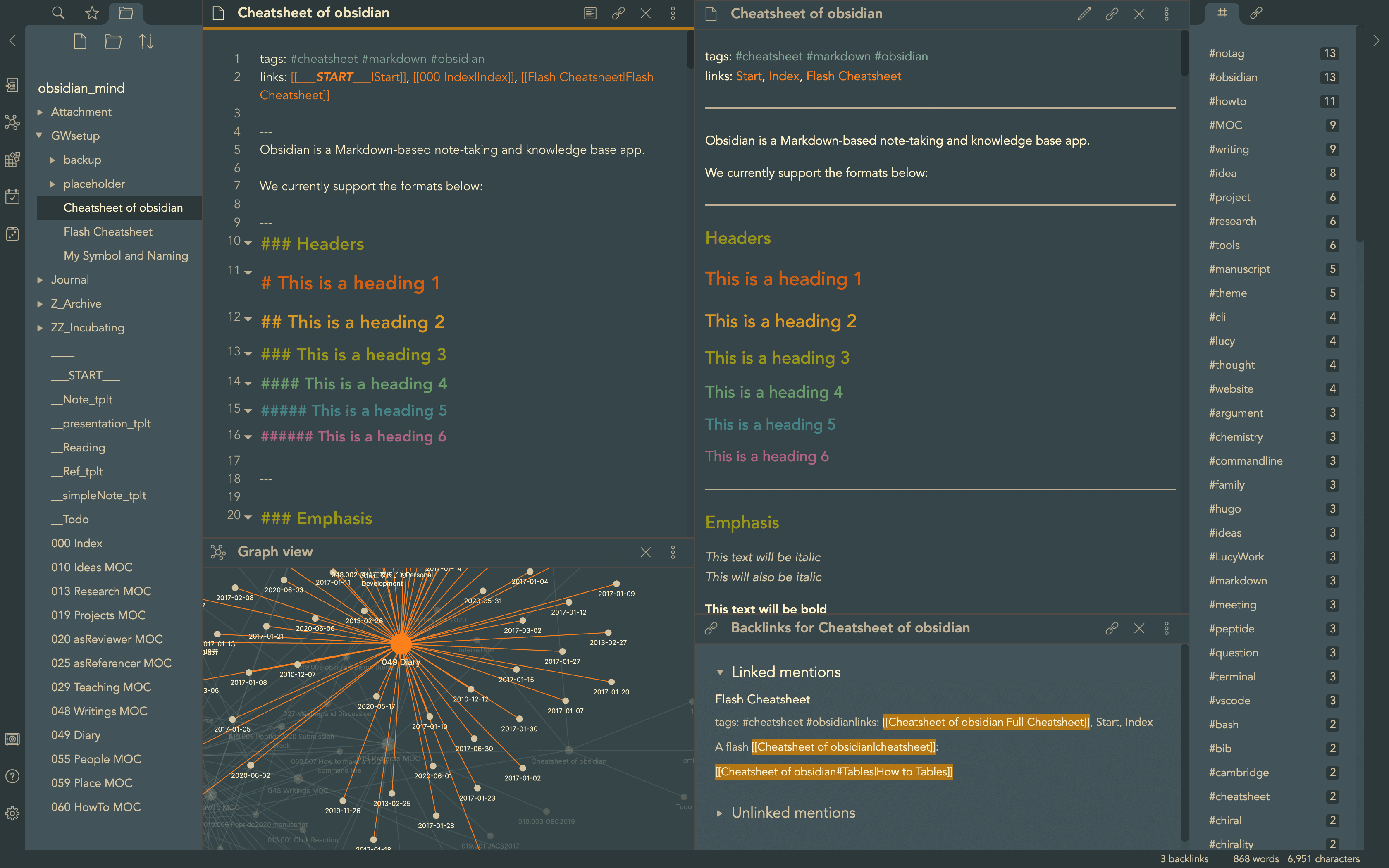
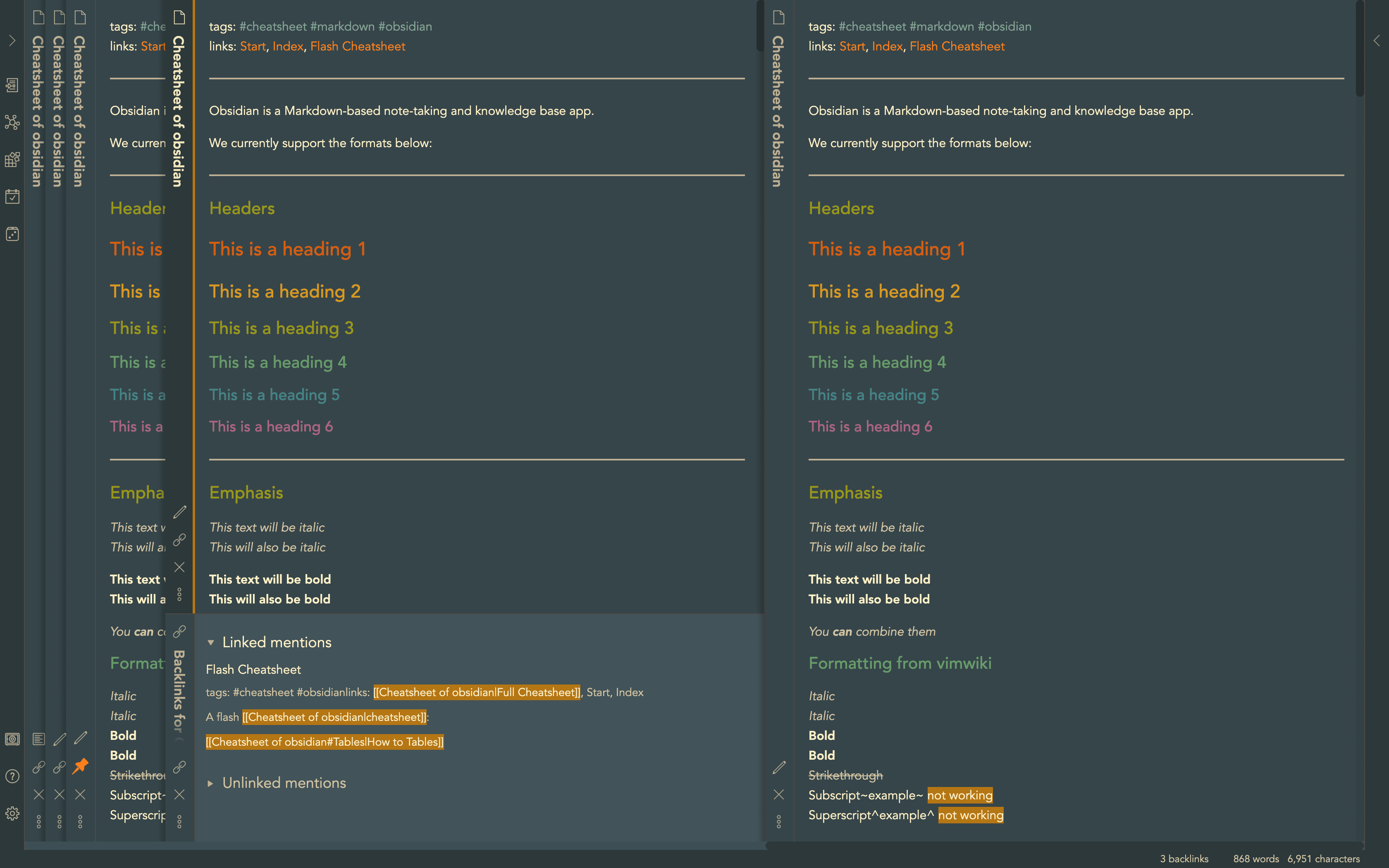 ---
### Usage
- Turn on 'Custom CSS' plugin in Obsidian: `Settings > Plugins > Custom CSS`.
- Download and copy the `obsidian.css` file to the vault directory of your Obsidian note. It should take effect immediately.
- Switch between dark and light mode: `Settings > Apprearance > Theme`.
- Happy writing and have fun!
---
### Usage
- Turn on 'Custom CSS' plugin in Obsidian: `Settings > Plugins > Custom CSS`.
- Download and copy the `obsidian.css` file to the vault directory of your Obsidian note. It should take effect immediately.
- Switch between dark and light mode: `Settings > Apprearance > Theme`.
- Happy writing and have fun!