
# LiteSnap
**Capture. Annotate. Pin. Done.**
A fast, lightweight screenshot & annotation tool for Windows first. macOS will ship later after Apple Developer review and notarization are ready.
**English** · [简体中文](./README.zh-CN.md) · [繁體中文](./README.zh-TW.md)
[](https://github.com/HuibingLin/LiteSnap/releases/download/v2.0.1/LiteSnap_2.0.1_x64-setup.exe)
[](./LICENSE)
[](#download)
---
## Download
**Windows is live first.** The public release is Windows-only for now so we can ship the stable installer immediately. macOS will follow after Apple Developer review finishes.
Latest: **[v2.0.1](https://github.com/HuibingLin/LiteSnap/releases/tag/v2.0.1)** · [All releases](https://github.com/HuibingLin/LiteSnap/releases)
| Version | Windows | macOS | Notes |
|:-------:|:-------:|:-----:|:------|
| **v2.0.1** | [LiteSnap_2.0.1_x64-setup.exe](https://github.com/HuibingLin/LiteSnap/releases/download/v2.0.1/LiteSnap_2.0.1_x64-setup.exe) | Coming later | More reliable Windows pinning, responsive cancellation, and true-size pinned screenshots across DPI scales |
| v2.0.0 | [LiteSnap_2.0.0_x64-setup.exe](https://github.com/HuibingLin/LiteSnap/releases/download/v2.0.0/LiteSnap_2.0.0_x64-setup.exe) | Coming later | Migrated from Electron to Tauri for a much smaller installer and lighter startup |
| v1.0.1 | [LiteSnap-1.0.1-setup.exe](https://github.com/HuibingLin/LiteSnap/releases/download/v1.0.1/LiteSnap-1.0.1-setup.exe) | Coming soon — please [open an issue](https://github.com/HuibingLin/LiteSnap/issues) if you need macOS | Previous public Windows release |
> macOS is paused until Apple Developer approval is complete. Windows users can download the current release now.
---
## Overview
Press a global hotkey, drag out a region, mark it up, then copy, save, or pin it on screen — in a few seconds. Built for everyday screenshots and seamless long (scrolling) captures.
## Preview
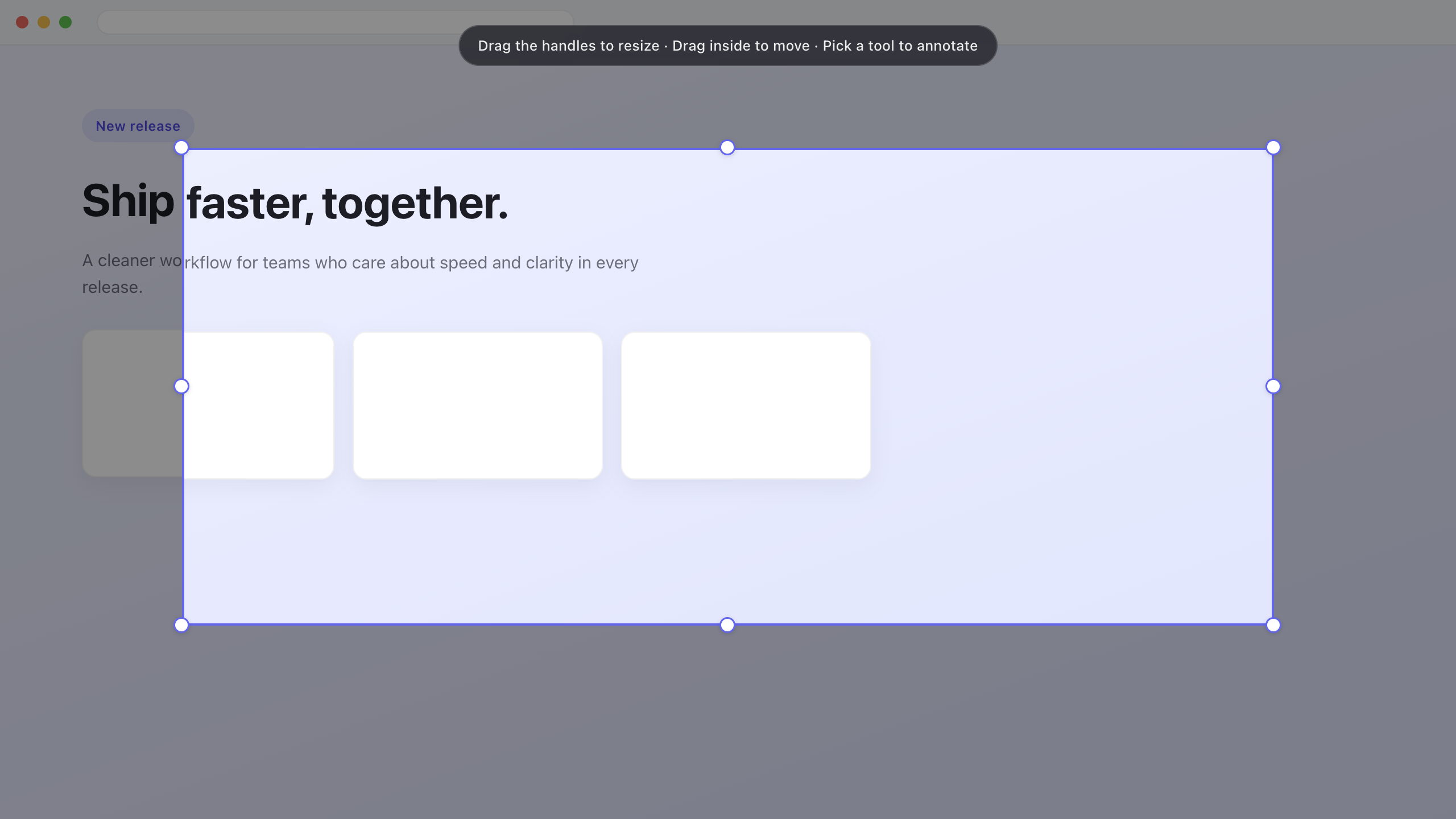
Select a region, then resize or move it before annotating
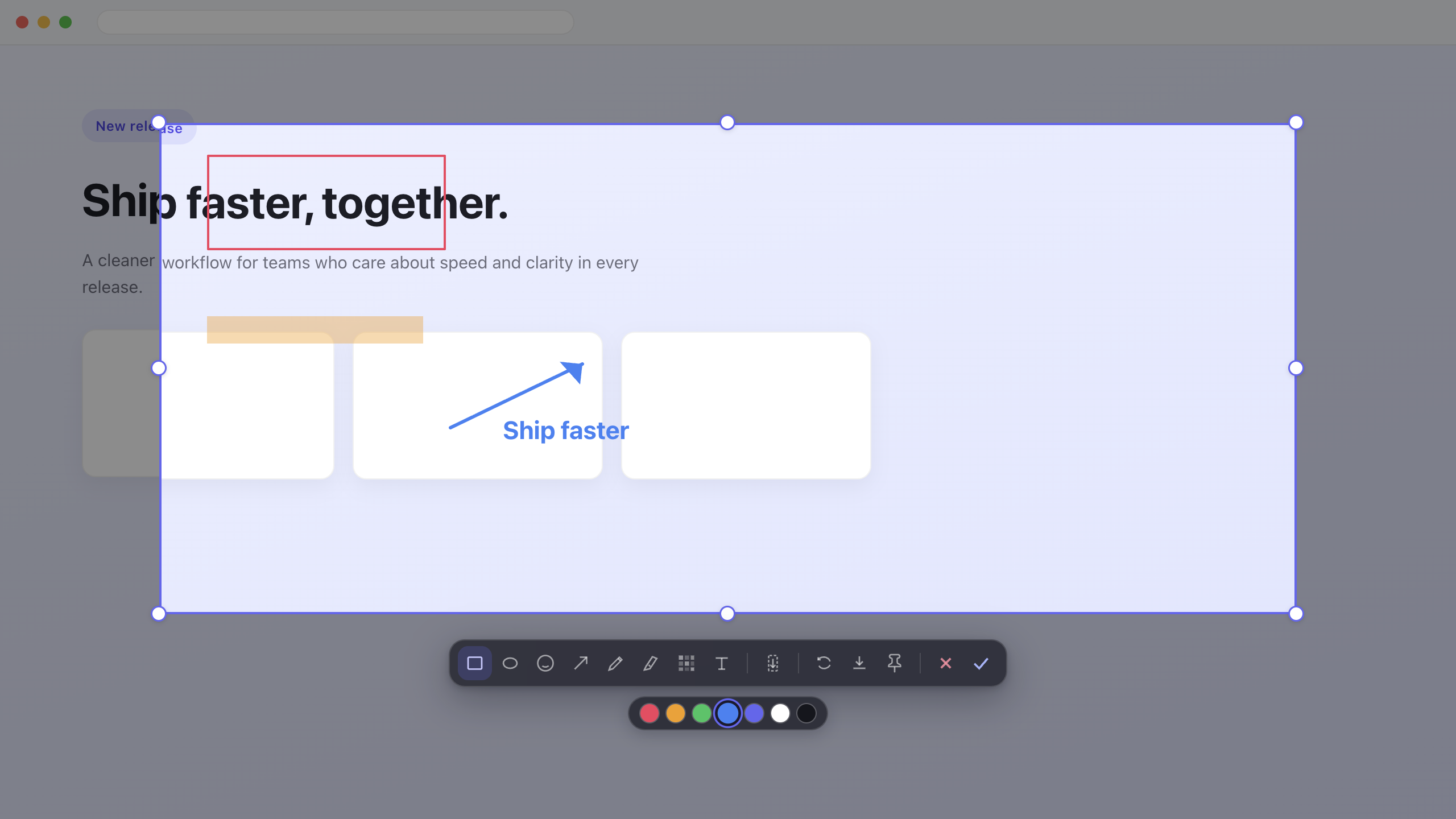
Shapes, pen, highlighter, mosaic, text, and emoji stickers
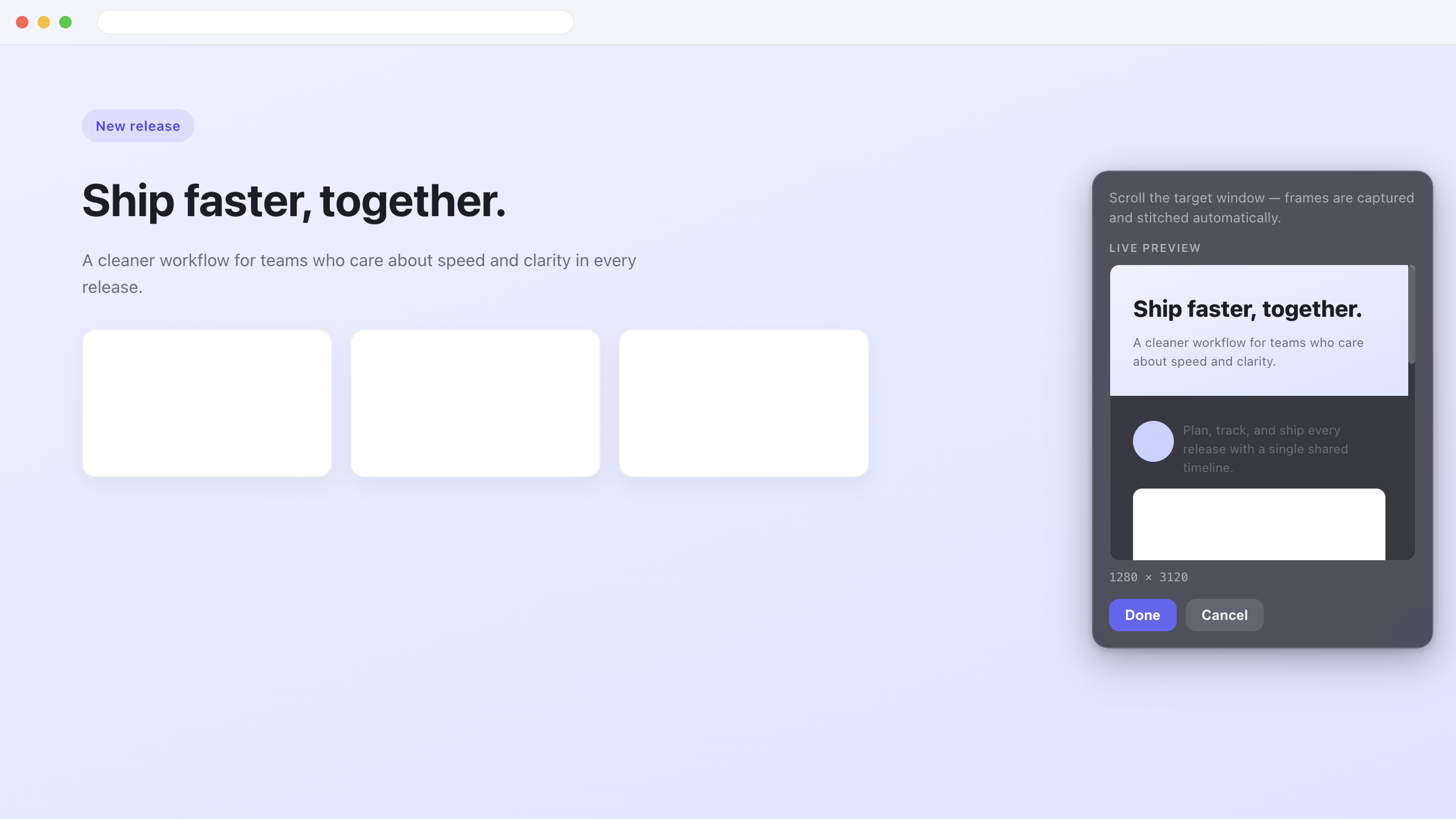
Scroll capture with live preview while frames are stitched
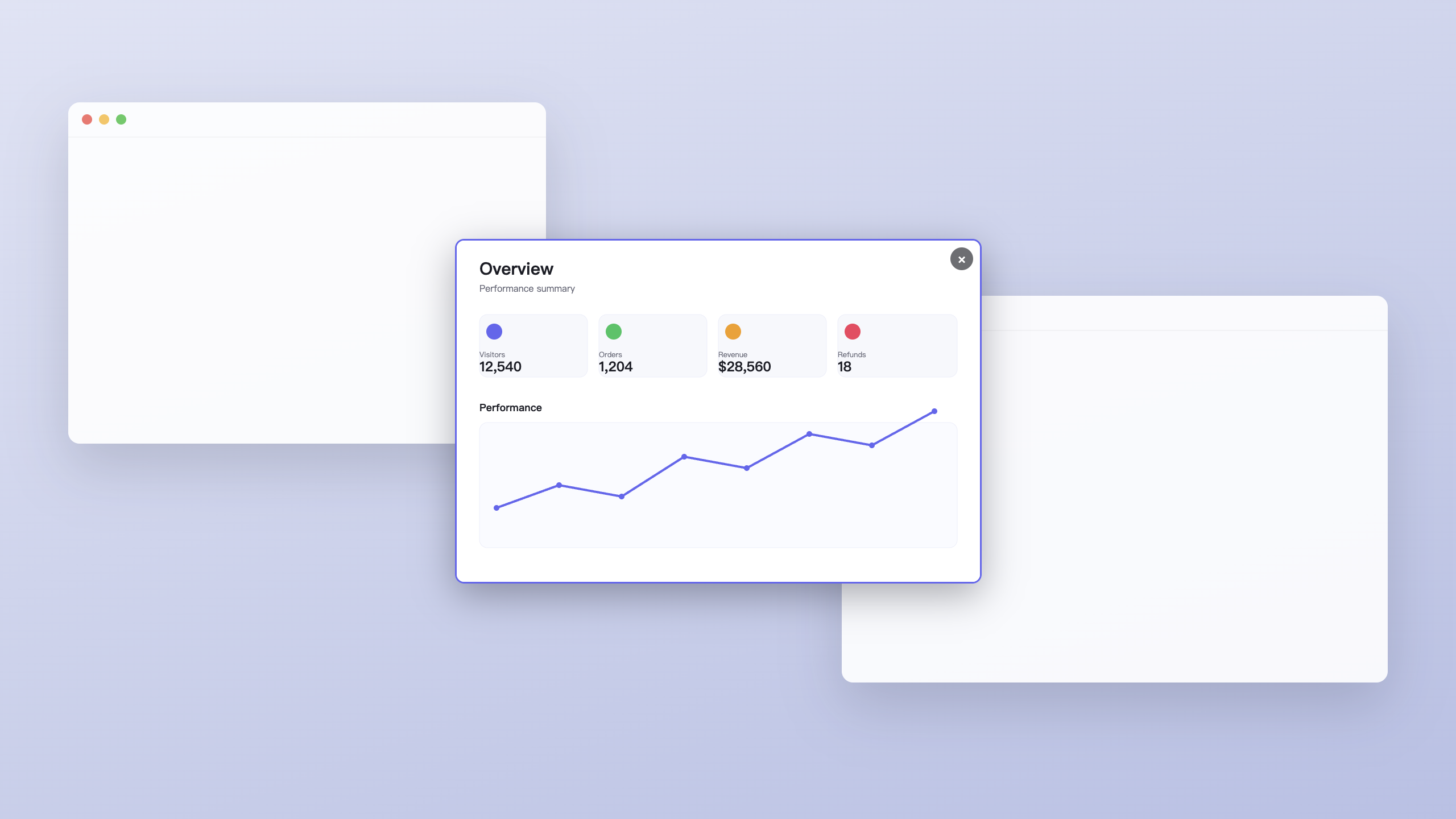
Pin a screenshot as a floating, always-on-top window
## Features
- **Global hotkey** — capture from any app (`⌥A` on macOS, `Ctrl+Shift+A` on Windows; fully customizable)
- **Adjustable region** — resize and move the crop after capture, before you annotate
- **Annotation tools** — rectangle, ellipse, arrow, pen, highlighter, mosaic, text, emoji
- **Scroll capture** — seamless long screenshots for browsers, PDFs, and chat apps, with a live preview
- **Pin on screen** — keep a capture floating at true size while you work
- **Tray-first** — stays out of the way until you need it; English / 简体中文 / 繁體中文
## What's improved in v2.0.1
- **Reliable Windows pinning** — pinning no longer remains stuck on “Processing,” and the always-on-top image window can be reused safely.
- **Responsive cancellation** — Cancel closes the capture flow promptly without breaking the next global-hotkey capture.
- **True-size pinned screenshots** — pinned windows match the captured region on Windows at 100%, 125%, and 150% display scaling, including multi-monitor setups.
- **Predictable resizing** — aspect-ratio correction runs only while you drag the resize handle, so a newly pinned image is not resized using the previous image's proportions.
- **Lighter image transfer** — Windows transfers the PNG as one base64 payload and decodes it off the UI thread, avoiding large JSON arrays and WebView2 stalls.
- **Full-image display** — the pin border is drawn as an overlay and no longer reduces the image area.
## Why v2.0.0
- Electron bundles were too large for the release experience we want, so LiteSnap moved to Tauri for a smaller installer and lighter runtime.
- Windows is shipping first so you can download and test the stable installer immediately.
- macOS will ship later, after Apple Developer review and notarization are ready.
## Migration Note
Previous stack: Electron · electron-vite · React 19 · TypeScript · Zustand · electron-builder
Current stack: Tauri 2 · Rust · React 19 · TypeScript · Zustand
## Develop
```bash
cd app
npm install
npm run dev
```
### Build installers
```bash
cd app
npm run build:win # → src-tauri/target/x86_64-pc-windows-msvc/release/bundle/nsis/LiteSnap_2.0.1_x64-setup.exe
npm run build:mac # → src-tauri/target/release/bundle/macos/LiteSnap.app
```
## License
[MIT](./LICENSE) © HuibingLin