###### __

[](#contributors-)
[](Source/docs/README.es.md)
[](Source/docs/README.de.md)
[](Source/docs/README.nl.md)
[](Source/docs/README.zh.md)
[](Source/docs/README.fr.md)
[](Source/docs/README.ar.md)
[](Source/docs/README.pt-br.md)
[](Source/docs/README.tr.md)
Check this out for the full note:
[Journey to HyDE and beyond](./Hyprdots-to-HyDE.md)
 ---
The installation script is designed for a minimal [Arch Linux](https://wiki.archlinux.org/title/Arch_Linux) install, but **may** work on some [Arch-based distros](https://wiki.archlinux.org/title/Arch-based_distributions).
While installing HyDE alongside another [DE](https://wiki.archlinux.org/title/Desktop_environment)/[WM](https://wiki.archlinux.org/title/Window_manager) should work, due to it being a heavily customized setup, it **will** conflict with your [GTK](https://wiki.archlinux.org/title/GTK)/[Qt](https://wiki.archlinux.org/title/Qt) theming, [Shell](https://wiki.archlinux.org/title/Command-line_shell), [SDDM](https://wiki.archlinux.org/title/SDDM), [GRUB](https://wiki.archlinux.org/title/GRUB), etc. and is at your own risk.
For NixOS support there is a separate project being maintained @ [Hydenix](https://github.com/richen604/hydenix/tree/main)
> [!IMPORTANT]
> The install script will auto-detect an NVIDIA card and install a matching DKMS driver path for your kernel.
> Newer cards may use `nvidia-dkms` / `nvidia-open-dkms`, while legacy cards should be checked first against [`Scripts/nvidia-db/`](./Scripts/nvidia-db/).
> Please ensure that your NVIDIA card supports the DKMS driver family selected for it in the list provided [here](https://wiki.archlinux.org/title/NVIDIA).
>
> If a DKMS package is selected, expect a local module build for the current kernel during installation. This can take several minutes and may happen even when an NVIDIA DKMS package was already installed, because DKMS rebuilds modules for the active kernel.
> [!CAUTION]
> The script modifies your `grub` or `systemd-boot` config to enable NVIDIA DRM.
> [!TIP]
> BigLinux / Manjaro users may want to take a snapshot with Timeshift before running the installer, especially when HyDE is being installed alongside an existing desktop environment. On older NVIDIA cards, review the legacy driver list in [`Scripts/nvidia-db/`](./Scripts/nvidia-db/) before continuing.
To install, execute the following commands:
```shell
sudo pacman -S --needed git base-devel
git clone --depth 1 https://github.com/HyDE-Project/HyDE ~/HyDE
cd ~/HyDE/Scripts
./install.sh
```
> [!TIP]
> You can also add any other apps you wish to install alongside HyDE to `Scripts/pkg_user.lst` and pass the file as a parameter to install it like so:
>
> ```shell
> ./install.sh pkg_user.lst
> ```
> [!IMPORTANT]
> Refer your list from `Scripts/pkg_extra.lst`
> or you can `cp Scripts/pkg_extra.lst Scripts/pkg_user.lst` if you wish to install all extra packages.
Please reboot after the install script completes and takes you to the SDDM login screen (or black screen) for the first time.
For more details, please refer to the [installation wiki](https://hydeproject.pages.dev/en/getting-started/installation).
Quick checklist for Arch-based distros such as BigLinux / Manjaro:
- Create a restore point (for example with Timeshift) before running `install.sh`.
- Expect changes to GRUB, SDDM, and `/etc/pacman.conf` during installation.
- If your GPU is an older NVIDIA model, verify whether it belongs to a legacy dkms series before accepting the default driver path.
- If a `*-dkms` NVIDIA package is selected, expect a local module build for the current kernel during install; this can take a while even if the package was already installed previously.
- Reboot after the installer finishes, then select the Hyprland / HyDE session from the display manager.
---
The installation script is designed for a minimal [Arch Linux](https://wiki.archlinux.org/title/Arch_Linux) install, but **may** work on some [Arch-based distros](https://wiki.archlinux.org/title/Arch-based_distributions).
While installing HyDE alongside another [DE](https://wiki.archlinux.org/title/Desktop_environment)/[WM](https://wiki.archlinux.org/title/Window_manager) should work, due to it being a heavily customized setup, it **will** conflict with your [GTK](https://wiki.archlinux.org/title/GTK)/[Qt](https://wiki.archlinux.org/title/Qt) theming, [Shell](https://wiki.archlinux.org/title/Command-line_shell), [SDDM](https://wiki.archlinux.org/title/SDDM), [GRUB](https://wiki.archlinux.org/title/GRUB), etc. and is at your own risk.
For NixOS support there is a separate project being maintained @ [Hydenix](https://github.com/richen604/hydenix/tree/main)
> [!IMPORTANT]
> The install script will auto-detect an NVIDIA card and install a matching DKMS driver path for your kernel.
> Newer cards may use `nvidia-dkms` / `nvidia-open-dkms`, while legacy cards should be checked first against [`Scripts/nvidia-db/`](./Scripts/nvidia-db/).
> Please ensure that your NVIDIA card supports the DKMS driver family selected for it in the list provided [here](https://wiki.archlinux.org/title/NVIDIA).
>
> If a DKMS package is selected, expect a local module build for the current kernel during installation. This can take several minutes and may happen even when an NVIDIA DKMS package was already installed, because DKMS rebuilds modules for the active kernel.
> [!CAUTION]
> The script modifies your `grub` or `systemd-boot` config to enable NVIDIA DRM.
> [!TIP]
> BigLinux / Manjaro users may want to take a snapshot with Timeshift before running the installer, especially when HyDE is being installed alongside an existing desktop environment. On older NVIDIA cards, review the legacy driver list in [`Scripts/nvidia-db/`](./Scripts/nvidia-db/) before continuing.
To install, execute the following commands:
```shell
sudo pacman -S --needed git base-devel
git clone --depth 1 https://github.com/HyDE-Project/HyDE ~/HyDE
cd ~/HyDE/Scripts
./install.sh
```
> [!TIP]
> You can also add any other apps you wish to install alongside HyDE to `Scripts/pkg_user.lst` and pass the file as a parameter to install it like so:
>
> ```shell
> ./install.sh pkg_user.lst
> ```
> [!IMPORTANT]
> Refer your list from `Scripts/pkg_extra.lst`
> or you can `cp Scripts/pkg_extra.lst Scripts/pkg_user.lst` if you wish to install all extra packages.
Please reboot after the install script completes and takes you to the SDDM login screen (or black screen) for the first time.
For more details, please refer to the [installation wiki](https://hydeproject.pages.dev/en/getting-started/installation).
Quick checklist for Arch-based distros such as BigLinux / Manjaro:
- Create a restore point (for example with Timeshift) before running `install.sh`.
- Expect changes to GRUB, SDDM, and `/etc/pacman.conf` during installation.
- If your GPU is an older NVIDIA model, verify whether it belongs to a legacy dkms series before accepting the default driver path.
- If a `*-dkms` NVIDIA package is selected, expect a local module build for the current kernel during install; this can take a while even if the package was already installed previously.
- Reboot after the installer finishes, then select the Hyprland / HyDE session from the display manager.
 ---
We welcome contributions from the community! To get started:
- Check our [CONTRIBUTING.md](CONTRIBUTING.md) for guidelines
- Read about team roles in [TEAM_ROLES.md](TEAM_ROLES.md)
- Review our release process in [RELEASE_POLICY.md](RELEASE_POLICY.md)
- Add yourself to [CONTRIBUTORS.md](CONTRIBUTORS.md) when making your first PR
Whether you're helping with code, testing, or documentation, we appreciate your support in making HyDE better for everyone. Thank you!
---
We welcome contributions from the community! To get started:
- Check our [CONTRIBUTING.md](CONTRIBUTING.md) for guidelines
- Read about team roles in [TEAM_ROLES.md](TEAM_ROLES.md)
- Review our release process in [RELEASE_POLICY.md](RELEASE_POLICY.md)
- Add yourself to [CONTRIBUTORS.md](CONTRIBUTORS.md) when making your first PR
Whether you're helping with code, testing, or documentation, we appreciate your support in making HyDE better for everyone. Thank you!
 ---
> [!NOTE]
> If you are upgrading from an older version to the new Lua configuration, please follow the [Lua Migration Guide](https://hydeproject.pages.dev/en/help/lua/) in the HyDE wiki.
To update HyDE, you will need to pull the latest changes from GitHub and restore the configs by running the following commands:
> [!WARNING]
> The following commands will discard any uncommitted local changes in the repository.
```shell
cd ~/HyDE/Scripts
git fetch --update-shallow --depth 1 origin master
git reset --hard origin/master
./install.sh -r
```
> [!IMPORTANT]
> Please note that any configurations you made will be overwritten if listed to be done so as listed by `Scripts/restore_cfg.psv`.
> However, all replaced configs are backed up and may be recovered from in `~/.config/cfg_backups`.
---
> [!NOTE]
> If you are upgrading from an older version to the new Lua configuration, please follow the [Lua Migration Guide](https://hydeproject.pages.dev/en/help/lua/) in the HyDE wiki.
To update HyDE, you will need to pull the latest changes from GitHub and restore the configs by running the following commands:
> [!WARNING]
> The following commands will discard any uncommitted local changes in the repository.
```shell
cd ~/HyDE/Scripts
git fetch --update-shallow --depth 1 origin master
git reset --hard origin/master
./install.sh -r
```
> [!IMPORTANT]
> Please note that any configurations you made will be overwritten if listed to be done so as listed by `Scripts/restore_cfg.psv`.
> However, all replaced configs are backed up and may be recovered from in `~/.config/cfg_backups`.
 ---
HyDEVM is a script that allows you to run HyDE in a virtual machine for testing and development.
## Quick Start
### Arch Linux
```bash
# Download and run (will auto-detect missing packages)
curl -L https://raw.githubusercontent.com/HyDE-Project/HyDE/main/Scripts/hydevm/hydevm.sh -o hydevm
chmod +x hydevm
./hydevm
```
### NixOS (or Nix)
```bash
# Using flakes from HyDE repository
nix run github:HyDE-Project/HyDE
# Or if you have the repository cloned locally
nix run .
```
For more details, please refer to the [HyDEVM README](Scripts/hydevm/README.md).
---
HyDEVM is a script that allows you to run HyDE in a virtual machine for testing and development.
## Quick Start
### Arch Linux
```bash
# Download and run (will auto-detect missing packages)
curl -L https://raw.githubusercontent.com/HyDE-Project/HyDE/main/Scripts/hydevm/hydevm.sh -o hydevm
chmod +x hydevm
./hydevm
```
### NixOS (or Nix)
```bash
# Using flakes from HyDE repository
nix run github:HyDE-Project/HyDE
# Or if you have the repository cloned locally
nix run .
```
For more details, please refer to the [HyDEVM README](Scripts/hydevm/README.md).
 ---
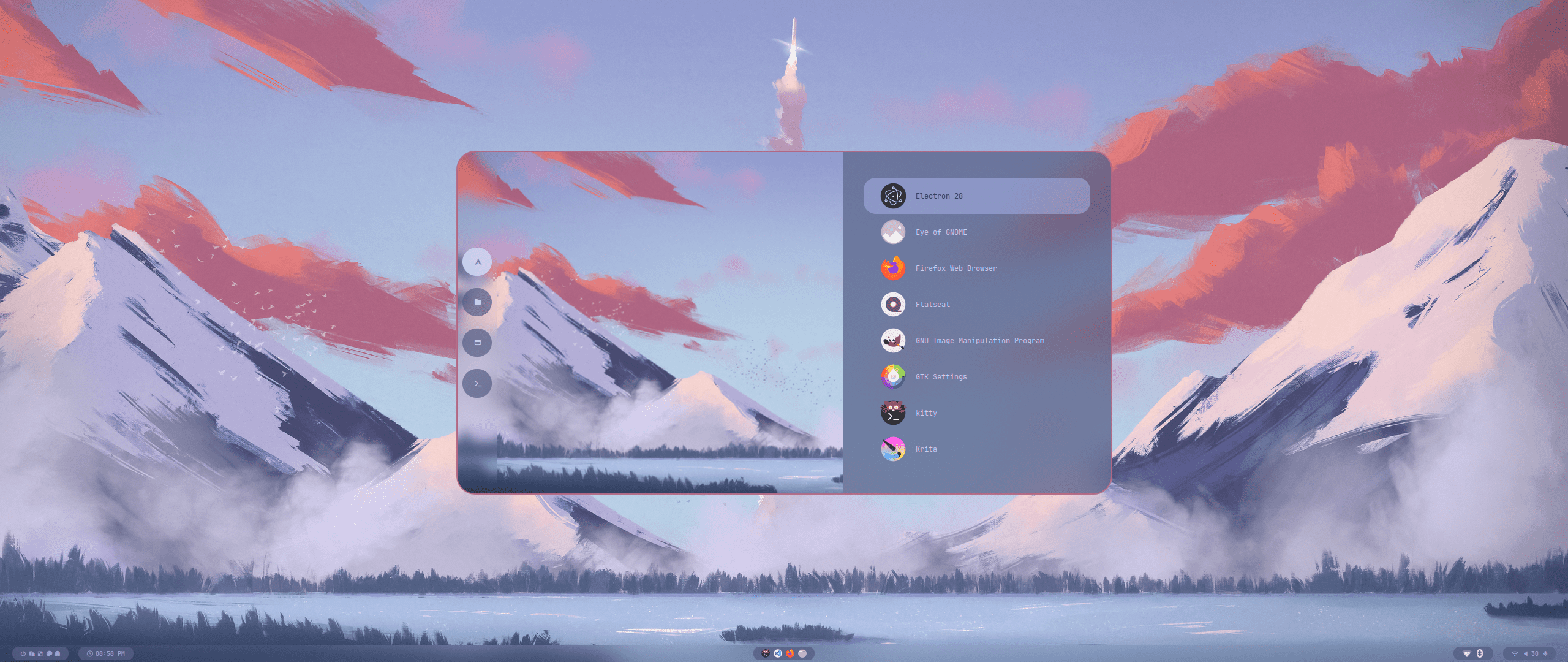
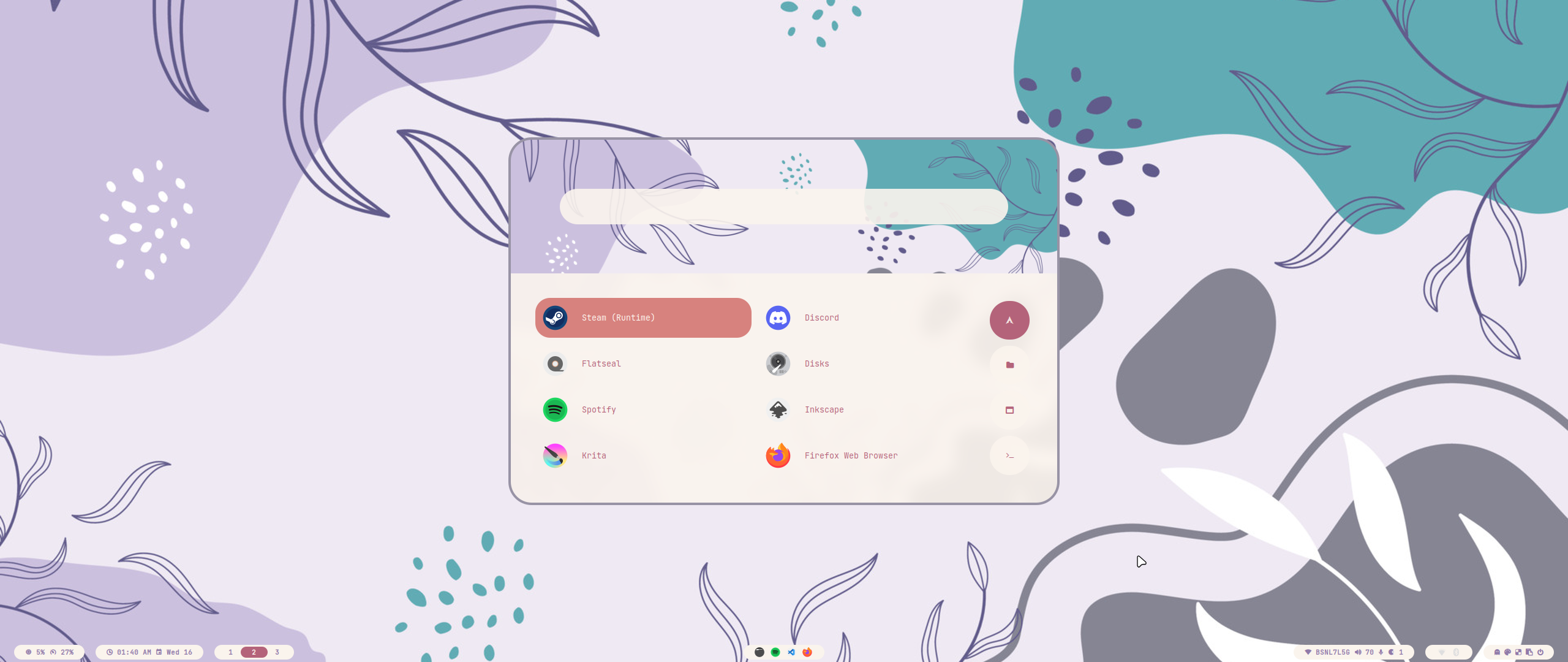
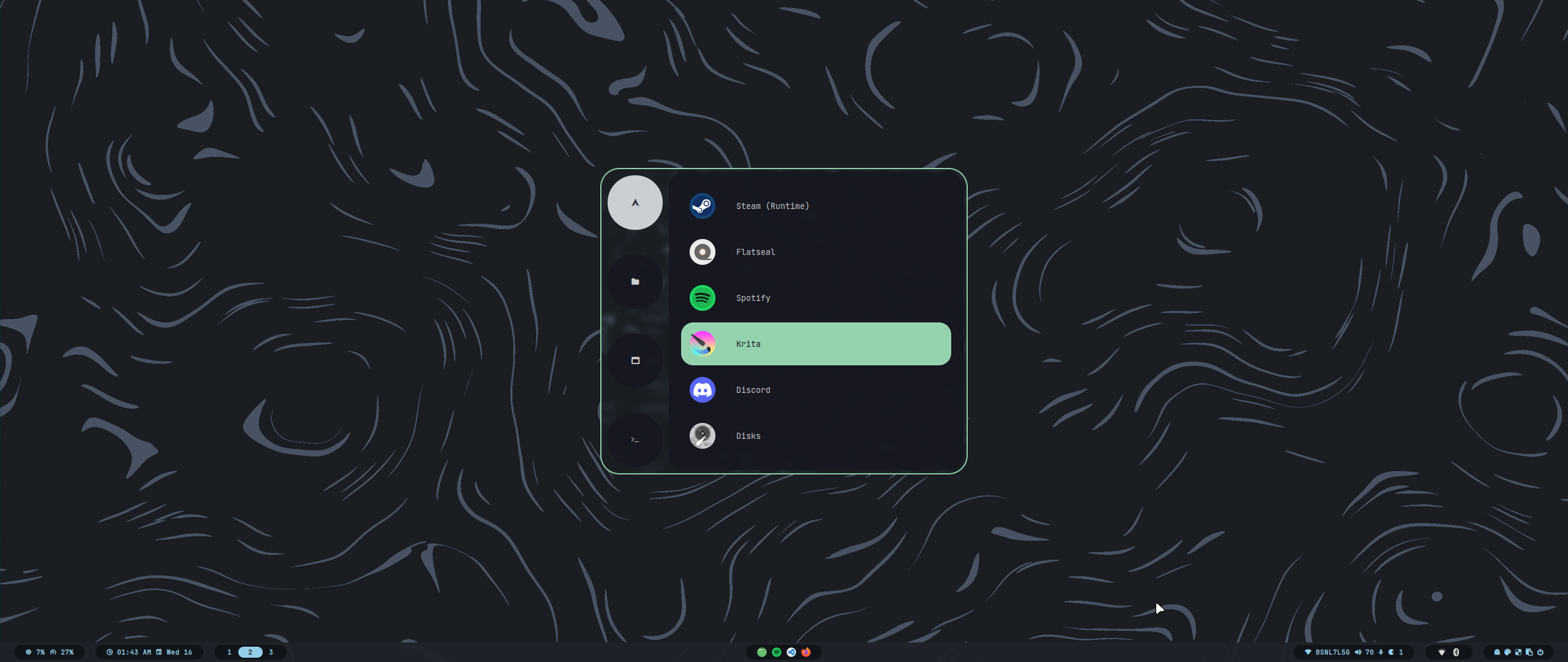
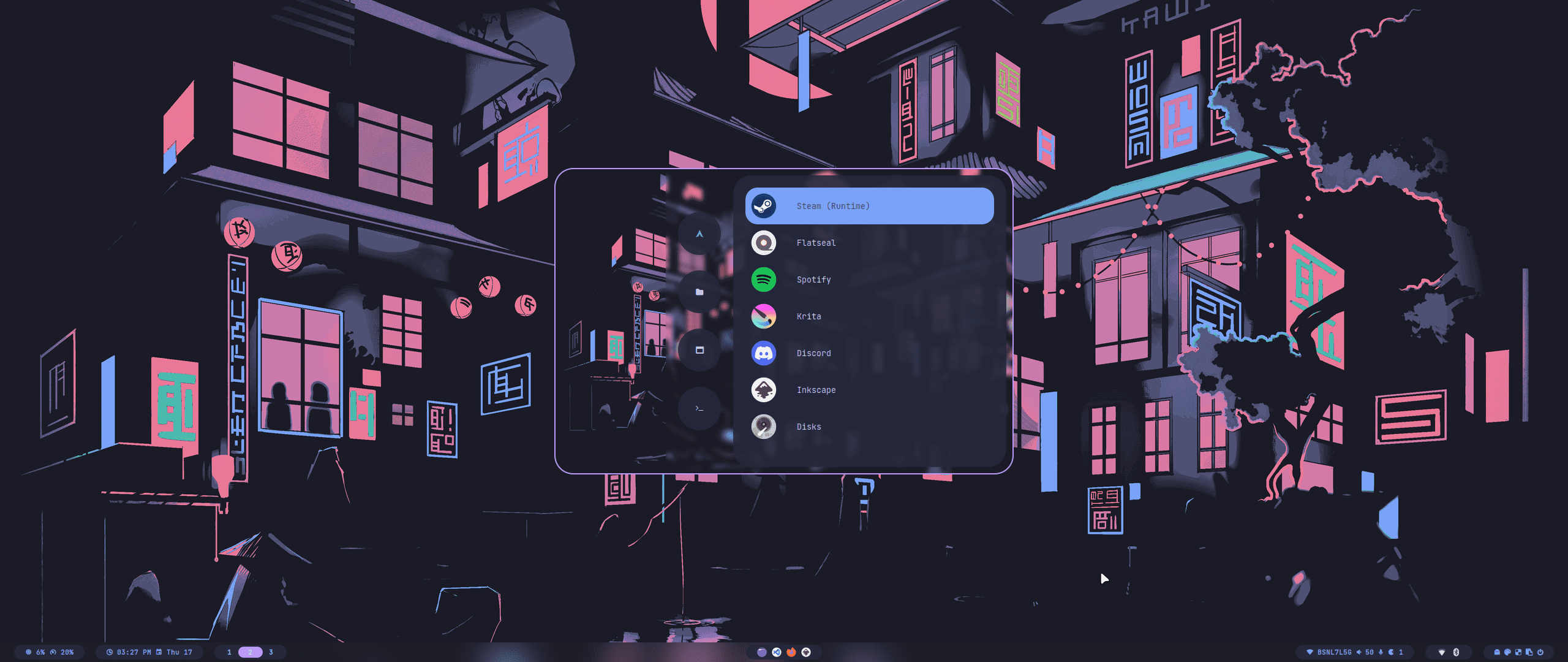
All our official themes are stored in a separate repository, allowing users to install them using themepatcher.
For more information, visit [HyDE-Project/hyde-themes](https://github.com/HyDE-Project/hyde-themes).
---
All our official themes are stored in a separate repository, allowing users to install them using themepatcher.
For more information, visit [HyDE-Project/hyde-themes](https://github.com/HyDE-Project/hyde-themes).
|
[](https://github.com/HyDE-Project/hyde-themes/tree/Catppuccin-Latte)
[](https://github.com/HyDE-Project/hyde-themes/tree/Catppuccin-Mocha)
[](https://github.com/HyDE-Project/hyde-themes/tree/Decay-Green)
[](https://github.com/HyDE-Project/hyde-themes/tree/Edge-Runner)
[](https://github.com/HyDE-Project/hyde-themes/tree/Frosted-Glass)
[](https://github.com/HyDE-Project/hyde-themes/tree/Graphite-Mono)
[](https://github.com/HyDE-Project/hyde-themes/tree/Gruvbox-Retro)
[](https://github.com/HyDE-Project/hyde-themes/tree/Material-Sakura)
[](https://github.com/HyDE-Project/hyde-themes/tree/Nordic-Blue)
[](https://github.com/HyDE-Project/hyde-themes/tree/Rose-Pine)
[](https://github.com/HyDE-Project/hyde-themes/tree/Synth-Wave)
[](https://github.com/HyDE-Project/hyde-themes/tree/Tokyo-Night)
|
> [!TIP]
> Everyone, including you can create, maintain, and share additional themes, all of which can be installed using themepatcher!
> To create your own custom theme, please refer to the [theming wiki](https://github.com/prasanthrangan/hyprdots/wiki/Theming).
> If you wish to have your hyde theme showcased, or you want to find some non-official themes, visit [kRHYME7/hyde-gallery](https://github.com/kRHYME7/hyde-gallery)!
 ---
---
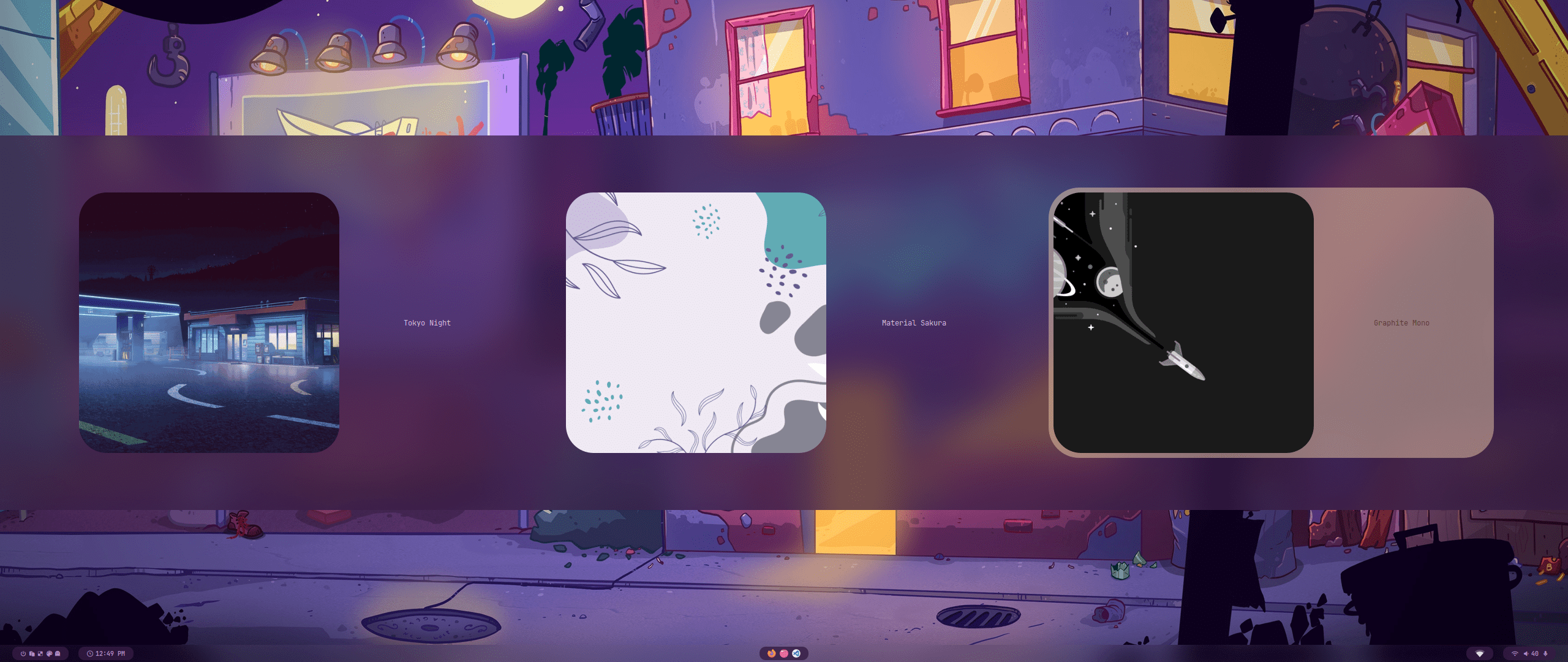
Theme Select
 |
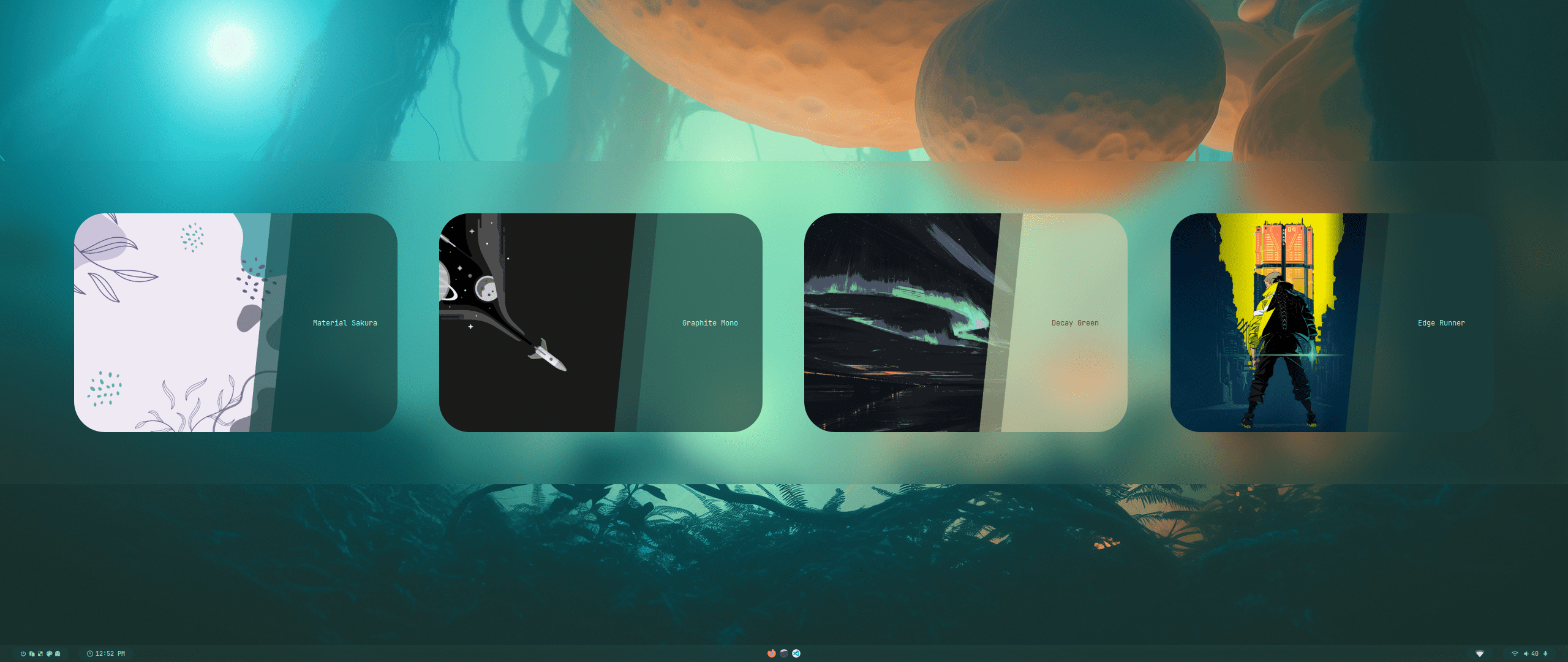 |
| Wallpaper Select | Launcher Select |
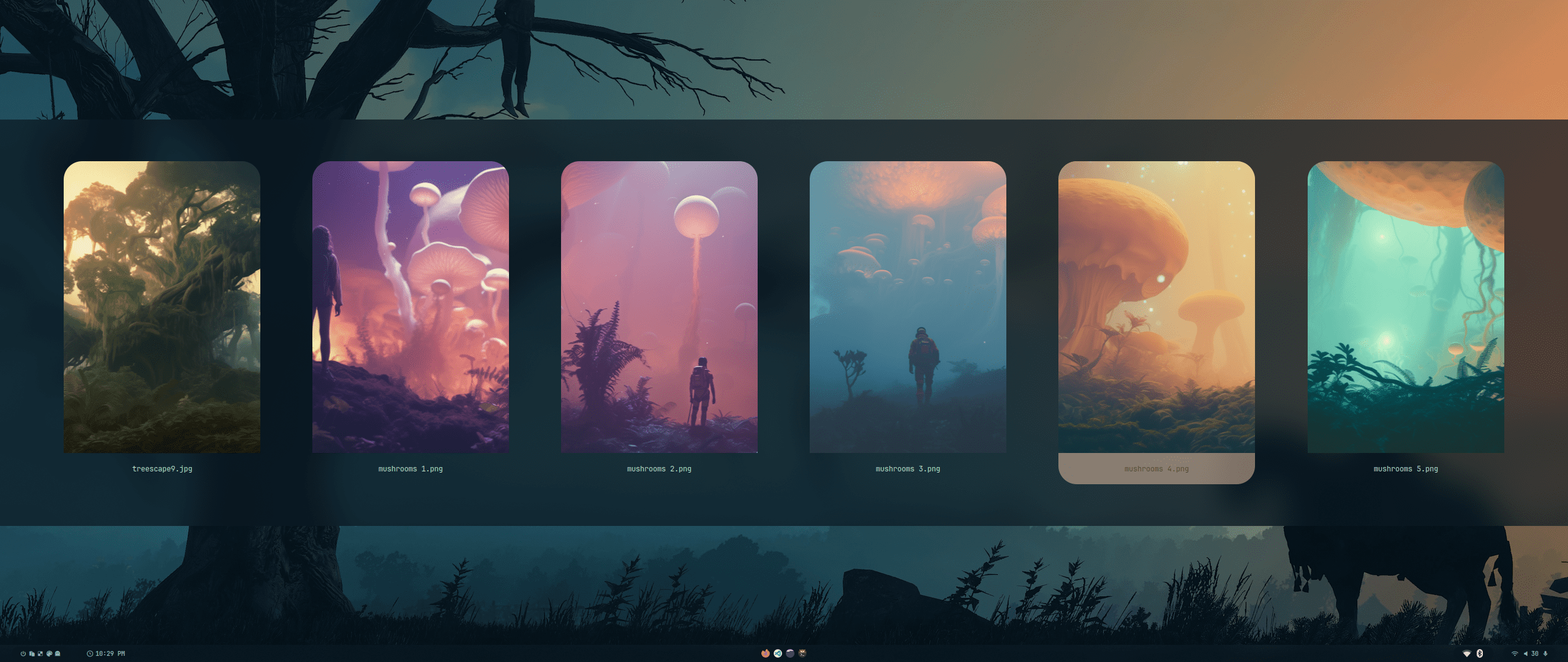 |
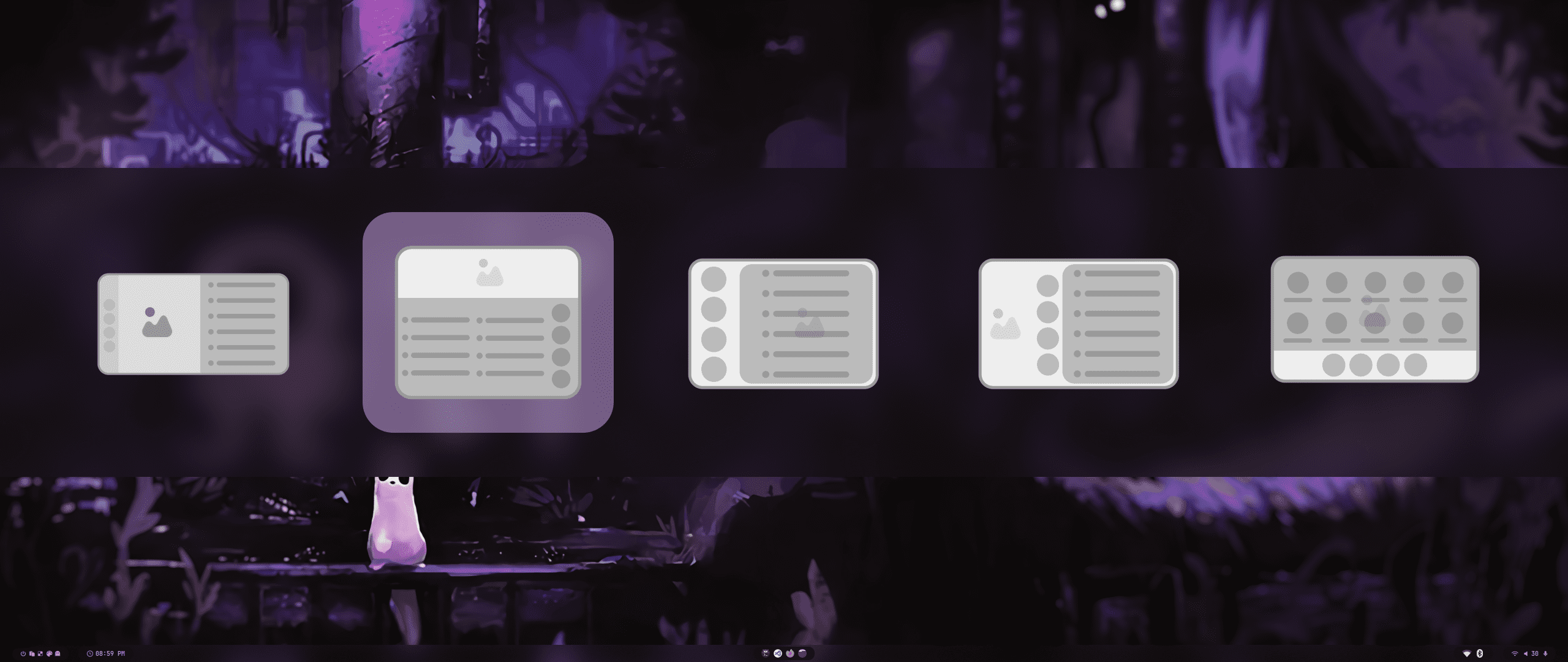 |
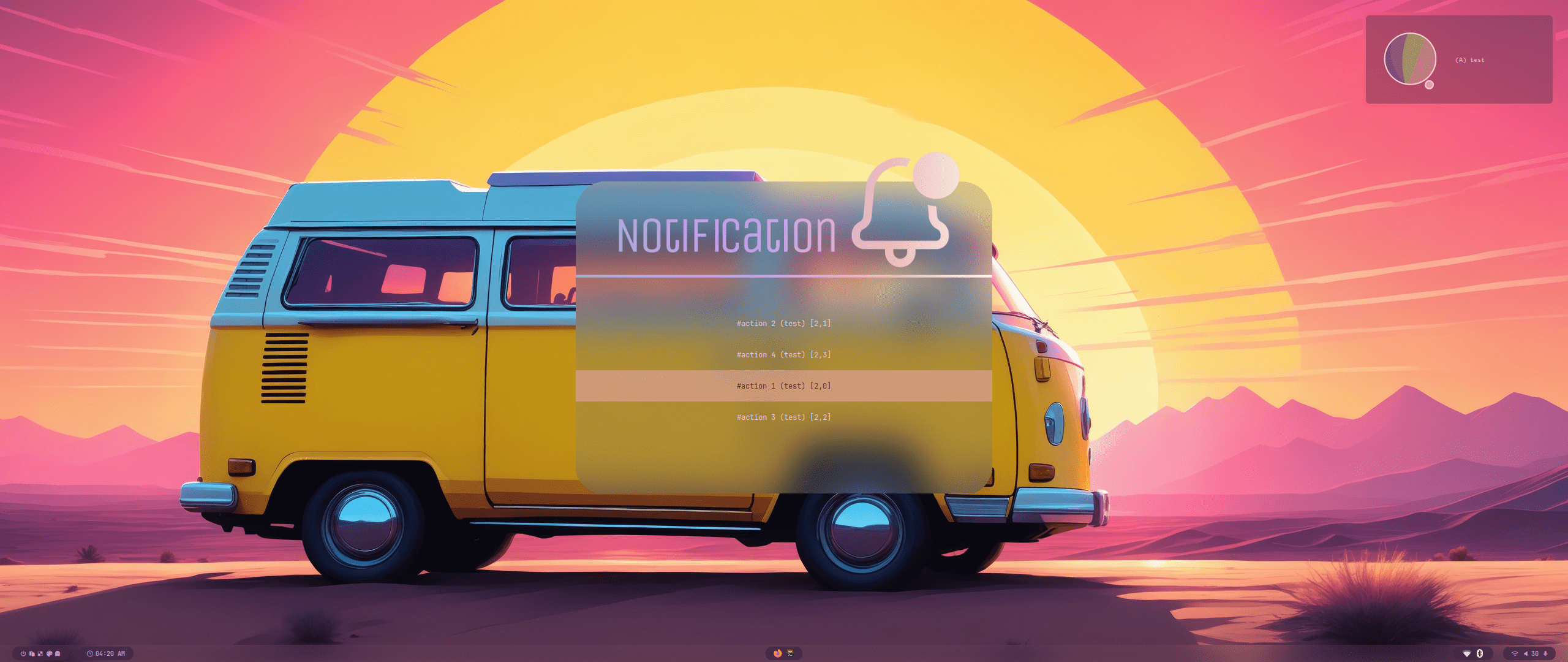
| Wallbash Modes | Notification Action |
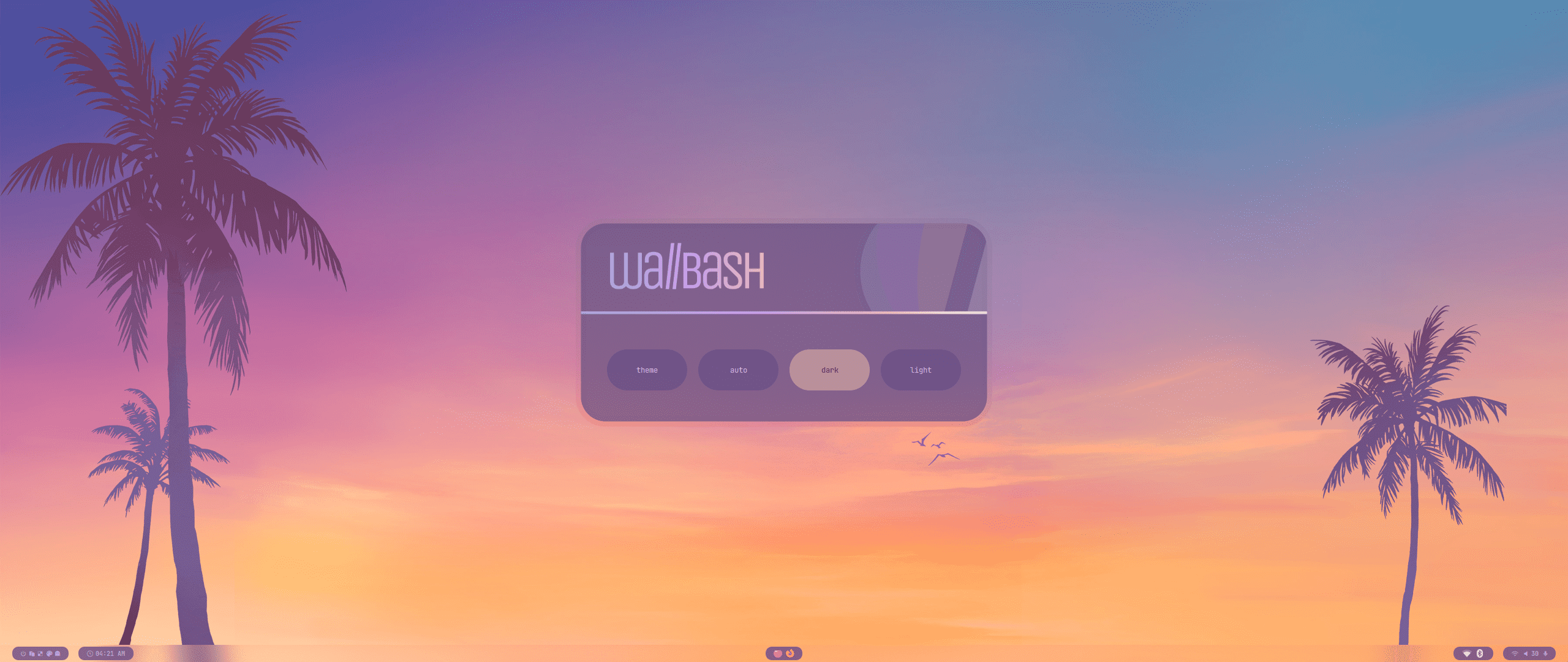 |
 |
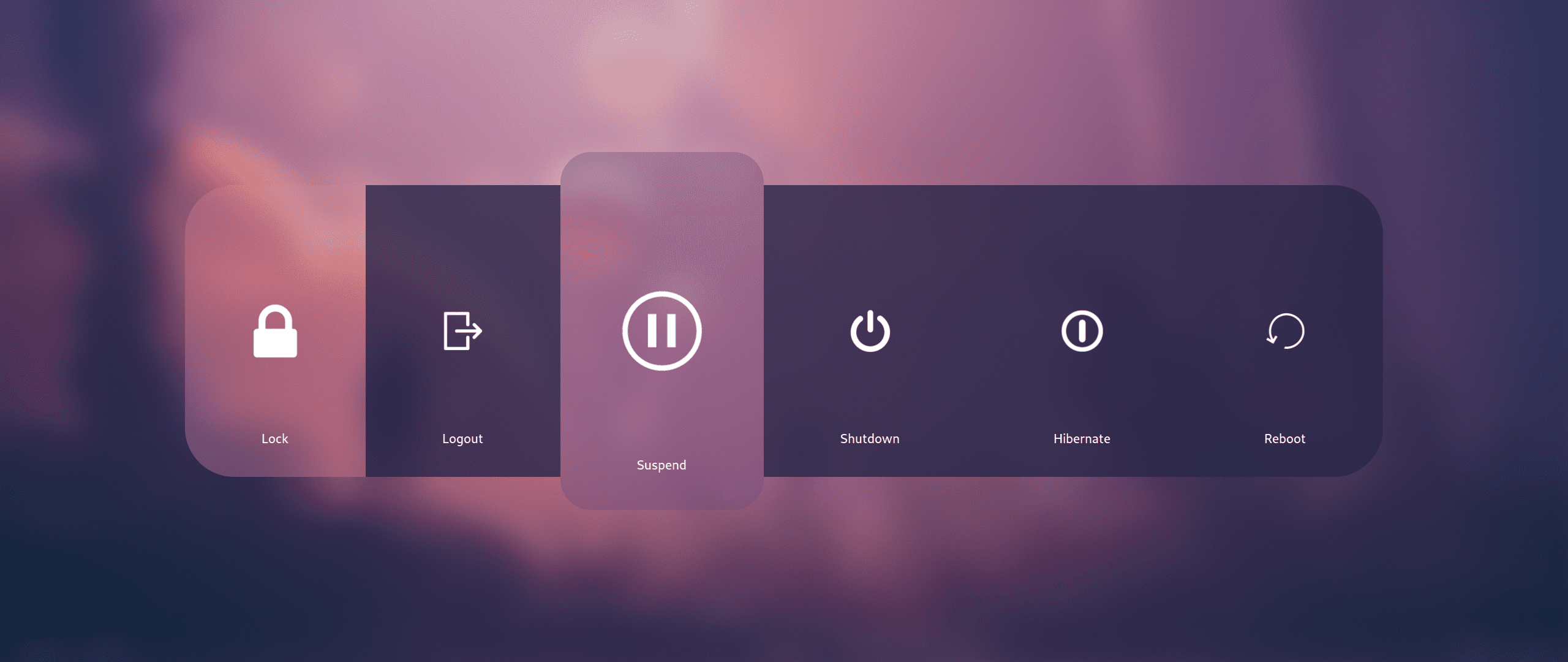
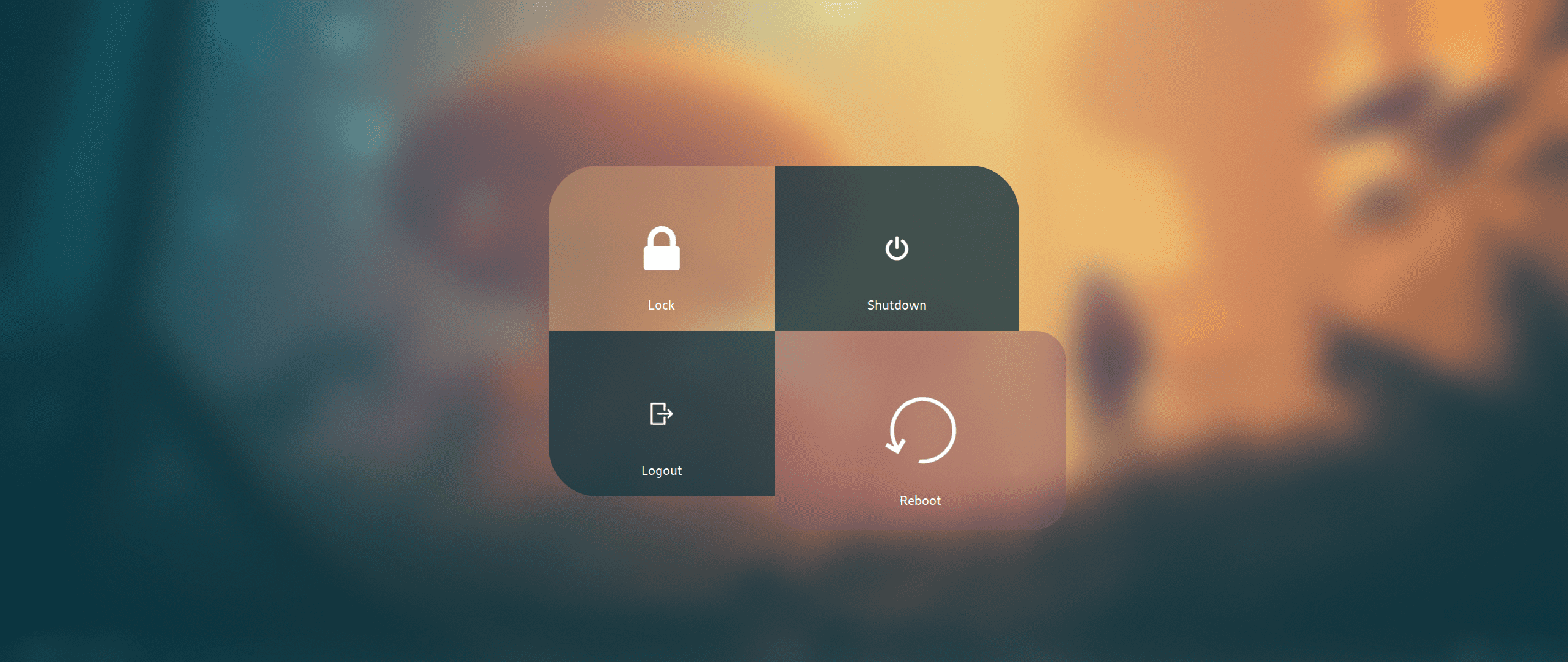
Wlogout Menu
 |
 |
 [](https://starchart.cc/HyDE-Project/HyDE)
---
[](https://starchart.cc/HyDE-Project/HyDE)
---
 - [See the full Credits page here](./CREDITS.md).
---
- [See the full Credits page here](./CREDITS.md).
---
Last edited on: 27/02/2025
## Contributors ✨
Thanks goes to these wonderful people ([emoji key](https://allcontributors.org/docs/en/emoji-key)):
This project follows the [all-contributors](https://github.com/all-contributors/all-contributors) specification. Contributions of any kind welcome!