English · 简体中文
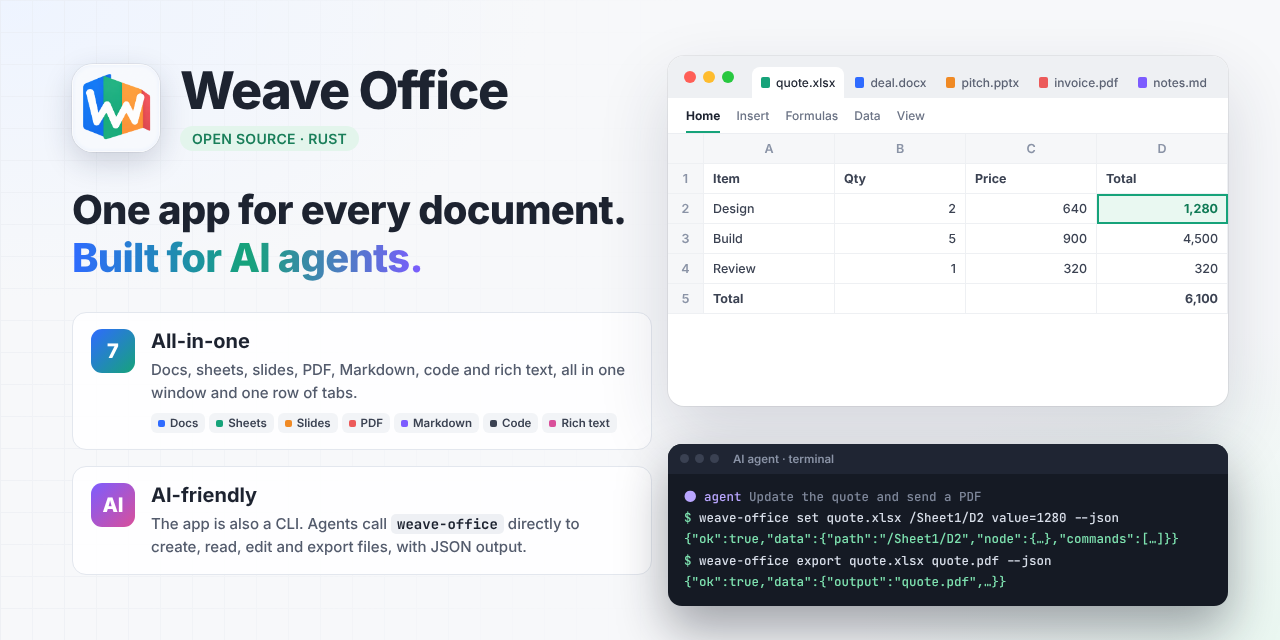
One app for every document. Built for AI agents.
An open-source desktop office suite written in Rust: documents, spreadsheets, slides, PDF, Markdown, code and rich text,
opened, edited and saved in one row of file tabs. The same binary is a command line that AI agents call directly.






Features · Command line · Build · Layout · Docs
> [!NOTE] > Weave Office is under active development and is not yet a day-to-day replacement for a mature office suite. Fidelity on complex documents, input methods and some advanced workflows are still being polished. See the [acceptance log](docs/acceptance.md) (Chinese) for current status and known issues. ## Why Weave Office Two things set it apart: it is **all-in-one**, and it is **AI-friendly**. Most of us bounce between a word processor, a spreadsheet, a slide tool, a PDF reader, a Markdown notes app and a code editor every day, each with its own window, menus, settings and save logic. Weave Office puts them into **one real application**: - **One row of file tabs.** A contract, a quote, a pitch deck, a PDF invoice, your notes and a config file sit side by side, and you can open several of the same kind. Switch away and back, and the caret, selection, scroll position, zoom, undo history and unsaved changes are all still there. - **One set of shared systems.** New, open, save, save as, close, quit, recent files, autosave, printing and dialogs are handled by one host, not by four apps each doing it their own way. - **AI can call it directly.** The app binary is also a command line. An AI agent can read, change and export documents by path without opening a window, and gets JSON back (see [Command line](#command-line-for-ai-agents-and-scripts)). - **One shared foundation.** Fonts, text shaping, rasterization, PDF output and metafile parsing exist once, so the download is smaller and the editors behave consistently. ## Features ### Formats at a glance | Kind | Opens | New files saved as | Editor | |---|---|---|---| | Documents | `.docx` `.docm` `.doc` `.odt` `.rtf` | `.docx` | WordCraft engine | | Spreadsheets | `.xlsx` `.xlsm` `.xls` `.ods` `.csv` | `.xlsx` | GridCraft engine | | Presentations | `.pptx` `.pptm` `.ppt` `.odp` | `.pptx` | DeckCraft engine | | PDF | `.pdf` | `.pdf` | PdfCraft engine | | Markdown | `.md` `.markdown` `.mdx` and more | `.md` | Built in (`crates/text-editor`) | | Plain text and code | 20+ languages, plus unknown extensions whose content is text | `.txt` `.json` `.yaml` `.toml` `.xml` `.sql` `.sh` `.py` `.js` `.ts` `.css` `.go` `.rs` | Built in (`crates/text-editor`) | | Rich text (HTML) | `.html` `.htm` `.xhtml` | `.html` | Built in (`crates/rich-editor`), in development | The **+** button on the tab bar opens the New panel, grouped into Office documents (documents, presentations, spreadsheets, PDF), Text & web (Markdown, plain text, rich text) and Code & data (JSON, YAML, TOML, XML, SQL, Shell, Python, JavaScript, TypeScript, CSS, Go, Rust). Every format in it can be edited and saved back in the same format. ### Four office editors in one: documents, spreadsheets, slides, PDF - **Documents:** paragraph and character formatting, styles, tables, images, headers and footers, page breaks; WMF/EMF pictures; PDF export and printing. - **Spreadsheets:** multiple sheets, formulas, number formats, borders and merged cells; mixed Latin and CJK text aligned on a shared baseline; PDF export (with embedded CJK fonts) and CSV. - **Presentations:** slides, shapes, text boxes, images and layouts; slideshow and export. - **PDF:** a real editor, not just a viewer. Edit existing text and images, add text and images, annotate (notes, text boxes, markup, shapes and replies), fill in text, and insert, delete, reorder, rotate, crop, extract and split pages. See [PDF capabilities](docs/pdf-capabilities.md) (Chinese). All four run in a single process and share one host: - **Unified ribbon:** the host draws the ribbon's tab row for every editor; each editor draws only its own commands, so switching file types feels the same. - **Unified fonts:** open fonts ship once and system fonts are scanned once; all editors share one set of UI fonts, so switching tabs no longer reloads fonts. - **Autosave and crash recovery:** the host periodically writes unsaved changes to a recovery folder; after an unexpected quit, relaunch and get them back. - **Unified files and dialogs:** open, save and folder pickers use the native OS panels; confirmations, errors, settings and printing are Weave's own. While a dialog is open, tabs can't be switched or closed by accident, and files opened from outside wait in a queue. - **Split view:** show open documents side by side, one above another, or in nested panes within one window; drag the divider to resize. Use the Split menu next to the tab bar, the tab's right-click menu (Open to the Right / Open Below), or ⌘⌥→ / ⌘⌥↓ (Ctrl+Alt on Windows and Linux); ⌘⌥W closes the focused pane without closing its document. - **Native on macOS:** real traffic-light window buttons, rounded corners and shadow, with file tabs placed in the title bar; app menu, shortcuts, opening from Finder and the system quit flow are wired in. ### Markdown with Obsidian-style live preview - **Live preview:** headings, bold, links and more render in place; markers such as `#`, `**` and `[]()` appear only on the line you are editing. Markdown tables render with borders, aligned columns and wrapped cells; click a table to edit its source. Source and reading views too. - **Notes features:** task checkboxes, `[[wikilinks]]`, backlinks, tags and outline. - **Sidebar:** file tree, full-text search, outline, tags and backlinks. - **Command palette** (⇧⌘P) and **quick open** (⌥⌘O). - **Insert tools:** images, footnotes, callouts, math and properties (front matter). - **Focus mode** and **typewriter scrolling**. - PDF export and printing go through the document engine's Markdown import. ### Code and plain-text editor - **Syntax highlighting:** Rust, JavaScript, TypeScript, Python, Go, C/C++, C#, Java, Kotlin, Swift, PHP, Ruby, Lua, Shell, PowerShell, SQL, Dockerfile, Makefile, JSON, YAML, TOML, INI, HTML, CSS and more. - **Editing tools:** line numbers, find and replace, search in folder, go to line, line commands (move, duplicate, delete, join), sort, de-duplicate, change case, trim trailing whitespace, convert indentation, and **JSON formatting**. - **Keeps your encoding:** files are written back in their original encoding (including GBK, UTF-16 and BOMs) and line endings; a file you didn't change is saved byte for byte. Files with an unknown extension but text content open as plain text. ### Rich-text editor (in development) A WYSIWYG HTML editor for laying out articles, in the spirit of WeChat article editors such as 135 Editor: - **Open any HTML file** and switch between the **design view** (the laid-out page) and the **source view** (highlighted HTML). Both always agree. - **Edit in the design view:** click to place the caret, drag or Shift-click to select, double-click for a word, triple-click for a paragraph, with input-method support. Copy carries HTML and plain text; paste keeps inline styles and drops scripts. - **Home tab:** paragraph style, size, bold, italic, underline, strikethrough, text and highlight colors, clear formatting, alignment, line spacing and first-line indent. - **Faithful:** unknown tags, comments, ``, `