
[)](https://www.npmjs.com/package/terra-draw)
[)](https://github.com/sponsors/JamesLMilner)
Frictionless map drawing across mapping libraries.
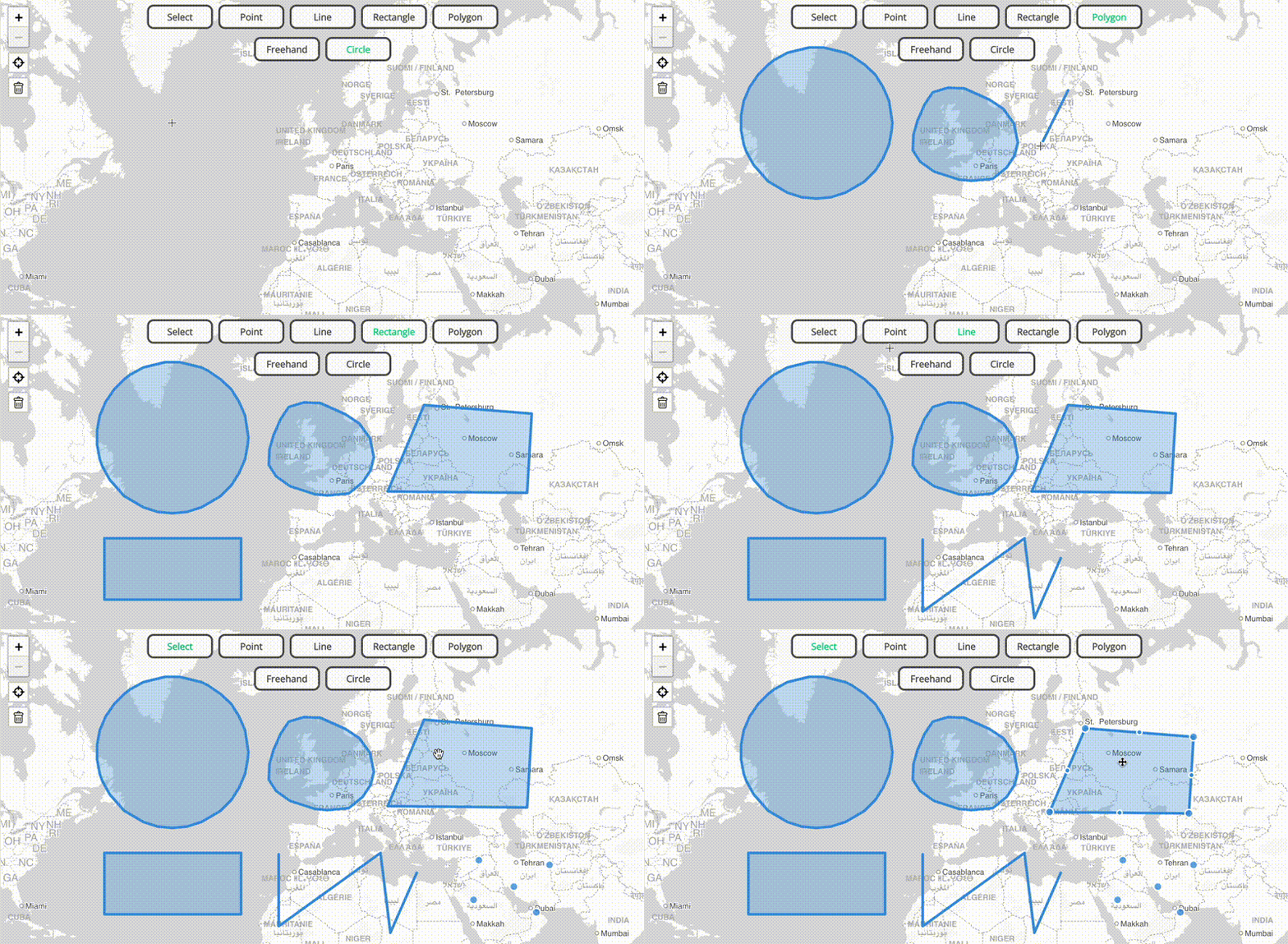
Terra Draw centralizes map drawing logic and provides a host of out-of-the-box drawing modes that work across different JavaScript mapping libraries. It also allows you to bring your own modes!
### Library Support
Terra Draw uses the concept of 'adapters' to allow it to work with a host of different mapping libraries. Built-in adapters are currently exposed as different packages in this monorepo; you can find out more in [the adapters guide](./guides/3.ADAPTERS.md). The currently supported libraries are:
| Library | Version supported | npm package |
|---------------------------------------------------------------------------------------------|-------------------|----------------------------------|
| [Leaflet](https://leafletjs.com/) | v1 | terra-draw-leaflet-adapter |
| [OpenLayers](https://openlayers.org/) | v10 | terra-draw-openlayers-adapter |
| [MapLibre GL JS](https://maplibre.org/maplibre-gl-js/docs/) | v4/5 | terra-draw-maplibre-gl-adapter |
| [Google Maps JS API](https://developers.google.com/maps/documentation/javascript/overview) | v3 | terra-draw-google-maps-adapter |
| [Mapbox GL JS](https://www.mapbox.com/mapbox-gljs) | v3 | terra-draw-mapbox-gl-adapter |
| [ArcGIS JavaScript SDK](https://developers.arcgis.com/javascript/latest/) | v4 | terra-draw-arcgis-adapter |
### Getting Started
Please see the [the getting started guide](./guides/1.GETTING_STARTED.md) - this provides a host of information on how to get up and running with Terra Draw. You can see the auto generated [API docs on the Terra Draw website](https://terradraw.io/#/api).
### Releases and Changelogs
We create GitHub releases when we release new packages. We also keep automated changelogs that are created for each package upon release, based off of the [conventional commits](https://www.conventionalcommits.org/en/v1.0.0/) format. You can find the generated CHANGELOG.md file in the [corresponding package folder](https://github.com/JamesLMilner/terra-draw/tree/main/packages).
### Development & Contributing
* For development, please see the [the development documentation](./guides/7.DEVELOPMENT.md)
* For guidance on contributing, please see the [the contributing documentation](./guides/7.DEVELOPMENT.md#contributing)
### Project Website
You can check out the official Terra Draw website at [terradraw.io](https://www.terradraw.io). If you are interested in contributing to the website please see [this repository](https://www.github.com/JamesLMilner/terra-draw-website).
### Sponsorship
Terra Draw is made possible by companies and organisations that want to see it thrive. Please see the [Sponsorship](./guides/) page for more information about how to sponsor the work done here.
### Contact
Email: [contact@terradraw.io](mailto:contact@terradraw.io)
### License
[MIT](./LICENSE.md)
