# Limitcode
**Limitcode is an AI pair programming agent for Sublime Text.**
It works the way a pair programmer works: the agent only sees and touches the
files you have open in your editor. You steer the session, you choose what it
reads, and every edit lands in a file you can review immediately.
No hidden filesystem scans. No shell access. No autopilot.
## Why pair programming
Limitcode exposes exactly three tools:
- `read_file`
- `write_to_file`
- `edit_file`
These tools can only operate on files that already have a path and are open in
the active Sublime Text window. Closed files cannot be read or modified, and
`write_to_file` cannot create new files.
That constraint is the product: the agent works *with* you, inside the code you
show it, one step at a time. If you want an autonomous agent that searches the
project, runs commands, and manages its own context, see
Limitcode Pro.
## Features
- Side-by-side streaming chat inside Sublime Text
- Persistent conversation history per session
- Model and provider selection with per-session control
- Configurable reasoning effort and visible thinking
- Prompt history and @-file references
- A deliberately small, reviewable tool surface
## LSP integration (optional)
If you have the [LSP](https://packagecontrol.io/packages/LSP) package installed,
Limitcode will use its diagnostics after each edit to give the agent feedback on
syntax and type errors, so it can catch and fix issues before continuing. This
is optional and automatic — it only activates if LSP is already installed.
## Providers
Limitcode supports:
- OpenAI
- DeepSeek
- Anthropic
- Gemini
- Ollama
- LM Studio
Ollama and LM Studio run locally without an API key. Cloud providers require a
key configured through `Limitcode: Setup Provider API Key` or the `api_keys`
object in `Limitcode.sublime-settings`.
## Quick start
1. Place the repository in Sublime Text's `Packages/Limitcode` directory.
2. Restart Sublime Text.
3. Run `Limitcode: Setup Provider API Key` from the Command Palette.
4. Run `Limitcode: Open Chat` from the Command Palette.
Open every file you want the agent to read or edit before sending a request.
## Demo
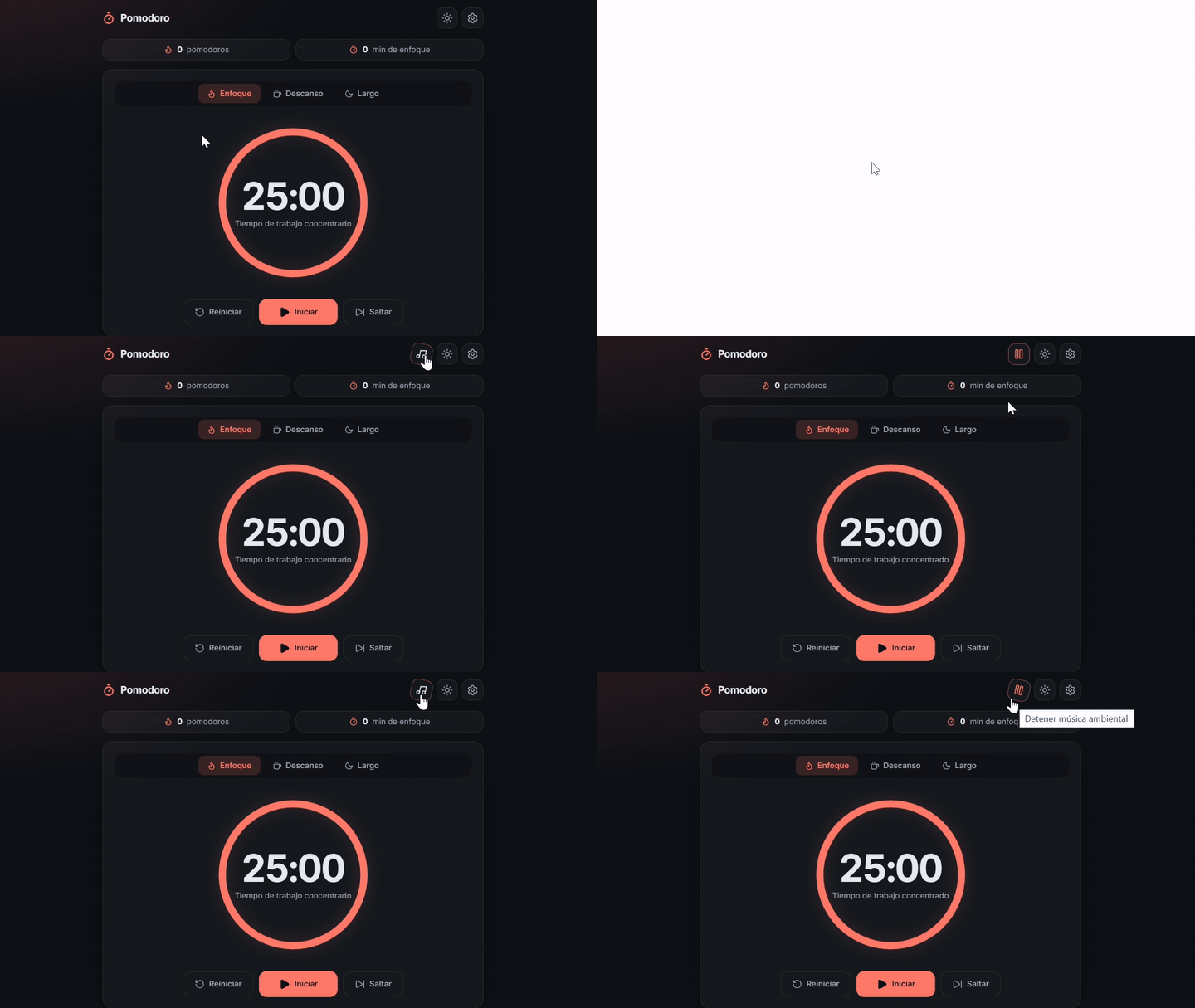
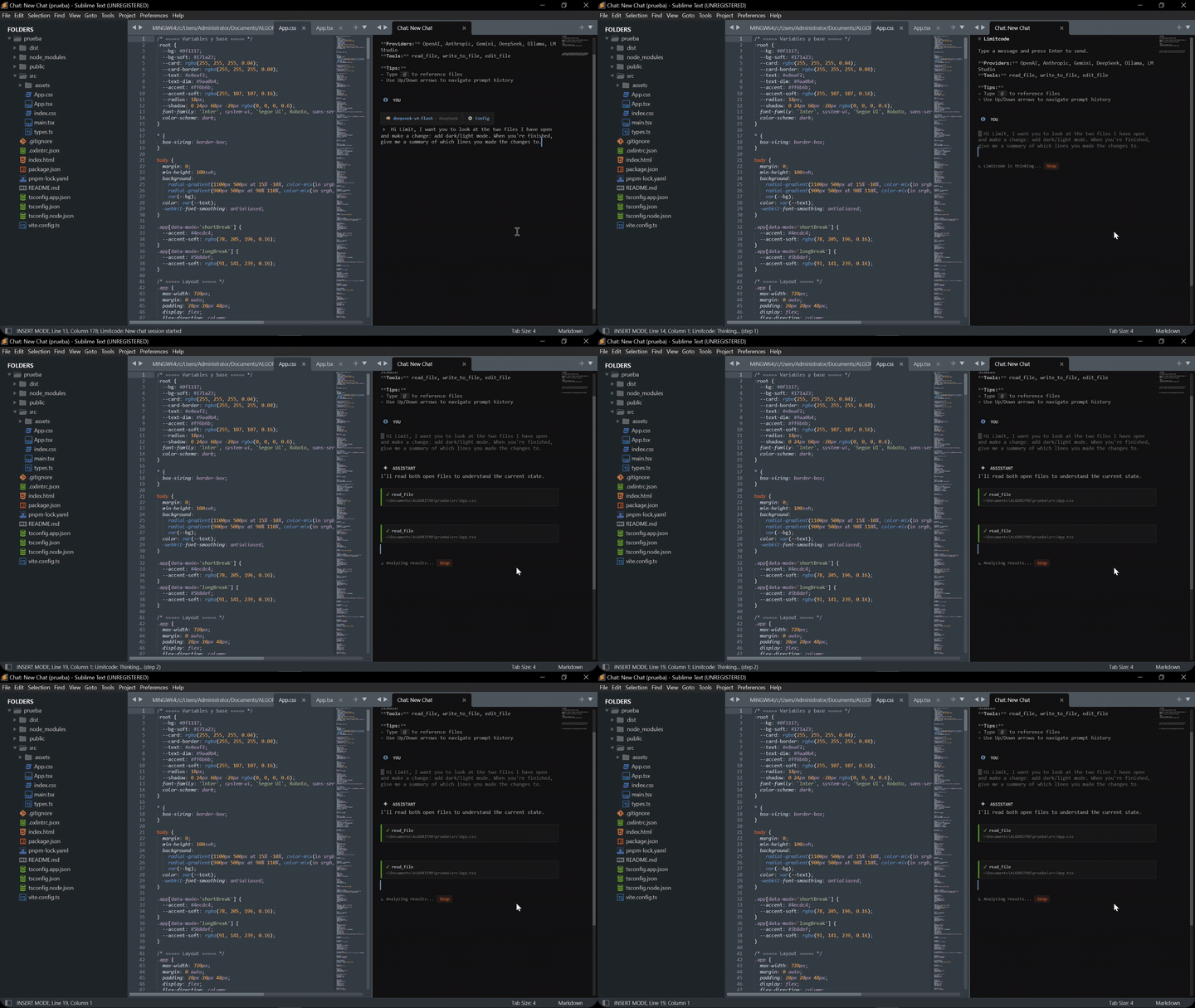
Watch Limitcode build a Pomodoro timer app end to end — including the lo-fi melody it composed and exported as an audio file.
## A typical session
1. Open the file you want to work on.
2. Select the code you care about and run `Limitcode: Send to Agent`, or just
describe the change in the chat.
3. Review the edit the agent applies to your open file.
4. Ask for adjustments, or move on.
The agent never leaves the files you opened, and it never runs commands on
your machine.
## Commands
- `Limitcode: Open Chat`
- `Limitcode: New Chat`
- `Limitcode: Chat History`
- `Limitcode: Rename Session`
- `Limitcode: Delete Session`
- `Limitcode: Send to Agent`
- `Limitcode: Change Provider`
- `Limitcode: Change Model`
- `Limitcode: Set Reasoning Effort`
- `Limitcode: Toggle Show Thoughts`
- `Limitcode: Setup Provider API Key`
- `Limitcode: Open Settings`
- `Limitcode: Open Key Bindings`
- `Limitcode: Clear Chat`
- `Limitcode: Cancel Active Response`
- `Limitcode: Stop Agent`
## Keyboard shortcuts
Limitcode does not claim global shortcuts when installed. Inside the chat,
`Enter`, `Shift+Enter`, `Escape`, `Up`, and `Down` are context-specific controls.
To add your own global shortcuts, run `Limitcode: Open Key Bindings` and place
bindings in the user pane. For example:
```json
[
{ "keys": ["ctrl+alt+l"], "command": "limitcode_open_chat" },
{ "keys": ["ctrl+alt+a"], "command": "limitcode_send_to_agent" },
{ "keys": ["ctrl+alt+x"], "command": "limitcode_cancel_request" }
]
```
## Configuration
```json
{
"default_provider": "openai",
"default_model": "gpt-5.5",
"api_keys": {
"openai": ""
},
"provider_base_urls": {},
"temperature": "auto",
"max_tokens": 8192,
"max_iterations": 50,
"reasoning_effort": "off",
"show_thoughts": false
}
```
`temperature` accepts `"auto"` or a number. `max_tokens` accepts a positive
integer or `"auto"`. Reasoning effort can be `off`, `low`, `medium` or `high`;
unsupported models ignore it.
## Limitcode Pro
Limitcode Pro
Limitcode Pro is the fully autonomous version of Limitcode. It keeps the same
editor-native workflow and adds:
- Project-wide file listing, searching, and targeted edits
- Approved shell command execution
- Web search and page fetching
- Reusable skills and MCP server connections
- Focused subagents and batched workflows
- Account sign-in for GitHub Copilot, OpenAI Codex, and Google Antigravity
- Automatic context compaction and snapshot-based undo/redo
- License-gated activation on up to three devices
Pro runs entirely inside Sublime Text with a configurable permission model, and
is distributed as a packaged release rather than source.
## Development
Run the test suite from the repository root:
```powershell
python -B -m unittest discover -s tests -p "test_*.py"
```
## License
Licensed under the GNU General Public License, Version 3. See
[LICENSE](LICENSE).