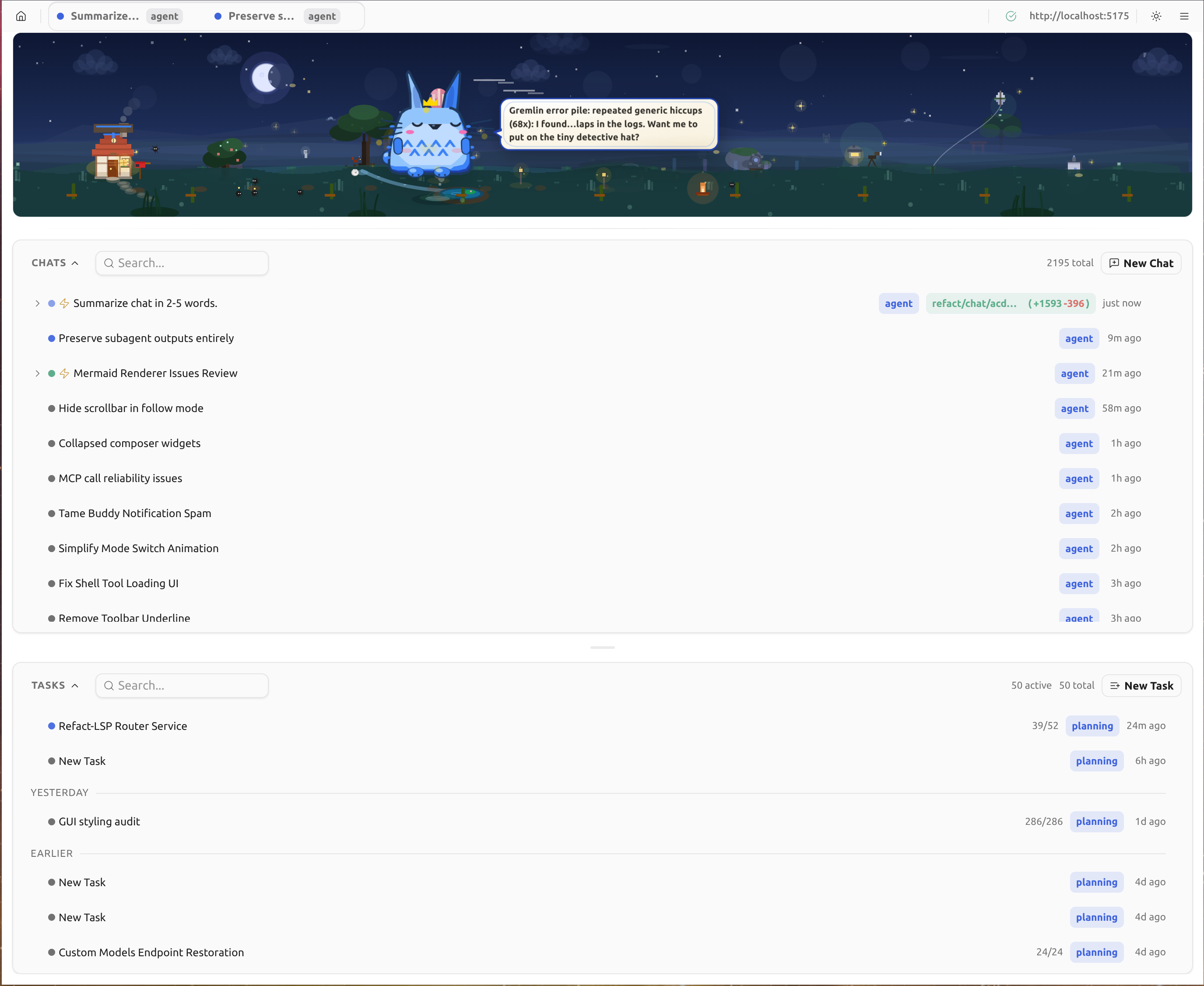
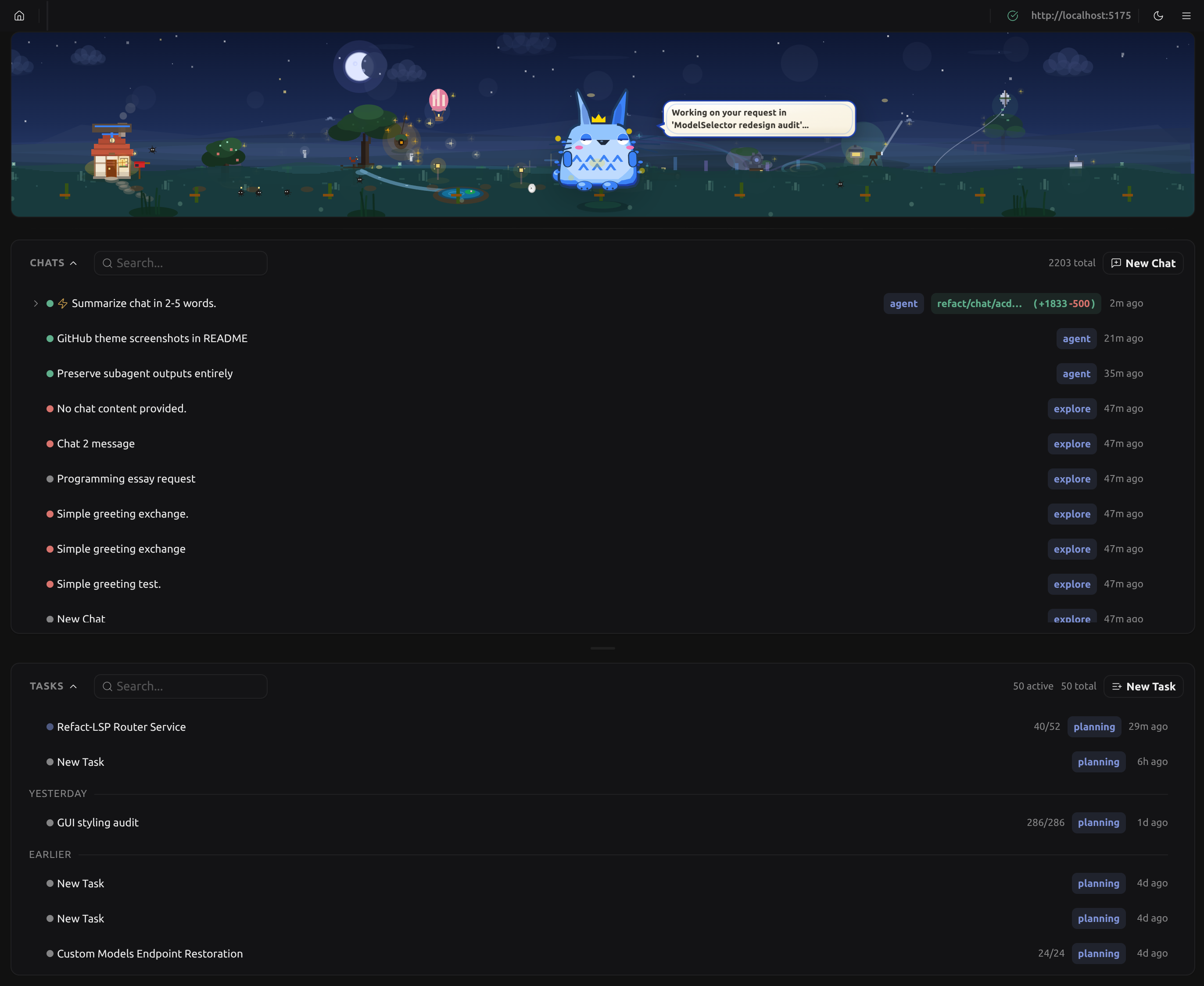
**10+ agent modes · 50+ tools · 20+ provider families · worktree-isolated agent fleets · MCP · skills · subagents · BYOK · 100% local — zero cloud**
## Install
By default, the installer writes a shared standalone binary to `~/.refact/bin/refact` (Unix/macOS) or `%USERPROFILE%\.refact\bin\refact.exe` (Windows) and adds that directory to your `PATH`.
**Unix/macOS**
Install:
```sh
curl -fsSL https://raw.githubusercontent.com/JegernOUTT/refact/main/install.sh | sh
```
Then run:
```sh
refact ui
```
The installer links `refact` into a directory that is already on your `PATH` (usually `~/.local/bin`), so this works in the same terminal. If no such directory is available, the installer prints the exact one-line command to activate it.
**Windows PowerShell**
Install:
```powershell
irm https://raw.githubusercontent.com/JegernOUTT/refact/main/install.ps1 | iex
```
Then run:
```powershell
refact ui
```
The installer updates both your user `PATH` and the current PowerShell session.
> [!WARNING]
> The resident **daemon** is an early preview and may be buggy or change without notice. The IDE plugins (VS Code/JetBrains) and core engine are the stable surfaces. Please report issues.
Refact is a local-first agentic coding engine shipped as a standalone `refact` binary. Start it once and a resident daemon keeps the control plane warm: one daemon supervises project workers, serves the in-browser GUI, exposes LSP/HTTP for editor clients, and gives autonomous tool-using agents the same concrete surfaces you use every day — files, shells, browser automation, AST search, patches, checkpoints, integrations, and verification loops. It is not just an IDE sidebar: the task planner can break big work into cards, launch fleets of task agents in isolated git worktrees, and let Buddy keep a nosy little watch over project memory, diagnostics, docs, dependencies, and opportunities without handing your repo to a hosted control plane.
What makes Refact different is ownership. You bring the models and keys, choose hosted or local providers, wire MCP, skills, hooks, and subagents into your own workflows, and keep every byte of project state under `