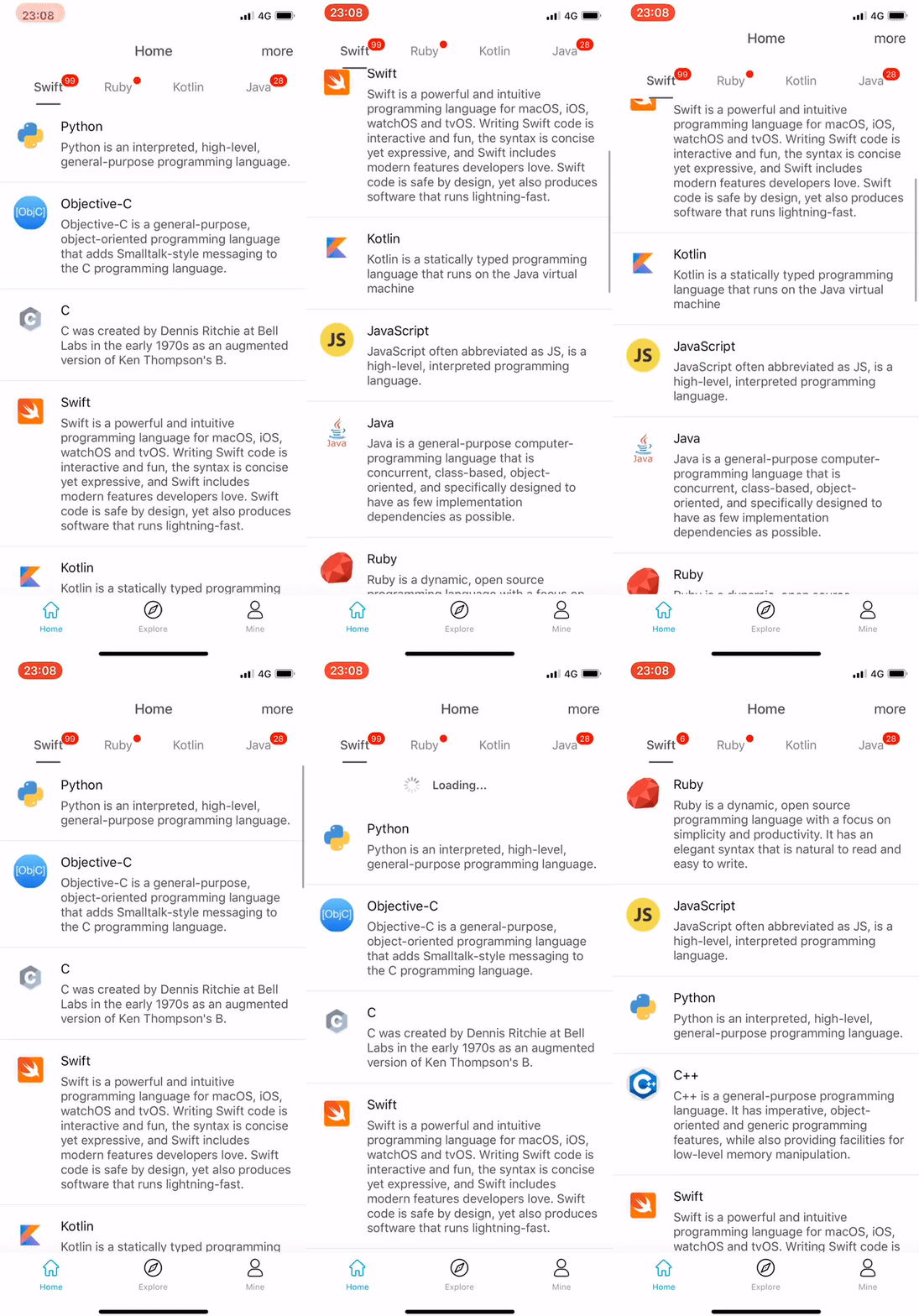
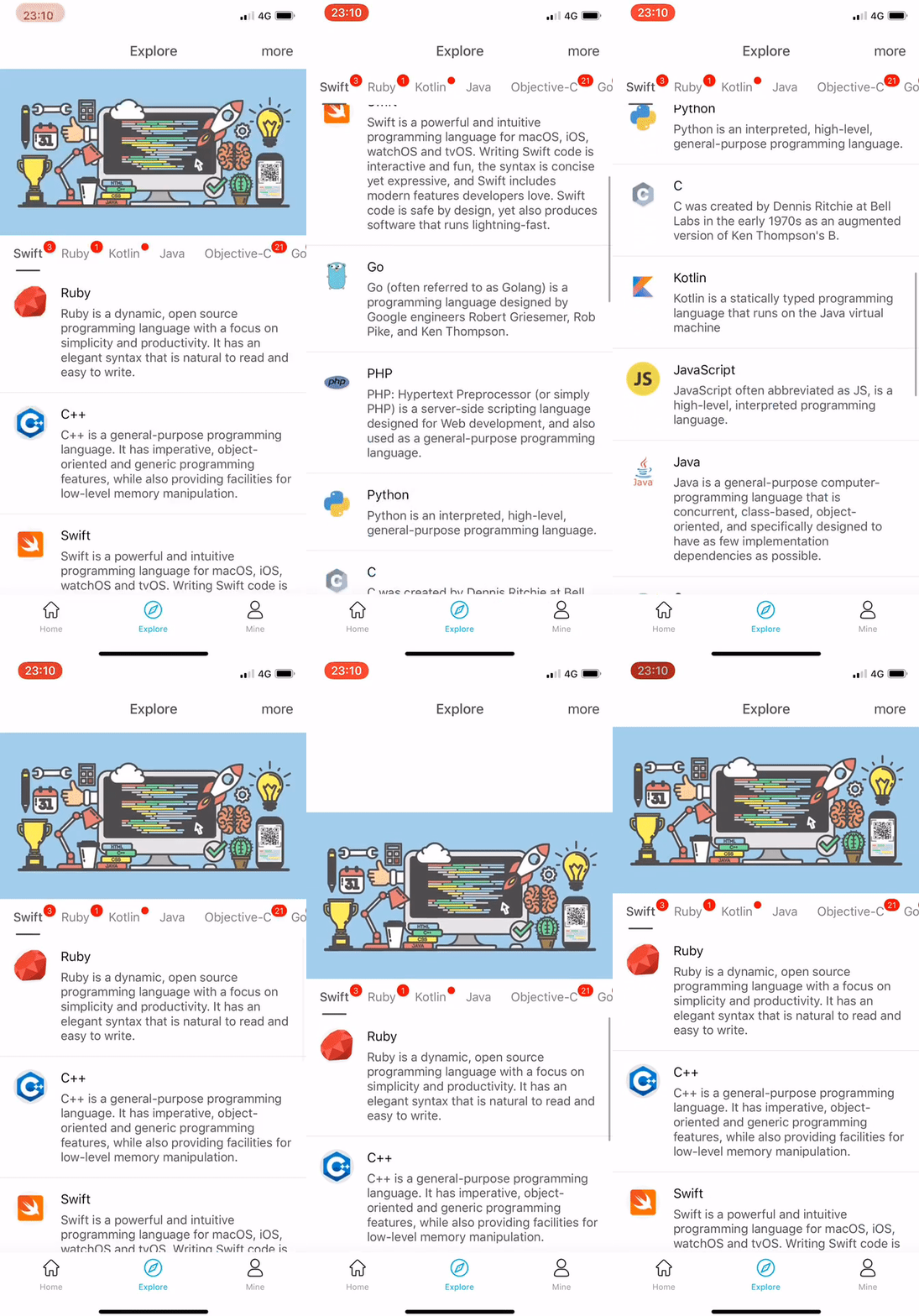
## Requirements
- iOS 9.0+
- Xcode 10.0+
- Swift 4.2+
## Installation
### CocoaPods
[CocoaPods](https://cocoapods.org) is a dependency manager for Cocoa projects. You can install it with the following command:
```bash
$ gem install cocoapods
```
> CocoaPods 1.1.0+ is required to build SegementSlide.
To integrate SegementSlide into your Xcode project using CocoaPods, specify it in your `Podfile`:
```ruby
source 'https://github.com/CocoaPods/Specs.git'
platform :ios, '9.0'
use_frameworks!
target '' do
pod 'SegementSlide', '3.0.1'
end
```
Then, run the following command:
```bash
$ pod install
```
### Carthage
[Carthage](https://github.com/Carthage/Carthage) is a decentralized dependency manager that builds your dependencies and provides you with binary frameworks.
You can install Carthage with [Homebrew](https://brew.sh/) using the following command:
```bash
$ brew update
$ brew install carthage
```
To integrate SegementSlide into your Xcode project using Carthage
1. specify it in your `Cartfile`:
```ogdl
github "Jiar/SegementSlide" "3.0.1"
```
Run `carthage update` to build the framework.
2. Copy Carthage Frameworks:
- open the `Build Phases` tab of the project Settings
- add `New Run Script Phase`
- add `/usr/local/bin/carthage copy-frameworks` to the input field
- add `$(SRCROOT)/Carthage/Build/iOS/SegementSlide.framework` to `Input Files`

3. Embedded Binaries:
- open the `general` tab of the project Settings
- add `SegementSlide.framework` in `$(SRCROOT)/Carthage/Build/iOS` to the `Embedded Binaries`

### Manually
If you prefer not to use either of the aforementioned dependency managers, you can integrate SegementSlide into your project manually.
---
## Usage
### Quick Start
```swift
import SegementSlide
class HomeViewController: SegementSlideDefaultViewController {
......
override func segementSlideHeaderView() -> UIView? {
let headerView = UIView()
let headerView.translatesAutoresizingMaskIntoConstraints = false
headerView.heightAnchor.constraint(equalToConstant: view.bounds.height/4).isActive = true
return headerView
}
override var titlesInSwitcher: [String] {
return ["Swift", "Ruby", "Kotlin"]
}
override func segementSlideContentViewController(at index: Int) -> SegementSlideContentScrollViewDelegate? {
return ContentViewController()
}
override func viewDidLoad() {
super.viewDidLoad()
defaultSelectedIndex = 0
reloadData()
}
}
```
```swift
import SegementSlide
class ContentViewController: UITableViewController, SegementSlideContentScrollViewDelegate {
......
@objc var scrollView: UIScrollView {
return tableView
}
}
```
## Structure
## Author
- Twitter: ([@JiarYoo](https://twitter.com/JiarYoo))
- Weibo: ([@Jiar](https://weibo.com/u/2268197591))
## License
SegementSlide is released under the Apache-2.0 license. See LICENSE for details.