# Portofolio🚀🚀🚀
### Source code of https://johansenjunias20.github.io
[Go to deploy repository](https://github.com/JohansenJunias20/JohansenJunias20.github.io)
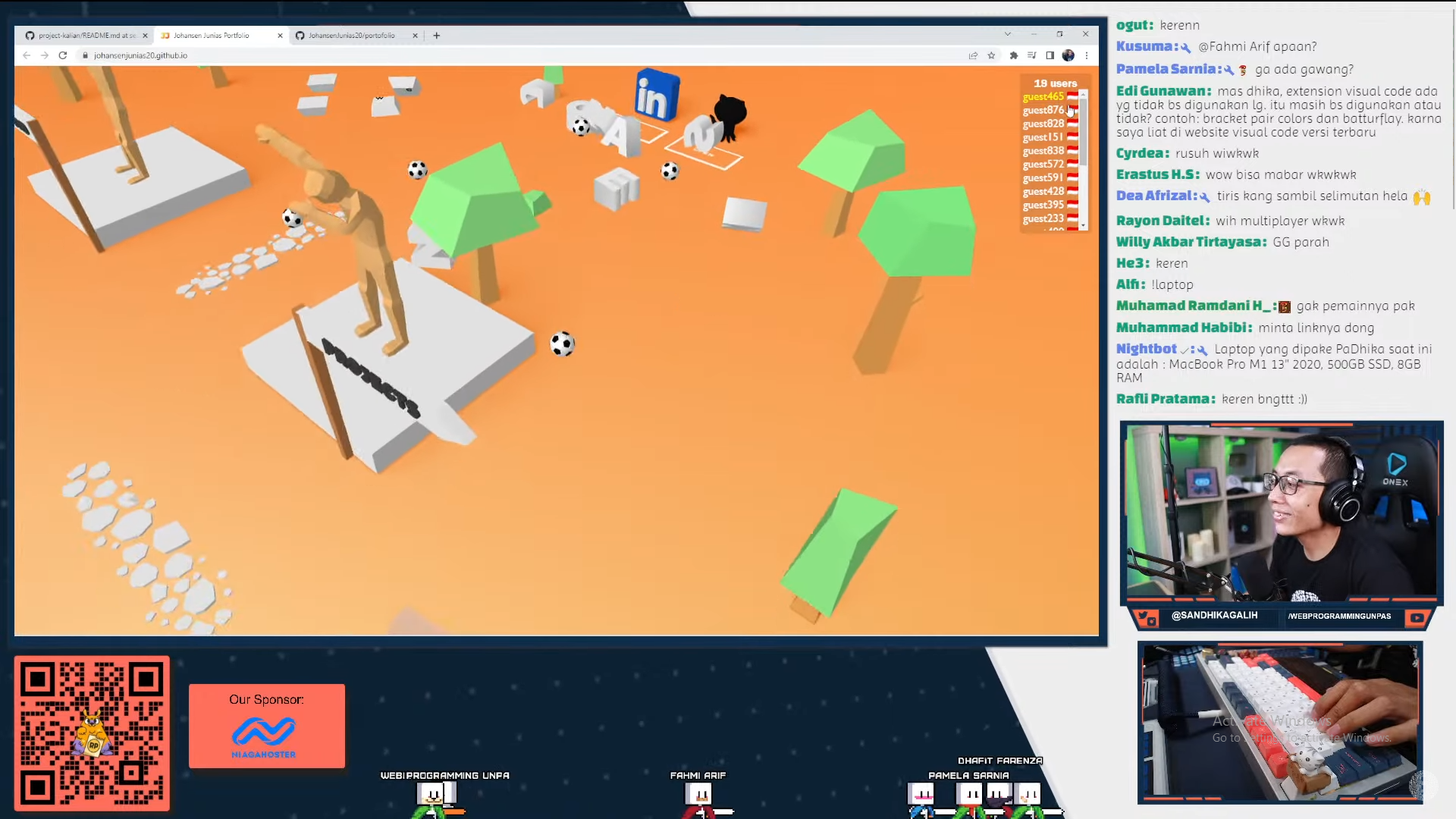
## ⭐ Reviewed by Web Programming Unpas
### 🔗https://www.youtube.com/watch?v=pjDYyyMh4rM&t=3997s
Please install [Git bash](https://git-scm.com/downloads) and [Docker](https://docs.docker.com/)⚠️
## Development
```sh
bash dev.sh
```
- Run webpack build watch and nodemon websocket
- Only build files **not serve files**, you still need to serve `public/index.html` file with public folder as relative path. Please use [Live Server](https://marketplace.visualstudio.com/items?itemName=ritwickdey.LiveServer)
## Production
```sh
bash prod.sh
```
- Run Coturn Server and websocket server and build files
- Only build files **not serve files**, you still need to serve `public/index.html` file with public folder as relative path. Please use [Live Server](https://marketplace.visualstudio.com/items?itemName=ritwickdey.LiveServer)
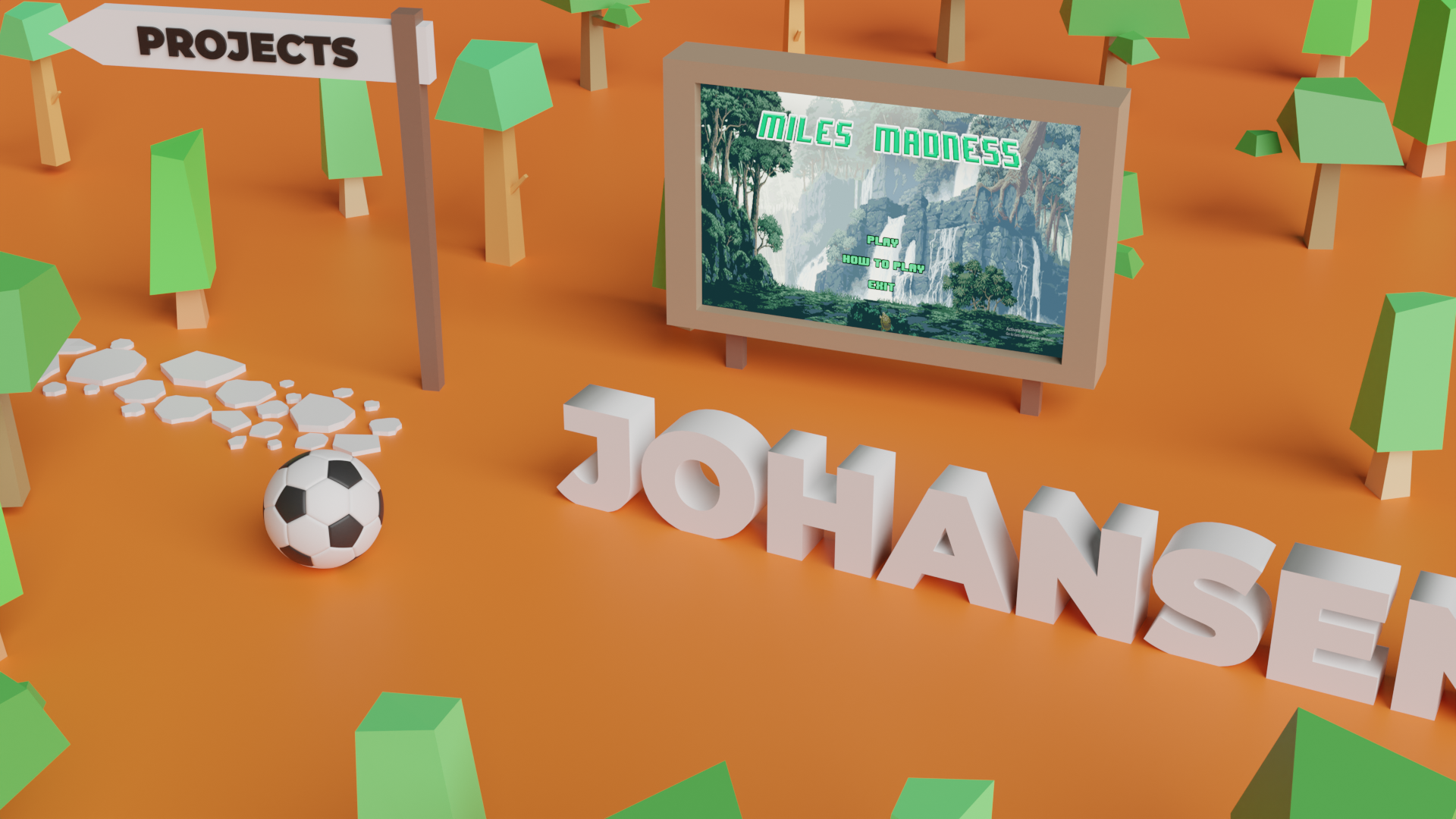
### Preview✨
| To do | Description | Done |
| :---: | ---- | :---: |
|[**Map Pointer**](https://forums.rpgmakerweb.com/data/attachments/109/109950-e5cb7855bfce5950a9c055d7053c9d00.jpg)|draw [2D Arrow](https://forums.rpgmakerweb.com/data/attachments/109/109950-e5cb7855bfce5950a9c055d7053c9d00.jpg) on screen if character's position off the map |
|**Spawn Wave Effect** |Objects appear from underground to the surface in sequence, start from the center point (character spawn) towards outside | ✅ |
|[**Post Processing**](https://threejs.org/examples/#webgl_postprocessing_dof2) | [Bloom](https://threejs.org/examples/#webgl_postprocessing_unreal_bloom) on Billboards Image, [Blur](https://threejs.org/examples/#webgl_postprocessing_dof2) Camera's Edges, [Selective Outline](https://threejs.org/examples/#webgl_postprocessing_outline) on _knowledge_ |In Progress|
|**Responsive Mobile UI**|Add Joystick & fix blury noise when screen resized|✅|
|**Desc on _knowledges_**|Whenever user click a _knowledge_, it will show it's description on html modal|
|**Add Showcase WPU** |Add 3D showcase by Web Programming Unpas Channel |✅|
|**Player List UI** |Draw list of players & move camera to specific player when user click player's name |✅|
|**more _playground_** |boardgame that can be played with bots or other players like [_connect 4_](https://en.wikipedia.org/wiki/Connect_Four) |
|**Bots to _playground_** |implement bots so players can play alone |
|**Advanced Multiplayer** |implement Multiplayer to _playground_ (play connect 4 with other players) |
|**Add more _knowledges_** | [nginx](https://www.nginx.com/), [node.js](https://nodejs.org/en/), [adobe](https://www.adobe.com/), [docker](https://www.docker.com/), [expo](https://expo.dev/), [aws](https://aws.amazon.com/), [laravel](https://laravel.com/), [threejs](https://threejs.org/), [opengl](https://en.wikipedia.org/wiki/OpenGL)|✅|
|**Add more _billboard projects_** | [minecraft-clone](https://github.com/JohansenJunias20/minecraft-clone), Accounting Web, [Laughing Clown](https://github.com/JohansenJunias20/laughing-clown)||
|**Contact Person**| [Github](https://github.com/JohansenJunias20), and LinkedIn at *lobby* Area|✅|
|**Shadows on Movable Object**|shadows on movable object like character(ball), johansen mesh, and hotkeys|Suspended (complicated)|
|**Dockerize Coturn**|image coturn/coturn seems to be broken, planning to make own custom coturn image| ✅ |
|**Nicknames**|Add nickname on top each player's character| ✅ |
|**Smooth Movement P2P**|Make interpolation position between each data sent to peers| ✅ |
|**Spotify Activity**|Show spotify profile, activity, and playlist|In Progress|
|**Graphics Settings**|Add options to lower the graphics quality (disable few post-processing) |✅|
|**Easter Egg**|Add Easter Egg||
|**Audio Visualization**|Add Audio Echo Visualization on current playing song||
## Notes
1. Please write ` content ` in readme file that you want to copy to [readme.md's JohansenJunias20.github.io](https://github.com/JohansenJunias20/JohansenJunias20.github.io/blob/master/readme.md)
## Files
### .env
- Config will be sent to `/src/*.tsx` through webpack config files
- `build.sh` is responsible for passing variables in .env to webpack config file
- Flow: `/.env` → `build.sh` → `webpack.(dev/prod).js` → `/src/*.tsx`
### build.sh
- Build `/src/*.tsx` files to `/public/dist/bundle.js`
- If you are not sure what arguments suit for you just run `dev.sh` or `prod.sh`
- Contain **2 arguments**
- `-m | --mode DEV/PROD` specify the mode
- mode **DEV** will pass dev config from .env file and use `webpack.dev.js` as file config to compile `/src/*.tsx` files
- mode **PROD** will pass prod config from .env file and use `webpack.prod.js` as file config to compile `/src/*.tsx` files
- `-d | --use-docker` with virtualization or not, if you dont have docker installed you can leave this option unwritten (assuming you have node js and npm installed).
- On **windows**, **do not** use DEV mode with virtualization because **windows** are not signalling file changes to docker mounted volumes
### copy_readme.sh
- Called by Github Actions to copy readme.md file from `portofolio` to `JohansenJunias20.github.io`
- Copy lines start with **COPY tag** and end with **ENDCOPY tag** in readme.md file
### dev.sh
- Run code on development mode. Automatically find and run the most suit config for your OS
- You still need **live server extension** to serve `public/index.html` file
- What dev.sh do:
- Copy `.env` file to `ws-server/.env`
- Run socket.io server locally with docker
- Run webpack development mode and watch changes on `src/*.tsx`
### docker-compose.dev.yml
- Run socket.io server service and run `bash ws-server/dev.sh` inside container
- Run by `dev.sh`
### docker-compose.prod.yml
- Run socket.io server and turn server services
- Run by `prod.sh`
### install.sh
- Run by github action
- Installing Coturn and Websocket services on boot start up linux automatically ubuntu
### porto.service
- configuration for linux services used by `install.sh`
### config_turn.sh
- Configure `turnserver.conf` file based `.env`
- Called by `prod.sh`
### prod.sh
- Run this script to deploy the code to production. It will automatically find and run the most suit config for your OS
- You still need to use live server extension to server `public/index.html` file
- What prod.sh do:
- Copy `.env` file to `ws-server/.env`
- Configure coturn
- Run socket.io server & coturn server with docker
- Run webpack production mode
### ssl_renew.sh
- Renew ssl certificates for turn and ws domains if about to expired
- Docker required
- Make sure port 80 is not being used by other process
- Called by `prod.sh`
### turnserver.conf
- Config file for coturn server
- Please do not change manually
- This config based on `.env` config file
- Please configure coturn's config on `.env` file, `config_turn.sh` will automatically copied `.env` to `turnserver.conf` file
### wepback.dev.js
- Webpack's config for development mode
- Used by `build.sh -m DEV`
### wepback.prod.js
- Webpack's config for production mode
- Used by `build.sh -m PROD`