A thoughtful tool which designed for image signal process developer




English | 简体中文
## About This image viewer is designed for open, view and compare ISP intermediate image. We support these formats: |format|detail| |:--:|:--:| |jpg/bmp/png/tiff|only baseline jpg, 8bit| |pgm|8/10/12/14/16 bit| |pnm|8/10/12/14/16 bit| |raw|8/10/12/14/16/18/20/22/24 bit| |mipi-raw|10/12/14 bit| |rgbir-raw|8/10/12/14/16/18/20/22/24 bit| |dng|(CFA Bayer + uncompressed) produced by DJI pocket 4, (LinearRaw + LossJPEG-compressed) produced by iPhone 13 pro| |yuv|8/10/12, 444-interleave/444-planar/422-UYVY/422-YUYV/420-NV12/420-NV21/420P-YU12/420P-YV12/400| |rgb|8/10/12/14/16 bit, 8bit stored in 1 byte, >8bit in 2 bytes (LSB aligned, little-endian)| |heif|yuv420/422/444 8bit| ## Usage Pre-compiled binaries are available on the [release page](https://github.com/JonahZeng/IIViewer/releases): |OS|Architecture|Packages| |:--:|:--:|:--| |Windows 10/11|x86_64|`.exe` installer, `.msi`, portable `.zip`| |Ubuntu 22.04+|x86_64|`.deb`, `.AppImage` (with `.zsync` for delta updates)| |Ubuntu 24.04+|arm64|`.deb`, `.AppImage` (with `.zsync` for delta updates)| |macOS|arm64 (Apple Silicon)|`.dmg`| For windows 10/11 user, winget is the most convenient install method, just run command `winget install JonahZeng.IIViewer`. Start the app and drag any supported image file onto the window: 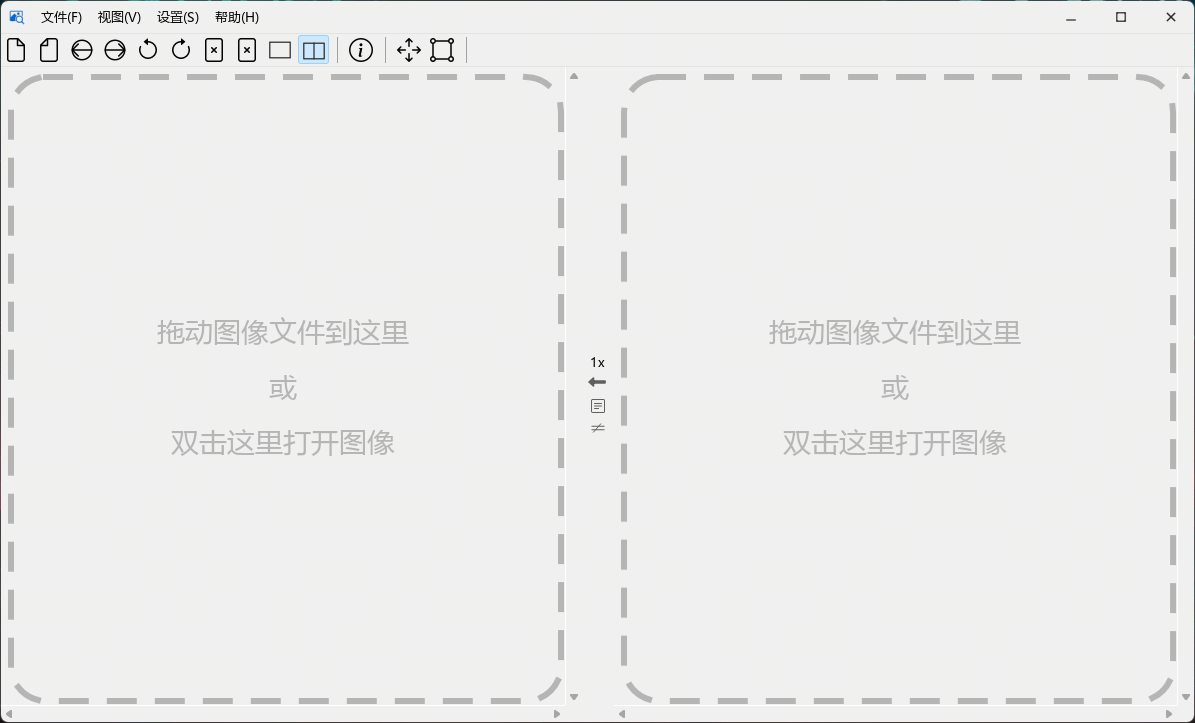 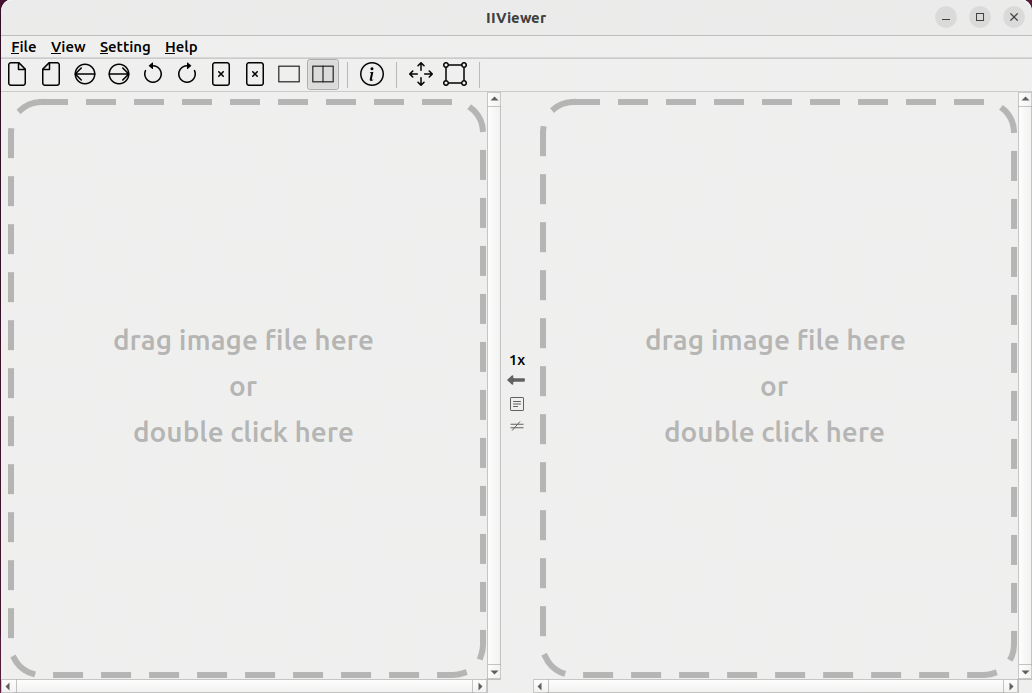 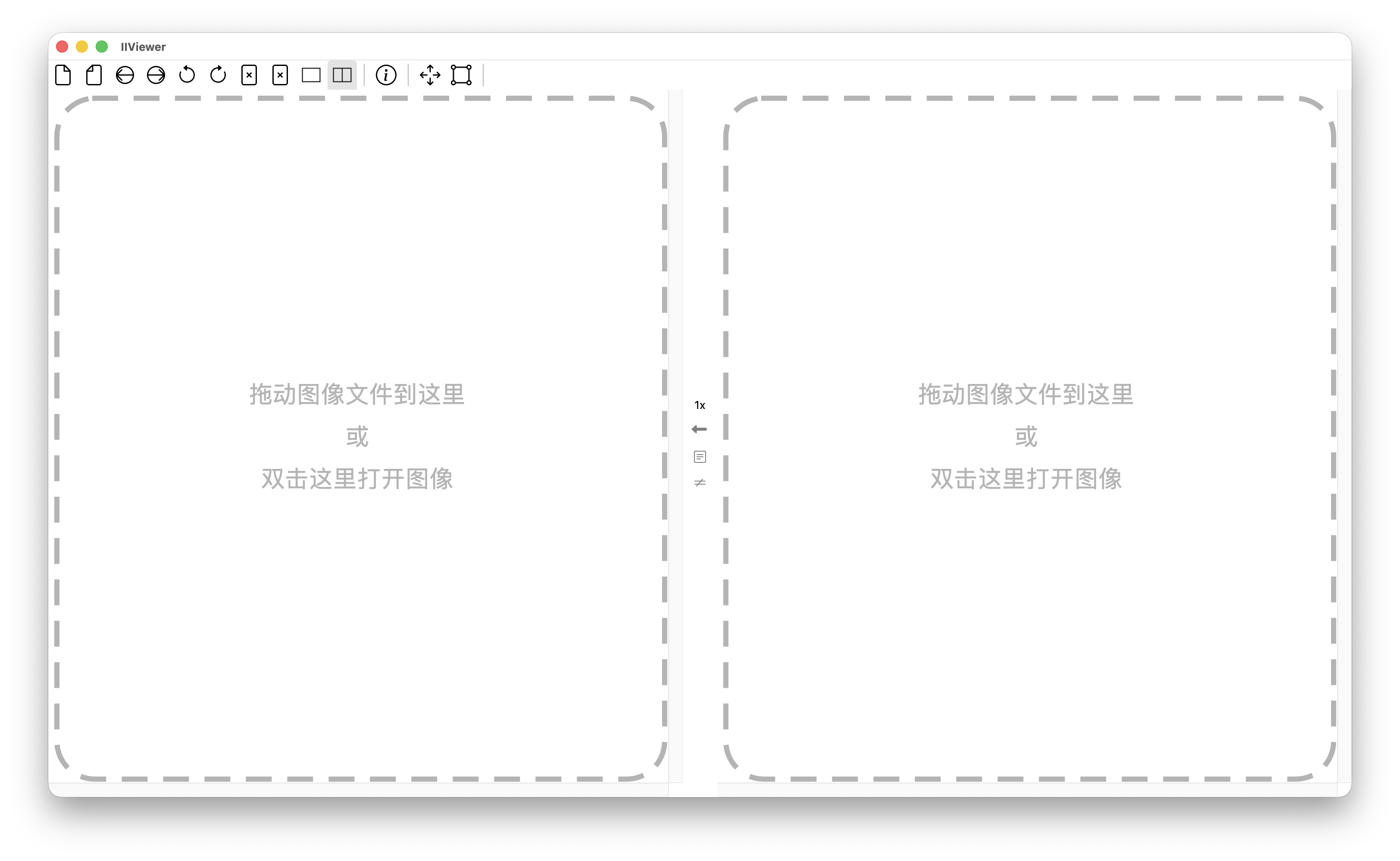 Drag any supported format image to the dash rectangle, and it will display the image content. Zoom in to 96x by scrolling your mouse wheel to see every pixel's real value. > **Qt5 users**: The `qt5` branch contains the last Qt5-compatible version. Check the [qt5 branch](https://github.com/JonahZeng/IIViewer/tree/qt5) and [qt5 release](https://github.com/JonahZeng/IIViewer/releases/tag/v0.6.8)if you can't migrate. ## Building See [CONTRIBUTING.md](CONTRIBUTING.md) for build instructions and development setup. ## HiDPI font render on Windows If you use a 4K monitor with high DPI, you may see aliasing around text. To fix this, set the environment variable `QT_QPA_PLATFORM` to `windows:fontengine=freetype` and restart the application. ## Sponsor WeChat Pay: